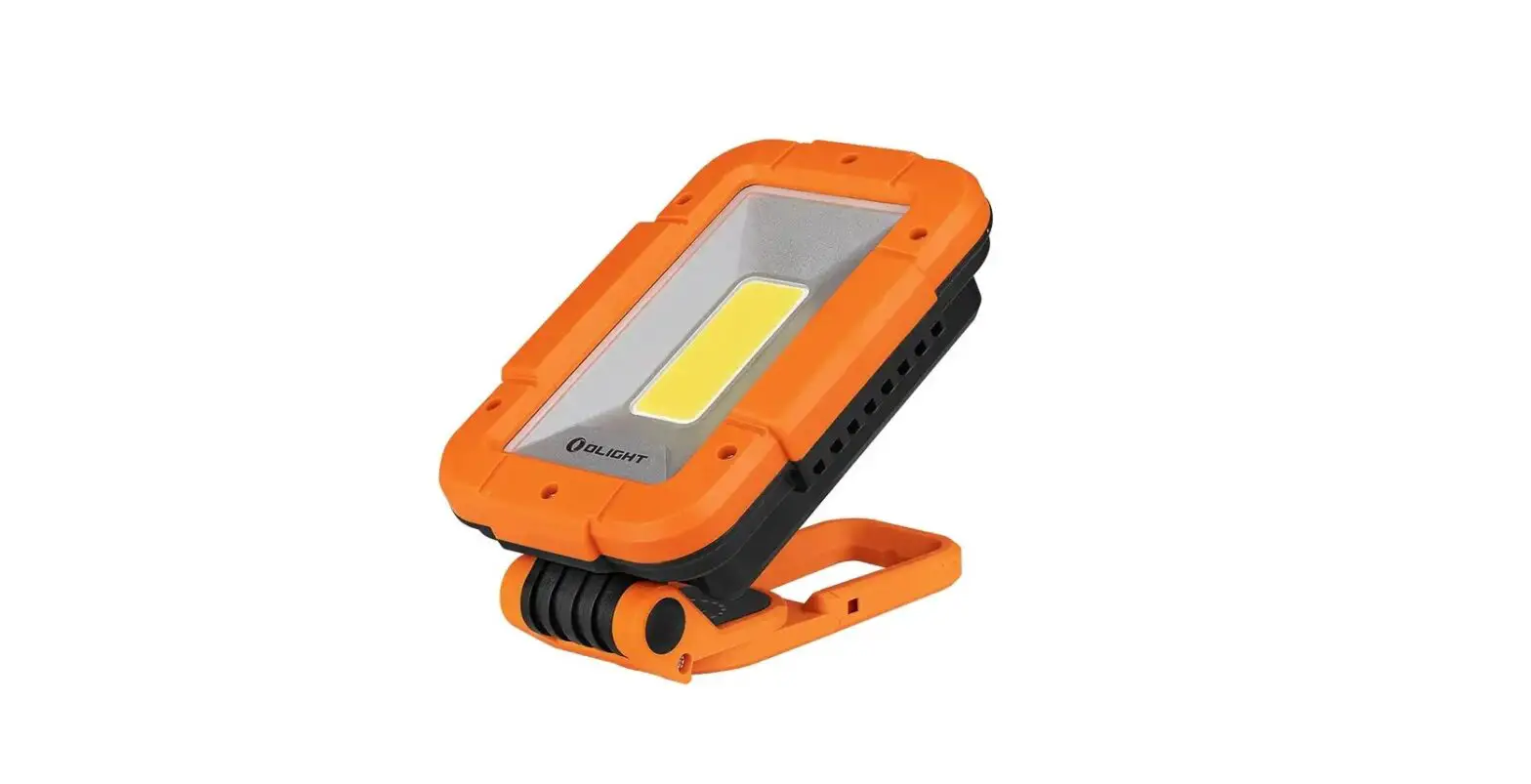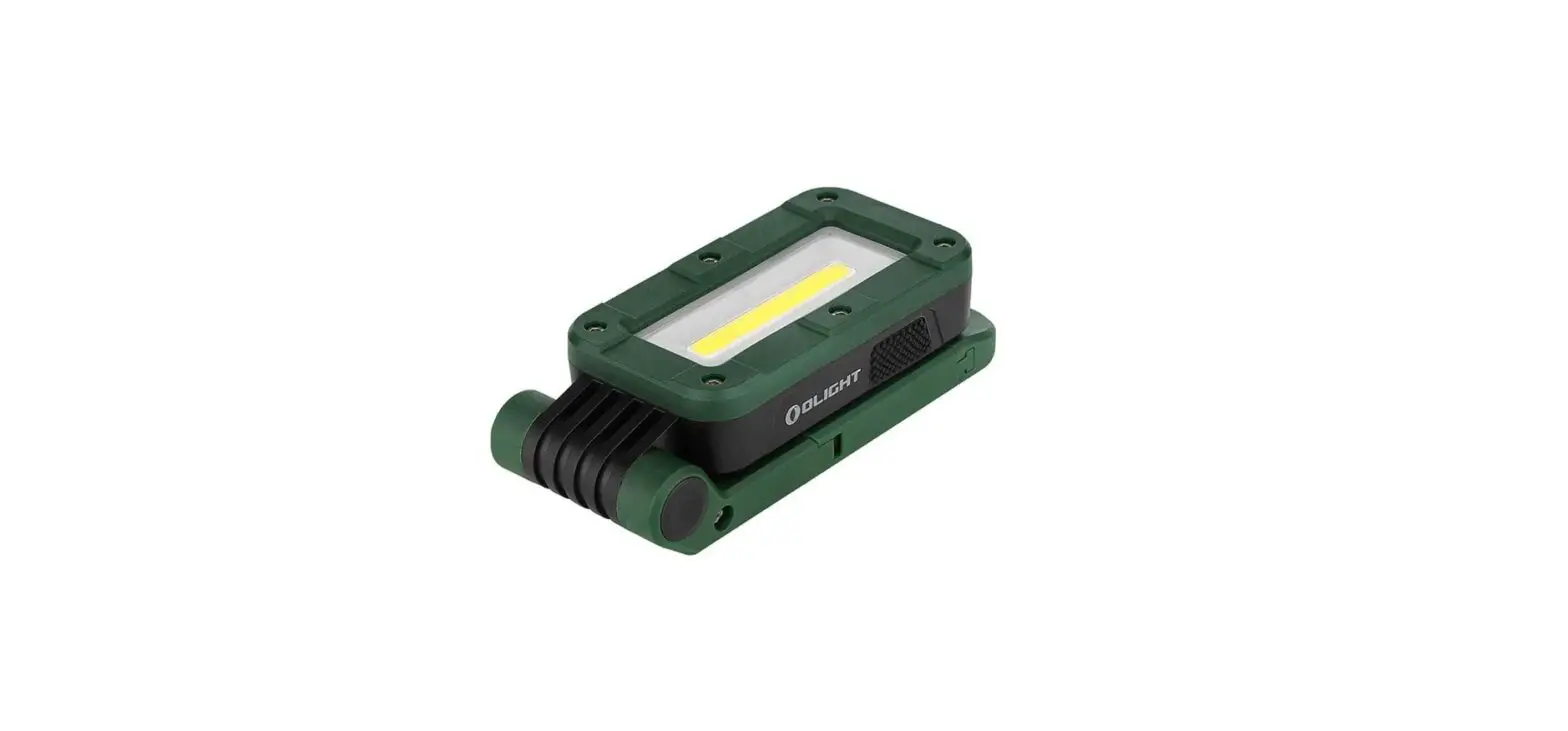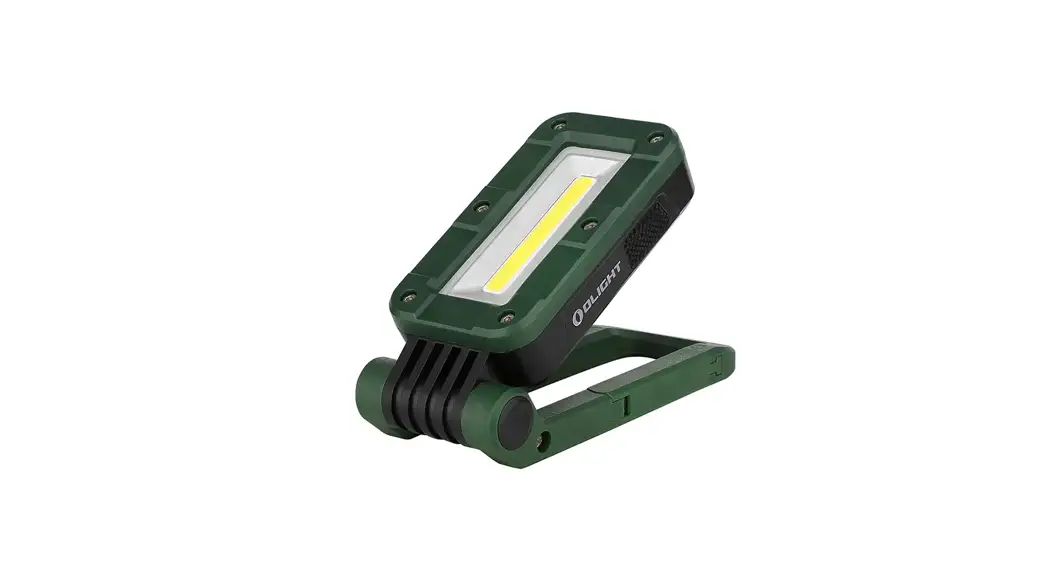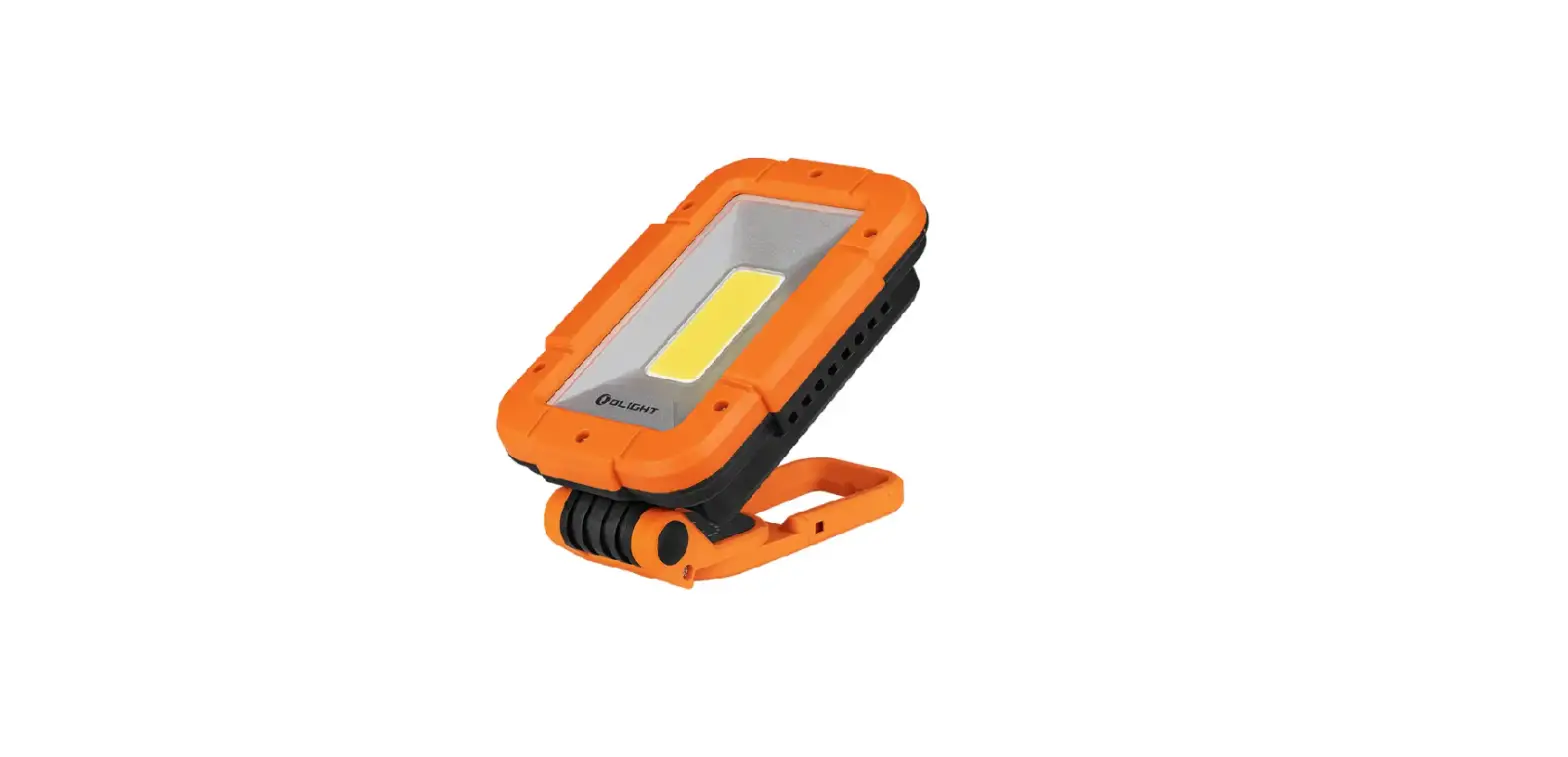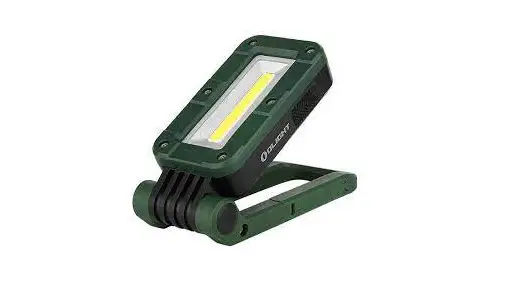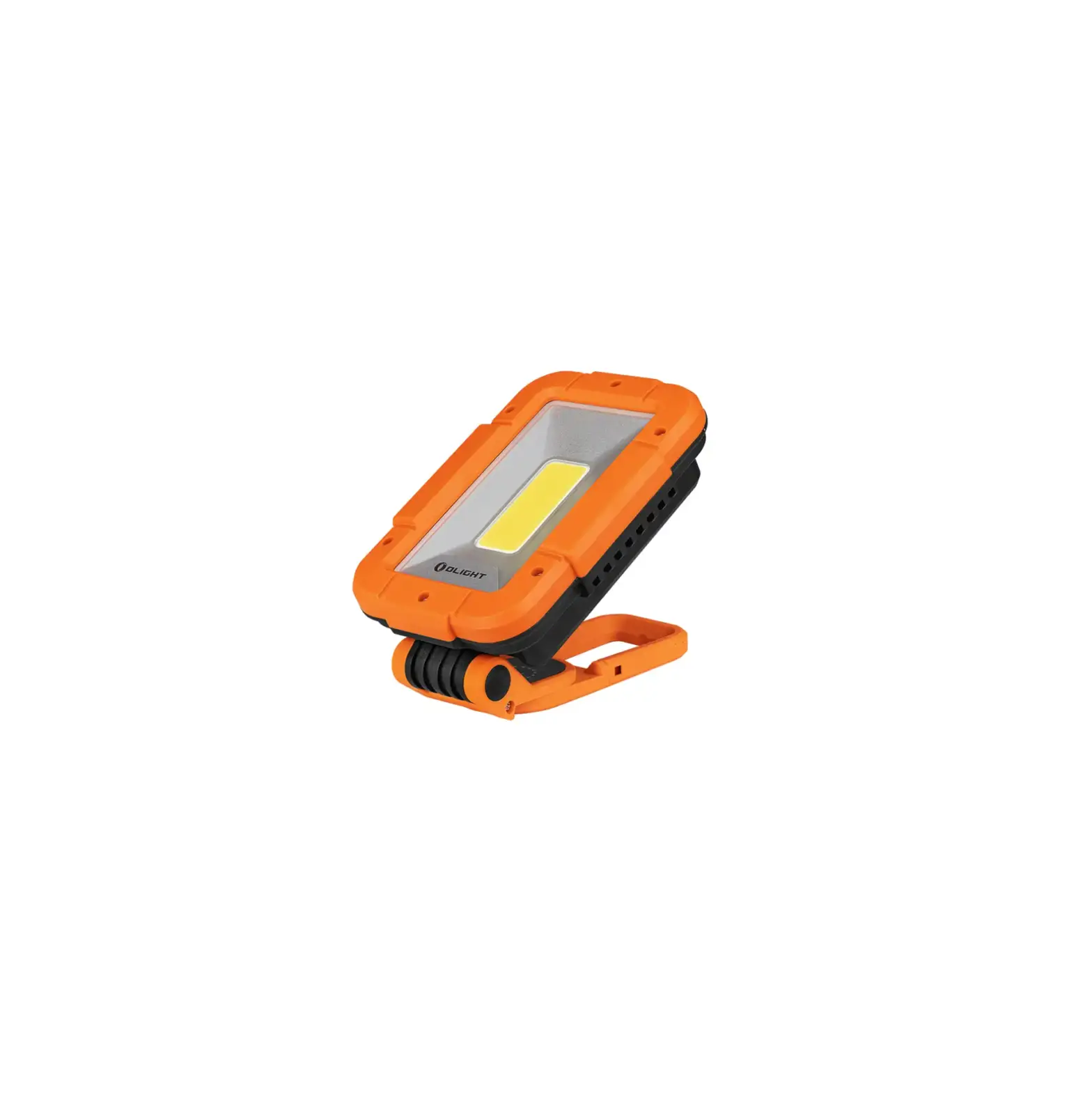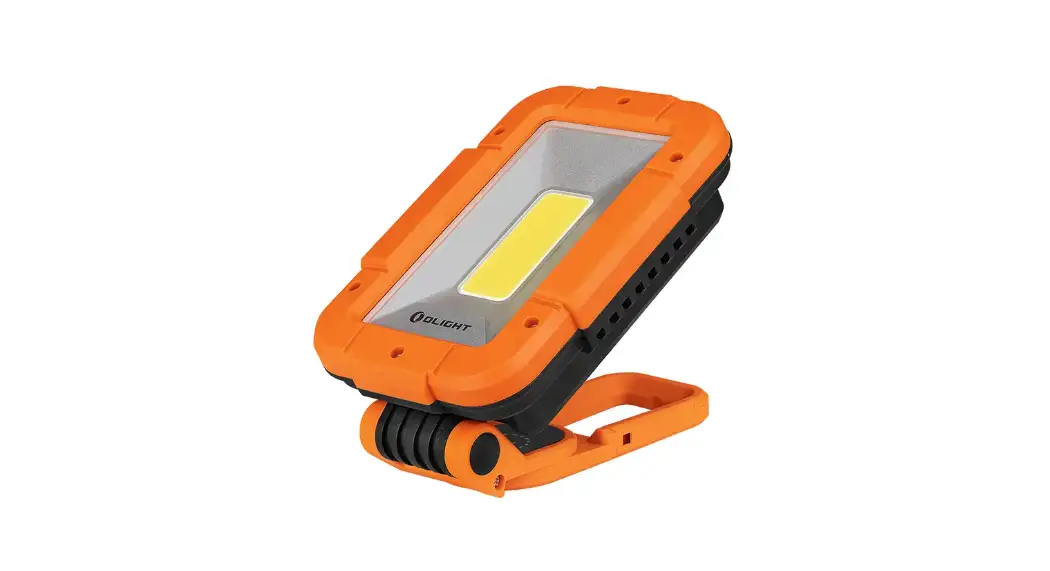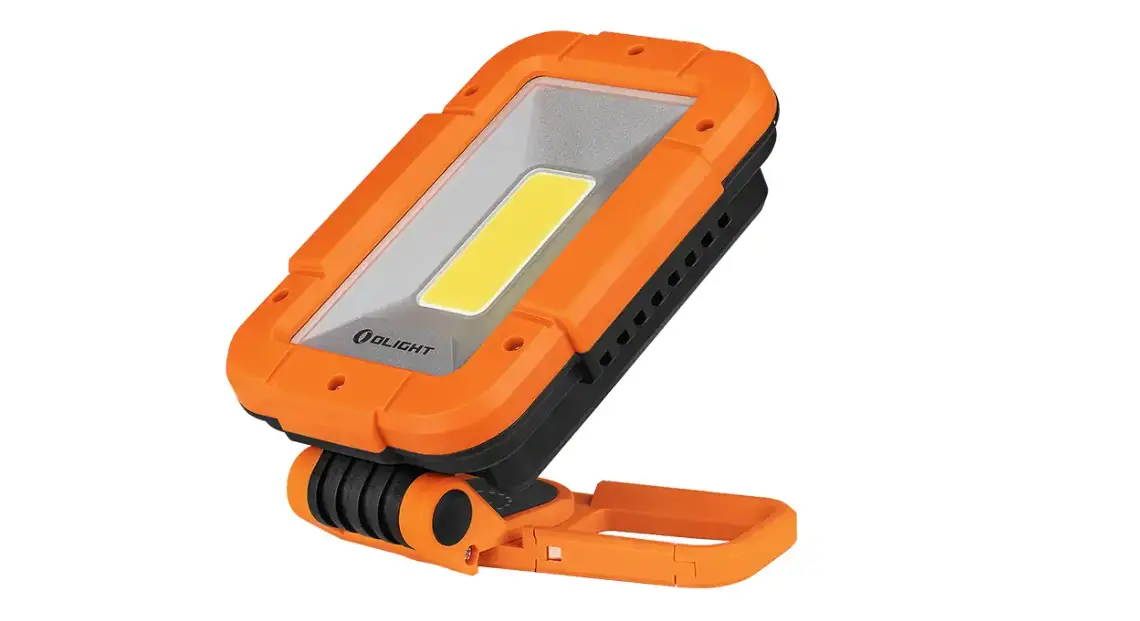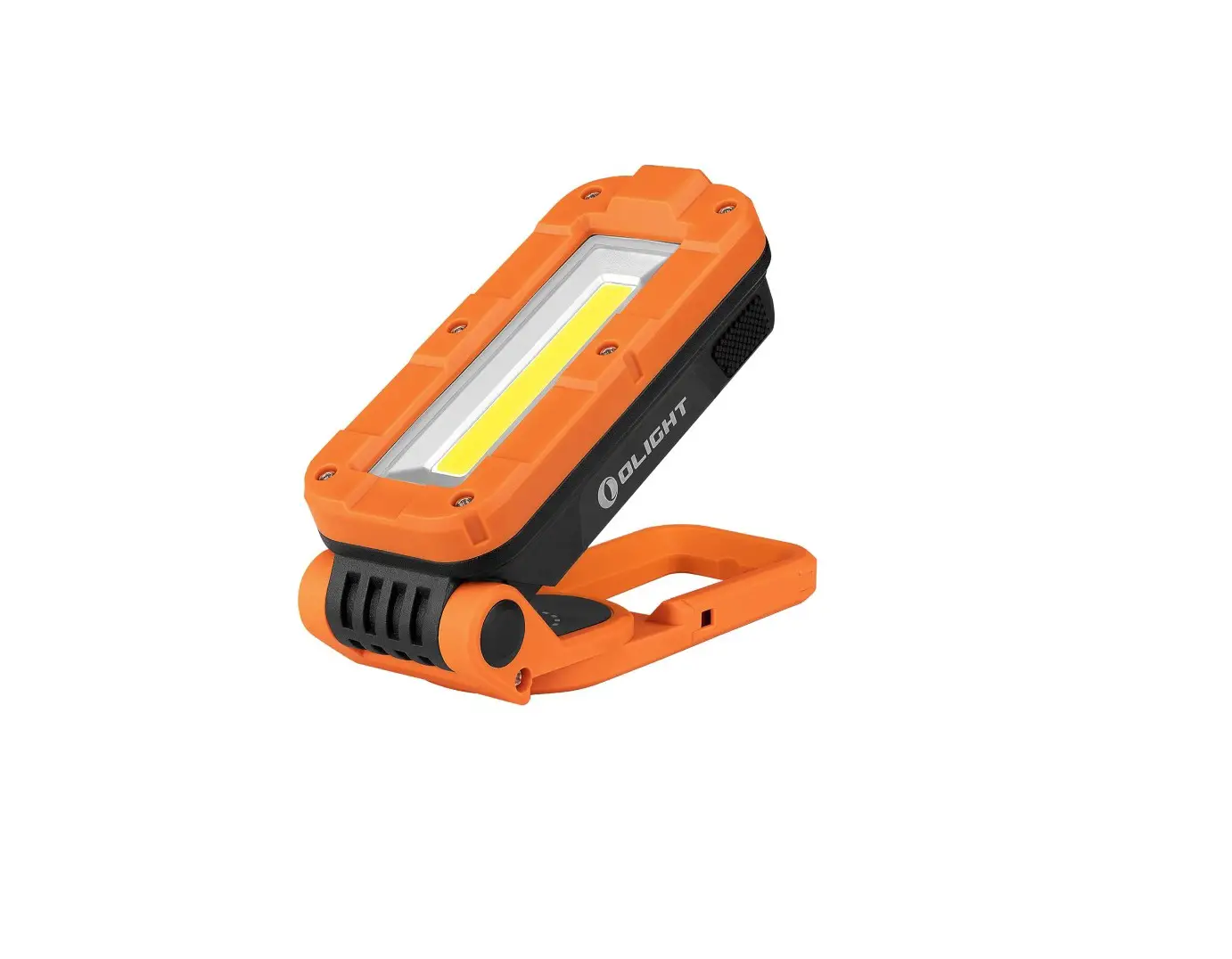
OLIGHT Swivel Pro Max Portable Magnetic Rechargeable Work Lamp User Manual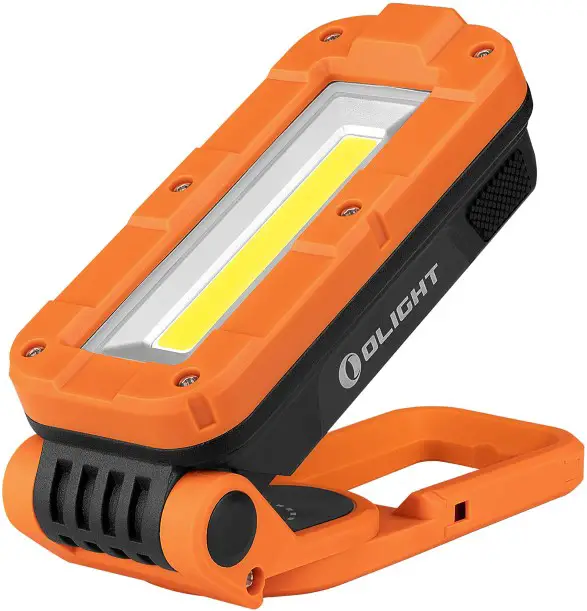
Thank you for purchasing this Olight Product. Please read this manual carefully before use and keep it for future reference!
IN THE BOX
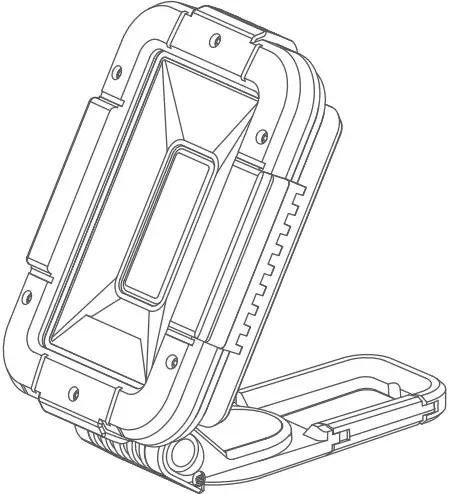
Swivel Pro Max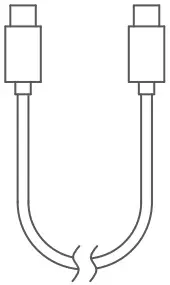
USB Charging Cable
SPECIFICATIONS
FLOODLIGHT MODE
Turbo 1600 lumens
High 650 lumens
Medium 320 lumens Low 45 lumens
Red Light 50 lumens
Flashing Red Light 50 lumens
 | Turbo | High | Medium | Low | Red Light | Flashing Red Light | |
| FLOODLIGHT MODE | 50m | 30m | 30m | 20m | 9m | 9m | |
 |  |  |  | ||||
| 0.8m | IPX4 | 590g /20.81oz | 590g /20.81oz | L)6.30* (W)4.02* (H)2.17in (Folded) (L) 160*(W)102*(H)55mm(Folded) | |||
All above specifications are test results based on ANSI/NEMA FL1-2009 Standard. The tests are performed using the battery built in the light.
PRODUCT OVERVIEW
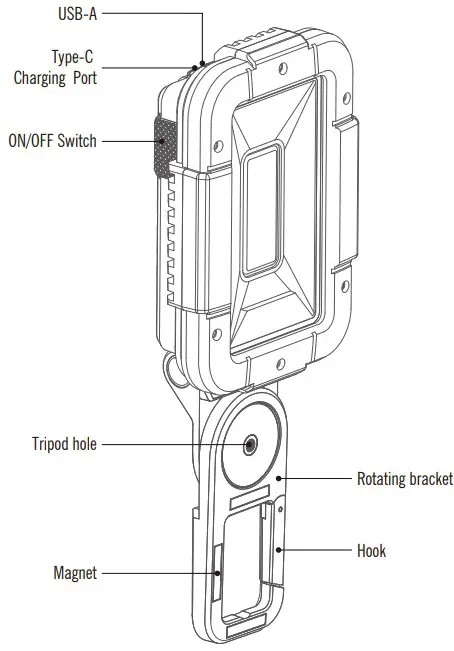
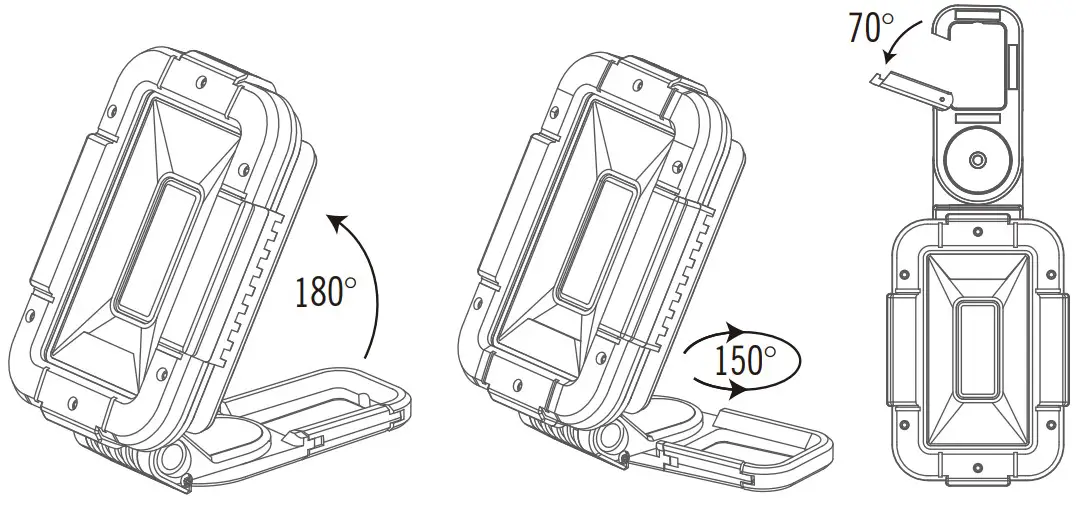
BATTERY LEVEL INDICATOR
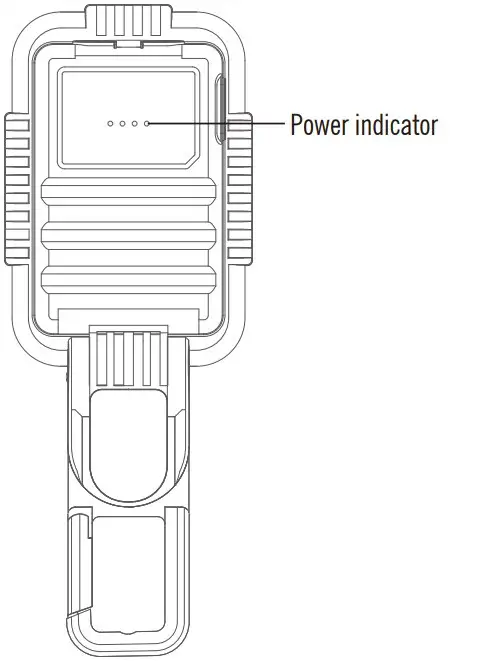
4 blue lights on 75%-100%
3 blue lights on 50%-75%
2 blue lights on 25%-50%
1 blue light on 5%-25%
1 blue light strobe <5%
CHARGING
<25%, 1 blue light strobe
25%-50%, 1 blue light on, the second one strobe
50%-75%, 2 blue lights on, the third one strobe
75%-100%, 3 blue lights on, the fourth one strobe
100%, 4 blue lights on
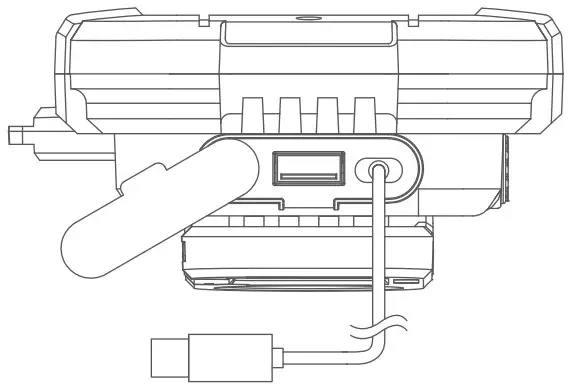
- Before first use please fully charge the product.
- Connect the USB end of the Type-C to an external USB power source, then attach the other end of the cable to the charging port of the light (best charging efficiency with a 5V 3A / 9V 2A USB power source).
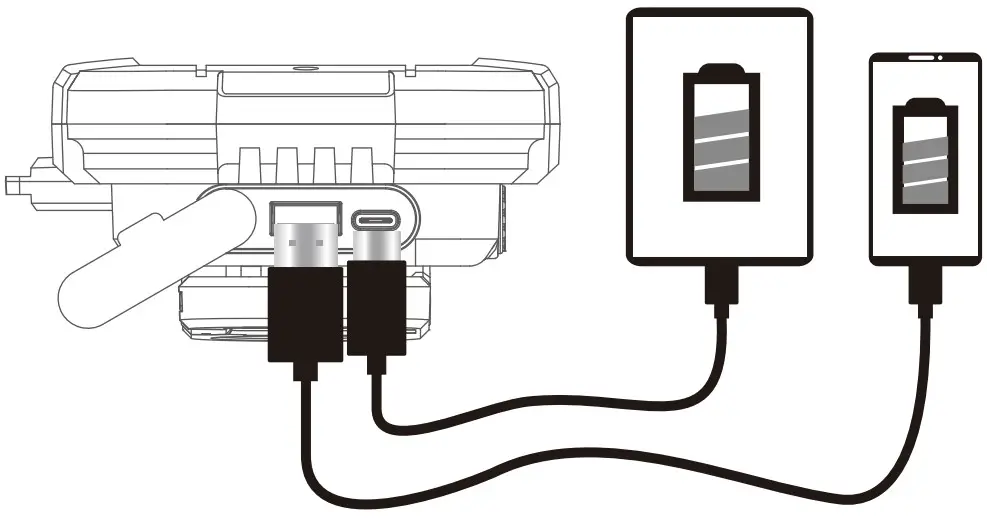
POWER BANK FUNCTION
Built-in 10400mAh Li-ion battery, charge phone and other digital devices.
USB CHARGING CABLE
Cable length : 1m
Input : 5V-3A / 9V-2A
Output : 5V-3A / 9V-2A / 12V-1A
Battery : 10400mAh / 3.7V
Time to fully charge : About 4.5 Hours
DANGER
- DO NOT throw the light directly into human eyes. This may cause temporary blindness, or permanent damage to the eyes.
WARNING
- Don’t leave the light in a car where inside of temperature may be over 60℃,or in similar places.
- Before long term storage, please fully charge the product.
- When the charging port is not in use, keep the port dust cover closed to prevent the entry of dust or other foreign matters.
- Please DO NOT place the product in a dusty environment, because dust may enterthe switch and cause it to malfunction.
- Do not disassemble the product.
- Do not immerse the light in seawater or other corrosive media as it will damagethe product.
- Please handle it with care to protect it from falling down.
- DO NOT pull its clip hook excessively to avoid damaging the product.
NOTICE
- Please charge the product with a 15W or higher-capacity USB power adapter to achieve the fastest charging possible.
- Please keep the product away from radios to avoid causing noise or interference to the radio signals.
EXCLUSION CLAUSE
Olight is not liable for damages or injuries sustained resulting from the usage of the product inconsistent with the warnings in the manual.
HOW TO OPERATE
ON/OFF: Press the button to turn on the light. Press the button again after the light has been on for 3 seconds or more to turn it off.
CHANGE BRIGHTNESS: Press the button quickly to change brightness.
TWO MODES:
MODE 1(WHITE LIGHT MODE): Medium→High→Turbo→Low→Off
MODE 2(RED LIGHT MODE): Red Light→ Flashing Red Light→Off
CHANGE MODES: While the light is on, press and hold the button for 1 second to exchange mode 1 and mode 2.
WARRANTY
Within 30 days of purchase: Contact the original seller for repair or replacement.
Within 2 years of purchase: Contact Olight for repair or replacement.
For any of the fragile or low-value fittings not covered above, like lanyard and clip,you can contact the post-sale in 30 days after the purchase, if it has any quality drawback or damage under normal use condition. If such drawback or damage occurs 30 days after the purchase or under abnormal use condition, we will only offer conditional quality assurance as appropriate.
USA Customer Support
[email protected]
Global Customer Support
[email protected]
Visit: www.olightworld.com to see our complete product
line of portable illumination tools.
Dongguan Olight E-Commerce Technology Co., Ltd
4th Floor, Building 4, Kegu Industrial Park, No 6 Zhongnan Road, Changan Town, Dongguan City, Guangdong, China.
THANK YOU!
 Made in China
 Made in China
 Olightworld.com.Olight Flashlights, Tactical Light, Outdoor Light, Weapon Light