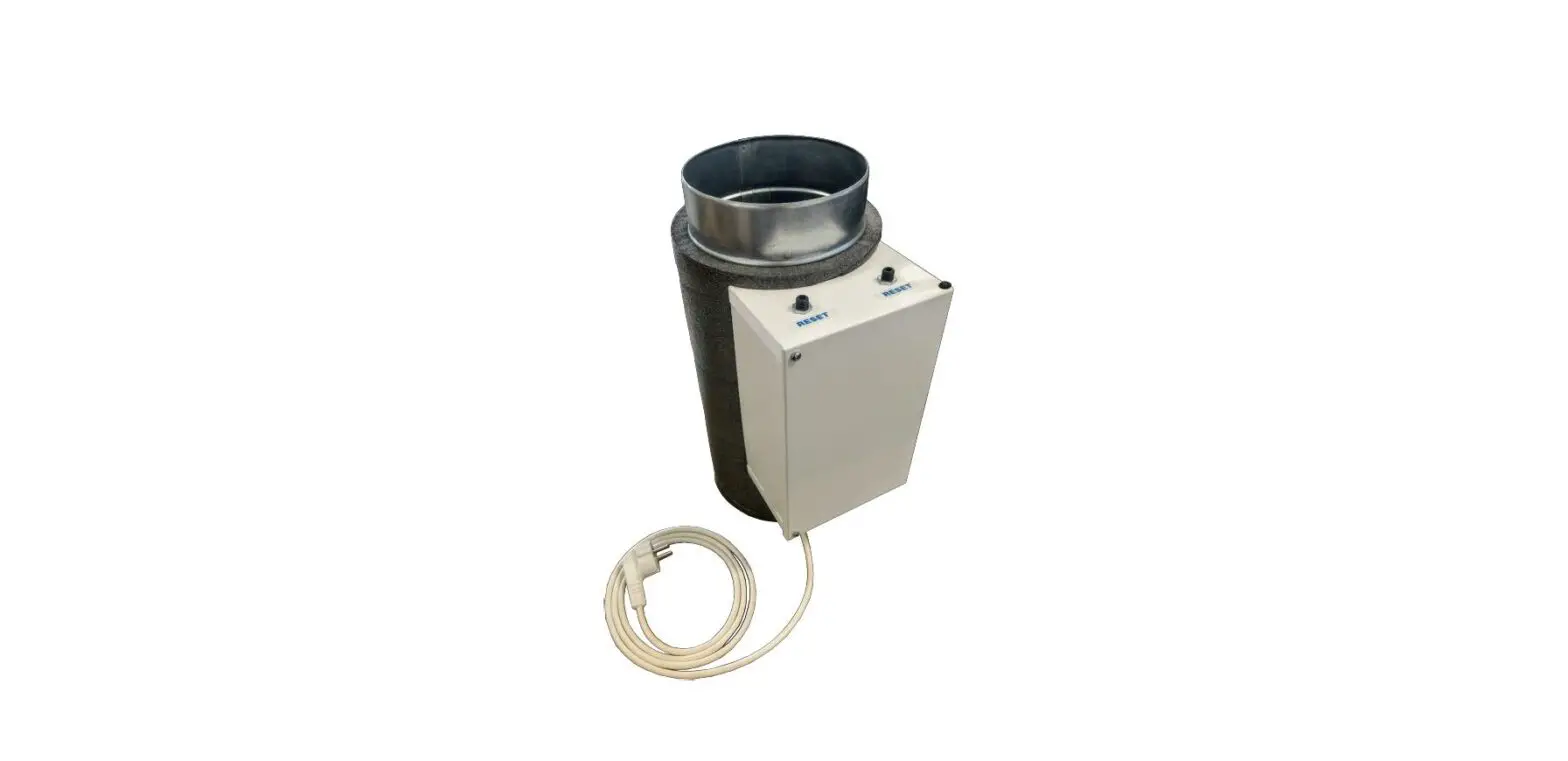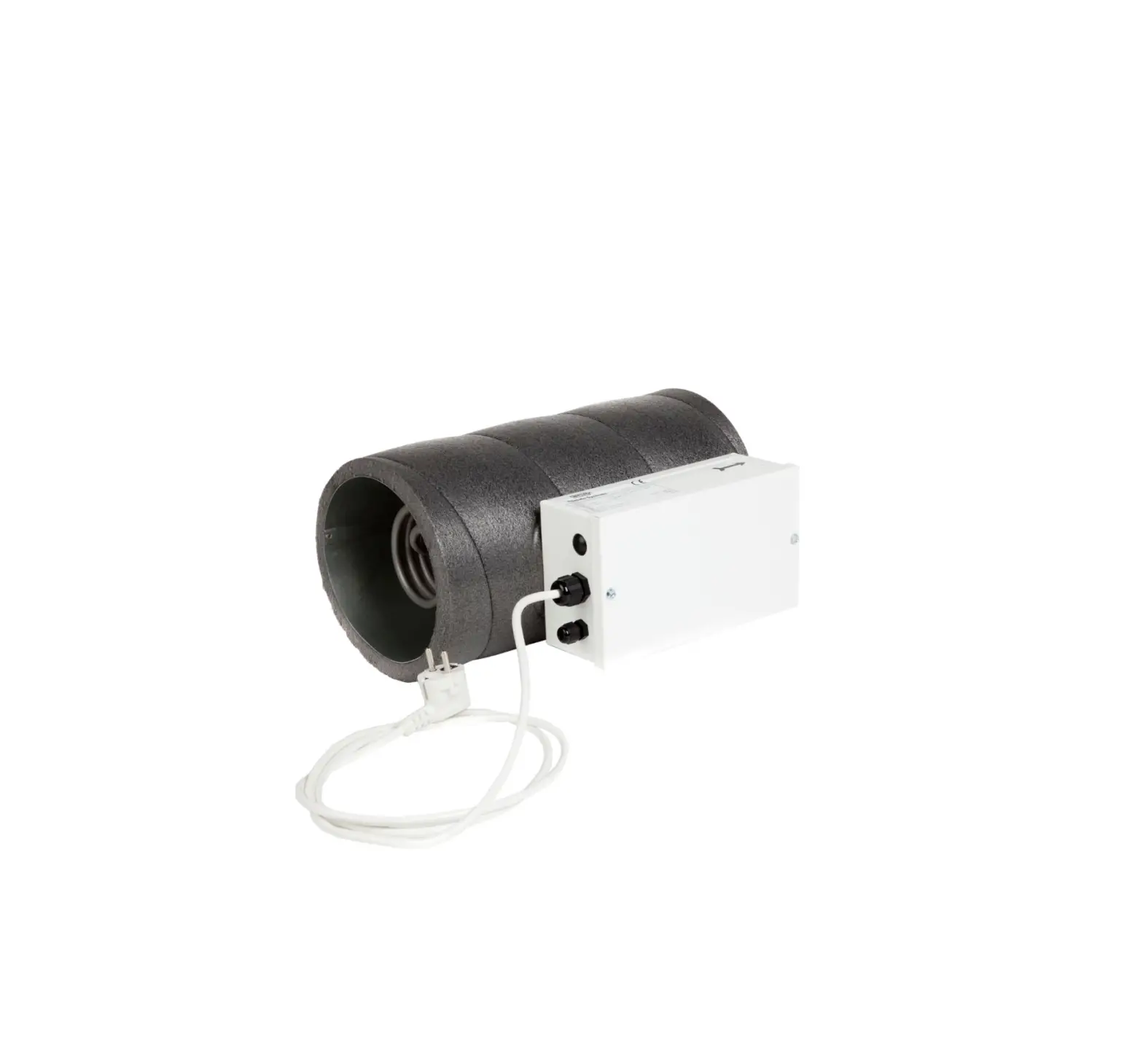
BRINK 310640 Excellent 400 Electric Preheater
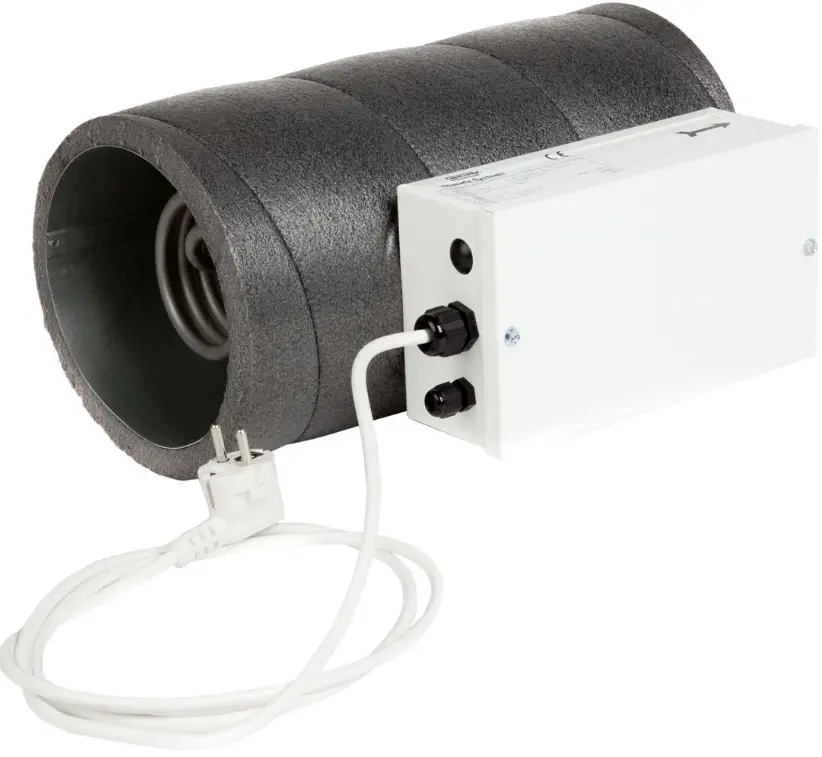
Replacing preheater
 Important: Only possible for Reno vent Excellent Plus!
- Switch off the main power from the Renovent Excellent 300/400/450.
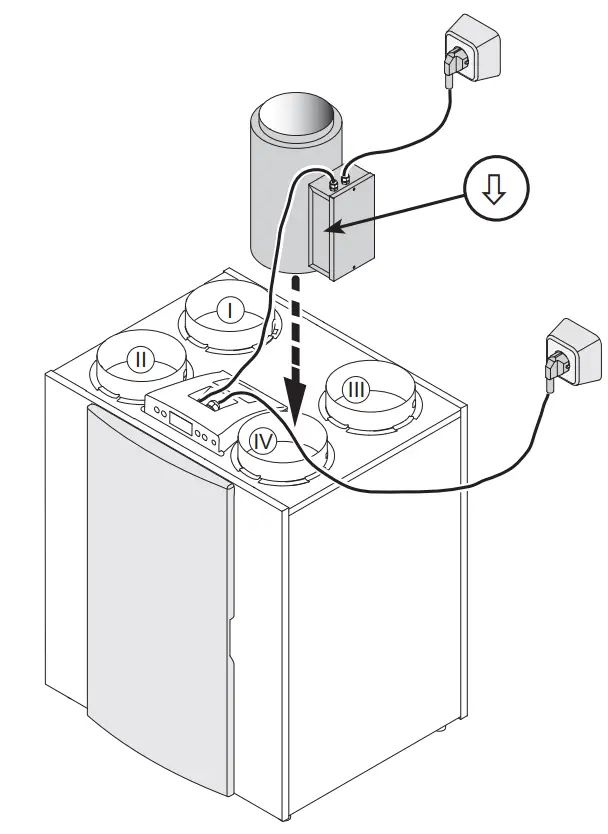
- Position the preheater so that the arrow does point to the appliance and place it on the duct “From atmosphere”.
- Connect the wiring of the preheater as shown on the wiring diagram on page 2 is displayed.
- Turn on the power of the Reno vent Excellent 300/400/450 as well as the preheater.
- Parameter 13 must be changed to 1.
| I = |  | To dwelling |
| II = | 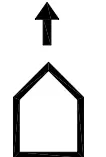 | To atmosphere |
| III = |  | From dwelling |
| IV = | 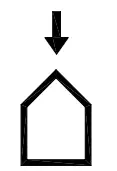 | From atmosphere |
| Parameter | Description | Factory setting | Range |
| 13 | Heater |  | Of Preheater posthaste |
Wiring diagram
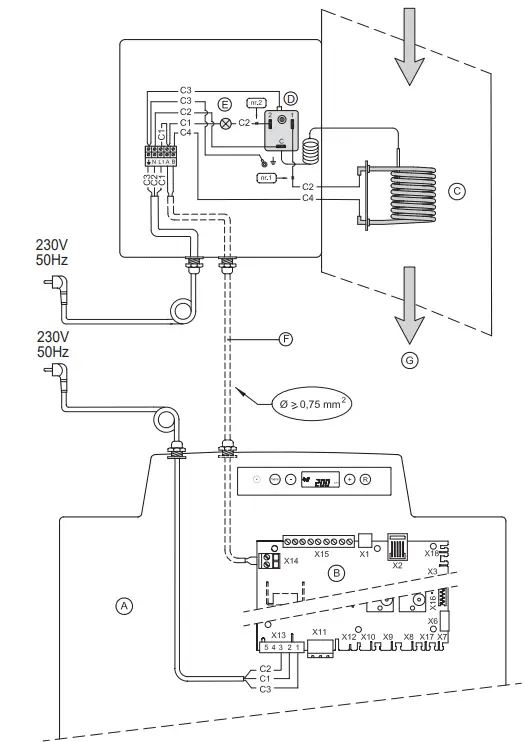
| A | Renovent Excellent Plus |
| B | Plus version control board |
| C | Heating coil ( 1000W max.) Maximum safety with manual reset |
| D | Maximum safety with manual reset |
| E | LED maximum safety; lights up when activated |
| F | Cables to be connected by installer |
| g | Flow direction through the heater |
| C1 | brown |
| C2 | blue |
| C3 | green/yellow |
| C4 | black |
Technical information
| Supply voltage | 230V 50Hz |
| Weight | 2,5 kg |
| Duct diameter | Ø160 (300) | Ø180 (400/450) |
| Overall length | 400 mm |
| Protection degree | 400 mm |
| Rated power | IP20 |
| Rated current | 1000 W |
| 4,5 A |
Service
When ordering parts, in addition to the article code number, please state the type of the heat recovery appliance, the serial number, the year of production and the name of the part.
| Maximum safety |
| Heating coil |
| Mains cable with plug 230V |
CUSTOMER SUPPORT

Wethouder Wassebaliestraat 8 7951 SN Staphorst The Netherlands
P. O. Box 11 NL-7950 AA Staphorst The Netherlands
T. +31 (0) 522 46 99 44
F. +31 (0) 522 46 94 00
[email protected]
www.brinkclimatesystems.nl

 Brink Climate Systems - Breathe Excellence, Flourish in Life