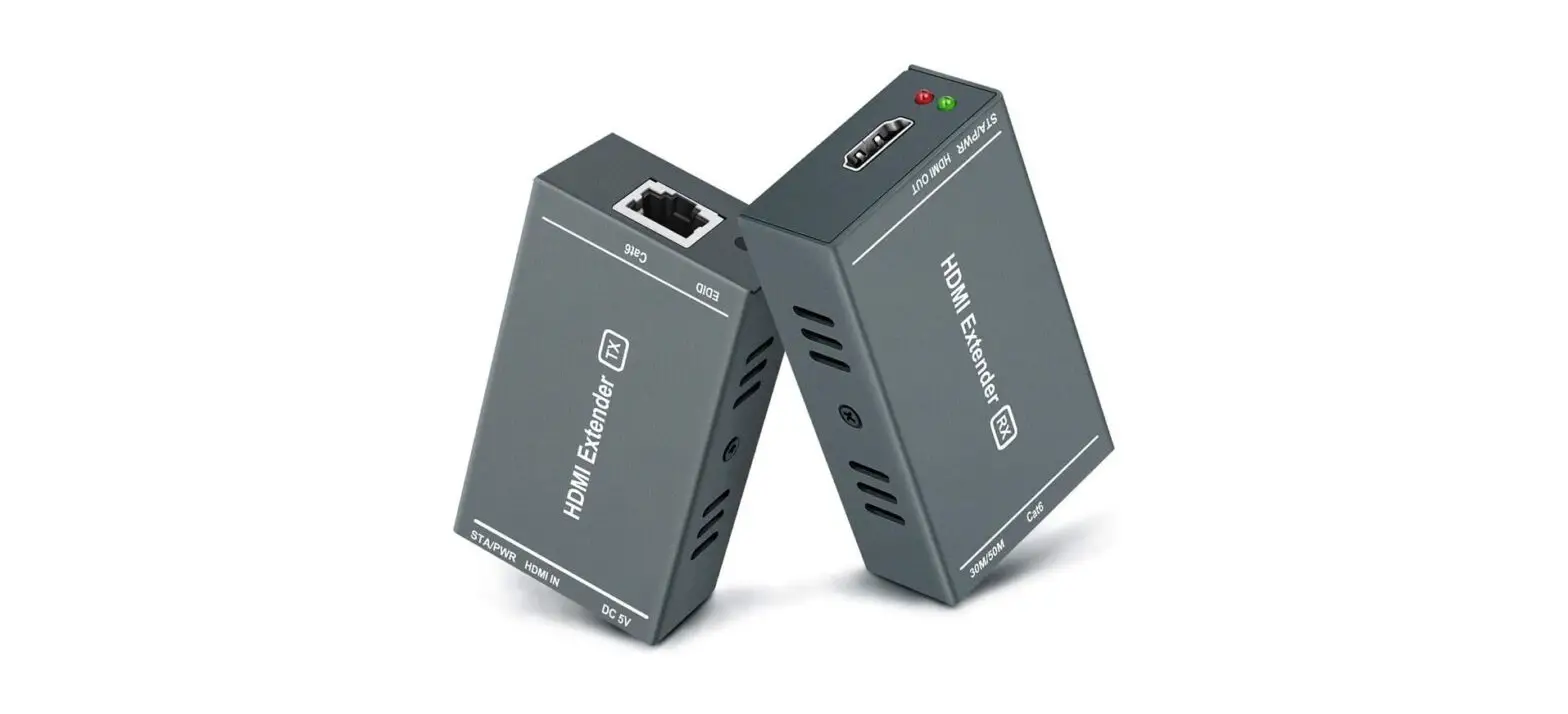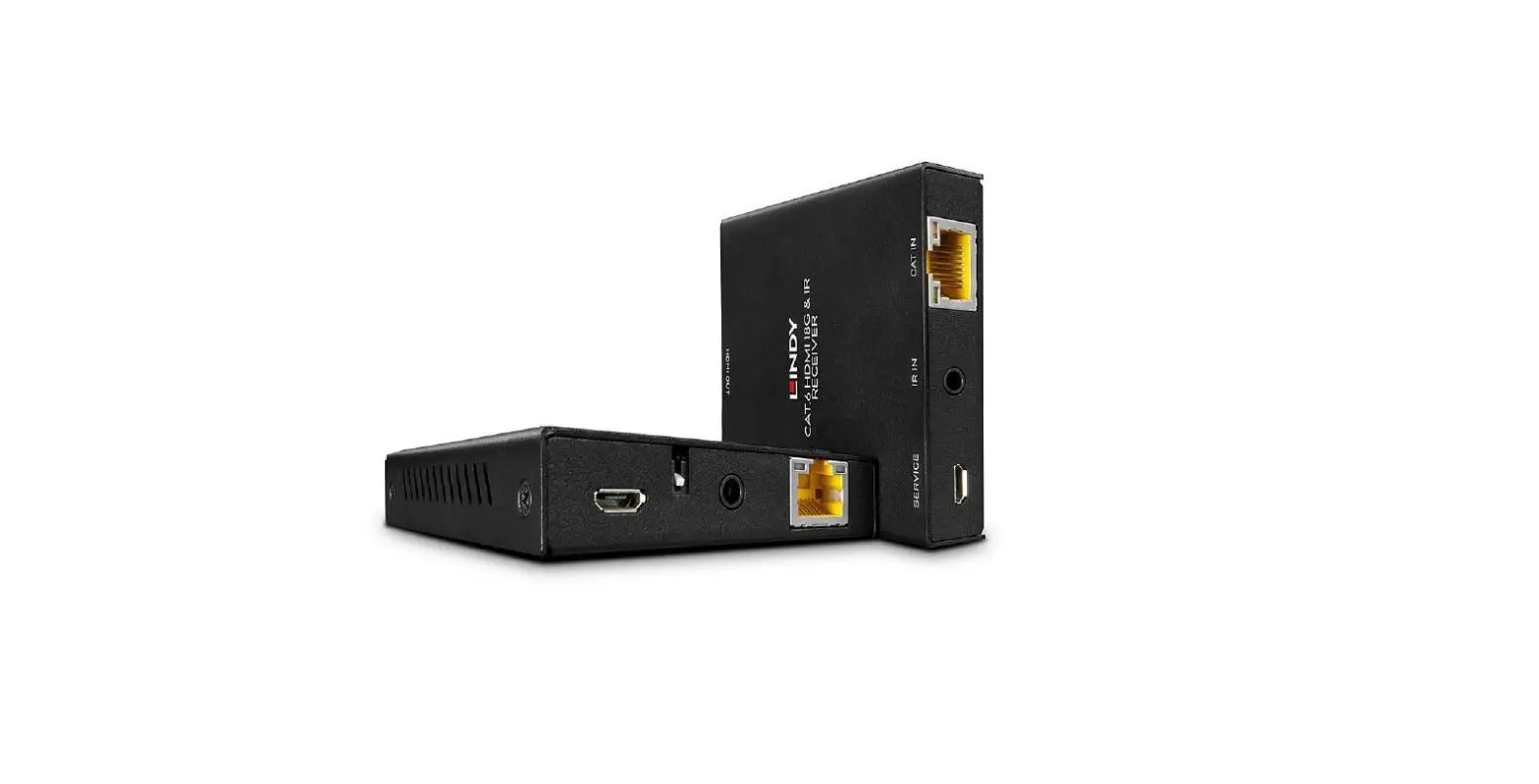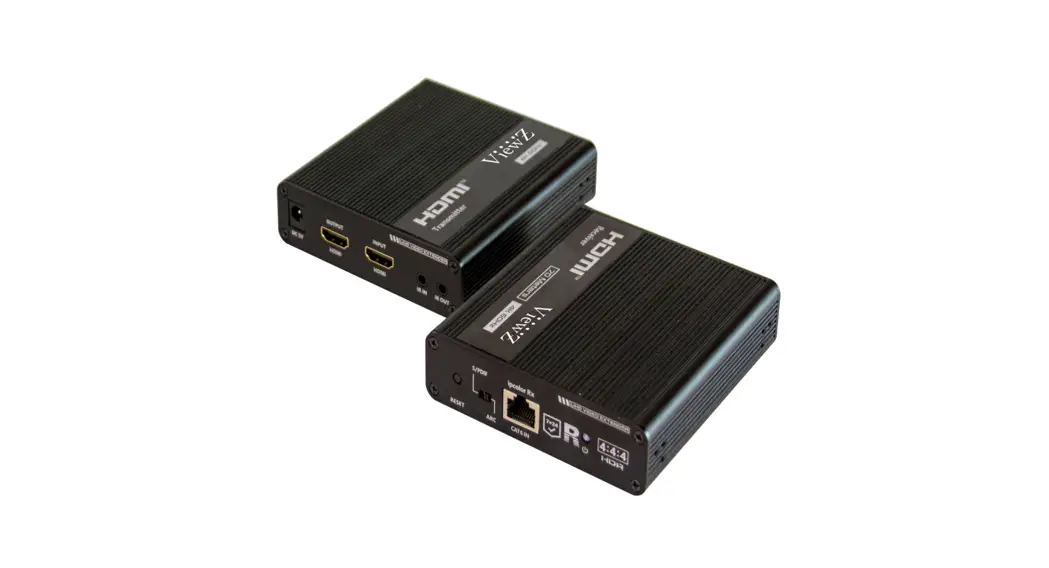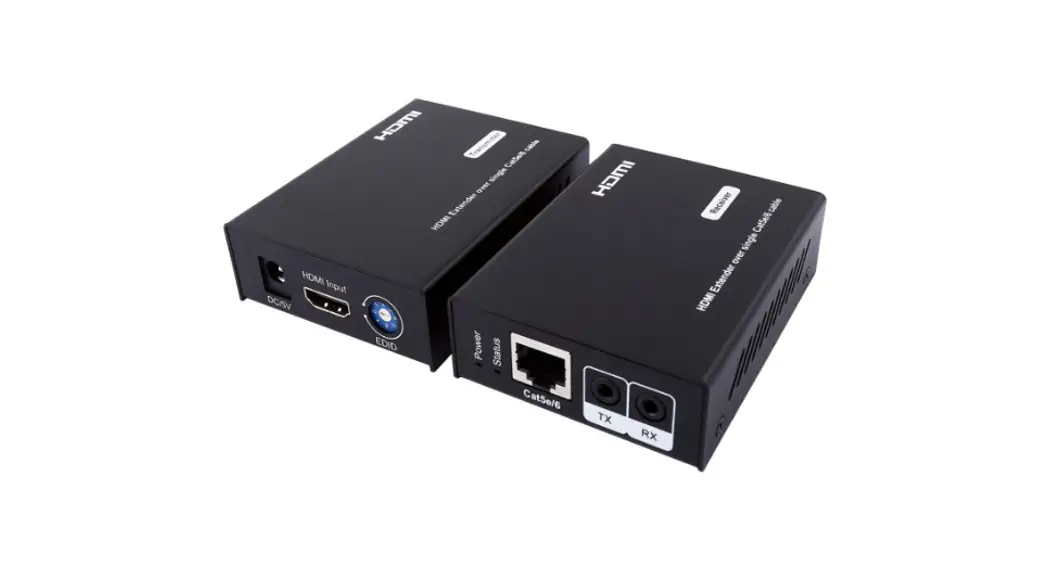

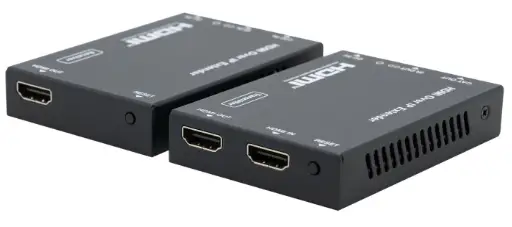
HDTV SUPPLY HDTV-CAT6 HDMI Extender with IR Control
VER 1.0
Thank you for purchasing this product. For optimum performance and safety, please read these instructions carefully before connecting, operating or adjusting this product. Please keep this manual for future reference.
Surge protection device recommended
This product contains sensitive electrical components that may be damaged by electrical spikes, surges, electric shook, lighting strikes, etc. Use of surge protection systems is highly recommended in order to protect and extend the life of your equipment.
Introduction
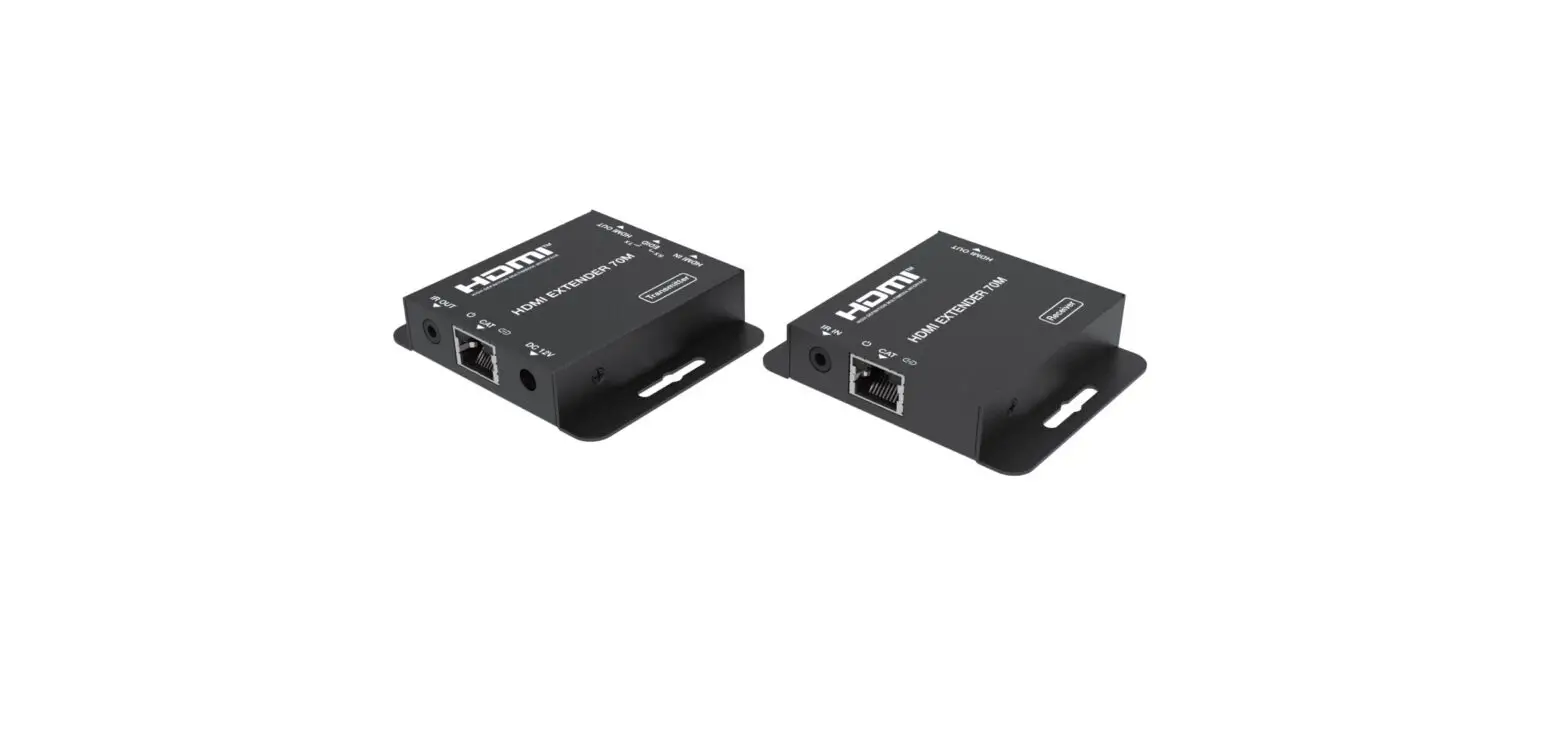
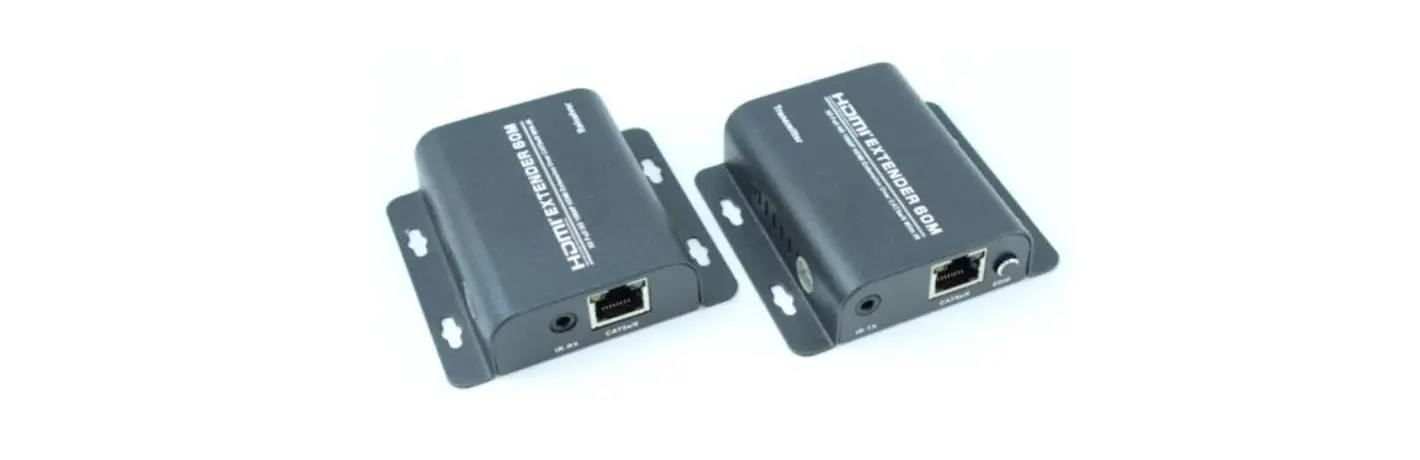
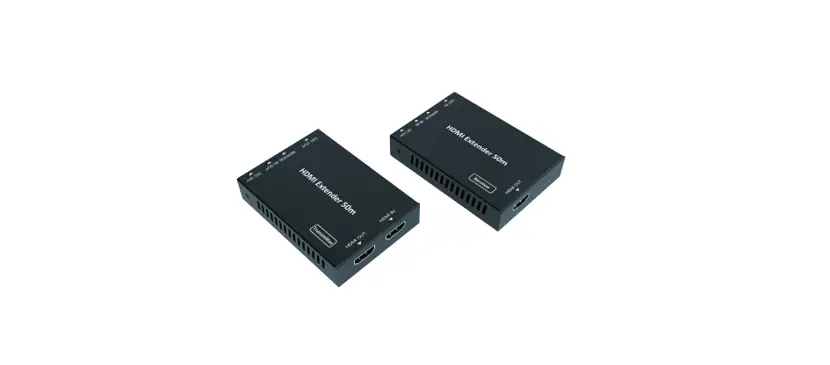
The HDMI Extender (70m) with IR Control is a device that allows you to extend HDMI signals up to 70 meters via a single CAT6/5E cable. It is HDMI 1.4 and HDCP 1.4 compliant, and supports video resolution up to 4K@30Hz. It also supports copying EDID from receiver display or loop out display, and allows for cascading via additional HDMI loop out port.
Features
- HDMI 1.4 and HDCP 1.4 compliant
- Support video resolution up to 4K@30Hz
The maximum transmission distance via a single CAT6/5E cable is as follows:
- CAT6: 230ft/70m for 1080p, 131ft/40m for 4K30
- CAT5E: 197ft/60m for 1080p, 115ft/35m for 4K30
- Support copying EDID from receiver display or loop out display
- Allow for cascading via additional HDMI loop out port
- Compact design for easy and flexible installation
Package Contents
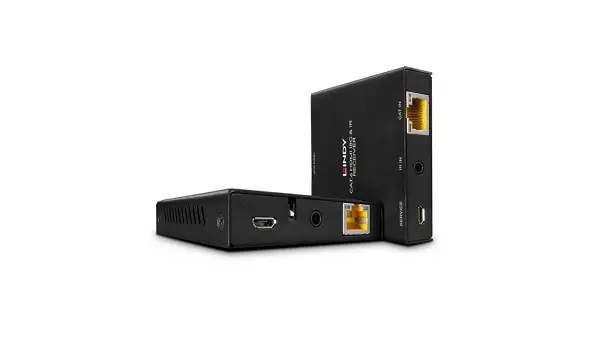
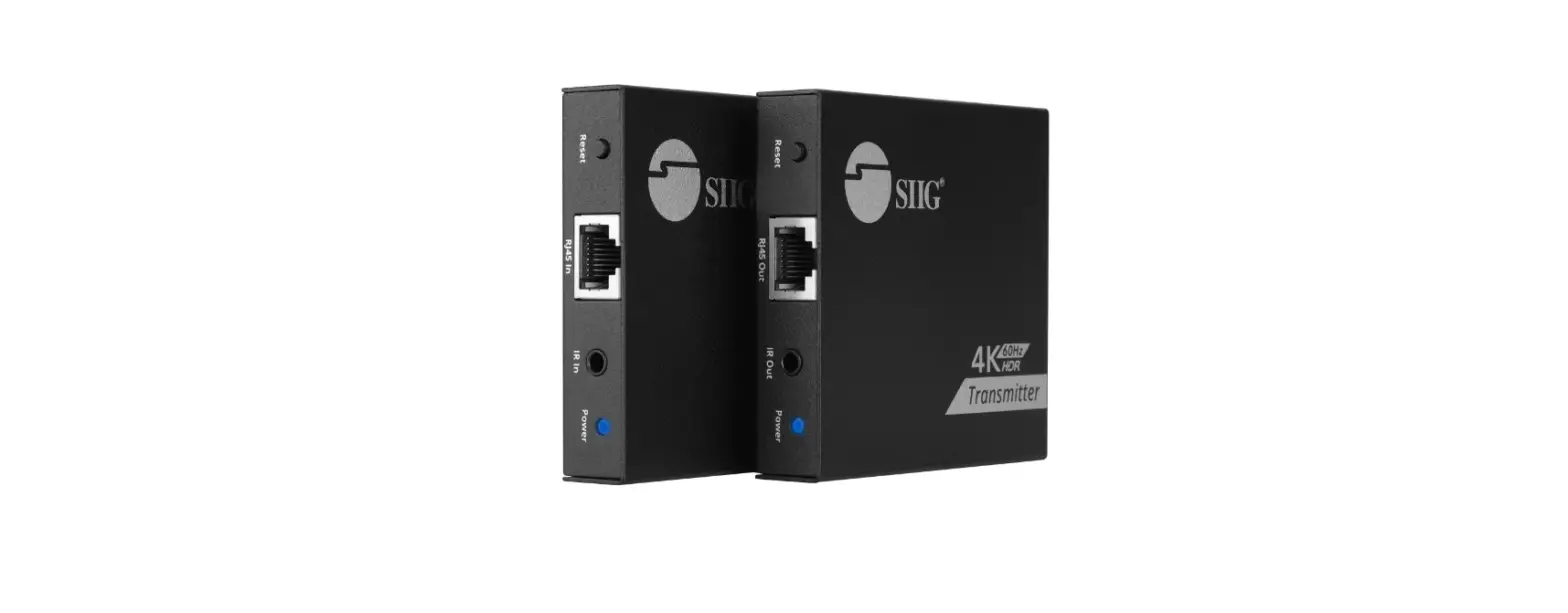
- Transmitter x1
- Receiver x1
- IR Extender Cable x2
- Power Adaptor x2
- User Manual x1
Specifications
| Technical | |
| HDMI Compliance | HDMI 1.4 |
| HDCP Compliance | HDCP 1.4 |
| Video Bandwidth | 10.2Gbps |
| Video Resolution | Up to 4K@30Hz |
| Audio Support | Up to 7.1CH HD audio |
| Input TMDS Signal | 3.3 volts |
| Input DDC Signal | 5.0 volts/P-P |
| ESD Protection | Human Body model: +/- 8 kV (air-gap discharge) +/- 4 kV (contact discharge) |
| Connection | |
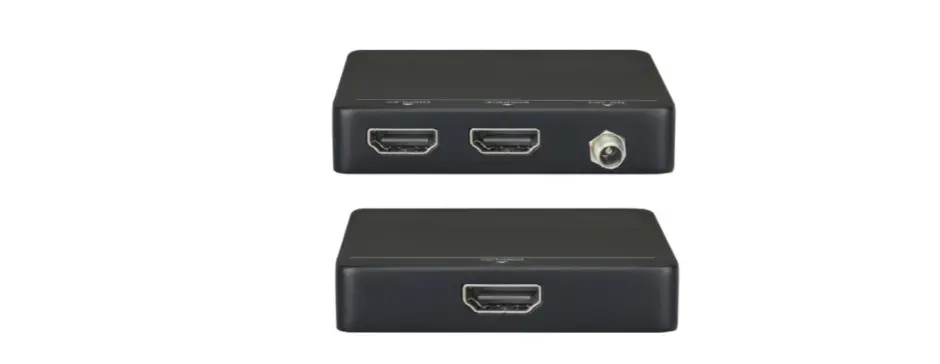
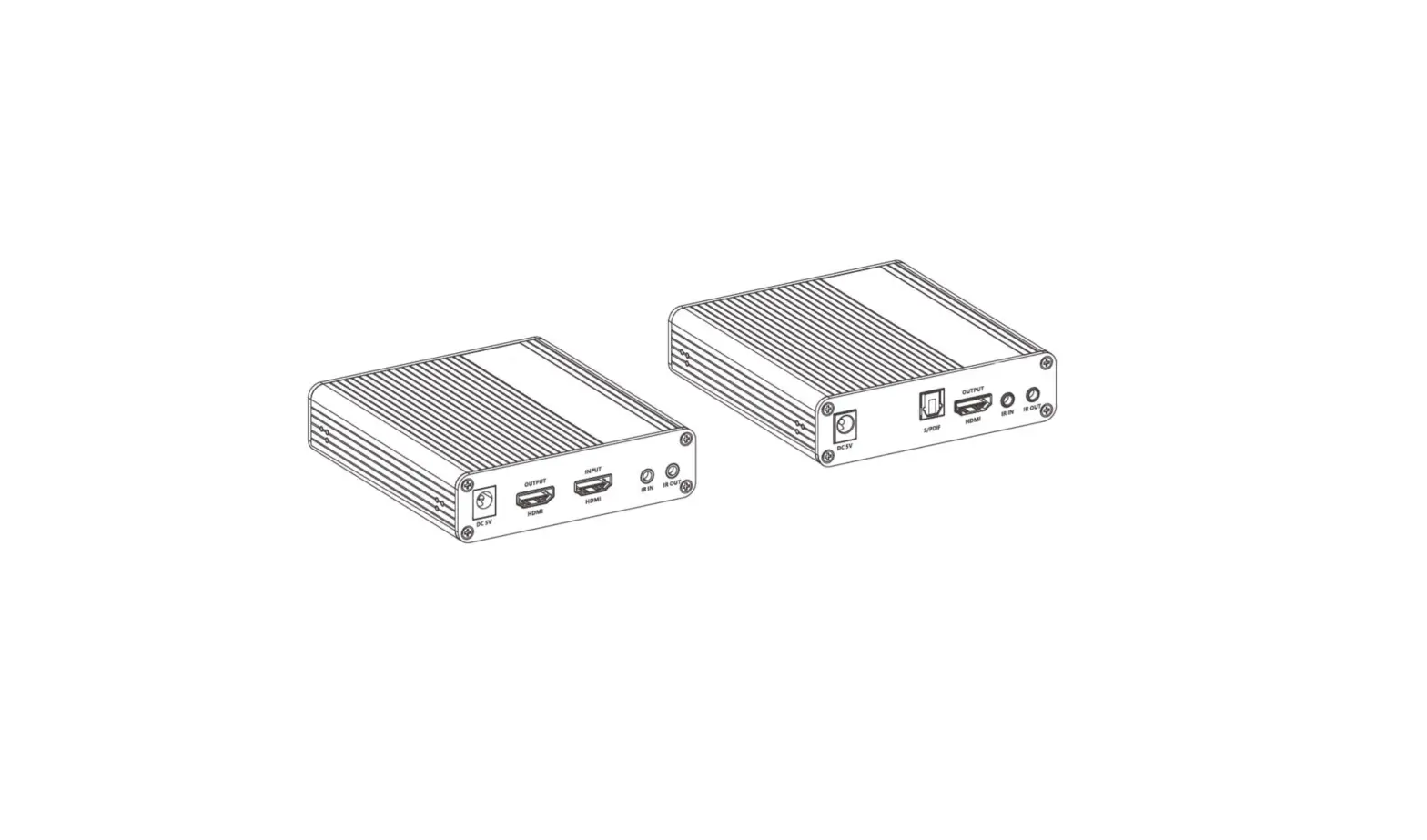
| Transmitter | Input: 1 x HDMI Type A [19-pin female] Outputs:1 x HDMI Type A [19-pin female] 1 x IR OUT [3.5mm Stereo Mini-jack] 1 x CAT OUT [RJ45, 8-pin female] |
| Receiver | Inputs: 1x IR IN [3.5mm Stereo Mini-jack] 1x CAT IN [RJ45, 8-pin female] Output: 1x HDMI Type A [19-pin female] |
| Mechanical | |
| Housing | Metal Enclosure |
| Color | Black |
| Dimensions | 79.5mm[W] x 69mm[D] x 16.5mm[H] |
| Weight | Transmitter: 132g, Receiver: 130g |
| Power Supply | 5V/1A DC |
| Power Consumption | Transmitter: 1.86W, Receiver: 0.87W |
| Operation Temperature | 32 – 104°F / 0 – 40°C |
| Storage temperature | -4 – 140°F / -20 – 60°C |
| Relative Humidity | 20 – 90% RH (no condensation) |
Operation Controls and Functions
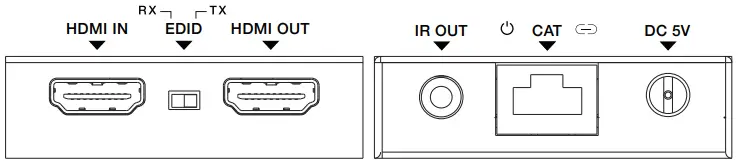
Transmitter Panel
| No. | Name | Function Description |
| 1 | HDMI IN | HDMI signal input port. Connect to HDMI source device such as DVD or Set-top box. |
|
2 | EDID DIP switch | The switch is used for selecting EDID: Switch to the right position, the extender will copy HDMI loop out display EDID information to signal source; Switch to the left position, the extender will copy Receiver display EDID to signal source. |
| 3 | HDMI OUT | HDMI signal loop out port. Connect to HDMI display device such as HDTV. |
| 4 | IR OUT | Connect to IR blaster cable, the IR signal is from the IR IN port of the receiver. |
| 5 | Power LED | When the transmitter is powered on, the LED will be on. |
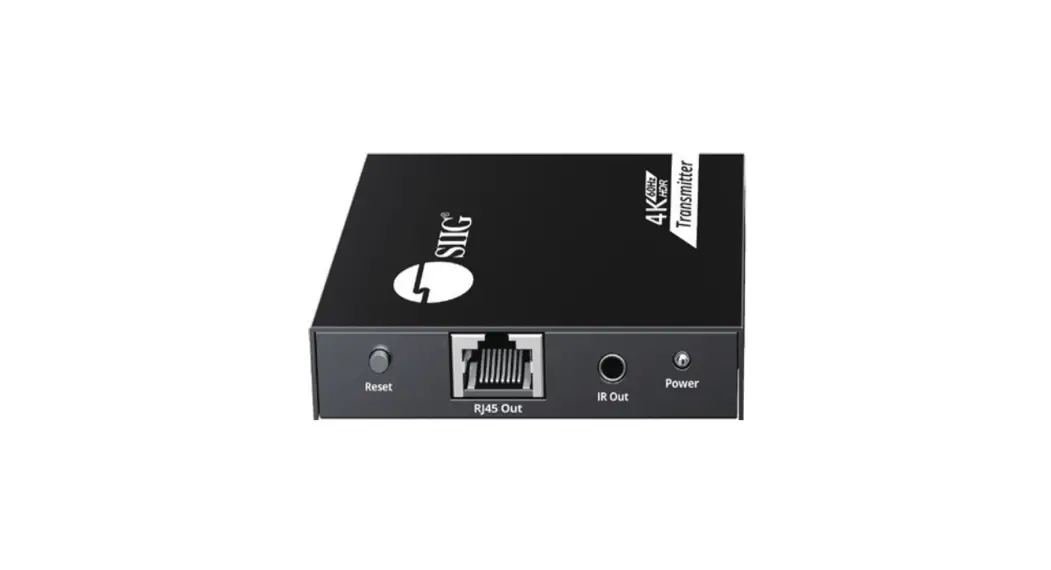
| 6 | CAT | CAT output port. Connect to the CAT input port of the receiver with CAT5E/6 cable. |
| 7 | Link LED | When the transmitter is connected to HDMI source, the LED will be on. |
| 8 | DC 5V | DC 5V power supply port. |
Receiver Panel
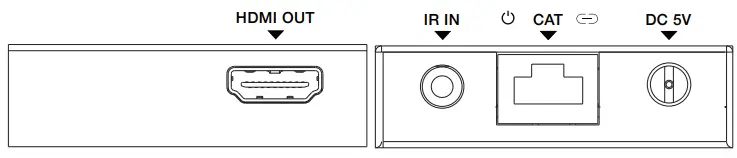
| No. | Name | Function Description |
| 1 | HDMI OUT | HDMI signal output port. Connect to HDMI display device such as HDTV. |
| 2 | IR IN | Connect to IR receiver cable, the IR signal will emit to the IR OUT port of the transmitter. |
| 3 | Power LED | When the receiver is powered on, the LED will be on. |
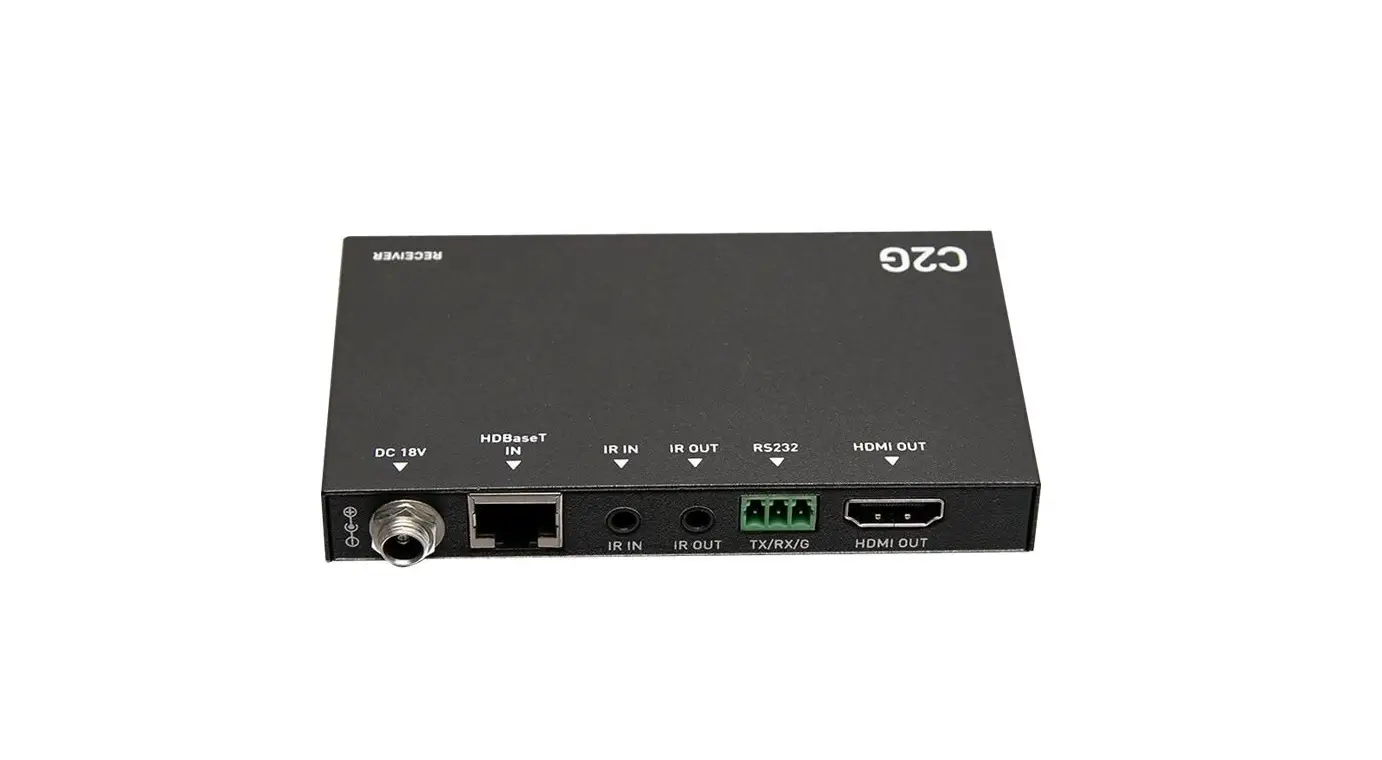
| 4 | CAT | CAT input port. Connect to the CAT output port of the transmitter with CAT5E/6 cable. |
| 5 | Link LED | When the receiver is connected to HDMI source, the LED will be on. |
| 6 | DC 5V | DC 5V power supply port. |
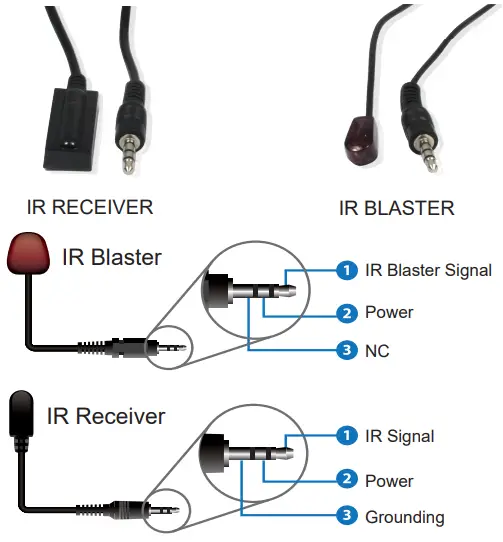
IR Pin Definition
IR Receiver and Blaster pin’s definition is as below:
Application Example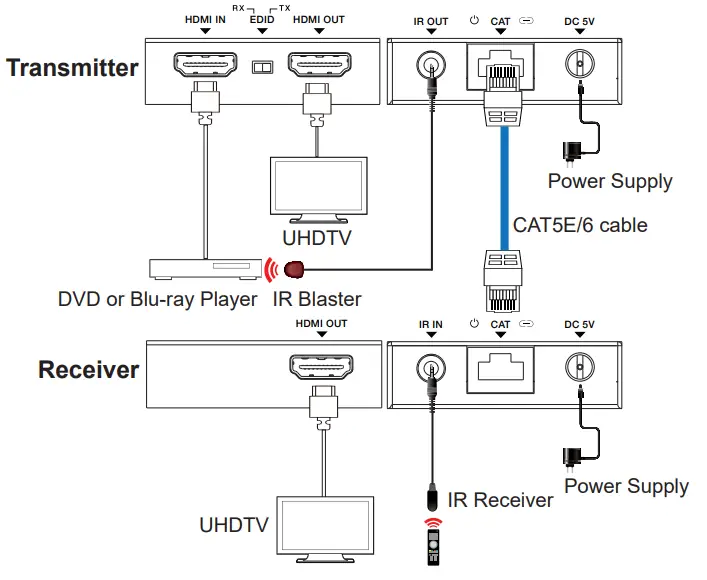 The terms HDMI and HDMI High-Definition Multimedia interface, and the HDMI Logo are trademarks or registered trademarks of HDMI Licensing LLC in the United States and other countries.