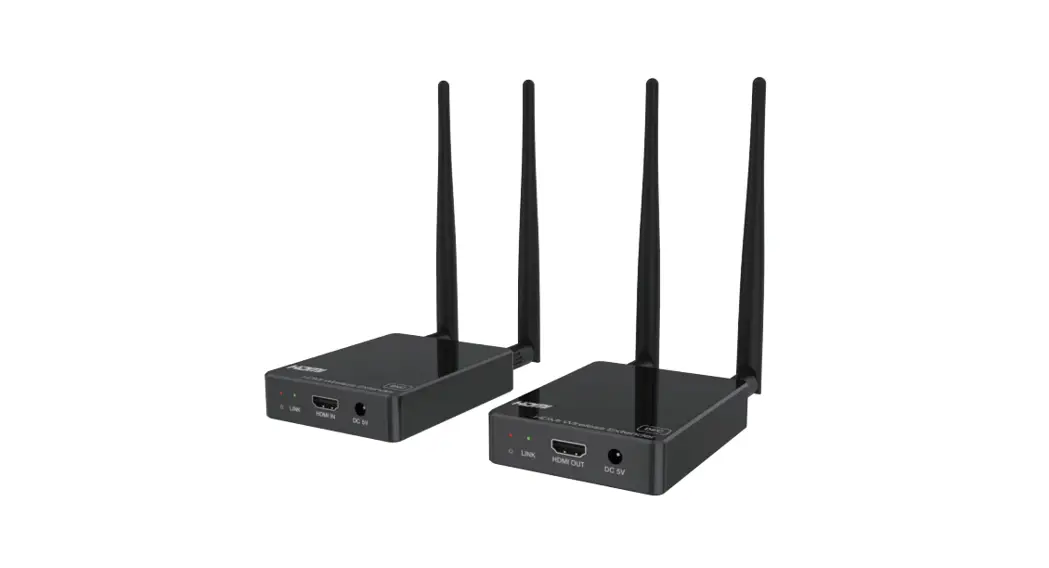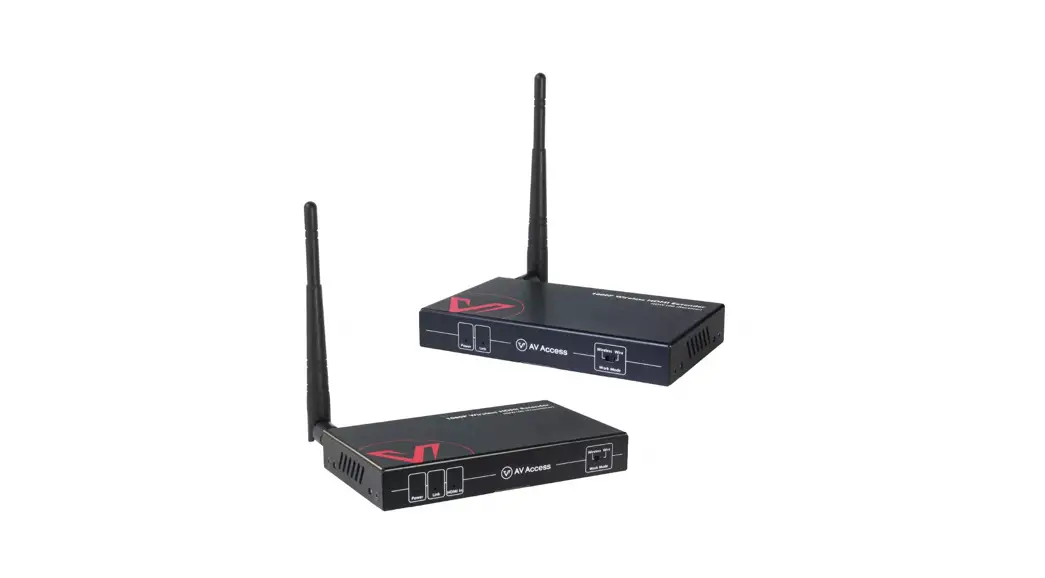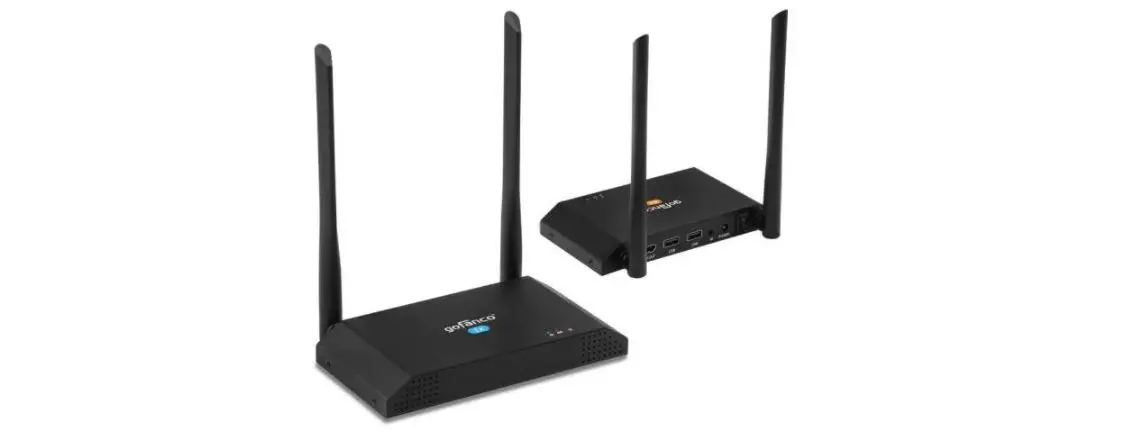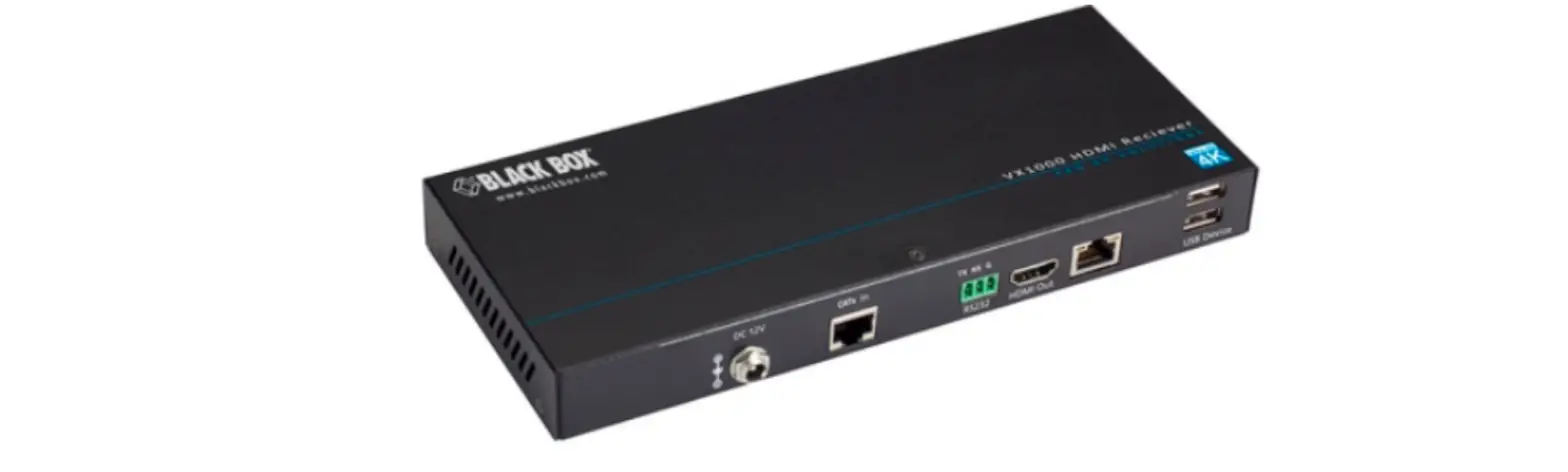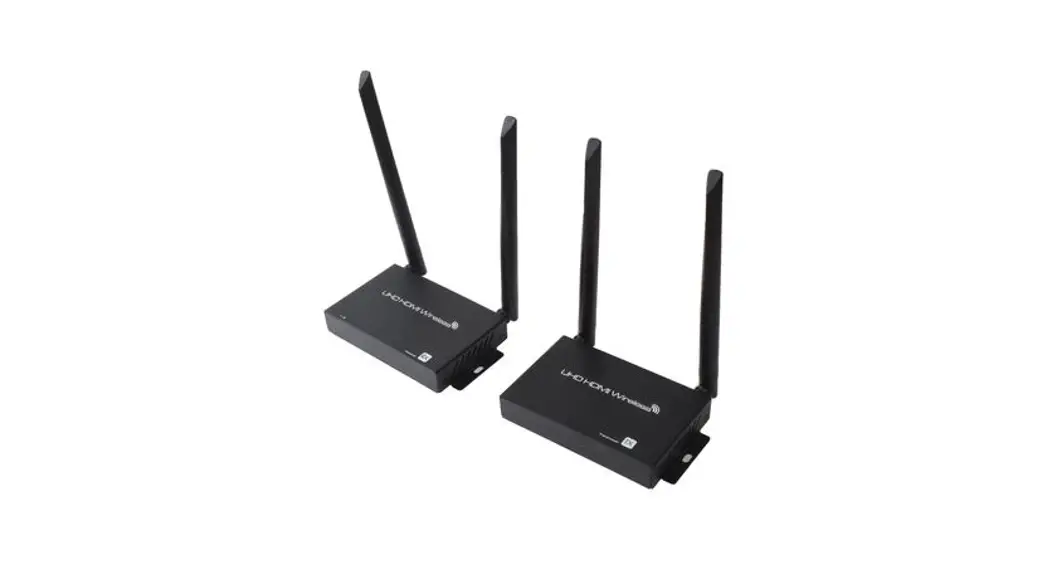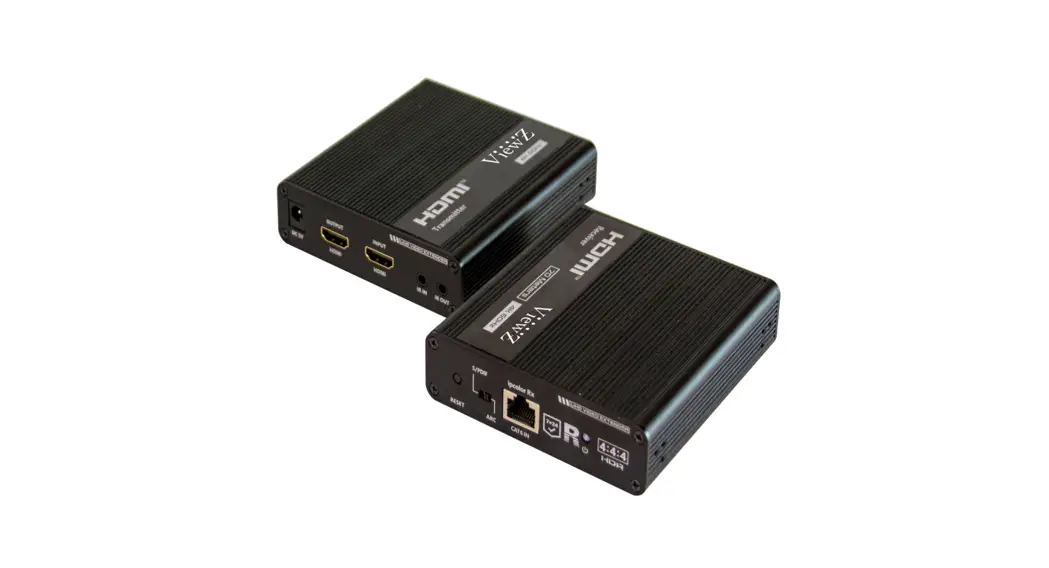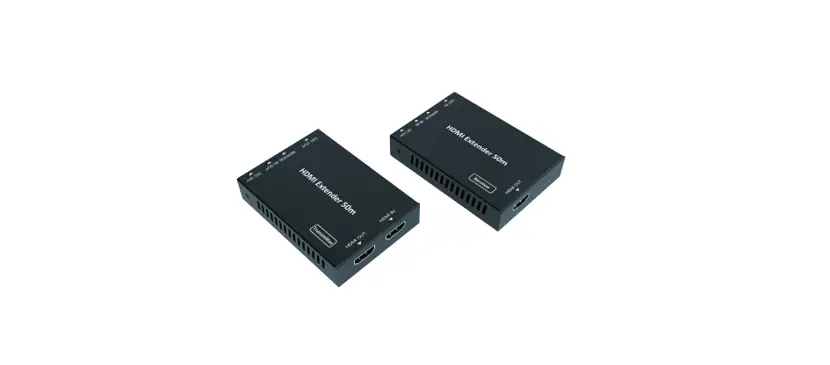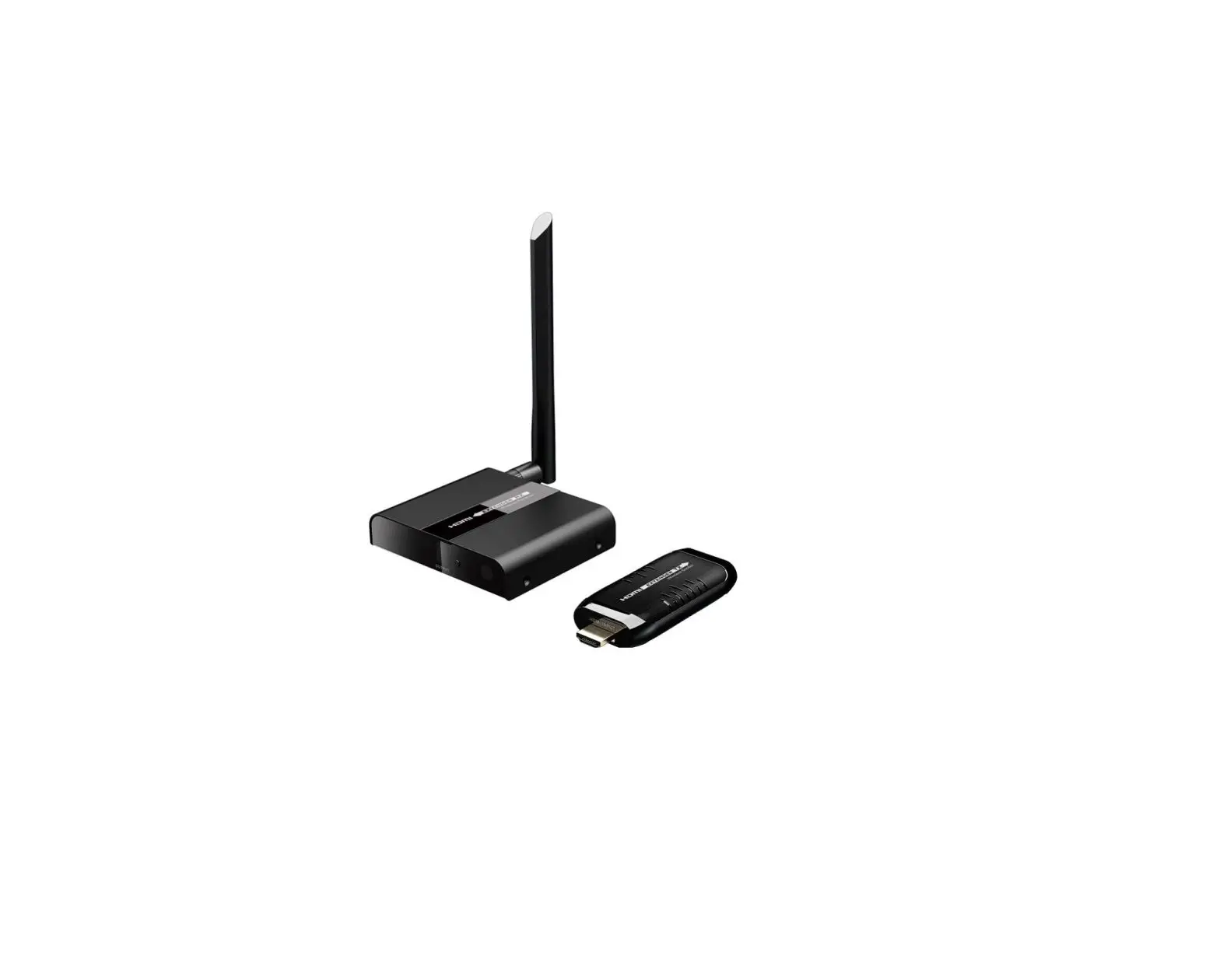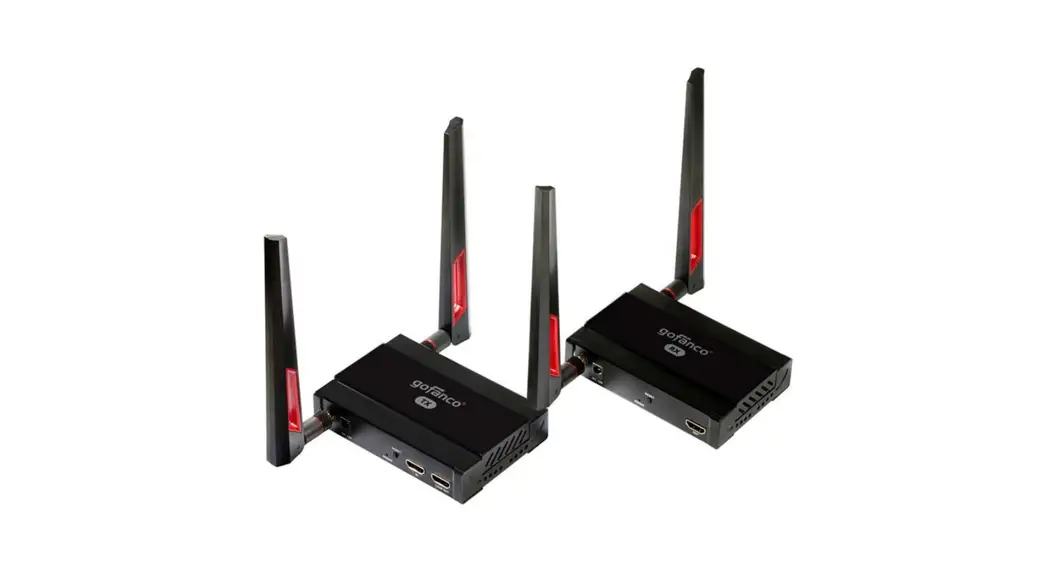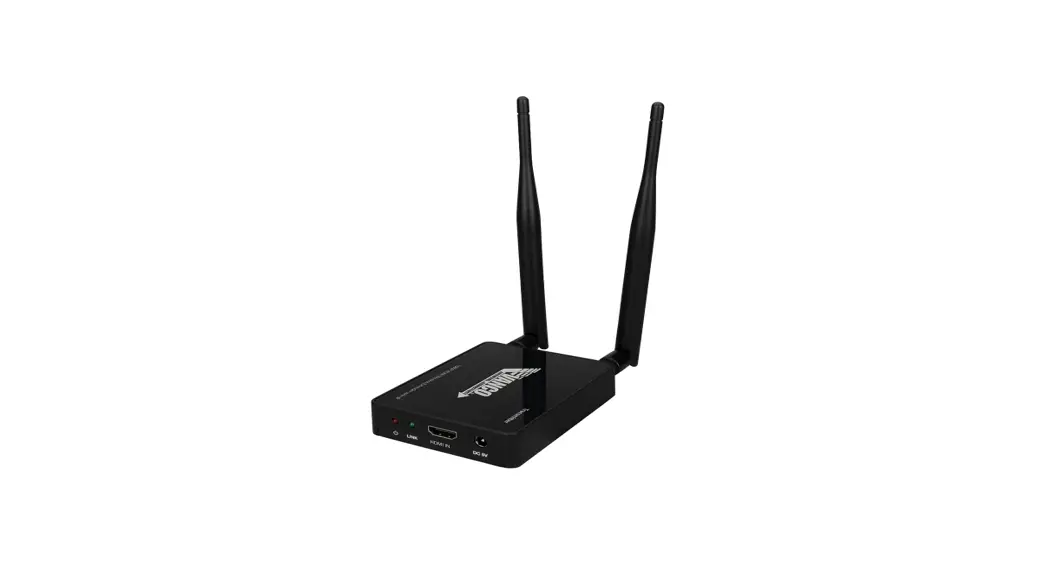
 HDEXWIR
Pairing Guide
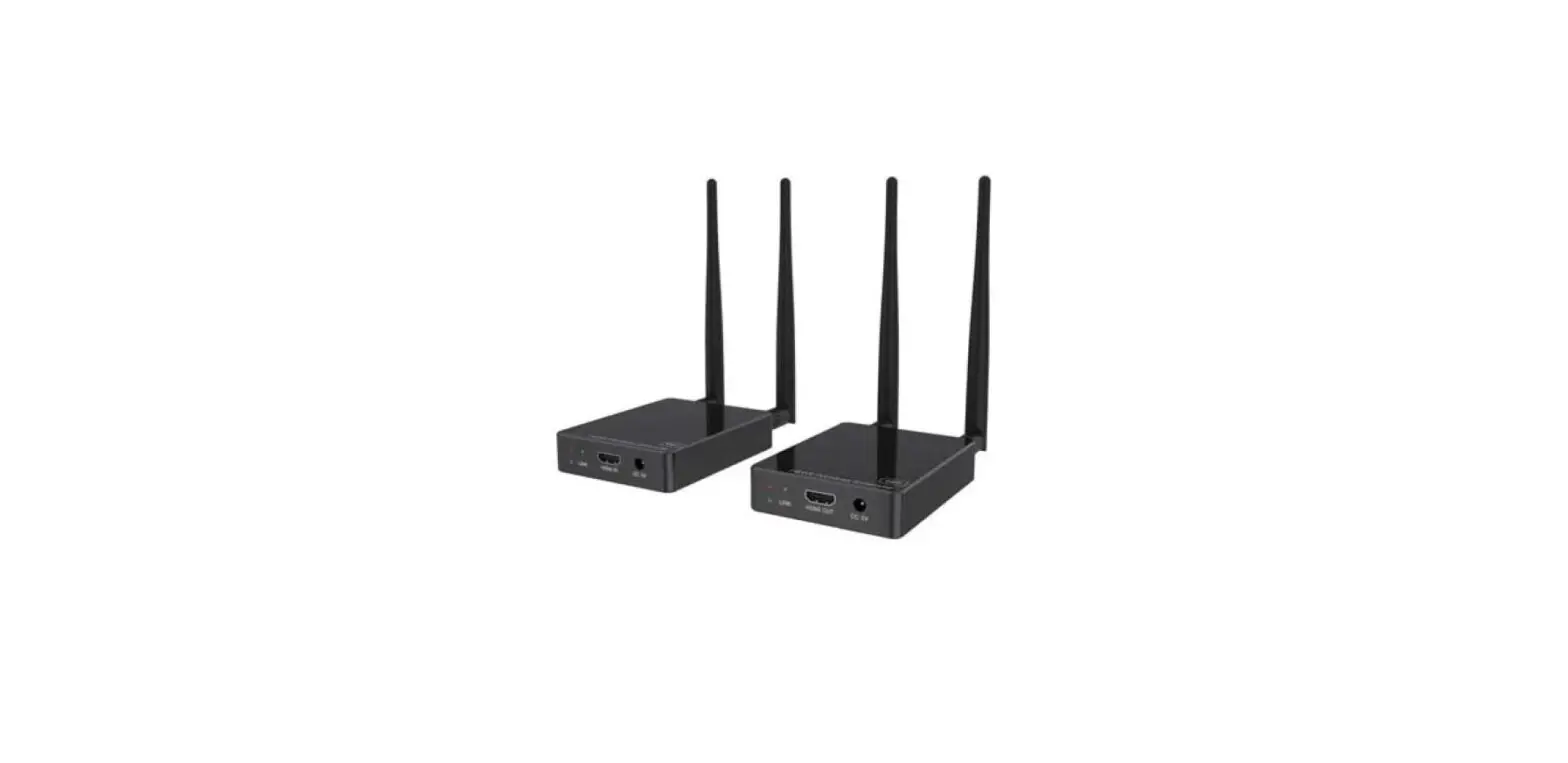
HDEXWIR 1080p Wireless HDMI Extender with IR
- Connect the transmitter and receiver with a HDMI cable.

- Power on the receiver. The POWER LED and LINK LED of the receiver will be on and solid.

- Power on the transmitter. After successfully paring, the LINK LED on the transmitter will flash. If pairing fails and the LINK LED on the transmitter remains solid, return to step 2.

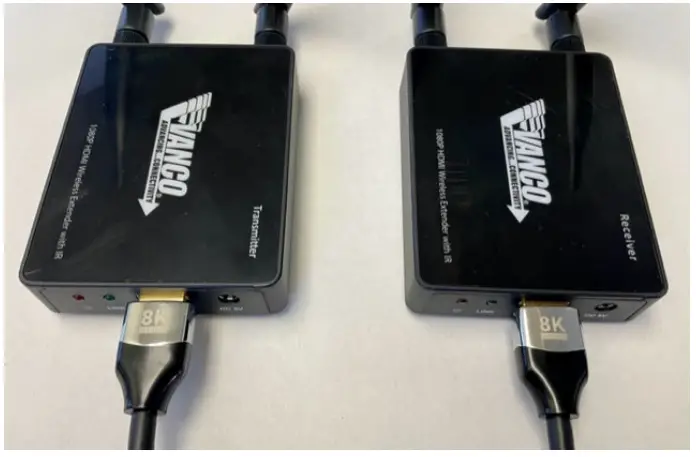
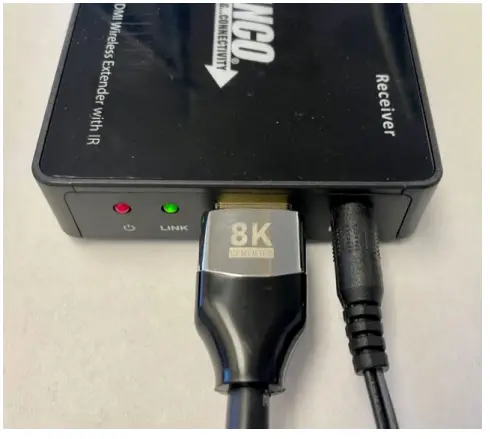
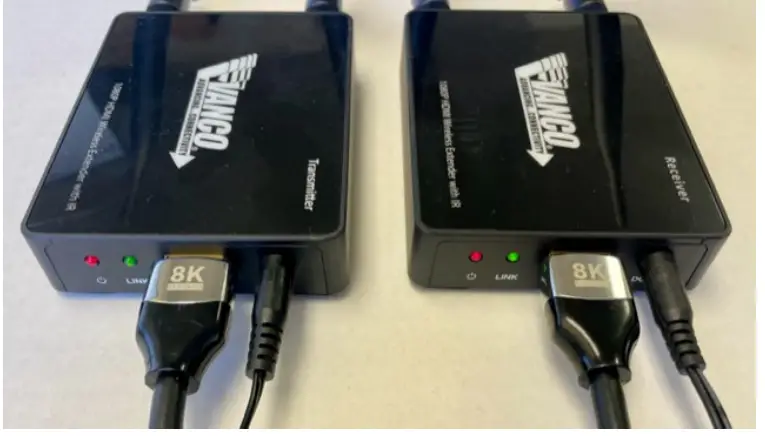
NOTE: The LINK LED on the receiver will always be on through the pairing process.
For Technical Support Call Toll Free: 800-626-6445
506 Kingstand Dr, Batavia, IL 60510