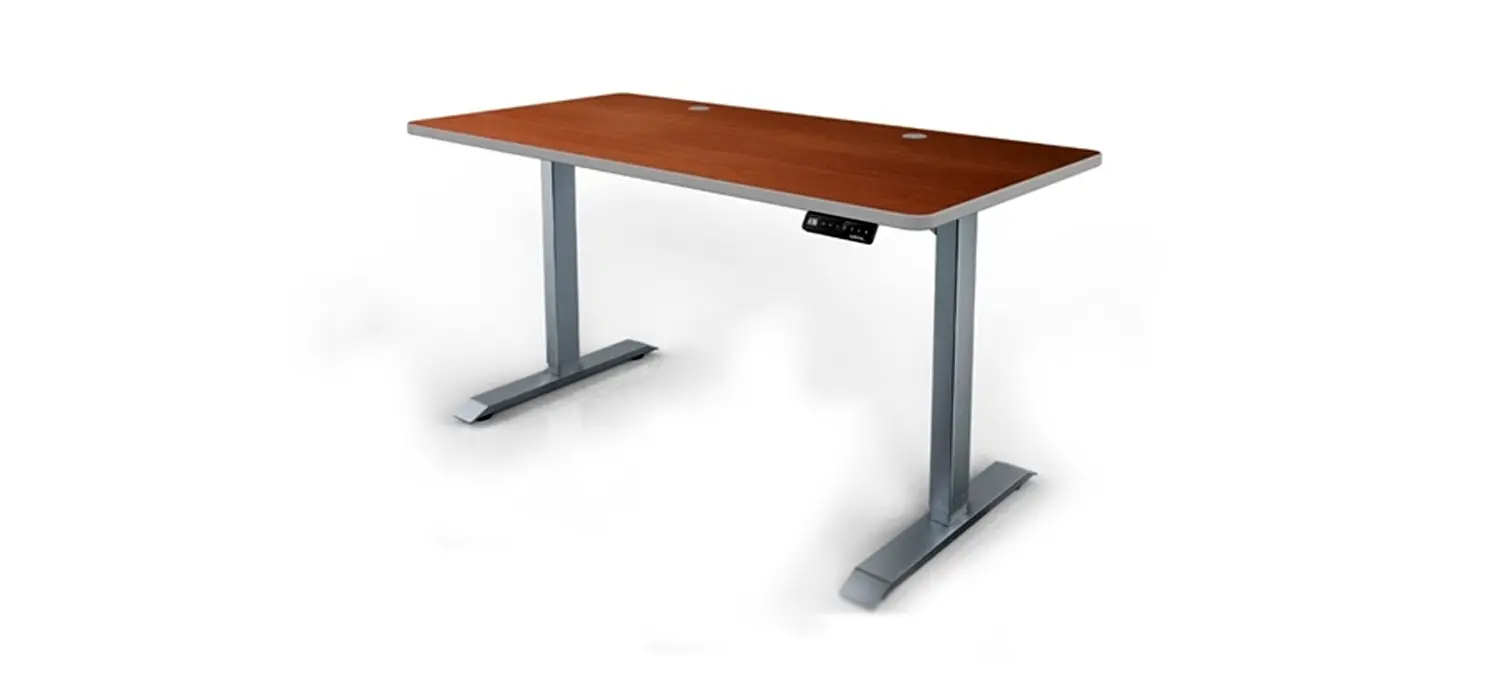
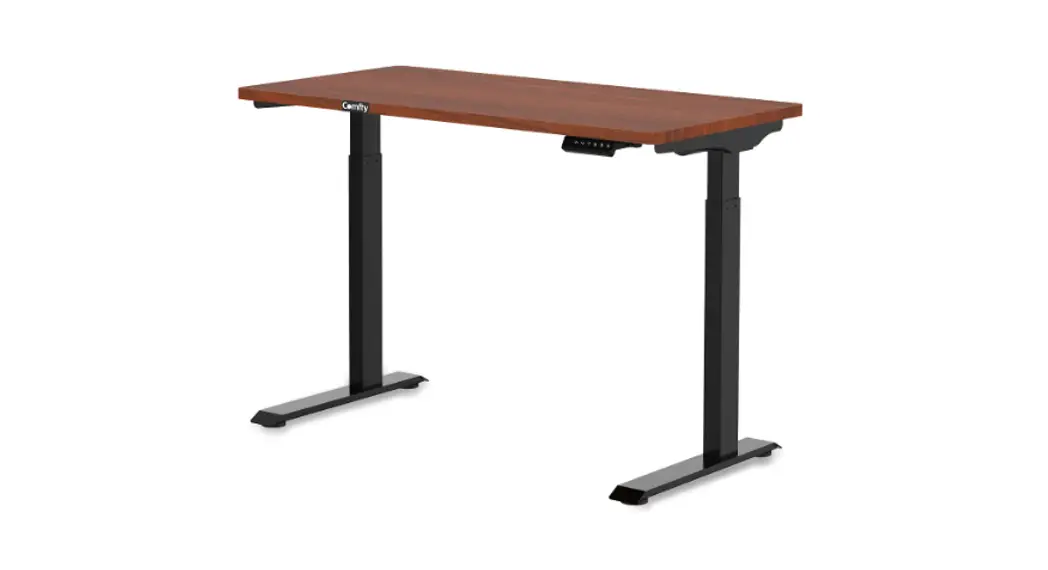
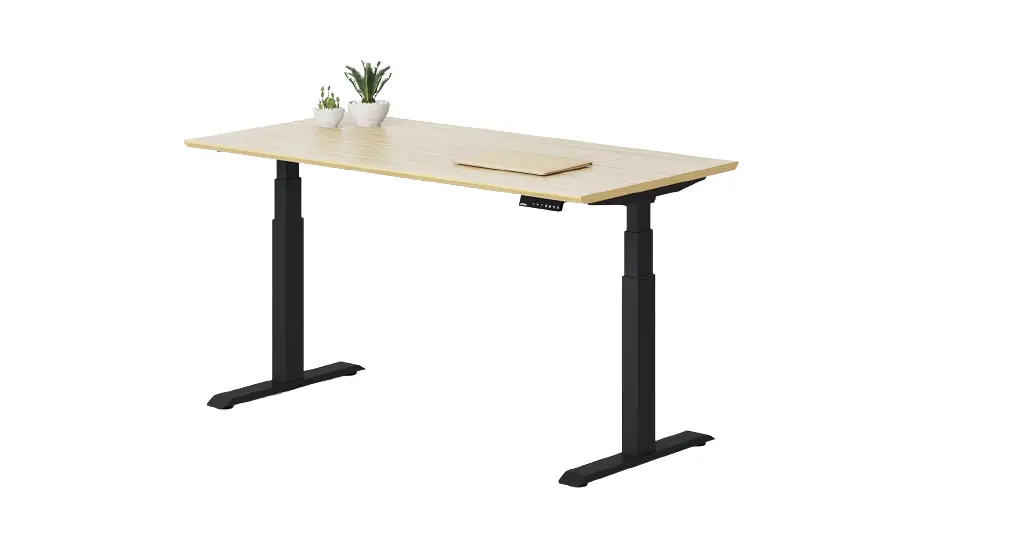
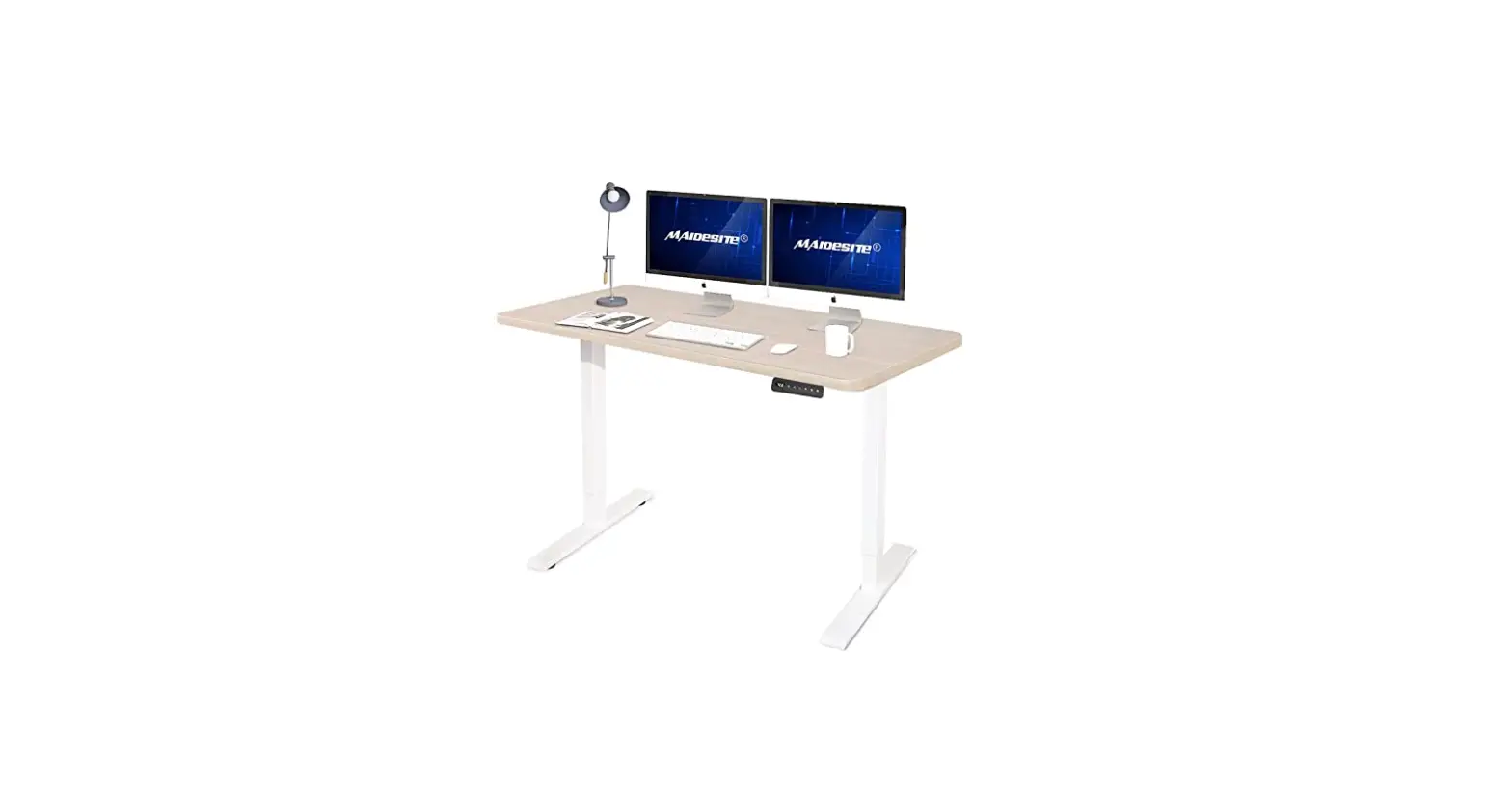
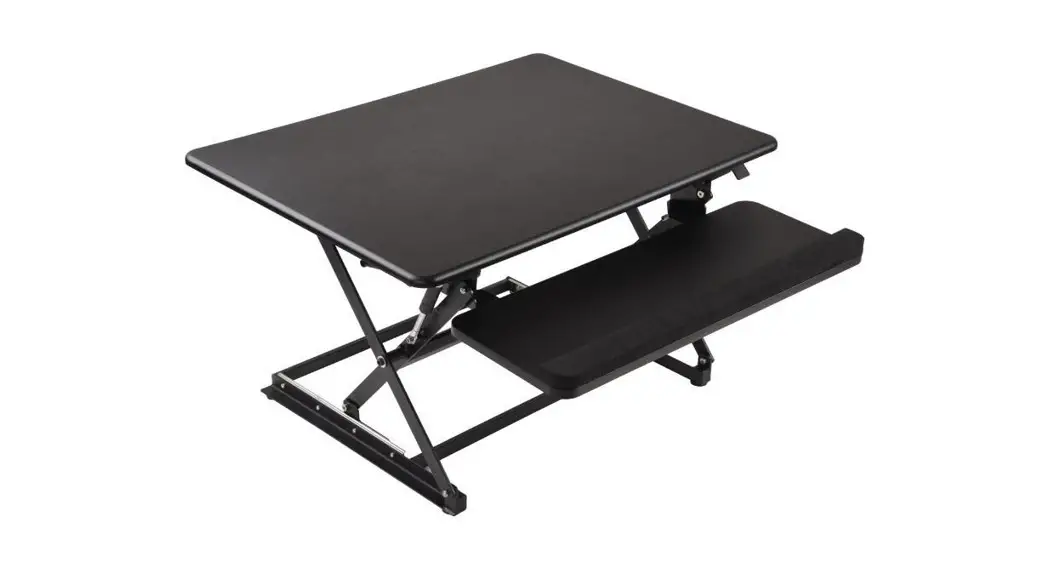
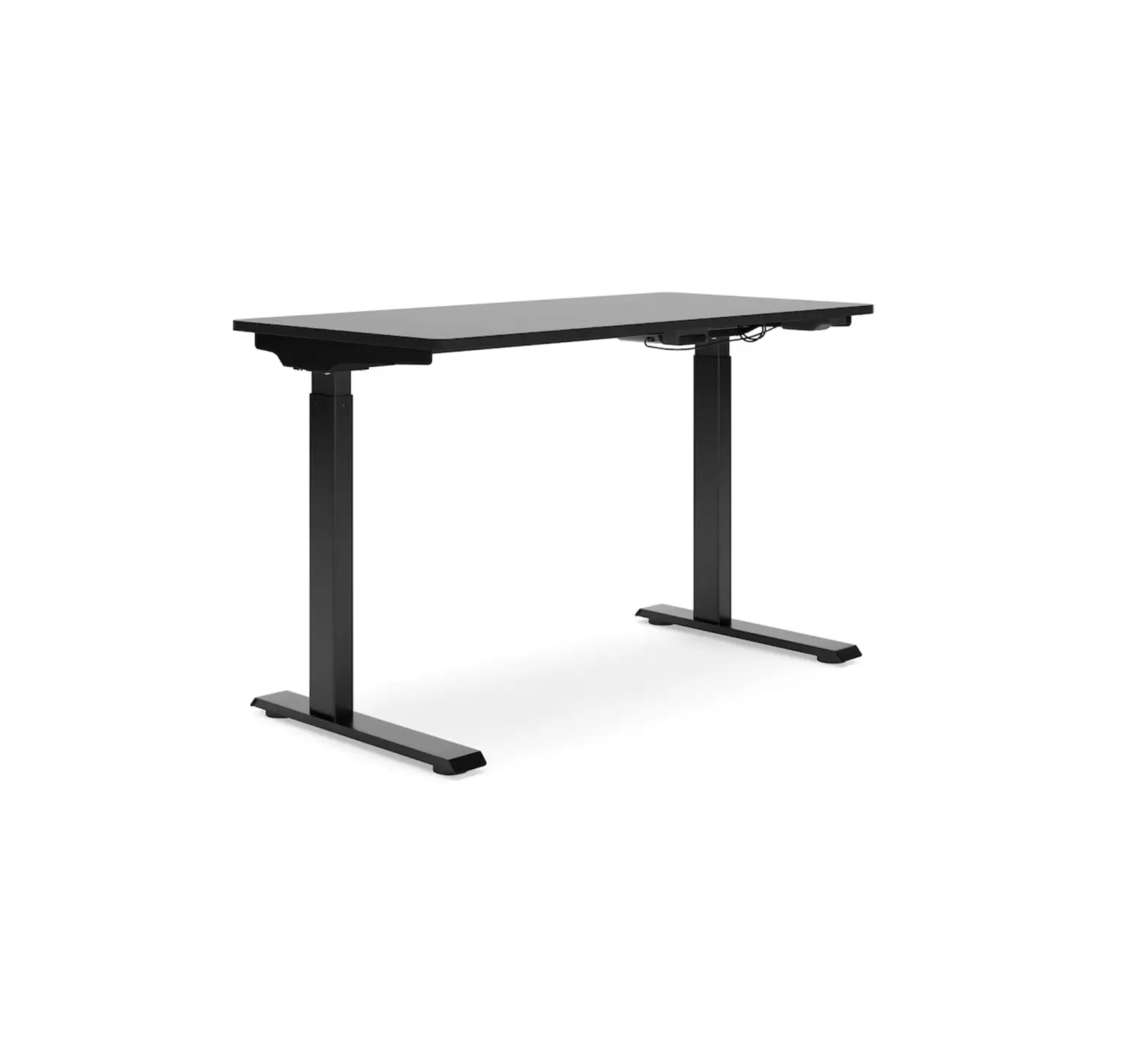
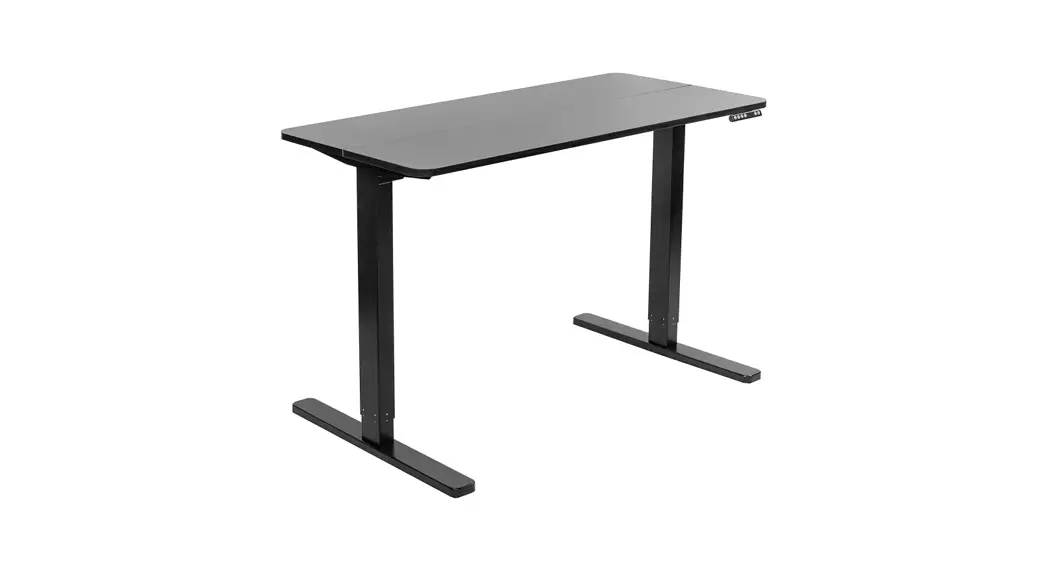
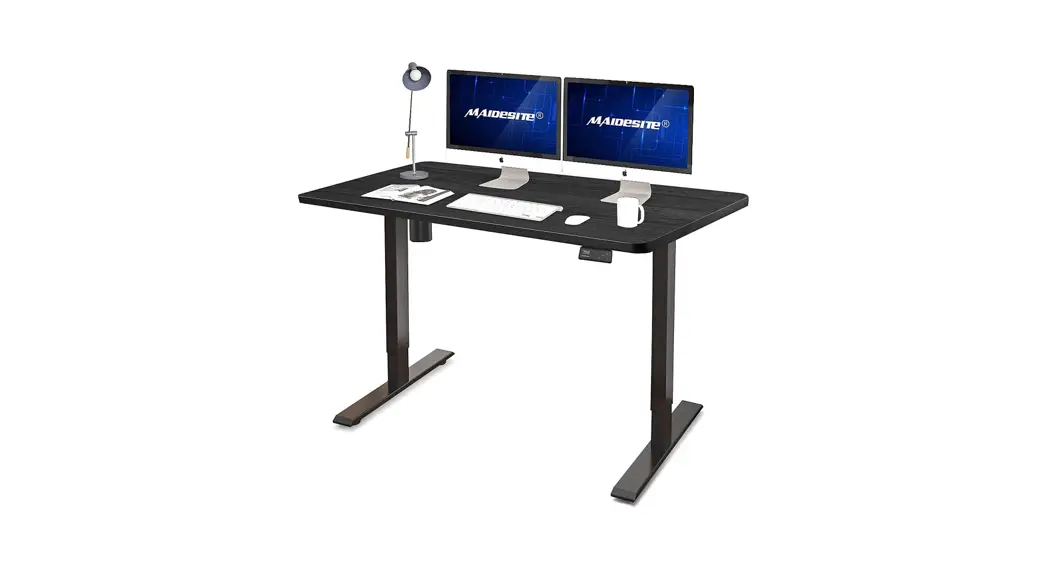
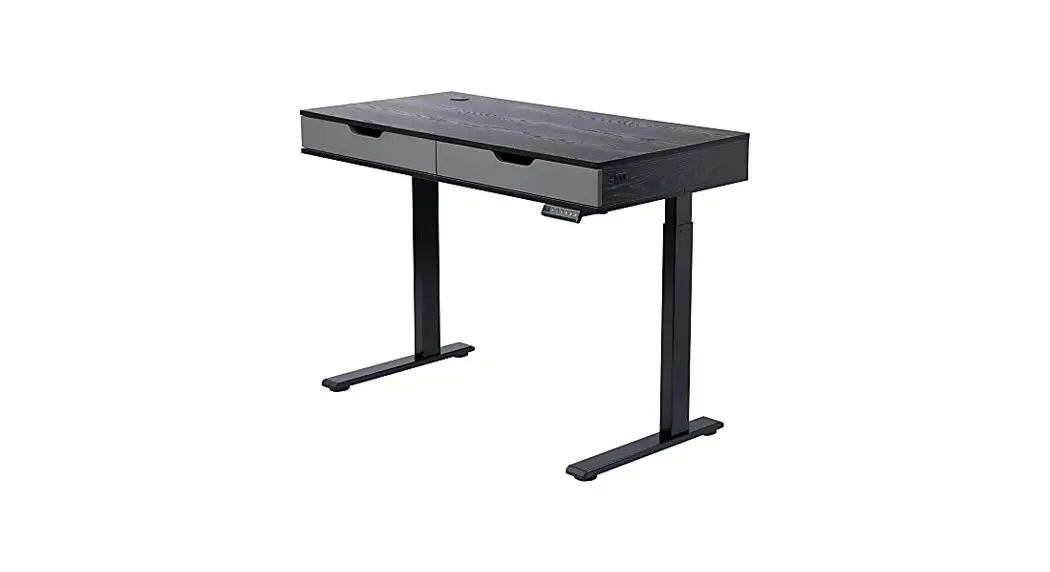
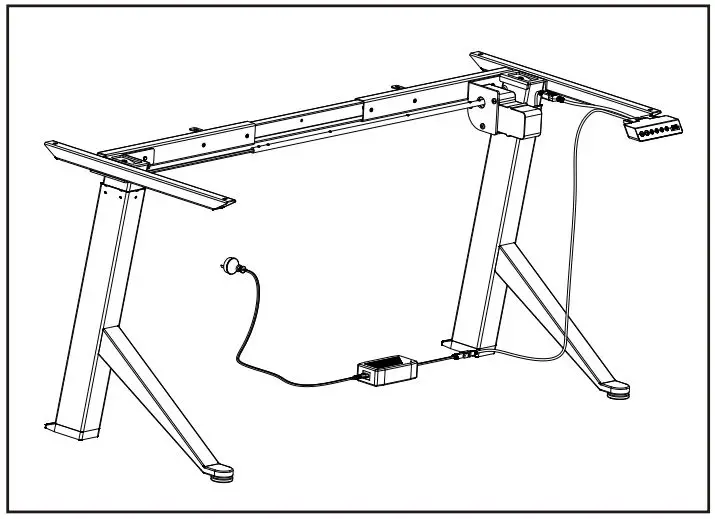
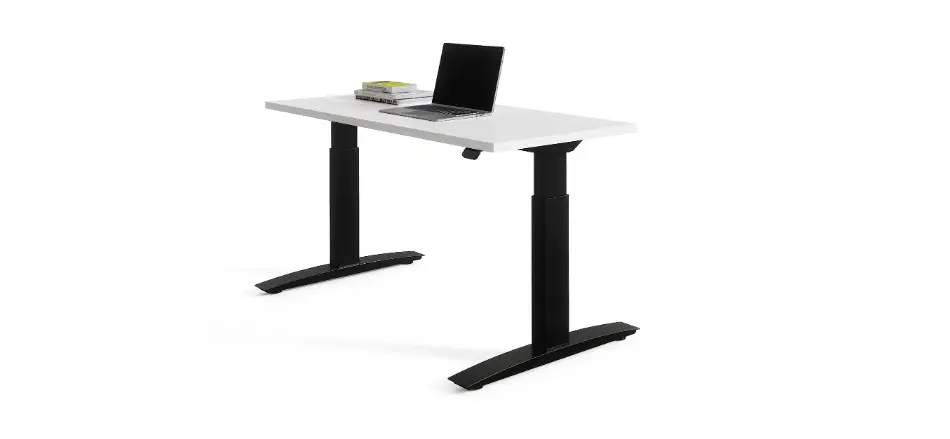
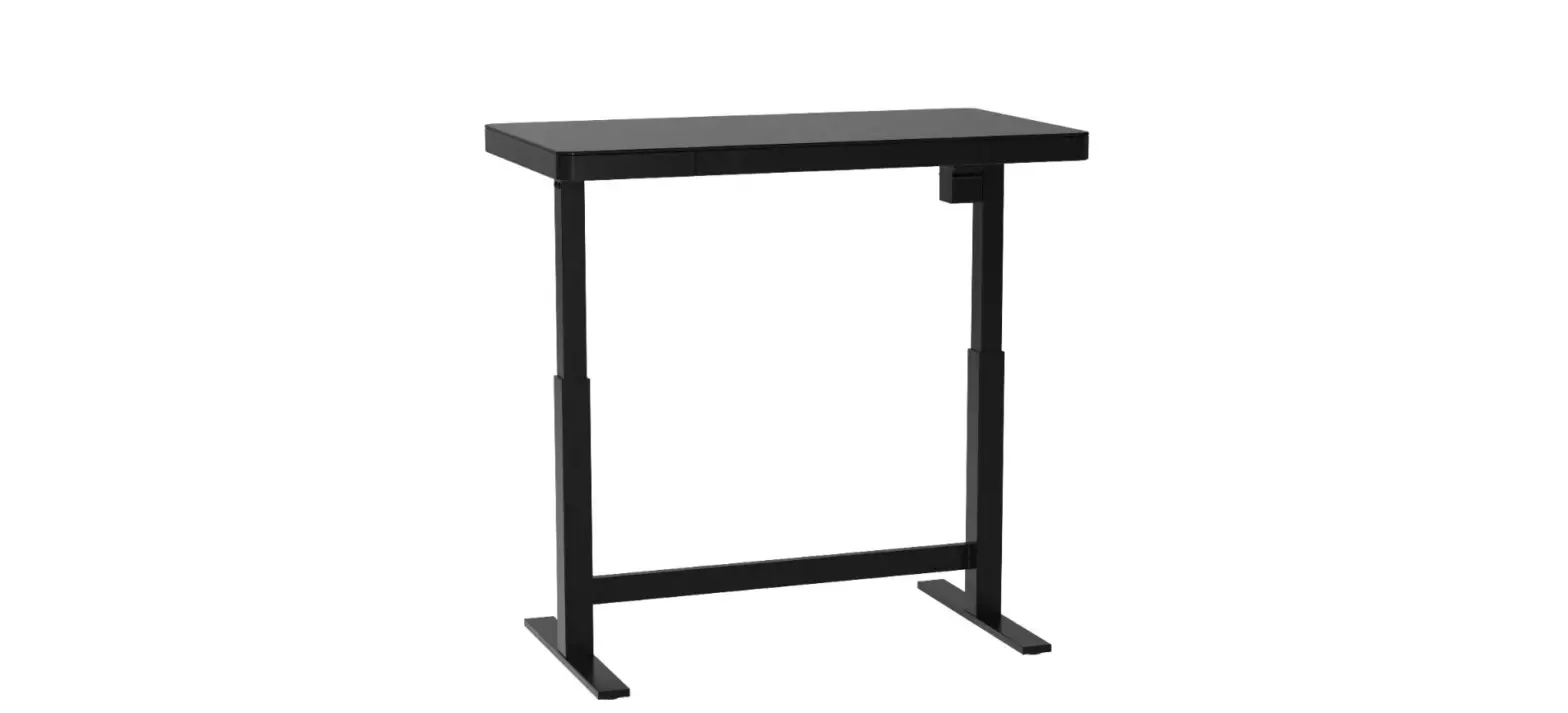
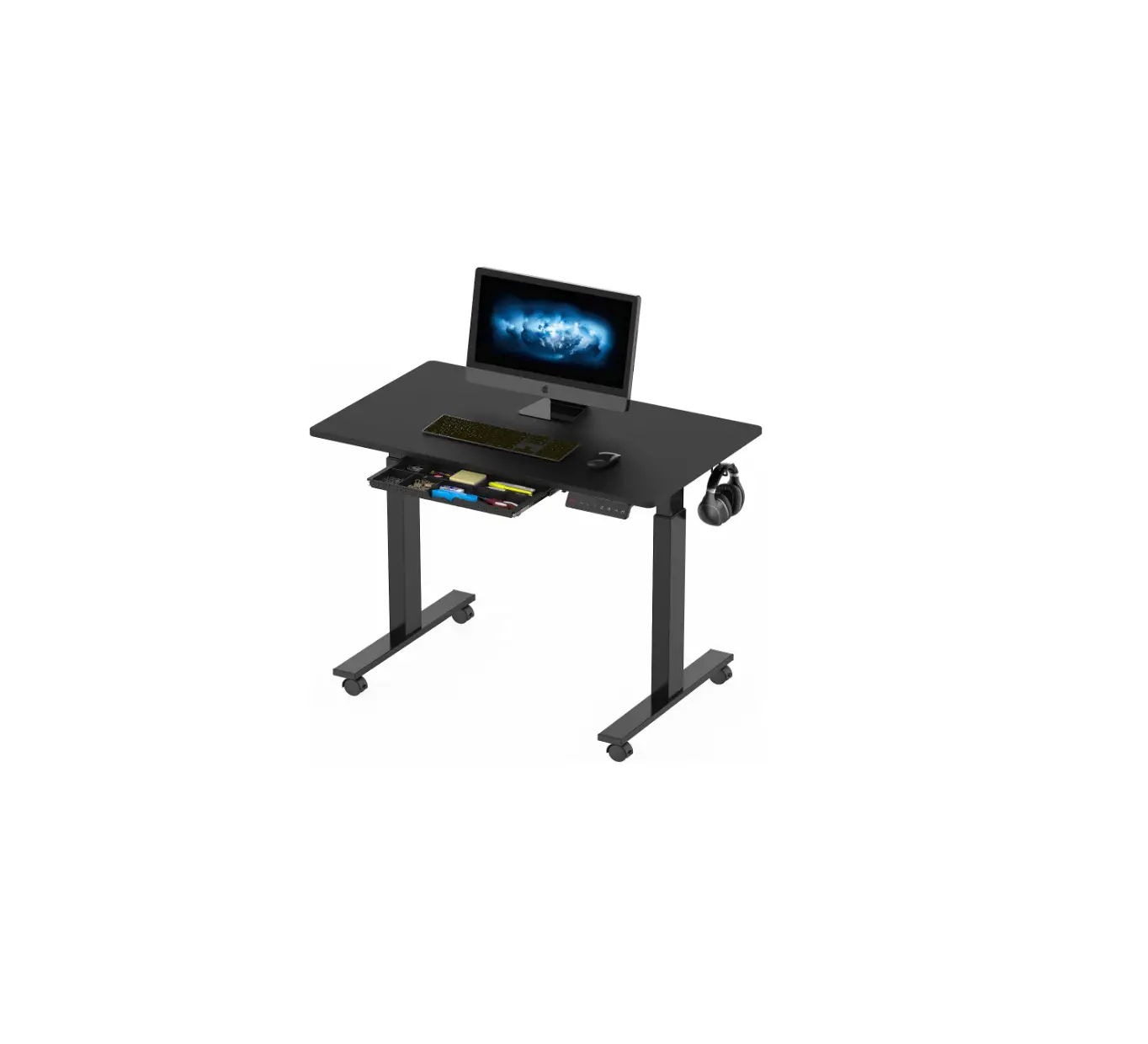
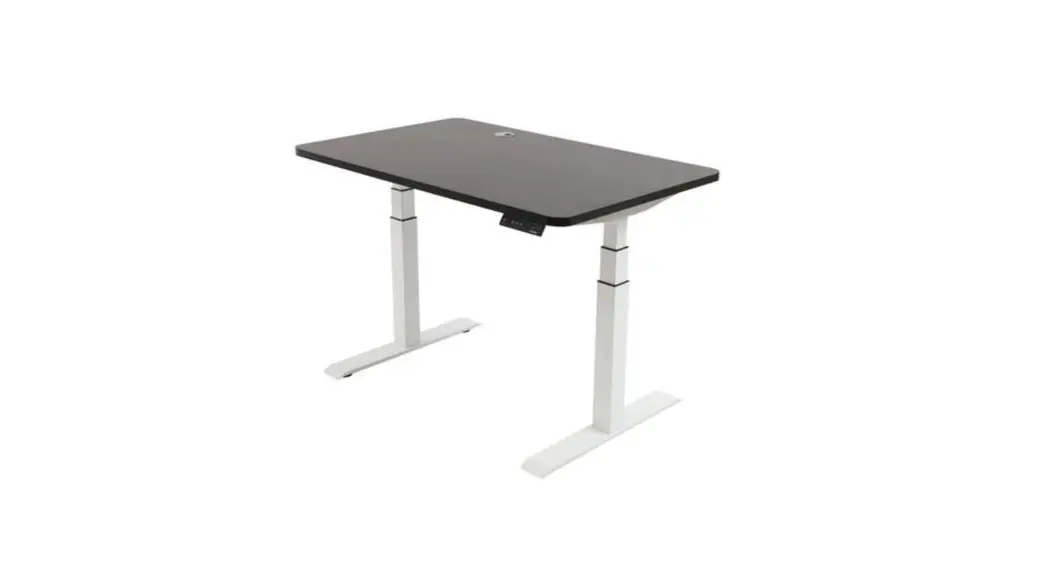
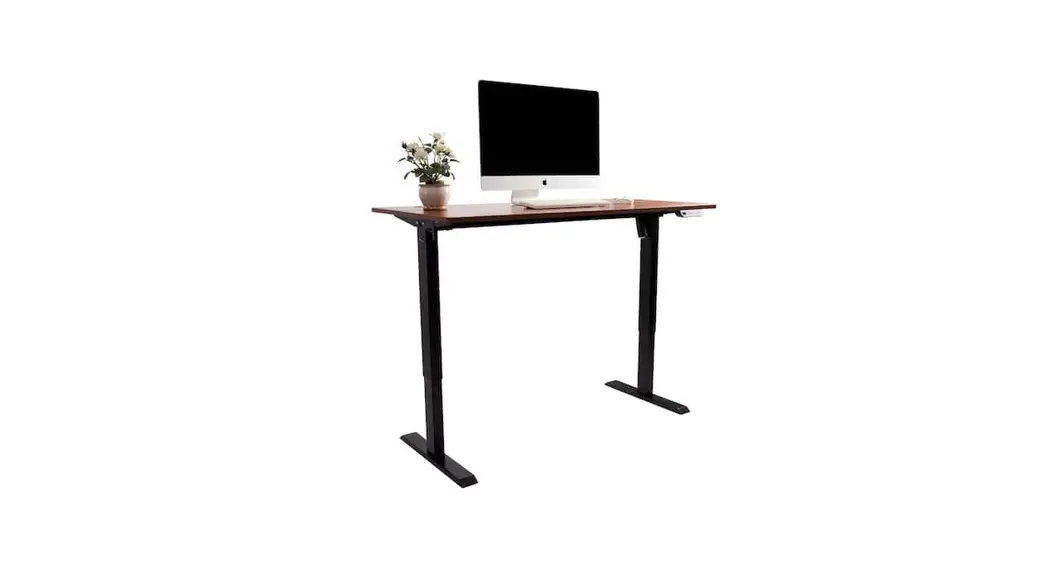
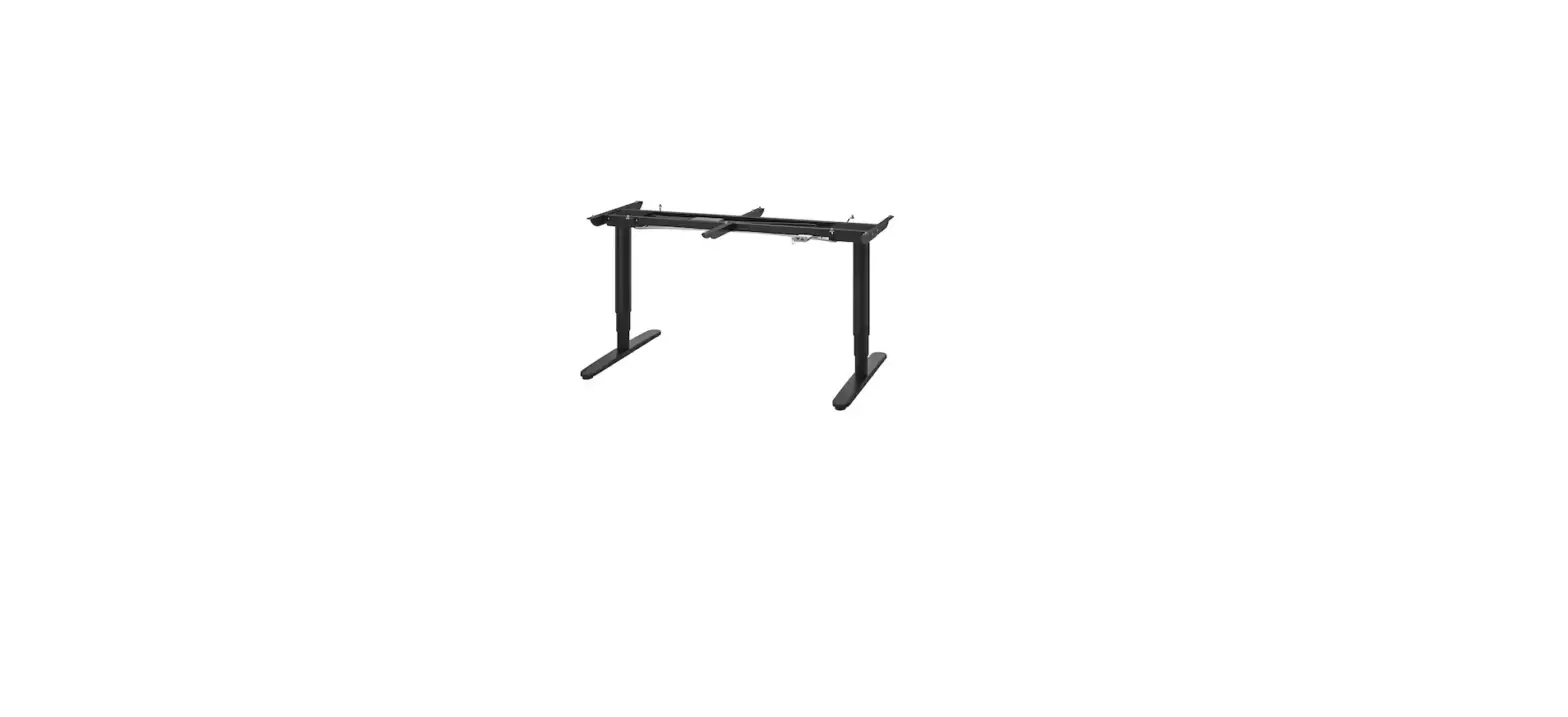
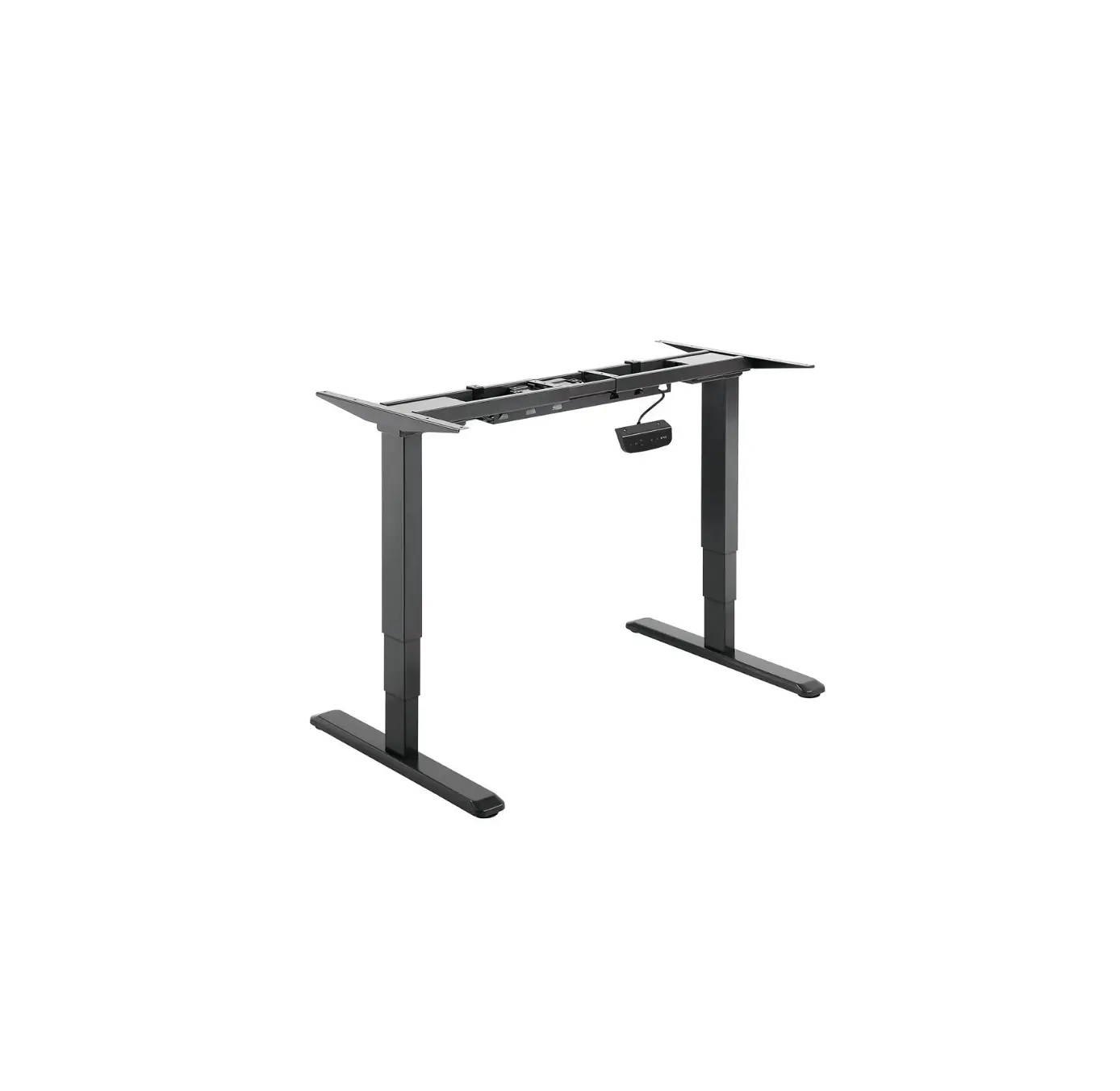
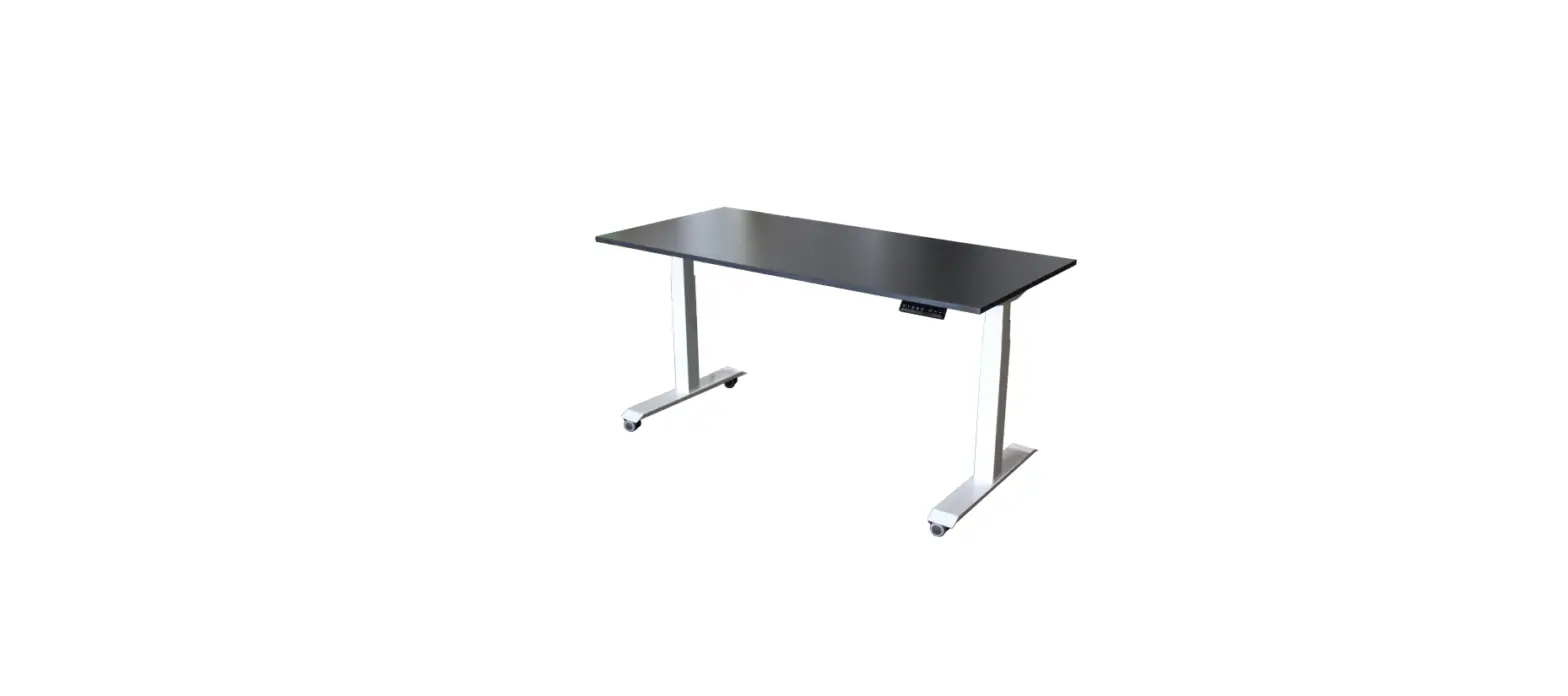
Electrically Height Adjustable Desk
Product Information: This product is a digital desk with adjustable
height. It comes with a digital handset for operating the desk. The
desk can be adjusted to different heights and has preset memory
positions. It also has options to switch between centimeters and
inches unit for height display and to adjust the anti-clamping
sensitivity. Product Usage Instructions: 1. Initialization
procedure: – Hold the button “&” together, the legs will begin
to return to the lowest position. – When the legs return to the
lowest position, release the button “&”. – Initialization is
complete. Note: a. Before using the desk for the first time, the
initialization must be done. b. Once the desk parts have been
replaced, the initialization must be done. c. When initialization
has been interrupted, it must be reinitialized again. 2. Move up
& down: – Hold the button “,” to move the legs up. – Release
the button “,” to stop the legs from moving. – Hold the button “,”
to move the legs down. – Release the button “,” to stop the legs
from moving. 3. Set the memory positions 1/2/3/4: – Hold the button
” or ” until the desk height reaches the position you want. –
Release the button. – Press the button “M”, the height number
displayed on the handset will start flashing. – Then press the
button “1”, “2”, “3” or “4” within the next 3 seconds. – Press the
corresponding button “1”, “2”, “3” or “4” when needed to return the
desk height to the saved position. Note: a. Memory positions will
be eliminated after initialization. b. Memory positions can be
covered. 4. Switch between centimeters and inches unit: – Press the
button “M” first, hold the button, then press the button ” ” within
1 second. – Hold both buttons for 3 seconds. – The desk height
display unit will be switched between centimeters and inches. 5.
Correct the desk height displayed on the handset: – Not specified
in the user manual. 6. Adjust the anti-clamping sensitivity: – Hold
the button “M” for 6 seconds until the screen displays “– –“. –
Press and hold the button “3” for 3 seconds. – The screen will
display “G–N”, where N represents the level of the anti-clamping
sensitivity (0, 1, 2, 3, 4). – Press the button ” or ” to change
the N. 7. Error code: – Not specified in the user manual.
ASSEM BLY I N STRUCTI ON S
V1
English
Caut ion · Keep children and animals away from the desk during use. Ensure the desktop is not touching any walls. · Remove obstacles taller than 20″/51 cm from underneath the desk. · Operate only in a working environment temperature of 32°F-104°F/ 0°C-40°C. · Keep product away from corrosive gases, liquids and dusty objects. · Keep hands, feet and other body parts in a safe position during operation. Anti-collision is not automatically enabled during all resets. · The company does not bear any warranty or liability for damage and human injury caused by any abnormal or un-intended operation of the equipment. · It is necessary to perform a manual reset after the initial installation or power cycling the equipment.
Español
Precaución · Mantenga a los niños y animales alejados del escritorio durante su uso. Asegúrese de que el escritorio no toca ninguna pared. · Retire aquellos obstáculos con una altura superior a 20″/51 cm de debajo del escritorio. · Opérelo únicamente en una temperatura del entorno de trabajo de 32°F-104°F/0°C-40°C. · Mantenga el producto alejado de gases corrosivos, líquidos y objetos con polvo. · Mantenga las manos, pies y otras partes del cuerpo en una posición segura durante el funcionamiento. No se habilita la anticolisión de forma automática tras los reinicios. · La empresa no ofrece ninguna garantía no asume ninguna responsabilidad por cualquier daño o lesión humana provocada por un funcionamiento anormal o no previsto del equipo. · Es necesario realizar un reinicio manual tras la instalación inicial o el ciclo de encendido.
It aliano
At t enzione · Tenere i bambini e gli animali lontani dalla scrivania durante l’uso. Assicurarsi che il piano non tocchi alcuna parete. · Rimuovere gli ostacoli più alti di 20″/51 cm da sotto la scrivania. · Operare solo in un ambiente di lavoro con una temperatura di 32°F-104°F/ 0°C-40°C. · Tenere il prodotto lontano da gas e liquidi corrosivi e oggetti p o lver o si. · Tenere mani, piedi e altre parti del corpo in posizione di sicurezza durante il funzionamento. L’anti-collisione non è automaticamente attivata dopo il ripristino. · La società non si assume alcuna garanzia o responsabilità per danni e lesioni umane causati da un funzionamento anomalo o non previsto dell’apparecchiatura. · È necessario eseguire un ripristino manuale dopo l’installazione iniziale o il ciclo di alimentazione.
1
Deut sch
Vorsicht · Halten Sie Kinder und Tiere während der Benutzung vom Tisch fern. Achten Sie darauf, dass die Tischplatte keine Wände berührt.
· Entfernen Sie Hindernisse, die höher als 20″/51 cm Zoll sind, von der Unterseite des Tisches.
· Betreiben Sie das Gerät nur in einer Arbeitsumgebung mit einer Temperatur von 32°F-104°F/0°C-40°C.
· Halten Sie das Produkt von ätzenden Gasen, Flüssigkeiten und staubigen Gegenständen fern.
· Halten Sie Hände, Füße und andere Körperteile während des Betriebs in einer sicheren Position. Der Antikollisionsschutz wird nach den Zurücksetzen nicht automatisch aktiviert.
· Das Unternehmen übernimmt keine Garantie oder Haftung für Schäden und Verletzungen, die durch einen abnormalen oder unbeabsichtigten Betrieb des Geräts verursacht werden.
· Nach der Erstinstallation oder dem Ersteinschalten der Stromversorgung muss eine manuelle Rückstellung vorgenommen w er d en .
Français
At t ent ion · Pendant l’utilisation, gardez les enfants et les animaux à l’écart du bureau. Veillez à ce que le bureau ne touche aucun mur.
· Éliminez les obstacles de plus de 20″/51 cm pouces de hauteur sous le bureau.
· N’utilisez le produit que dans un environnement de travail dont la température est comprise entre 32°F-104°F/0°C-40°C.
· Éloignez le produit de toute source de gaz corrosifs, de liquides et d’objets poussiéreux.
· Gardez les mains, les pieds et les autres parties du corps dans une position sûre lorsque vous utilisez l’appareil. L’anticollision n’est pas automatiquement activée après les réinitialisations.
· Aucune garantie ou responsabilité n’est assumée par la société pour les dommages et les blessures humaines causés par un fonctionnement anormal ou non intentionnel de l’équipement.
· Une réinitialisation manuelle est indispensable après l’installation initiale ou un cycle d’alimentation.
w w w32°F104°F/0°C40 w w w w
A X2 D X1
B X2
C X1
E X2
F X1
G X1
H X1
I X2
J X4
K X2
L X4
M X10
M6x14
S1 x12
M6x35
S2 x8
ST3.5×15
S3 x2
ST4.8×20
S4 x2
ST4.8×15
S5 x4
T1-M5
T2
V1
2
1
1
2
D B
X1
3
3
B
X1
2
3
X8
4
4
5
5
S1 x12
6
X8
6
7
1
2
3
A A
7
8
8
K
K
1
2
K
K
3
4
K K
5
6
9
10
9
C
90°
90°
10
90°
S5 x4
C F
90° 60°
S4 x2
11
11
S3 x2
G
12
H
M
I
I
G
12
13
E
S2 x8
E
14
J
x4
13
15
L
1
L
L
2
3
L L
14
16
x4
15
2 5 .0
English Deutsch
17-18 19-20
16
Digital Handset Operate Instruction
English
2 5 .0
Up Desktop height
Preset heights
Setting Down
2 5 .0
Up
Down
1. Initialization procedure
Hold the button & together, the legs will begin to return to the lowest position. When the legs return to the lowest position, release the button &. Initialization is complete.
Attention: a. Before using the desk for the first time, the initialization must be done. b. Once the desk parts have been replaced, the initialization must be done. c. When initialization has been interrupted, it must be reinitialized again.
2 5 .0
Up
Down
2. Move up & down
Hold the button , legs move up. Release the button , legs stop. Hold the button , legs move down. Release the button , legs stop.
2 5 .0
Preset heights
17
3. Set the memory positions 1/2/3/4
Hold the button or until the desk height to the position you want, then release the button. Press the button M, the height number displayed on the handset will start flashing. Then press the button 1, 2 , 3 or 4 within next 3 seconds. Press the button 1, 2 , 3 or 4 when needed, the desk height will return to the corresponding position saved.
Attention: a. Memory position will be eliminated after initialization. b. Memory position can be covered.
2 5 .0
2 5 .0
Up
Set t in g
Down
4. Switch between centimeters and inches unit
Press the button M first, hold the button, then press the button within 1 second, hold both buttons for 3 seconds, the desk height display unit will be switched between centimeters and inches.
Set t in g
Down
5. Correct the desk height displayed on the handset
If the actual height of the desk is inconsistent with the height displayed on the handset, you can take the following steps to correct it. Press the button M first, hold the button, then press the button within 1 second, hold both buttons for 3 seconds, the first digit of the desk height will start flashing. You can press the button or to change the first digit. When the first digit is corrected, press the button M, the second digit of the desk height will start flashing. You can press the button or to change the second digit. Repeat the above steps until all digits are corrected. Press the button M to end the height correct process.
—-
Set t in g
6. Adjust the anti-clamping sensitivity
Hold the button M for 6 seconds until the screen displays “– –“. Press and hold the button 3 for 3 seconds, the screen will display “G–N”. N represents the level of the anti-clamping sensitivity. N can be 0, 1, 2, 3, 4. “G–0” means no anti-clamping function, “G–4″ means the highest anti-clamping sensitivity. You can press the button or to change the N.
E0 1
7. Error code E01: Leg malfunction. Check the cables between the legs and the control box first. If all the cables are connected, contact our customer service. E02: Frequent operations. Wait for 20 minutes to return to normal. E03: Overload. The objects placed on the desktop are too heavy. E04: Control box malfunction. Complete the initialization procedure first. If initialization cannot solve the problem, contact our customer service. E06: Communication interruption. The connection between the handset and the control box is interrupted. Check the cable between the handset and the control box. E12: Gyroscope malfunction. The desk is tilted, place the desk flat or place the control box flat, then reconnect power.
18
Digitale Tastatur Bedienungsanweisung
Deutsch
2 5 .0
Erheben Desktop-Höhe
St an d ar d h ö h e
Einstellung Absenken
2 5 .0
Er h eb en
1. Initialisierungsvorgang
Absenken
Halten Sie die Taste & zusammen. Die Tischbeine beginnen, in die niedrigste Position zurückzukehren. Wenn die Tischbeine in die niedrigste Position zurückkehren, lassen Sie die Taste & los. Die Initialisierung ist abgeschlossen.
Aufmerksamkeit: a. Vor der ersten Benutzung des Schreibtisches muss die Tastatur Initialisierung durchgeführt werden. b. Nachdem die Teile von Tischbeinen ausgetauscht wurden, muss die Tastatur initialisiert werden. c. Die Initialisierung sollte nach einer Unterbrechung einmal wiederholt werden.
2 5 .0
Er h eb en
2. Höhenverstellung der Tischbeine
Absenken
Wenn Sie die Taste gedrückt halten, bewegen sich die Beine nach oben. Dann lassen Sie die Taste los, hören die Tischbeine auf, sich nach unten zu bewegen. Wenn Sie die Taste gedrückt halten, bewegen sich die Beine nach oben. Dann lassen Sie die Taste los, hören die Tischbeine auf, sich nach oben zu bewegen.
2 5 .0
St an d ar d h ö h e
19
3. Einstellung der Speicherplätze 1/2/3/4
Halten Sie die Taste oder gedrückt, bis die Schreibtisch die gewünschte Höhe erreicht hat. Dann lassen Sie die Taste los. Drücken Sie die Taste M, die auf der Fernbedienung angezeigte Höhennummer beginnt zu blinken. Drücken Sie dann innerhalb der nächsten 3 Sekunden die Taste 1, 2, 3 oder 4. Drücken Sie bei Bedarf die Taste 1, 2, 3 oder 4, die Tischhöhe kehrt zur entsprechenden gespeicherten Position zurück.
Aufmerksamkeit: a. Speicherplatz wird nach Initialisierung gelöscht. b. Der Wert vom Speicherplatz kann abgedeckt werden.
2 5 .0 2 5 .0
Er h eb en
—E0 1
Ein st ellu n g
4. Umrechnung zwischen Zentimeter und Zoll
Absenken
Drücken Sie zuerst die Taste M, halten Sie die Taste gedrückt. Drücken Sie dann innerhalb von 1 Sekunde die Taste . Halten Sie beide Tasten 3 Sekunden lang gedrückt. Die Anzeigeeinheit für die Tischhöhe wird zwischen Zentimeter und Zoll umgerechnet.
Ein st ellu n g
5. Korrektur der auf der Tastatur angezeigten Tischhöhe
Absenken
Wenn die tatsächliche Höhe des Schreibtischs nicht mit der auf der Tastatur angezeigten Höhe übereinstimmt, können Sie dies mit den folgenden Schritten korrigieren. Drücken Sie zuerst die Taste M, halten Sie die Taste gedrückt, drücken Sie dann innerhalb von 1 Sekunde die Taste . Halten Sie beide Tasten 3 Sekunden lang gedrückt, die erste Ziffer der Tischhöhe beginnt zu blinken. Sie können die Taste oder drücken, um die erste Ziffer zu ändern. Wenn die erste Ziffer korrigiert ist, drücken Sie die Taste M, die zweite Ziffer der Tischhöhe beginnt zu blinken. Sie können die Taste oder drücken, um die zweite Ziffer zu ändern. Wiederholen Sie die obigen Schritte, bis alle Ziffern korrigiert sind. Drücken Sie die Taste M, um den Prozess der Höhenkorrektur zu beenden.
6. Einstellung der Anti-Klemm-Empfindlichkeit
Ein st ellu n g
Halten Sie die Taste M 6 Sekunden lang gedrückt, bis auf dem Bildschirm”– –“angezeigt wird. Drücken und halten Sie die Taste 3 für 3 Sekunden, der Bildschirm zeigt “G–N”an. N repräsentiert das Niveau der Anti-Klemm-Empfindlichkeit. N kann 0, 1, 2, 3, 4 sein.”G–0″bedeutet keine Klemmschutzfunktion,”G–4” bedeutet höchste Klemmschutzempfindlichkeit. Sie können die Taste oder drücken, um das N zu ändern.
7. Fehlercode
E01: Tischbeinfehlfunktion. Überprüfen Sie zuerst die Kabel zwischen den Tischbeinen und der Kontrollbox. Wenn alle Kabel angeschlossen sind, wenden Sie sich an unseren Kundendienst. E02: Häufiger Betrieb. Warten Sie 20 Minuten, bis die Tastaur wieder normal ist. E03: Überlast. Die auf dem Schreibtisch platzierten Gegenstände sind zu schwer. E04: Fehlfunktion der Kontrollbox. Führen Sie zuerst die Initialisierungsprozedur durch. Wenn die Initialisierung das Problem nicht lösen kann, wenden Sie sich an unseren Kundendienst. E06: Kommunikationsunterbrechung. Die Verbindung zwischen Tastatur und Kontrollbox ist unterbrochen. Überprüfen Sie das Kabel zwischen ihnen. E12: Fehlfunktion des Gyroskops. Der Schreibtisch ist geneigt. Stellen Sie den Schreibtisch flach auf oder stellen Sie die Kontrollbox flach auf. Dann schließen Sie die Stromversorgung wieder an.
20