Rapsodo MLM2PRO Mobile Launch Monitor and Golf Simulator User Guide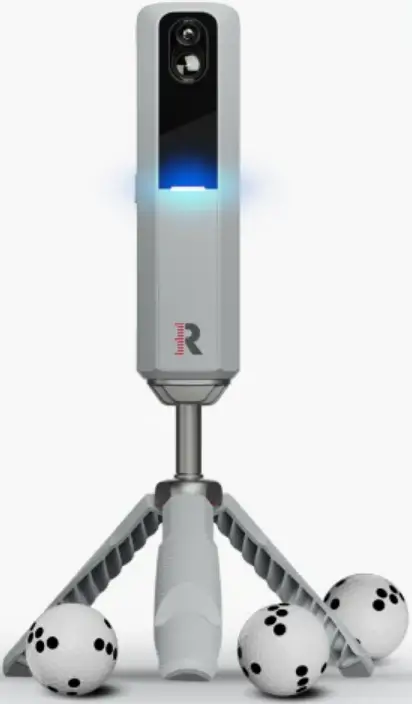
OVERVIEW
Welcome to Rapsodo Golf
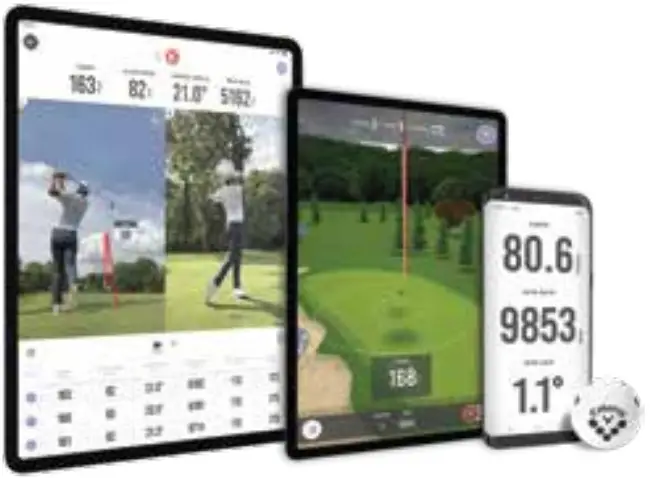
Get ready to OWN THE COURSE.'” with your MLM2PROTh. MLM2PROTh is the ultimate edge in precision golf technology. It is better than the next best thing for your game. It’s the future of your game!
Charge the Device
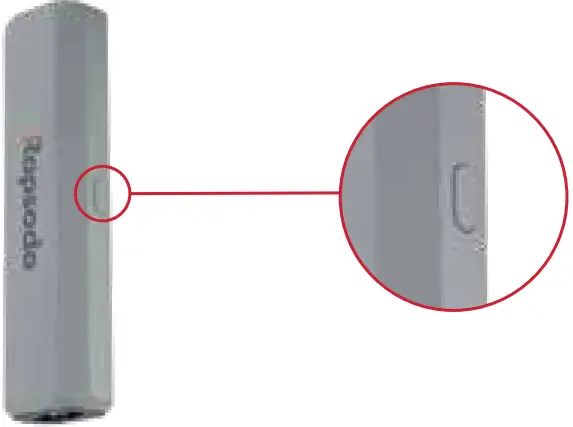
Before your first session, fully charge the MLM2PROT” using the provided USB-C cable. The LED will turn amber while the MLM2PROT” is charging.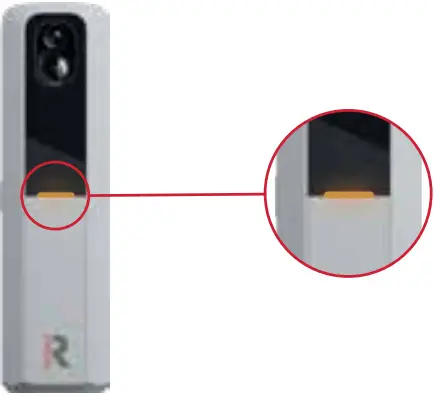
The LED will turn off when the device is fully charged. Please allow up to four hours for a full charge. Battery status can be viewed in the MLM2PRO'” Mobile App when the device is paired.
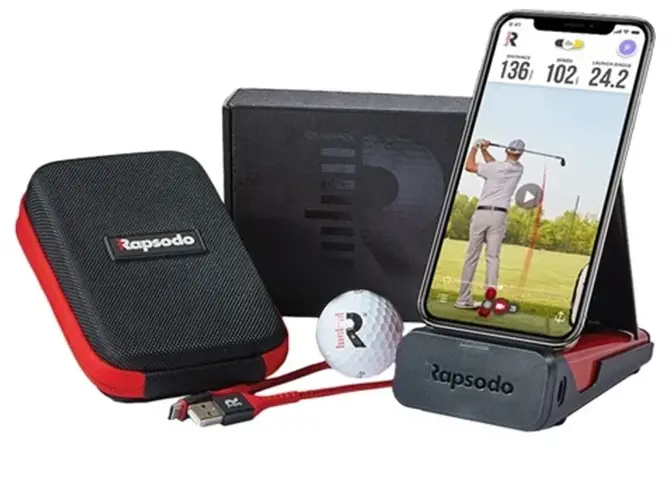
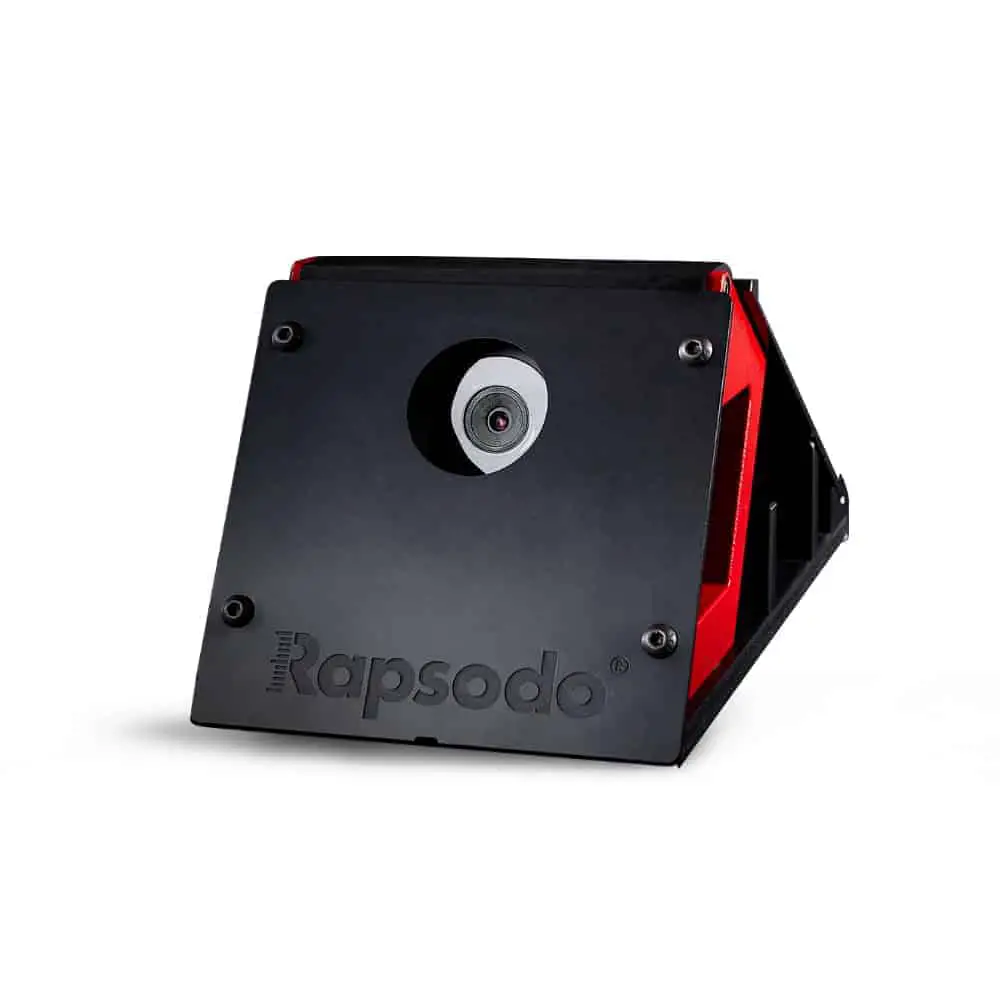
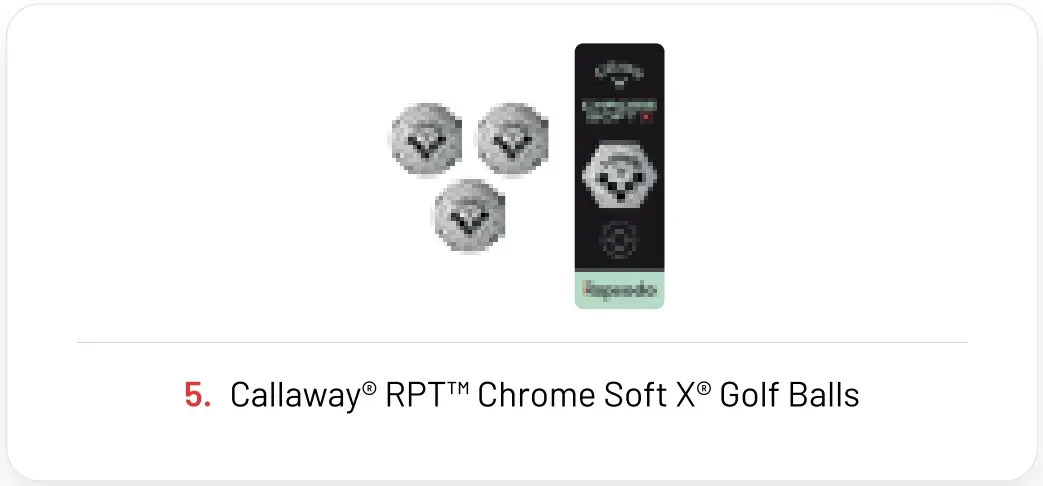
WHATS IN THE BOX?
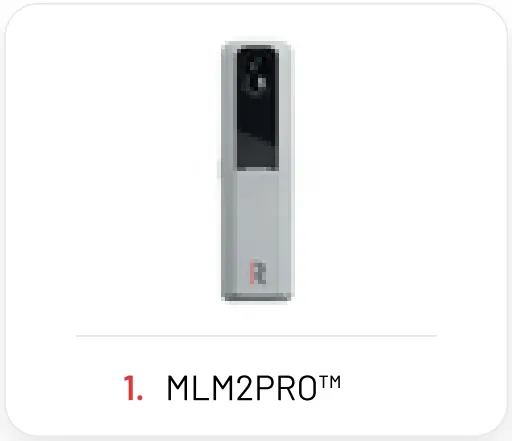
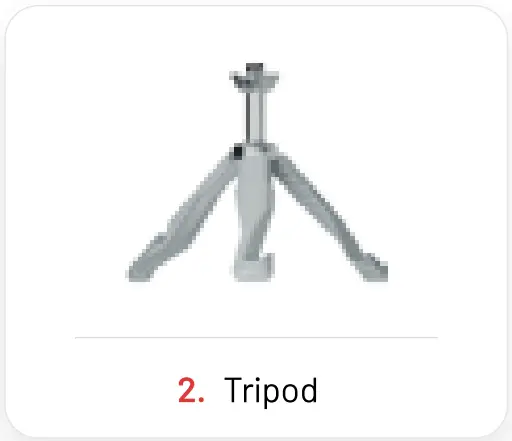
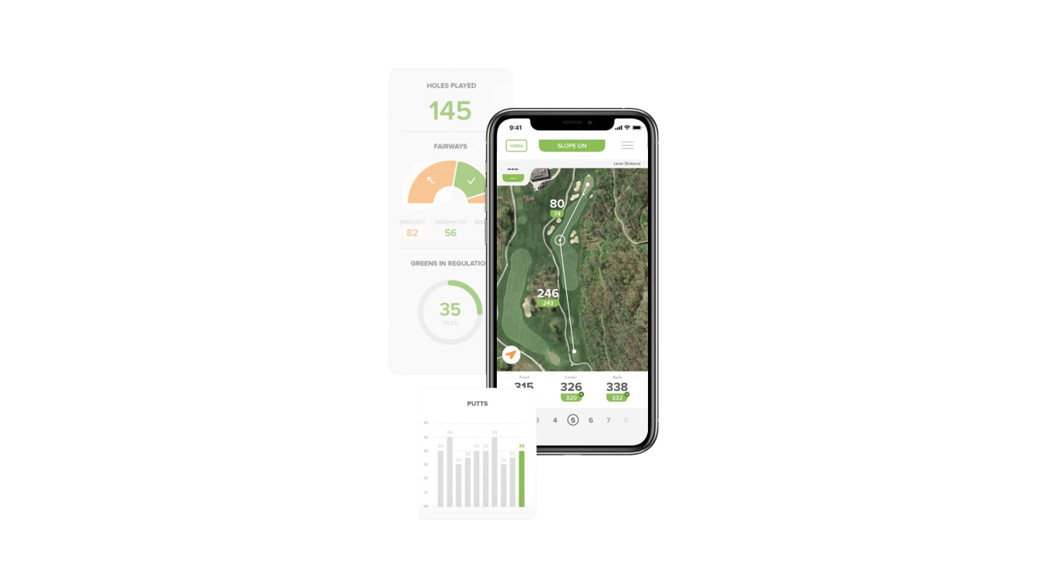
MLM2PROTM Mobile App
- Download the Rapsodo MLM2PROlm app f om the App Store or Google Play Store by scanning the PR code.

- Create an account or login to an existing account.
- Follow the on-screen prompts to register your MLM2PROT” and activate your 1-year Premium Membership.
1-year Premium Membership included with new device registration. Non-transferable.
MLM2PROT” Set Up
- Turn on your MLM2PRO'” by holding the power button for two seconds. The LED will turn red when the device is powered on.

- On your mobile device, open the MLM2PROT” App and select an option from the Play tab.
- Follow the on-screen prompts to pair your phone or tablet with the MLM2PROT”. To connect, ensure Bluetooth and Wi-Fi are enabled and appropriate App permissions are granted.
- Once you’ve connected your MLM2PROT”, follow the on-screen prompts to finish setting up your session.
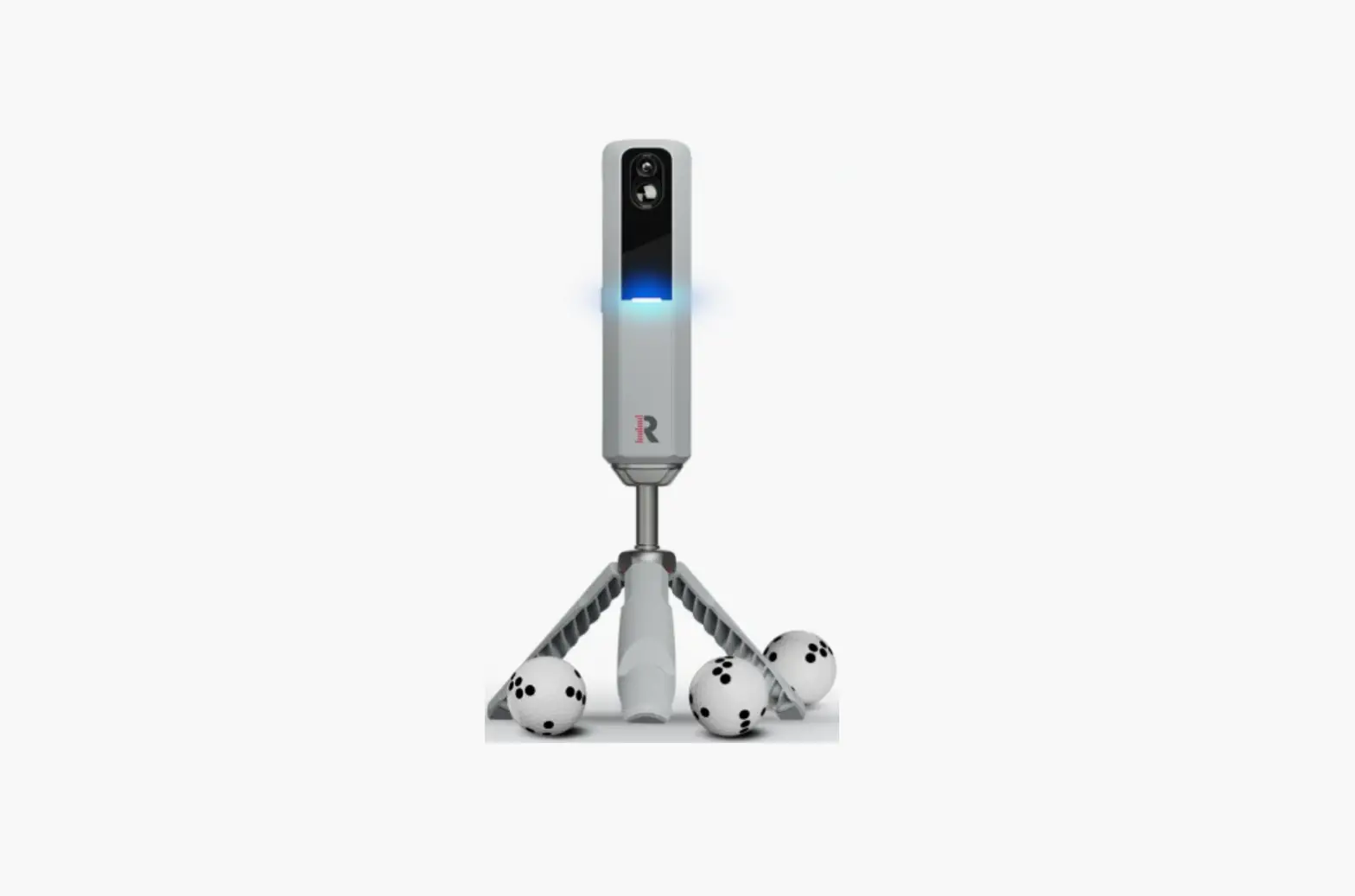
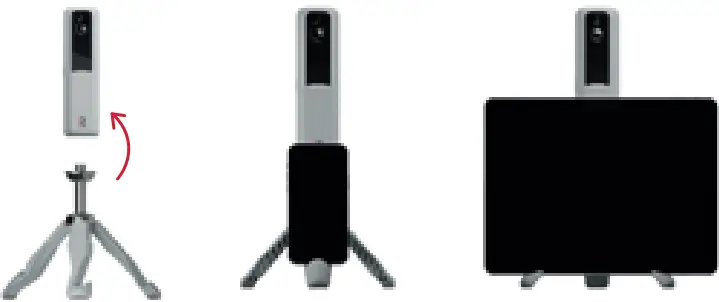
- Attach the tripod to the MLM2PRO”. The tripod can hold a phone or tablet.

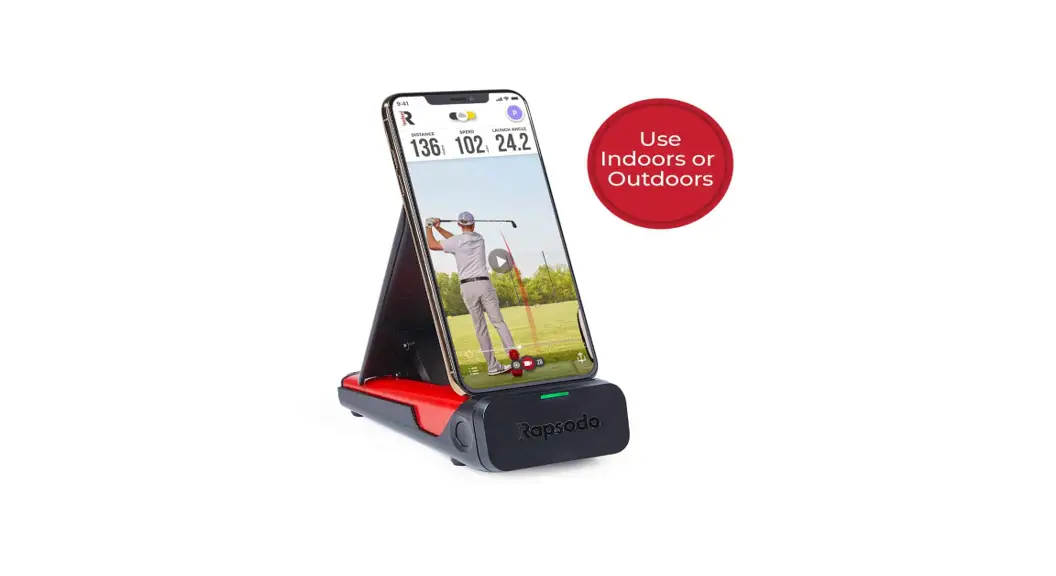
- Ensure the MLM2PROT” is on level ground and there are no obstructions between the device and the ball. When hitting indoors, ensure you have a well lit environment.
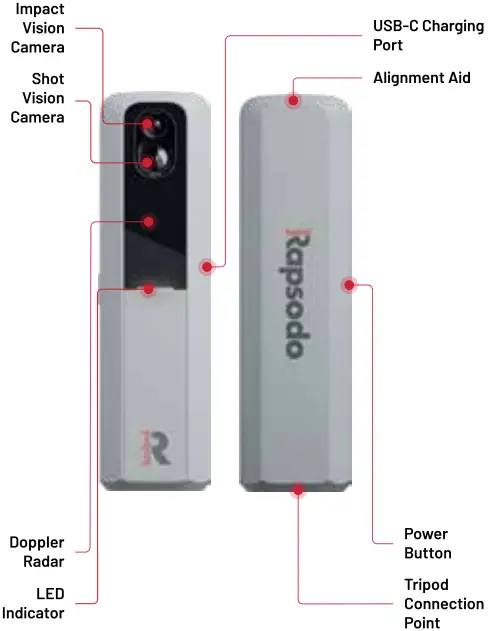
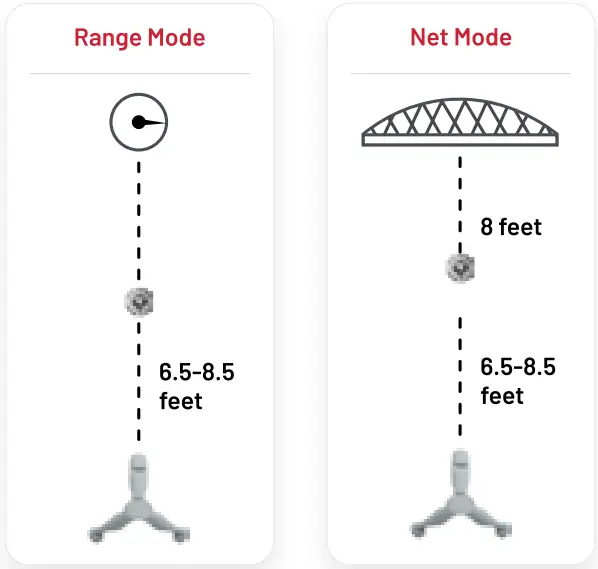
- Place the MLM2PROT” between 6.5-8.5 feet directly behind the ball. Ensure the alignment aid on top of the MLM2PROTh aims down the intended target line.

LED Guide
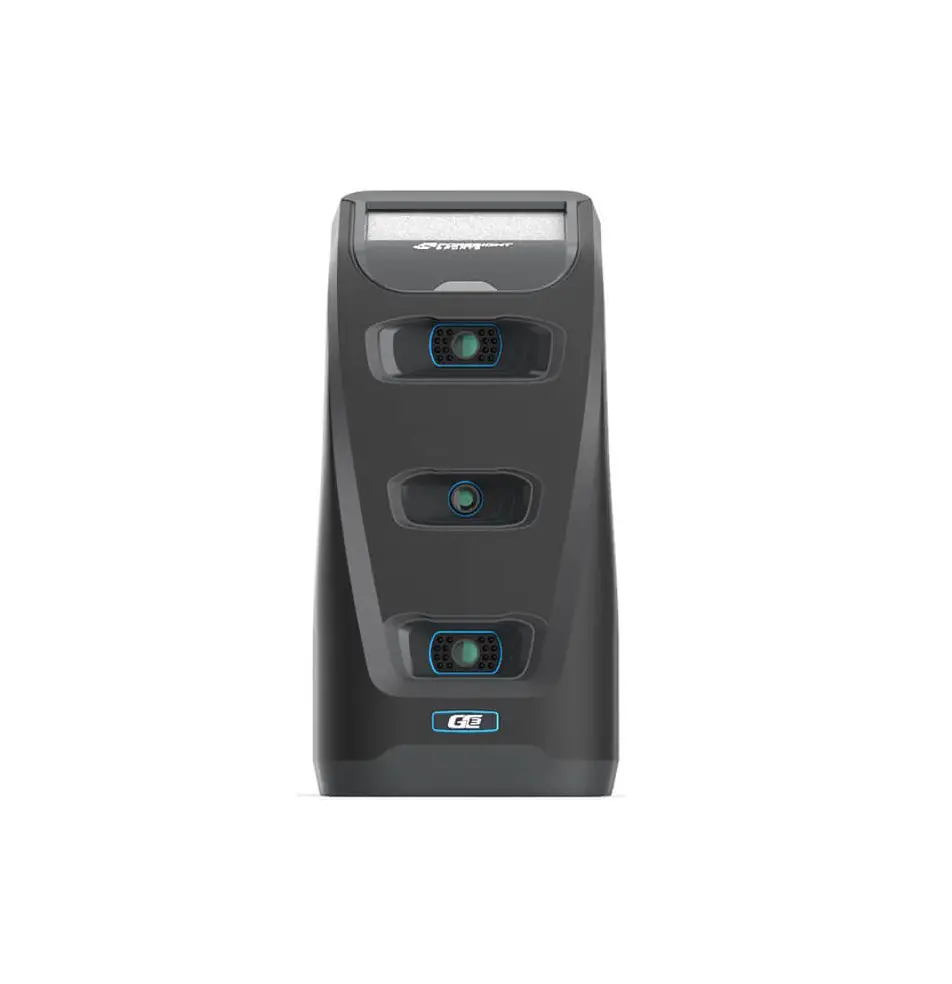
The LED on the front of the MLM2PROT” indicates the device status.
 Solid Red The device is powered on, but not connected to the MLM2PRO'” app.
 Flashing Blue The device is trying to connect.
 Solid Blue The device is connected, or a shot is processing.
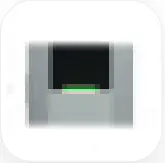 Solid Green The device detects a ball, user may hit a shot.
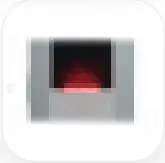 Flashing Red The device has low battery.
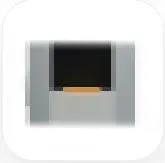 Solid Amber The device is charging. The Amber light will turn off when the device is fully charged.
 Flashing white The device firmware is updating.
Additional Resources
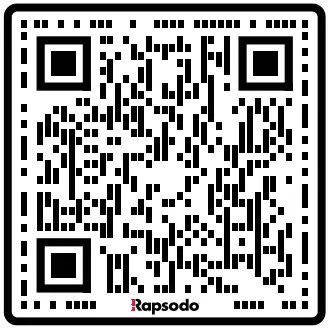
For additional help getting started, please scan the QR codes below to access our online User Manual and FAQs.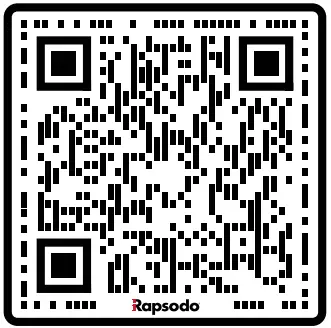
Have additional questions? Please email us at [email protected], or select Contact Support via the Profile tab in the MLM2PROT” mobile app.
Connect with Us
Congratulations and welcome to the Rapsodo Golf Community! Your home for product updates, news on feature releases, community support, celebration of your game, and more. Follow us on any of the socials below to connect and engage with fellow Rapsodo golfers!