PITCHING 2.0 Baseball Pitch Design and Tracking Software
QUICK START GUIDE
www.rapsodo.com
[email protected]
For additional user information download the PITCHING 2.0 user manual at
www.rapsodo.com/downloads
1. Create a coach account at cloud.rapsodo.com
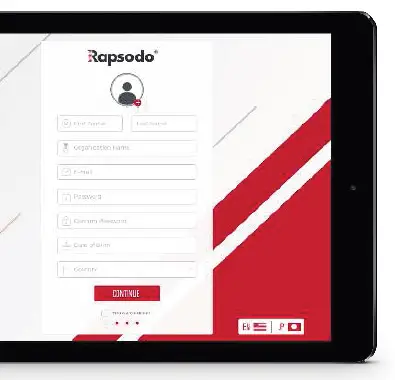
This will be your username and password to login to both the cloud and applications
2. Download ‘Rapsodo pıtchıng’ app
Go to the Apple App Store and search for Rapsodo PITCHING 2.0
App Requirements:
- iOS 10.3 or later
- iPad Air 2 or newer
The ’’Guest’’ account is the default setting and has limited data. To track pitches and have complete data access be sure to create and activate a player profile
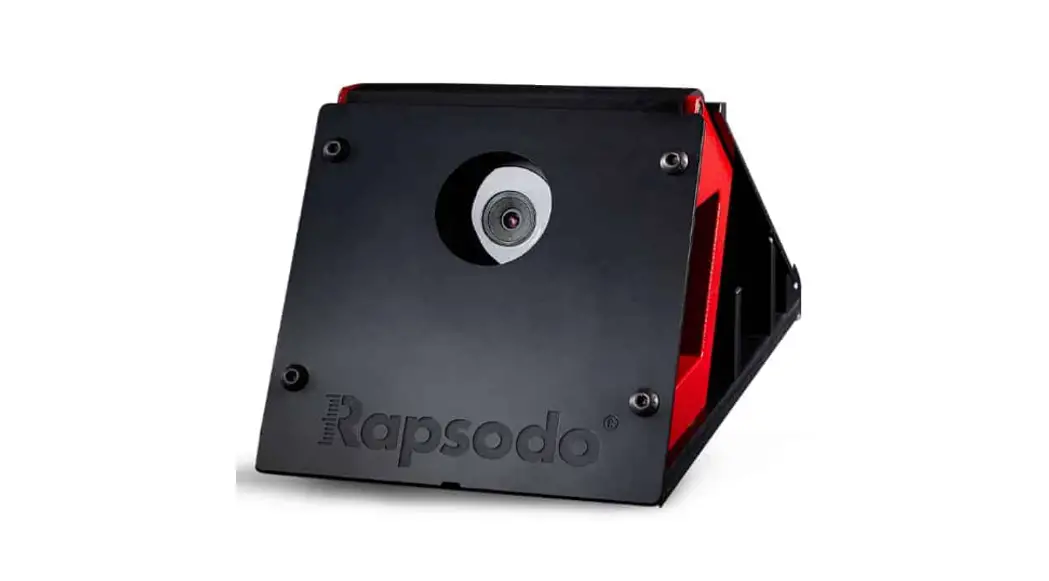
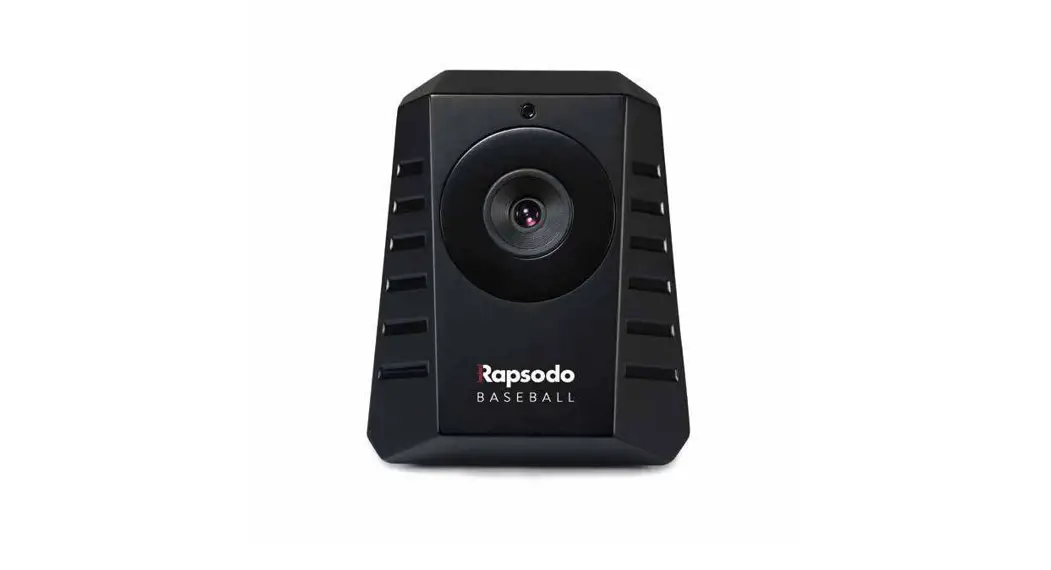
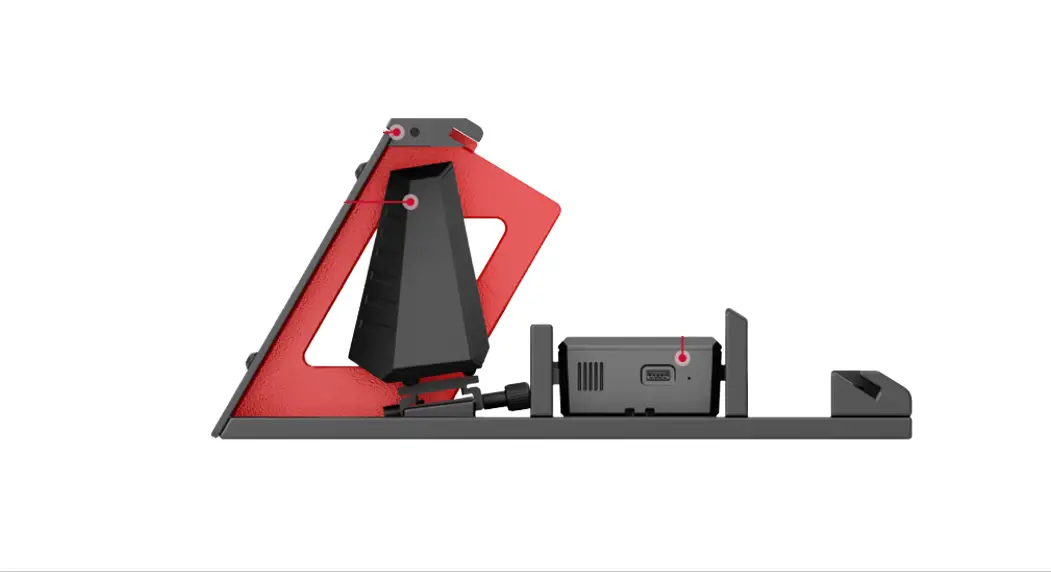
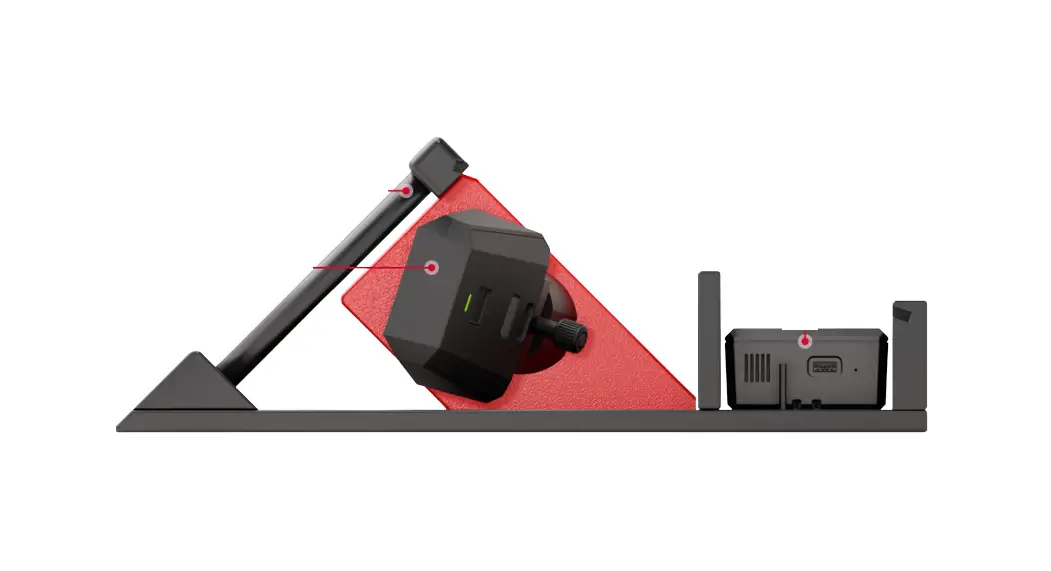
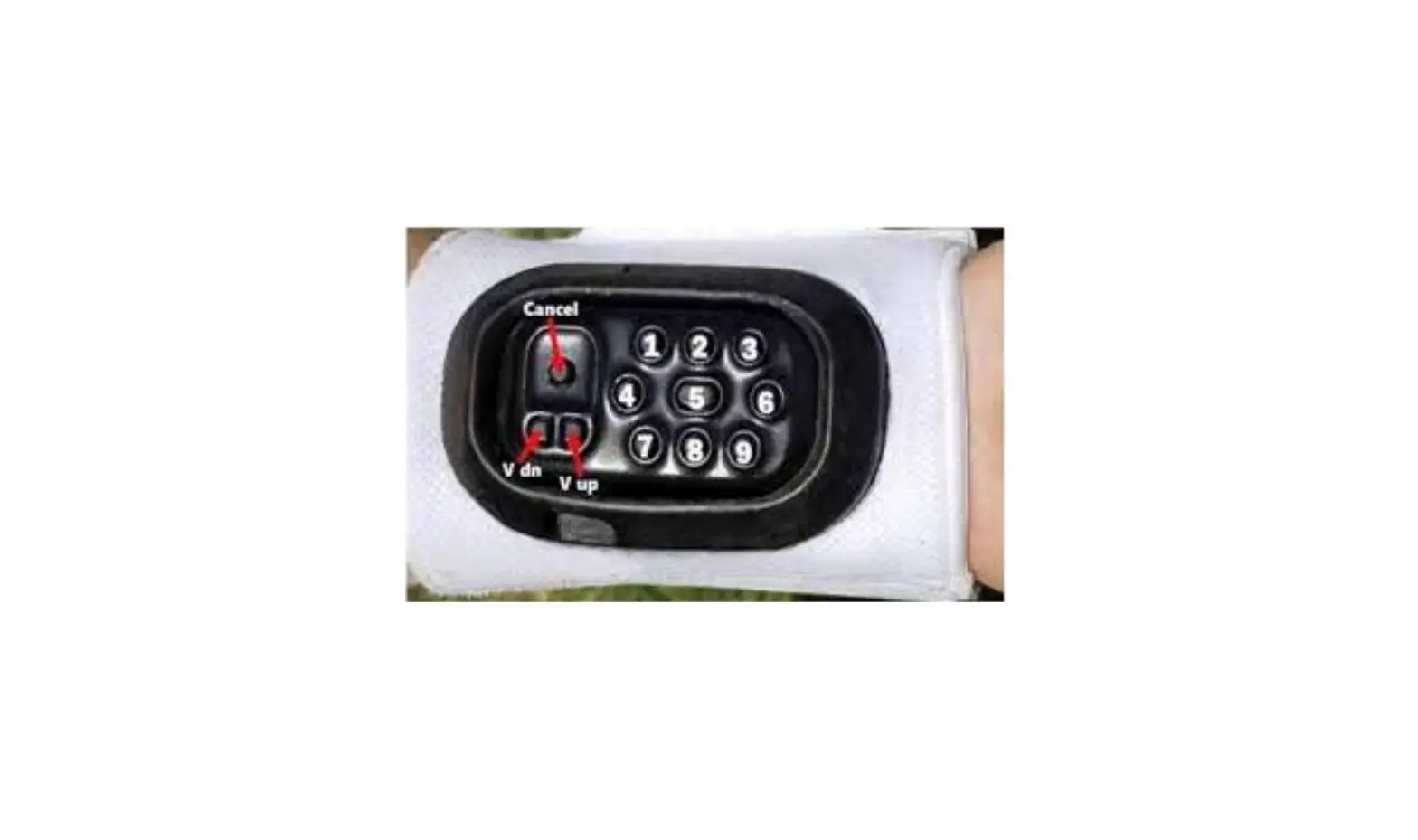
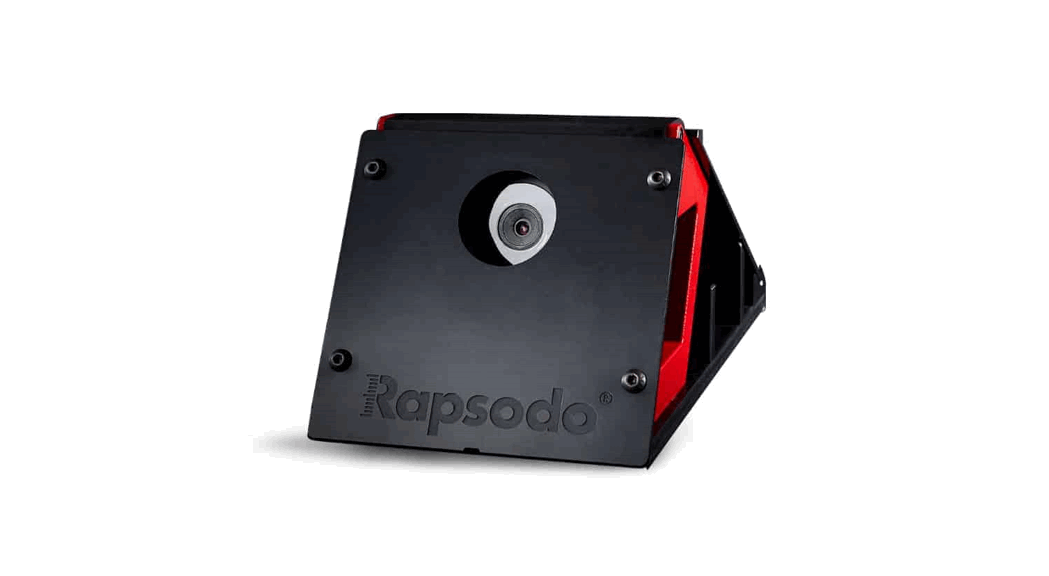
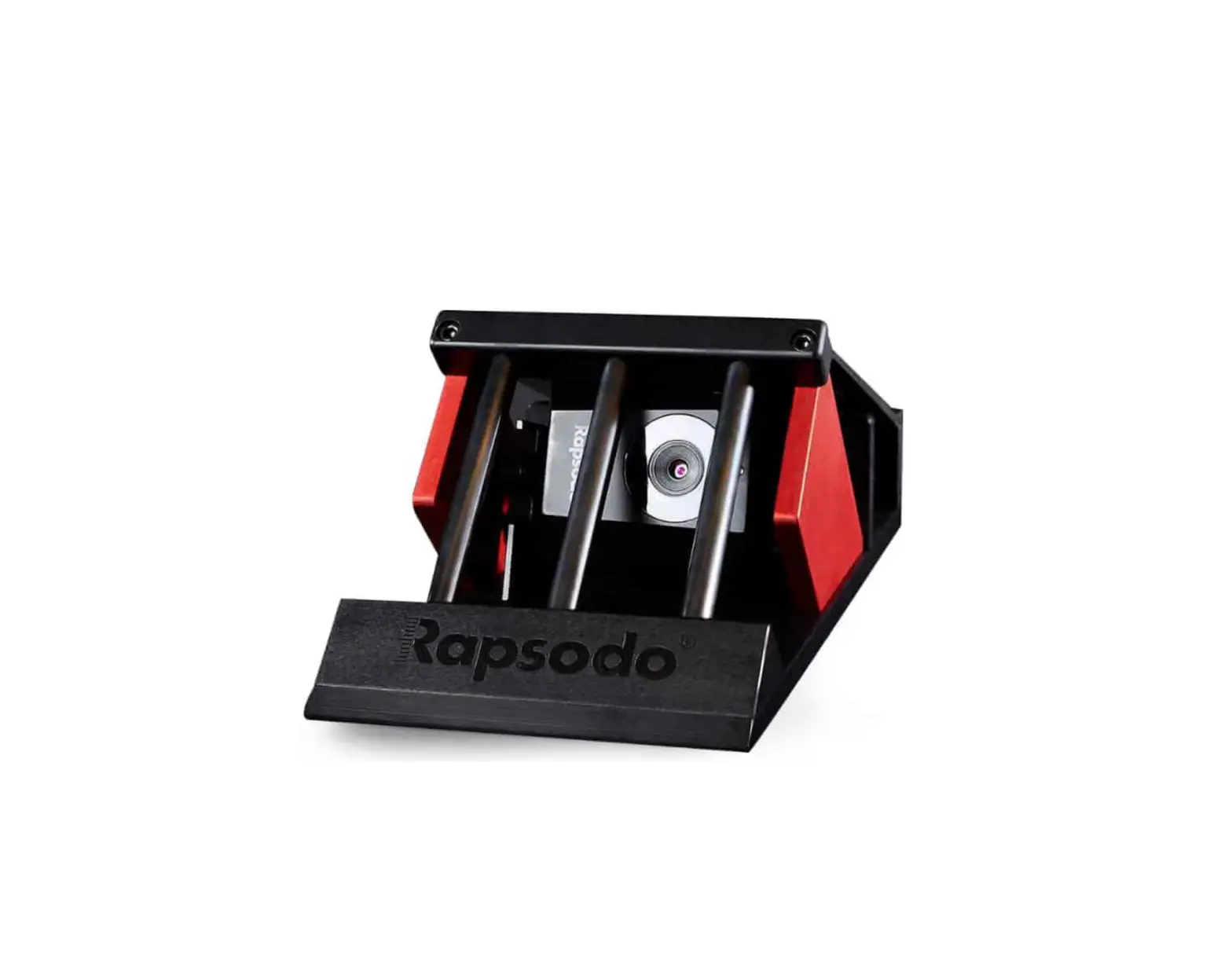
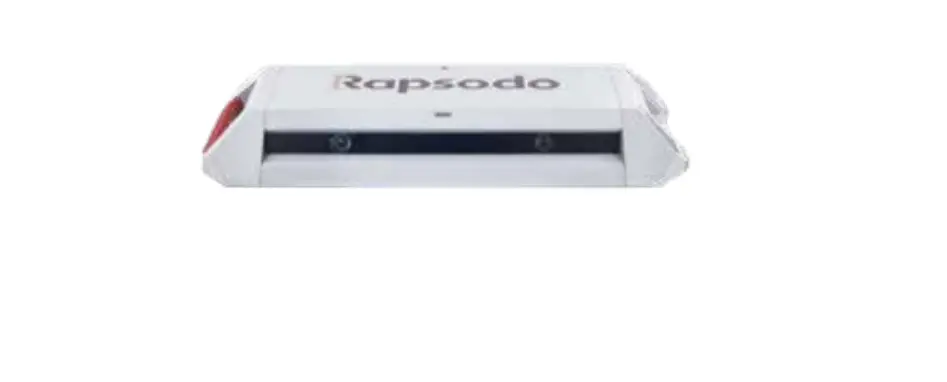
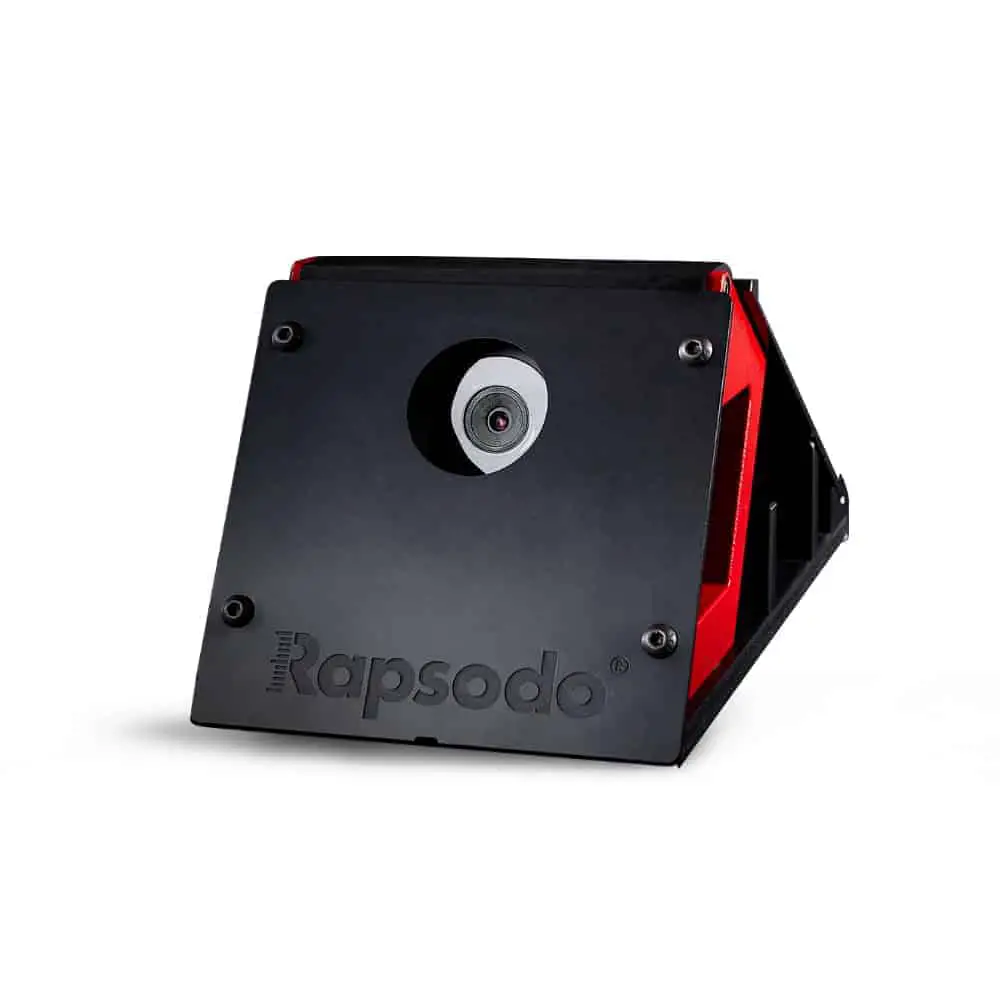
3. Set up the monıtor and the RCE
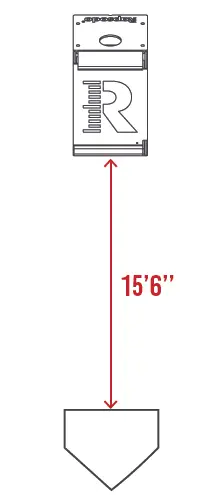
Using the provided measuring tape, place the front of the tank 15’6” from the FRONT of home plate
4. Pair the RCE and the app
Turn on both the RCE and Monitor and connect to Rapsodo WiFi in your device settings
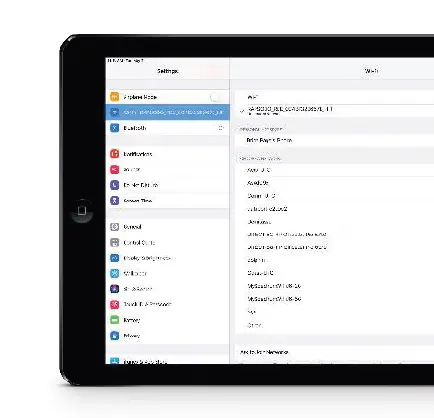
When connected to the Rapsodo WiFi the iPad will say ‘’No Internet Connection‘’
5. Calibration
Connect the RCE to the application and calibrate the monitor. To calibrate the monitor have a person stand on the center of the pitching rubber.
The red line in the azimuth view should go directly down the middle of the pitching rubber
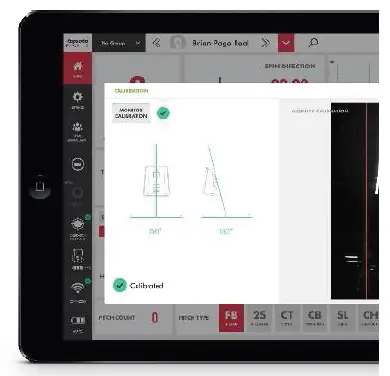
Angles should be as close to 0 degrees and 14 degrees as possible
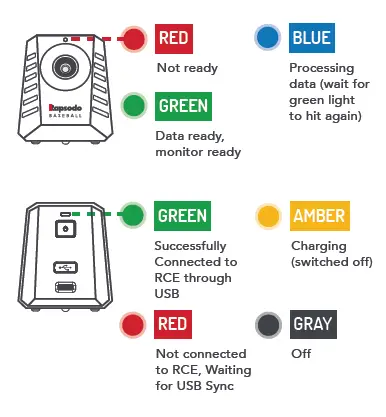
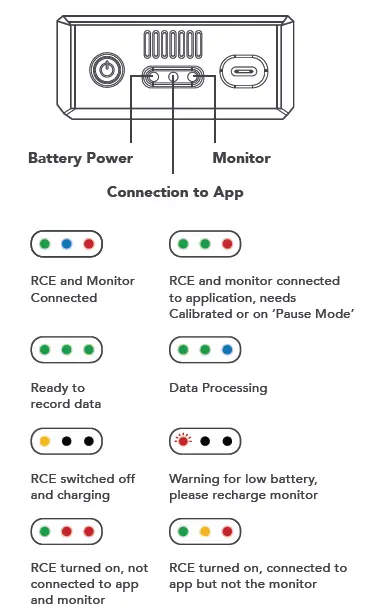
Displays
Maintenance
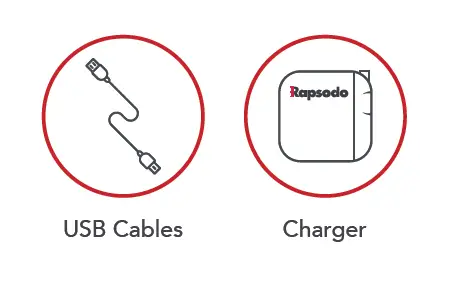
The monitor and RCE must be charged separately to ensure a complete charge for each device.
Federal Communication Commission (FCC)
Interference Statement
The FCC Interference Statement can be found on our website,
www.rapsodo.com/fcc
 Diamond Sports Cloud Platform
 Sports Analytics Technology | Measure To Master | Rapsodo® - Official