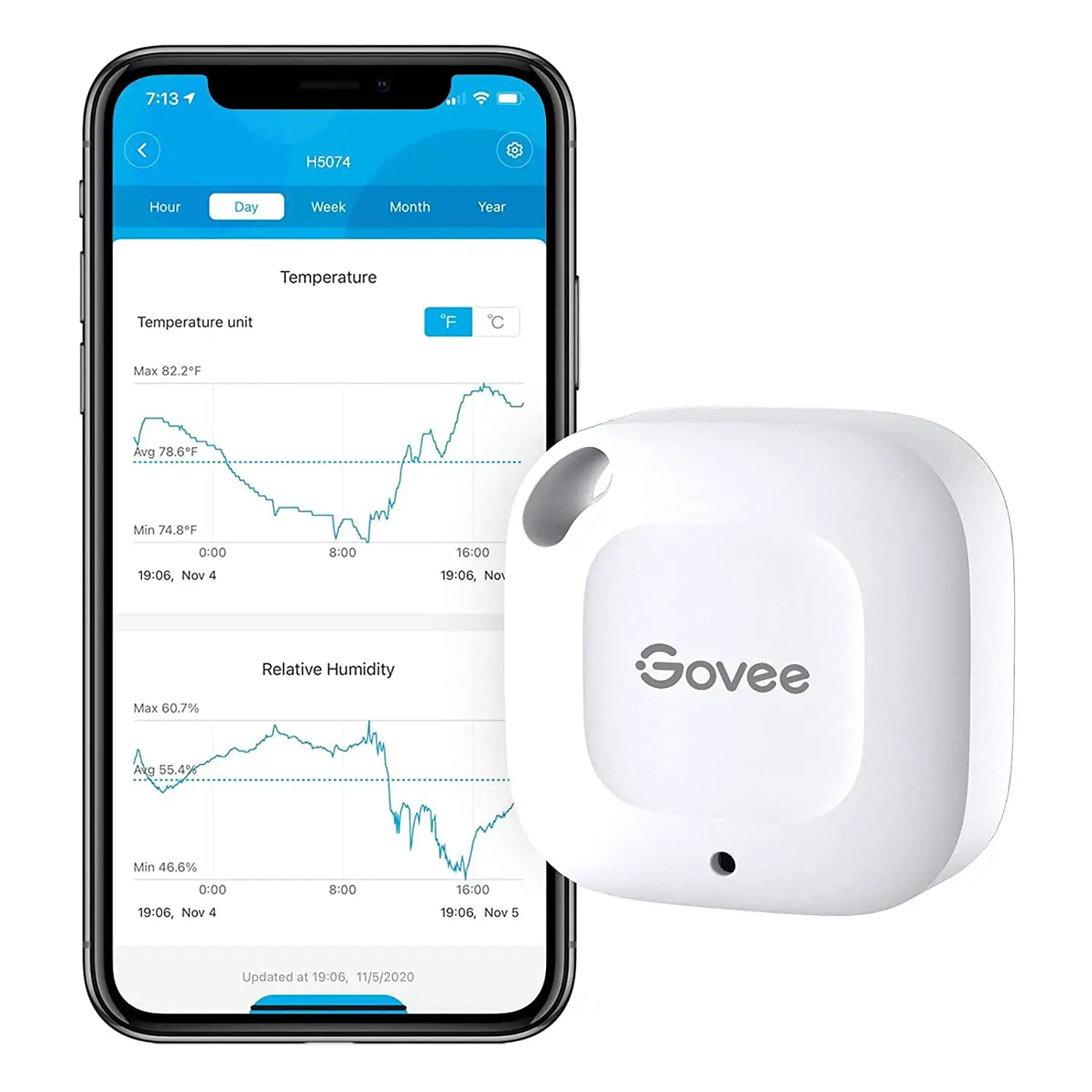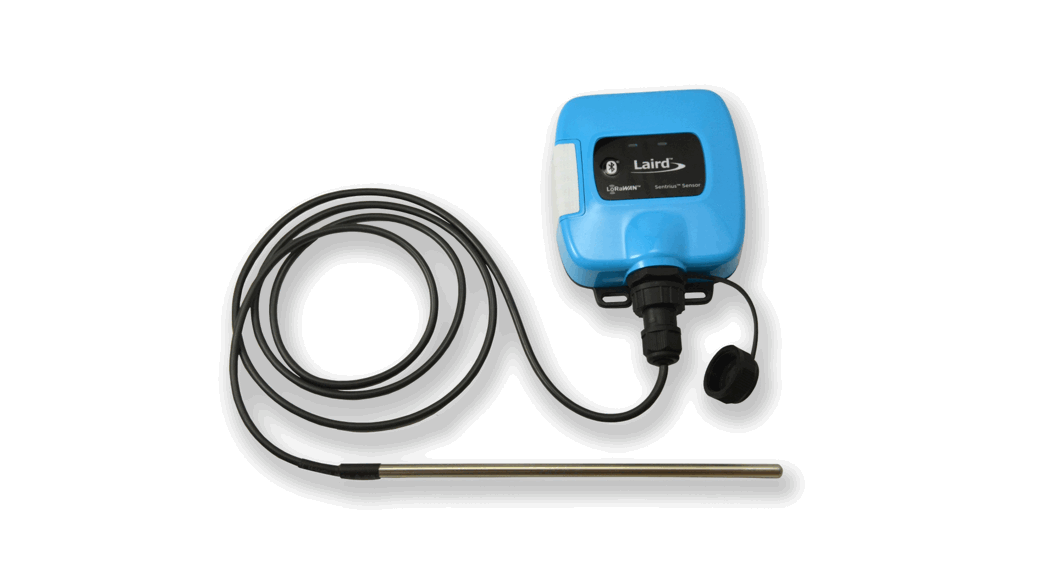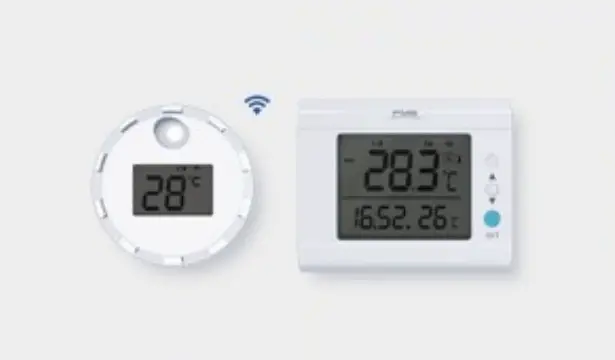

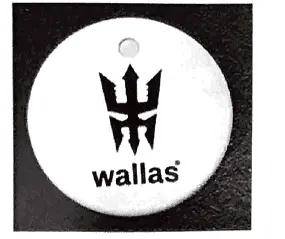
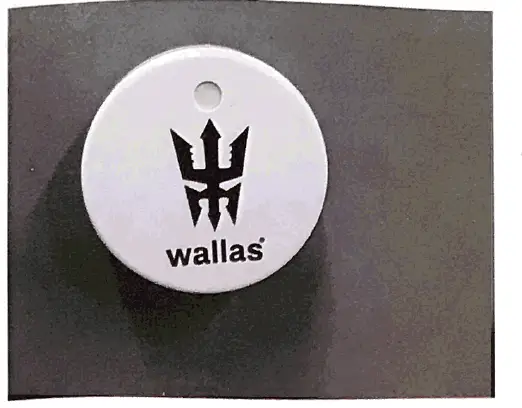
wallas 4432 Bluetooth Temperature Sensor

Connecting Bluetooth Sensor
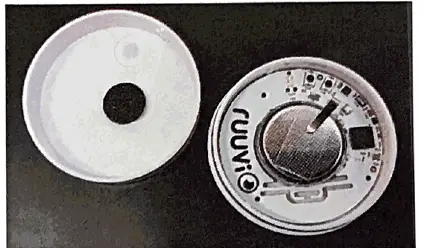
- Powering a 4432 is automatic: inserting the provided CR2477 battery into the thermo sensor battery holder will power up the sensor (simply pull the clear tape out on new sensors).
- The powered-on indicator lights are defined by the firmware version currently in use.
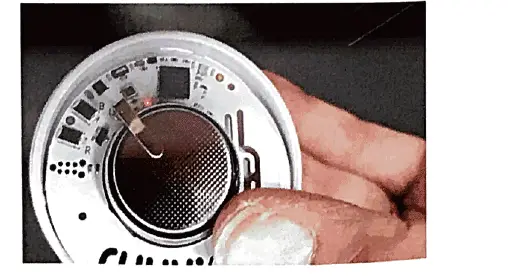
- To connect the thermostat with a Wallas unit, the Red indicator LED must blink continuously. If the Green indicator LED blinks, operation mode must be changed to Red.
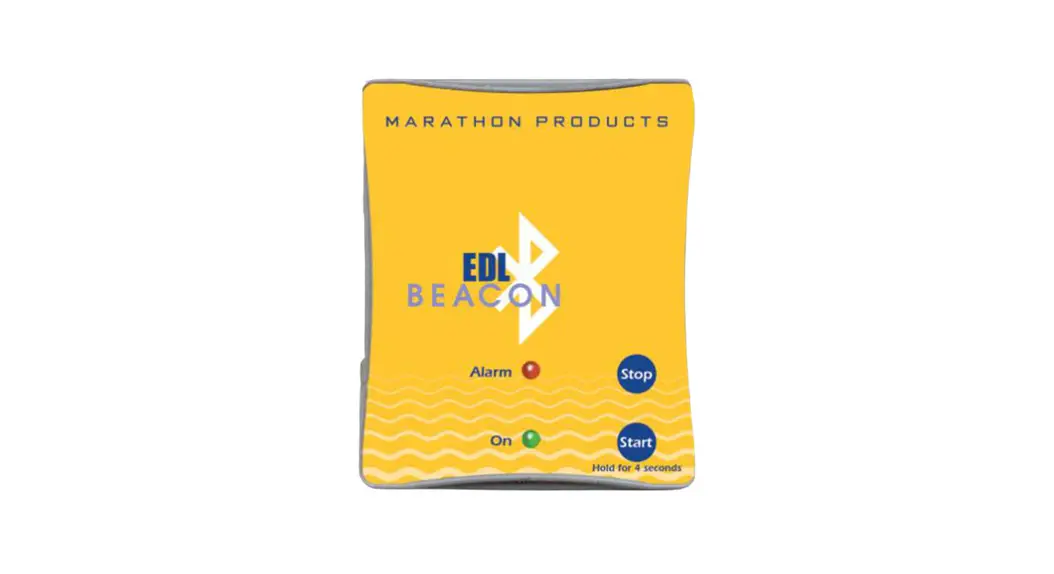
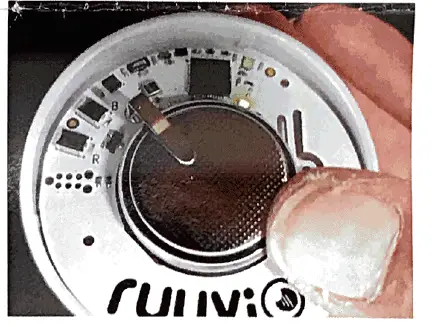
- There are two buttons on the 4432 main board: Button Rand Button B. There are two indicator LED lights, Red and Green.
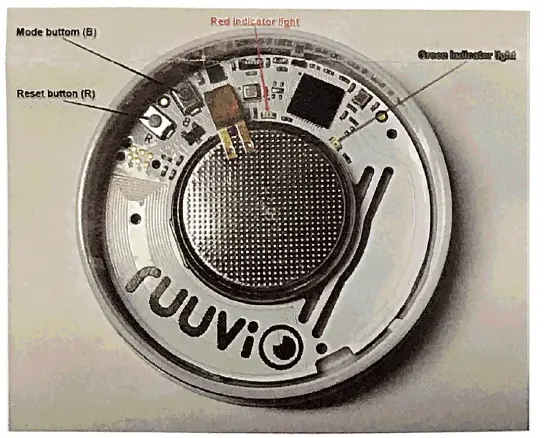
- To change the operation mode from Green to Red, push mode button B two times .
- In case changing operating mode fails, sensor 4432 can be reset by pressing button R.
When mode button Bis pushed both indicator lights shine bright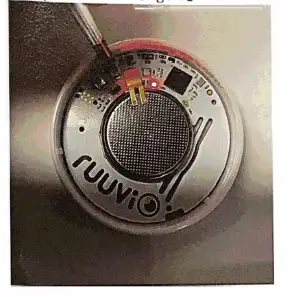
HOW TO USE
- Setting up the Wallas BLE Temperature Beacon (Bluetooth Low Energy)

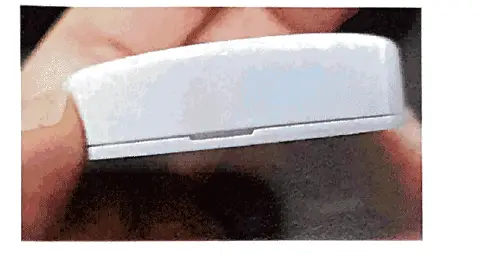
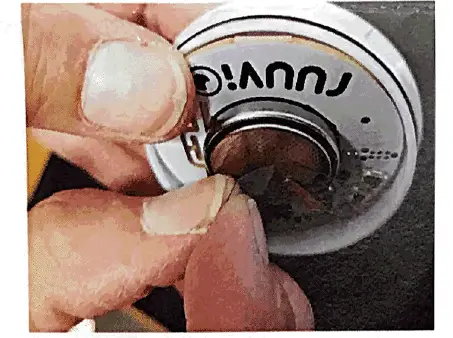
- Locate the slot

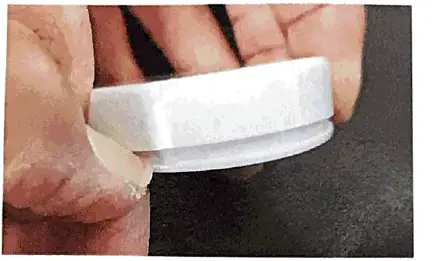
- Open the case with your nail

- Remove the cap

- Remove the transparent plastic piece

- The green LED will illuminate first

- Next the red LED will start to blink

- Close the cap, turn the round hole over the red blinking LED light

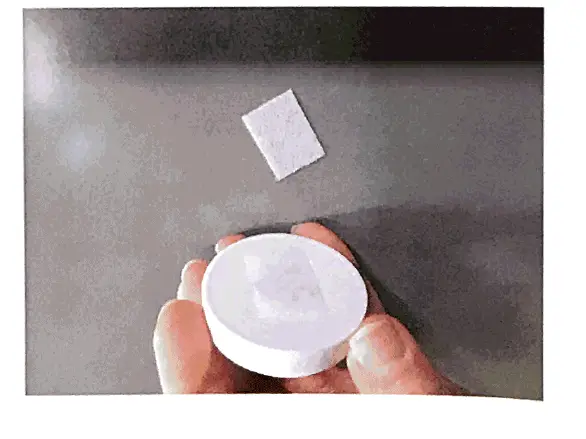
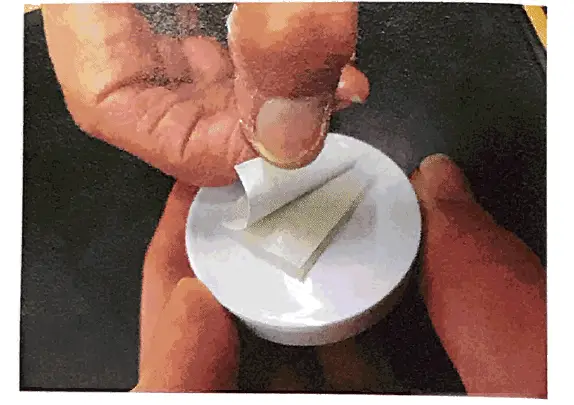
- Remove the tape from Velcro

- Stick the beacon to the wall and you are all set. Make sure that the wall is not made out of metal and that there is no metal close by.


SERVICE:
The beacon can be removed from the wall for battery change easily by pulling it off from the wall Velcro. The battery should last 1-2 years.