
Scigiene Maxilog Pdf Temperature Bluetooth Datalogger User Guide

Scigiene Maxilog Pdf Temperature Bluetooth Datalogger User Guide

Scigiene MaxiLog PDF Temperature Bluetooth Datalogger - LOGOMaxiLog PDF Temperature Bluetooth Datalogger
User Guide

Easy Use Instructions

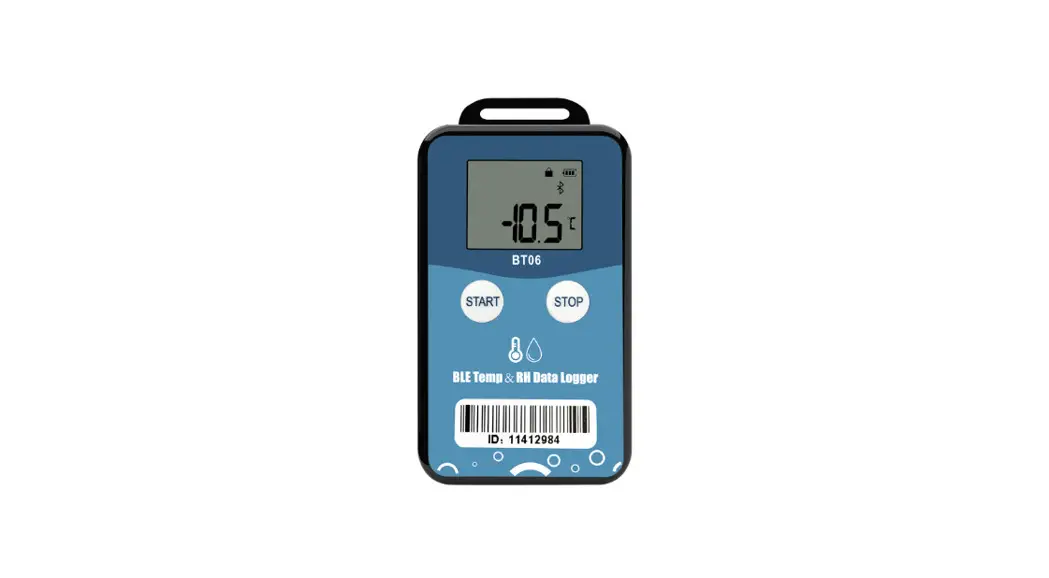
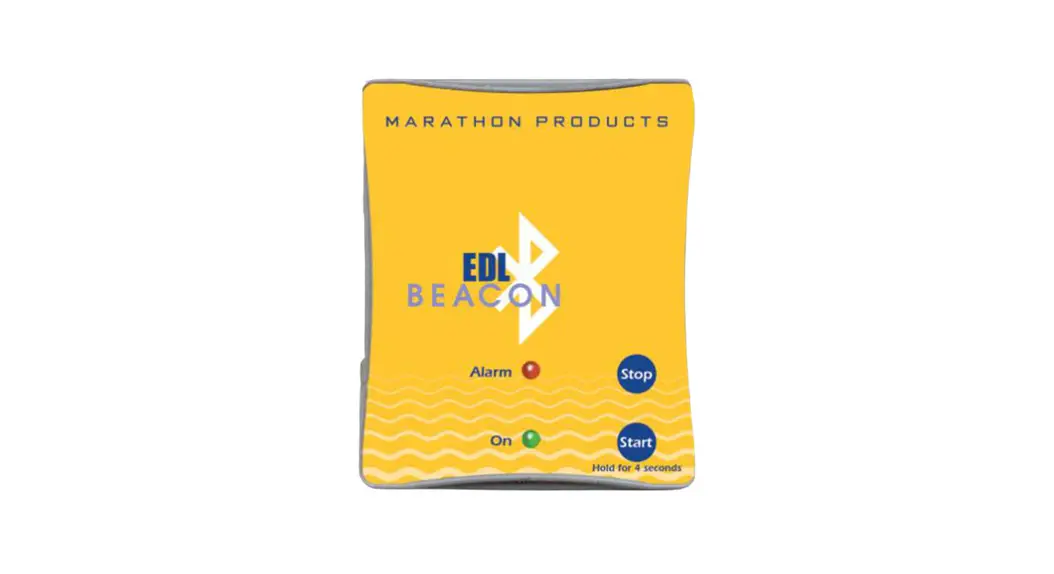
  1. Press the START button to begin recording.
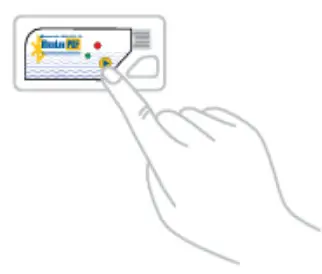
    Scigiene MaxiLog PDF Temperature Bluetooth Datalogger - START
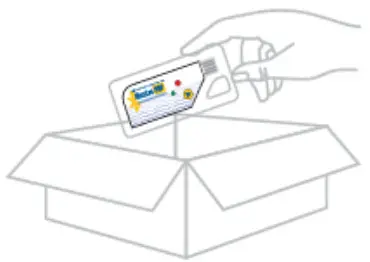
  2. Add logger to your package.Scigiene MaxiLog PDF Temperature Bluetooth Datalogger - ADD
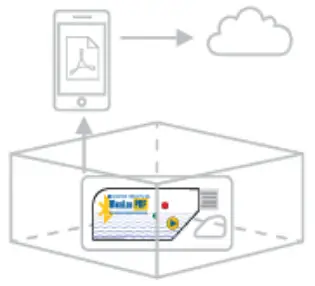
  3. Once package is within Bluetooth range, connect via APPScigiene MaxiLog PDF Temperature Bluetooth Datalogger - ONCE
  4. Connect logger to USB port at final destination, generate PDF report, and upload to Cloud (if applicable).
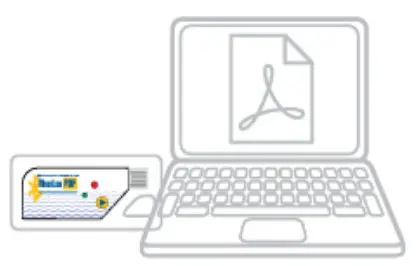
    Scigiene MaxiLog PDF Temperature Bluetooth Datalogger - usb

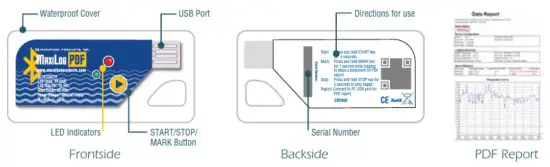
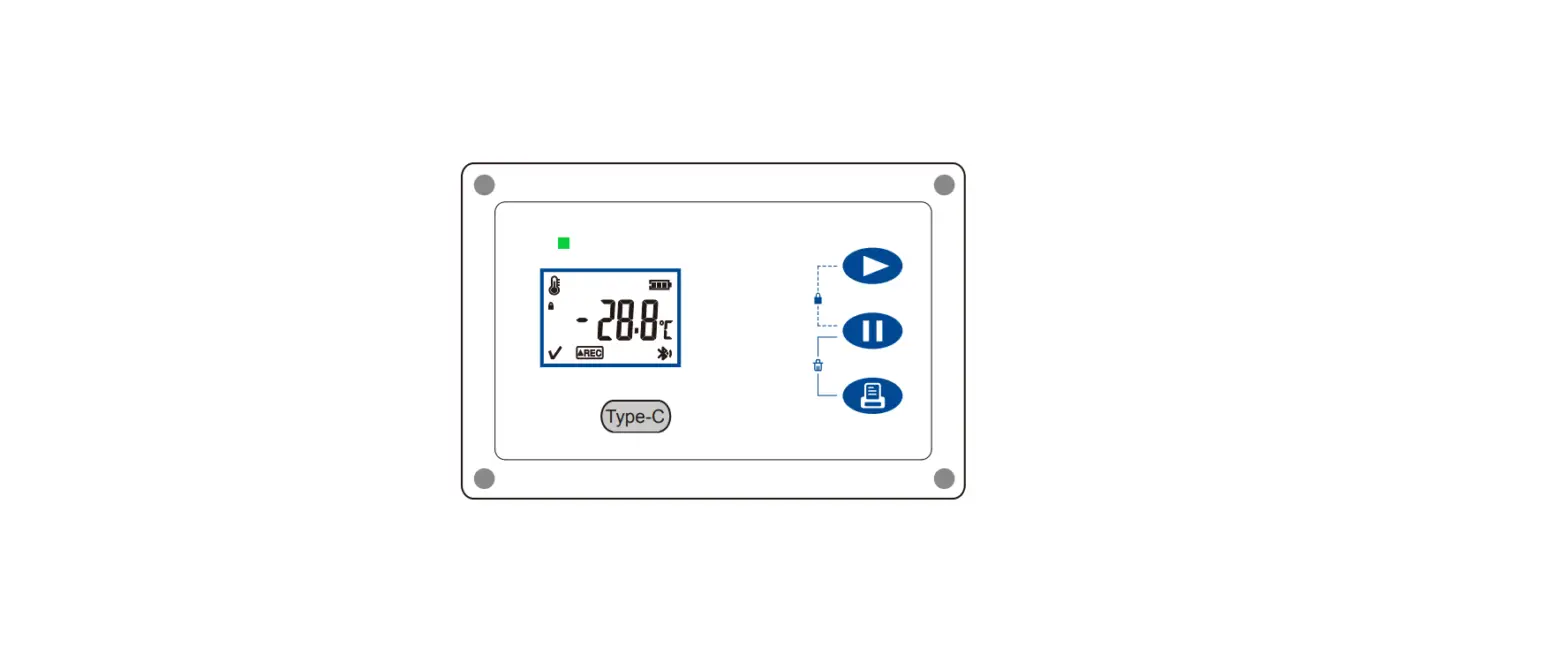
Display Instructions

Scigiene MaxiLog PDF Temperature Bluetooth Datalogger - STARTF

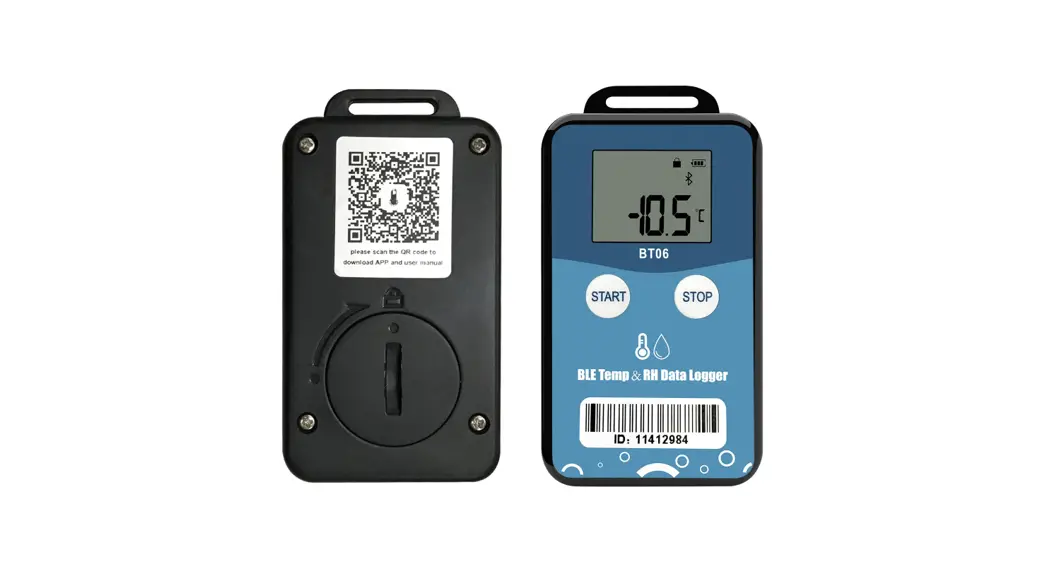
Scigiene MaxiLog PDF Temperature Bluetooth Datalogger - qr

https://www.scigiene.com/

Scigiene MaxiLog PDF Temperature Bluetooth Datalogger - LOGO1295 Morningside Avenue, Unit 16-18
Scarborough, ON M1B 4Z4 Canada
Phone: 416-261-4865 Fax: 416-261-7879
www.scigiene.com
Documents / Resouces

Download manual
Here you can download full pdf version of manual, it may contain additional safety instructions, warranty information, FCC rules, etc.


Related Manuals