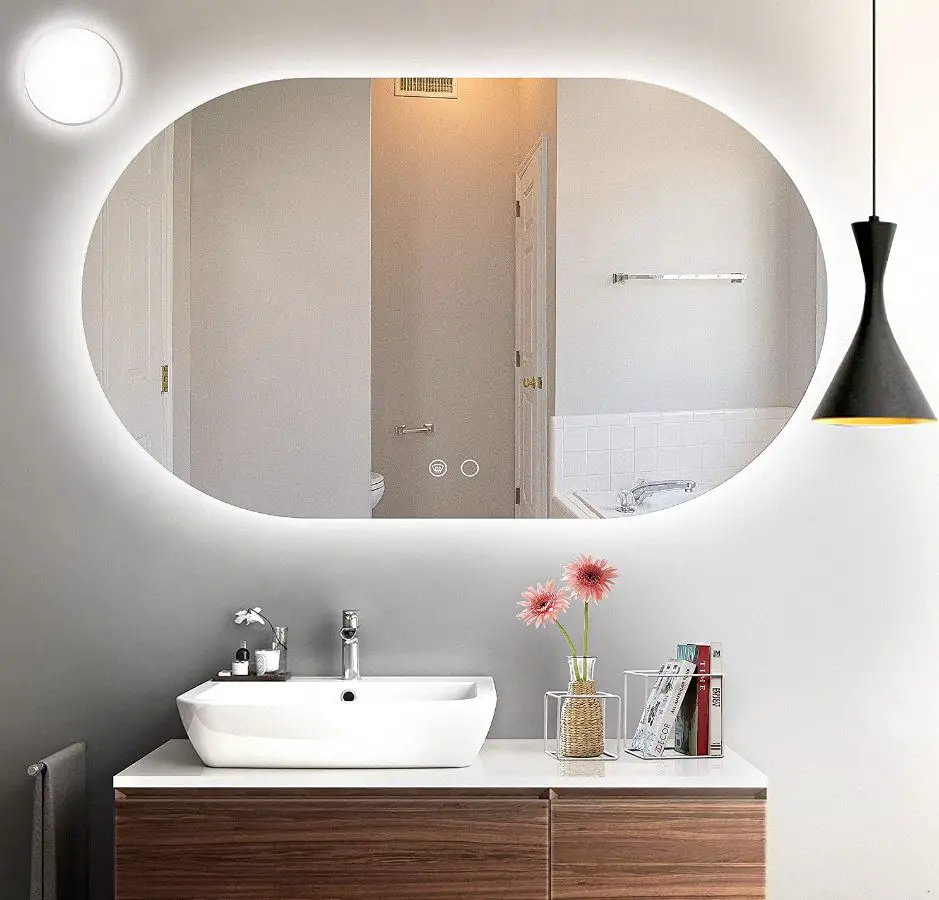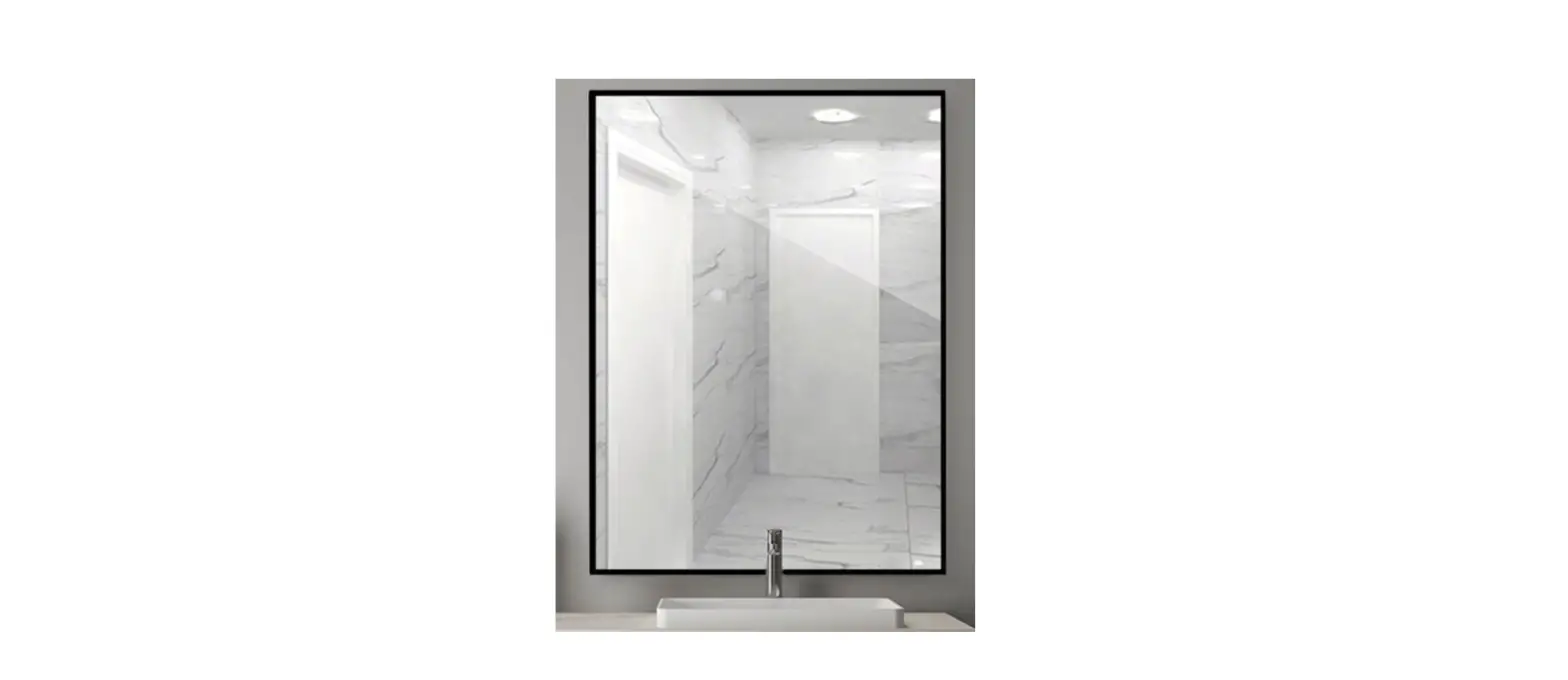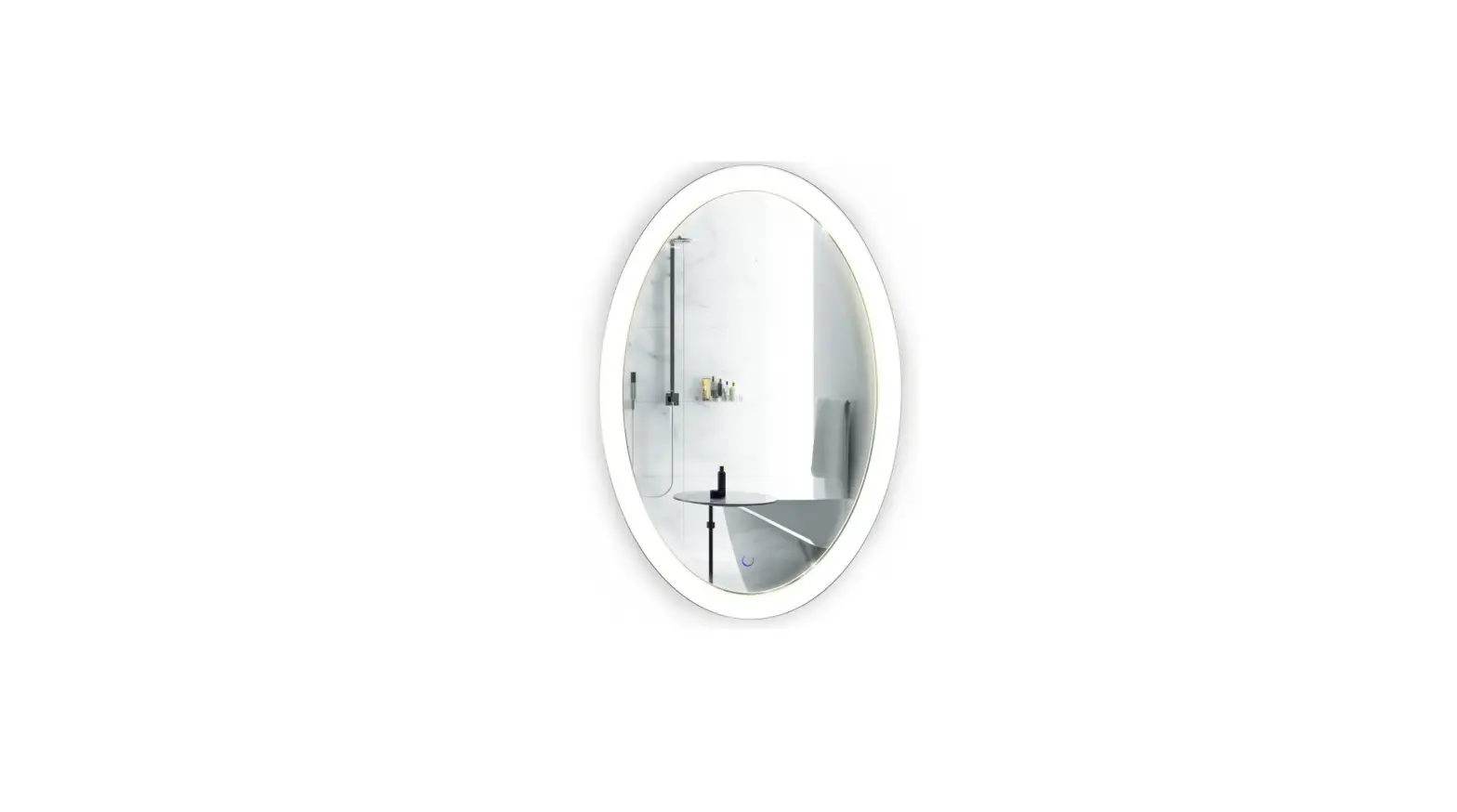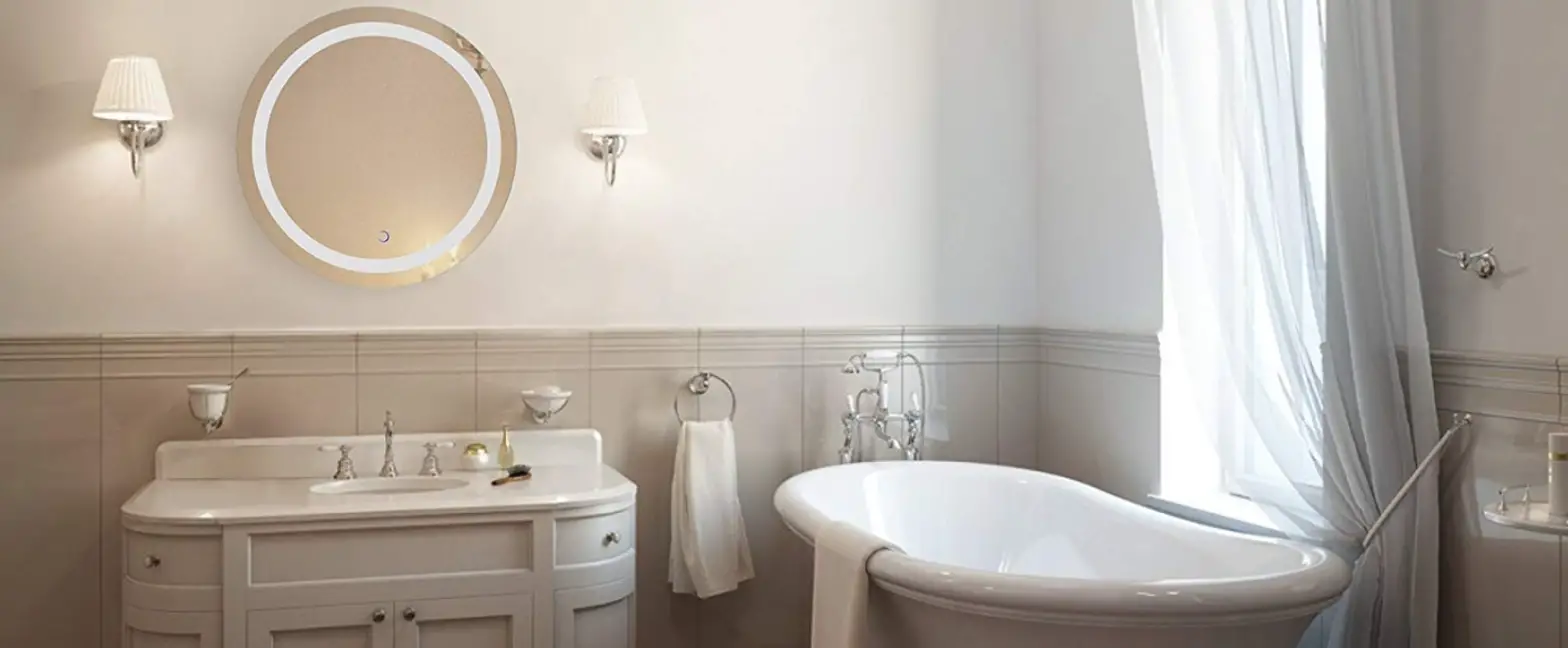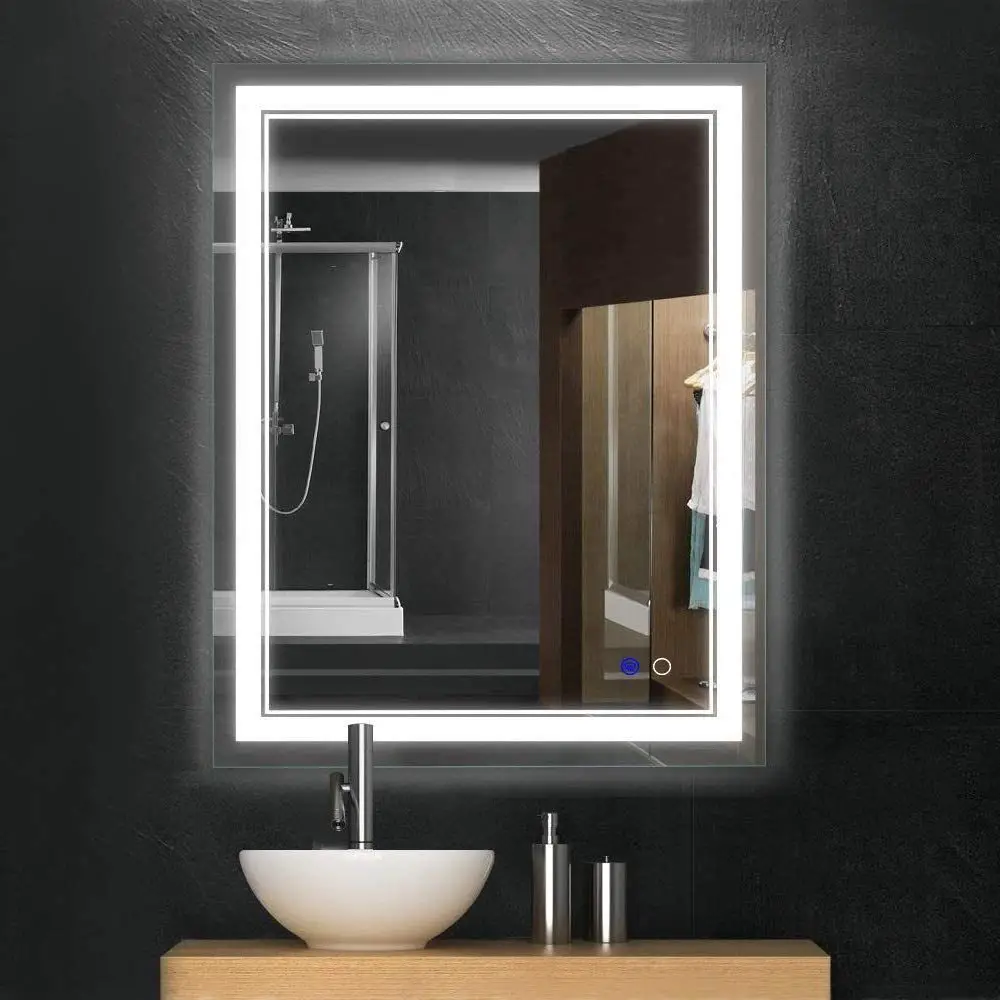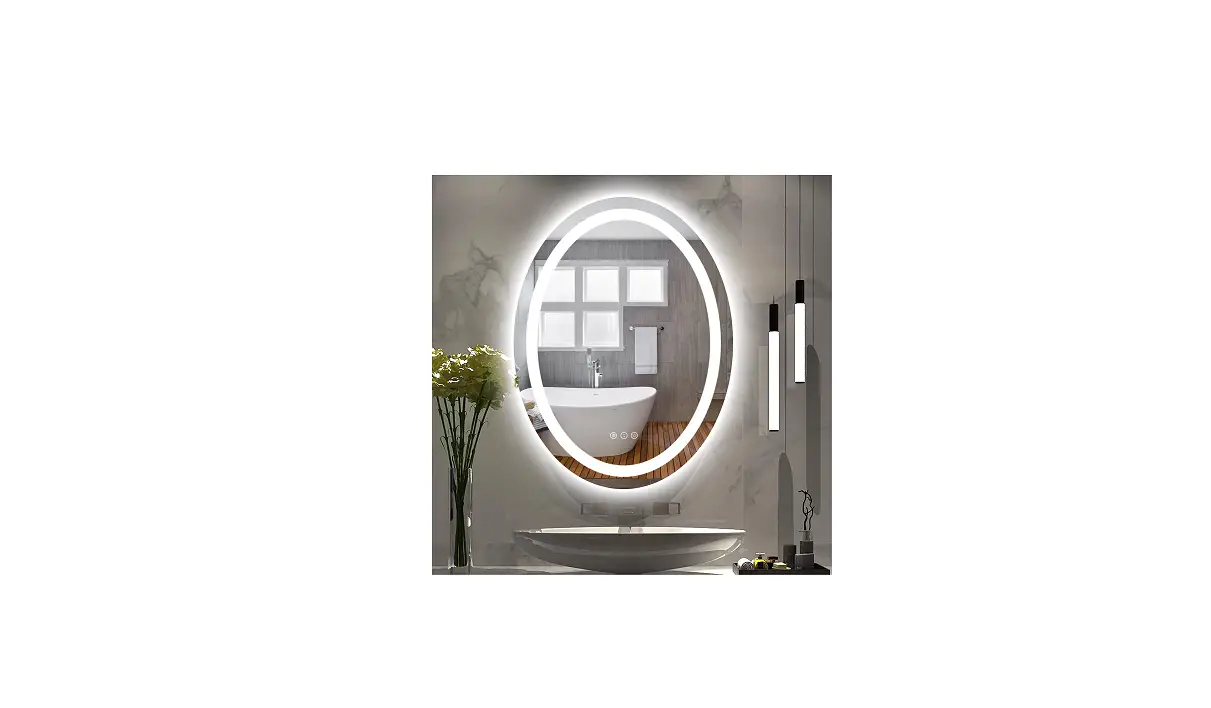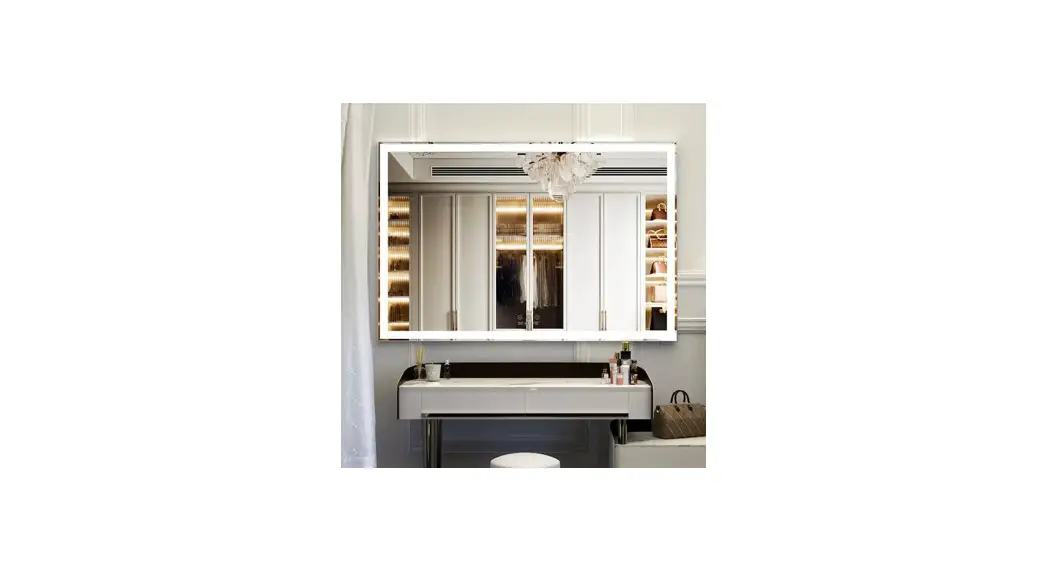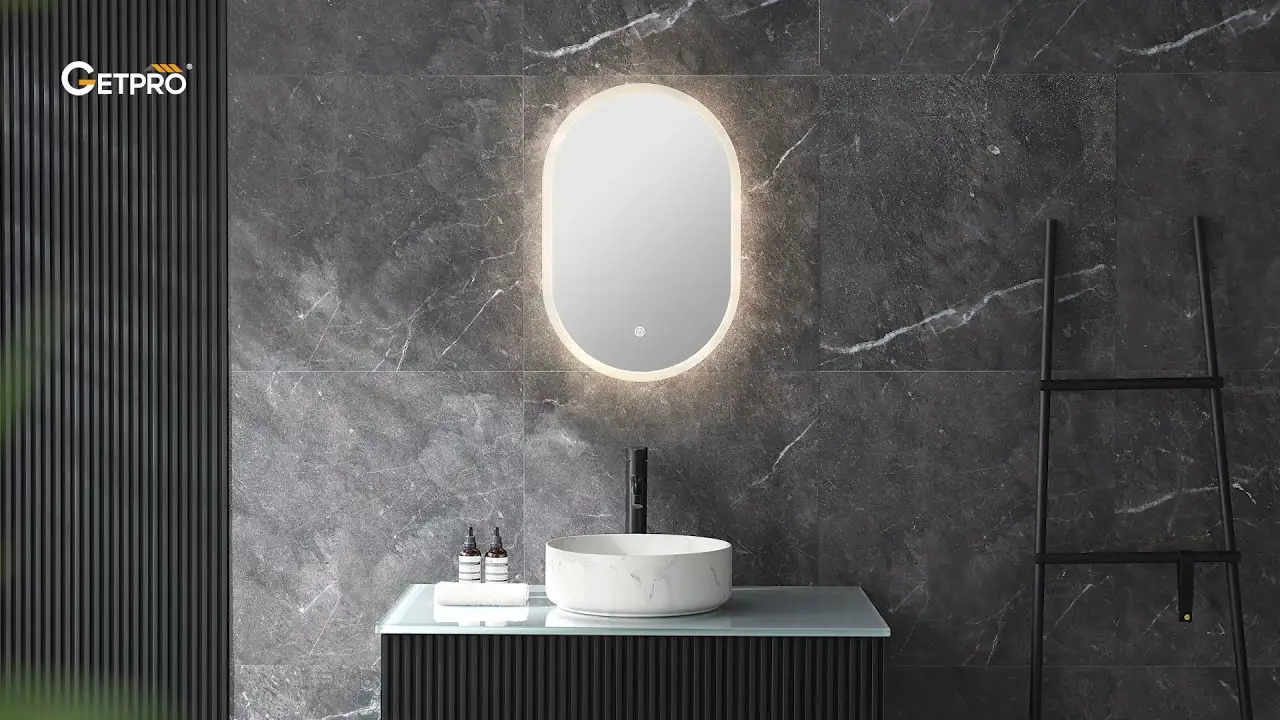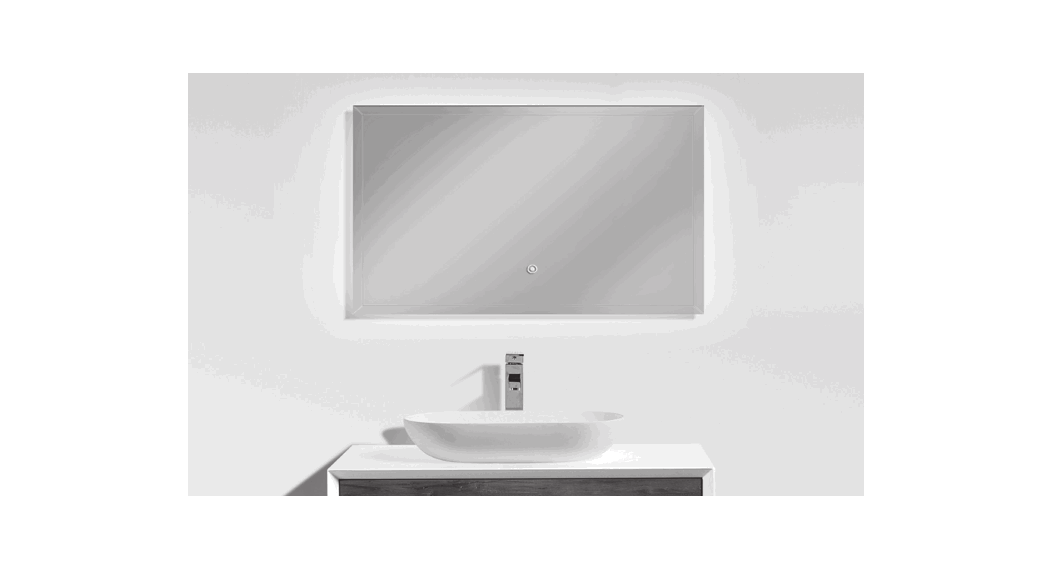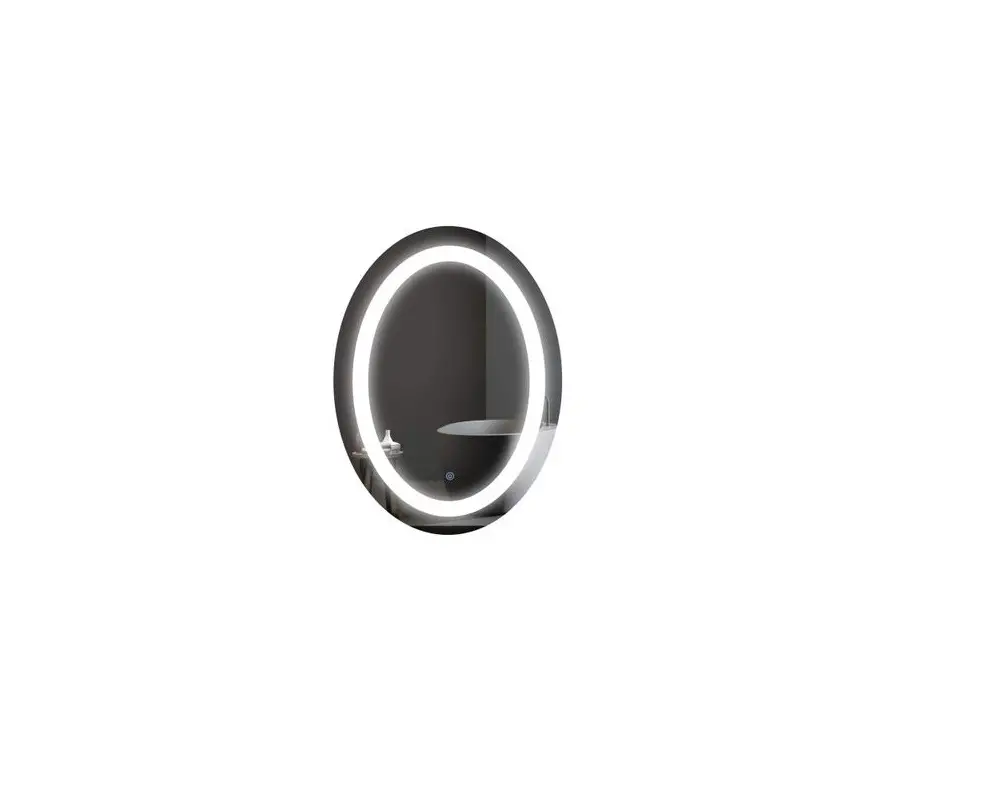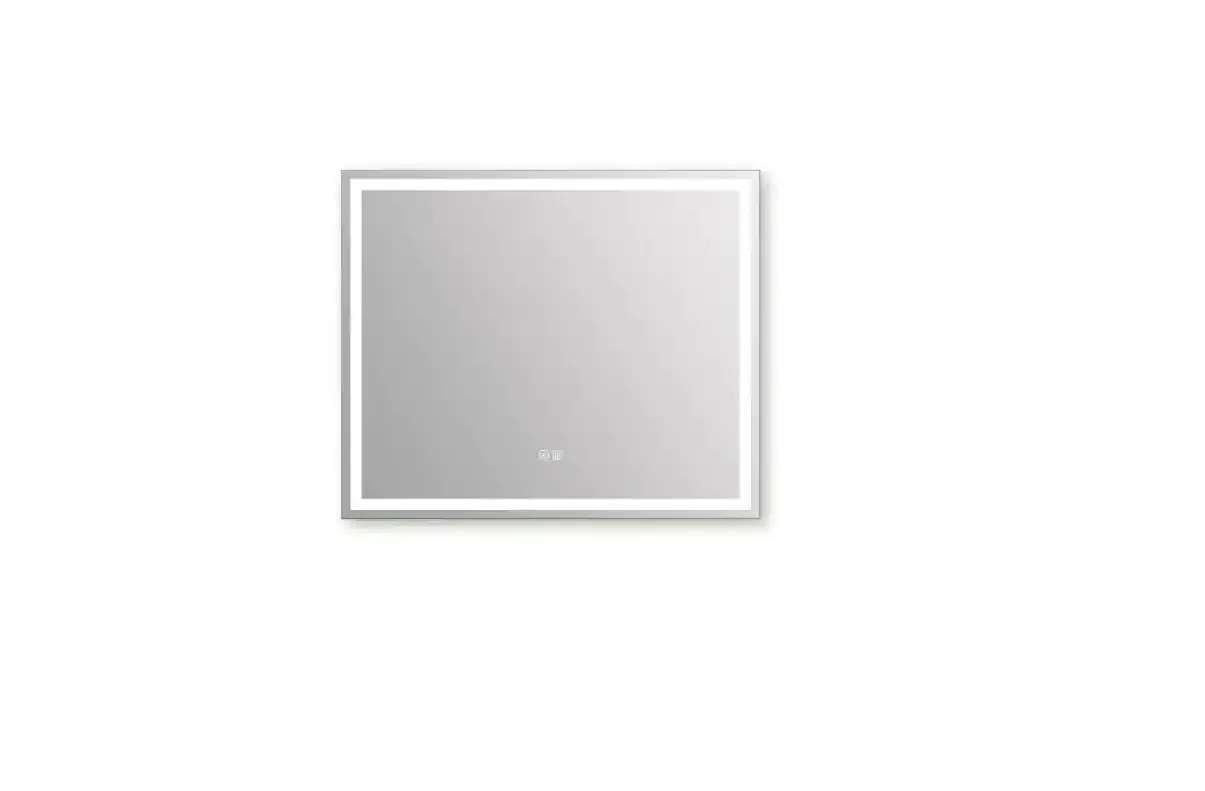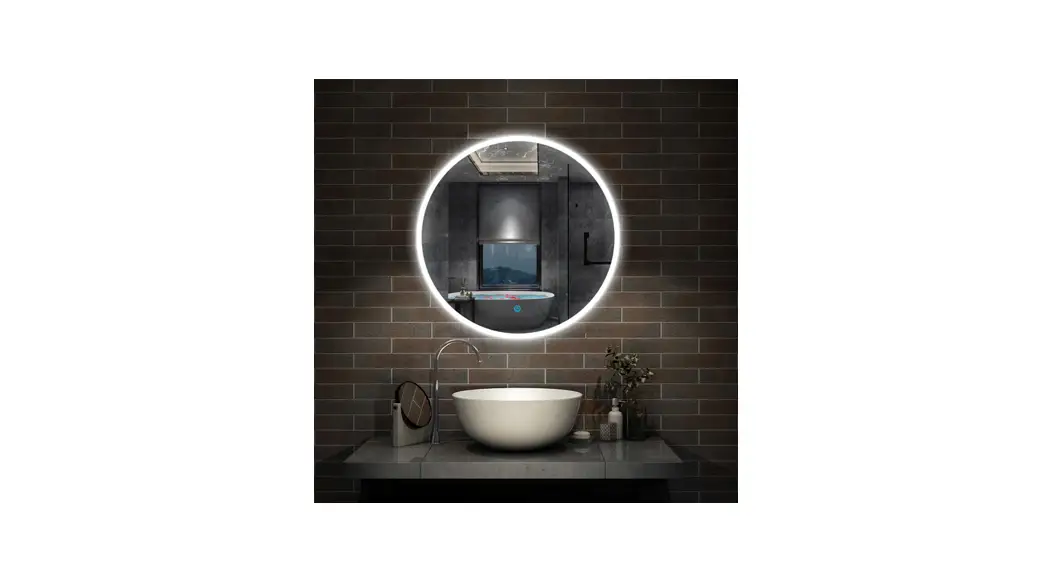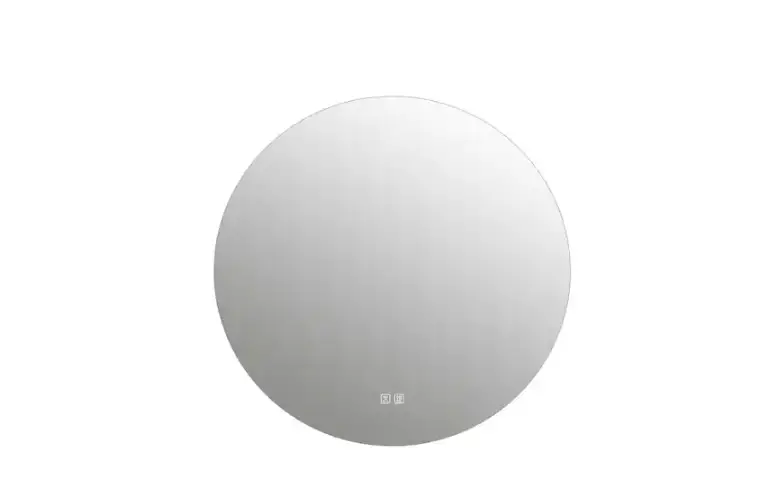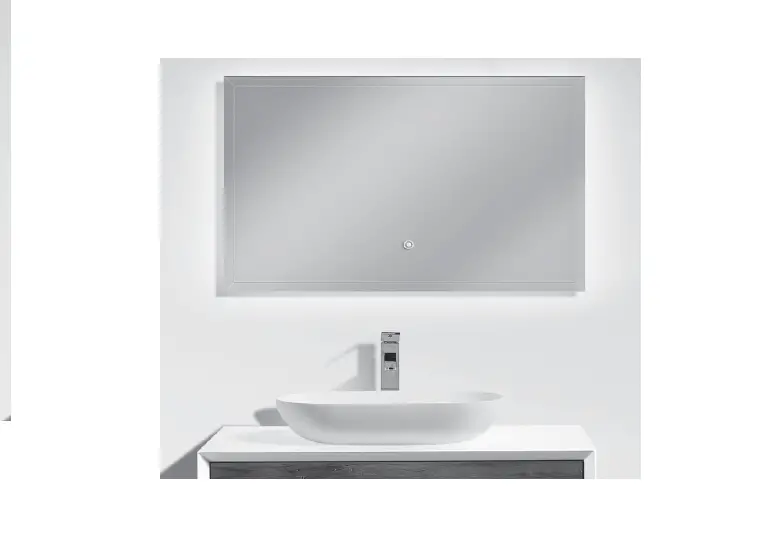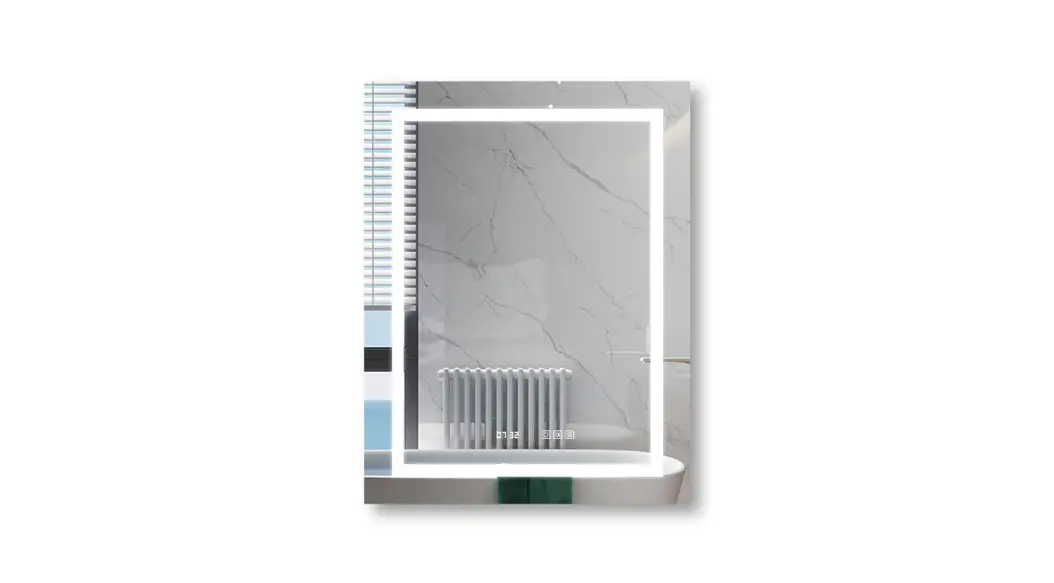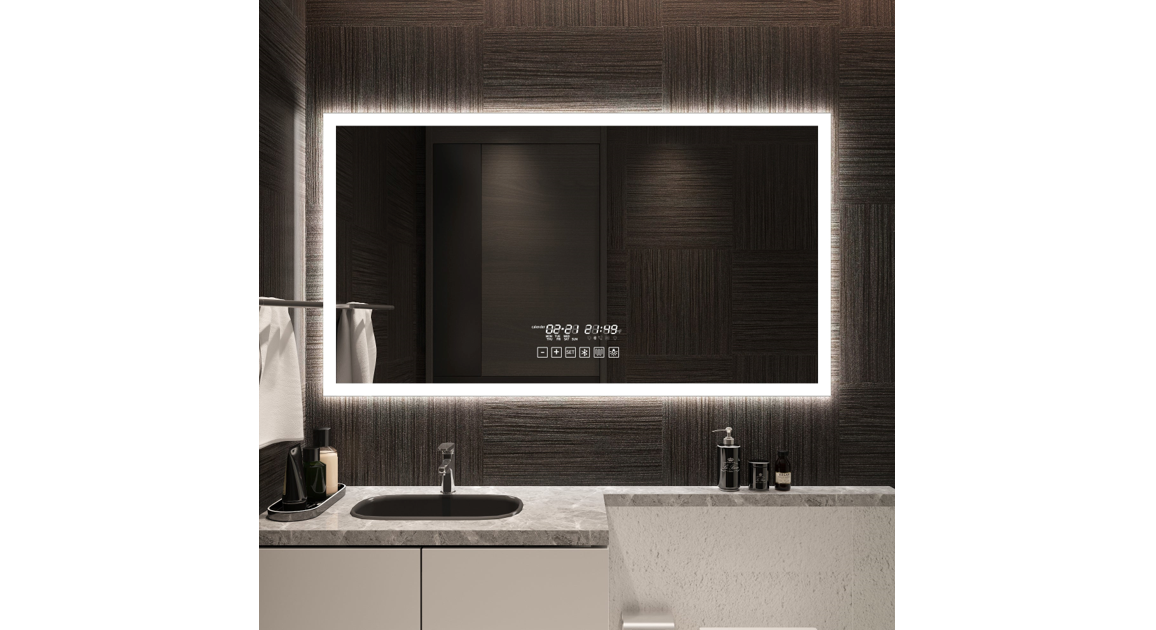

LED Bathroom Mirror
Your life deserves the best design
Installation Manuel
BEFORE BEGINNING
Carefully read the instructions before beginning the installation.
DANGER
To avoid the risk of electrocution, please turn off the electricity mains before commencing the installation.
It Is strongly recommended that this installation be performed by a profes alone’ electrician.
A minimum of two people are needed to perform this installation.
This product Is wall mounted only. This product is compatible with a dimmer.
WARNING
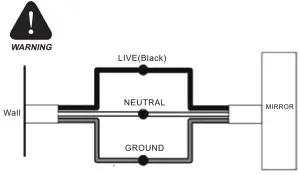
To avoid the risk of electrocution, please turn off the electricity mains before commencing the installation.
Mirror Installation
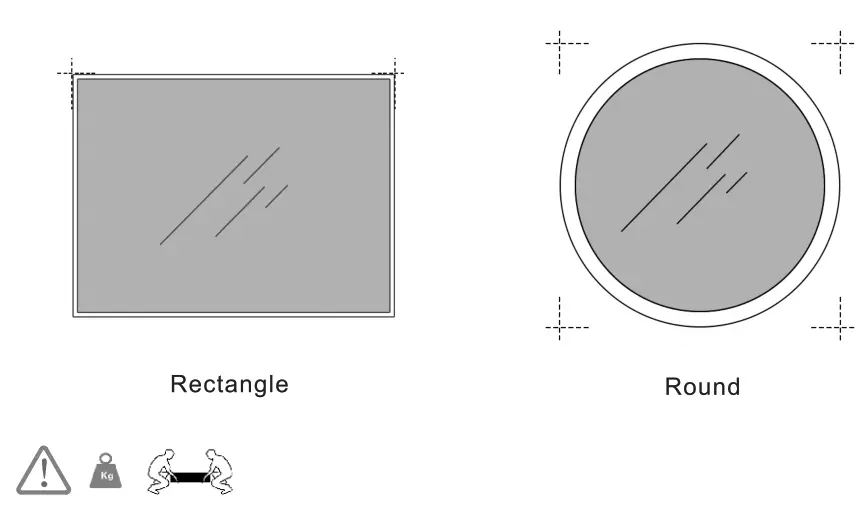
Step 1 Level and mark the location
Step 2
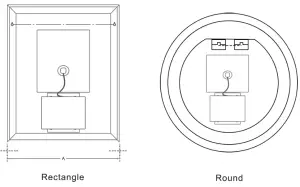
Measure the center of the holes and mark the drilling locations to ensure marking are leveled
Step 3
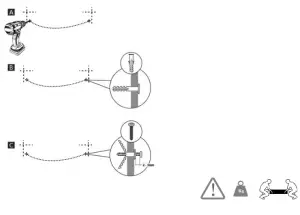
Install Screws
Using a drill, make holes and fill with supplied plugs and screws. Leave a gap of 2-3mm between the head of the screw and the wall.
Step 4
CONNECTING ELECTRICAL WIRING
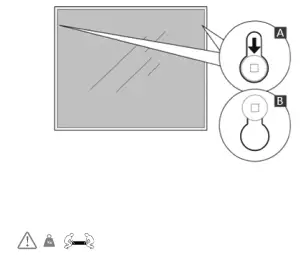
Place the mirror against the wall and slide down as shown in image B
LUXURY MODEL
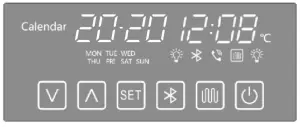
1  Short press the button to switch on the light;
Short press the button again to change the color of the light within 3 seconds after switching on the light;
Long press the button to adjust the brightness of the light when the light is on;
When the light is off,long-press the button to turn off the touch screen;
When the touch screen is off, Short press the button twice in a row to turn on the touch screen.
2, Press the button to switch the antifog function.(In order to guard against misoperation or prevent people from forgetting to turn off the defogger function, the device will automatically turn off the defogger model after one hour by default)
3,  Press the button to connect Bluetooth with the phone or pad, in the display
 start flashing, Moblie devices search for “Juke”, Start connecting, constant light means connected Long press the button to close the Bluetooth connection. After Bluetooth play mode, Short press
 to adjust the speaker volume, Long press I to change a song, Press to stop playing. When the connected mobile device has a telephone, In the display
  starts flashing. At this time, Press to answer the phone, or long press to refuse to answer.
4,  Set date, time, time format (12-hour clock or 24-hour clock).
Step 1: Long press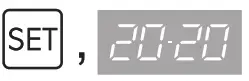 The digital display starts to flash, short press & to set the year, month, day, and time.
Step 2: When short press 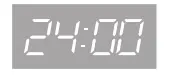 or
or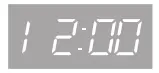 The digital display starts to flash, You can choose the time display format (12-hour clock or 24-hour clock) After all settings are completed, hold to exit the setting model.
5. LI D Long press at the same time, when el starts to flash, Long press the wall switch for 3 seconds at the same time (make sure the battery has been installed in the switch), at this time the wall switch and the mirror control switch have been connected, The wall switch can directly control the LED light.
NOTE: There is no battery installed in the wall switch. When you order our mirror, we have already mailed the battery to you through other channels. Please pay attention to the courier package. The battery may be delivered later than the mirror. Please wait patiently!
FEEDBACK * * * * *
Thank you very much for purchasing from us.
We have always been trying to provide the best service and reliable products for every customer.
However, accidents may happen sometimes, please contact us to resolve any issue before leaving negative feedback.
Many thanks and welcome to our shop again!
  |
| Model Type: G8028C Series, G8029C Series | ||||
| Power Voltage (Does not include minor defogger) | Input AC100-277V, Output AC12V Output | Available | 24*32″,24*36″,36*28″, 40*32″,48*36″,60*36″ | |
| Rated Power (Does not include minor defogger) | 60w | Mirror Material | 5mm Free-Copper Glass | |
| IP Rate | IP 44 Waterproof | Frame Material | Aluminum | |
| Lumen | 28LM/LED | Bluetooth Speaker | Can Be Connected With Your Phone/pad | |
| CRI | >90 | Power Voltage (mirror defogger) | AC100-130V | |
| LED ColorTemp. | Warm/White Color (3000k/6000k) | Rated Power ( mirror defogger) | 24*32″,24*361″ 36*28″ | 27-30w |
| Brightness | Adjustable | 40*32″ | 43-48w | |
| MTBF Life | >30000hrs | 48*36″ | 50-56w | |
| Operate Temp. | -20°C- +50°C | 60*36″ | 57-64w | |
| Service | Lifetime Warranty for Electrical Accessories | |||
 | Electrical Hazard Read the installation and operation manual before installing, operating, or servicing this unit. Do not connect or disconnect plug contacts, during the system is under load current. Not following this instruction brings you!!! | |||
| WARNING | ||||
| Note: If you encounter any installation or use problems, please contact the store sales customer service immediately, we will give you the best solution. | ||||
FCC Statement This device complies with Part 15 of the FCC Rules. Operation is subject to the following two conditions:
(1)This device may not cause harmful interference. (2)This device must accept any interference received, including interference that may cause undesired operation. 2. Changes or modifications not expressly approved by the party responsible for compliance could void the user’s authority to operate the equipment.
Note: This equipment has been tested and found to comply with the limits for a Class B digital device, pursuant to Part 15 of the FCC Rules. These limits are designed to provide reasonable protection against harmful interference in a residential installation.
This equipment generates uses and can radiate radio frequency energy and,if not installed and used in accordance with the instructions, may cause harmful interference to radio communications. However, there is no guarantee that interference will not occur in a particular installation. if this equipment does cause harmful interference to radio or television reception, which can be determined by turning the equipment off and on, the user is encouraged to try to correct the interference by one or more of the following measures:
- Reorient or relocate the receiving antenna.
- Increase the separation between the equipment and receiver.
- Connect the equipment into an outlet on a circuit different from that to which the receiver is connected.
- Consult the dealer or an experienced radio/TV technician for help.
This equipment should be installed and operated with a minimum distance of 20 cm between the radiator and your body.
LED Bathroom Mirror