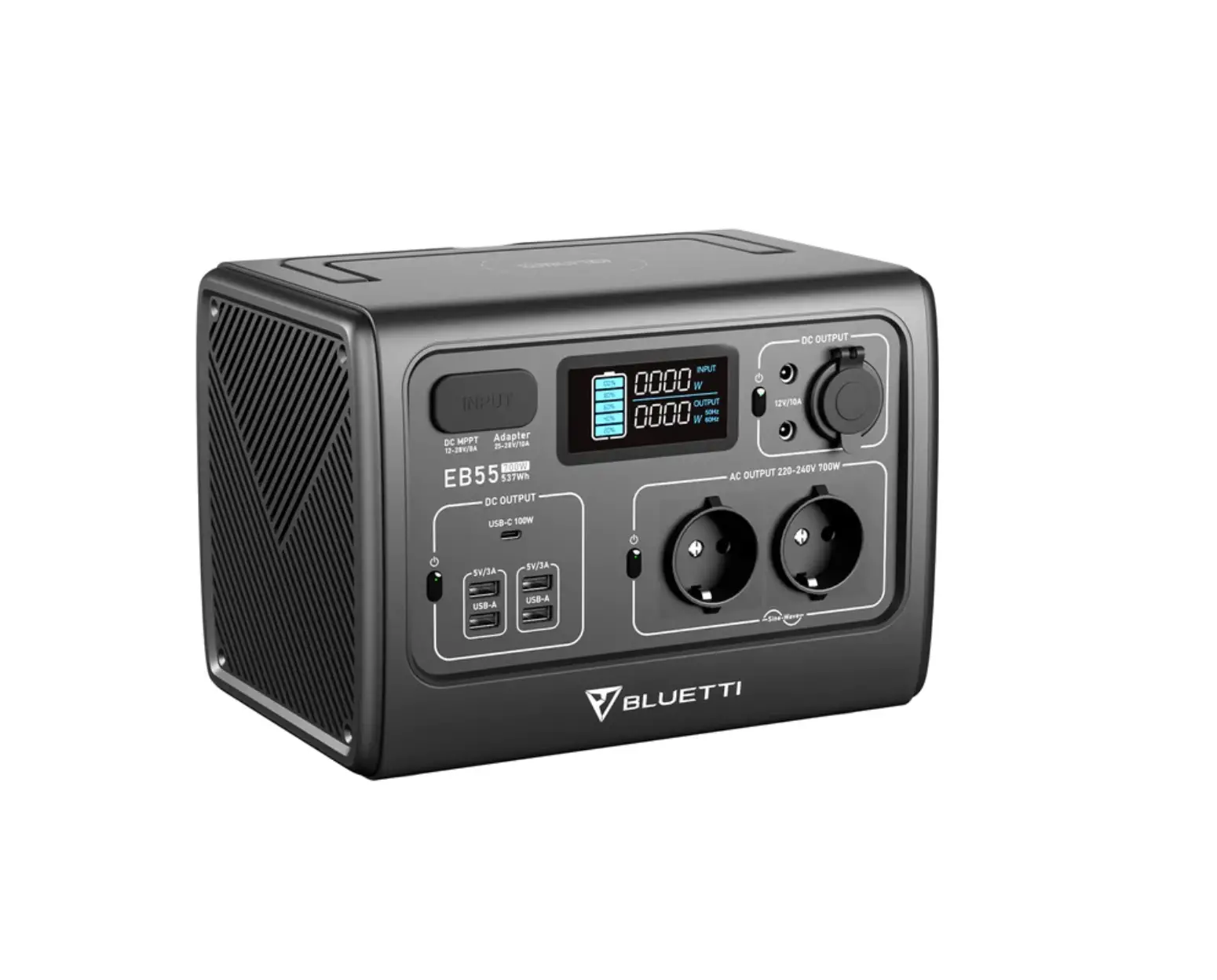

Certificate
Inspector: ______________
QC: ___________________
User Manual
SAFETY INSTRUCTIONS
Please observe the following instructions to ensure safety use:
- DO NOT attempt to replace the internal battery with anything other than authorized replacement battery by yourself.
- DO NOT operate in wet conditions, let unit dry completely before using.
- Ensure proper ventilation while in use and do not obstruct fan openings on use. Inadequate ventilation may cause damage to the power station.
- DO NOT stack anything on top of the power station in storage or in use, vibration and impact may lead to poor connection to hardware inside.
- DO NOT insert foreign objects into outputs or ventilation holes.
- DO NOT place the power station near heat sources like furnace or ambient heater.
- The power station generates the same potentially lethal AC power as household wall outlet, please take carefully and keep children away from it.

General Specs
 AC Rated Power AC Rated Power |  Typical Capacity Typical Capacity |  Battery Type Battery Type |  Net Weight |  Dimensions |  Storage Ambient Temperature |  Working Environment Humidity Working Environment Humidity | Discharge Temperature | Charge Temperature |
| 700W (1400W Surge) | 716Wh | LiFe-PO4 | Around 20.9lbs/9.5KG (The weight may subject to slightlyn change without notice) | 320*217*222mm (12.6*8.5*8.7 inches) | 0-45℃/32-113℉ | 10-90% | -20-40℃/ -4-104℉ | 0-40℃/ 32-104℉ |
Output Specs
 AC Output |  USB Output *2 |  Type-C *2 |  Cigarette Lighter Output *1 Cigarette Lighter Output *1 |  5521 Output *2 5521 Output *2 |  Wireless Charging Pad *2 Wireless Charging Pad *2 |
| *4 100-120VAC *2 220-240VAC | 5VDC, 3A | Max.100W 5/9/12/15/20VDC, 3A; 20VDC, 5A (emark chip built-in ) | 12VDC, 10A, 120W | 12VDC, 10A, 120W | 5W/7.5W/ 10W/15W |
Input Specs
 Car Charging | AC Charging |  Solar Charging |  Generator Charging |  Battery Charging |
| About 3-4 Hours @24V | 12-28V 200W About 3-4 hours | About 3-4 Hours @24V | ||
| About 7-8 Hours @12V | About 7-8 Hours @12V | |||
Common Loads
Smart Phone
Around 50-60 Times
10Wh
LED Light Bulb
Around 20-30 Hrs
20W
Television
Around 7-8 Hrs
75W
Electronic Tools
Around 7-8 Hrs
80W
Refrigerator
Around 6-7 Hrs
90W
Slow Cooker
Around 2-3 Hrs
200W
716Wh×DOD×η÷ (the current load power W) = available time (unit: hrs/times)
Note: DOD indicates Depth of Discharge, η indicates inverter efficiency, DOD=90% , η=90%.
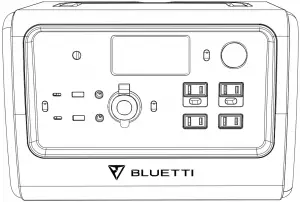
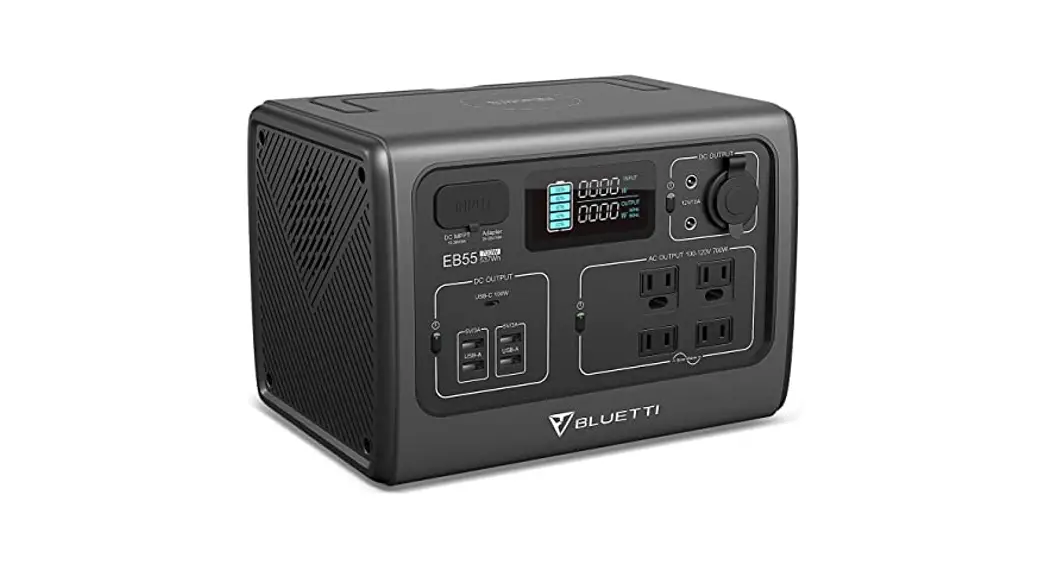
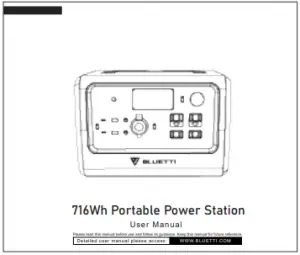
716Wh Portable Power Station
User Manual
Please read this manual before use and follow its guidance. Keep this manual for future reference.
Detailed user manual please access: WWW.BLUETTI.COM
User Manual
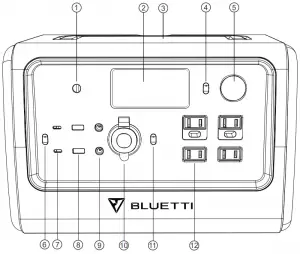
QUICK GUIDE
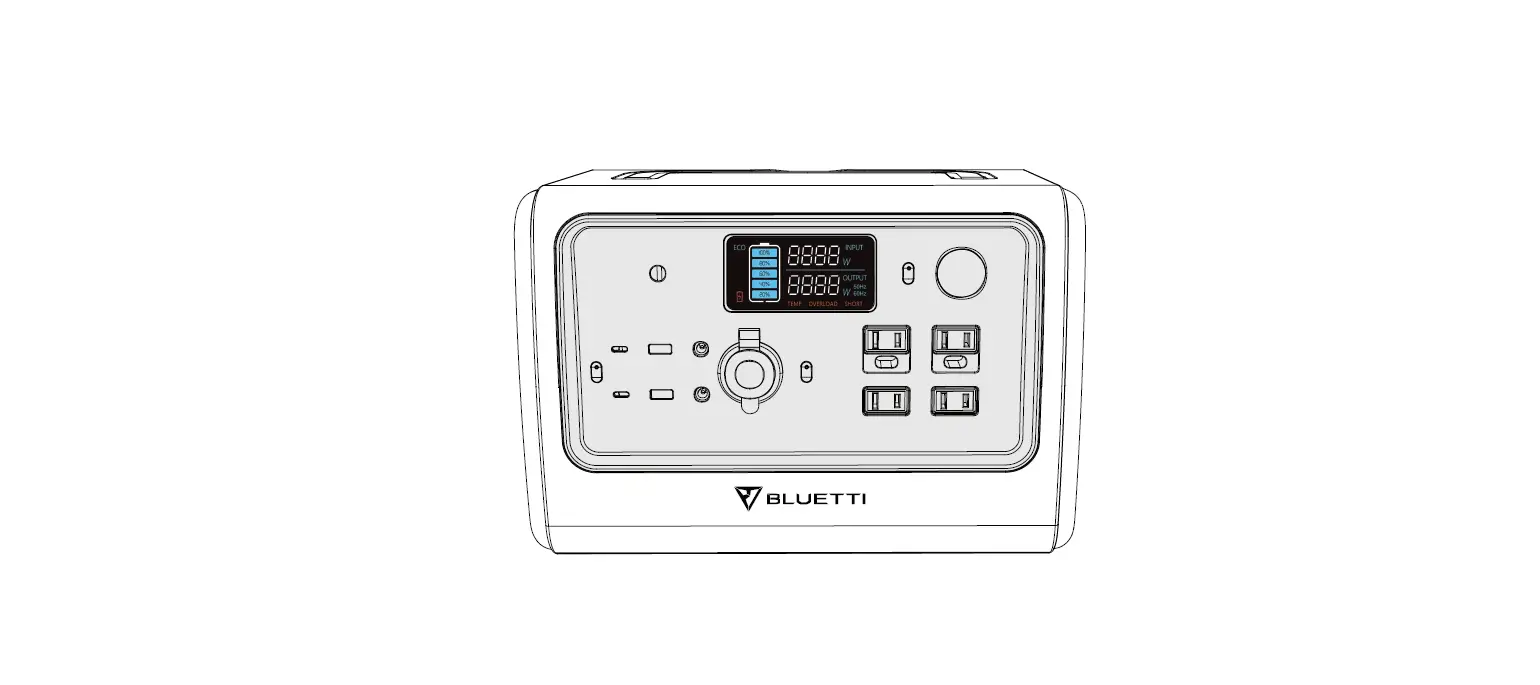
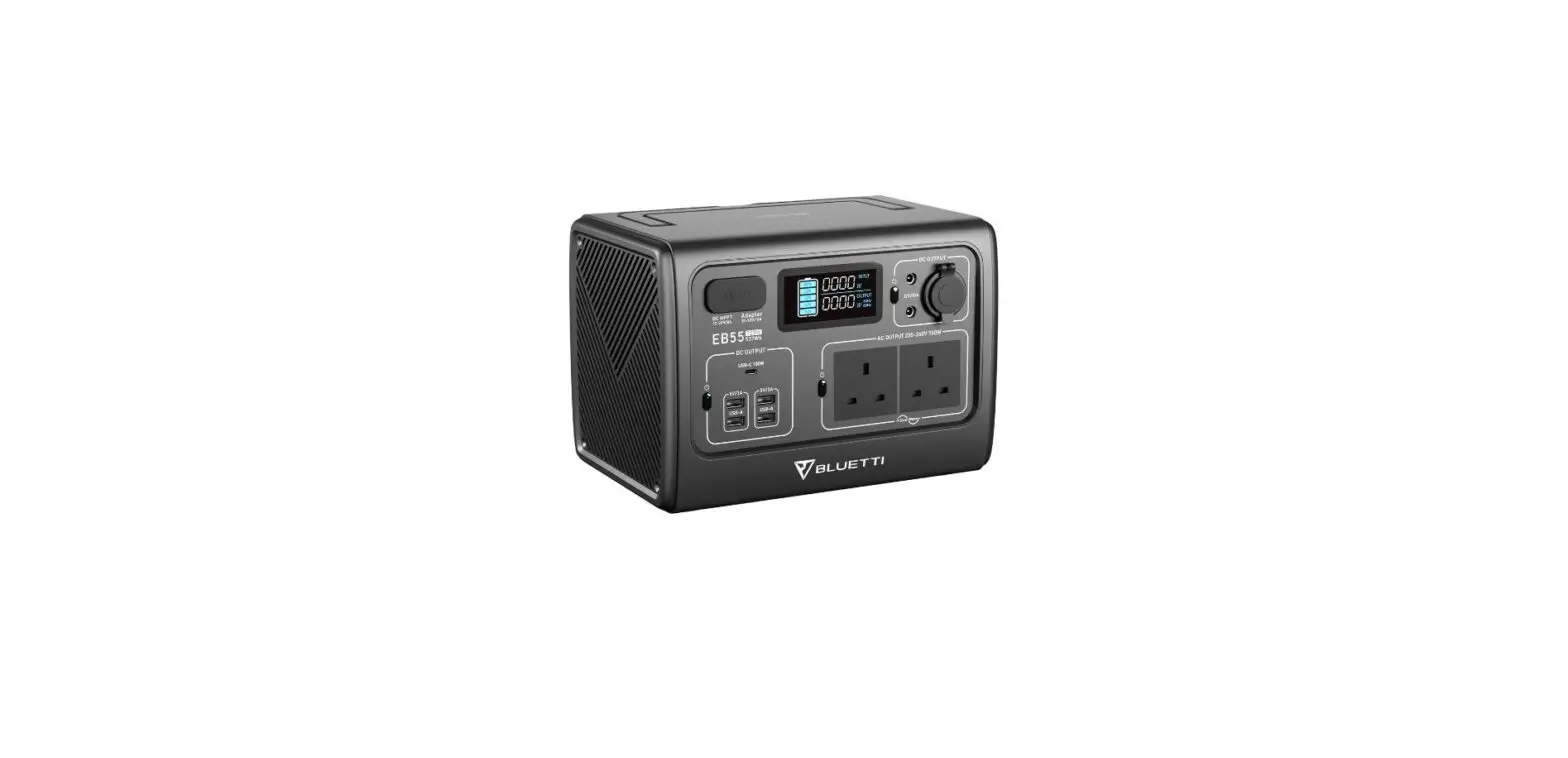
01 Charging Port 07 Type-C Port
02 LCD Screen 08 USB Port
03 Wireless Charging Pad 09 DC 5521 Output Port
04 LED Lamp Button 10 Cigarette Lighter Port
05 LED Lamp 11 AC Power Button
06 DC Power Button 12 AC Outlet
Solar Charging
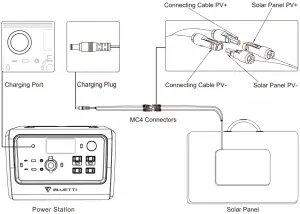
User Manual
LCD SCREEN GUIDE
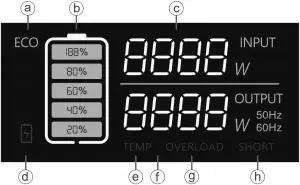
a. ECO-Mode Icon e. Alert Icon for Temperature Anomaly
b. Battery Capacity f. Output Power
c. Input Power g. Alert Icon for Overload
d. Alert Icon for low Voltage h. Alert Icon for Short Circuit
Attention:
Screen turns off when all output turns off in 2s.
Screen turns off while on standby.
How to operate on power station to turn ON/OFF ECO Mode\ and change the working frequency:
- To Enter Settings Mode: Turn “AC” mode to the off position. Press “AC” and “DC” buttons at same time for 2 seconds to enter “Settings” mode.
- To Change Frequency Setting: Once in “Settings” mode, press the “AC” button to switch frequency of the AC output ports to either 50 or 60 Hz depending on your location.
- Eco Mode: Once in “Settings” mode, press the “DC” button to turn ON / OFF the ECO mode.
- Exit Settings Mode: Long press the “AC” and “DC” buttons at the same time for 2 seconds to save and exit the settings mode.
What`s In The Box
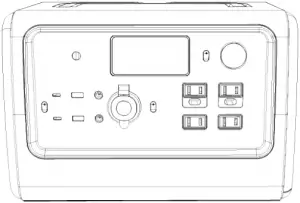
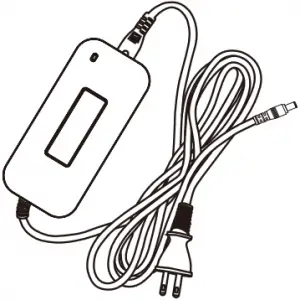
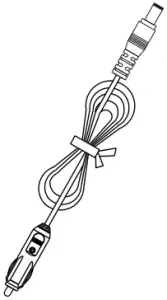
1 Power Station 2 AC Adapter 3 Car Charging Cable
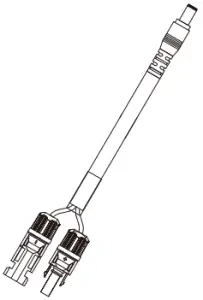

4 Solar Charging Cable 5 User Manual 6 Warranty Card
FREQUENTLY ASKED QUESTIONS
- How do I clean for power station?
A Dry, non-abrasive cloths to wipe will be perfect. The power station is a versatile tool for various adventures, simple cleaning would be required from time to time to keep the unit in a good condition. - How do I store my power station?
A Please store the power station in a dry and cool place at the recommended temperature. Do not expose the power station to humid environment. If you want to store it for a long time, please fully charge the battery every 6 months to extend the lifespan. Remind to turn off the unit before storing. - How do I know if my device will work with the power station?
A Step1: You need to figure out the amount of power your devices require. Some research may be taken on internet search or the user guide of your device shall suffice.
Step 2: Check the rated power of certain port on power station. For example, if the AC output port generates 2000W of power and your device requires over 2000W for a extended period of time, the power station will turn itself off. - How to claim the warranty?
A Please place your after-sale requirement as the warranty card written to the platform where you order the product.
 TTI.COM
 BLUETTI: Portable Power Station, Solar Generator Kit