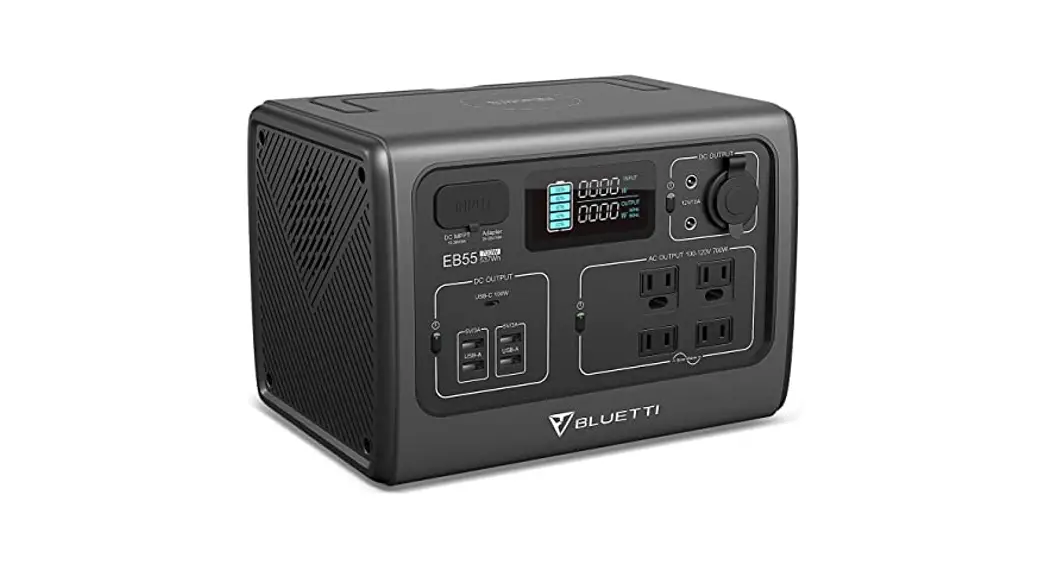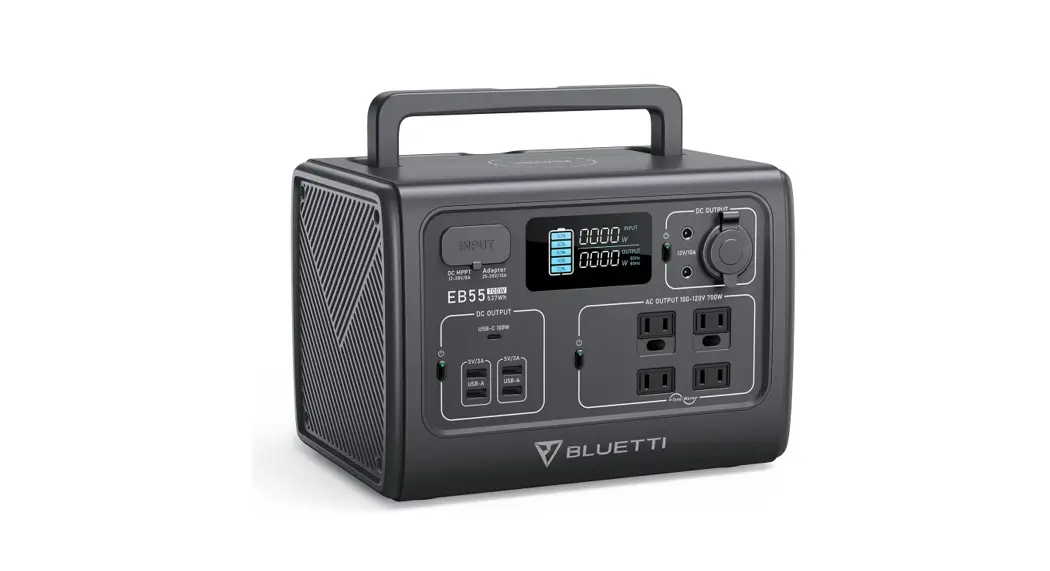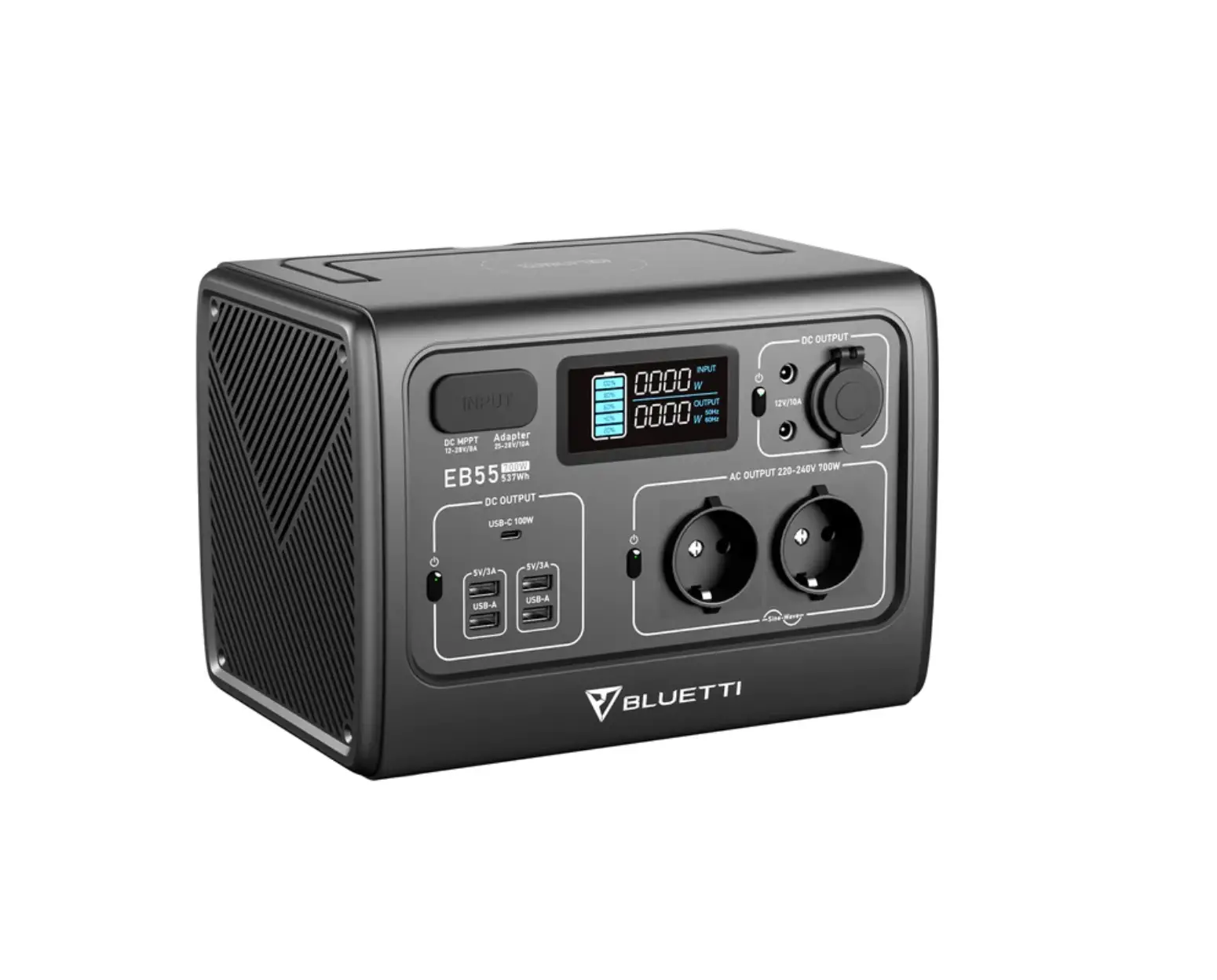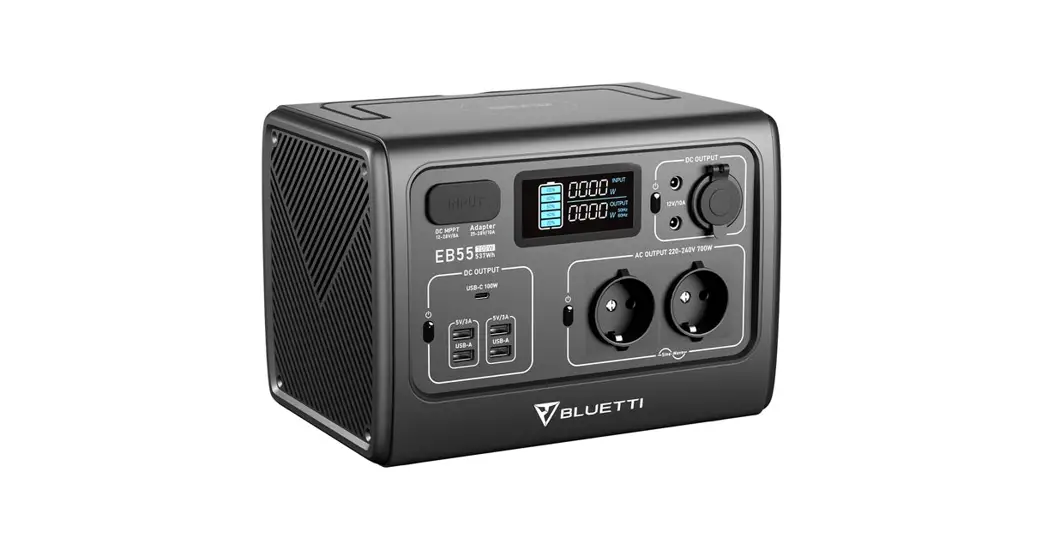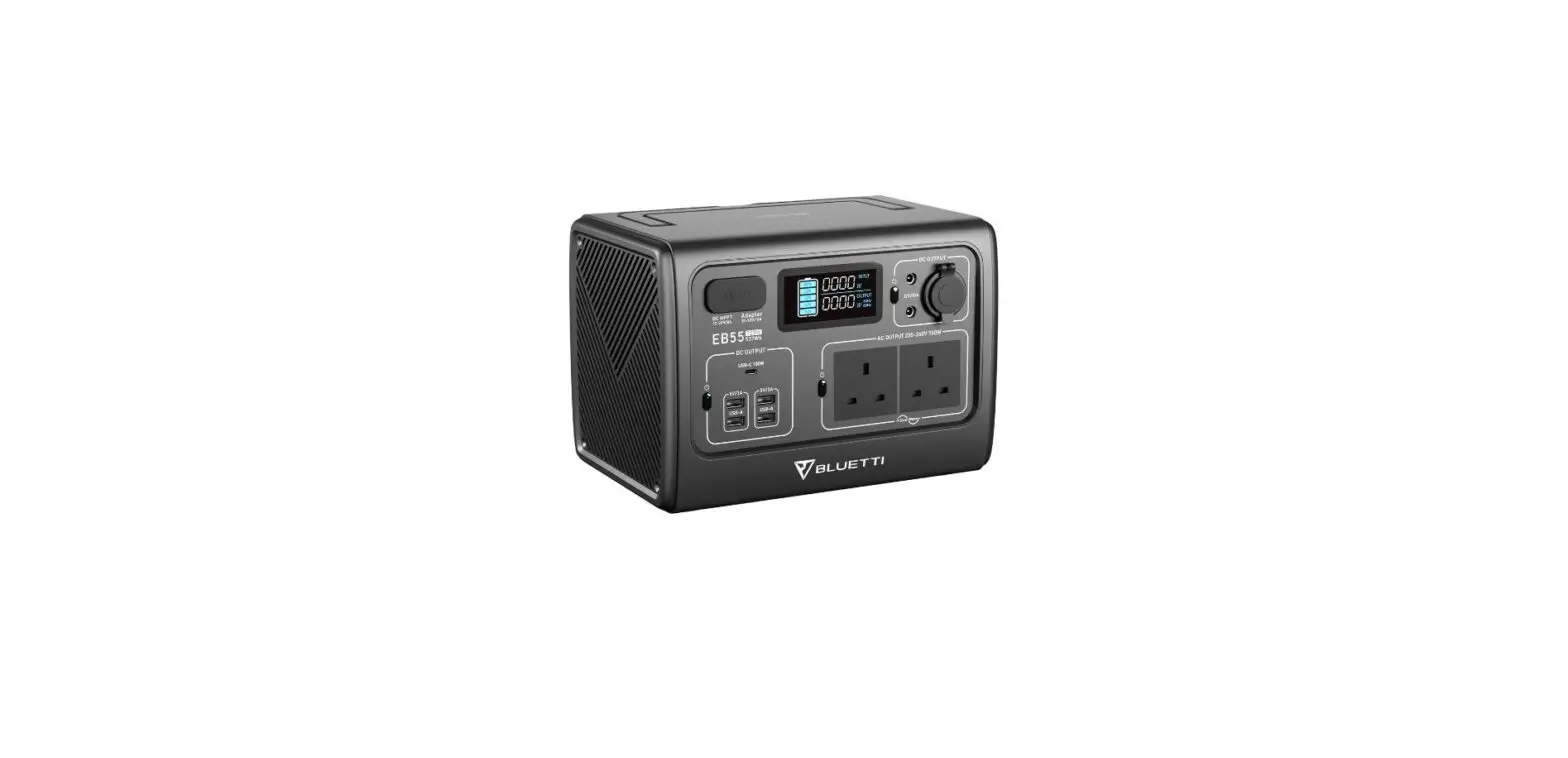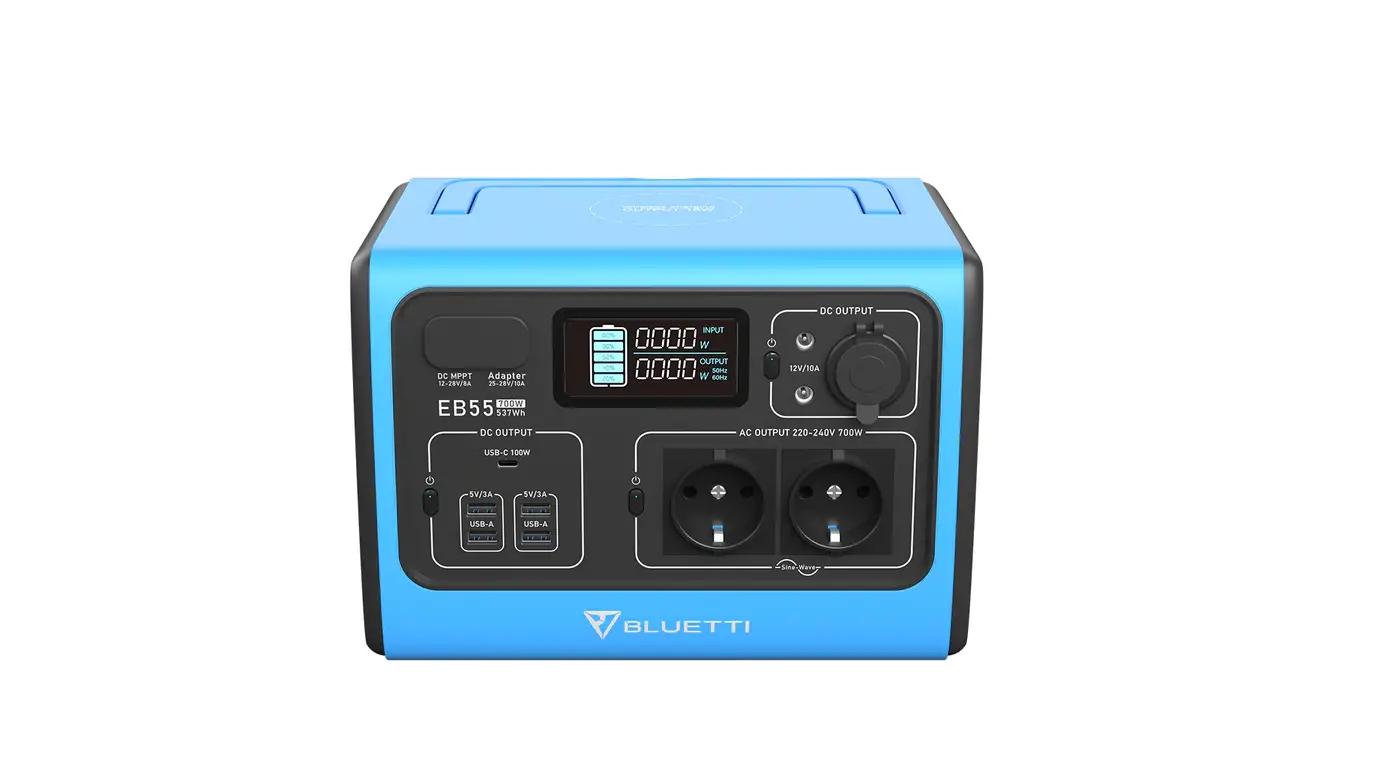

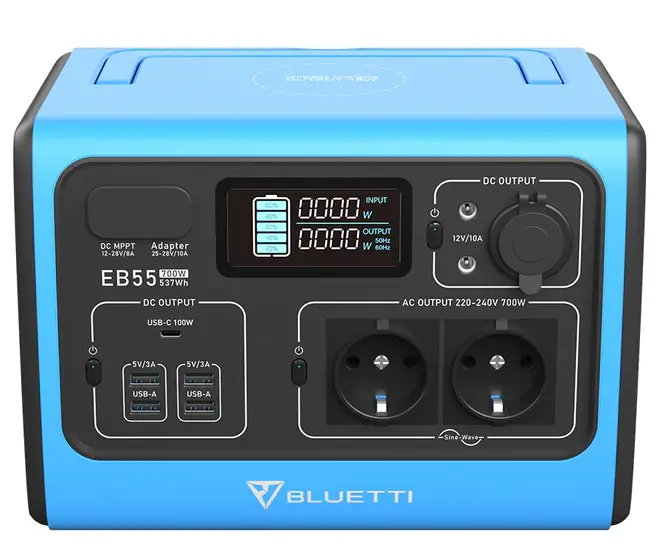
BLUETTI EB55 537Wh Portable Power Station
QUICK GUIDE
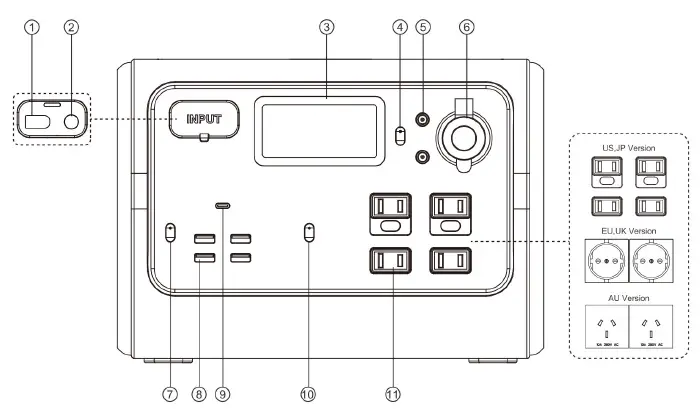
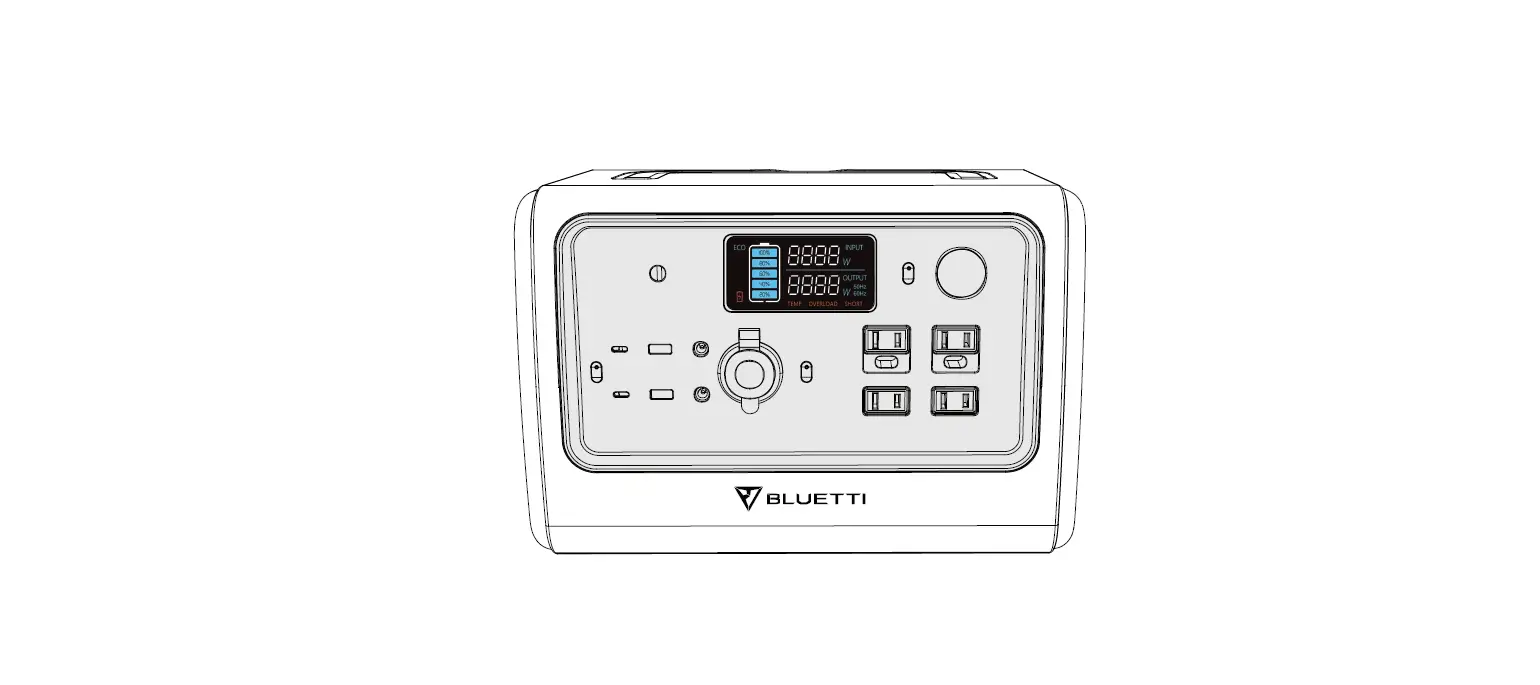
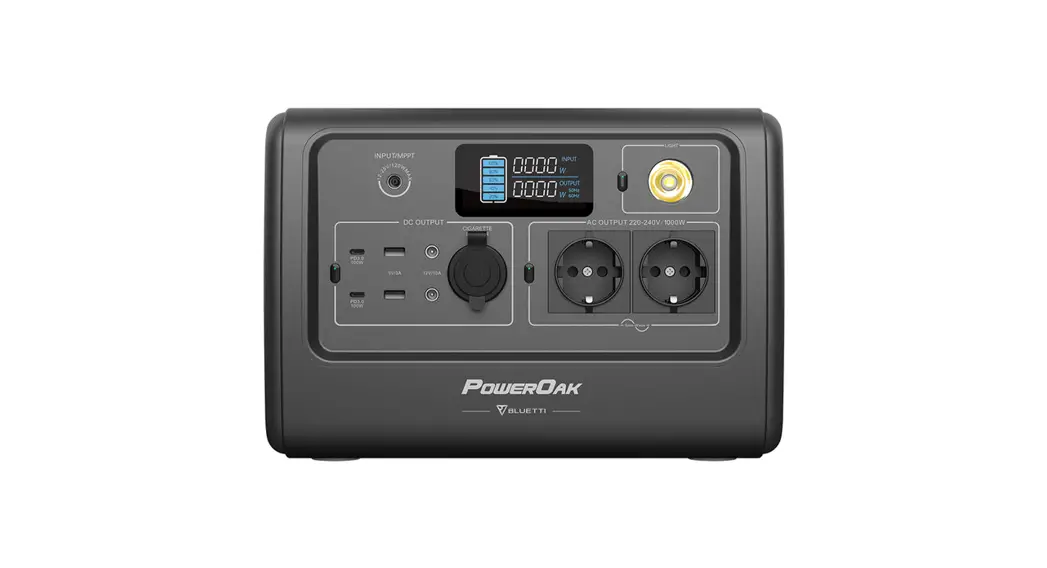
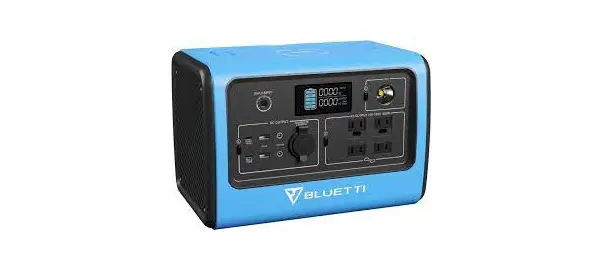
- DC Charging Port
- Adapter Charging Port
- LCD Screen
- DC 12V Output Power Button m_ DC 5521 Output Port
- Cigarette Lighter Port
- mi. DC Output/Wireless Charging Power Button
- USB-A Output Port
- USB-C Output Port
- AC Power Button
- AC Outlet
LCD SCREEN GUIDE
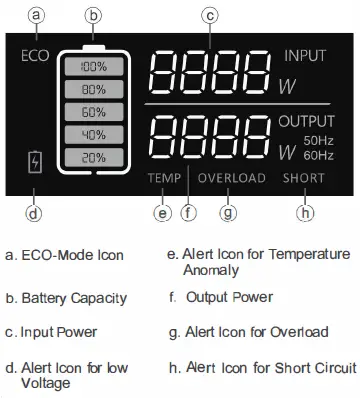
Attention:
Screen turns off when all output turns off in 2s.
Screen turns off while on standby.
How to operate on power station to turn ON/OFF ECO Mode\ and change the working frequency:
- To Enter Settings Mode: Turn “AC” mode to the off position. Press “AC” and “DC” buttons at same time for 2 seconds to enter “Settings” mode .
- To Change Frequency Setting: Once in “Settings” modepress the “AC” button to switch frequency of the AC output ports to either 50 or 60 Hz depending on your location.
- Eco Mode: Once in “Settings” mode, press the “DC” button to turn ON / OFF the ECO mode.
- m_ Exit Settings Mode: Long press the “AC” and “DC” buttons at the same time for 2 seconds to save and exit the settings mode.
What’s in The Box
Extra Options
FREQUENTLY ASKED QUESTIONS
How do I clean for power station?
Dry, non-abrasive cloths to wipe will be perfect. The power station is a versatile tool for various adventures, simple cleaning would be required from time to time to keep the unit in a good condition.
How do I store my power station?
Please store the power station in a dry and cool place at the recommended temperature. Do not expose the power station to humid environment. If you want to store it for a long time, please charge your unit to 80% every 6 months to extend the lifespan of bettery. Remind to turn off the unit before storing.
How do I know if my device will work with the power station?
Step1: You need to figure out the amount of power your devices require. Some research may be takenon internet search or the user guide of your device shall suffice.
Step 2 Check the rated power of certain port on power station. For example, if the AC output port generates 700W of power and your device requires over 700W for a extended period of time, the power station will turn itself off.
How to claim the warranty?
Please place your after-sale requirement as the warranty card written to the platform where you order the product.
General Specs

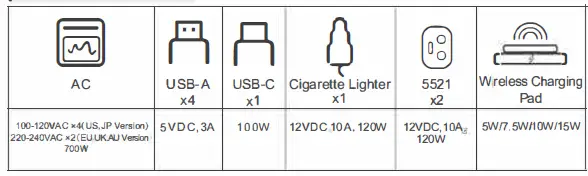
Output Specs
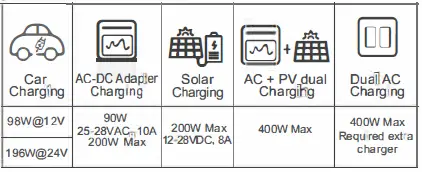
input Specs
Common Loads Runtime/Charges

537WhxDODxri+ (the current load power W) = available time(unit: hrs/times)
Note: DOD is the battery discharge depth. is the local inverter efficiency.DOD=90%,=90%.
SAFETY INSTRUCTIONS
Please observe the following instructions to ensure safety use:
- DO NOT attempt to replace the internal battery with anything other than authorized replacement battery by yourself.
- DO NOT operate in wet conditions, let unit dry completely before using.
- Ensure proper ventilation while in use and do not obstruct fan openings on use. Inadequate ventilation may cause damage to the power station.
- DO NOT stack anything on top of the power station in storage or in use, vibration and impact may lead to poor connection to hardware inside.
- DO NOT insert foreign objects into outputs or ventilation holes.
- DO NOT place the power station near heat sources like furnace or ambient heater too close.
- The power station generates the same potentially lethal AC power as household wall outlet, please take carefully and keep children away from it.