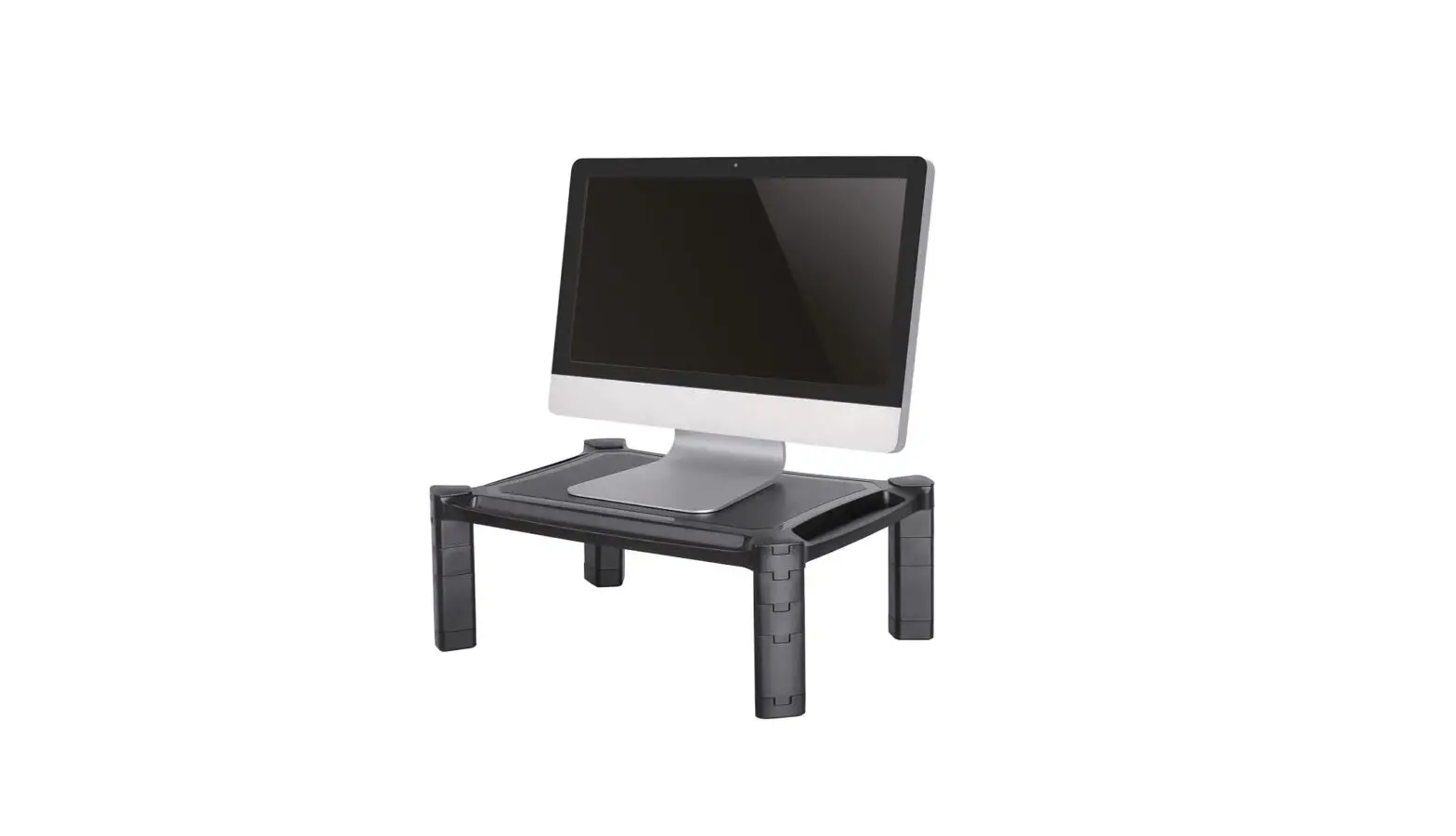
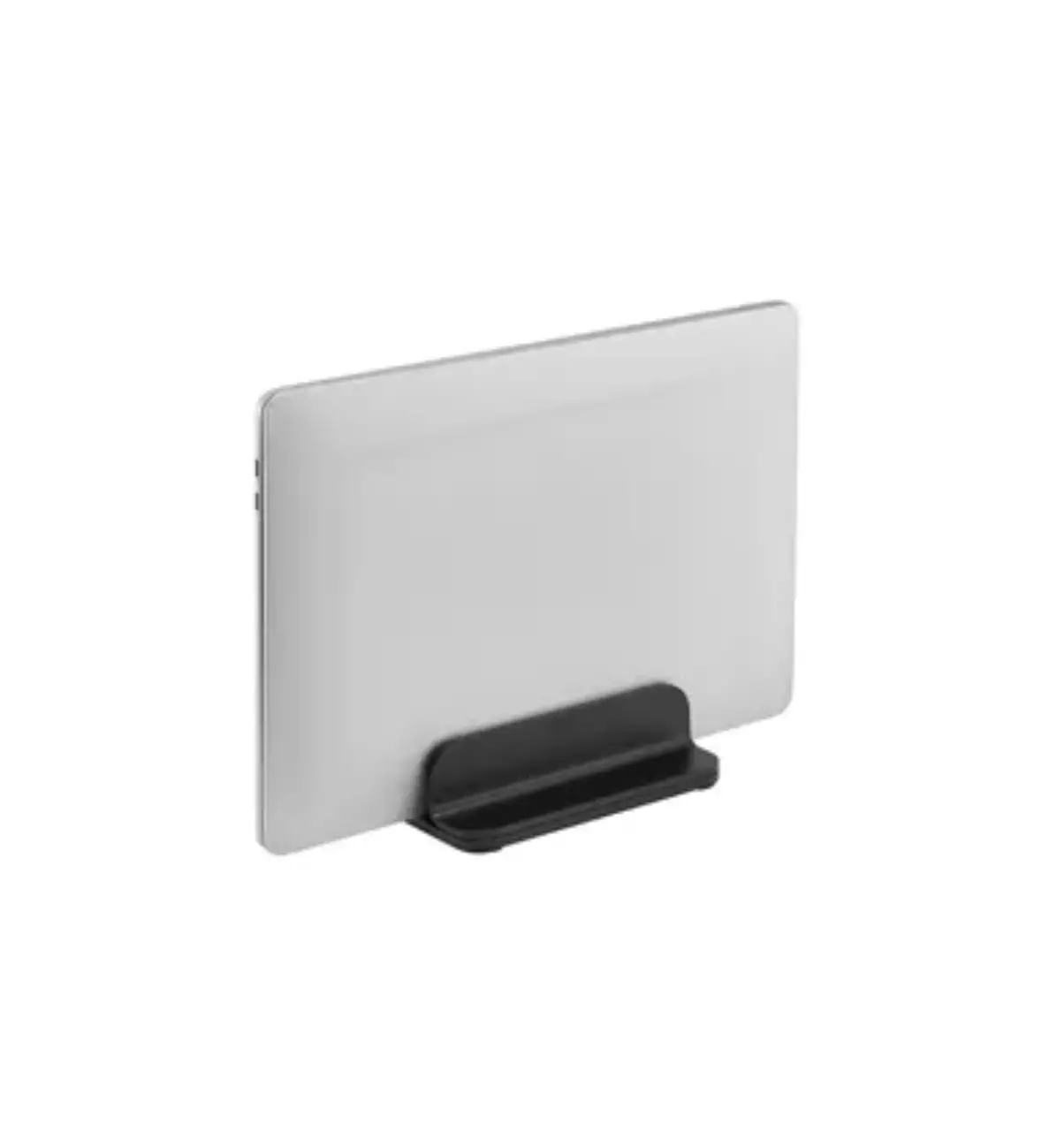
NSMONITOR20 Monitor or Laptop Riser
Product Information:
| Model | Dimensions | Weight Capacity |
|---|---|---|
| NSMONITOR20 | 168mm x 141mm x 500mm | 0-10 kg |
Product Usage Instructions:
- Step 1: Determine the desired height and place the plastic
parts accordingly. - Step 2: Adjust the height within the range of 4.6cm to
16.8cm.
INSTRUCTION MANUAL
168mm 141mm
500mm
330mm
NSMONITOR20
EN Monitor/laptop riser NL Monitor-/laptopverhoger DE Monitor-/Laptop-Erhöhung FR Réhausseur pour moniteur/laptop IT Rialzo per monitor/laptop ES Elevador de monitor/portátil PT Elevador de monitor/laptop DK Stigerør til skærm/laptop
NO Stigerør for skjerm/laptop SE Hylla för bildskärm/laptop FI Näytön koroke/kannettava PL Podstawka pod monitor/laptop CS Podstavec pro monitor/notebook SK Podstavec na monitor/notebook RO Suport pentru monitor/laptop
WWW.NEOMOUNTS.COM
NSMONITOR20
PARTS
A. (x1)
STEP 1
EN Remove the plastic covers NL Verwijder de kunststof afdekkapjes DE Entfernen Sie die Plastikabdeckungen FR Retirer les couvercles en plastique IT Rimuovere le coperture in plastica ES Retire las cubiertas de plástico PT Retirar as tampas de plástico PL Zdejmij plastikowe oslony
0-10 kg
4,6-16,8 cm
B. (x8)
C. (x4)
STEP 2
EN Determine the desired height and place the plastic
parts accordingly
NL Bepaal de gewenste hoogte en plaats de kunststof
onderdelen overeenkomstig
DE Bestimmen Sie die gewünschte Höhe und platzieren
Sie die Kunststoffteile entsprechend
FR Déterminer la hauteur souhaitée et placer les pièces
en plastique en conséquence
B
IT Determinare l’altezza desiderata e posizionare le parti
in plastica di conseguenza
C
ES Determine la altura deseada y coloque las piezas de
plástico en consecuencia
PT Determinar a altura desejada e colocar as peças de
plástico em conformidade
PL Okrel dan wysoko i odpowiednio umie
plastikowe czci
 Neomounts