
DELTA uno lite BACnet
Overview
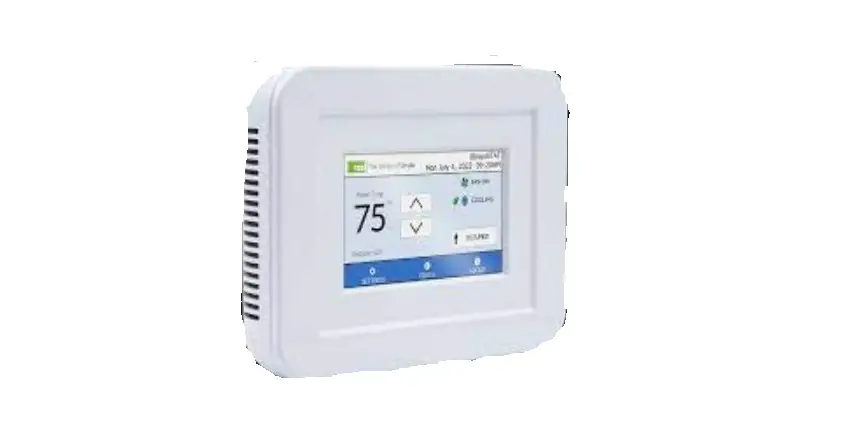
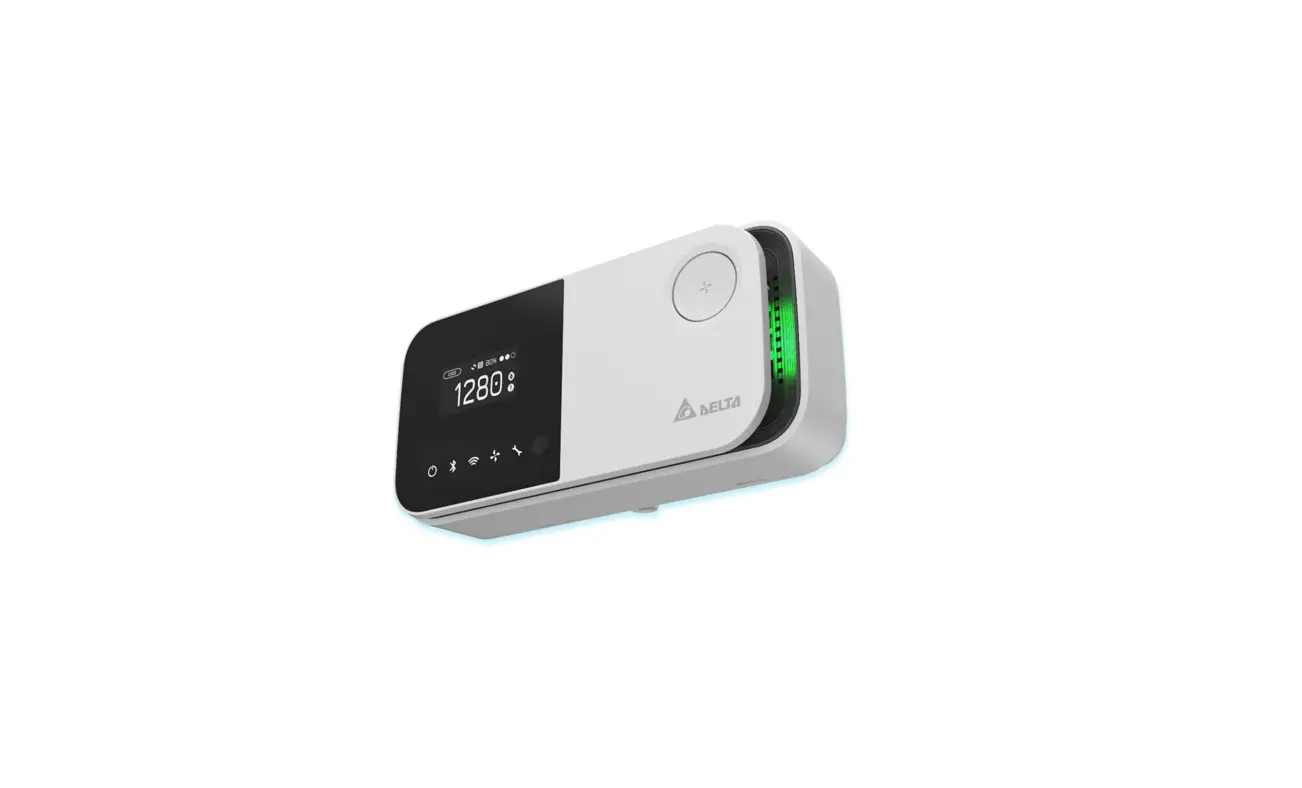
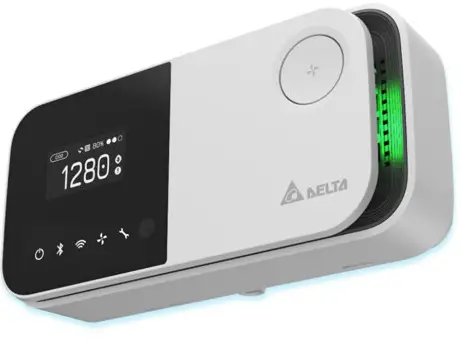
unpolite is an indoor air quality monitor to measure the space temperature/humidity/CO2 / PM2.5 / PM10 / PM1 / TVOC and exposes the measurements directly onto a BACnet MS/TP or Modbus RTU network. Moreover, the measurements are also accessible with UNO apps through BLE or UNO web through Wi-Fi (Wi-Fi model). Please refer to the unpolite official website for more information.
This document is primarily concerned with how to add unpolite to BACnet MS/TP or Modbus network.
Hardware Interface
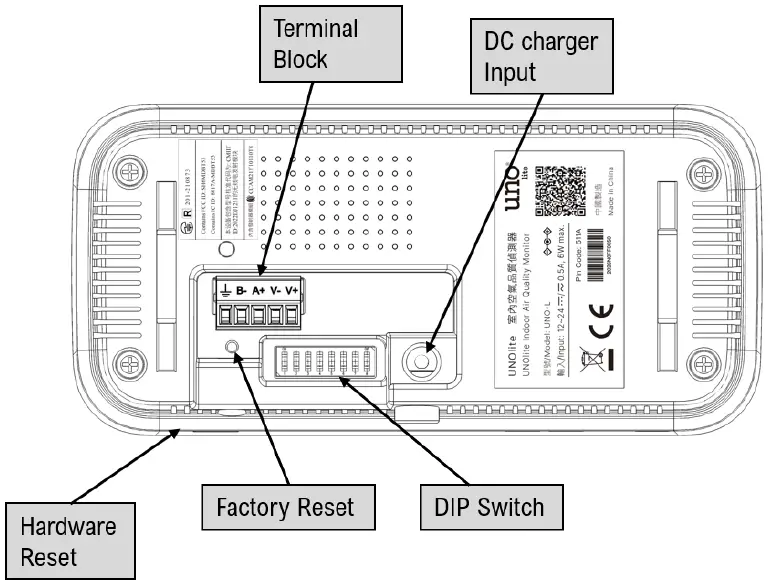
| Key | Description |
| Hardware reset | Push this button will trigger a power cycle. |
|
Factory reset | After booting, press this button three times within 2 seconds will trigger factory reset. The values below will be restored to default:
|
NOTE: It’s recommended to use a paper clip to press the keys.
Terminal block
| Terminal | Description |
| V+ | Power input. For more information, please refer to the production specification. |
| V- | Power input. For more information, please refer to the production specification. |
| A+ | RS485(+) data pin. For Modbus/BACnet network. |
| B- | RS485(-) data pin. For Modbus/BACnet network. |
| GND | Ground terminal. Each RS485 driver in an installation is recommended to connect to the same ground to get a common reference. |
DIP switch
| DIPs | Description | ON | OFF |
| 1 – 6 | Refer to the later sections for the definition of each pin |  | |
| 7 | BACnet mode switch. ON : BACnet mode OFF : Modbus mode | | |
| 8 | RS485 terminator resistor (120 ohm) | |
NOTE:
The dips should be adjusted to the proper position in power-off state. Adjust the dips, then power on the device.
BACnet mode
Unolite will run on BACnet MS/TP mode if the 7th pin is set to ON state. The definition of the dips in BACnet mode as listed below:
| DIP | Description | ON | OFF |
| 1 | BACnet slave position[3] (check address table) | | |
| 2 | BACnet slave position[2] (check address table) | | |
| 3 | BACnet slave position[1] (check address table) | | |
| 4 | BACnet slave position[0] (check address table) | | |
| 5 | BACnet MS/TP baudrate[1] (check Baudrate table) | | |
| 6 | BACnet MS/TP baudrate[0] (check Baudrate table) | | |
| 7 | BACnet mode switch. ON : BACnet mode OFF : Modbus mode | | |
| 8 | RS485 terminator resistor (120 ohm) | |
NOTE:
The definitions of dip are different from Modbus mode. Please make sure which mode is chosen.
BACnet MS/TP address and baudrate
BACnet Address Table
| Dip | BACnet MAC address | |||
| 1 | 2 | 3 | 4 | |
| ↓ | ↓ | ↓ | ↓ | 0x00 [0] |
| ↓ | ↓ | ↓ | ↑ | 0x01 [1] |
| ↓ | ↓ | ↑ | ↓ | 0x02 [2] |
| ↓ | ↓ | ↑ | ↑ | 0x03 [3] |
| ↓ | ↑ | ↓ | ↓ | 0x04 [4] |
| ↓ | ↑ | ↓ | ↑ | 0x05 [5] |
| ↓ | ↑ | ↑ | ↓ | 0x06 [6] |
| ↓ | ↑ | ↑ | ↑ | 0x07 [7] |
| ↑ | ↓ | ↓ | ↓ | 0x08 [8] |
| ↑ | ↓ | ↓ | ↑ | 0x09 [9] |
| ↑ | ↓ | ↑ | ↓ | 0x0A [10] |
| ↑ | ↓ | ↑ | ↑ | 0x0B [11] |
| ↑ | ↑ | ↓ | ↓ | 0x0C [12] |
| ↑ | ↑ | ↓ | ↑ | 0x0D [13] |
| ↑ | ↑ | ↑ | ↓ | 0x0E [14] |
| ↑ | ↑ | ↑ | ↑ | 0x0F [15] |
BACnet Baudrate Table
| Dip | baudrate | |
| 5 | 6 | |
| ↓ | ↓ | 76800 |
| ↓ | ↑ | 9600 |
| ↑ | ↓ | 19200 |
| ↑ | ↑ | 38400 |
BACnet Object Table
| BACnet Object Table | ||||
| Type | Identifier | Name | Unit | Descriptions |
|
Analog Input | AI-0 | Temperature | °C | Range: 0.00 – 50.00 |
| AI-1 | Humidity | % | Range: 10.00 – 80.00 | |
| AI-2 | PM2.5 | μg/m3 | Range: 0 – 1000 | |
| AI-3 | PM10 | μg/m3 | Range: 0 – 1000 | |
| AI-4 | PM1 | μg/m3 | Range: 0 – 1000 | |
| AI-5 | CO2 | ppm | Range: 400 – 5000 | |
| AI-6 | Temperature_F | °F | Range: 32.00 – 122.00 | |
| AI-7 | TVOC | ppm | Range: 0 – 30.00 | |
|
AI-8 |
IAQ index |
– | Give an index according to current PM and CO2 concentration. The index also be referenced by IAQ LED:
| |
|
Analog Value |
AV-0 |
MAC Address |
– | Range: 0 – 127 Set value on this object to configure the MAC address. The MAC address will be saved and overwritten the dip setting. The saved value will be cleaned by factory reset or write 255 to this object. Device will reboot after writing on this object |
|
Analog Value |
AV-1 |
Temperature_Cali |
°C | Range: 0 – 5000 Write the ambient temperature(°C ) to calibrate unolite’s temperature. EX: unolite’s temperature is 23°C, write 2300 to this object will calibrate unolite’s temperature to 23°C |
|
AV-2 |
CO2_Cali |
ppm | Range: 400 – 1500 Writing the current CO2 value to this node to calibrate unolite’s CO2. It will take effect within 10 seconds. Write to this node will disable CO2 ASC. | |
|
AV-3 |
CO2_ASC |
– | CO2 Automatic Self-Calibration mode.
By default, CO2 sensor ASC mode is running and the value presents “1”. When the CO2_Cali have been written, the ASC mode will be disabled and the value will present “0”. You still can activate ASC mode by this node. | |
|
AV-4 |
IAQ_LED_Ctl |
– | The switch of IAQ indicator. Set value to 0 to disable the IAQ indicator. Set value to 1 to enable the IAQ indicator. |
NOTE:
The property “Out of Service” of the sensor object means the health state of the sensors. If “Out of service” is true, try to power cycle the device to recover it.
BACnet Device information
| BACnet Device information | |
| Object Name | Descriptions |
| Model Name | “UNOLite” |
| Max Master | 127 |
| Application Version | The firmware version of unolite version |
|
Object Identifier | The identifier number is composed of serial number. EX: The SN of unolite is 2301L0170040. Then the BACnet object identifier number will be 3010040. |
| Vendor Name | Delta |
DIP example
| Num | 1 | 2 | 3 | 4 | 5 | 6 | 7 | 8 |
| ON |  | | | | | |||
| OFF | | | |
Here is an example to demonstrate how to configure your unolite:
- The pin 8 is ON, the 120ohm terminator resistor is enabled.
- The pin 7 is ON, the unolite will run on BACnet mode.
- The pin 5/6 is OFF/OFF and check the baudrate table, unolite will run on 76800
- The pin 1/2/3/4 is ON/ON/ON/OFF and check the address table, the MAC address of unolite is 0xE(14)
Modbus mode
If the DIP-7 stays in the OFF state, unolite will run on Modbus mode. Please refer to the unpolite Modbus document for more information.