
Quick Start Guide
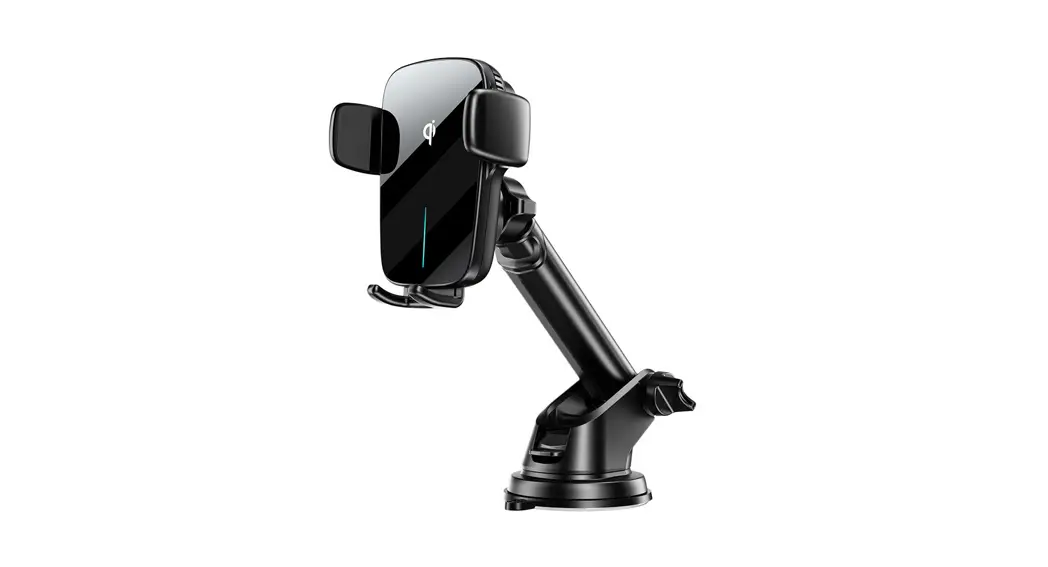
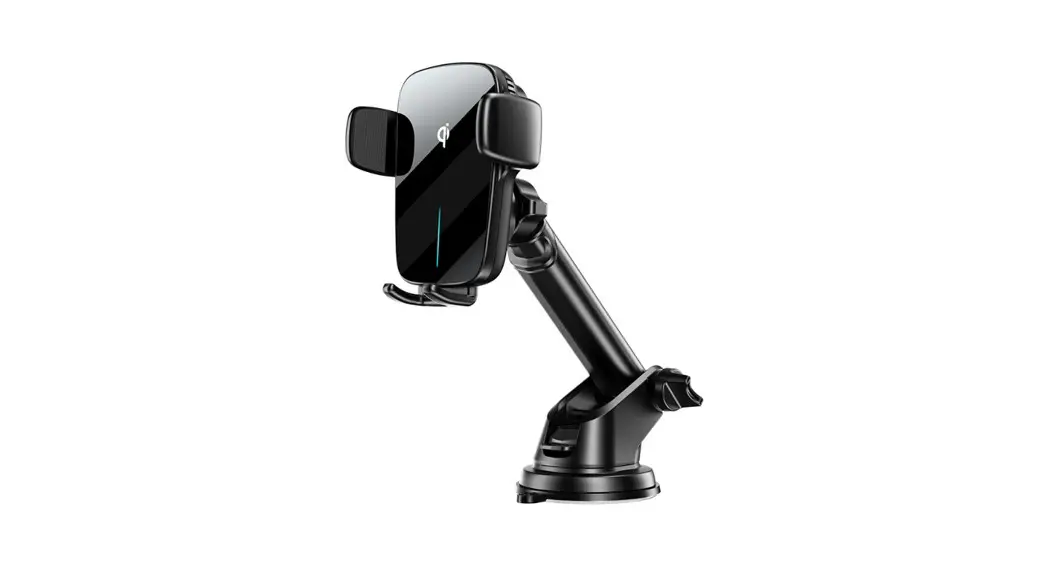
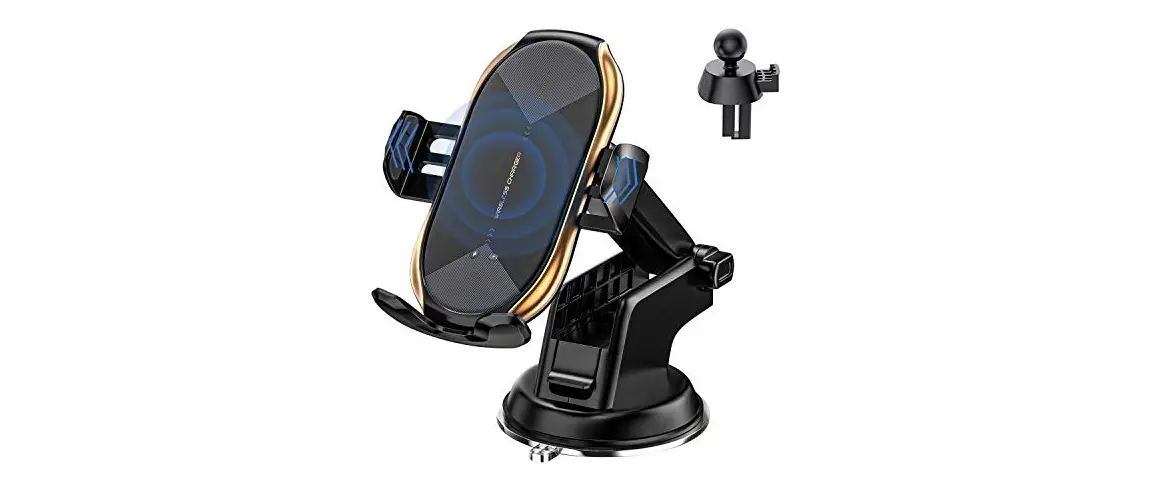
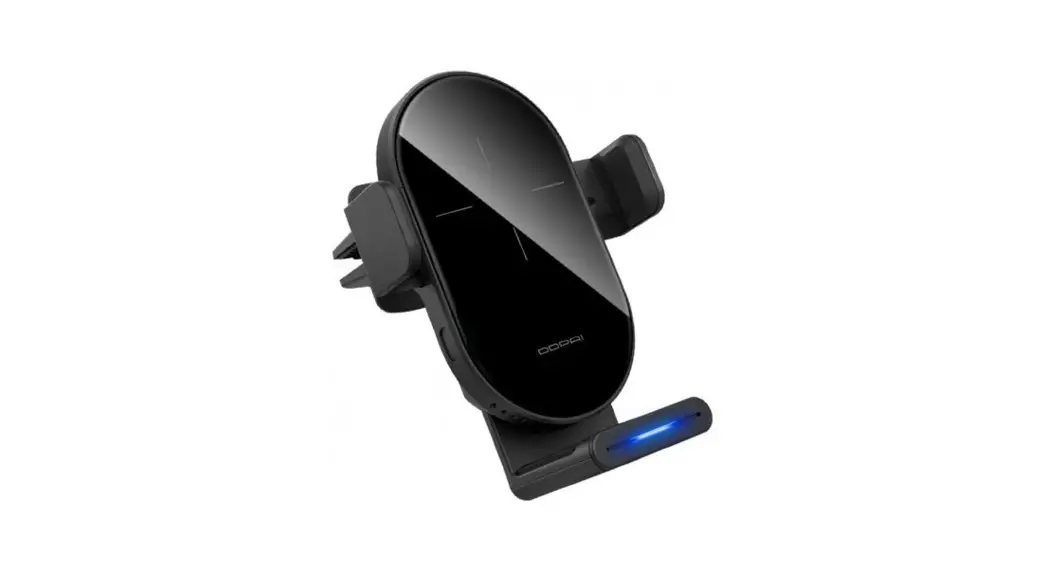
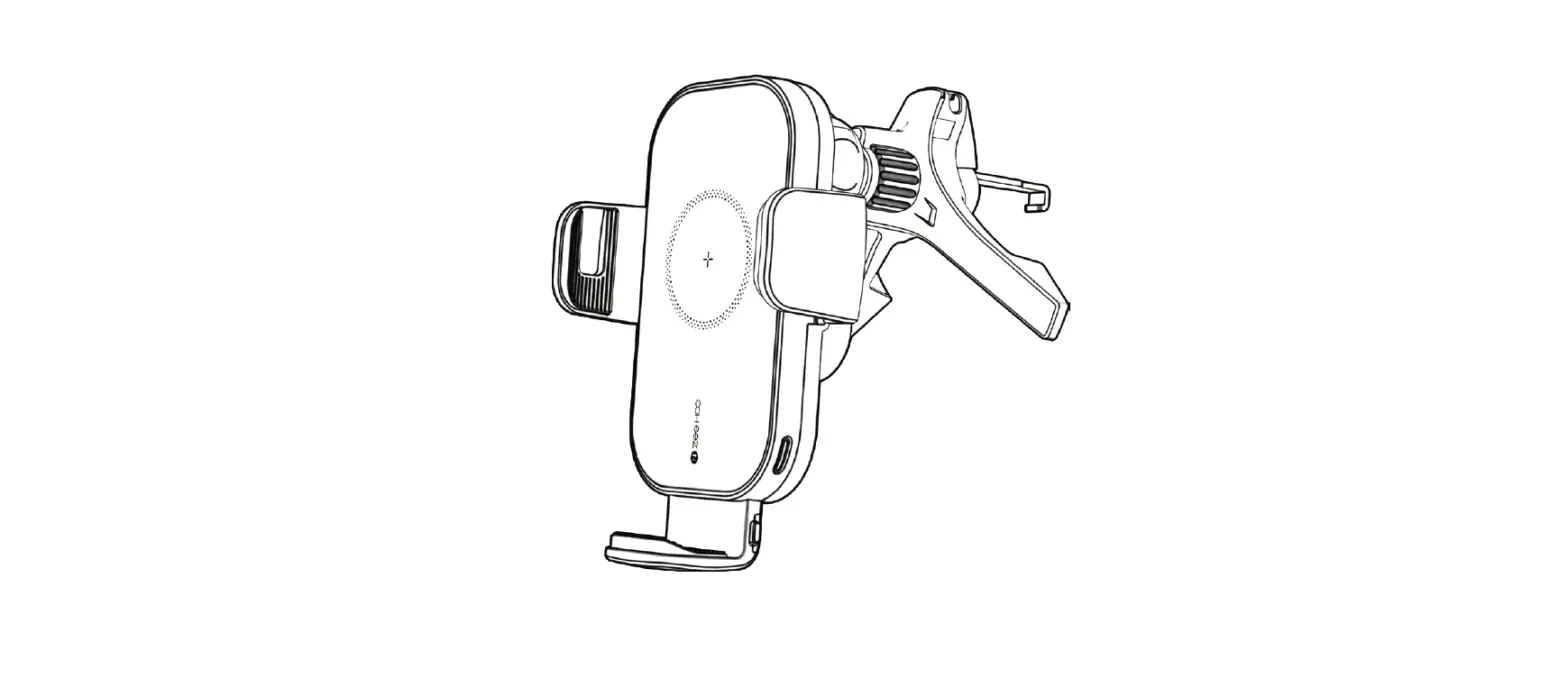
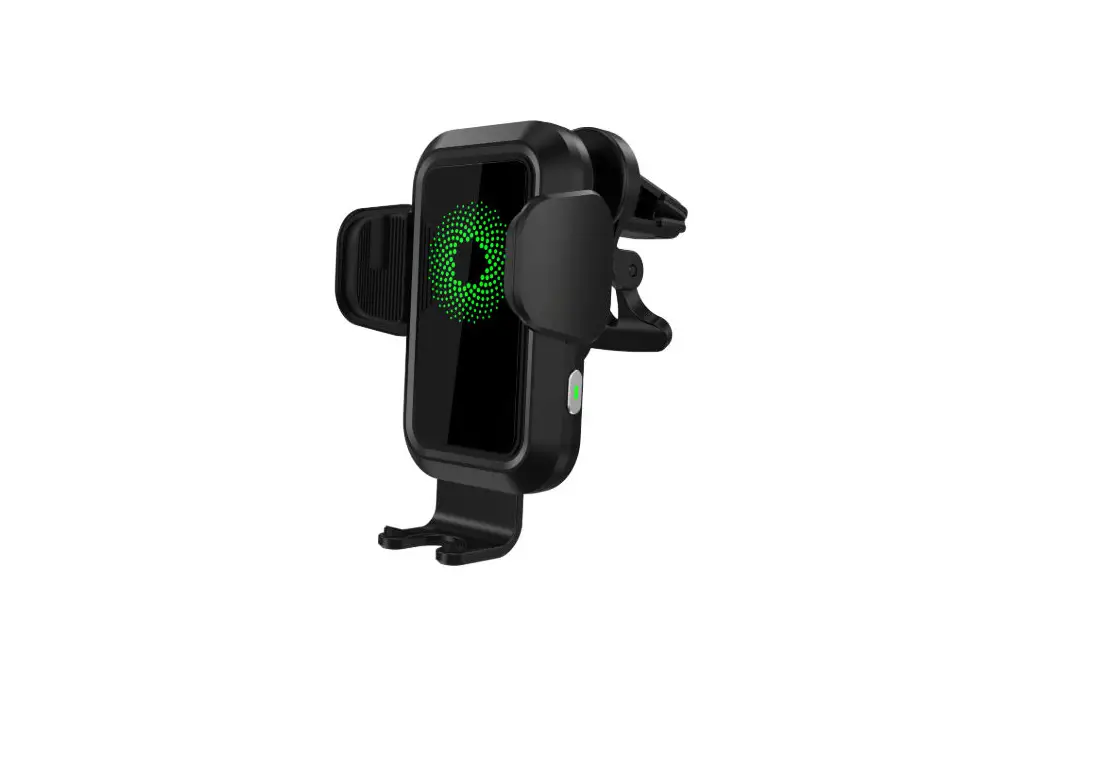
D10 multi-function wireless charging car holder
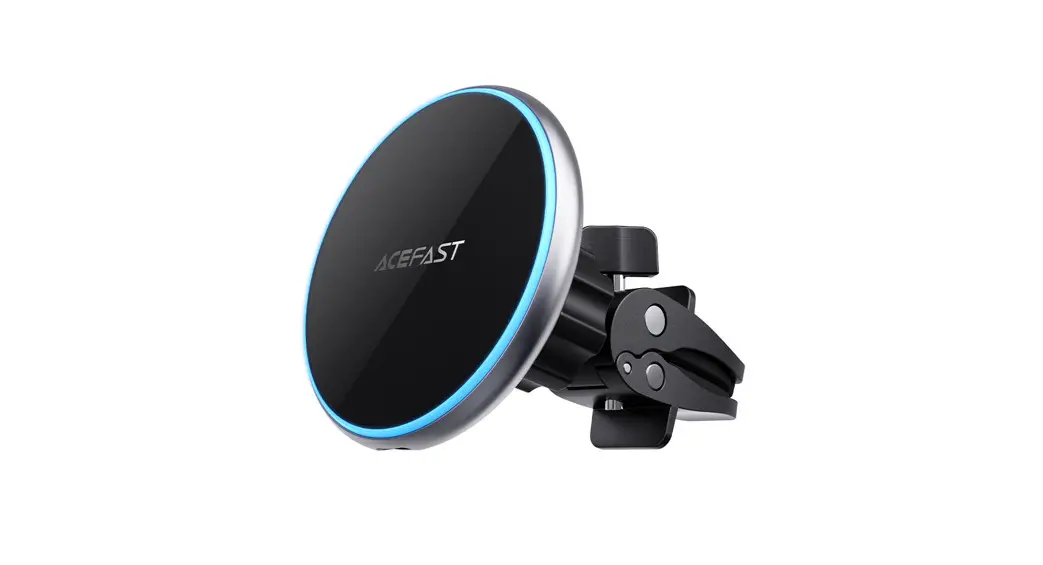
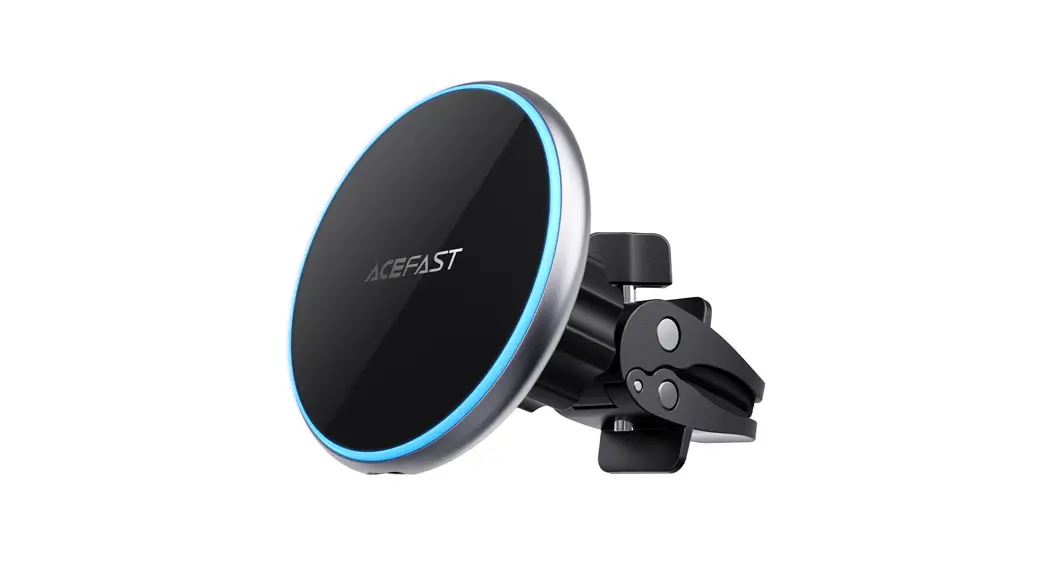
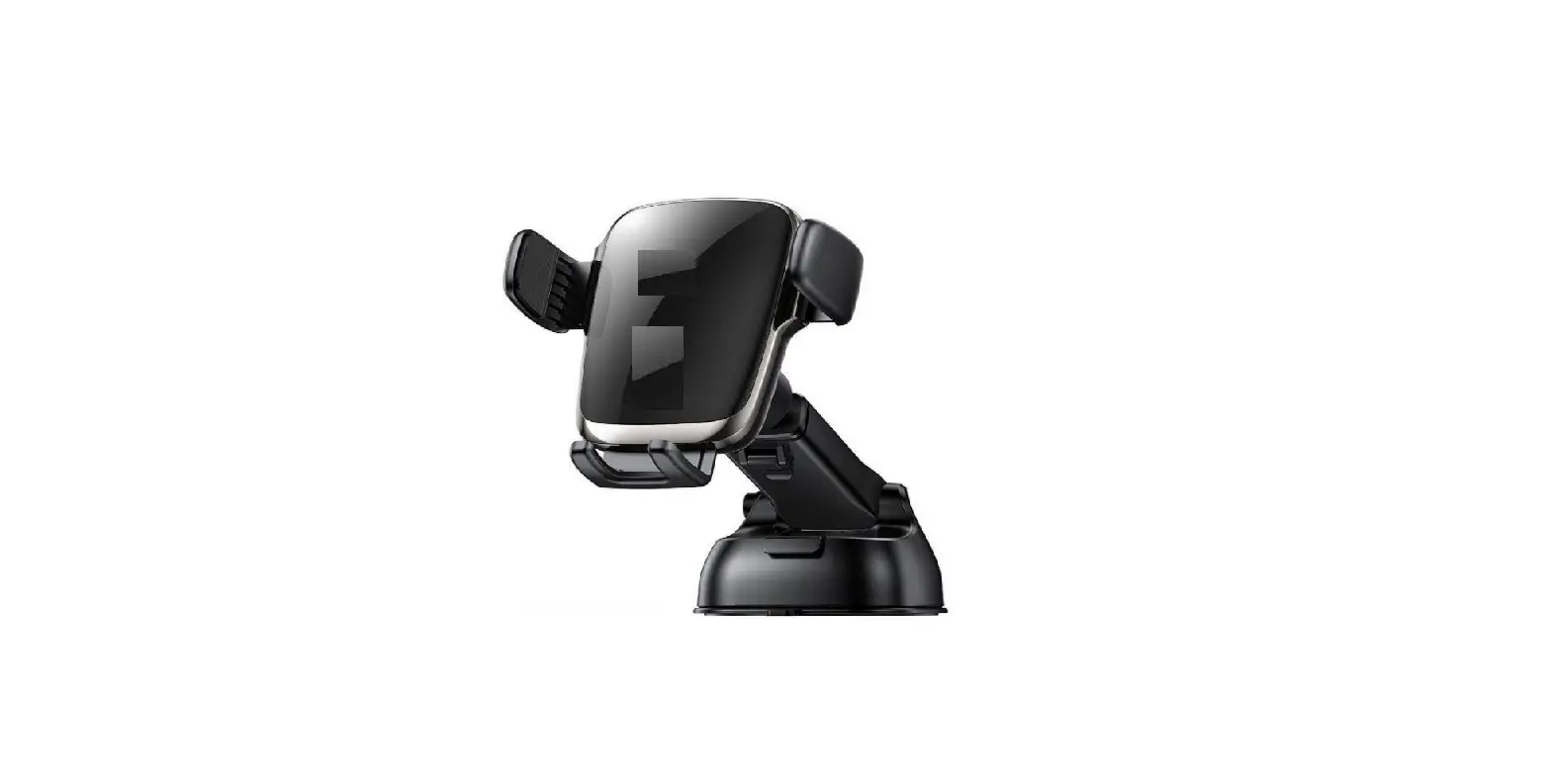
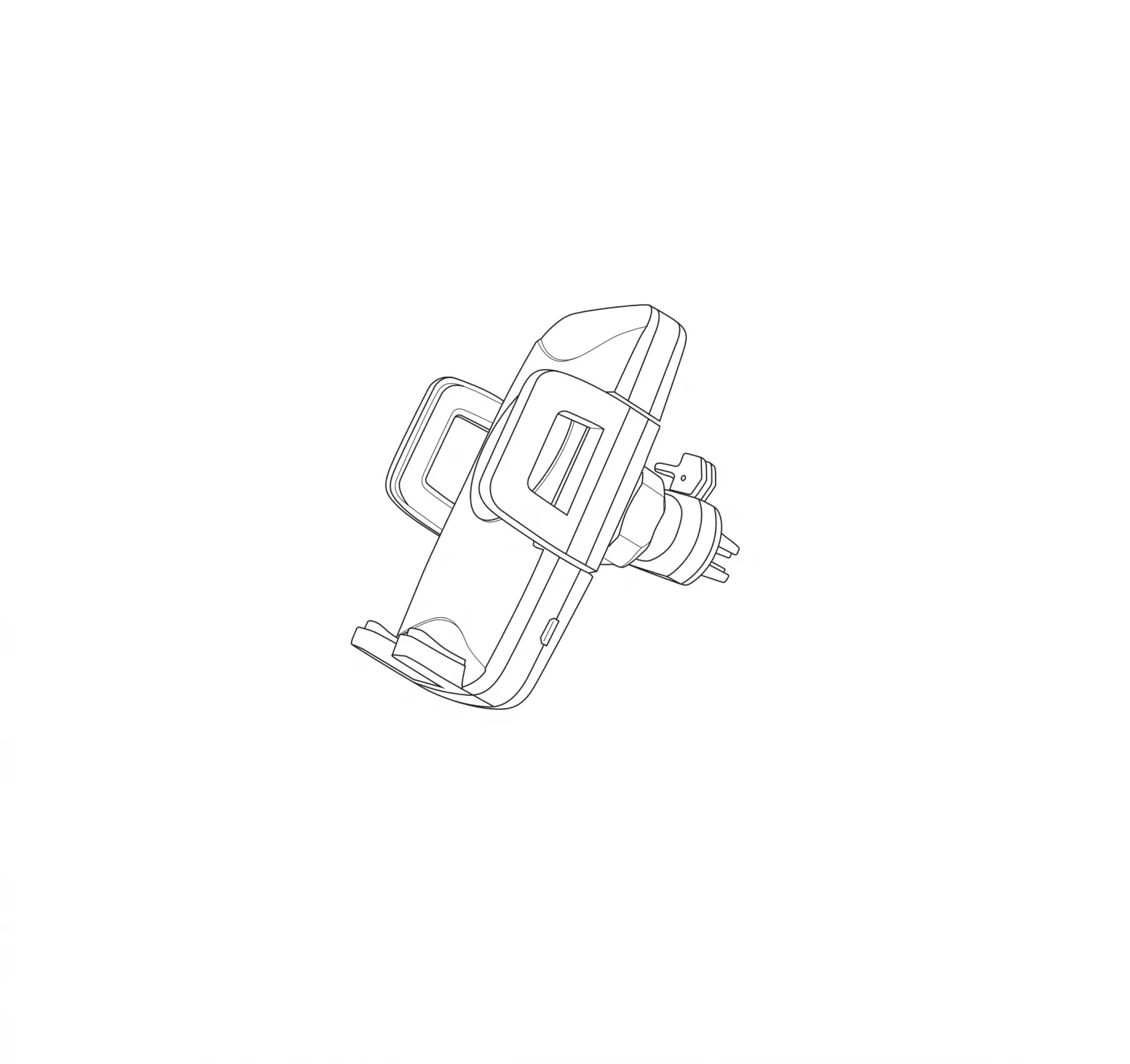
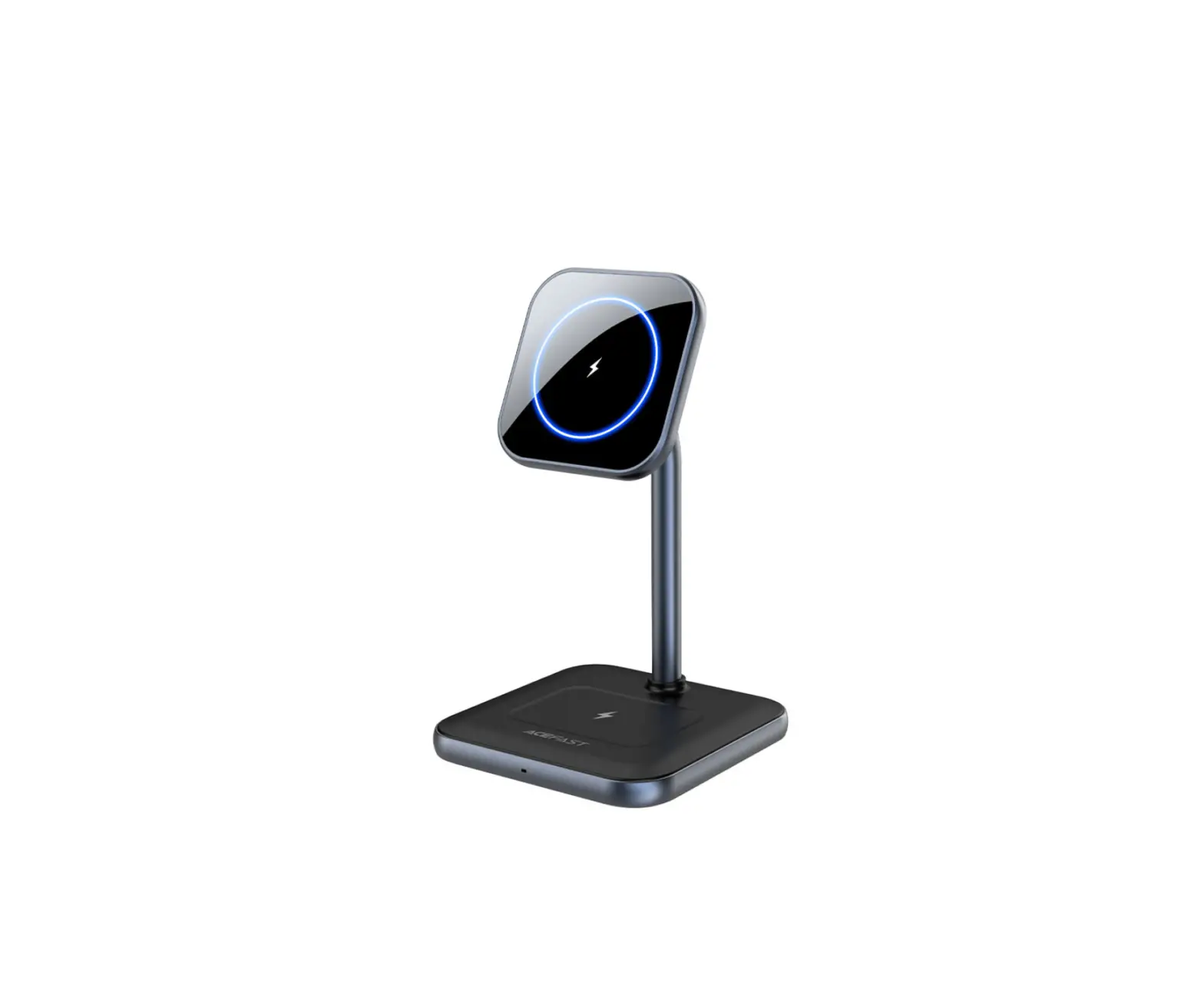
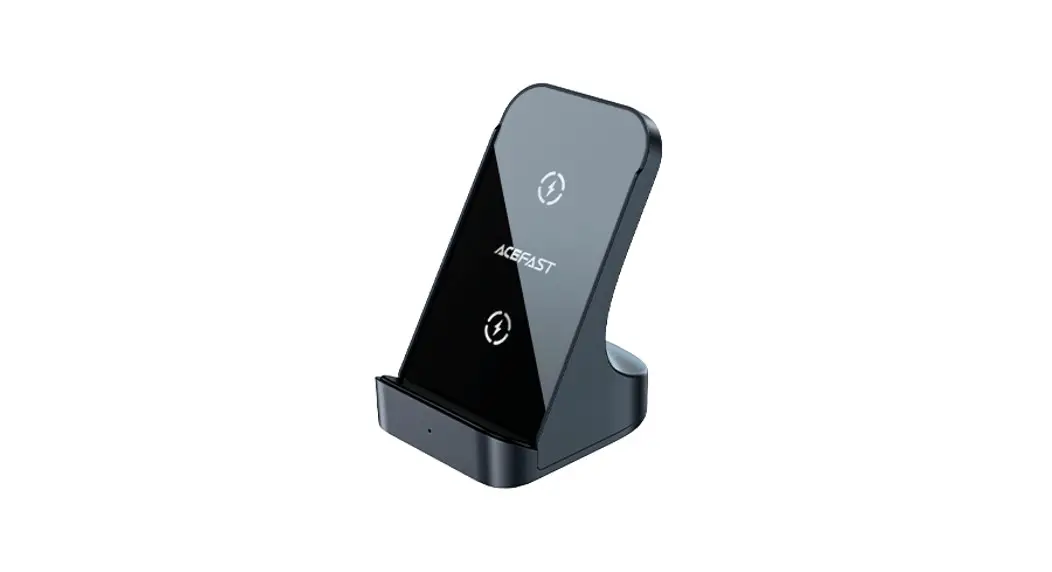
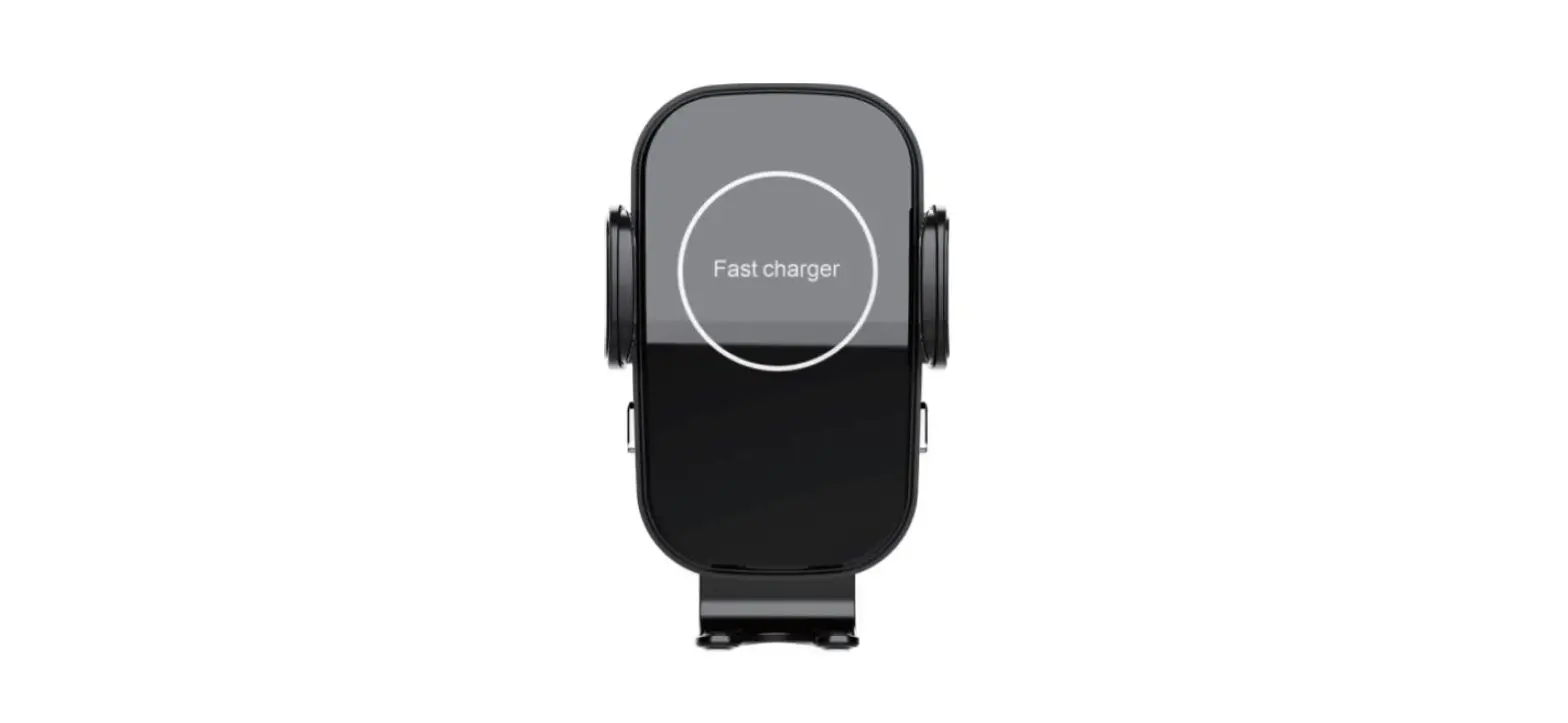
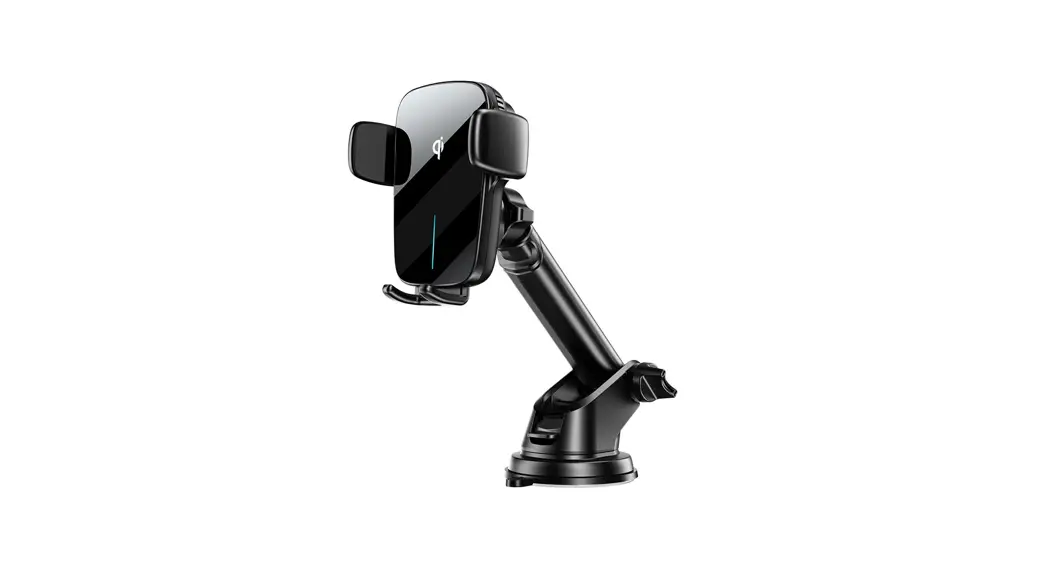
Product picture
Thank you for purchasing the product.
Please read this user manual carefully and keep it for future reference. If you need any assistance, please contact our support team with your product model number and Amazon order number.
Operating Instructions
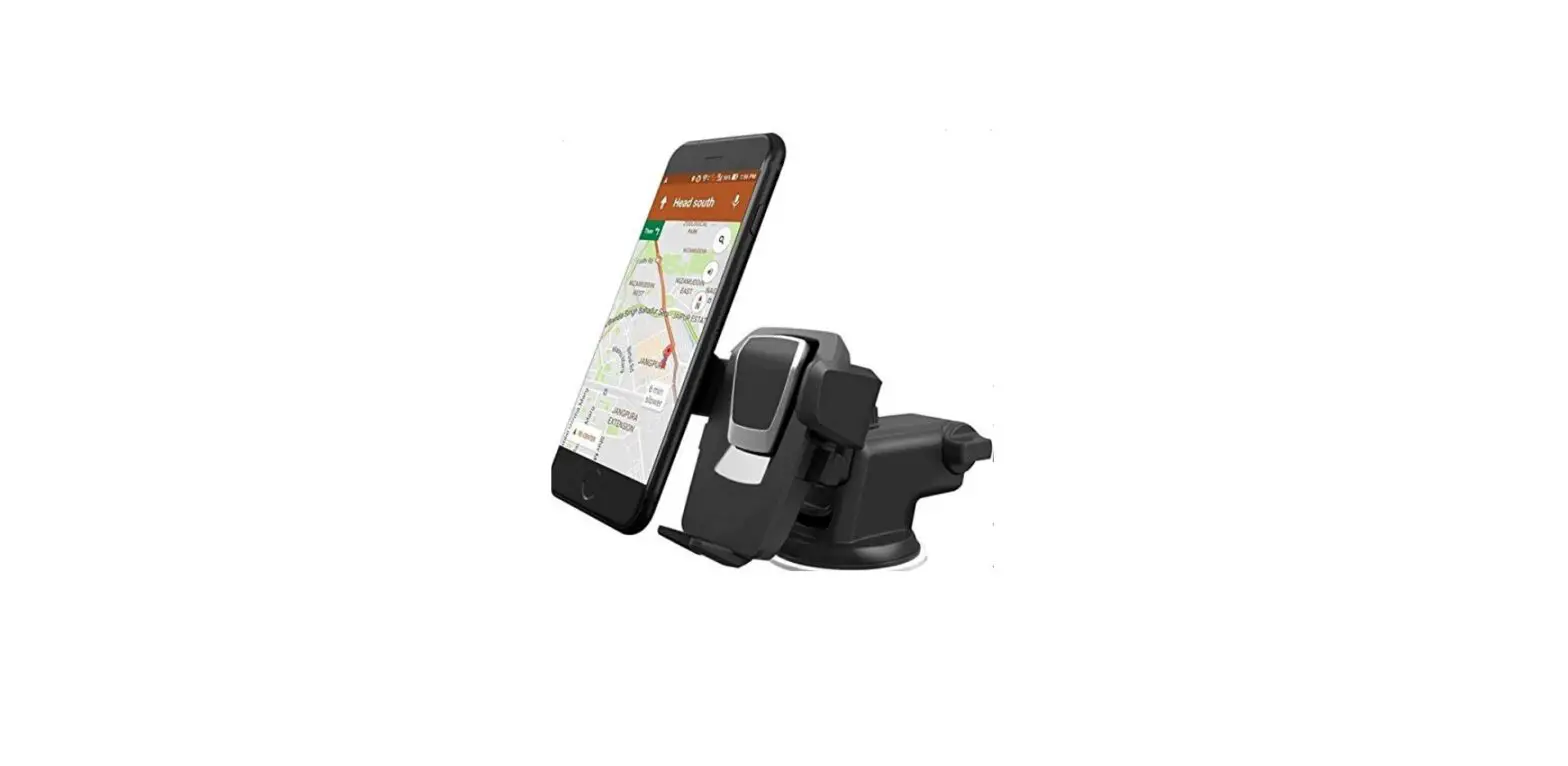
Operation steps of the center console holder:
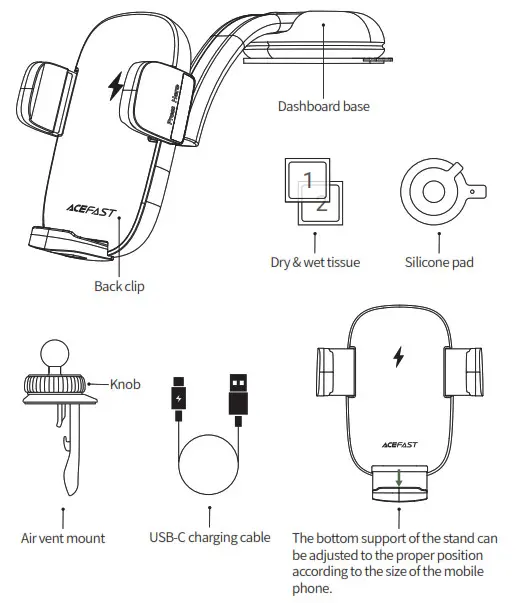
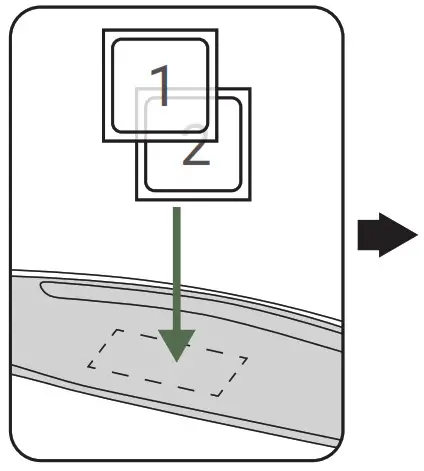
- Use a wipe pack to clean the surface of the center console of the car.

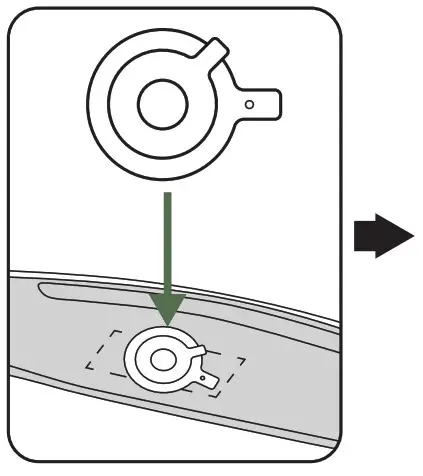
- Stick the silicone pad on the surface of the center console of the car.

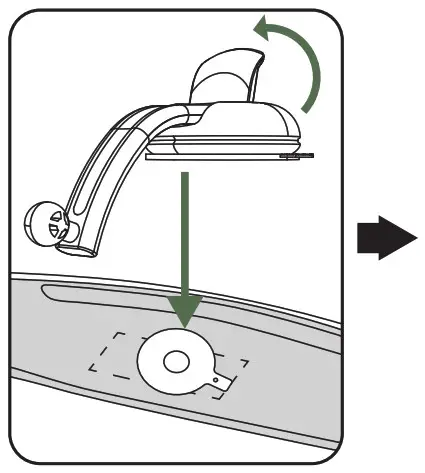
- Raise the lever of the center console base, stick the base on the silicone pad, lower the lever of the center console base.

- Unscrew the fixing nut behind the back clip, put the universal ball in and then tighten the nut.
Operation steps of the air vent holder:
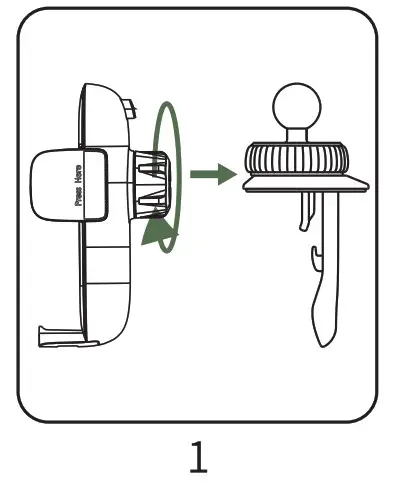
- Unscrew the fixing nut behind the back clip, put the universal ball in and then tighten the nut.

- Fix the holder at the air vent. Turn the knob counterclockwise to open the hook clamp, and turn the knob clockwise to lock the hook clamp.

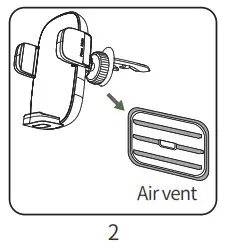
Back clamp operation steps:
- Use the USB-C charging cable to connect the car charger to the USB-C port at the bottom of the back clip.

- Press the “Press” button on the back of the holder, the back clip arm automatically opens.

- Put in the phone and lock the clamp arm.

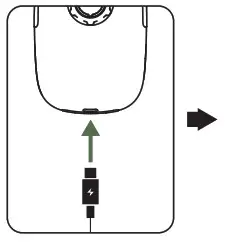
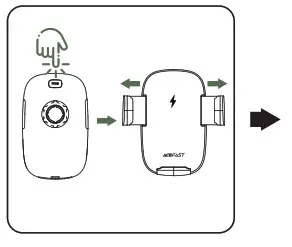
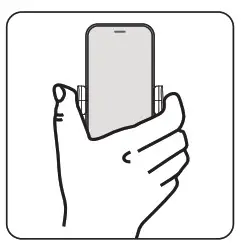
Specifications
| Model | HD-C60 |
| Colour | Black |
| Material | Plastic, silicone, metal alloy |
| Place of mount | Dashboard, in-car air vent |
| Input (USB-C charging port) | 5V-2A; 9V=1.67A |
| Output | 5W/7.5W/10W/15W(Max) |
| Size | Back clip size: 110x69x57mm / 4.33×2.72×2.24in Clamp inner width (max./min.): 53-96mm / 2.09-3.78in Dashboard base size: 167×72.5x4Omm / 6.57×2.85×1.57in Air vent clip size: 93x45x34mm / 3.66×1.77×1.34in |
| Weight | About 220g / 7.76oz |
Precautions:
Do not disassemble or modify this product by yourself.
Do not place this product in a humid environment.
Please do not charge near a heat source.
Do not allow water or other liquids to flow into the product, otherwise, it will cause damage to the product.
Do not install this product in the area where the airbag is located.
Do not drop.
Do not scratch the surface of this product with sharp objects to avoid surface damage.
Warranty & Customer Support
For questions, support, or warranty claims, contact us at the mail below that corresponds with your region. Please include your order number and product model number.
Amazon US orders: [email protected]
Amazon EU orders: [email protected]
Amazon UK orders: [email protected]
Amazon CA orders: [email protected]
Amazon JP orders: [email protected]
Other region orders: [email protected]
*Please note, ACEFAST can provide after-sales service for products purchased from any official ACEFAST store. If you have purchased from a local seller, you can also contact them directly for service or warranty issues.
NOTE: This equipment has been tested and found to comply with the limits for a Class B digital device, pursuant to part 15 of the FCC Rules. These limits are designed to provide reasonable protection against harmful interference in a residential installation. This equipment generates uses and can radiate radio frequency energy and, if not installed and used in accordance with the instructions, may cause harmful interference to radio communications. However, there is no guarantee that interference will not occur in a particular installation. If this equipment does cause harmful interference to radio or television reception, which can be determined by turning the equipment off and on, the user is encouraged to try to correct the interference by one or more of the following measures:
– Reorient or relocate the receiving antenna.
– Increase the separation between the equipment and receiver.
– Connect the equipment into an outlet on a circuit different from that to which the receiver is connected.
– Consult the dealer or an experienced radio/TV technician for help
Changes or modifications not expressly approved by the party responsible for compliance could void the user’s authority to operate the equipment.
This device complies with Part15 of the FCC Rules. Operation is subject to the following two conditions:
- this device may not cause harmful interference, and
- this device must accept any interference received, including interference that may cause undesired operation.
RF Exposure Warning Statements:
This equipment complies with FCC radiation exposure limits set forth for an uncontrolled environment. This equipment shall be installed and operated with a minimum distance of 20cm between the radiator & body.
Shenzhen Houshuxia Technology Co., LTD
www.acefast.com | [email protected]
Rm203, 2nd Floor, Building C, Youth Pioneer Park,
Jianshe East Road, Tsinghua Community,
Longhua Street, Longhua District, Shenzhen, P. R. China
Shenzhen, 518000, China