 D1
D1
Quick Start Guide
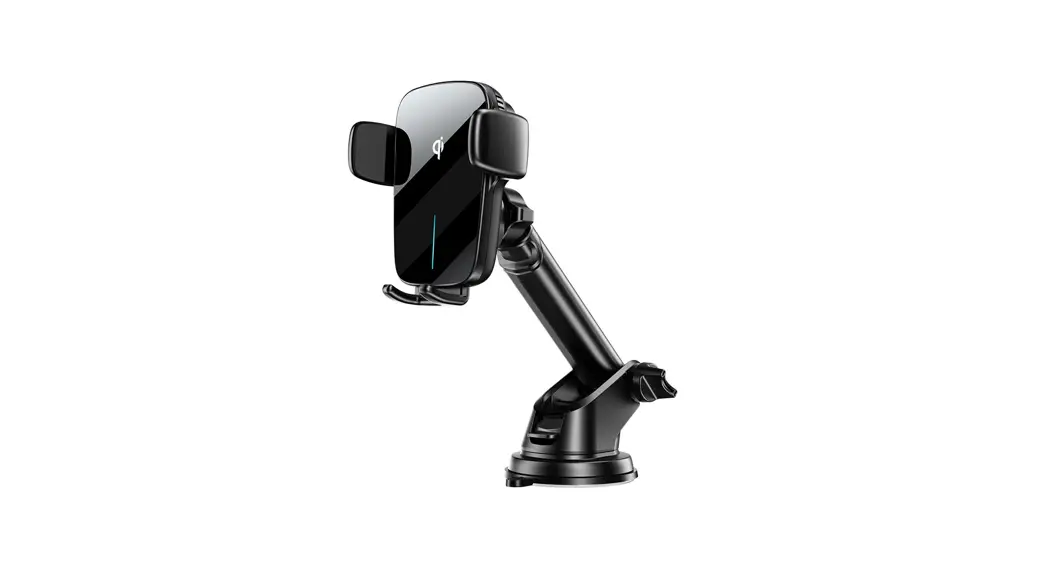
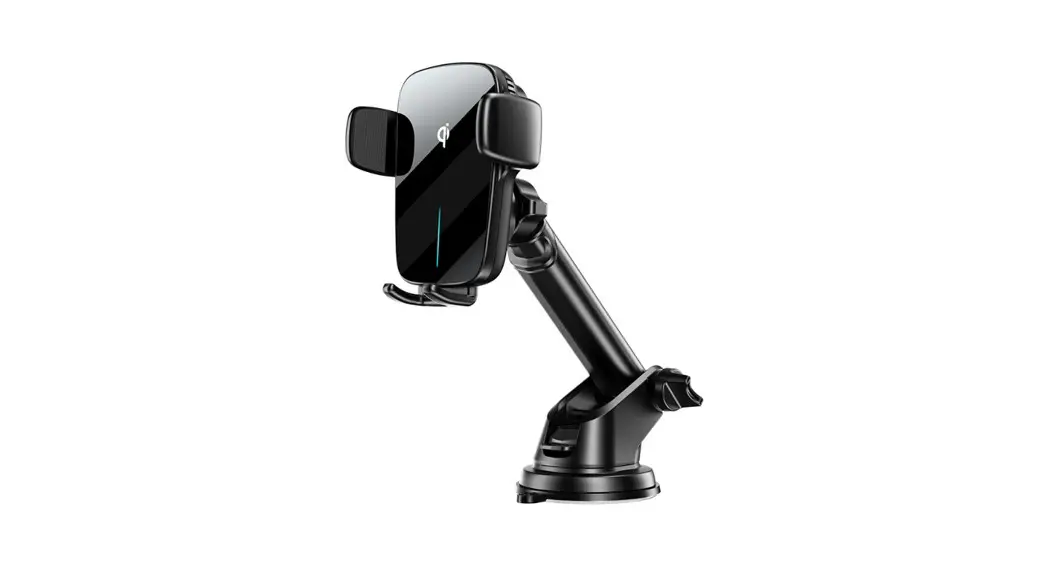
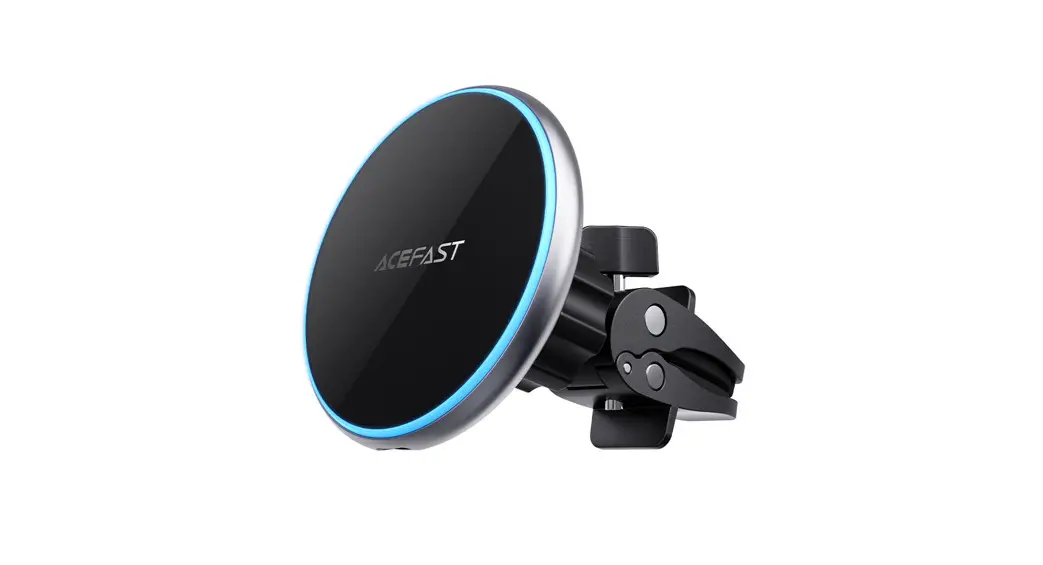
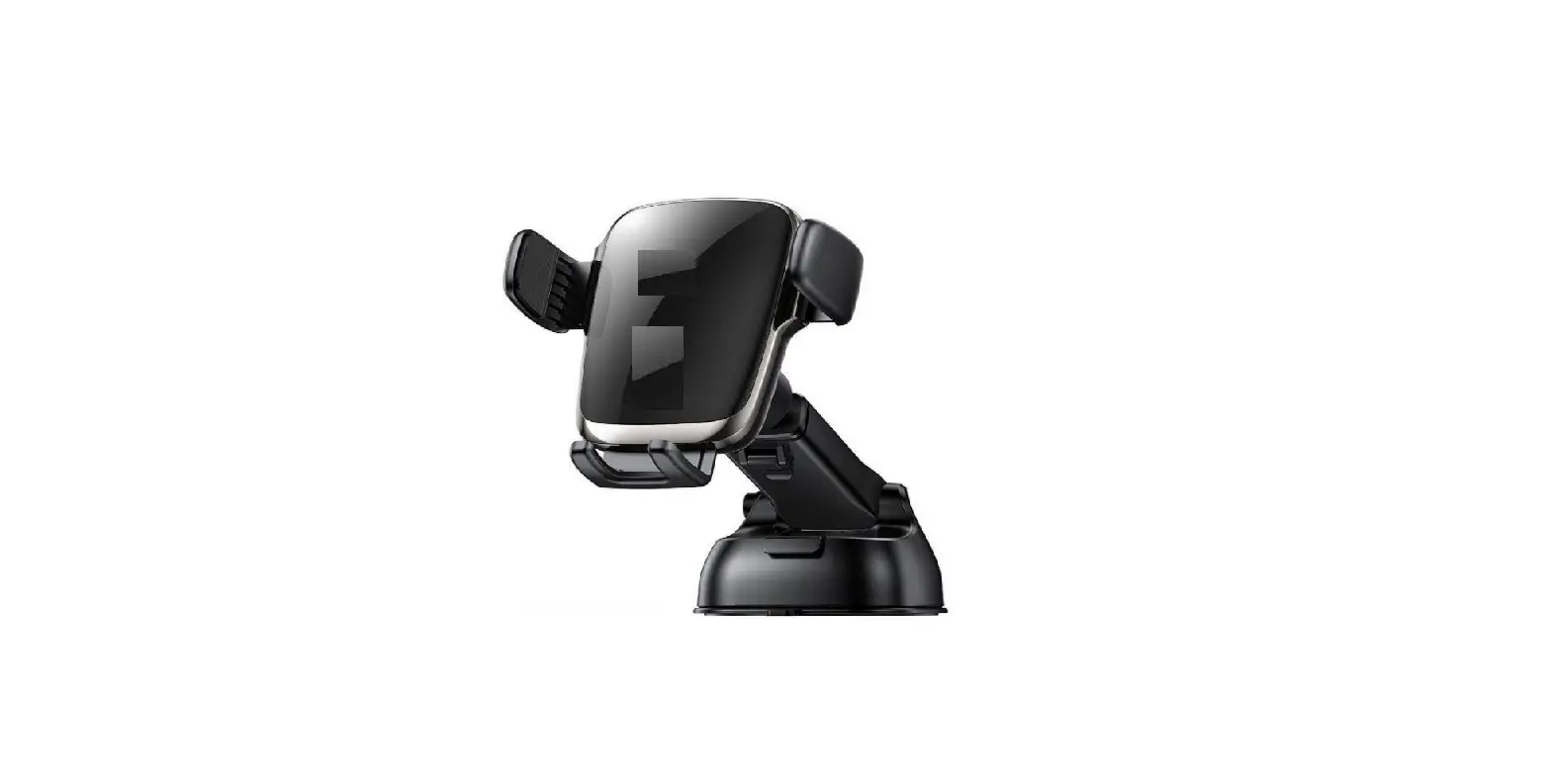
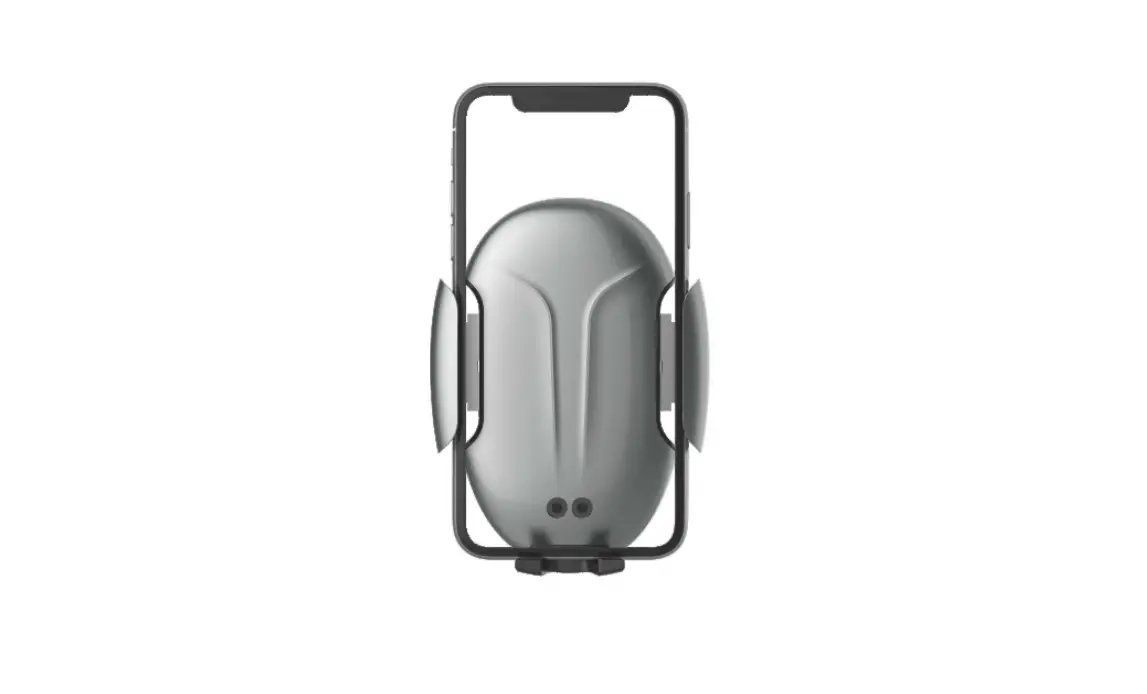
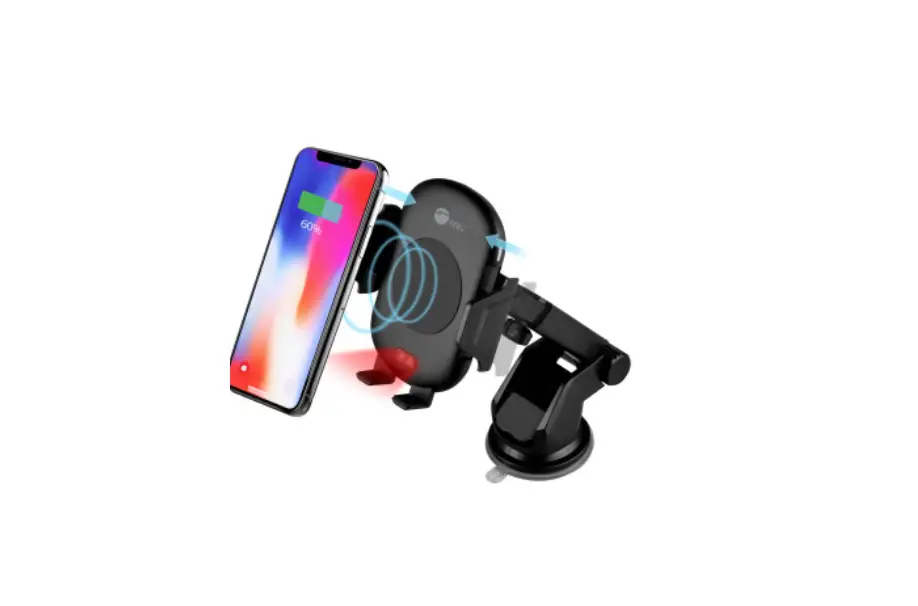
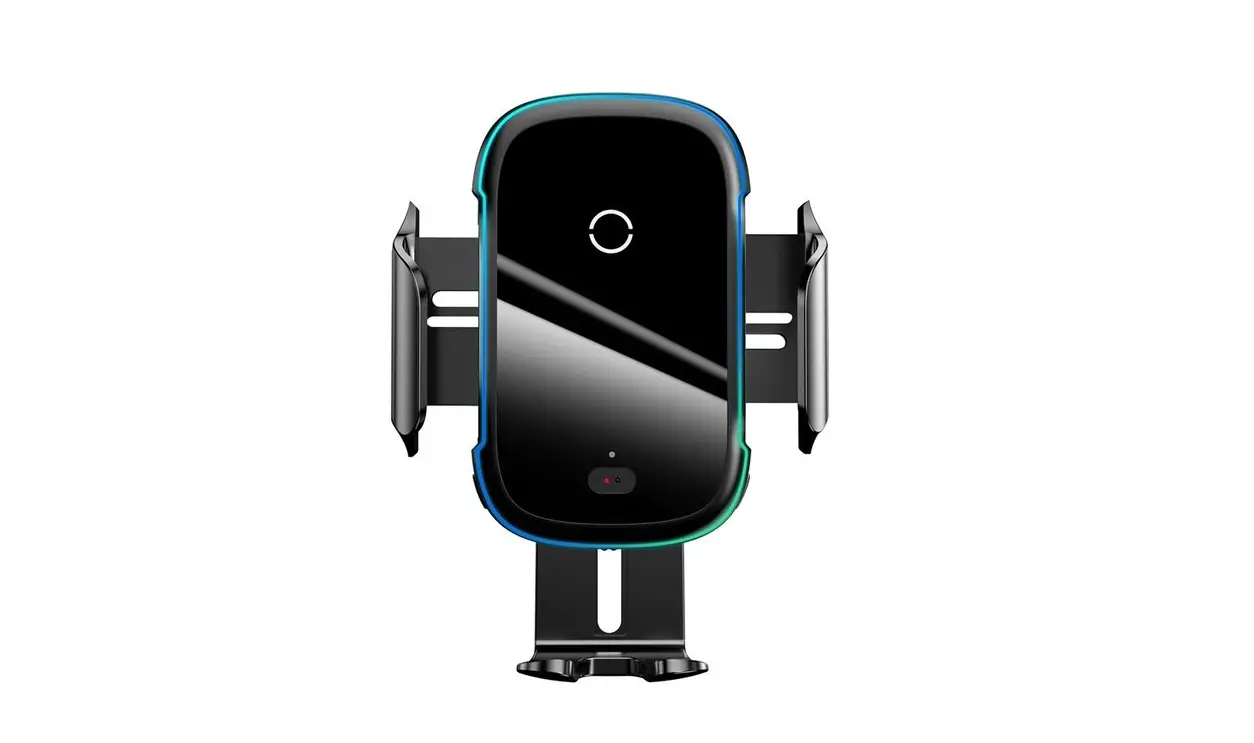
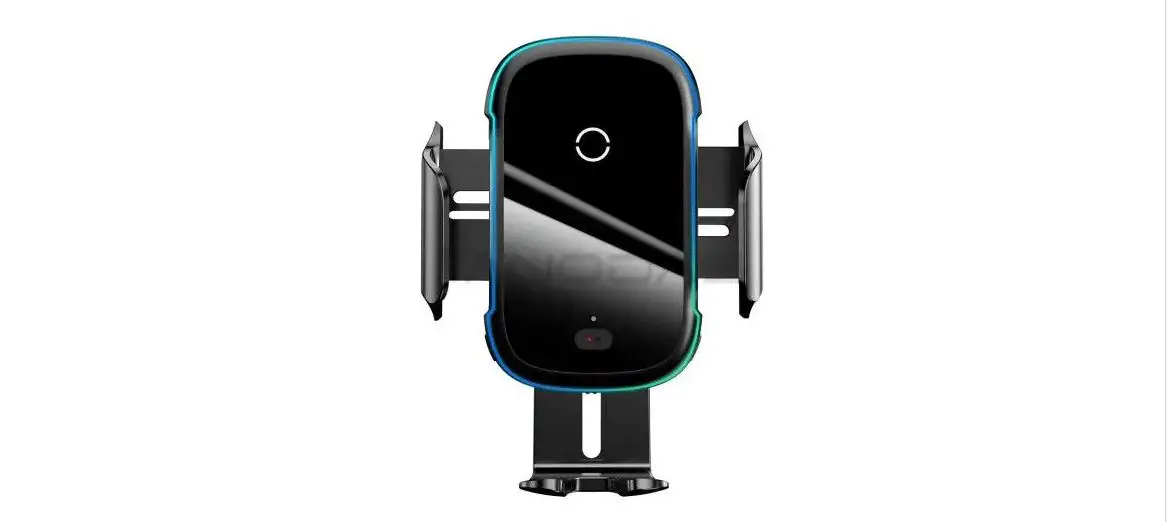
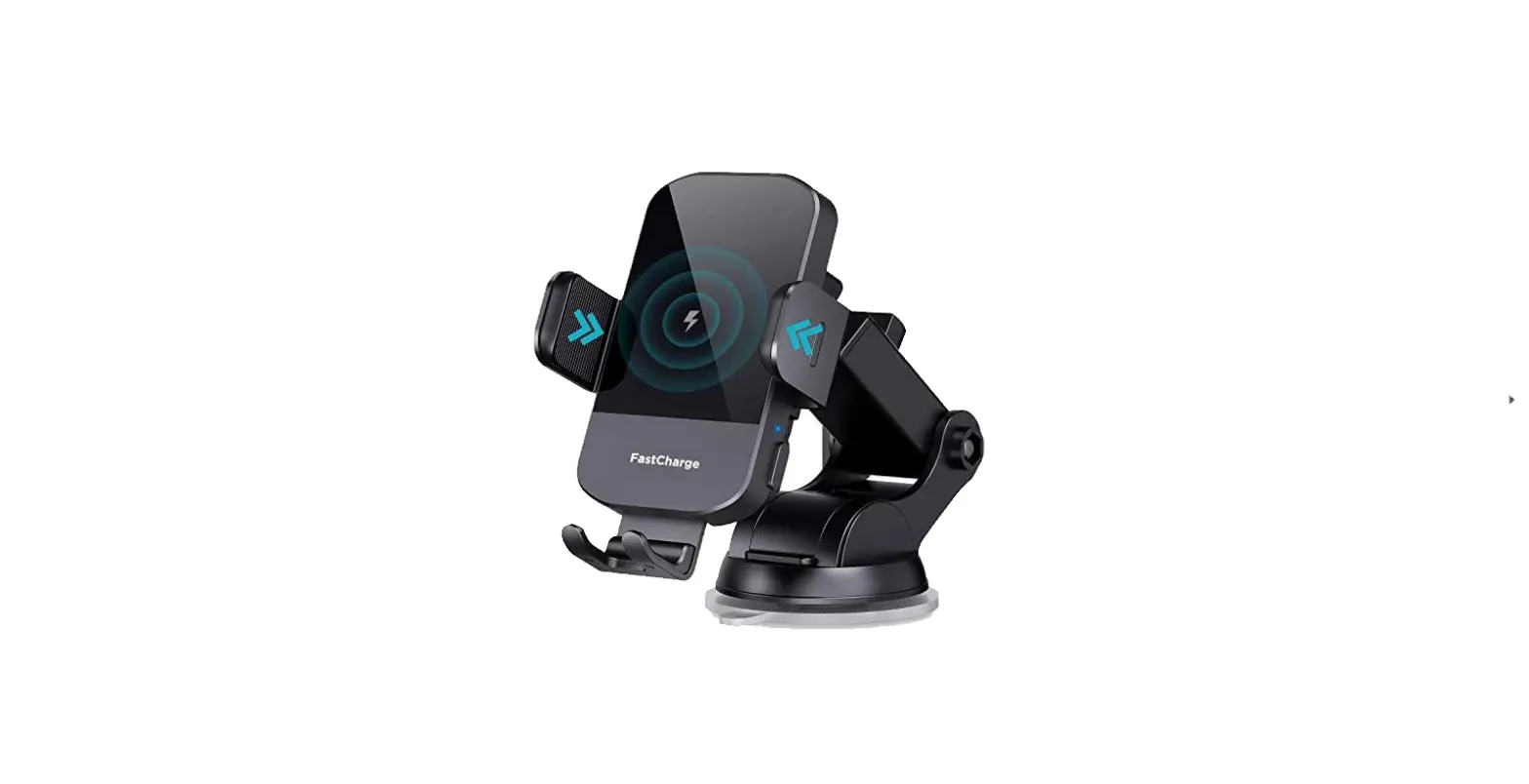
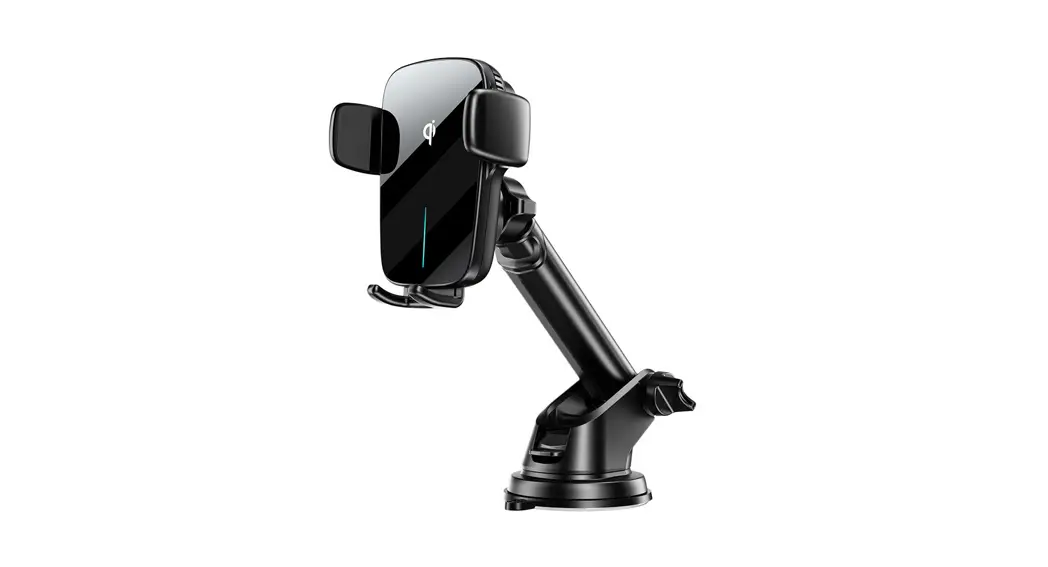
D1 Wireless Charging Automatic Clamping Car Holder
Product description
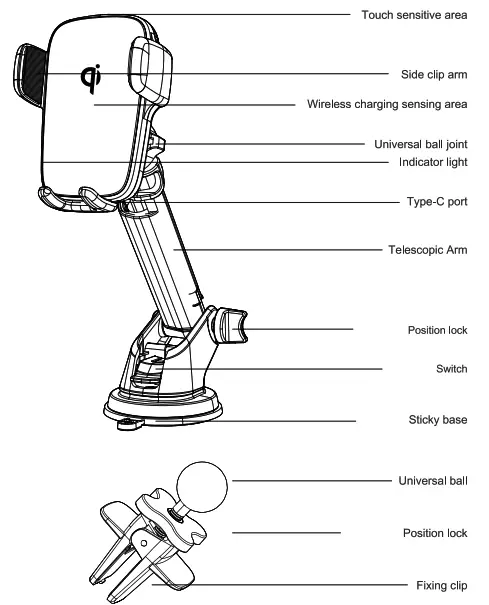
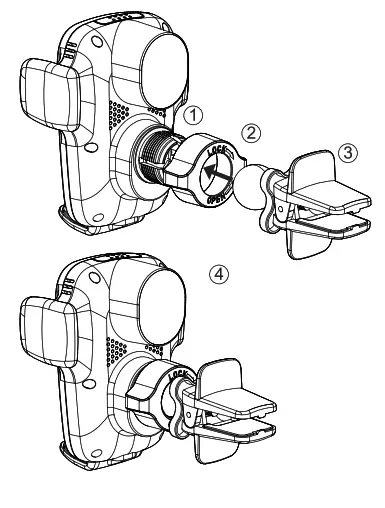
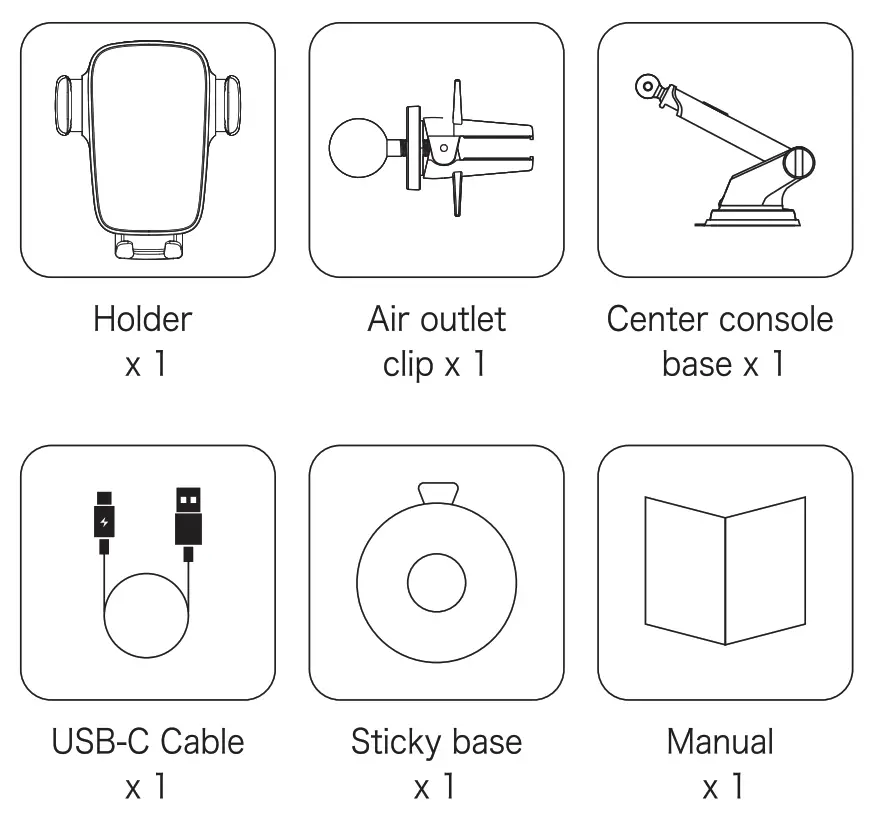
Component assembly
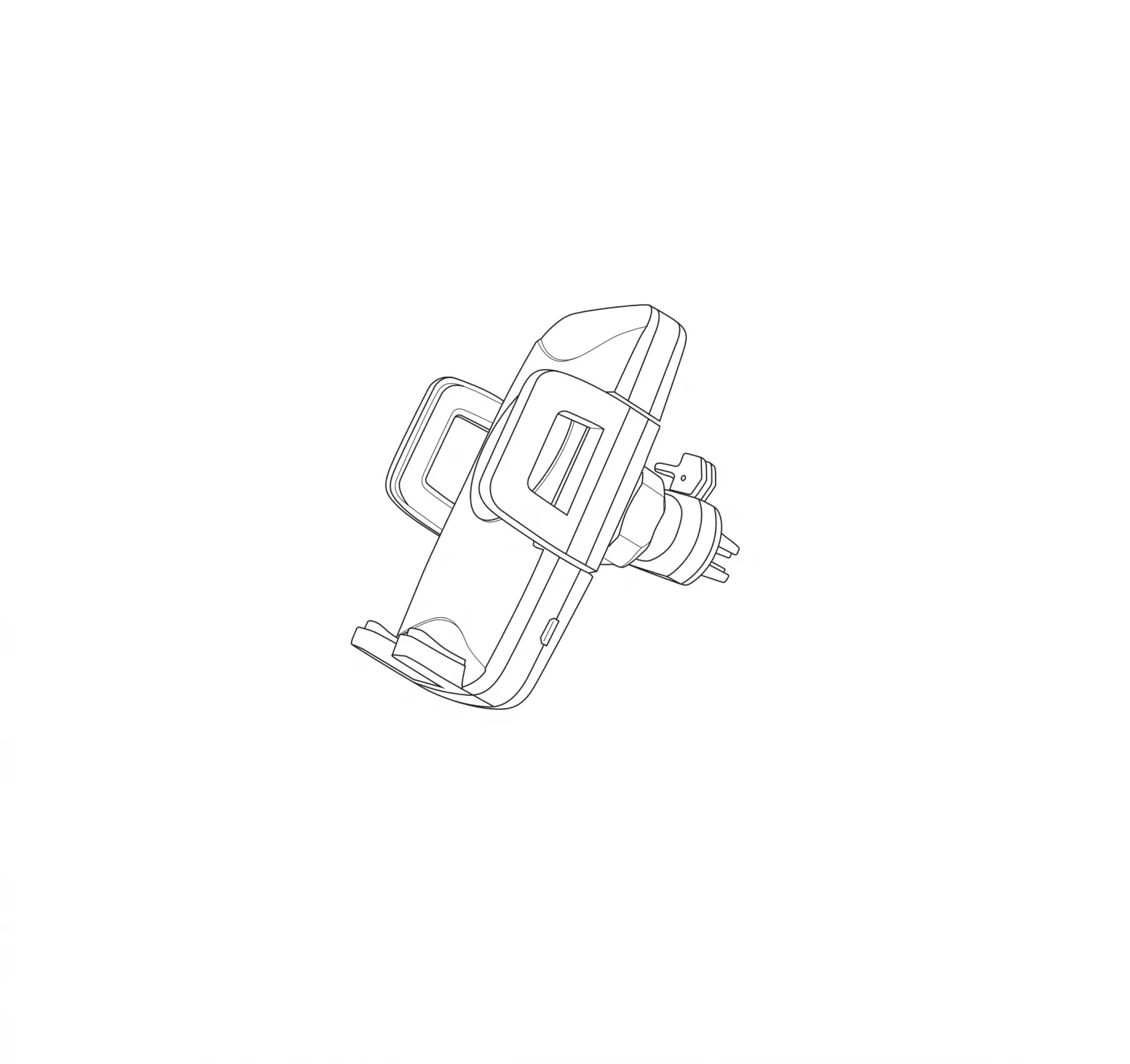
- Unscrew the knob behind the back clamp, put the bottom universal ball into the bolt, and then tighten the knob.
- Choose a suitable location and place the holder on the center console or the air outlet.
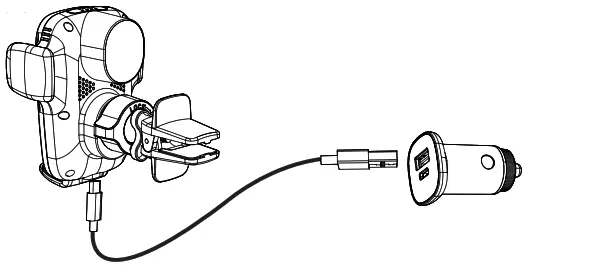
- Please use the Type-C charging cable provided in the package to connect to the car charger. Note: In order to achieve the maximum charging efficiency, please use car charger products that support QC3.0 fast charging technology.
Instructions
- Use the Type-C charging cable in the package to connect the holder with the car charger.

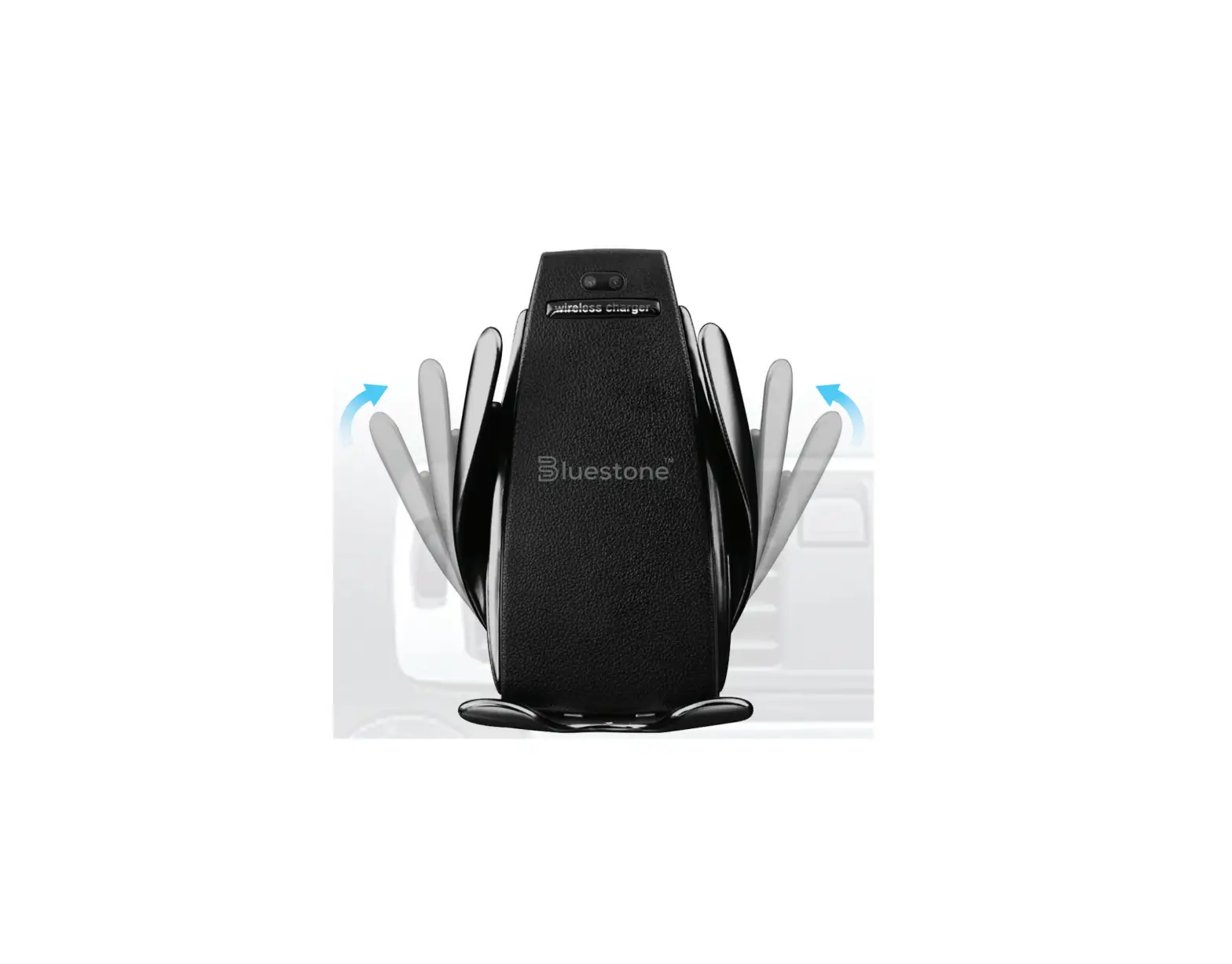
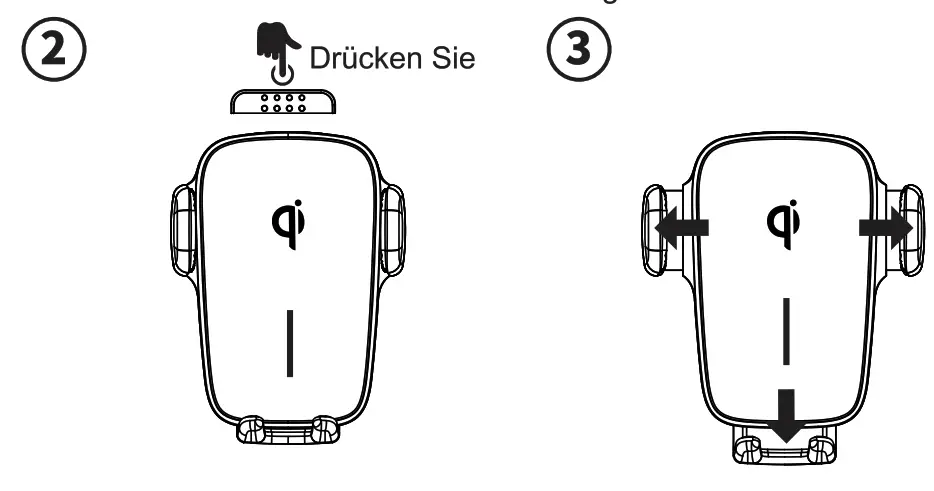
Note: In order to achieve the maximum charging efficiency. please use car Charger products that support OC.3.0 fast charging technology. - Touch the sensing area, the clip arm will open automatically.
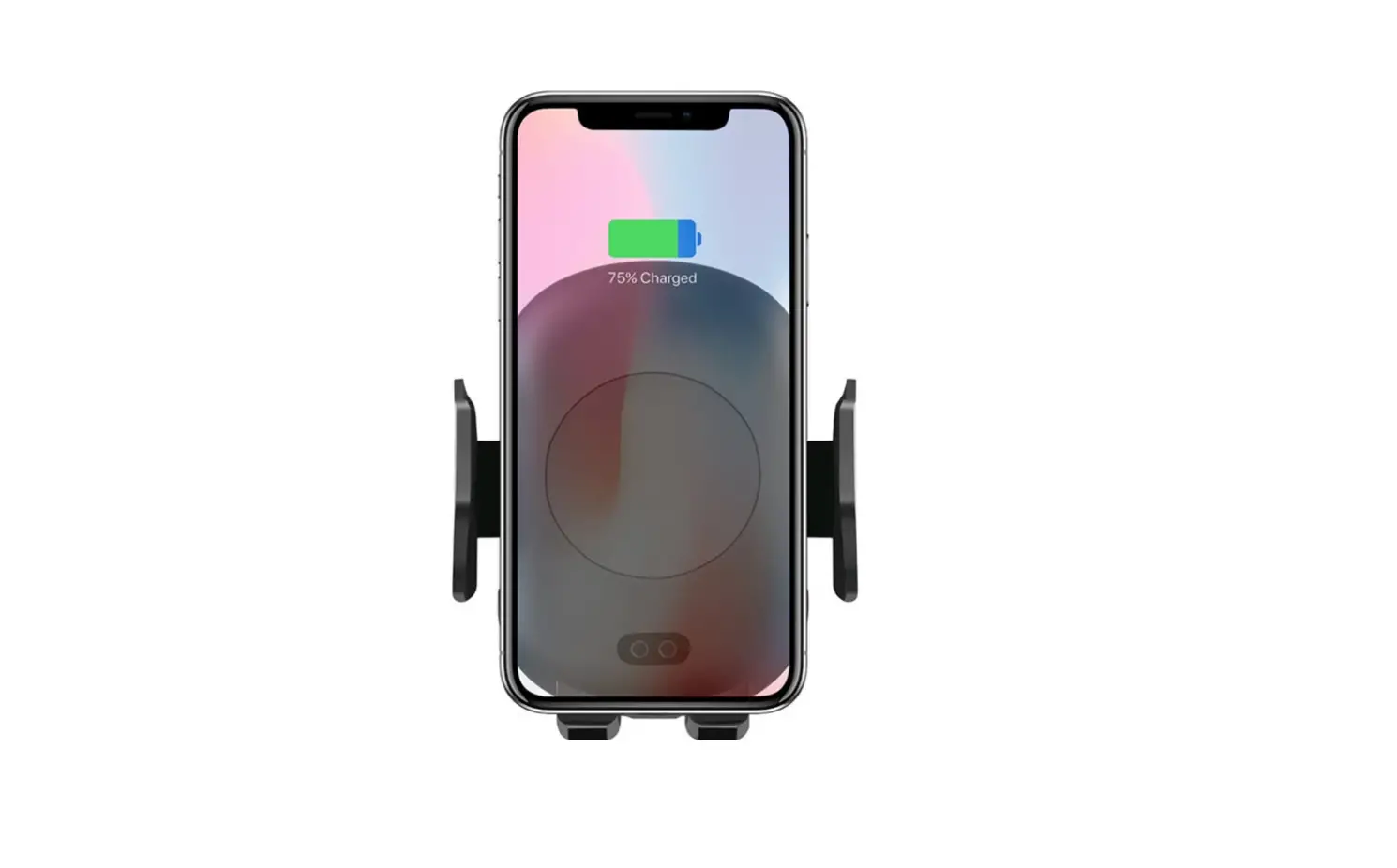
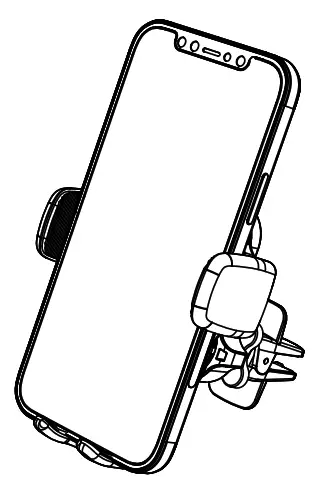
- Put the mobile phone into the wireless charger.

- After putting mobile phone, the base will automatically align it to the charging coil, and the clip arms will tighten for charging.
 LED Indicator
 LED Indicator
| 1 | Power on | The red and blue lights flash once, and then the blue light keeps on. |
| 2 | Charging | Blue light flashes |
| 3 | FOD(foreign object detection) | Red light flashes |
| 4 | Full charge | Blue light keeps on |
Parameter
| Model | JR-ZS248 |
| Input | DC5V= 2A 9V=2A 12V=1.5A |
| Wireless Output | 5W/7.5W/10W/15W |
| Applicable mobile phone size | 4.5 – 6.7 inches (width 58-84mm) |
| Size | 95x72x62 mm /0.31X0.23X0.20 ft |
| Weight | About 261g/9.206 oz |
Precautions
- Do not disassemble or modify this product by yourself.
- Do not place this product in a humid environment.
- Please do not charge near the heat source.
- Do not let water or other liquids flow into the product, otherwise, it will cause damage to the product.
- Do not install this product in the area where the airbag is located.
- Please take out the metal and magnetic protective cover or card (such as bank card) from the device when charging.
- It is normal to generate heat during charging and will not affect product performance. If you feel that your phone or product is overheating, please disconnect the charging cable.
- Avoid the collision, do not scratch the surface of this product with sharp objects to avoid surface damage.
- If a sticky base is mounted for a long time, please do not tear it vigorously, please tear it gently along the edge.
- The sticky base can be washed with water and can be reused after drying.
FCC
NOTE: This equipment has been tested and found to comply with the limits for a Class B digital device, pursuant to part 15 of the FCC Rules. These limits are designed to provide reasonable protection against harmful interference in a residential installation. This equipment generates uses and can radiate radio frequency energy and, if not installed and used in accordance with the instructions, may cause harmful interference to radio communications. However, there is no guarantee that interference will not occur in a particular installation. If this equipment does cause harmful interference to radio or television reception, which can be determined by turning the equipment off and on, the user is encouraged to try to correct the interference by one or more of the following measures:
– Reorient or relocate the receiving antenna.
– Increase the separation between the equipment and receiver.
-Connect the equipment into an outlet on a circuit different from that to which the receiver is connected.
-Consult the dealer or an experienced radio/TV technician for help
Changes or modifications not expressly approved by the party responsible for compliance could void the user’s authority to operate the equipment. This device complies with Part15 of the FCC Rules. Operation is subject to the following two conditions: (1) this device may not cause harmful interference, and (2) this device must accept any interference received, including interference that may cause undesired operation.
RF Exposure Warning Statements: This equipment complies with FCC radiation exposure limits set forth for an uncontrolled environment. This equipment shall be installed and operated with a minimum distance of 20cm between the radiator & body.
Shenzhen Houshuxia Technology Co., LTD
www.acefast.com1[email protected]
Rm203, 2nd Floor, Building C, Youth Pioneer Park,
Jianshe East Road, Tsinghua Community,
Longhua Street, Longhua District, Shenzhen, P. R. China
Shenzhen, 518000, China