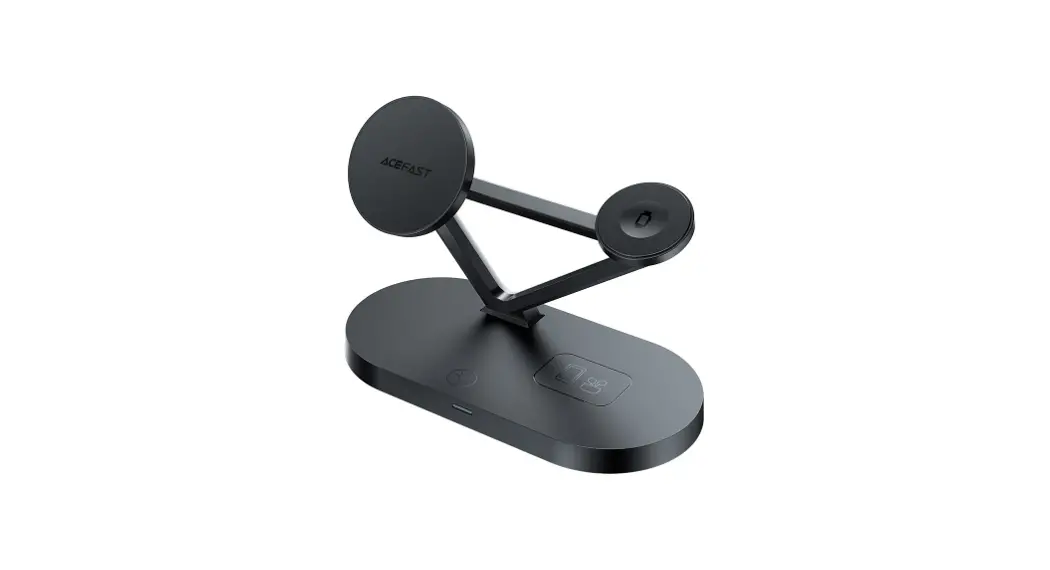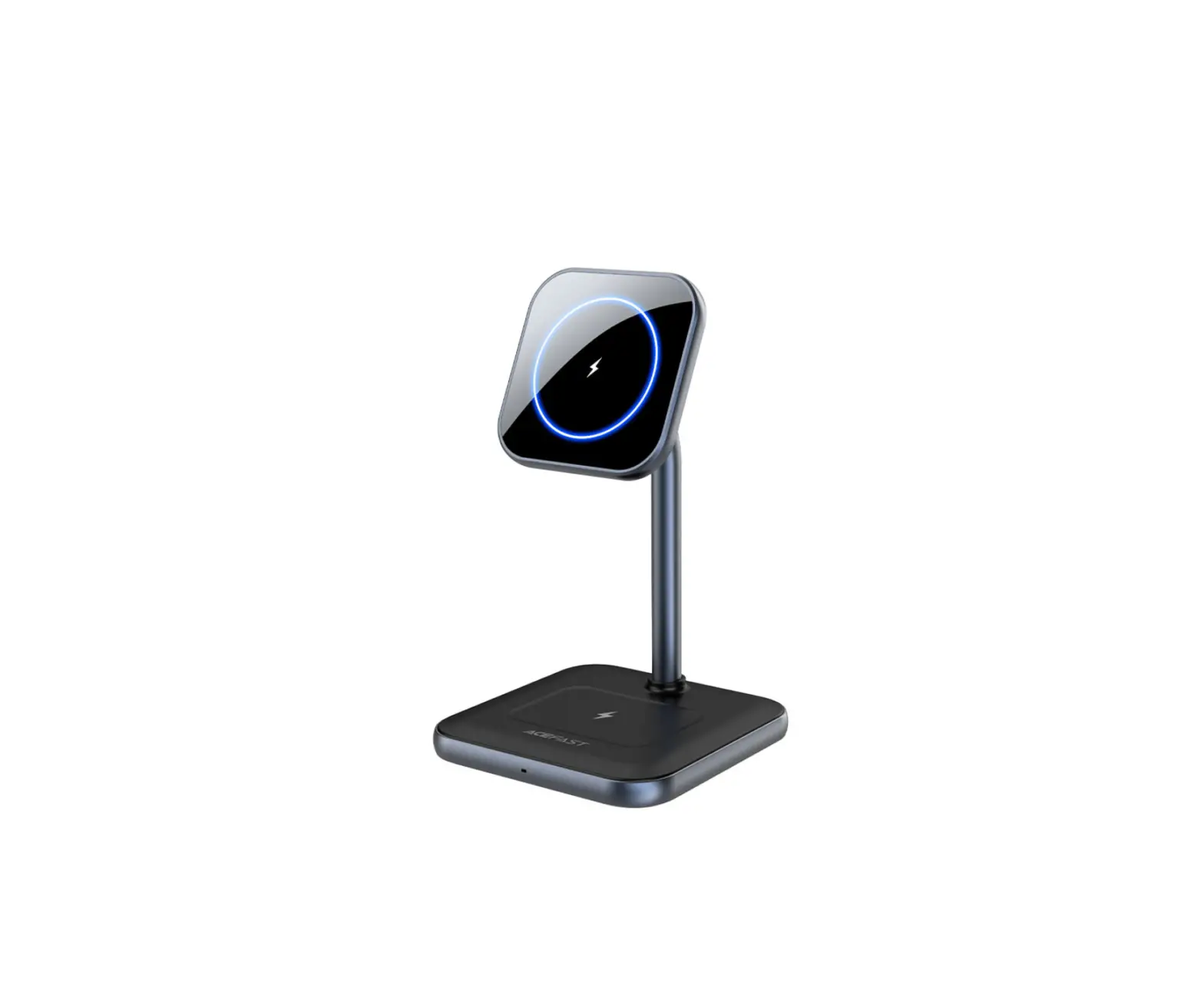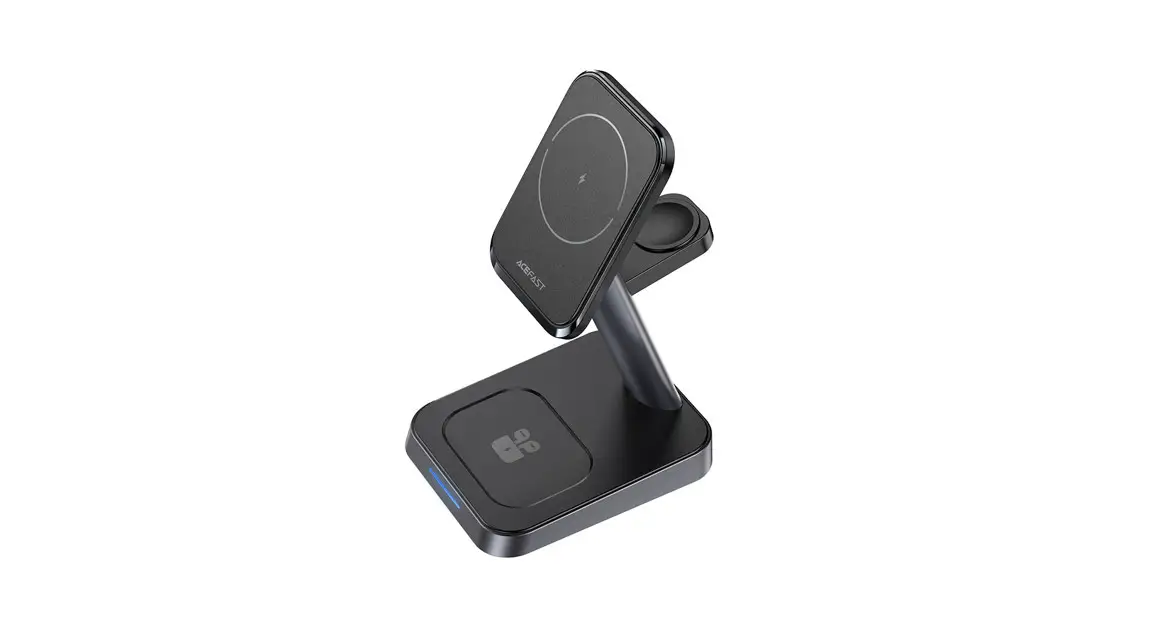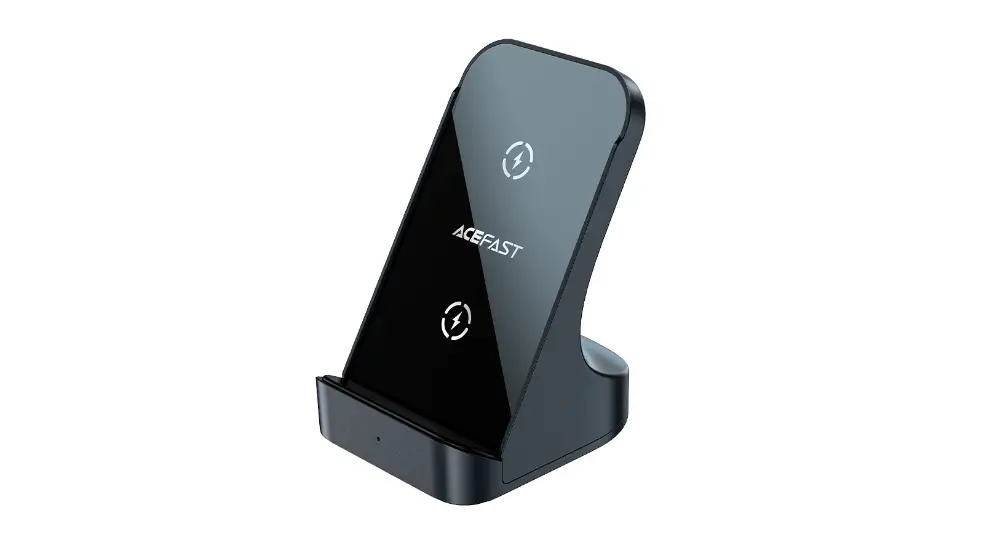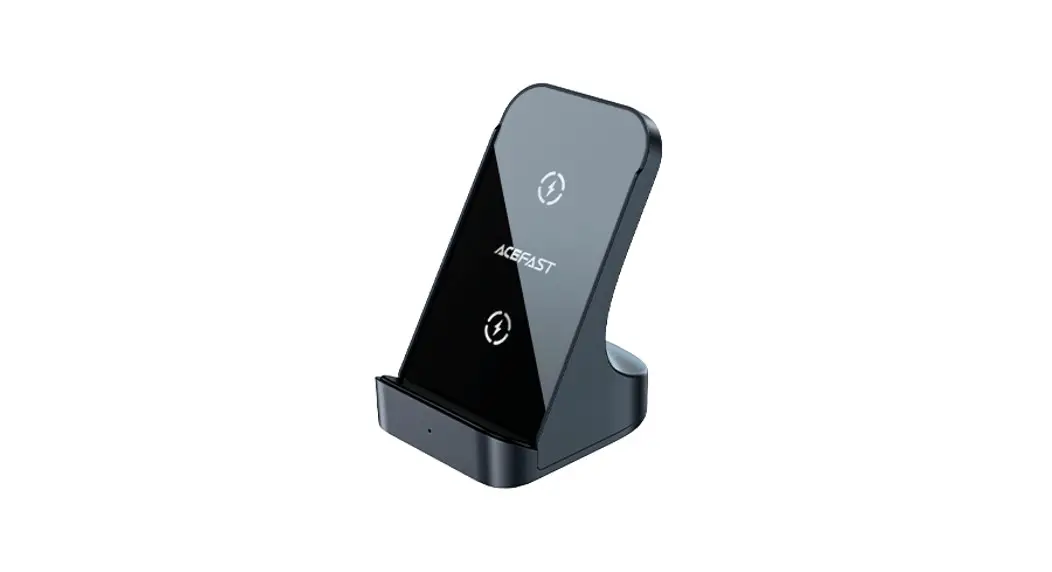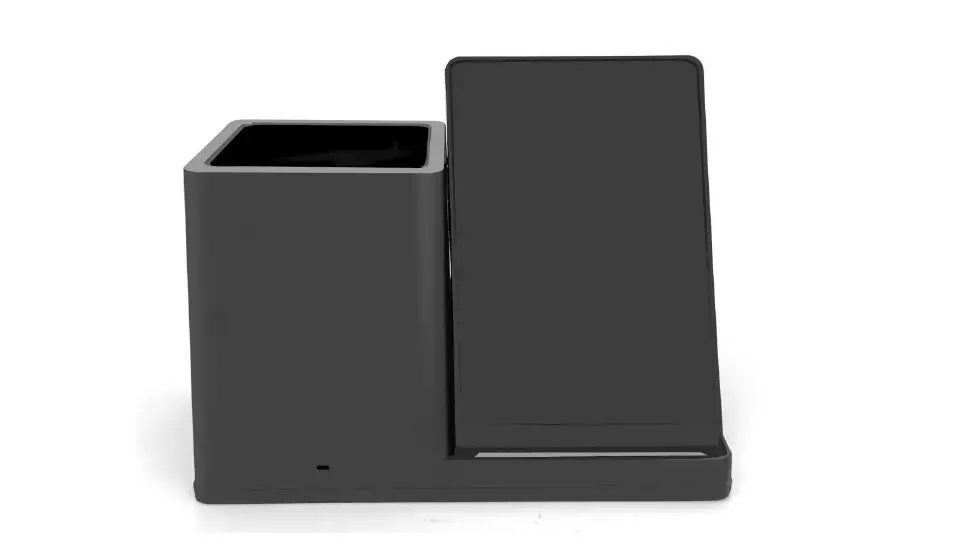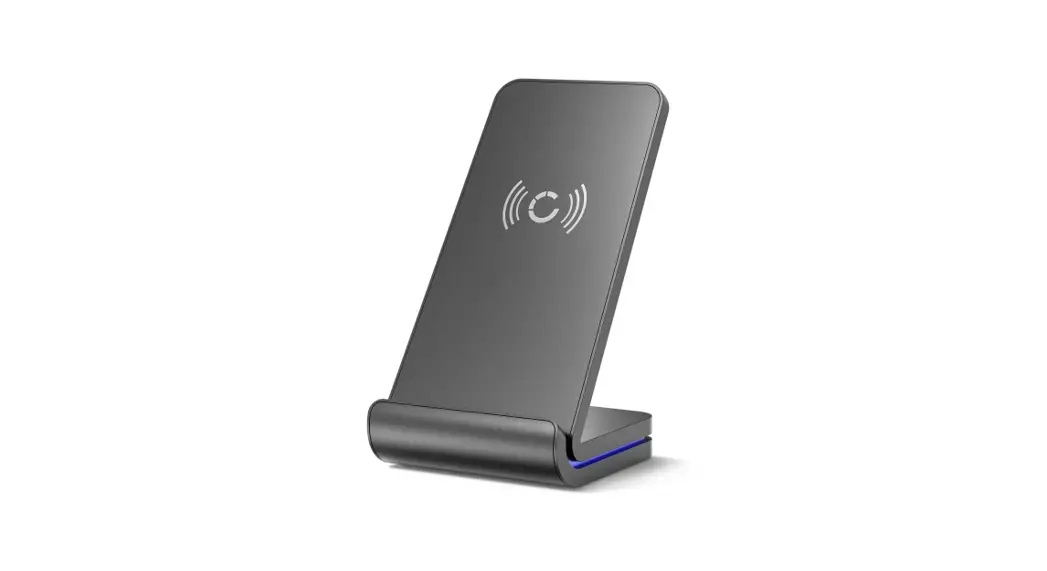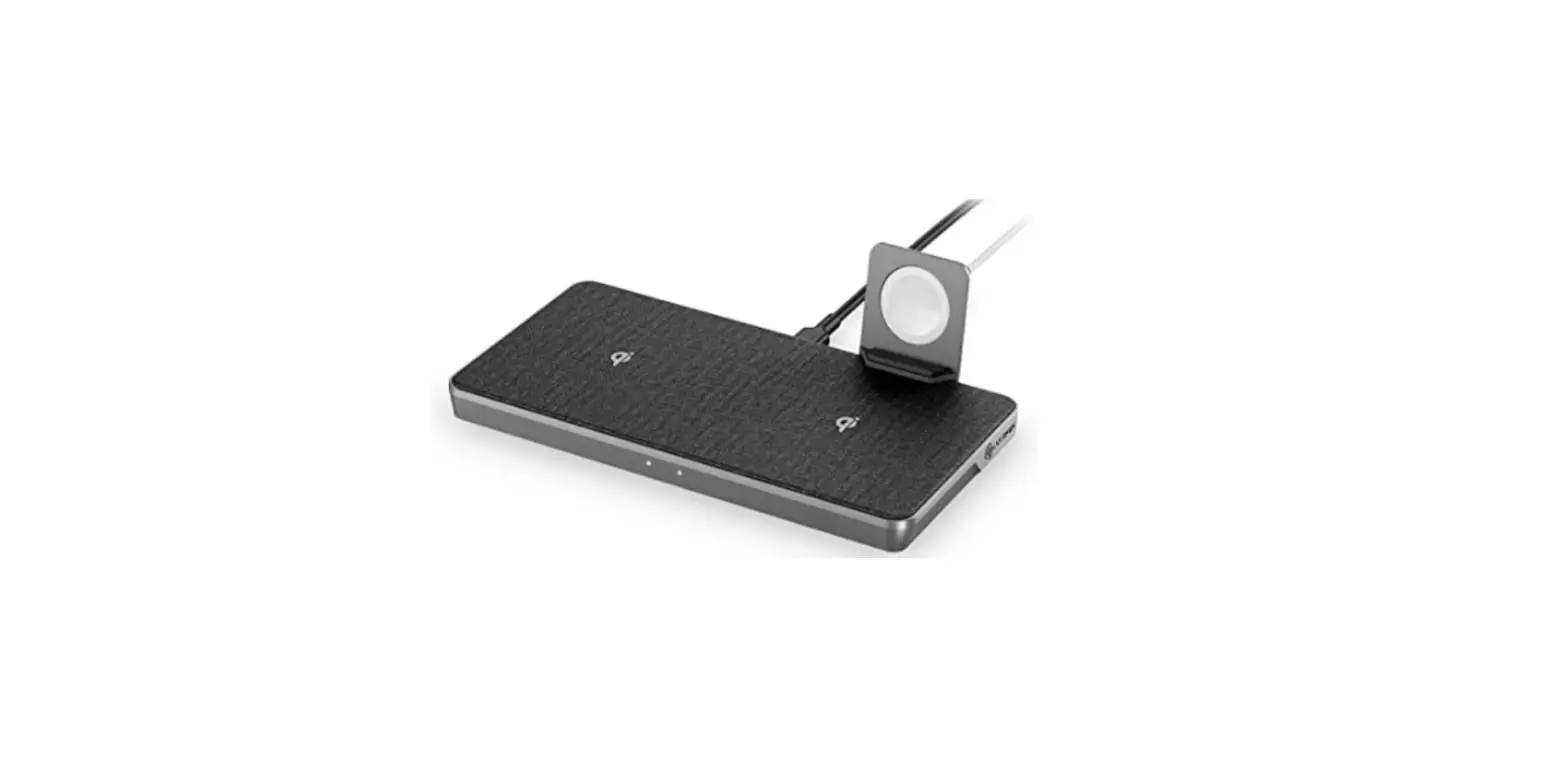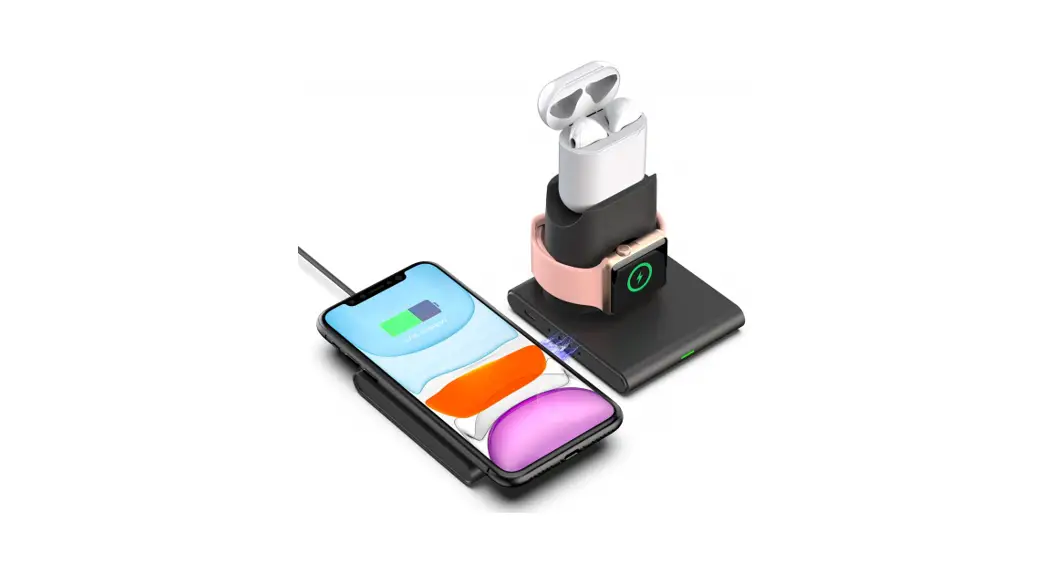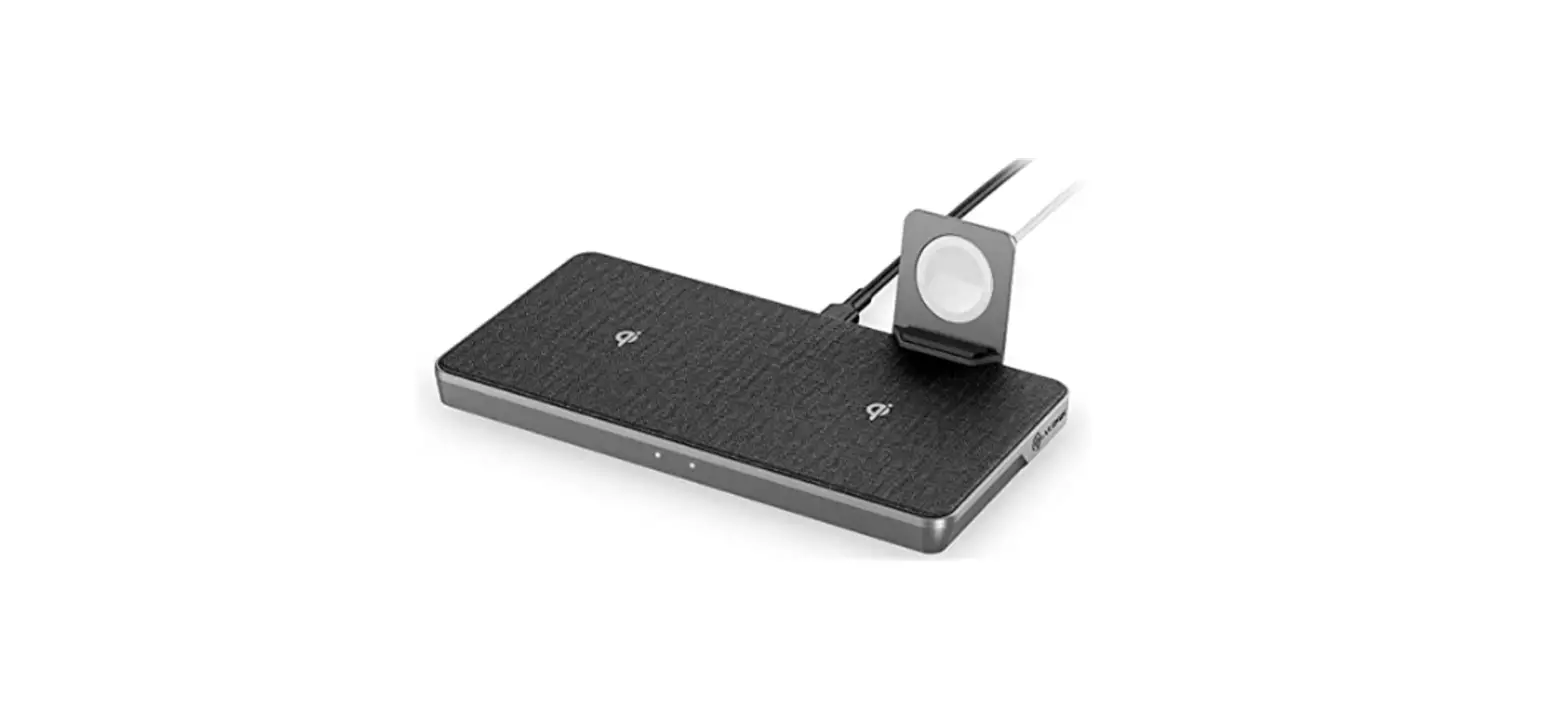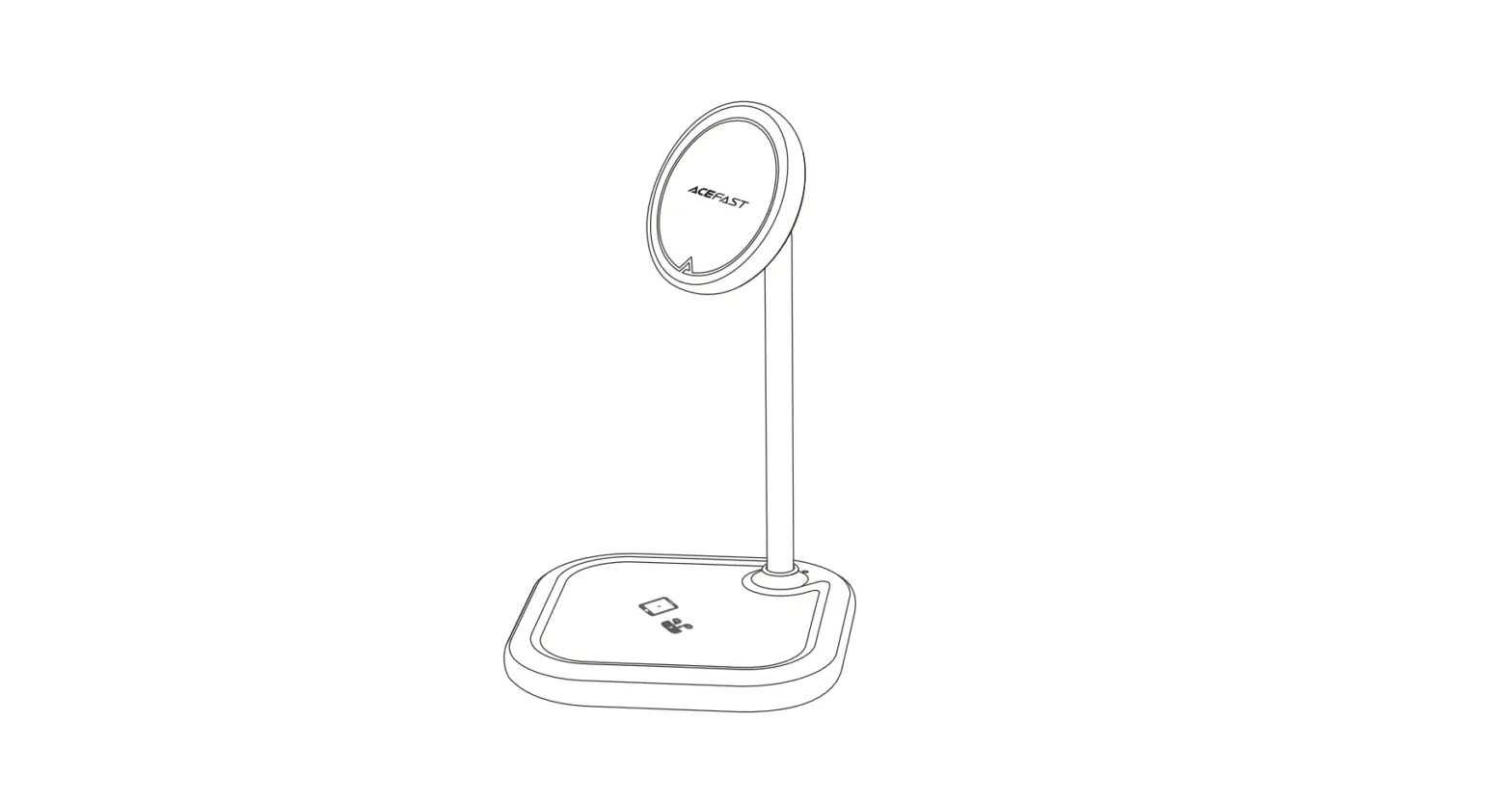

ACEFAST Desktop 2-in-1 Wireless Charging Holder
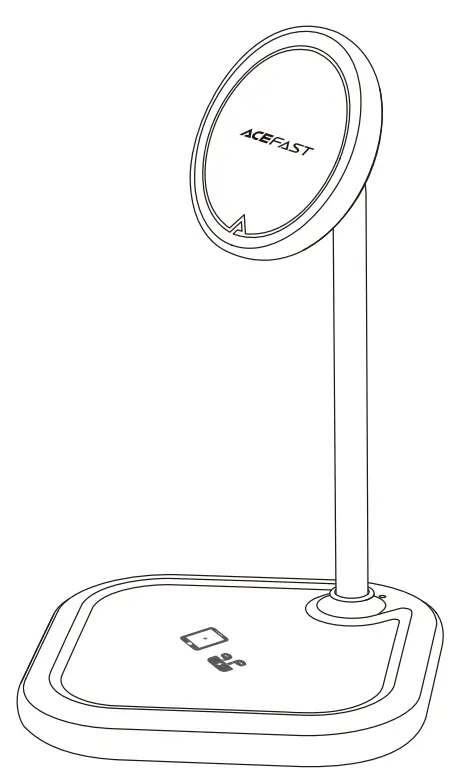
Product Diagram
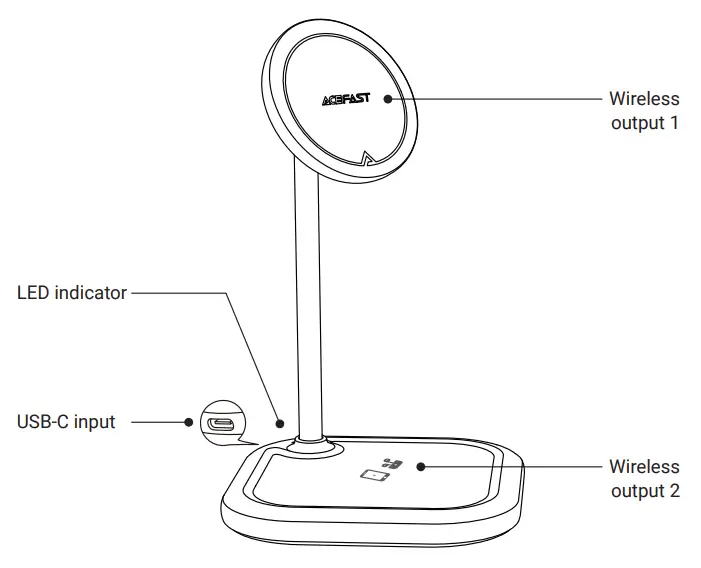
Package Contents
- Wireless charger × 1
- USB-c cable × 1
- Quick start guide × 1
- Non-slip silicone pad × 1
Thank you for purchasing the desktop 2-in-1 wireless charging holder. Please read this user manual carefully and keep it for future reference. If you need any assistance, please contact our support team with your product model number and Amazon order number.
Specifications
| Model | E6 |
| Input | 5V⎓2A 9V⎓2A 12V⎓3A(Max) |
| Wireless output 1 | 15W (Max) Compatible for iP12 series mobile phones and above |
| Wireless output 2 | 15W (Max) |
| Wireless output 1 + Wireless output 2 | 15W (Max) + 7.5W (Max) |
| Total output | 22.5W (Max) |
Lighting Mode
| Power on: | The blue light is always on |
| Charging: | Steady green light |
| Fully charged: | Green light is off, blue light is always on |
| Foreign object detection: | Green light flashing |
Notice
Applicable equipment
- Please check whether the mobile phone supports magnetic wireless charging, otherwise, the mobile phone may slip and cannot be charged when using the magnetic charging area.
- Please check whether the headset supports wireless charging, otherwise it cannot be charged when using the lower area to charge.
Adapter selection
When using a 5V/2A output adapter, the wireless charger supports a 5W load. In order to ensure the normal use of the charger, it is recommended to use an adapter that supports fast charging over 36W.
Other information
Please do not place metal objects or magnetic cards in the charging area, which may cause the charger to heat up. It is normal to be slightly heated when the foreign body alarms. The battery of the mobile phone will heat up during the charging process. Do not place the charger near a fire source or corrosive environment.
FCC
NOTE: This equipment has been tested and found to comply with the limits for a Class B digital device, pursuant to part 15 of the FCC Rules. These limits are designed to provide reasonable protection against harmful interference in a residential installation. This equipment generates uses and can radiate radio frequency energy and, if not installed and used in accordance with the instructions, may cause harmful interference to radio communications. However, there is no guarantee that interference will not occur in a particular installation. If this equipment does cause harmful interference to radio or television reception, which can be determined by turning the equipment off and on, the user is encouraged to try to correct the interference by one or more of the following measures:
- Reorient or relocate the receiving antenna.
- Increase the separation between the equipment and receiver.
- Connect the equipment into an outlet on a circuit different from that to which the receiver is connected.
- Consult the dealer or an experienced radio/TV technician for help
Changes or modifications not expressly approved by the party responsible for compliance could void the user’s authority to operate the equipment.
This device complies with Part15 of the FCC Rules. Operation is subject to the following two conditions:
- this device may not cause harmful interference, and
- this device must accept any interference received, including interference that may cause undesired operation.
RF Exposure Warning Statements:
This equipment complies with FCC radiation exposure limits set forth for an uncontrolled environment. This equipment shall be installed and operated with minimum distance 20cm between the radiator & body.
Product Care
Keep away from liquids and extreme heat
Warranty & Customer Support
For questions, support, or warranty claims, contact us at the mail below that corresponds with your region. Please include your Amazon order number and product mode number.
- Amazon US orders: [email protected]
- Amazon EU orders: [email protected]
- Amazon UK orders: [email protected]
- Amazon CA orders: [email protected]
- Amazon JP orders: [email protected]
- Other region orders: [email protected]
Shenzhen Houshuxia Technology Co., LTD
www.acefast.com | [email protected]
Rm203, 2nd Floor, Building C, Youth Pioneer Park, Jianshe East Road, Tsinghua Community, Longhua Street, Longhua District, Shenzhen, P. R. China Shenzhen, 518000, China
 ACEFAST - High End Accessories