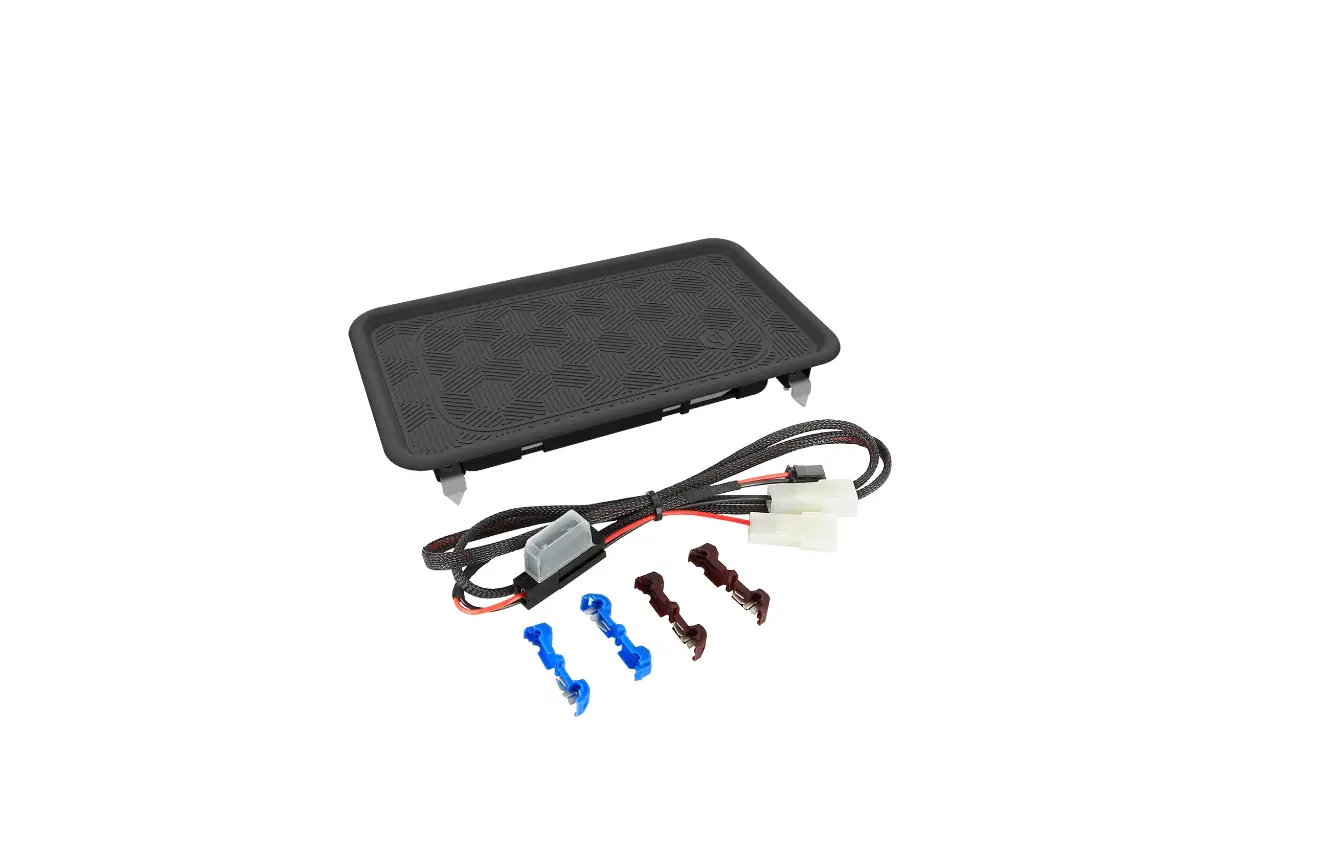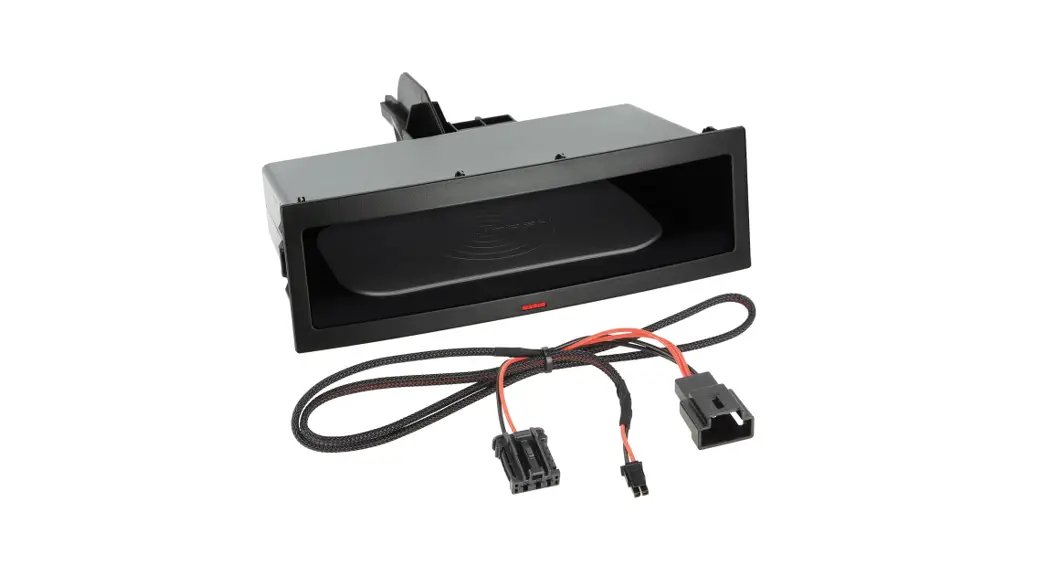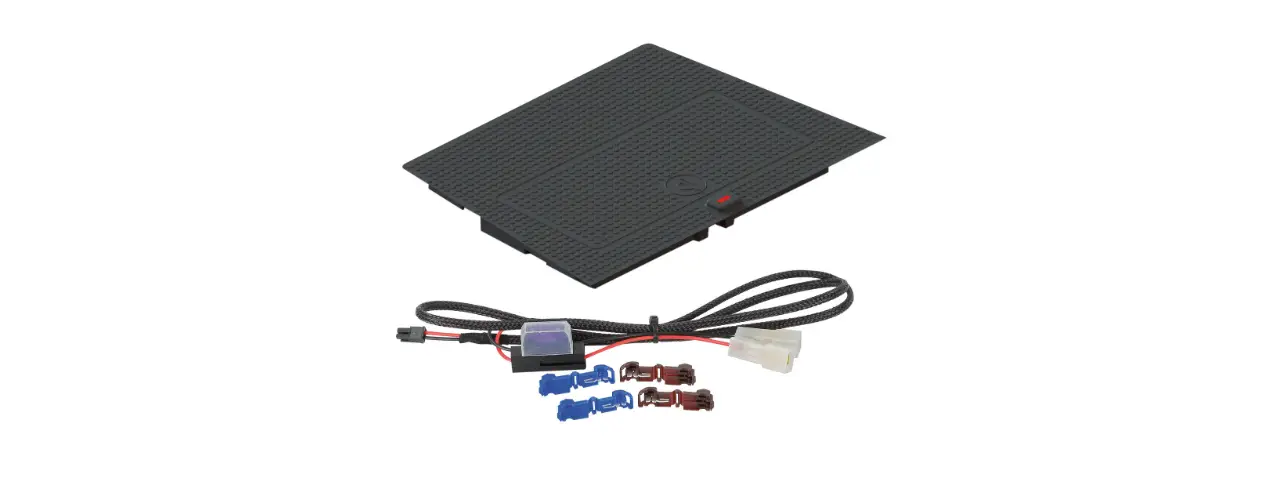

Inbay 241250-53-1 Wireless Charging Tray Installation Guide

Inbay 241250-53-1 Wireless Charging Tray Installation Guide

inbay logo

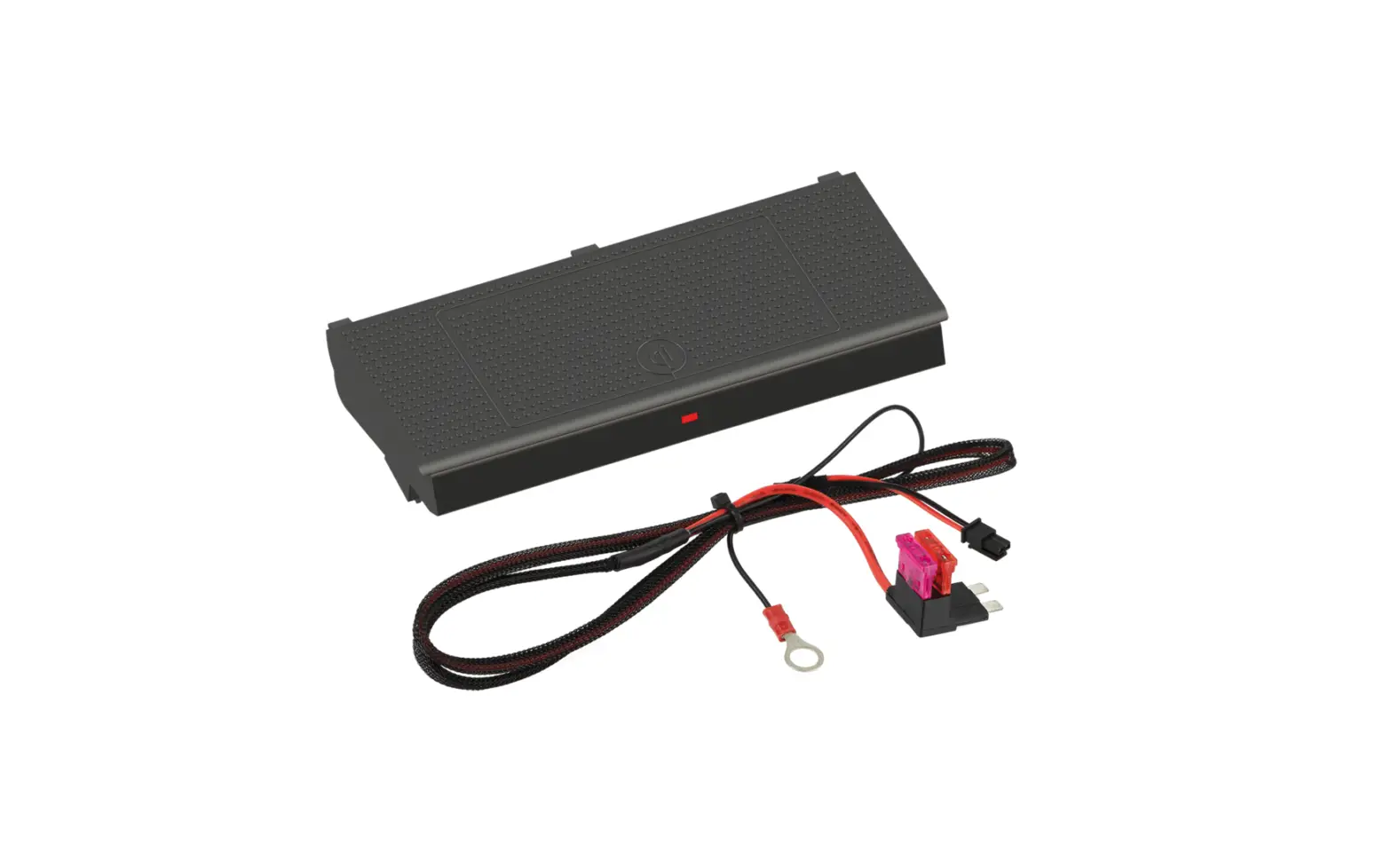
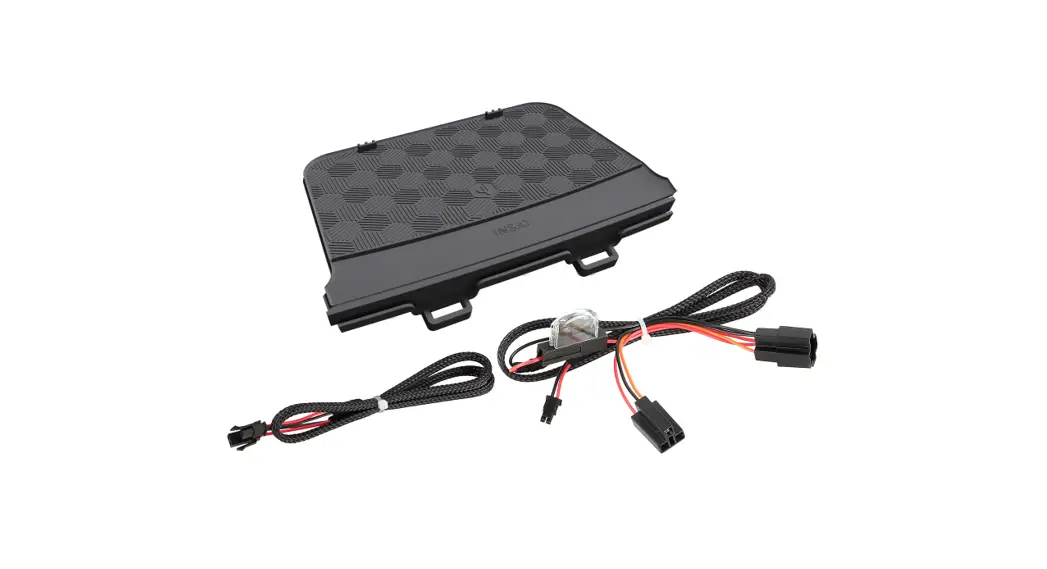
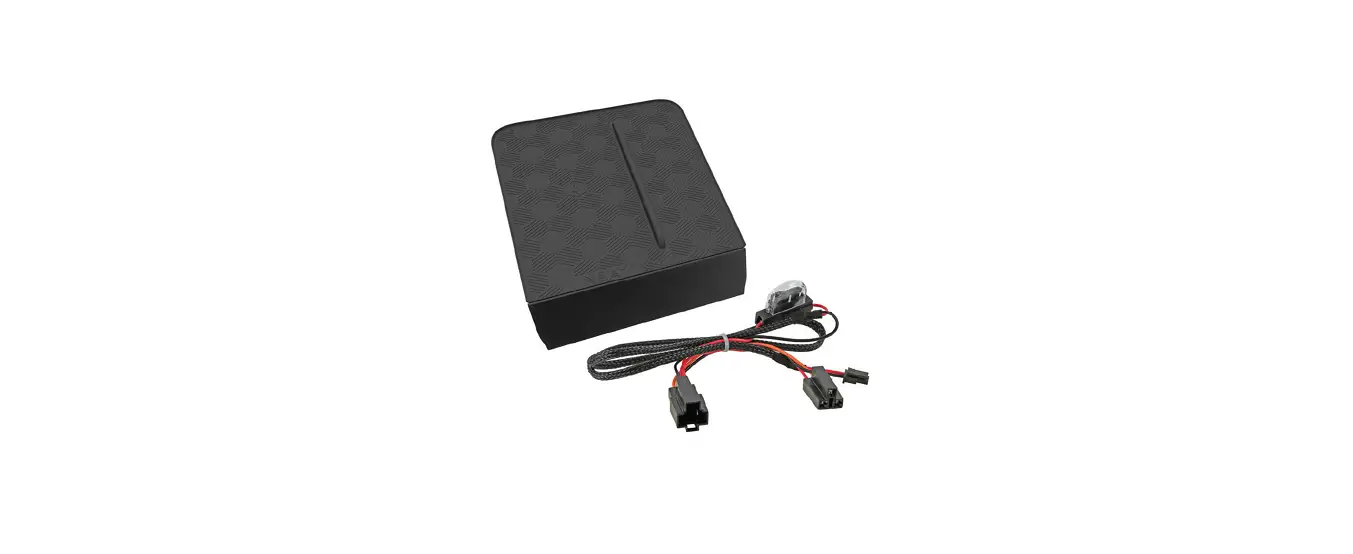
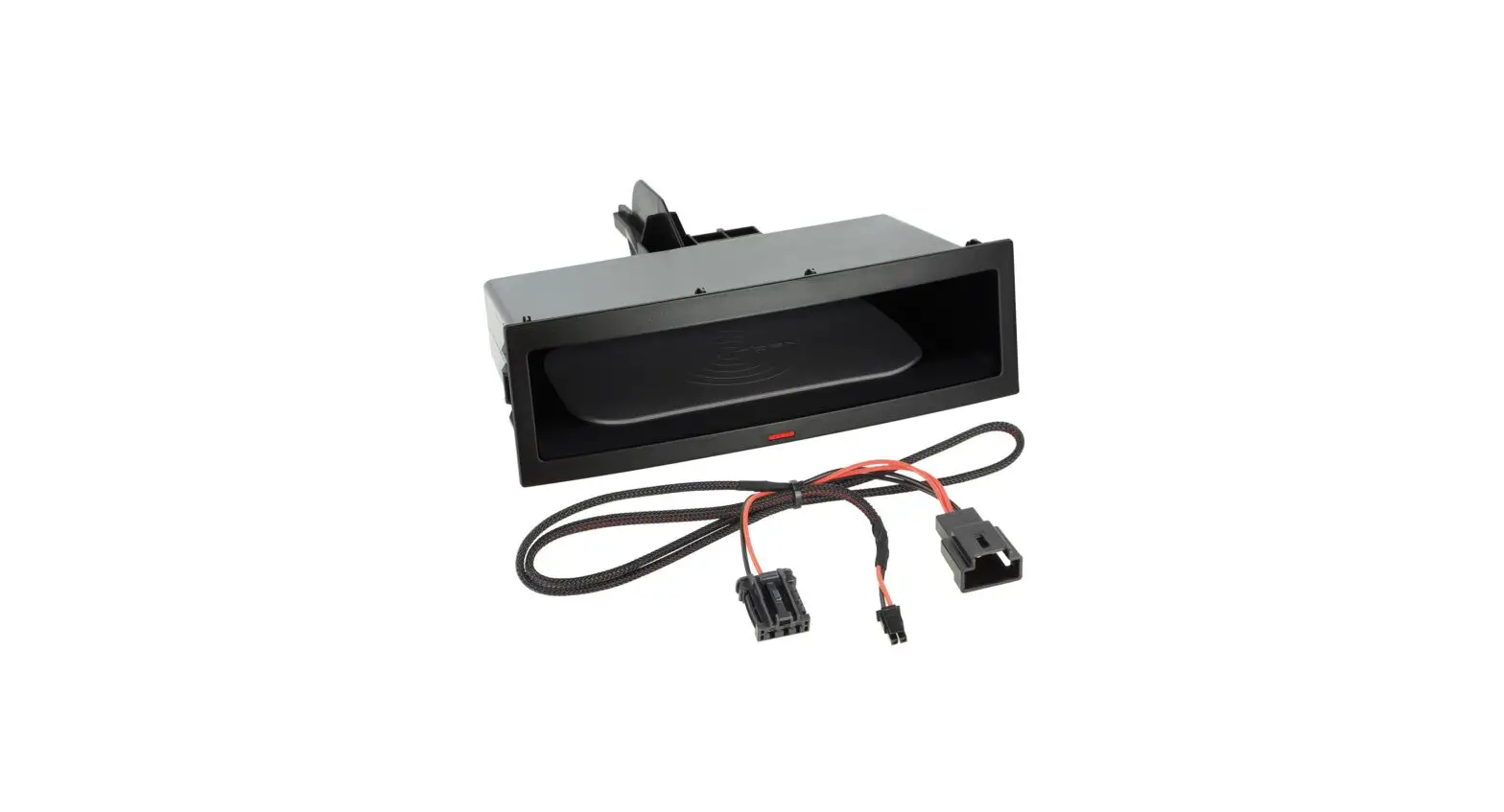
INBAY 241250-53-1 Wireless Charging Tray
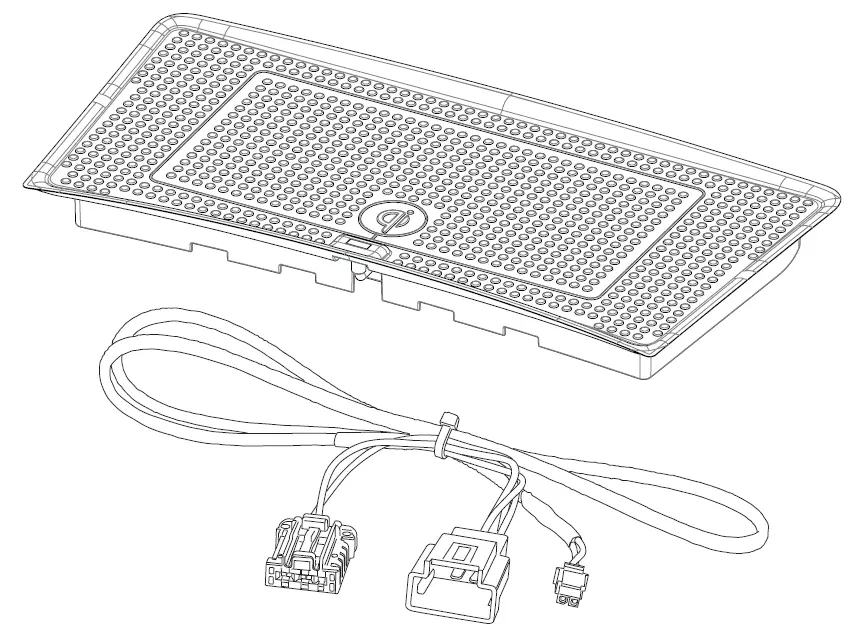
INBAY 241250-53-1 Wireless Charging Tray

TOOLS REQUIRED

INBAY 241250-53-1 Wireless Charging Tray 14

INSTALLATION INSTRUCTIONS

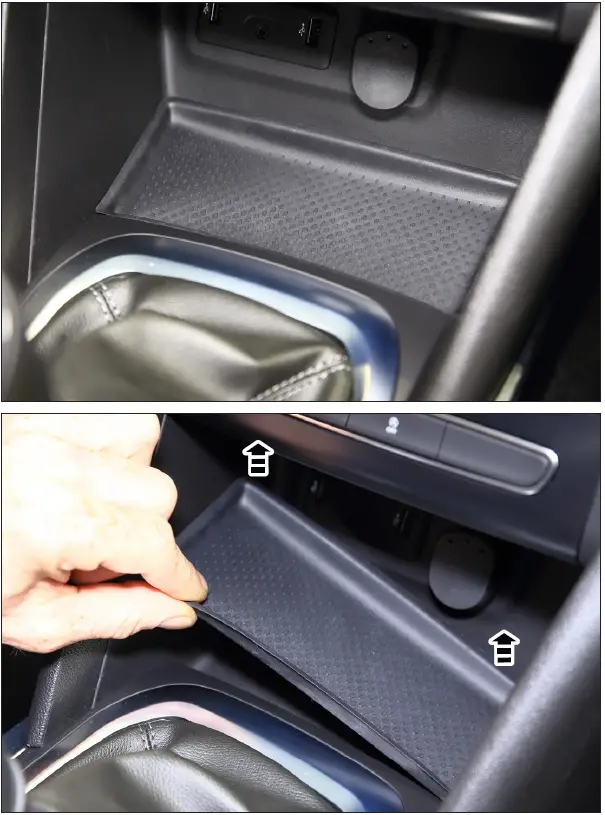
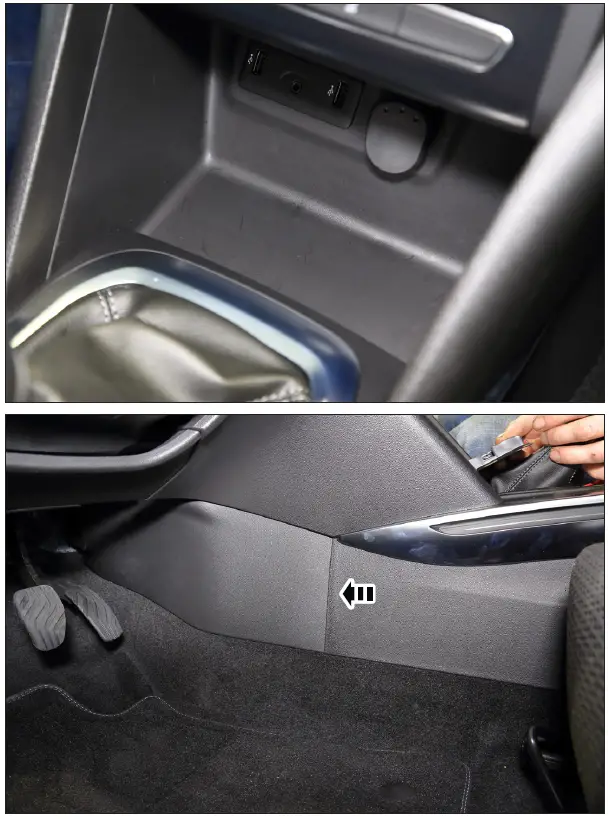
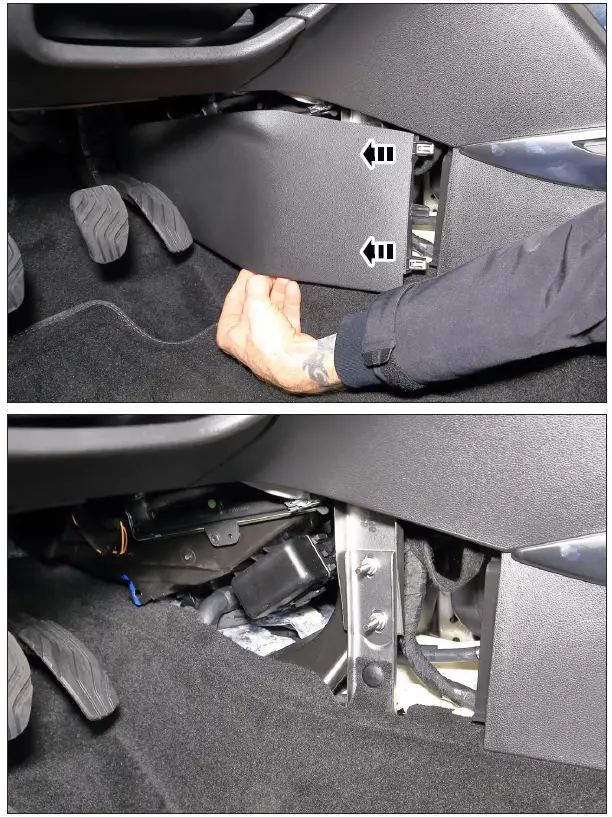
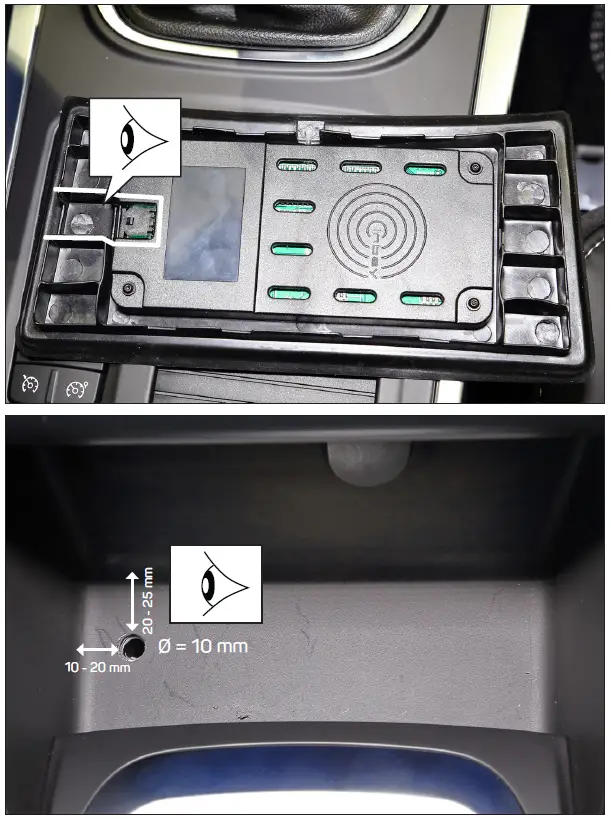
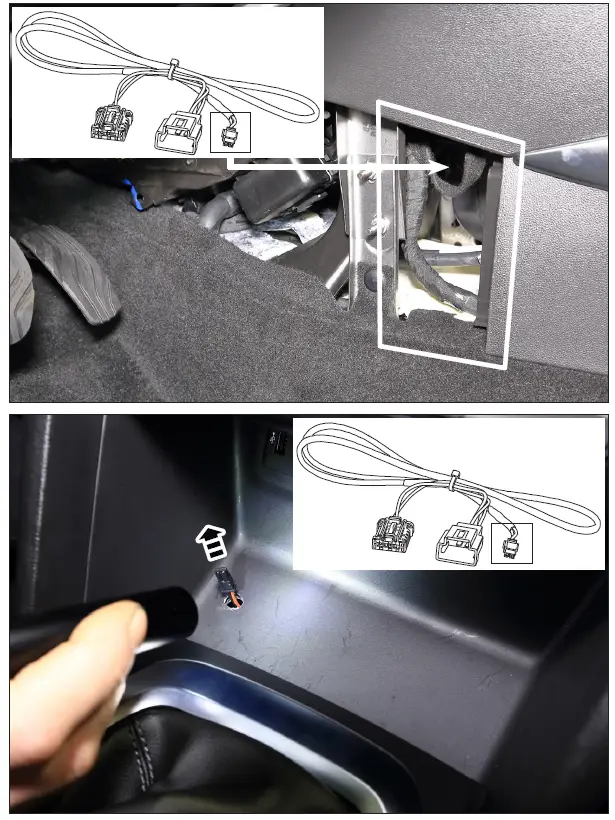
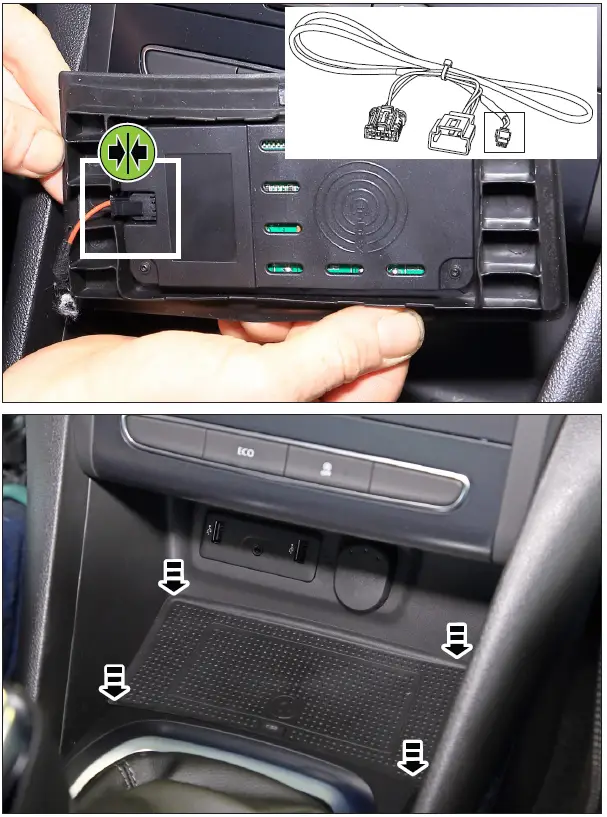
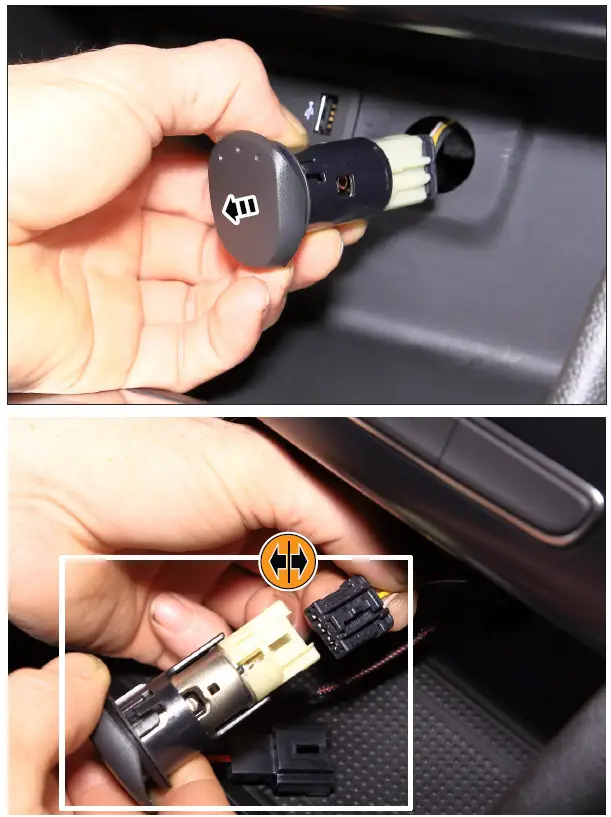
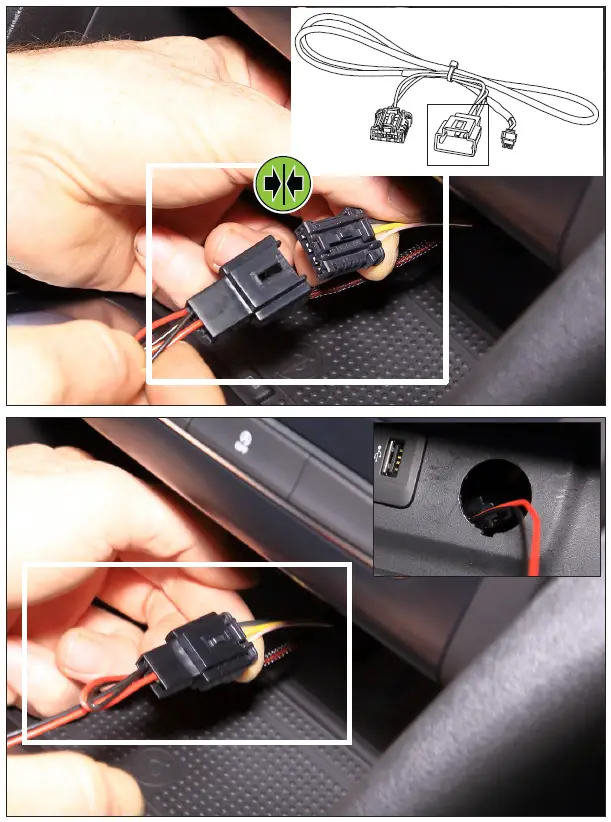
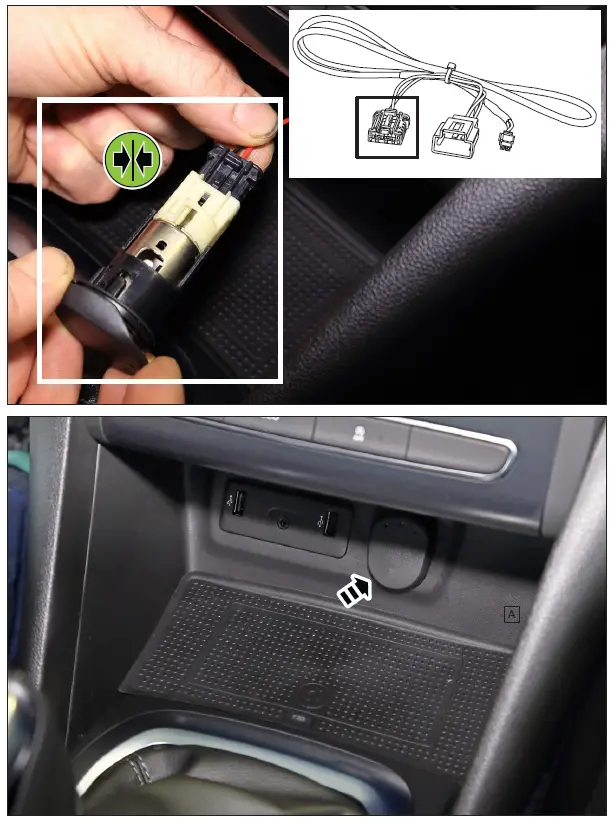
INBAY 241250-53-1 Wireless Charging Tray 1INBAY 241250-53-1 Wireless Charging Tray 2INBAY 241250-53-1 Wireless Charging Tray 3INBAY 241250-53-1 Wireless Charging Tray 4INBAY 241250-53-1 Wireless Charging Tray 5INBAY 241250-53-1 Wireless Charging Tray 6INBAY 241250-53-1 Wireless Charging Tray 7INBAY 241250-53-1 Wireless Charging Tray 8INBAY 241250-53-1 Wireless Charging Tray 9INBAY 241250-53-1 Wireless Charging Tray 10

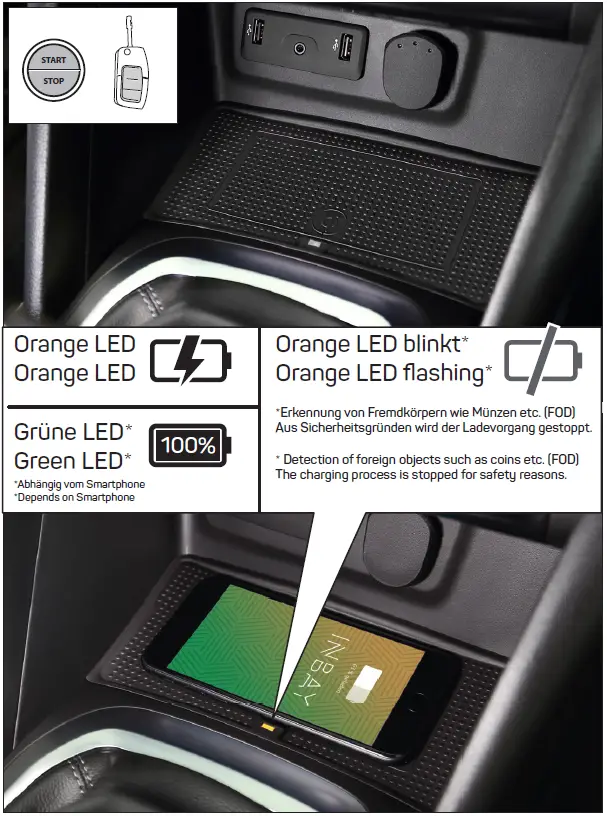
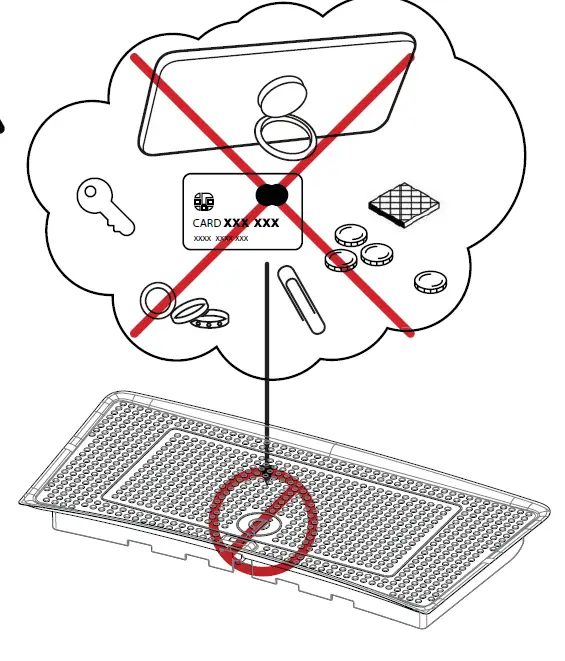
INTEGRATED FOREIGN OBJECT DETECTION (FOD)

IMPORTANT INFORMATION:
Please don‘t place any other objects such as coins, credit cards etc. onto the INBAY surface. Especially smartphones with attached ring stand holder must not be used! – otherwise the integrated Foreign Object Detection (FOD) will interrupt wireless charging for safetey reasons.
INBAY 241250-53-1 Wireless Charging Tray 11

INBAY 241250-53-1 Wireless Charging Tray 12

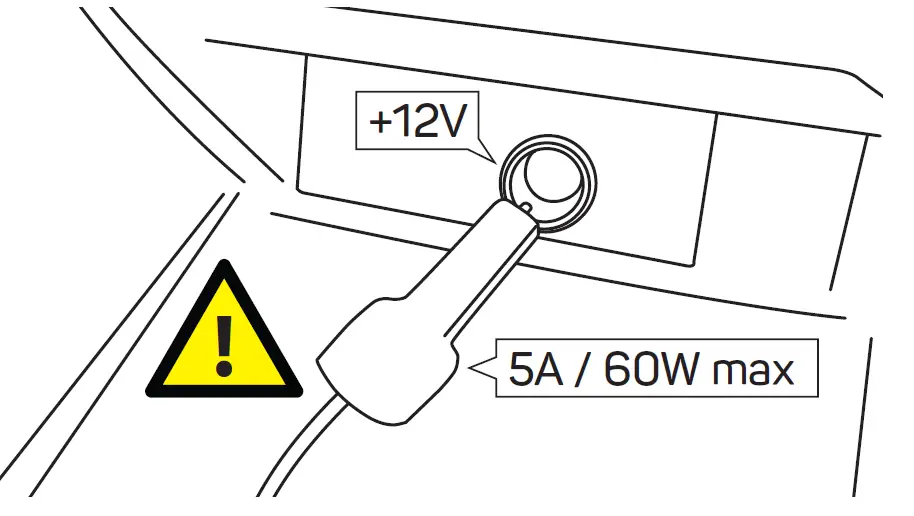
ATTENTION: After installation, devices/consumers with more than 5A / 60W shall not be operated on the +12V socket. Otherwise a risk of overvoltage can occur

241250-53-1

  • Input Voltage: 12V (DC)
  • Output Voltage:  5v to 9v
  • Output Current:  1.1A to 1.2A
  • Output Power:  5W to 10W

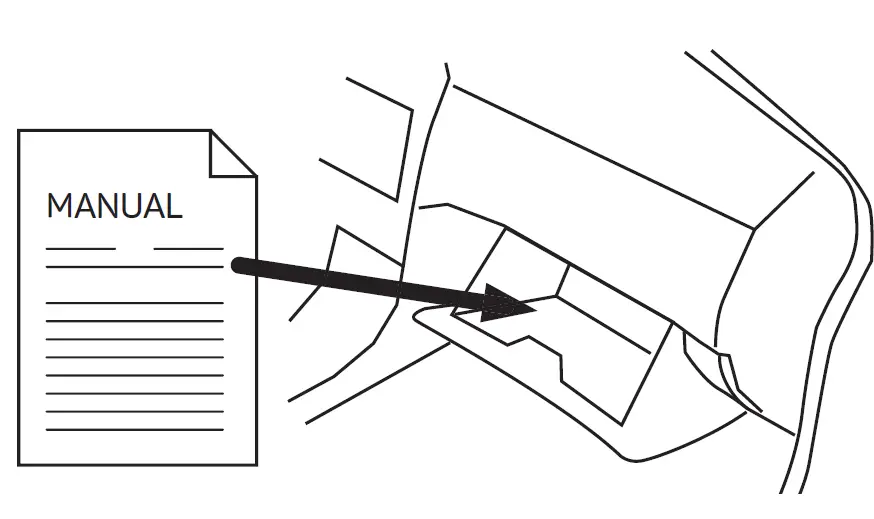
IMPORTANT
AFTER INSTALLATION THE MANUAL HAS TO BE PLACED INTO THE DASH BOARD OF THE CUSTOMER CAR.
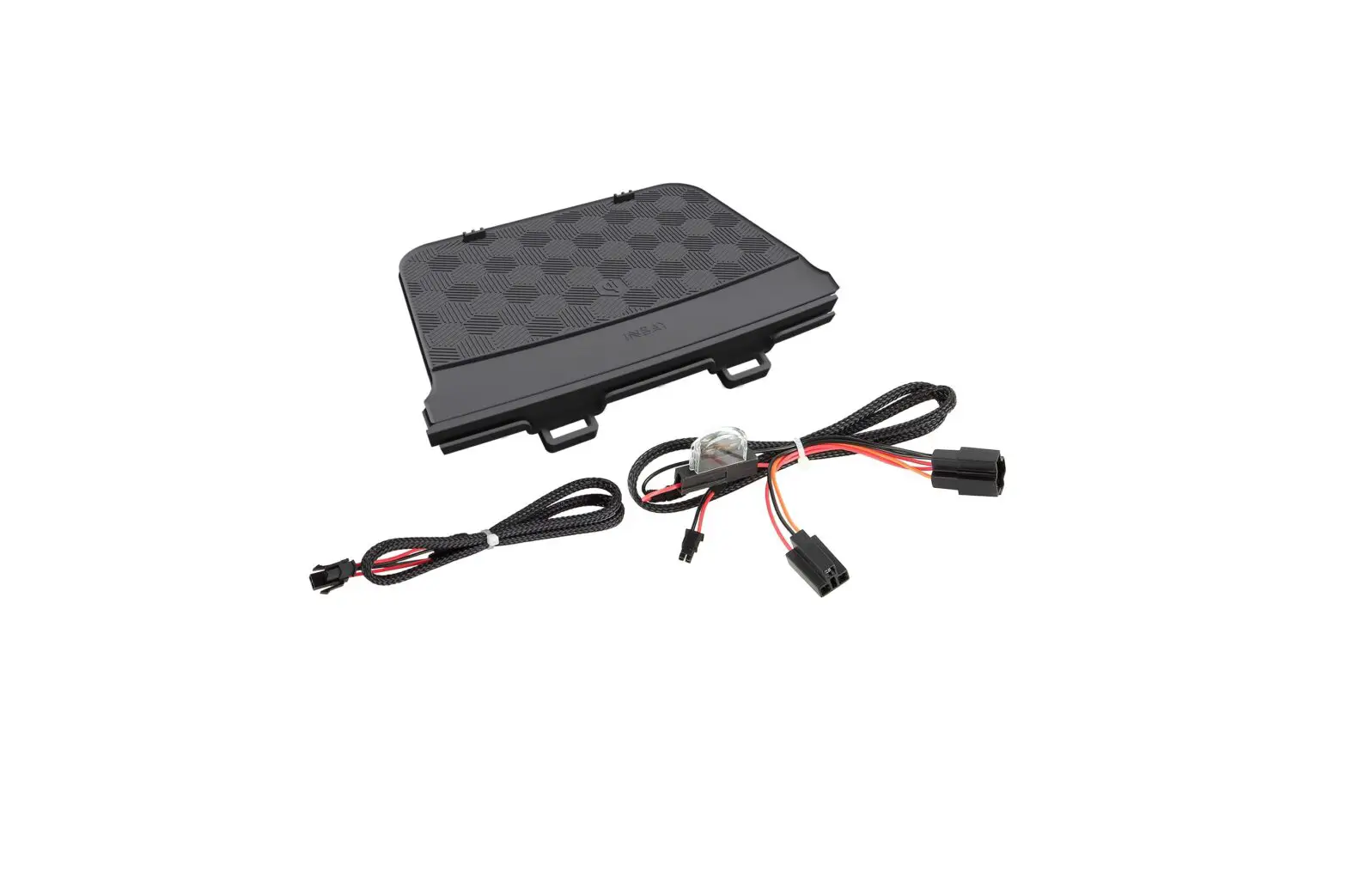
INBAY 241250-53-1 Wireless Charging Tray 13

Documents / Resouces

Download manual
Here you can download full pdf version of manual, it may contain additional safety instructions, warranty information, FCC rules, etc.


Related Manuals