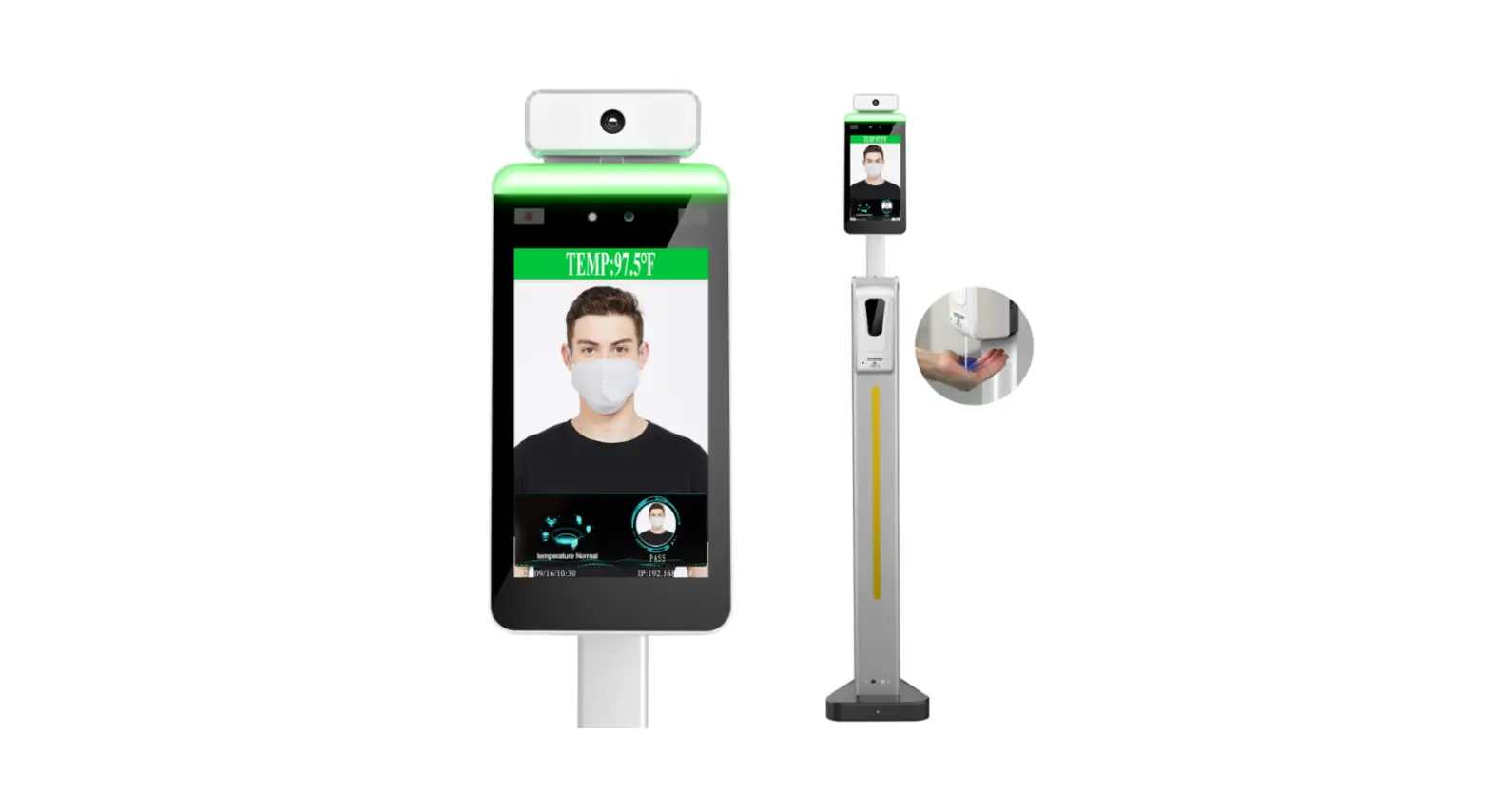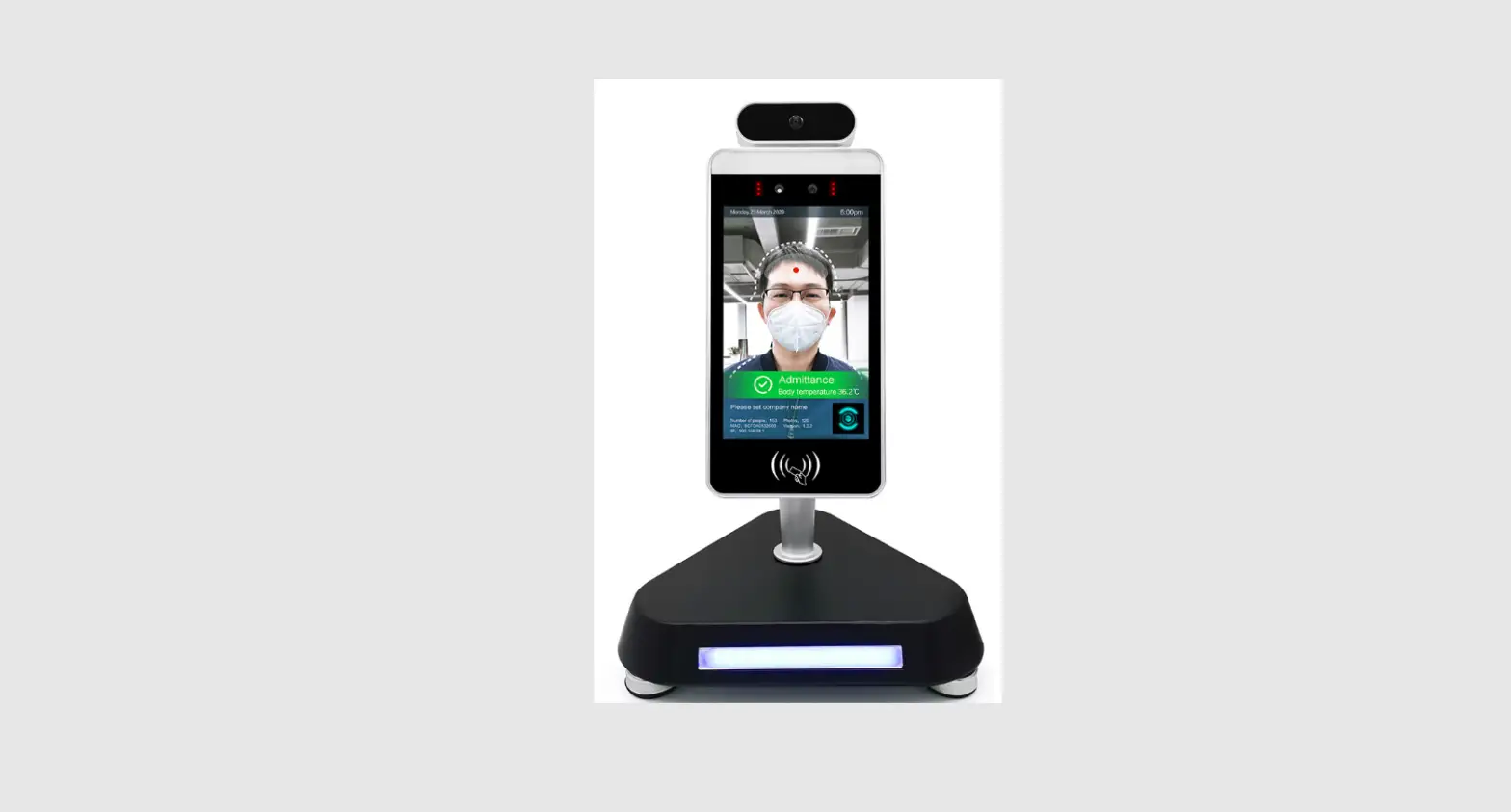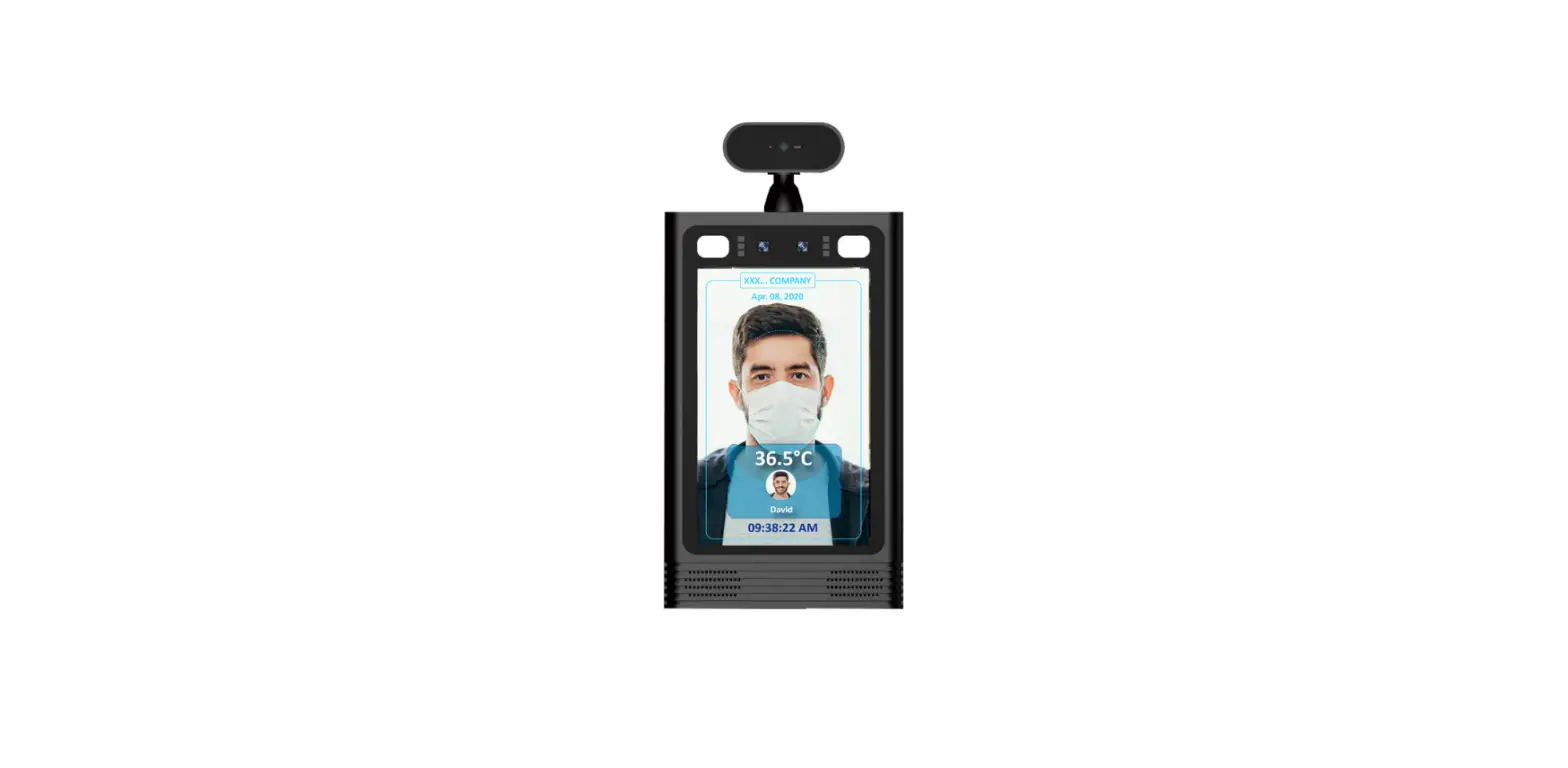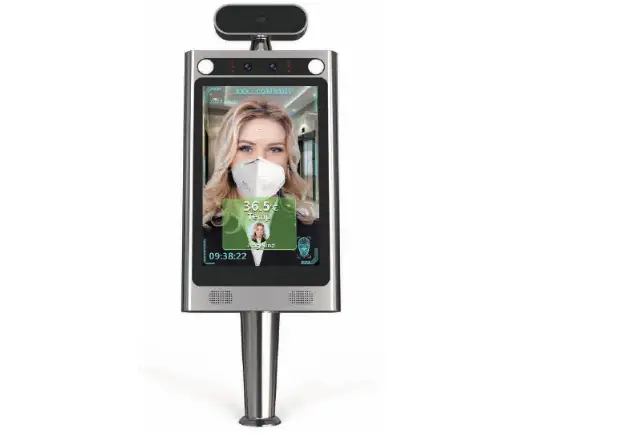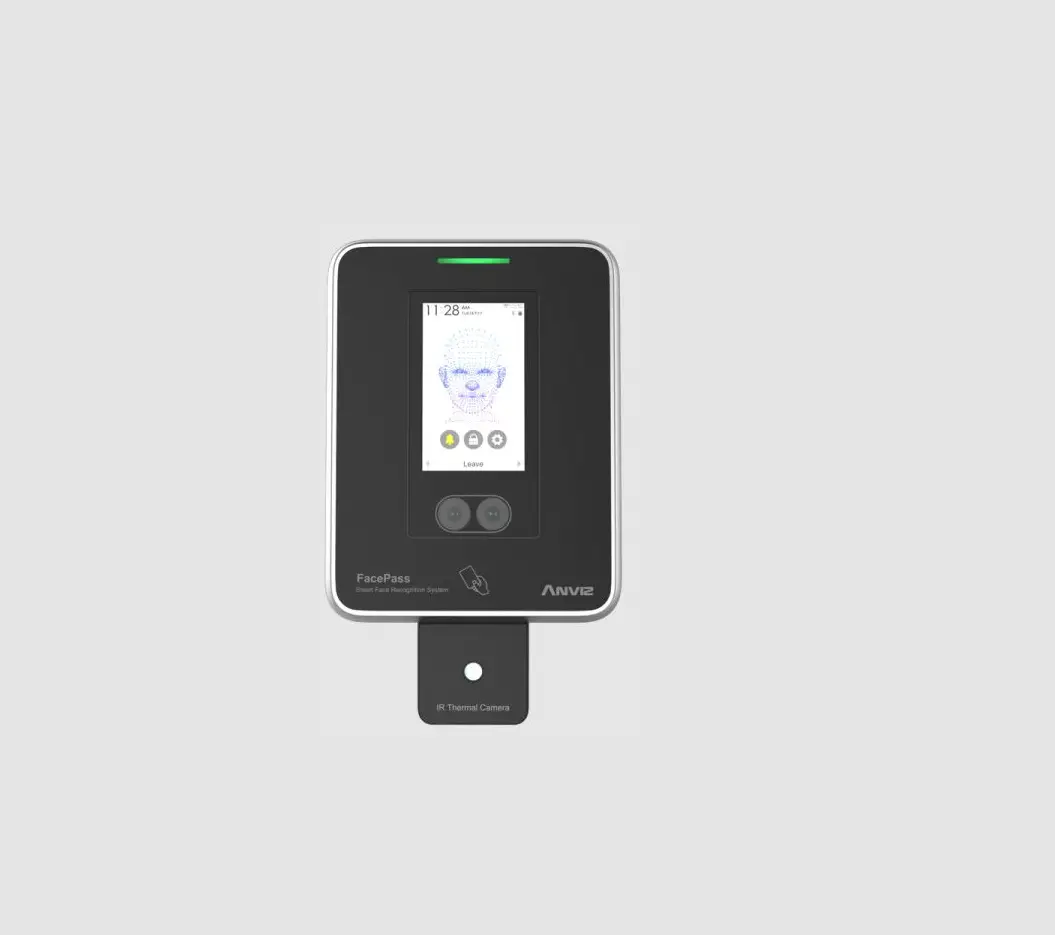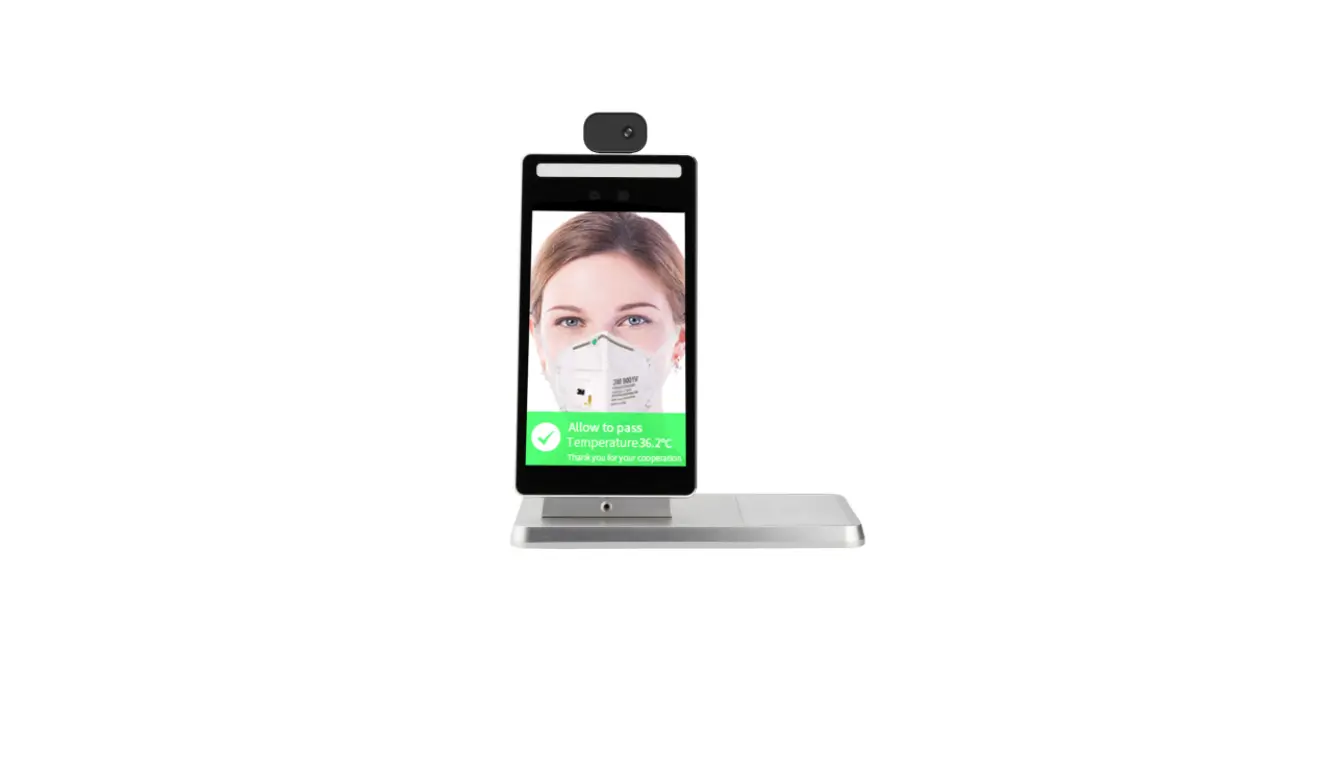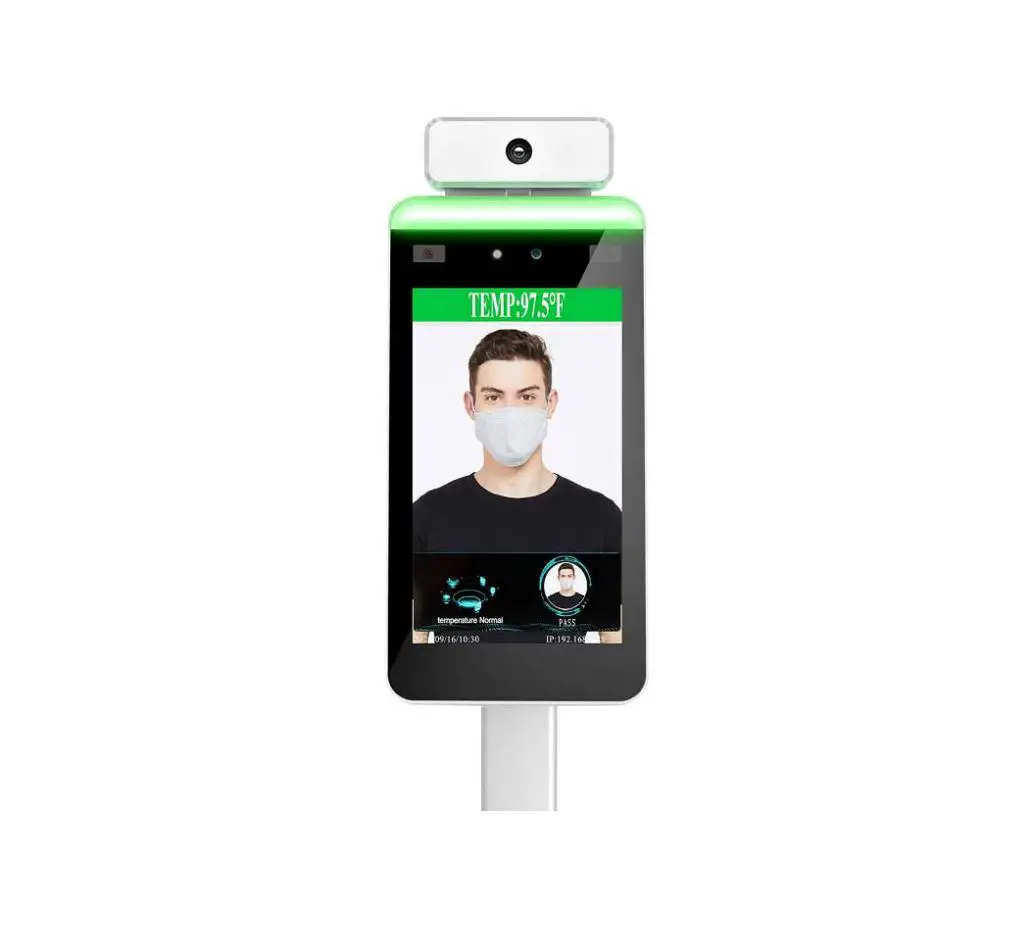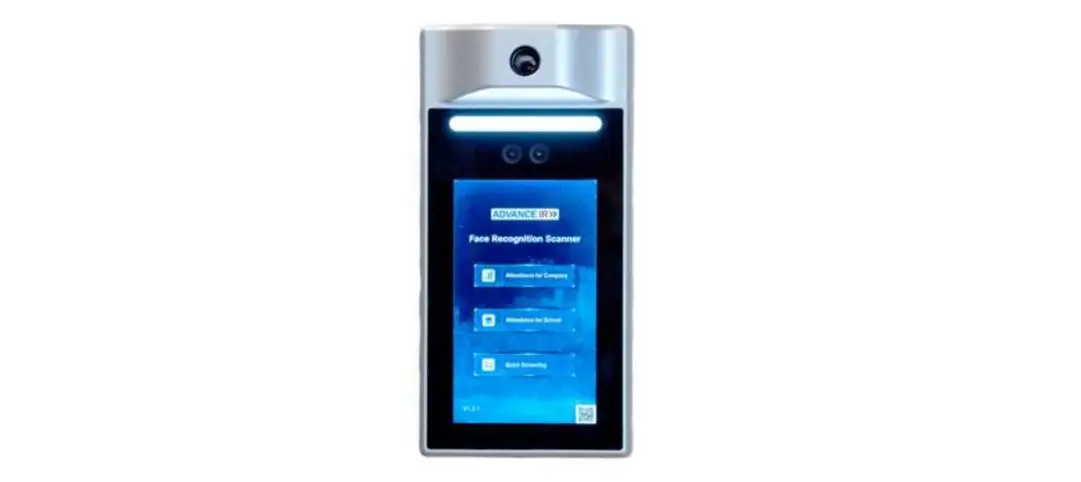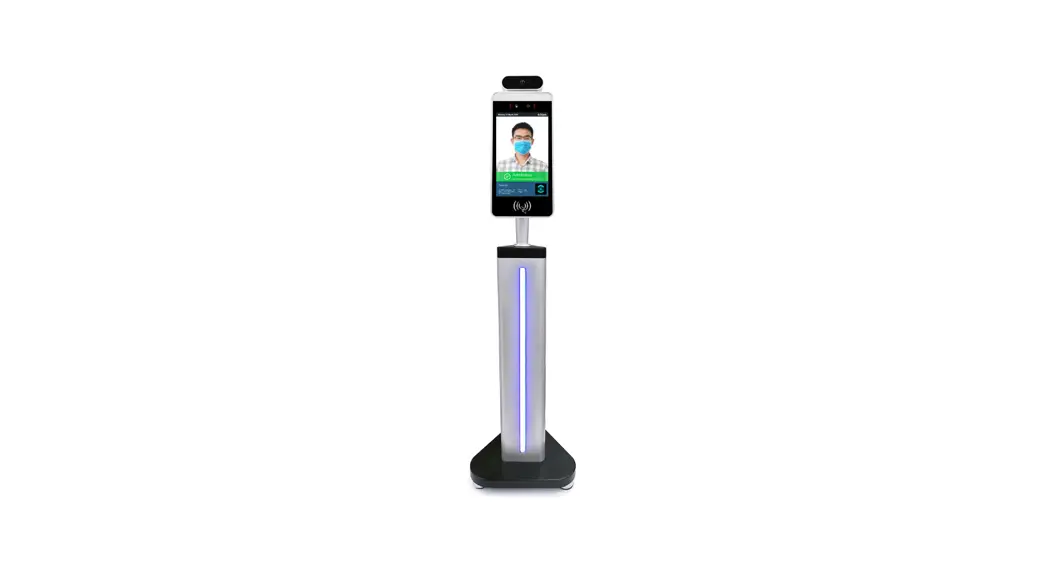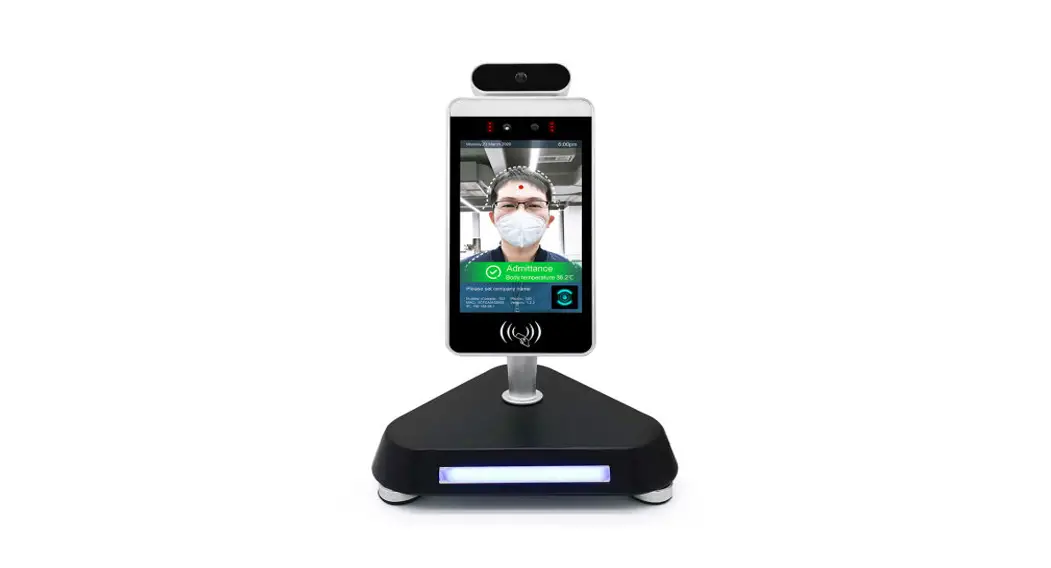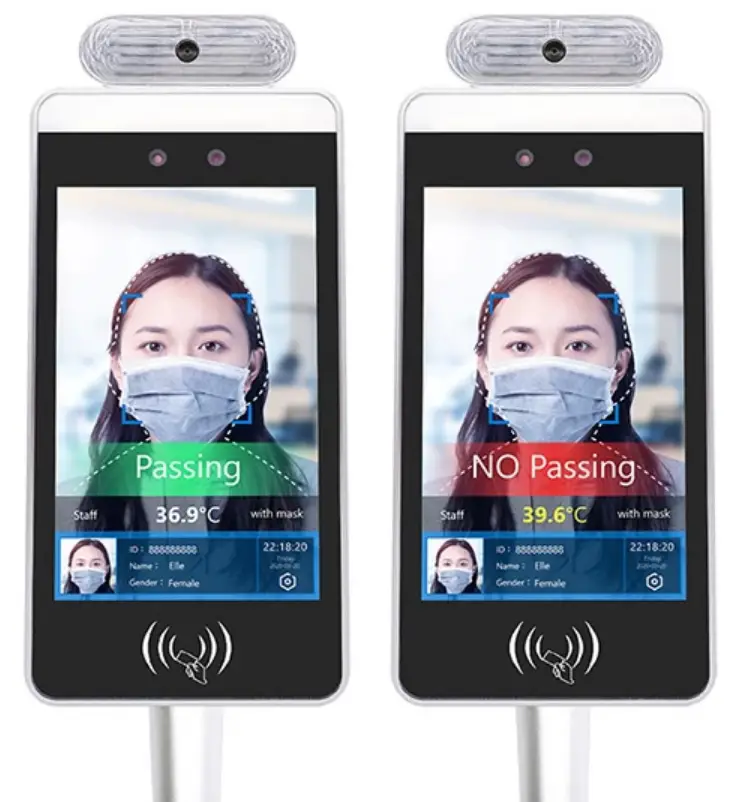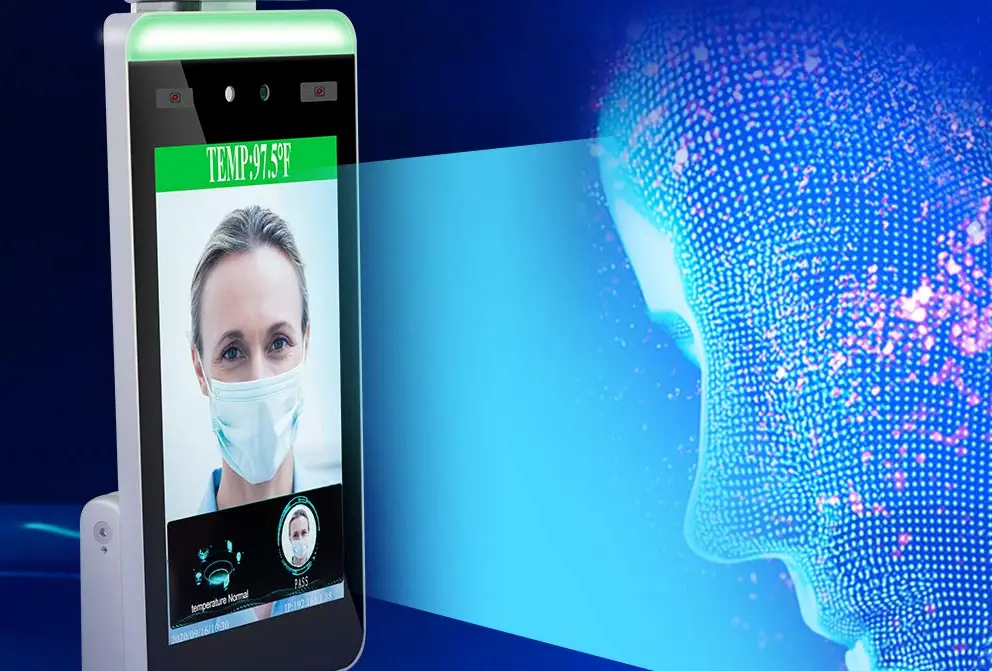
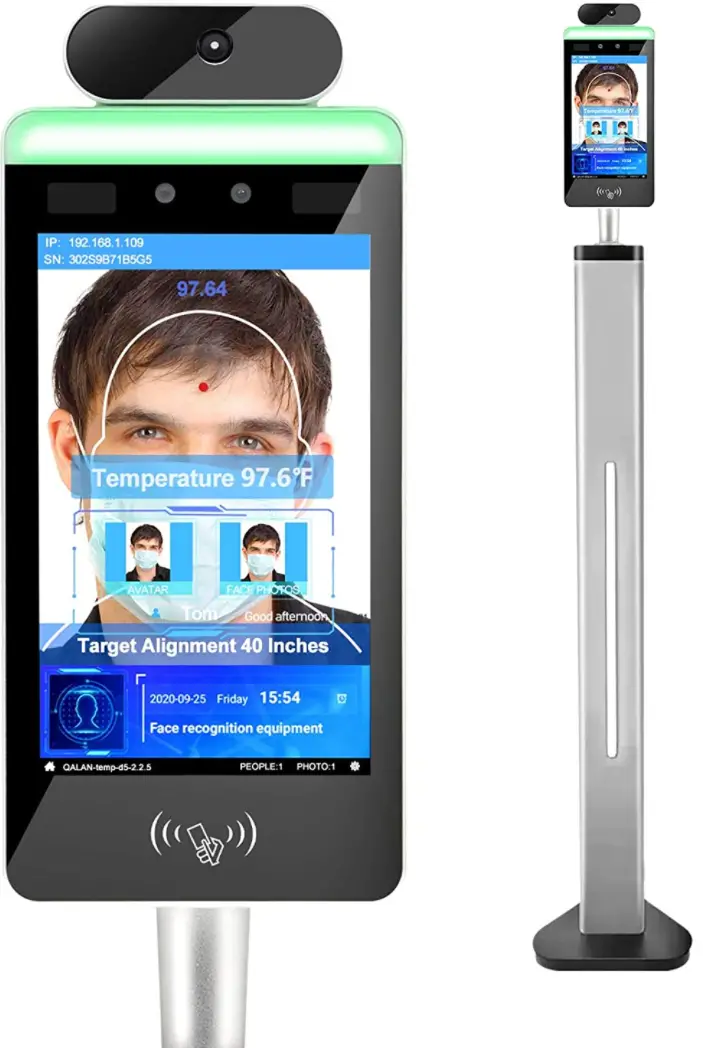
VIKVIZ DQS9FO0 Wi-Fi Face Recognition Body Temperature Measurement System
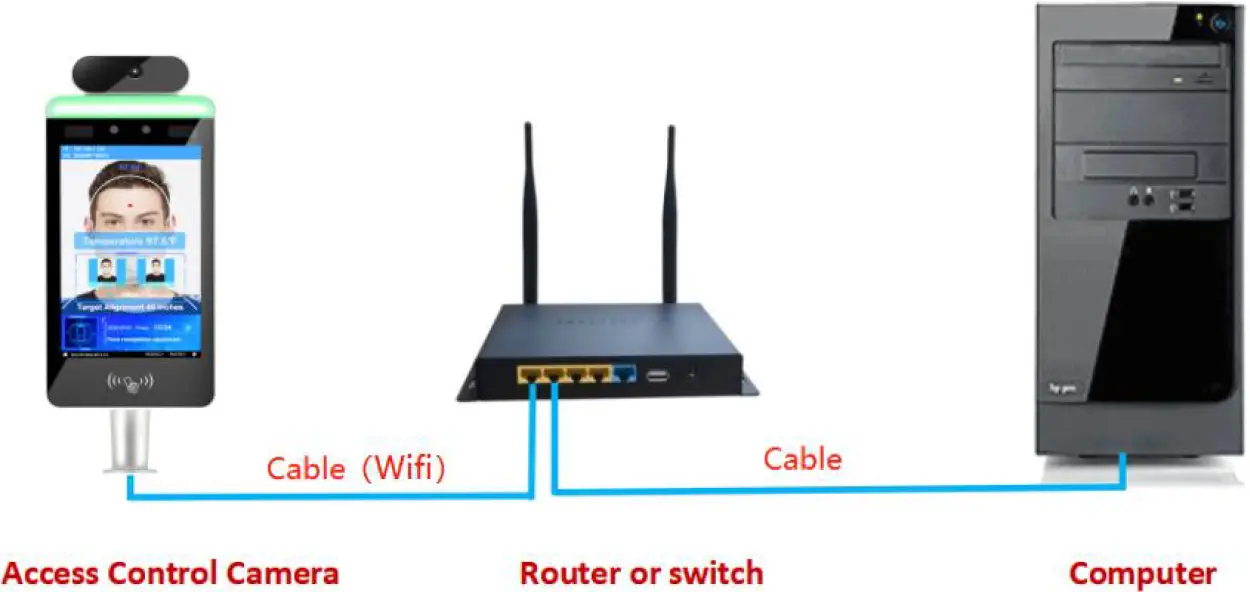
Face recognition temperature measurement panel is connected to the computer
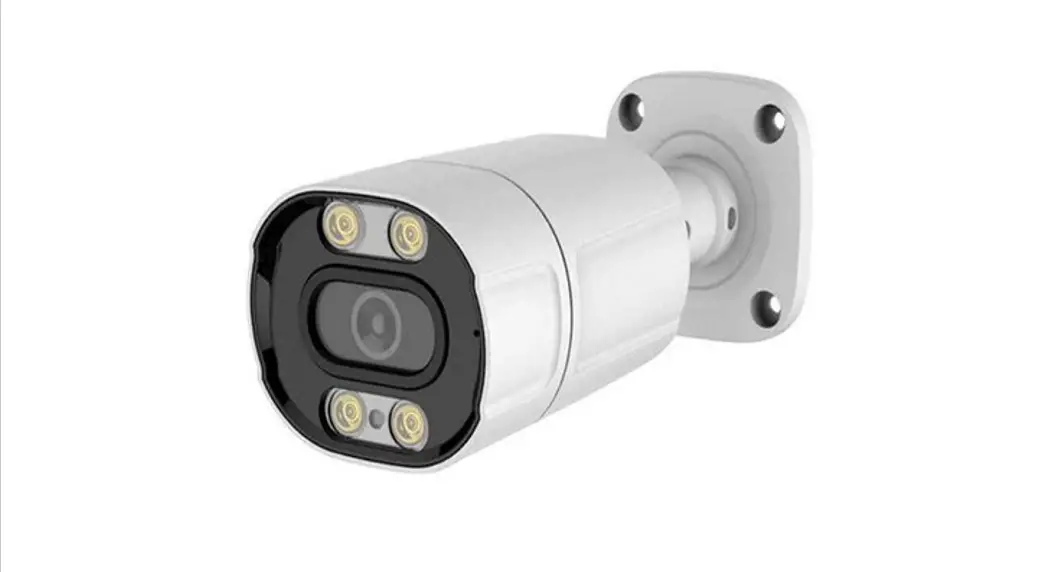
Step 1: Access Control Camera connection (Must be connected to the same router)
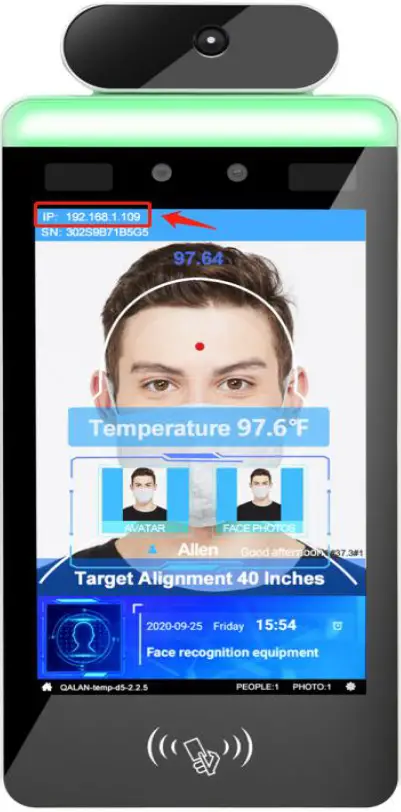
Step 2: The connection is successful, the IP address will be shown on the display.
Step 3: Right-click “Run as administrator” Log in the Face system.
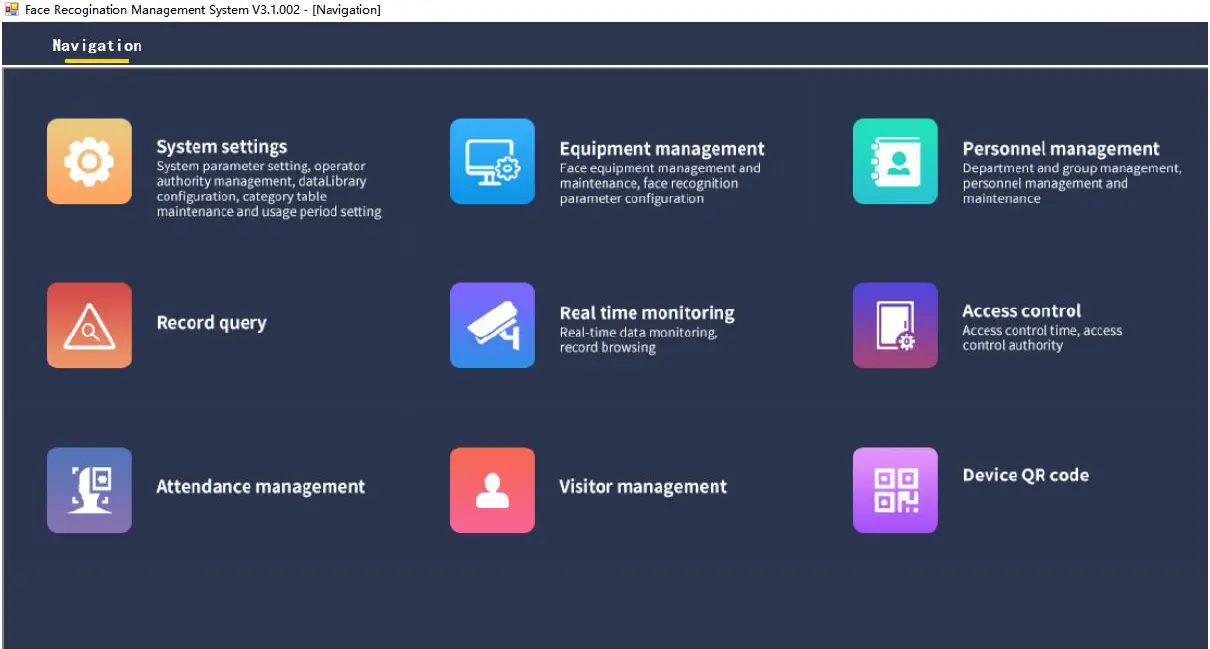
Open the Face system
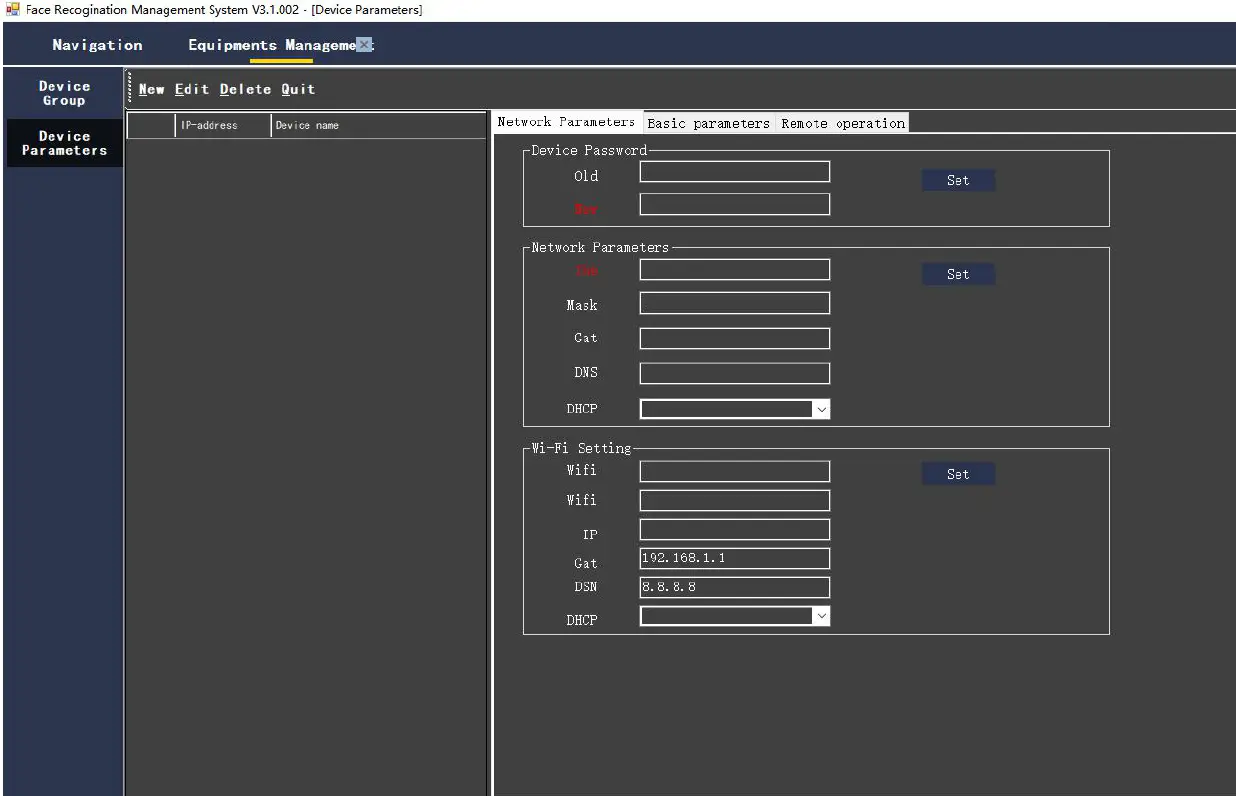
Choose Equipment management–Device Parameters–New
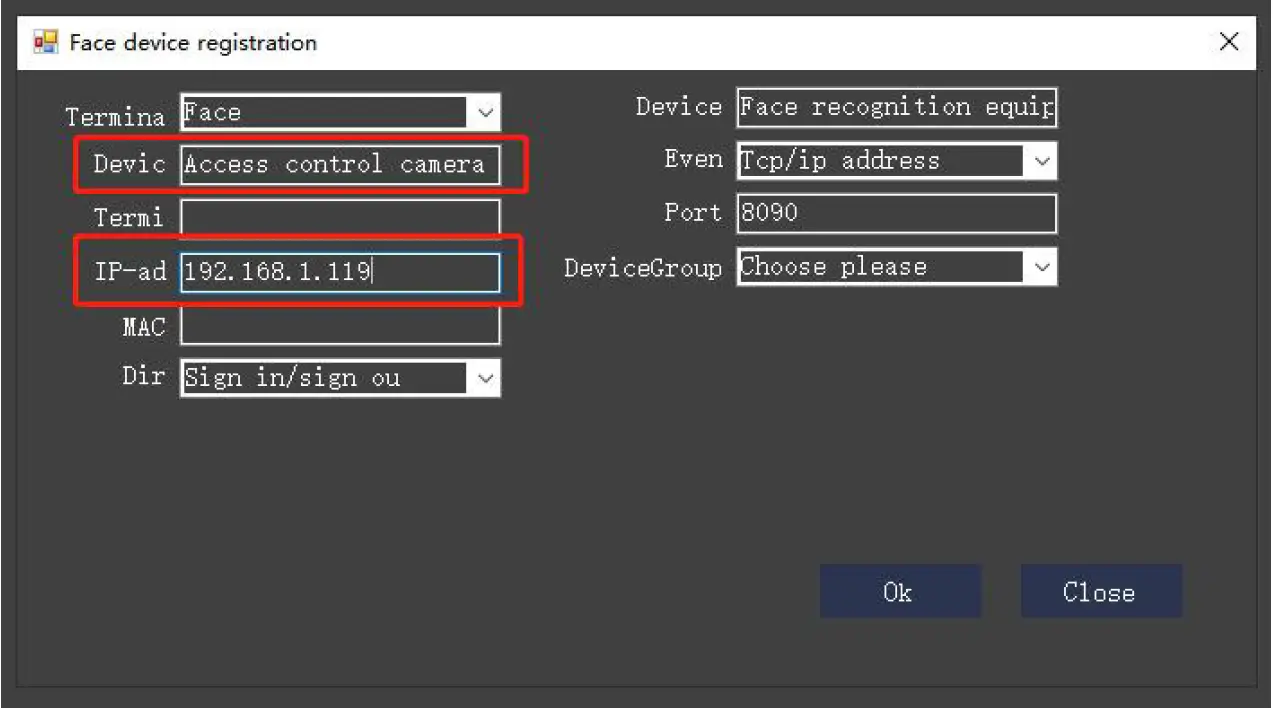
Enter the device name and display screen IP address — OK
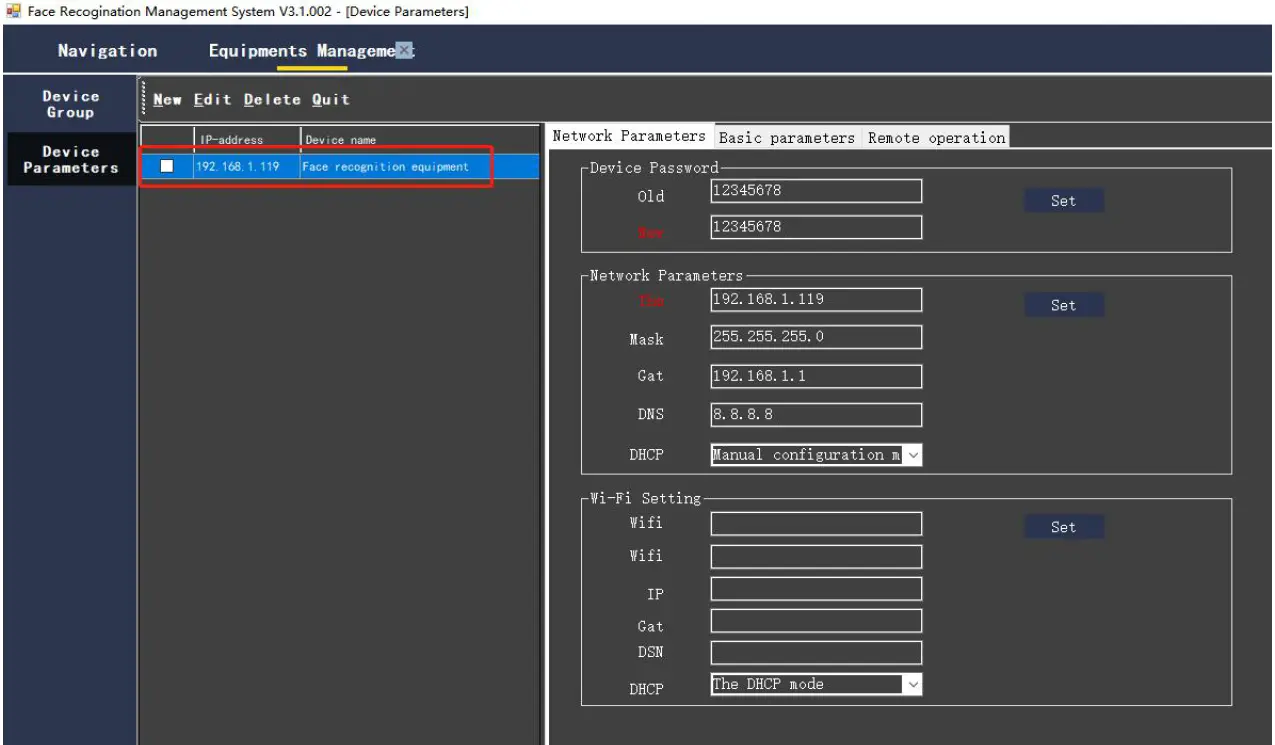
Device added successfully–Equipment management