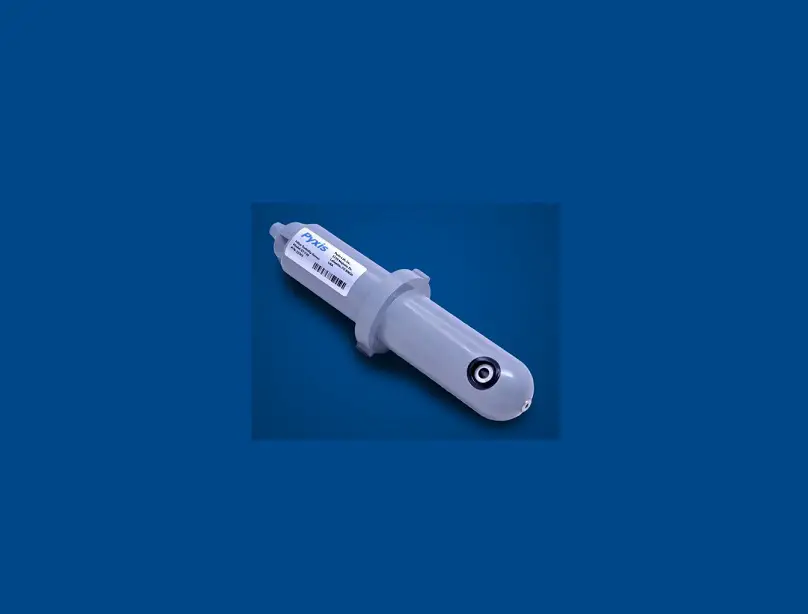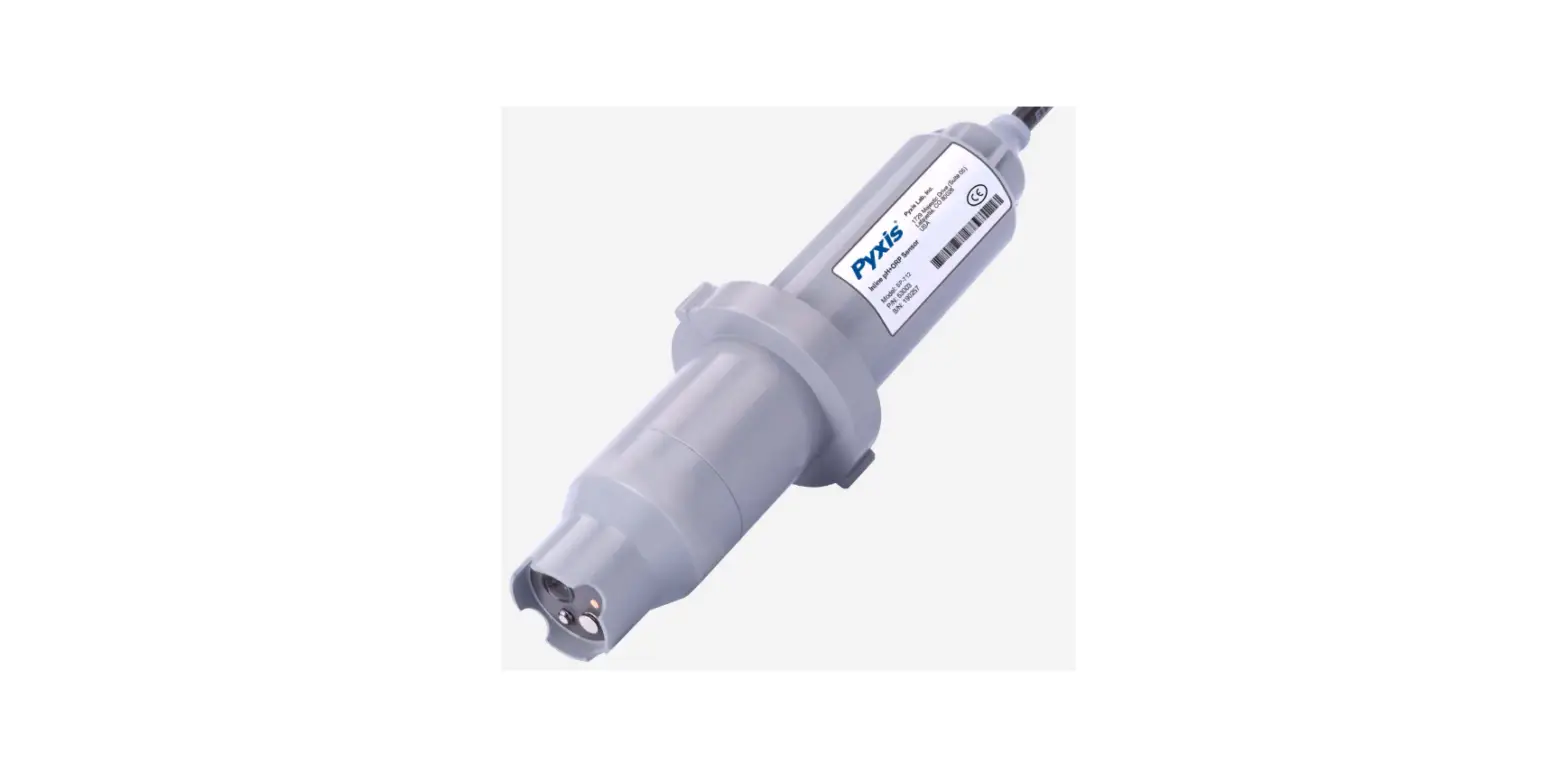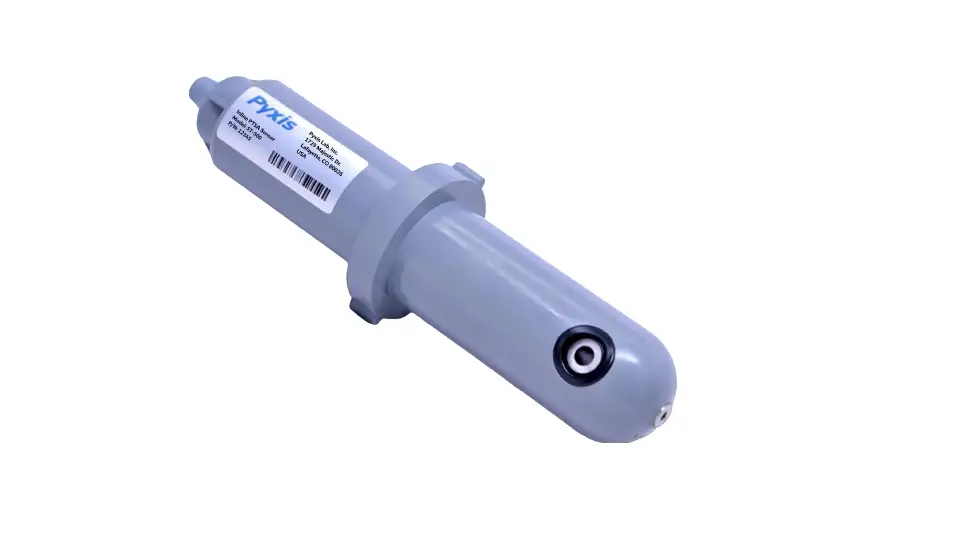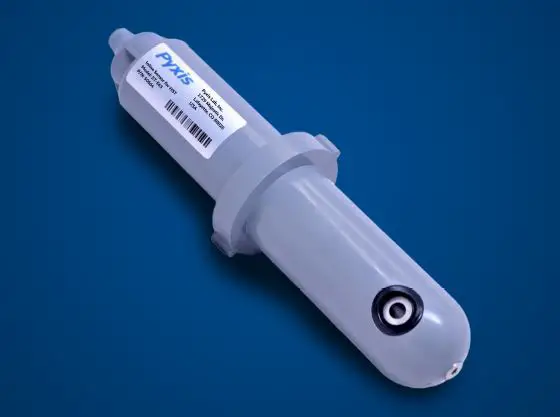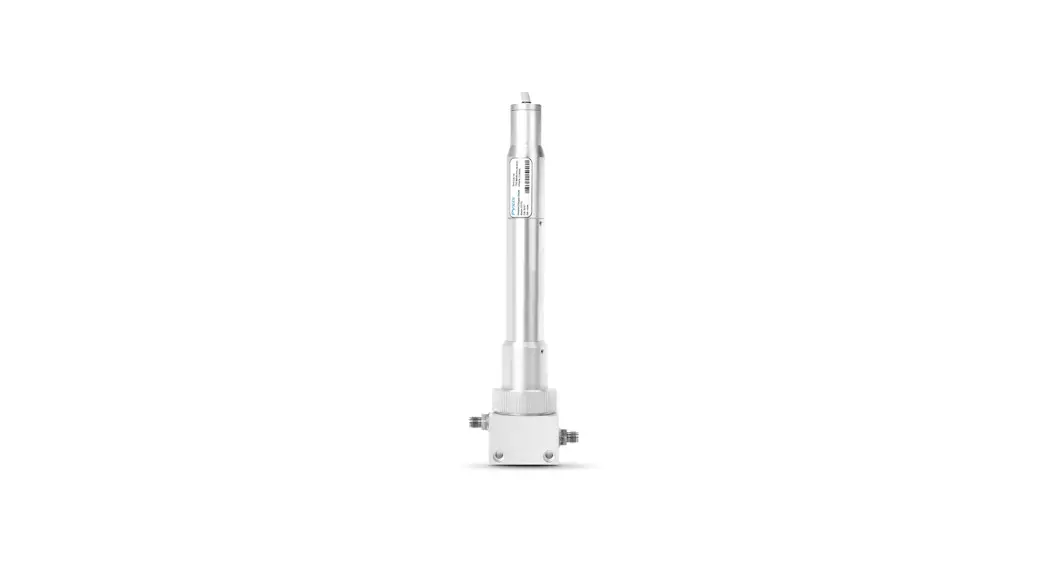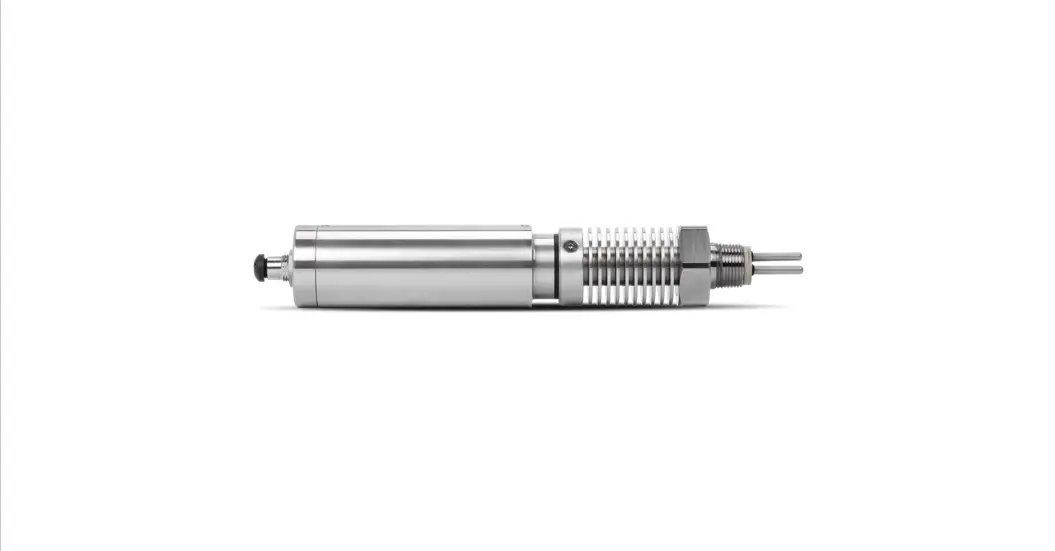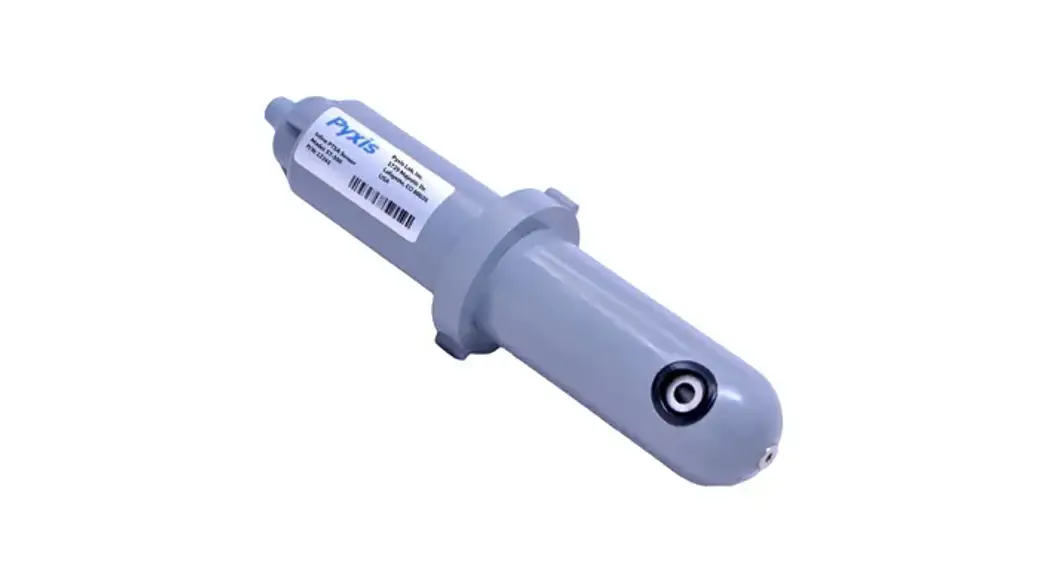

ST-730 Series Inline Turbidity Sensors
User Guide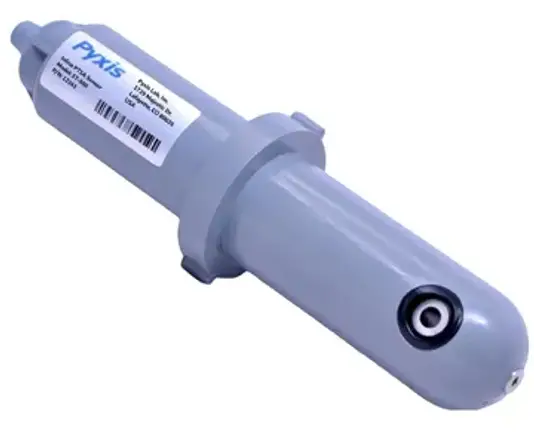
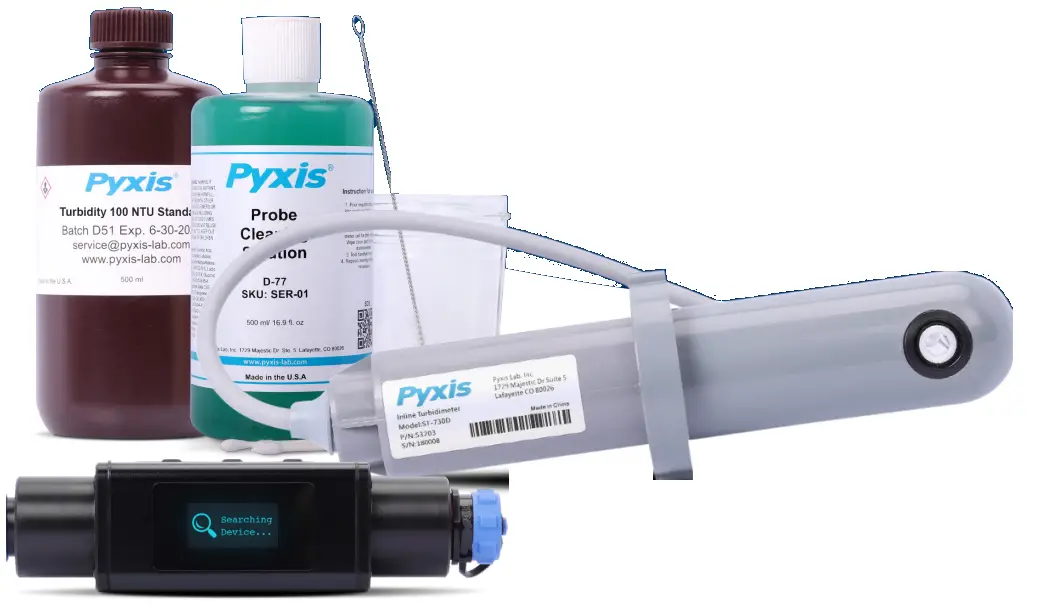
Additional Accessories
- Pyxis Lab® Sensor Cleaning Kit
- MA-WB Bluetooth® Adapter
- Turbidity Calibration Solutions
- ST-001 Inline Sensor Tee

User Manual Download
http://qr.w69b.com/g/pZoMTx4NG
Purchase online at: www.pyxis-lab.com/shop
Wiring Guide & uPyxis® Download
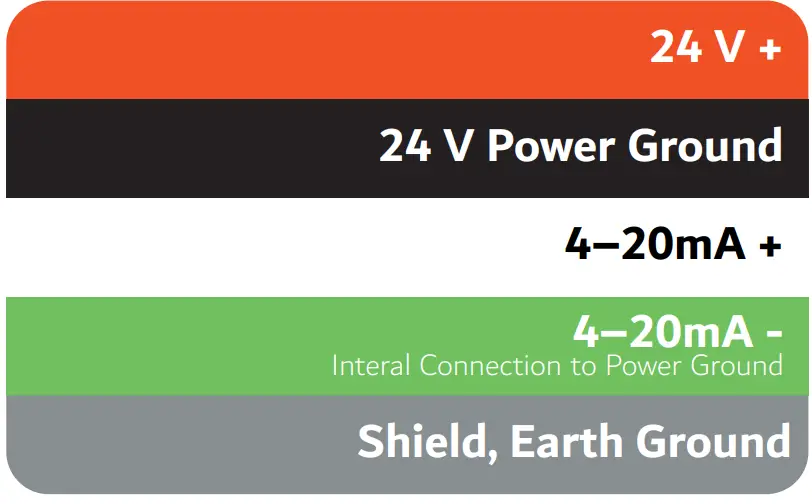
You will need to download the uPyxis® app & connect your MA-WB Bluetooth® Adapter if you want to wirelessly monitor or calibrate your ST-730 Series sensor.
 |  |
| http://qr.w69b.com/g/oVf1QrkSk | http://qr.w69b.com/g/thD3nKWSA |
uPyxis® Procedures
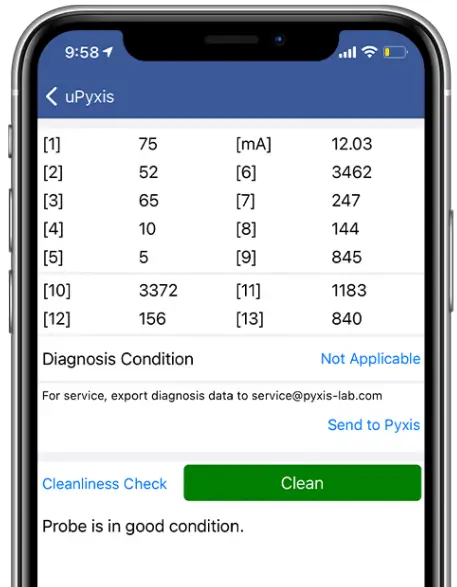
Place your ST-730 Series sensor into the desired Pyxis Lab® Turbidity Calibration solution, then on the uPyxis® choose a calibration type. Enter the NTU value & select `Slope Calibration’. A success message will appear & your ST-730 Series sensor is now calibrated.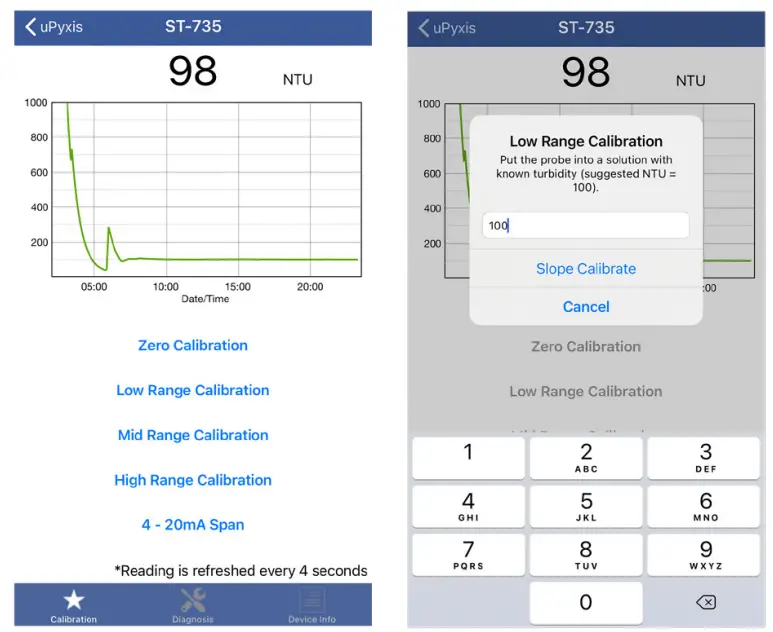 Under the `Diagnosis’ tab, you can conduct a `Cleanliness Check’, uPyxis® will then notify you if the sensor is clean or if it is fouled. If your sensor reads `Dirty’, you will need the Pyxis Lab® Sensor Cleaning Kit.
 Pyxis Lab® Inc.
1729 Majestic Dr. (Suite 5)
Lafayette, CO 80026
+1 (866) 203-8397
www.pyxis-lab.com/shop
 Better Water Tools | Analytical Inline & Handheld Devices | Pyxis Lab, Inc.