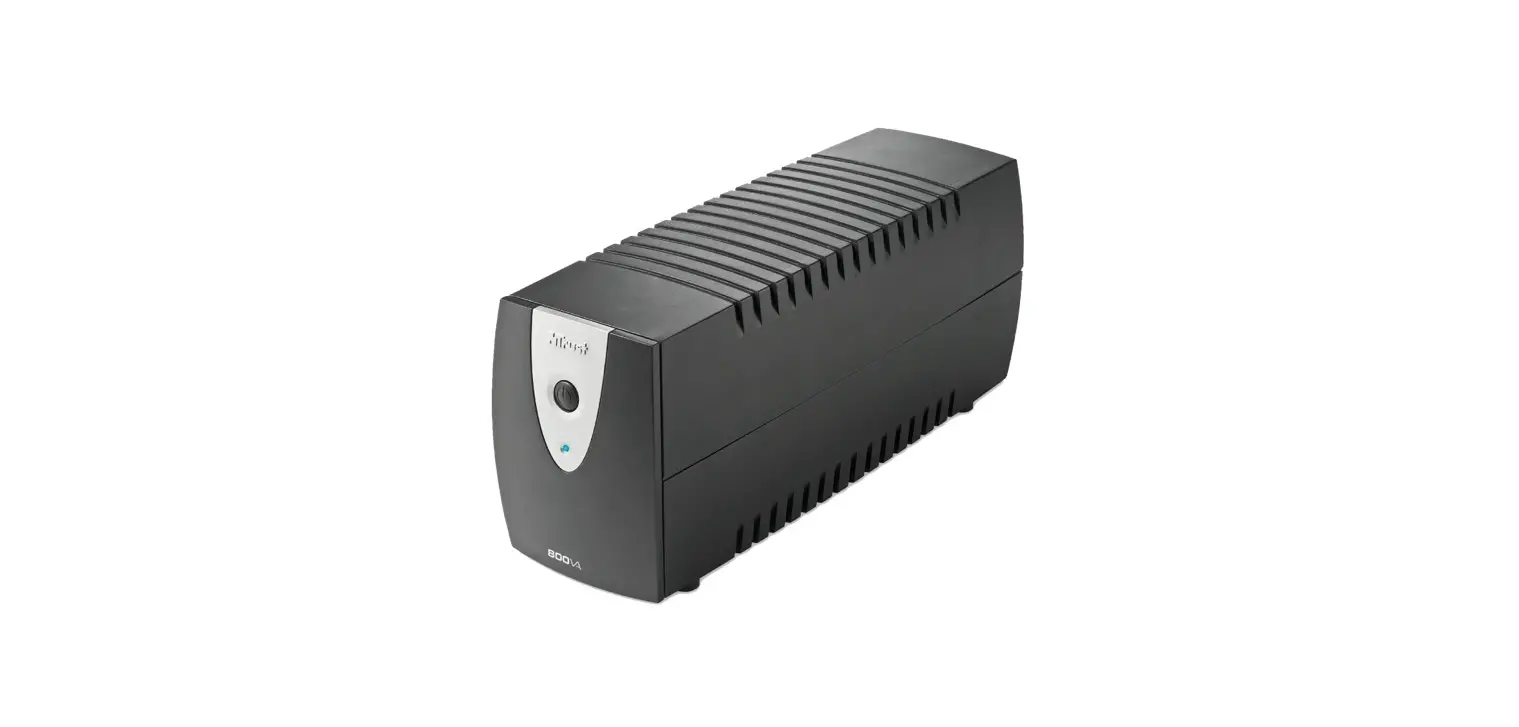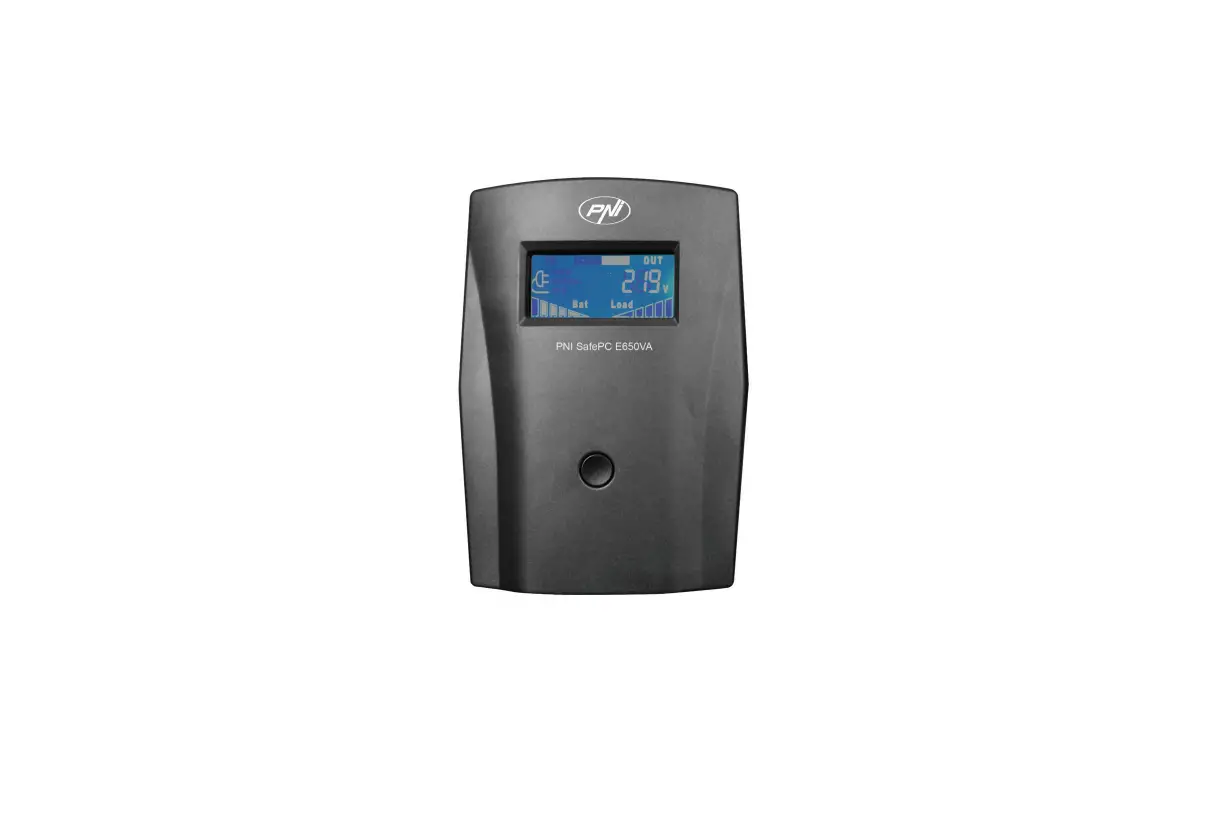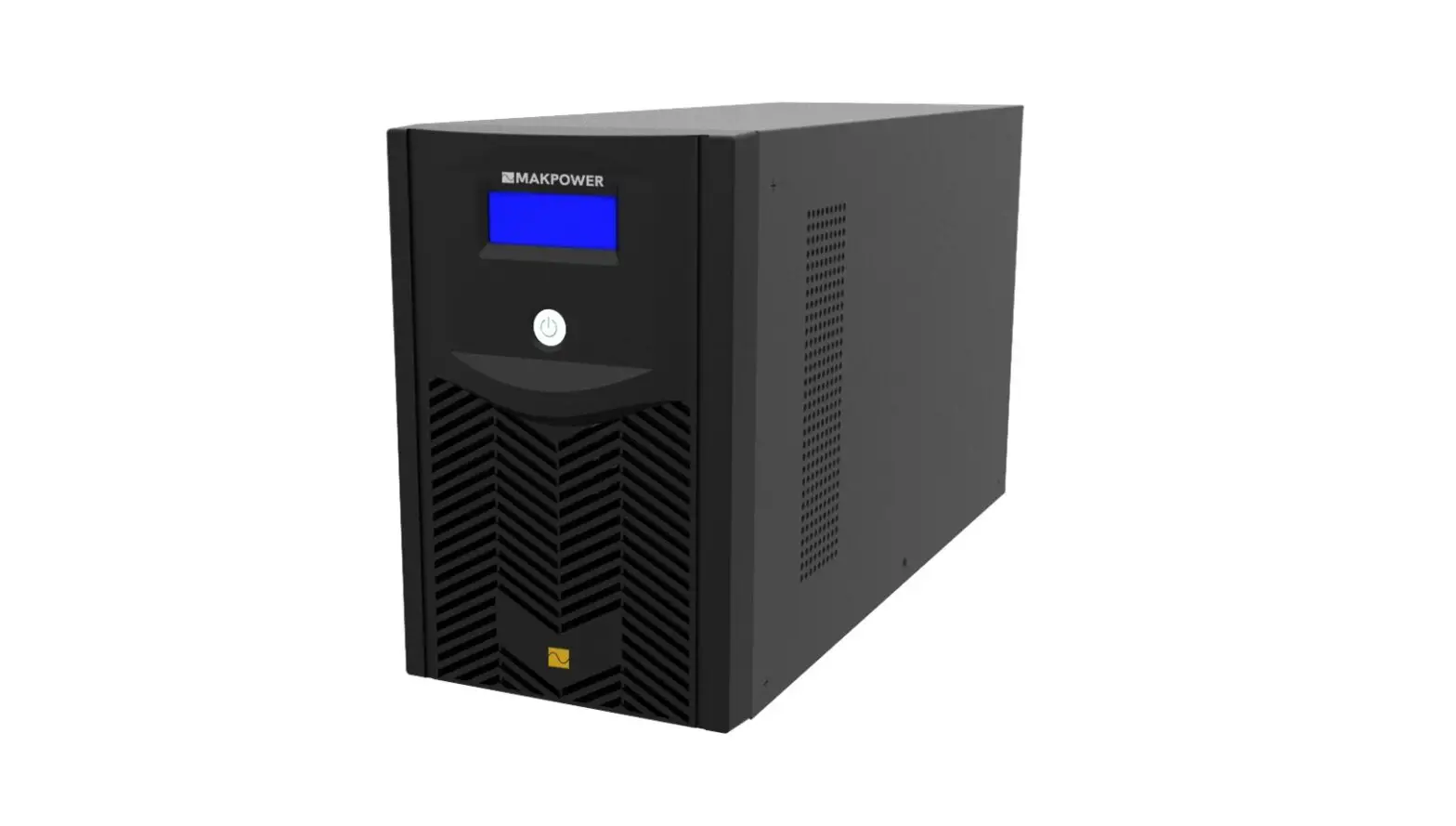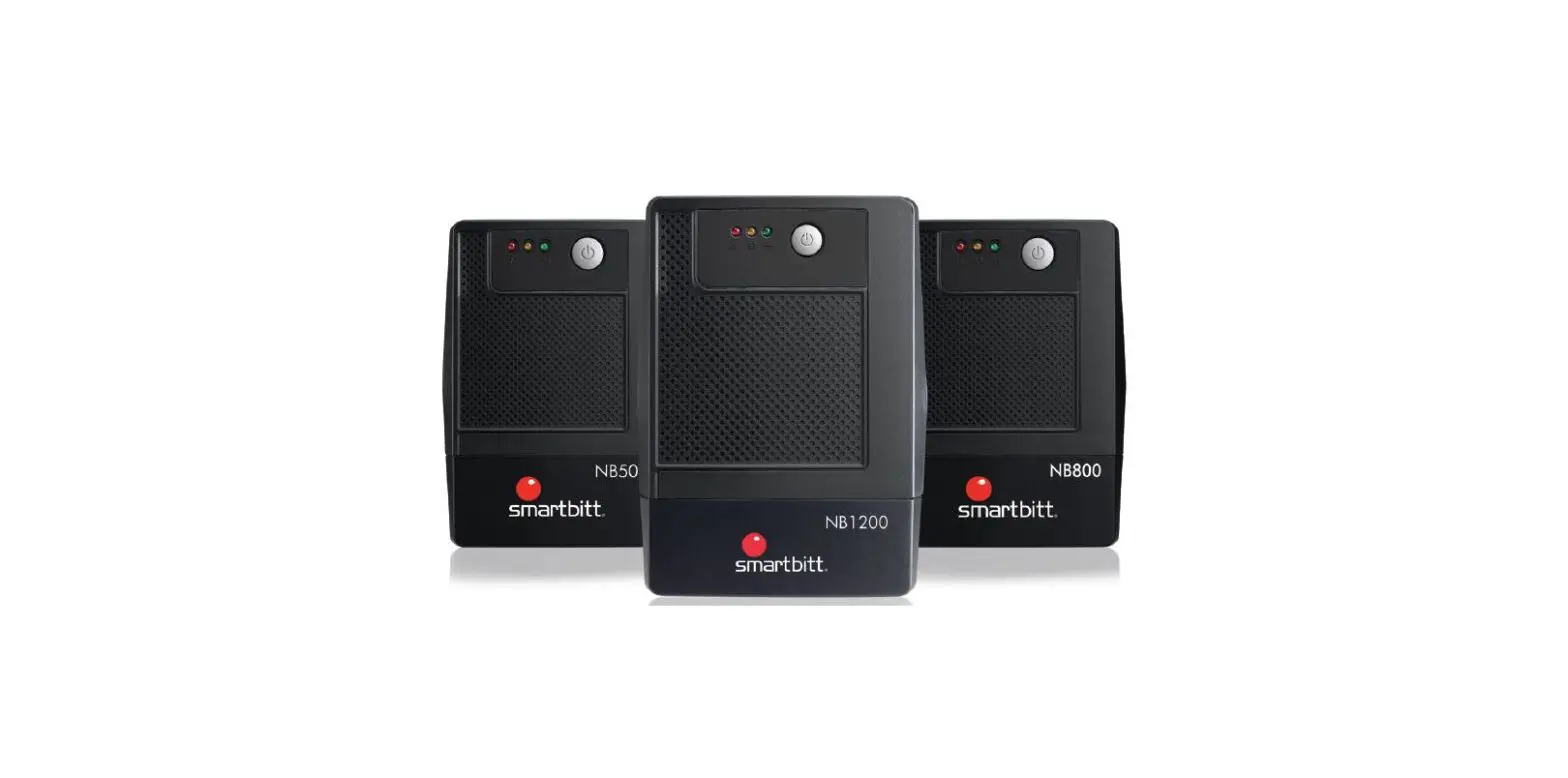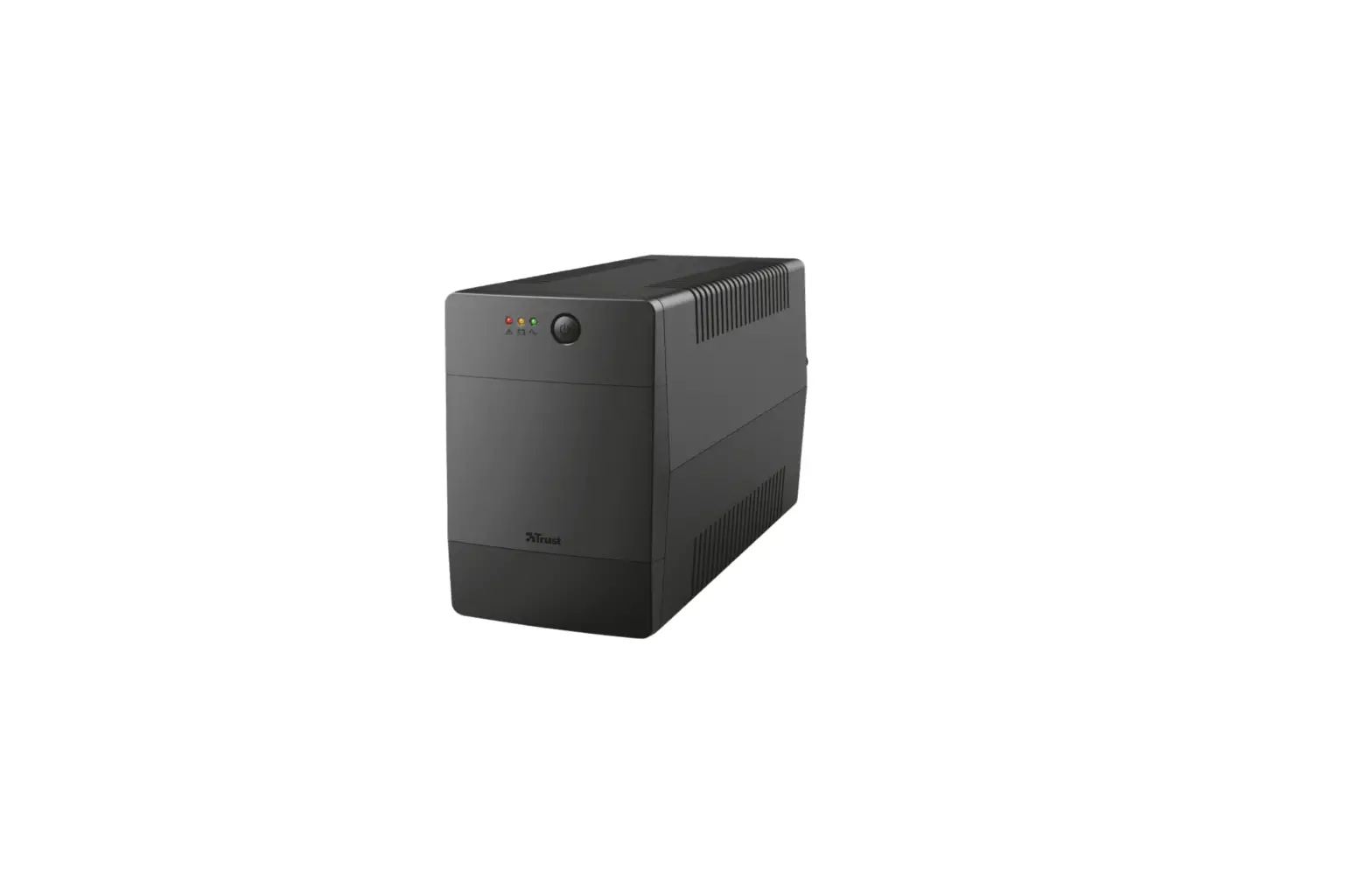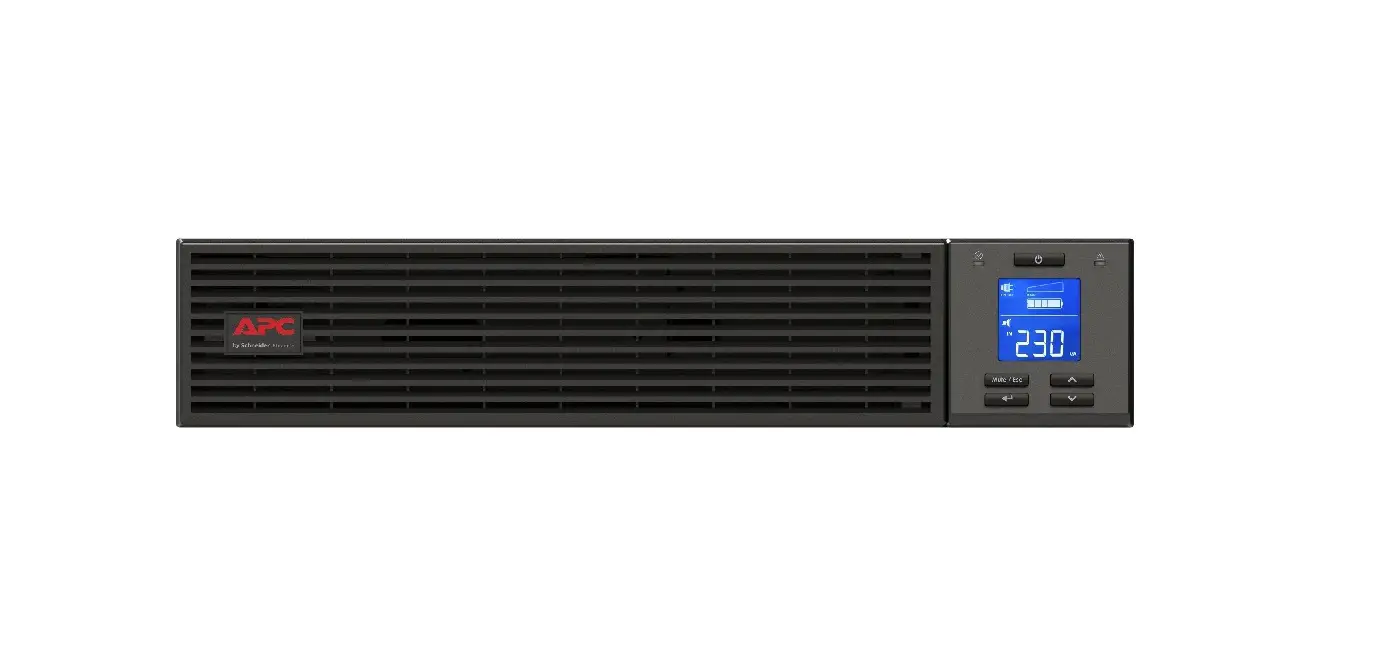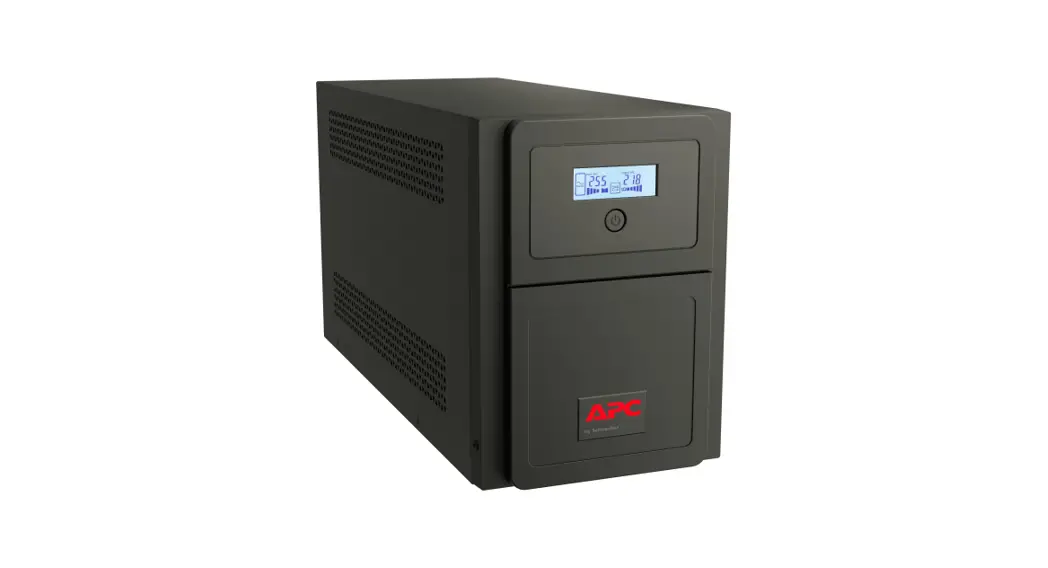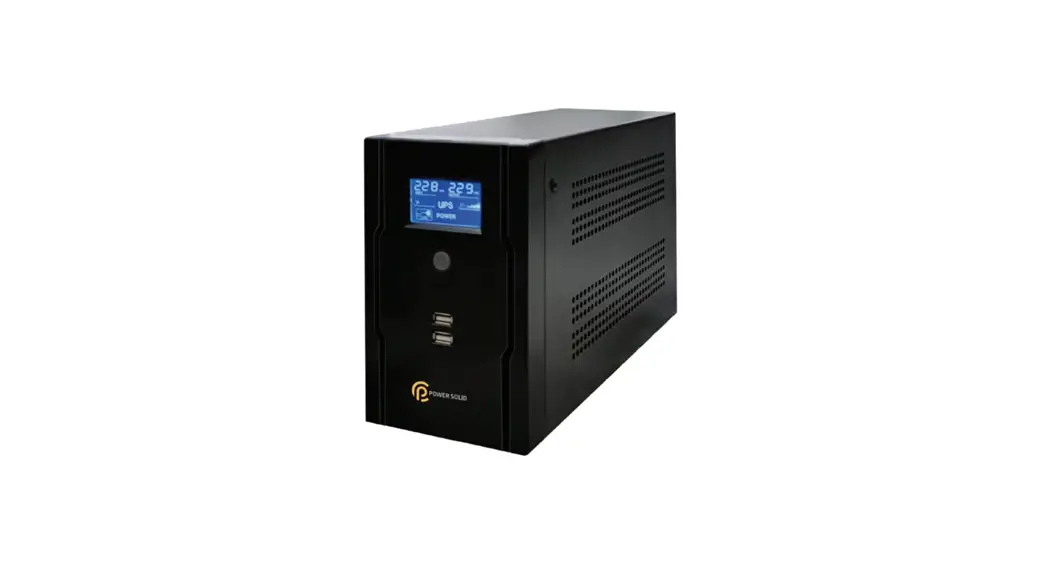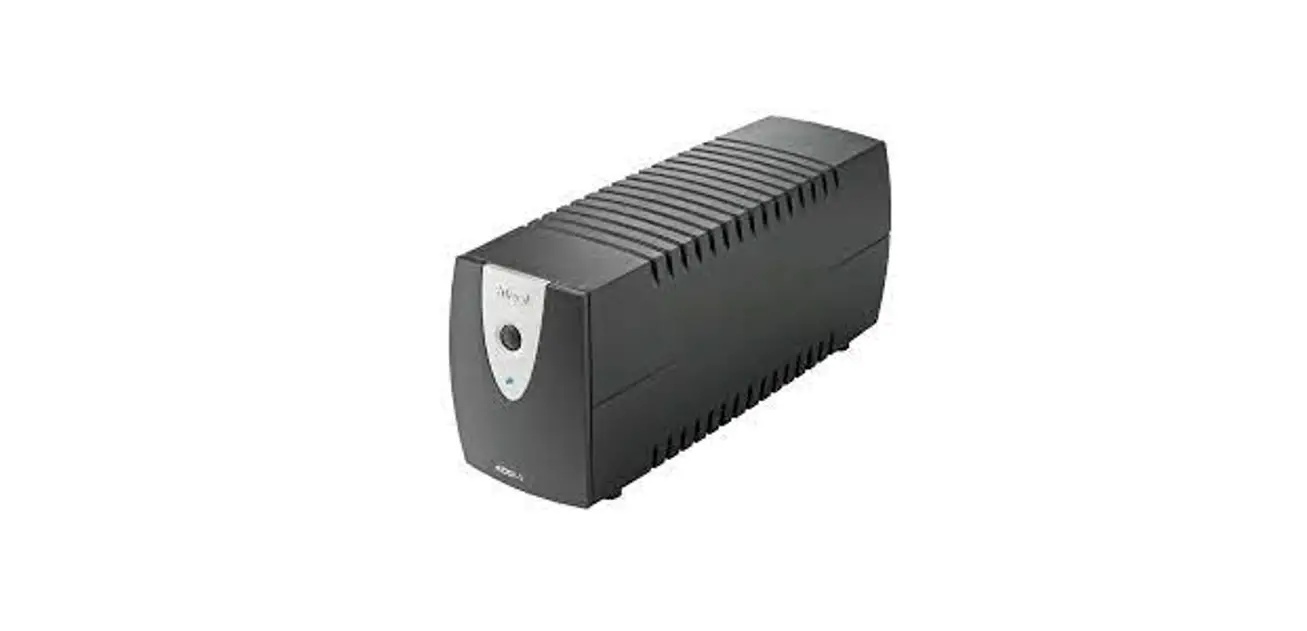
 PW-4040T 400VA UPS
User Manual
Product information
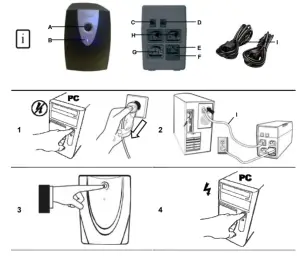
 A: On/Off button A: On/Off buttonB: Status LED – AC power: Lit steady – Battery power: Lit flash | C: Phone/Modem out D: Phone line in E: AC input F: Fuse holder | G: Surge only output H: Backup output I: Loop through cables |
Installation
- PC off
Use power cable from PC to connect UPS to AC socket
Use loop through cable (I) to connect PC to UPS Backup output (H)  Device connected to Surge Only output (G) does not get UPS backup!UPS least 20cm away from the monitor!
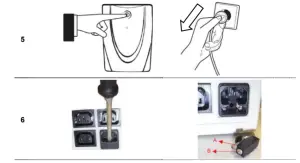
UPS on- The UPS might be battery low due to its self-discharge characteristic; suggest charging 8 hours before using battery power!
- PC on
Replacing fuse - UPS completely offUse a fuse of the same rating (250V, 8A)!(B) stores a backup fuse!
- Open fuse holder
Replace a proper fuse at position A
Reminder UPS is charged only when AC power is supplied and UPS is on!Fully discharge then recharge the battery every 3 months for longer battery life!Connect the incoming analog phone line to D; Connect a telephone or modem to C!Backup time is related to the connected devices and battery condition!UPS does not have a dial-up function nor smart management like message alarm!The conductive device, like a laser printer, is suggested to connect to the Surge Only output!
Specification
| Model | 14395 | 14422 | 14396 | 14397 |
| Operation type | Line Interactive | |||
| Output capacity | 400VA /240W | 500VA / 300W | 600VA /360W | 800VA /480W |
| Input | 230 VAC | ||||
| Voltage range | 170 — 274 VAC | ||||
| Frequency | 47-63 Hz | ||||
| Output | 230 VAC | ||||
| Frequency | 50 / 60 Hz | ||||
| Freq. regulation | +/- 1 Hz | ||||
| Surge current protection [J] | Max. 150 | ||||
| Maximum surge current [Amp] | 6,500 A | ||||
| Transfer t me (typical) | Less than 3 ms
| ||||
| Battery | Battery type & number | 12 V/4.5 AH, 1 pc. Or 6V / 4Ah, 2pcs. | 12 V/7 AH, 1 pc | 12 V/9 AH, 1 pc. | |
| Backup time (min.) | 12 — 30 | 26 — 45 | 34 — 60 | ||
| Charge time | 8 hours to 90% after full discharge | ||||
| Surround dings | Working surroundings | 0 — 40° C, 0-90% relative humidity | |||
| Sound level | Less than 40° dB | ||||
| Weight | 4.9 kg | 6.7 kg | |||
| Minimum load | 40.8W | 51W | I 61.2W I | 81.6W | |
Indication and audio alarm
| Indicator | Sound | Output | Char- ging | Description | What to do? |
| – | – | – | No | UPS is turned off | Turn the UPS on using the ON/OFF button. |
| Blue | 230 V | Yes | Normal use | No action. | |
| Blue (flashing) | A beep every 10 seconds | 230 V | No | No input voltage | No input voltage. Is now using the battery voltage. Save your data and turn off your computer. |
| No input voltage and load on UPS is too low | Due to the Green Power function, UPS may shut down in 5 minutes when the load is lower than +/-10% of the minimum load required. | ||||
| Blue (flashing quickly) | Beep every second | 230 V | No | Battery low. UPS will turn off soon. | Save your data immediately and turn off your computer. |
Safety
- This up generates leakage current less than 0.5mA, please use in comfort.
- The sum of the leakage current of the UPS and its connected equipment must not exceed 3.5mA.
- Do not open or repair this device.
- Disconnect the power plug from the main supply before cleaning the device.
- Keep this device away from liquids, such as water.
- Do not use this device in combination with non-computer-related items, such as medical equipment, microwave ovens, vacuum cleaners, etc.
- Make sure the UPS is placed on a firm surface, such as your desk or the floor.
- ALWAYS use the UPS with an earthed plug socket.
- Do not connect multiple sockets to the UPS.
- Never cover the UPS to avoid overheating. Keep the UPS out of the reach of heat sources, such as the sun, heaters, etc.
- The outputs may have a high voltage, even when the device is turned off.
- Keep the UPS at least 20 cm from your monitor.
- Do not expose the battery to a naked flame. This may cause the battery to explode.
- Never drill holes into the battery.
- The battery must not be opened or damaged. If the battery is opened or damaged, the electrolyte may be released, which is harmful to the skin, eyes, and the environment.
- When the battery is empty, ask your local authority where you can dispose of it.
 This device meets the essential requirements and other relevant conditions of the applicable European directives. The Declaration of Conformity (DoC) is available at www.trust.com/14397/ce, www.trust.com/14396/ce, www.trust.com/14395/ce, www.trust.com/14422/ce
 This device meets the essential requirements and other relevant conditions of the applicable European directives. The Declaration of Conformity (DoC) is available at
 Warranty & copyright
- This product has a two-year manufacturer’s warranty which is effective from the date of purchase. For more information see www.trust.com/warranty
- Reproduction of this manual or any part of it is prohibited without permission from Trust International B.V.