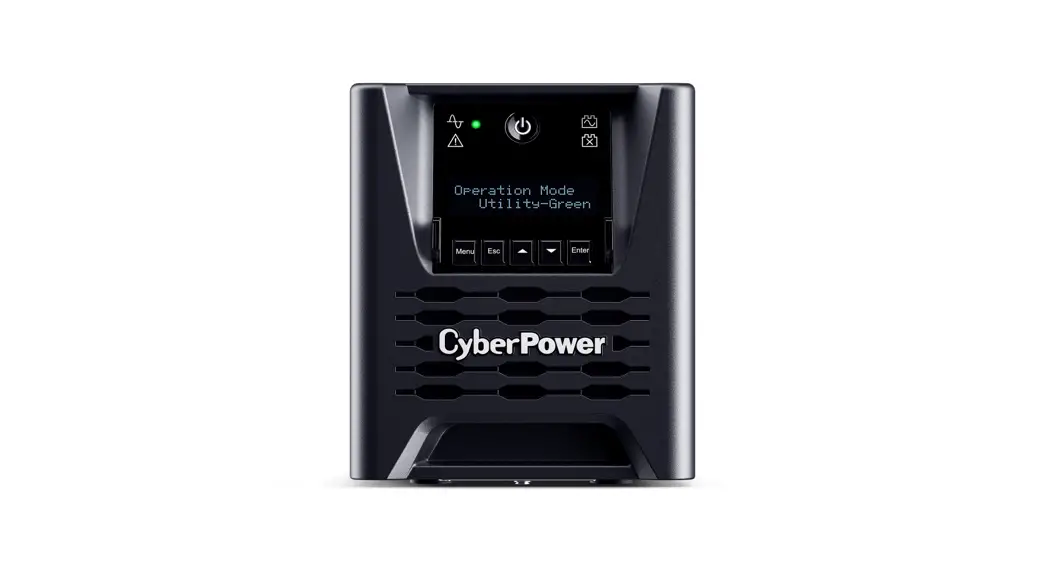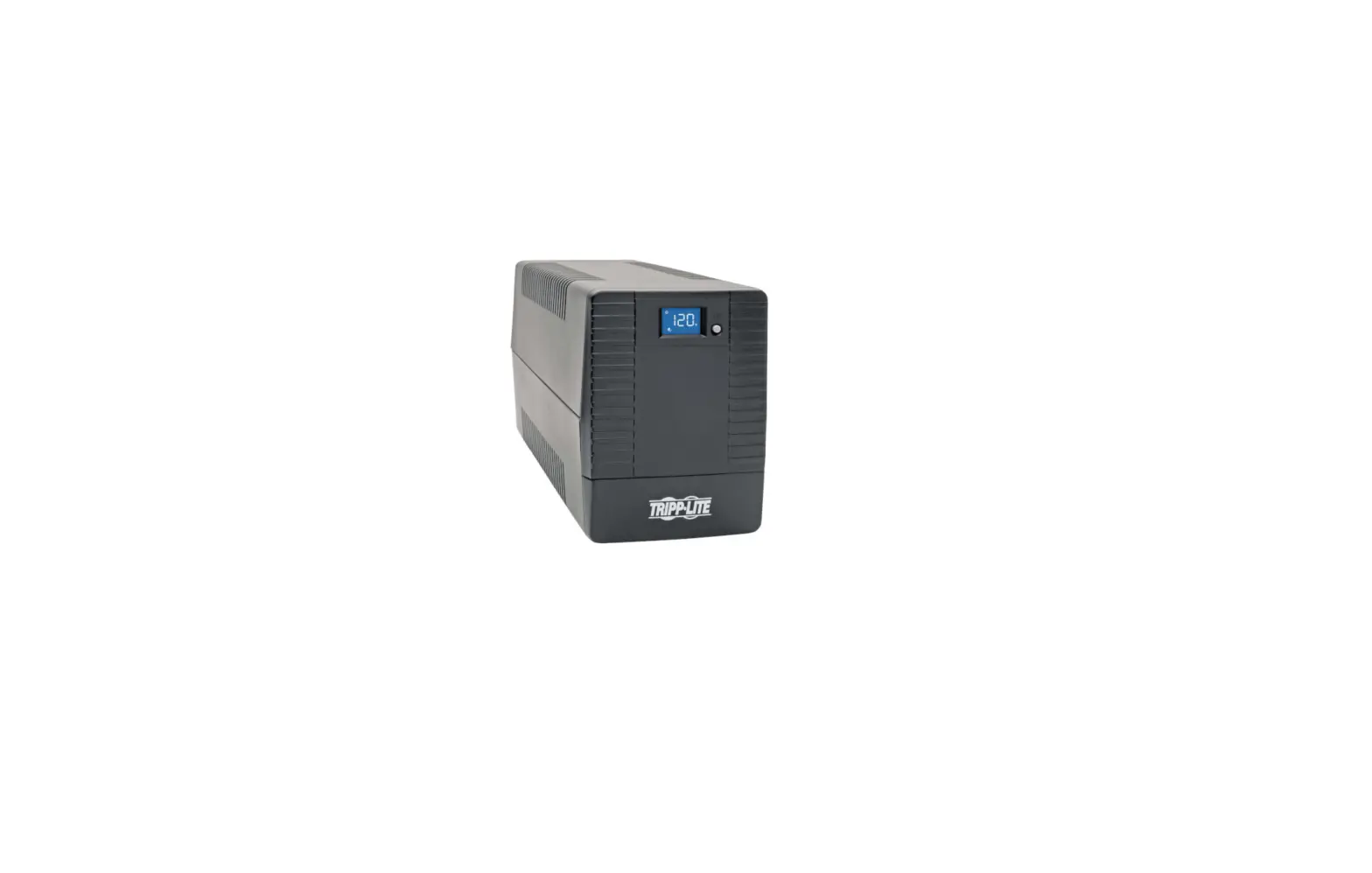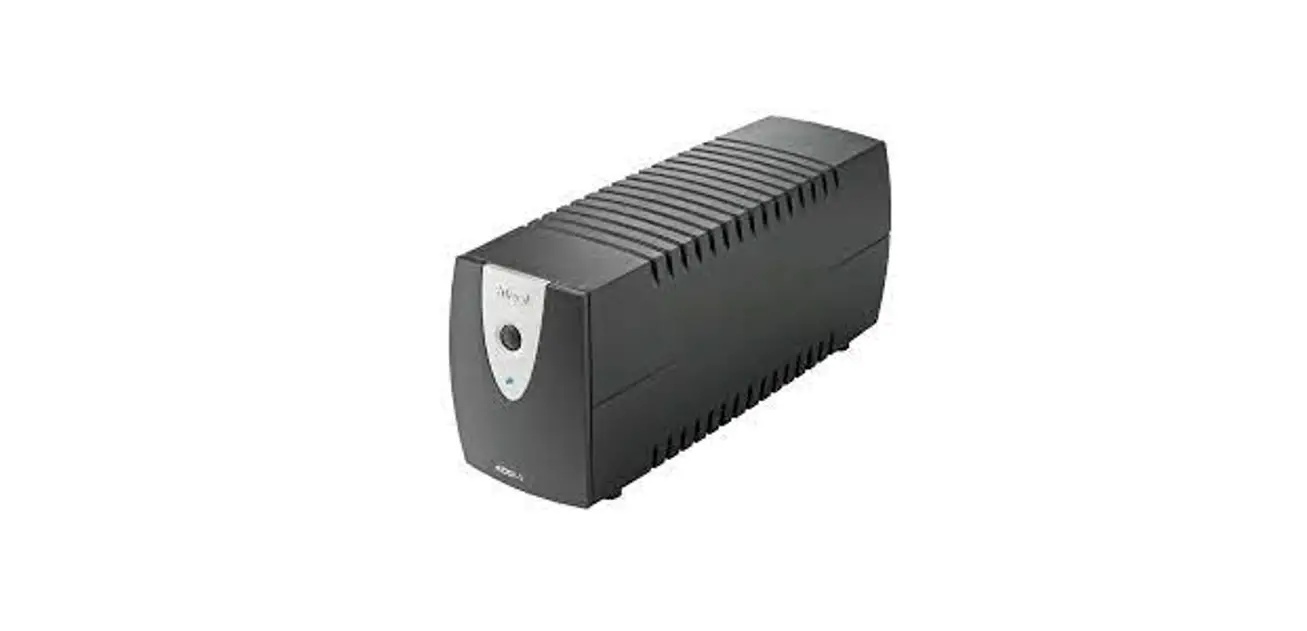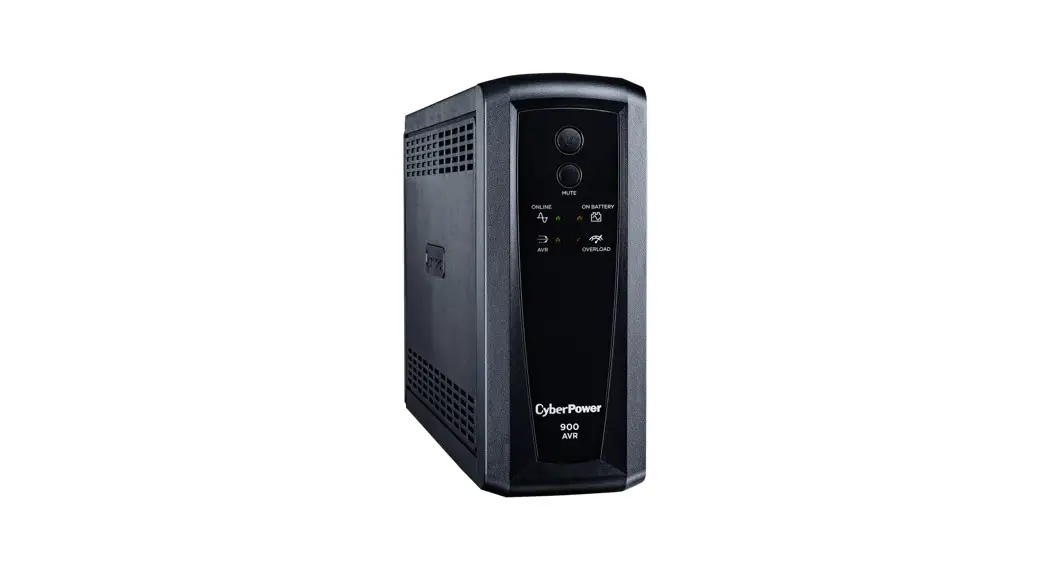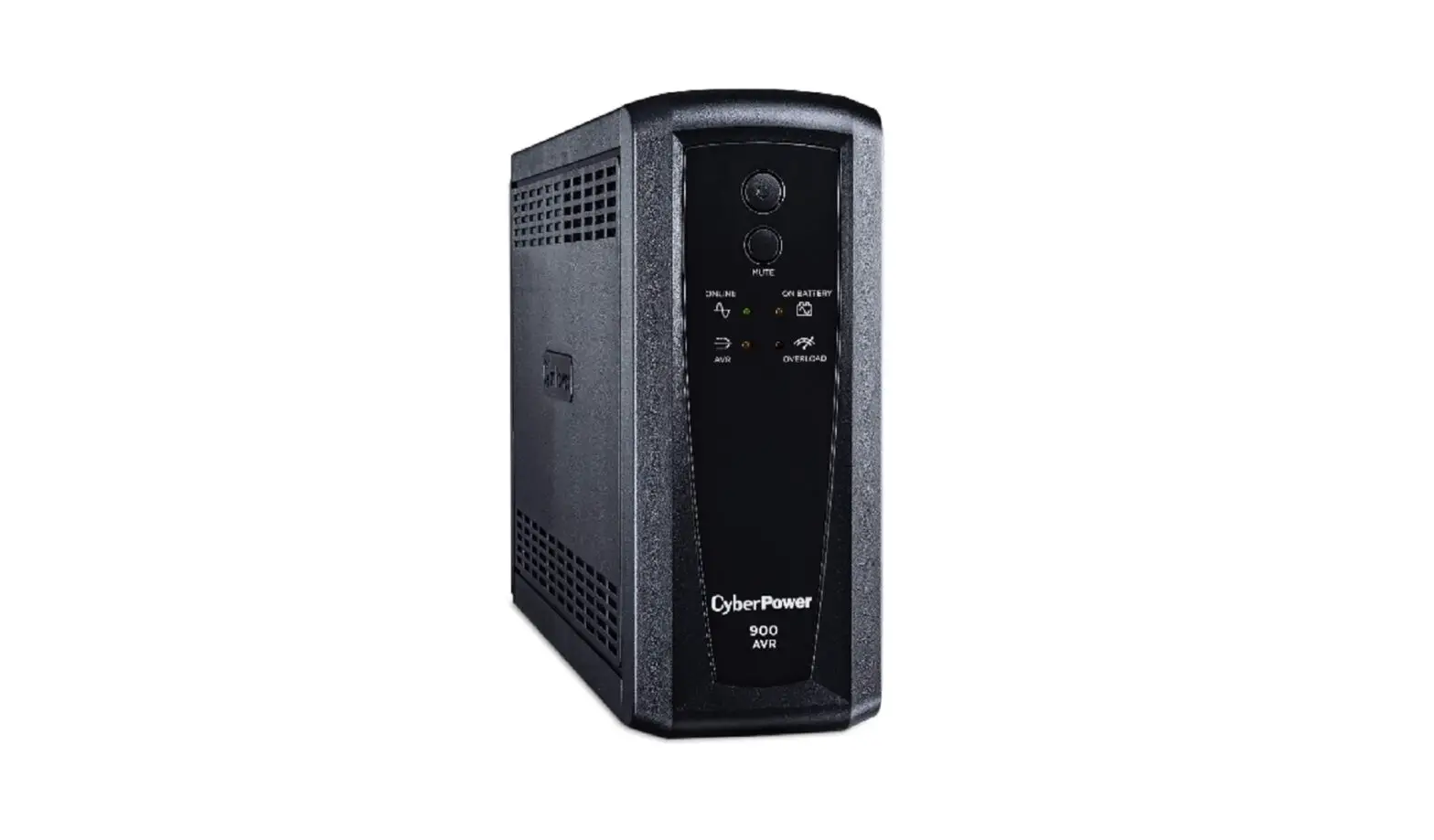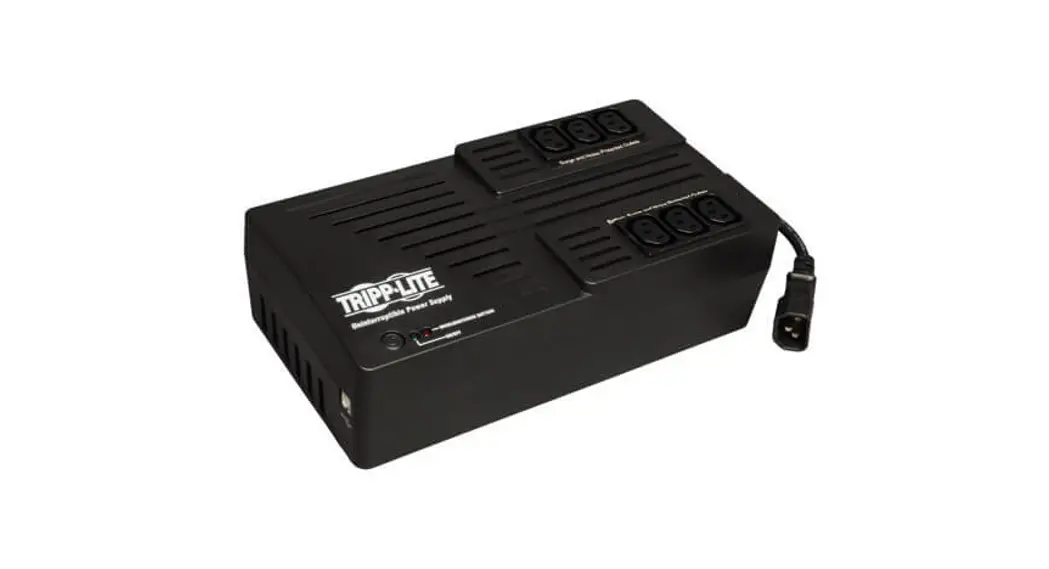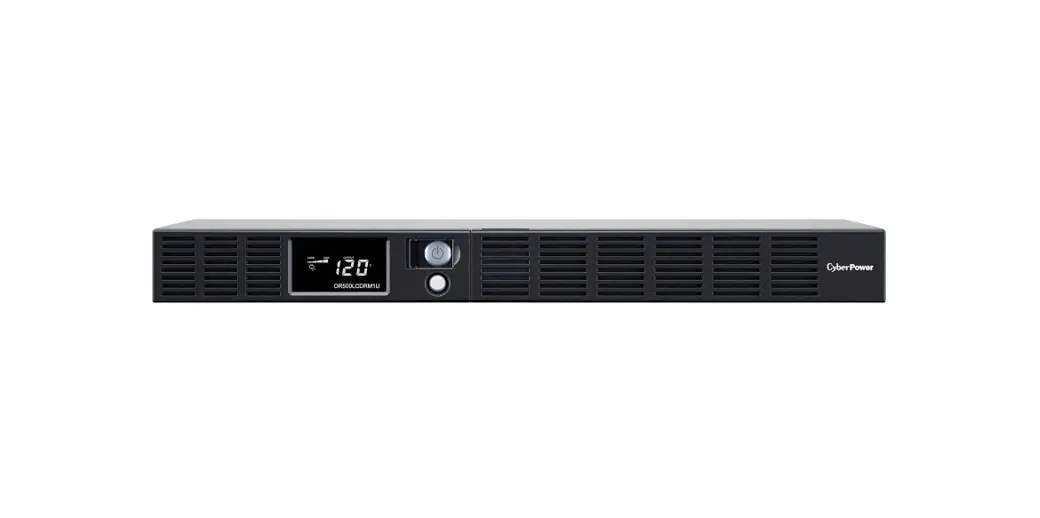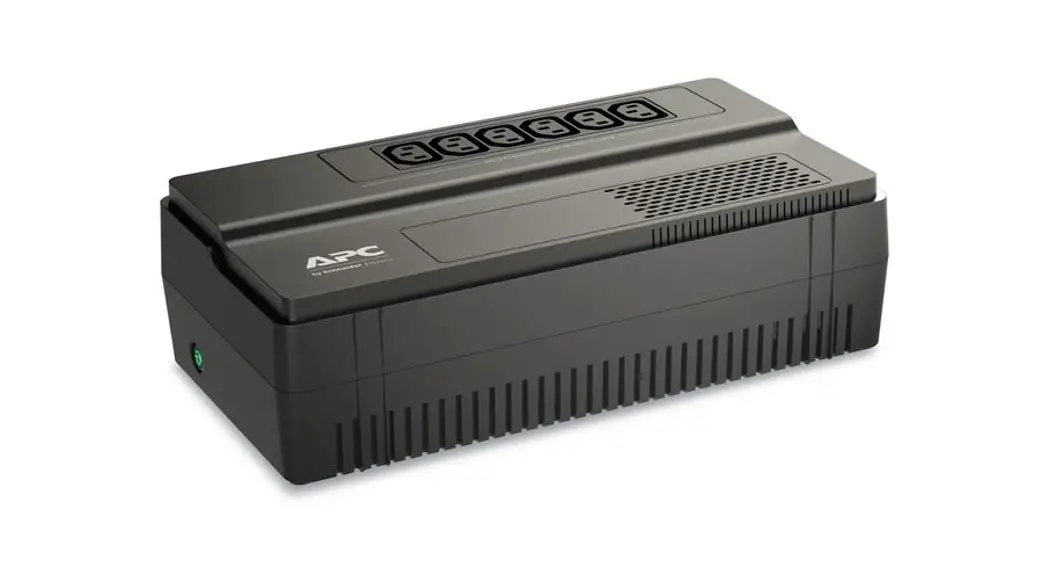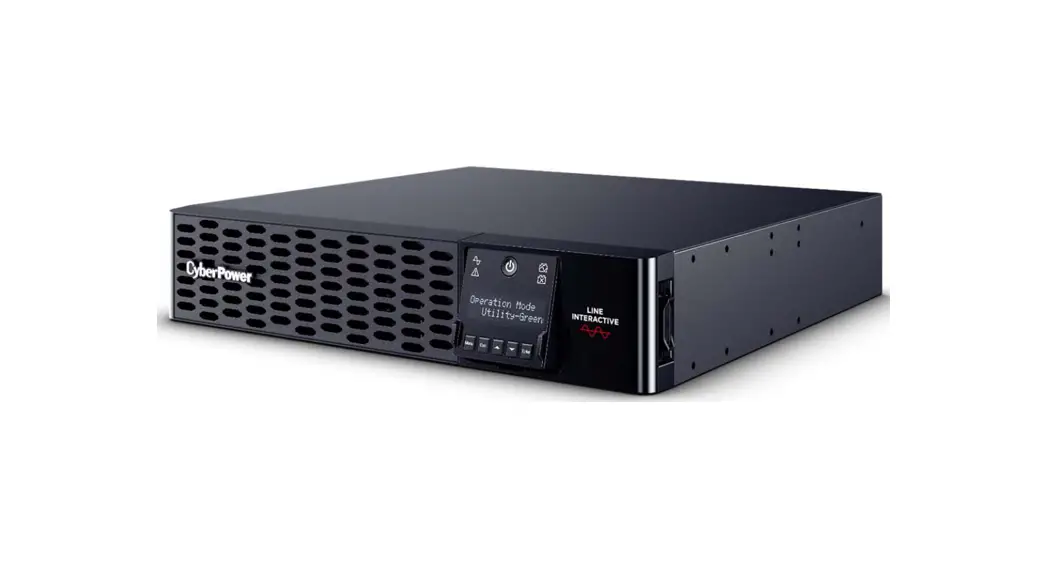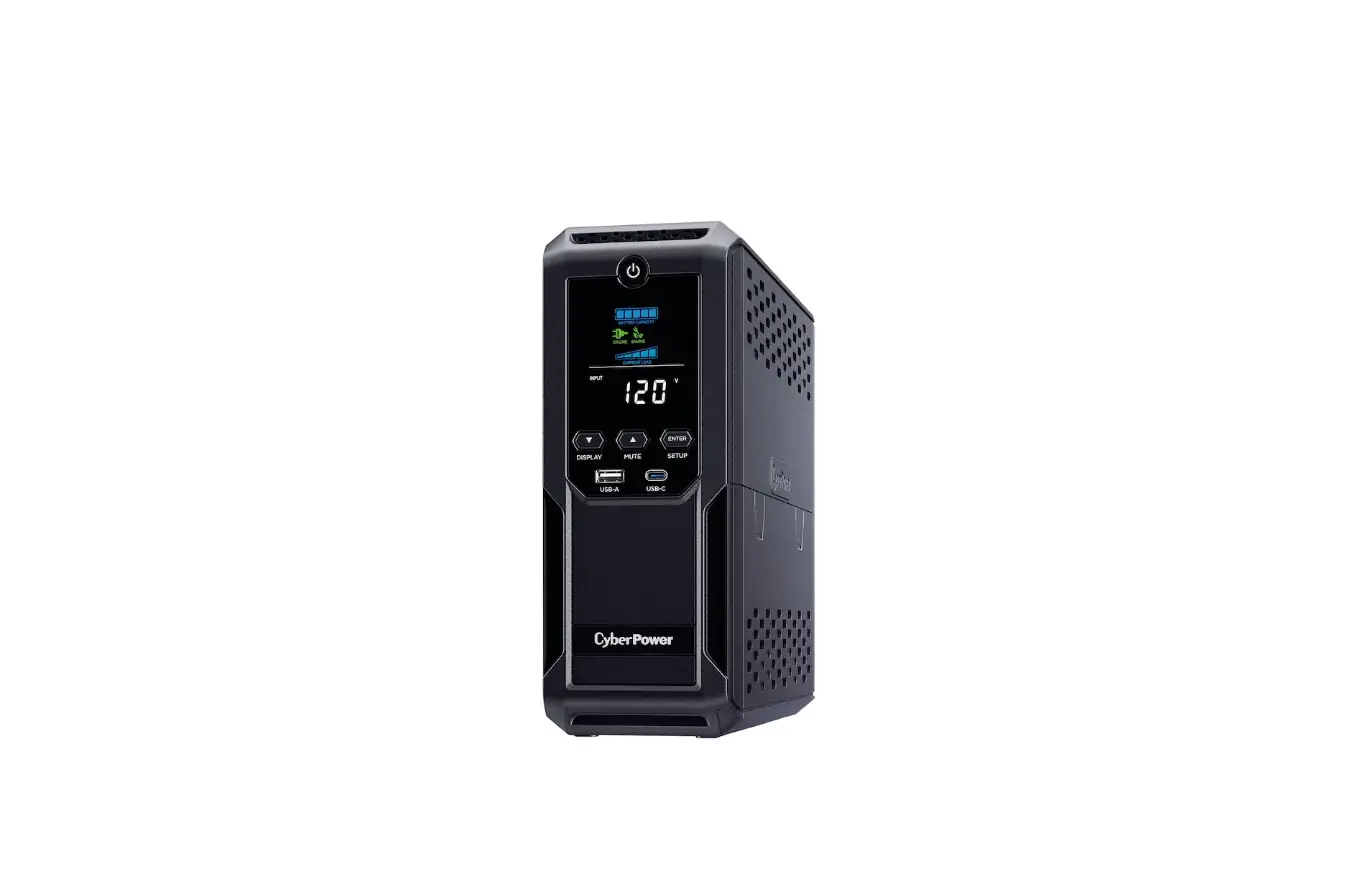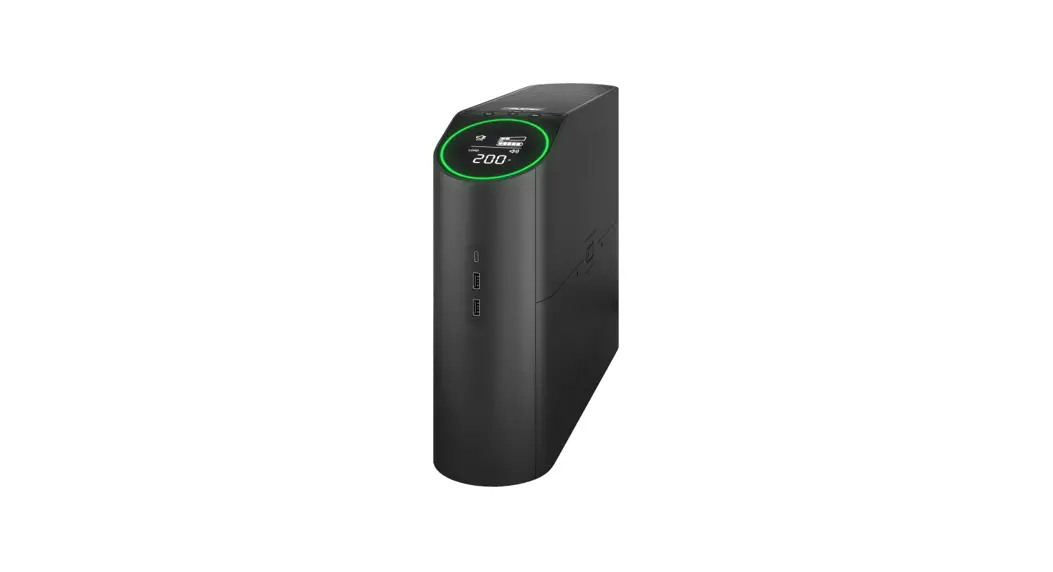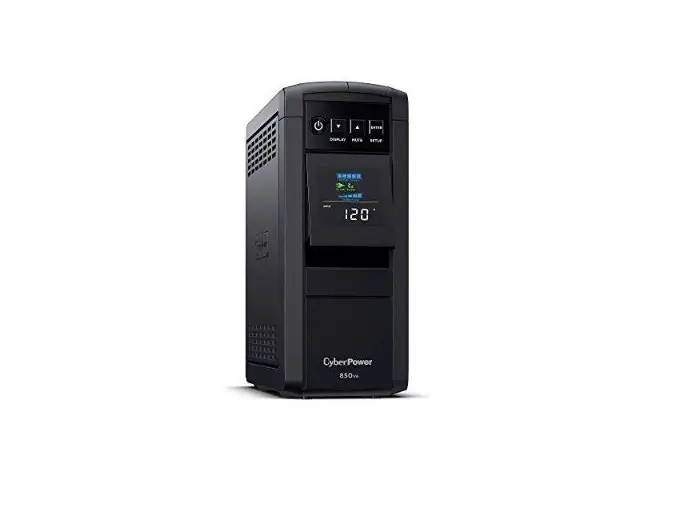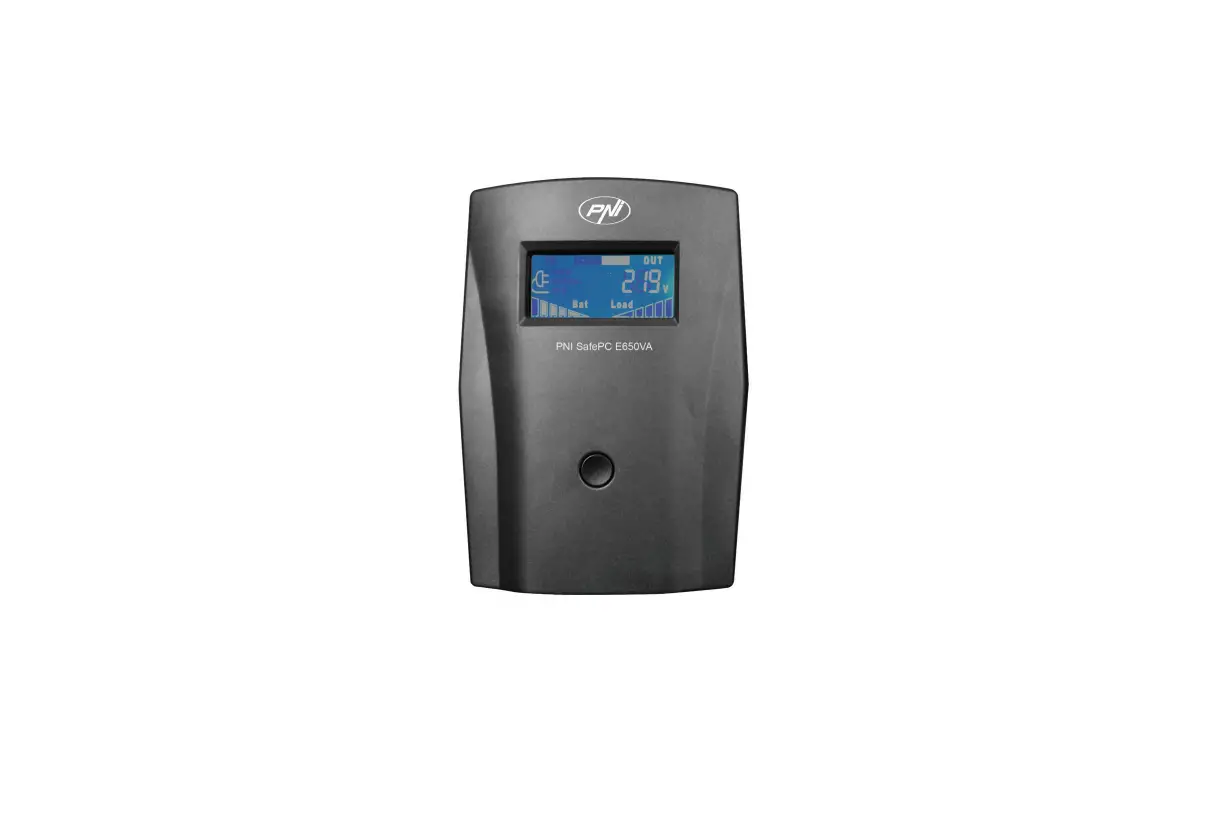
PNi E650VA UPS SafePC User Manual
Safety warnings
Before commissioning the UPS, carefully read the instructions below:
- This UPS is used only indoors, in spaces with controlled temperature and humidity, without excess dust, without gases, vapors and flammable substances.
- Do not keep the UPS in direct sunlight.
- Ensure good ventilation of the UPS. Mount it at a distance of at least 100 mm from walls or other objects.
- Do not connect to electronic UPS such as medical equipment, microwave ovens, vacuum cleaners, etc.
- Do not connect the UPS power cord to its own output port. Connect the power cord to an AC source. Do not use an extension cord.
- The UPS must be powered from a grounded AC source.
- In the event of an emergency, turn off the UPS and unplug the power cord.
- Do not use liquids or detergents to clean the UPS.
- In case of failure, do not repair the UPS yourself, call a specialized service center.
- When replacing the battery, use a battery with the same technical characteristics as the original one.
- Do not dispose of the battery in a fire. Do not open or strike the battery, risk of explosion. The batteries contain electrolyte inside, a toxic and irritating chemical compound for the skin.
General information
- Charge the battery at least 8 hours before using the UPS. The battery is charged by connecting the UPS to an AC source.
- Devices that have motors, such as vacuum cleaners, air conditioners, refrigerators, must not be connected to the UPS outputs. Doing so could damage the UPS due to overload.
- To start the UPS, press the on / off button for 3 seconds. The indicator LED and LCD screen will light up. A normal operation confirmation beep will sound. You can now turn on connected devices.
- If the connected devices exceed the maximum load supported by the UPS, the UPS will emit an audible alarm. First turn off the UPS, then disconnect one of the connected devices on the output. Check that the safety of the UPS is not burned. Restart the UPS.
- Before storing the UPS, fully charge the battery. Store the UPS in an upright position, on a flat surface, in a ventilated and dry space.
Recharge the battery once every 3 months.
Instructions for use
- Press the on / off button on the front panel for 3 seconds to turn on the UPS. The indicator LED and LCD screen will light up. A normal operation confirmation beep will sound.
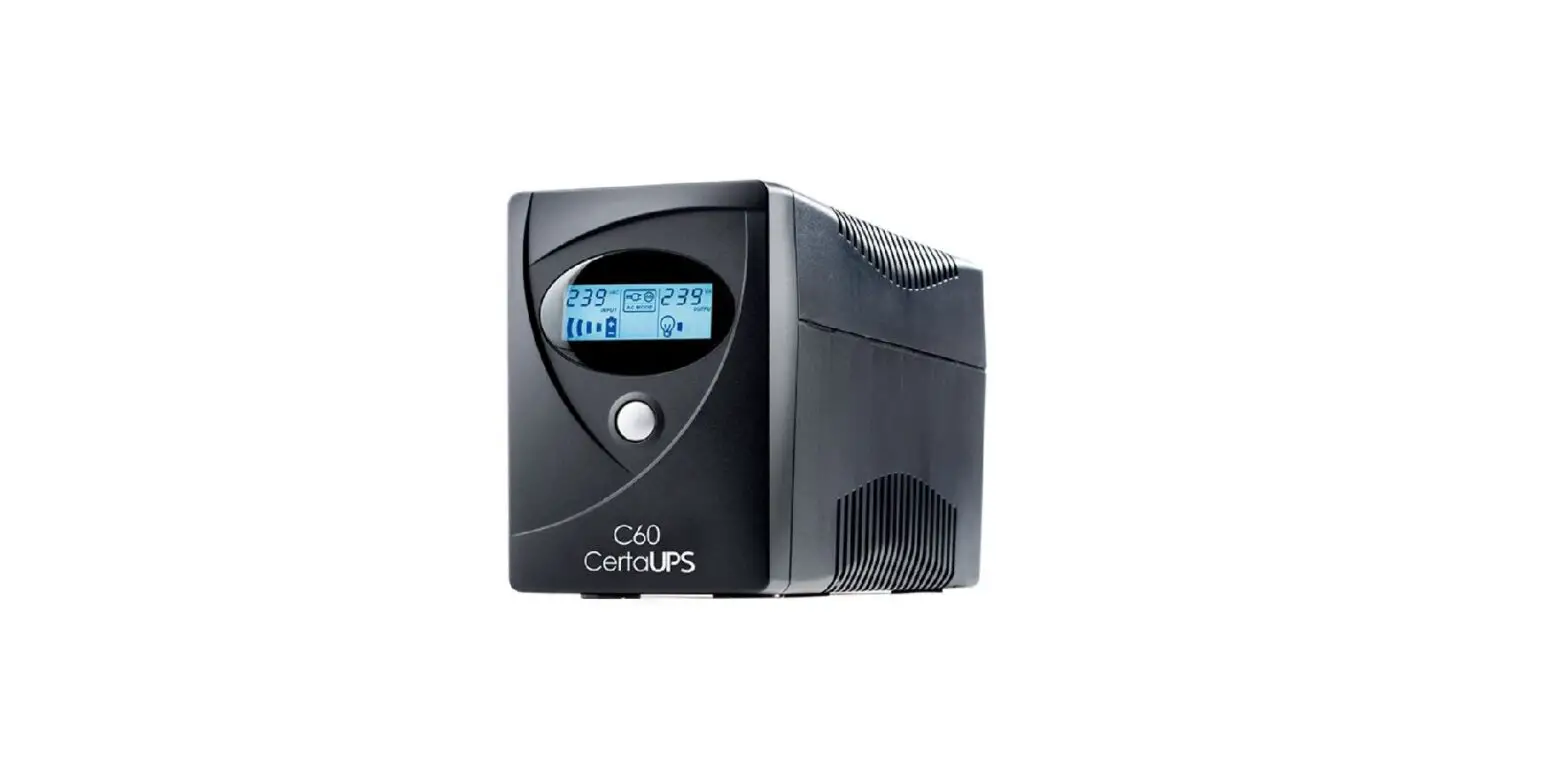
LCD screen
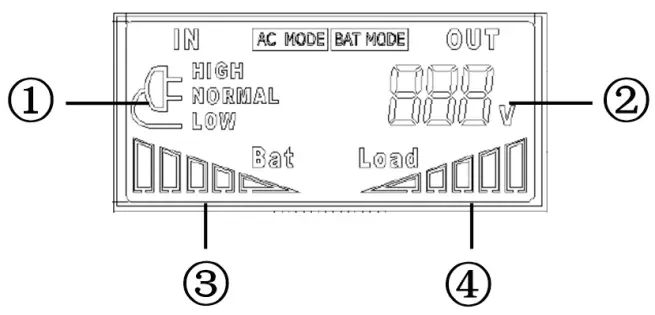
- AC power supply status (HIGH – overvoltage / NORMAL – normal voltage / LOW – undervoltage)
- Output voltage
- Battery charge level
- Consumer level (load)
Rear panel
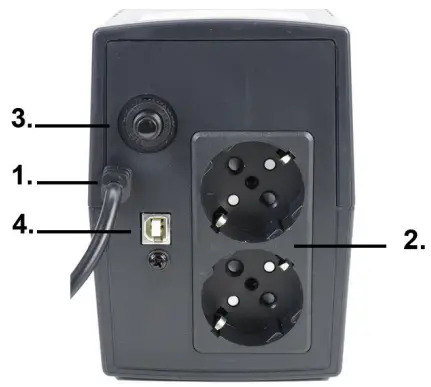
- AC power cord
- 230V output
- Fuse
- USB port for connecting the connection cable to the PC. PC software and cable are included.
Technical specifications
| Rated power | 390W |
| Capacity | 650VA |
| Current | 1.8A |
| Entry | |
| Input voltage | 162 – 295VAC |
| Frequency | 50/60Hz |
| Output | |
| Output voltage | 230VAC ± 10% |
| Frequency | 50/60Hz ±1% (automatic detection) |
| Waveform | Network mode: pure sinusoid Battery mode: simulated sinusoid |
| Switching time | 8 ms or max. 10 ms |
| Battery | 1 x 12V/7Ah |
| Battery charging time | 6-8 h |
| Battery discharge time | up to 0: 12h (for 100W consumption) up to 0:05h (for 200W consumption) |
| Other | |
| Protections | Short circuit, overcharged or overdischarged battery, overvoltage, undervoltage, overload |
| Working temperature | 0 ~ +40°C |
| Working humidity | 5 – 90% |
Troubleshooting
| Problem | Possible cause | Solution |
| The UPS does not start | Defective on / off button | Replace the button |
| The battery inside has exhausted its life | Replace the battery |
| The UPS does not provide the expected backup period | The battery is discharged or is affected by frequent power outages or too high temperatures. | Charge the battery for at least 8 hours. Replace the battery. Move the UPS to a lower temperature space. |
| The UPS is connected to the AC network, but operates on battery mode | Fuse is burned due to overload. | Turn off the UPS, unplug the power cord, replace the fuse, reduce power consumption, and reconnect the UPS. |
Simplified EU declaration of conformity
SC ONLINESHOP SRL declares that UPS PNI SafePC E650VA is in accordance with the EMC Directives 2014/30 / EU, RED 2014/53 / EU and ROHS 2011/65 / EU. The full text of the EU Declaration of Conformity is available at the following website:
https://www.mypni.eu/products/8356/download/certifications

 mypni.eu/products/8356/download/certifications