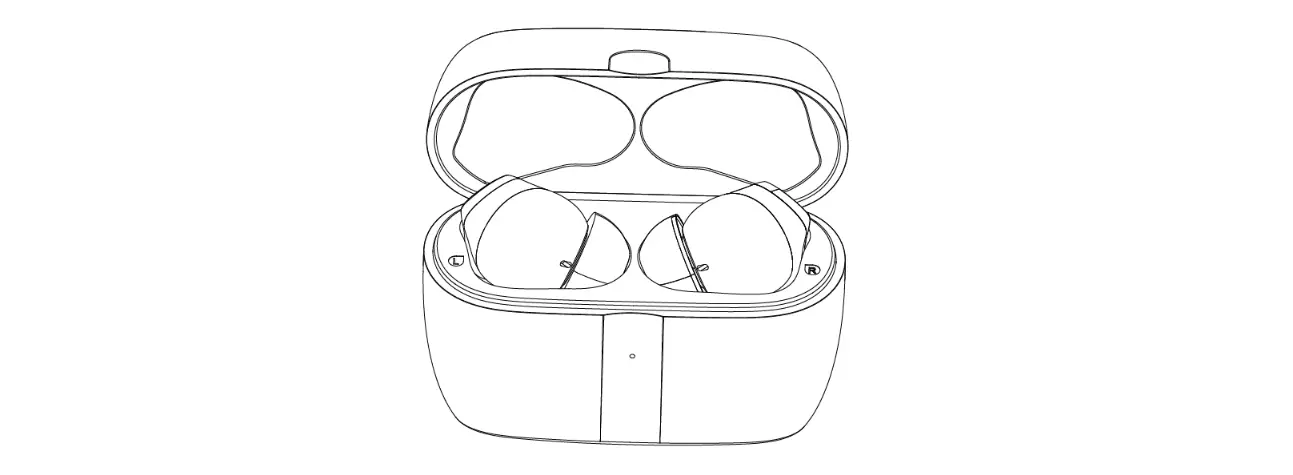
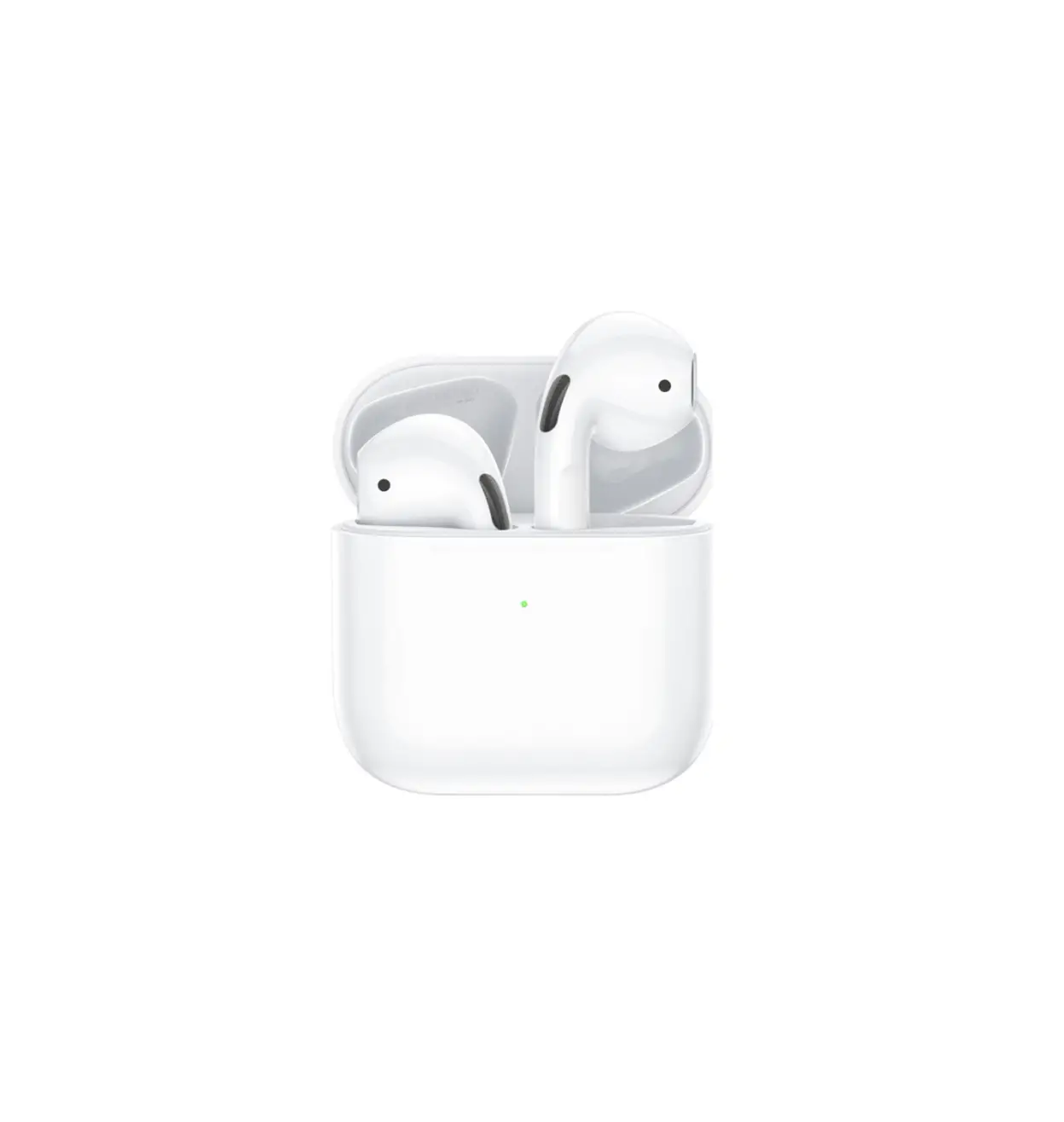
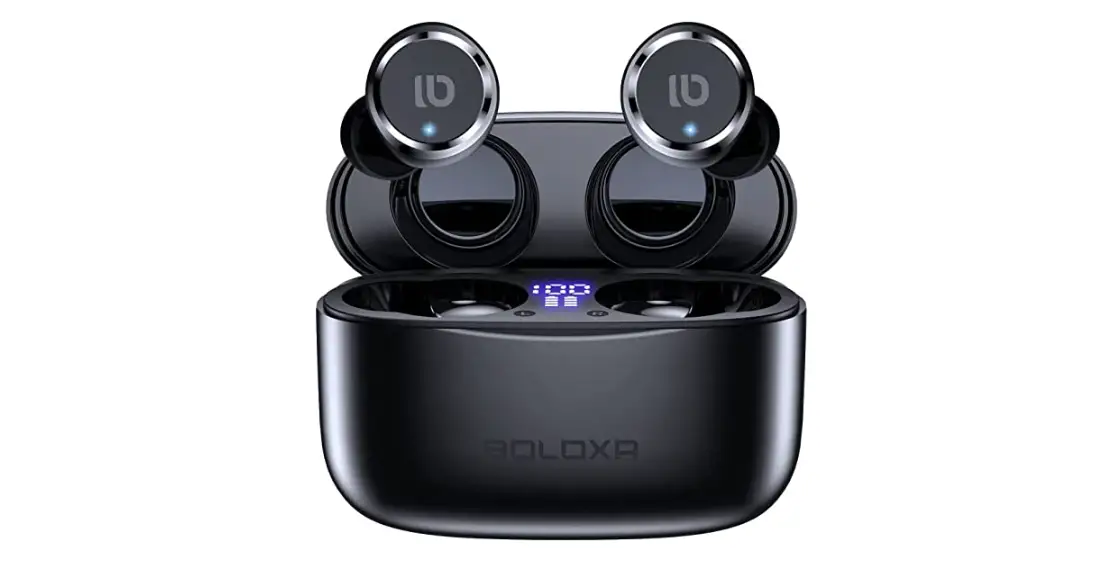
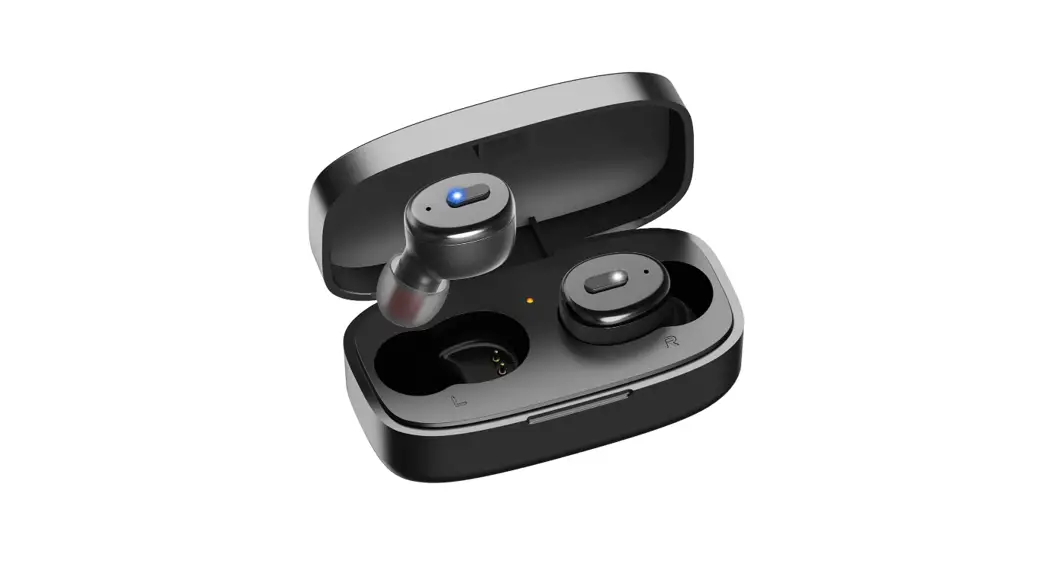
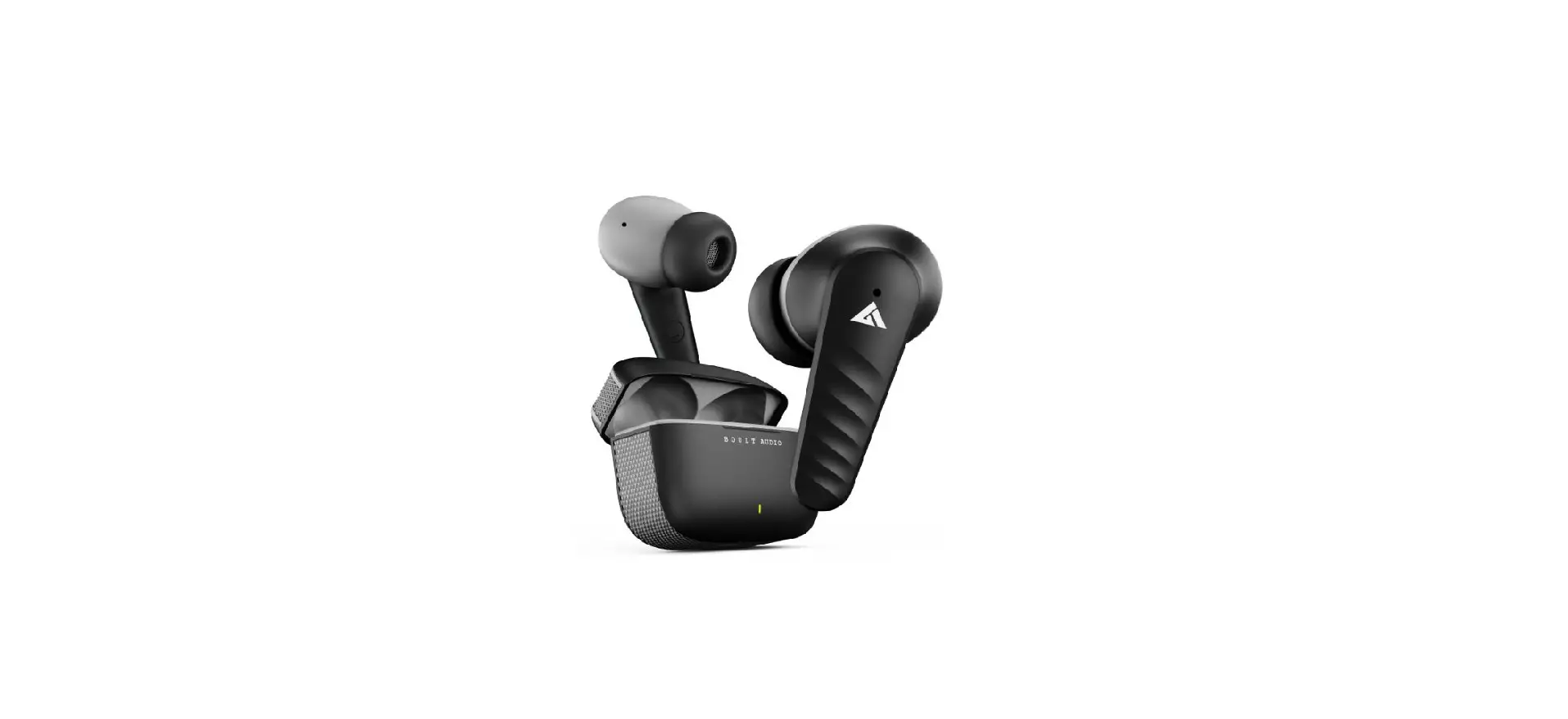
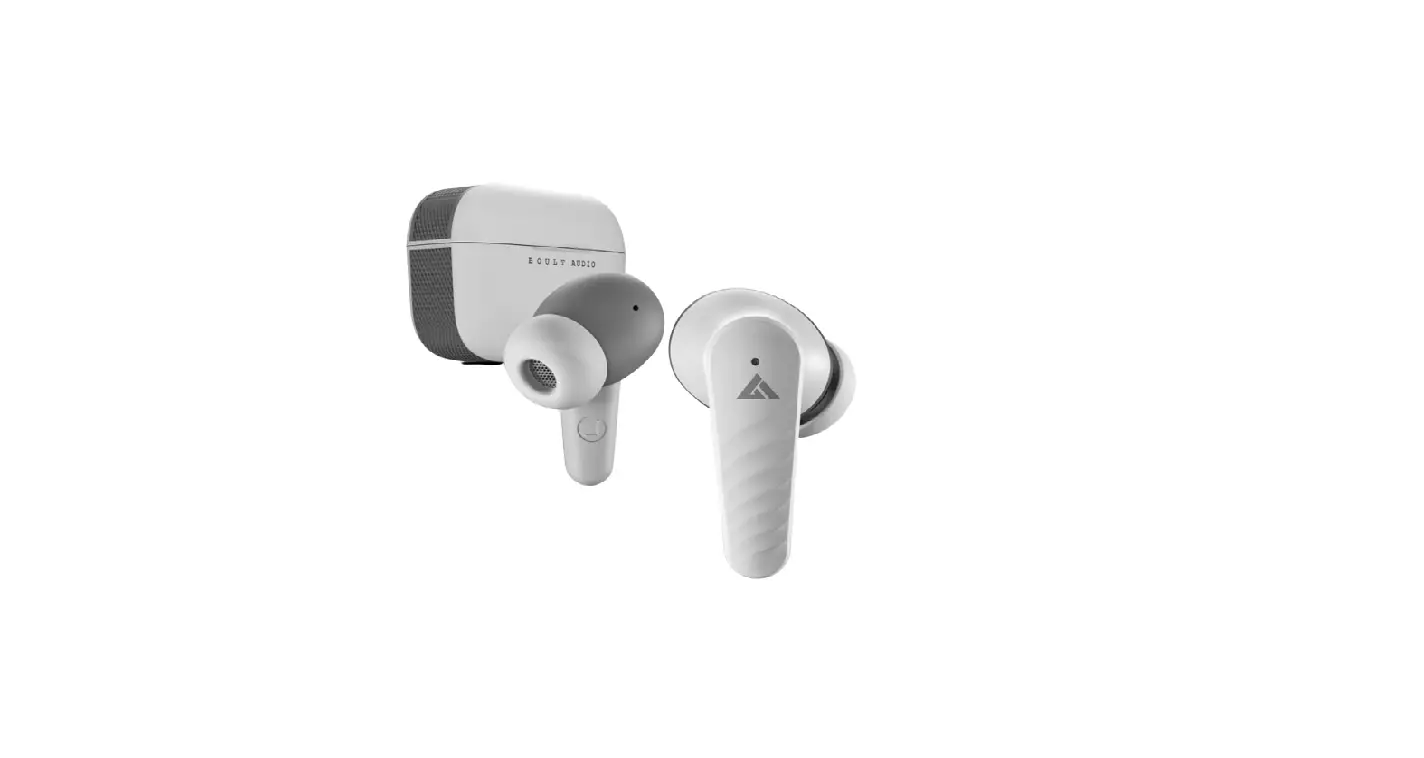
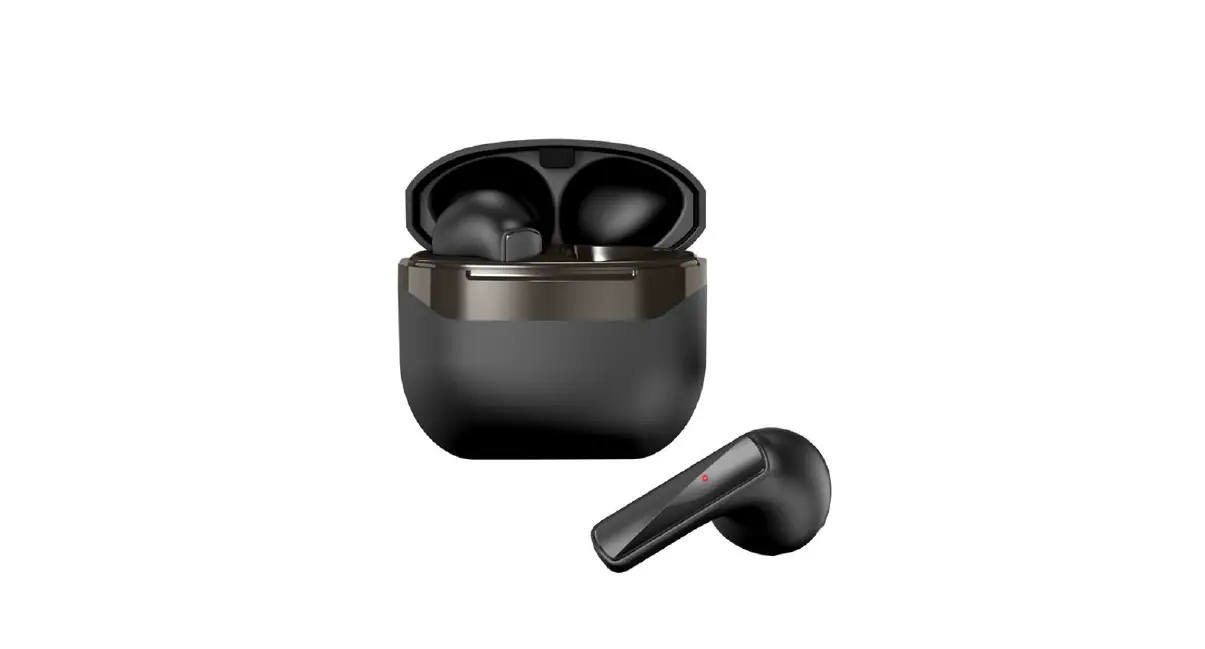
BOLING666 Wireless Headset
Product Information
Wireless Headset
- BT version: JL5.3
- Drive unit: 13.5MM
- MIC2718 Silicone microphone
- Earphone Battery: 30mAHIC with protection board
- Earbuds battery: 200mAH with protection board
- Earphone charge time: 1H
- Earbuds charge time: 1.5Hs (4 times for earphone)
- Distance: 10M barrier free
- Playing time: 5-6Hs
- Charge Port: Type-C
Product Usage Instructions
- The music play/pause: click on either side
- Double click on the left ear to add volume
- Double click on the right ear to reduce volume
- Answer/hang up/reject: click on either side
- Phone call voice remind
- Power tips
- Long press on the left ear: last song
- Long press the right ear: next song
- Three strikes on any ear: Siri voice assistant
Power Indicator: Indicates the power status of the
device.
Troubleshooting
If you encounter any issues with the product, try the following
troubleshooting steps:
- Make sure the charging case is fully charged.
- Put the earbuds into the case to charge for a while.
- If the left and right earbuds can’t pair to the device, take
the earphones out of the case until the red and LED light flash
alternately. - If the connection fails, check whether the earbuds are paired
and turn off other Bluetooth devices. - Adjust the volume to the proper level.
- Ensure the earphones are used correctly and pay attention to
the influence of the use environment on the earphones. It is
recommended to keep the distance between the cellphone and
earphones within 10M.
Safety Tips
Charge: To charge the earphones, put them in the charging
case and close the cover. To charge the charging case, use the
included USB cable and plug it into a USB power supply.
FCC ID: 2BBR7-BOLING666
Compatible with: iOS & Android devices
Made in China
Important Safety Information:
- The charging compartment uses a TYPE-C port to charge.
- This device complies with Part 15 of the FCC Rules. Operation
is subject to the following two conditions: (1) this device may not
cause harmful interference, and (2) this device must accept any
interference received, including interference that may cause
undesired operation. - Warning: Changes or modifications not expressly approved by the
party responsible for compliance could void the user’s authority to
operate the equipment.
Wireless headset
Product Specification
Operating instruction
BT version: JL5.3
Drive unit13.5MM
Impedance: 32ohm ±15% Grade of WaterproofIPX 4
MIC2718 Silicone microphone
Earphone Battery30mAHIC with protection board
Earbuds battery200mAHwith protection board
Earphone charge time1H
.
Earbuds charge time1.5Hs (4 times for earphone)
Distance10Mbarrier free
Playing time5-6Hs
Charge Port Type-c
R
1. The music play/pause: click on either side 2. Double click on the left ear add volume 3. Double click on the right ear reduce volume 4. Answer/hang up/reject : click on either side 5. Phone call voice remind 6. Power tips 7. Long press on the left ear: last song 8. Long press the right ear :next song 9, Three strike any ear: Siri voice assistant
Power indicator
Troubleshooting
“CPVU5VSOPOPGG -POHUPVDIUIFQPXFSCVUUPOUPUVSOPOUIFFBSQIPOF
BOEUIFJOEJDBUPSMJHIUXJMMGMBTI 5IFOMPOHUPVDIUIFQPXFSCVUUPOUPUVSOPGGUIFFBSQIPOF
UIFMJHIUPGG 1PXFSPGG-POHUPVDIUIFQPXFSPGGCVUUPOVOUJMMFEJOSFEXIFOOPUVTF
UIFCMVFUPPUIEFWJDF FOUFSPGGNPEFPSZPVKVTUQVUUIFFBSCVETJOUPUIFDIBSHFCPY
UIFFBSCVETXJMMQPXFSPGG
“CPVU$IBSHJOH 8IFOUIFFBSQIPOFJTDIBSHJOH
UIFJOEJDBUPSMJHIUJTBMXBZTPO
UIFMJHIUXJMMPGGXIFOGVMMQPXFS
“CPVUQBJSJOH 5BLFUIFFBSCVETGSPNUIFDIBSHFSCPY
UIFMFEGMBTIJOHJOSFEBOECMVFBMUFSOBUFMZBVUPNBUJDBMMZ
MFGUBOESJHIUTJEFXJMMQBJSTVDDFTTGVMMZXIFOUIFMFEGMBTIJOHJOSFEBOECMVFTMPXMZUVSOPOUIF CMVFUPPUIPOZPVSEFWJDFBOEDPOOFDUJUUIFEFWJDFXJMMQBJSBVUPNBUJDBMMZXJUIJOBCPVU TFDPOET
XIFOQBJSTVDDFTTGVMMZ
MJHIUPGG
5BQUJNFTUPTXJUDITJSJ -POHQSFTTUIFUPVDITVSGBDFUPUVSOPOBOEPGGUIFFBSCVET 8IFOFBSQIPOFJTOPUDPOOFDUFEUPUIFQIPOF
JUXJMMBVUPNBUJDBMMZUVSOPGGBGUFSNJOVUFT
o charge the earphones, please put them in the charging case and close the cover. o charge the charging case, please use the included USB cable and plug it into the USB power supply for charging
When the charging box is fully charged, the ea rphone can be fully charged for 3 additional times
1. Make sure the charging case is full of power
2. Put the earbuds to the case to charge for a while
3. Take the earphones out of the case till the red and led light flash alternately,this method is only applicable when the le nd right earbuds can’t pair to the device
4. Connection failed,check whether the earbuds are paired or not ,turn oGf other bluetooth device
5. and turn it to the proper volume
6. The earphones should be used correctly according to the requirements,in order to ensure smooth connection,pay attention to the influence of the use environment on the earphone.It is suggested that the distance between the cellphone and the earphones should be within 10M.
Safety tips
. TYPE-C .
Charge . charge in the case. The charging compartment uses the TYPE-C port to charge.
FCC ID:2BBR7-BOLING666 Compatible with
$PNGPSUBCMFUP XFBS
-POHQMBZUJNF
5PVDIDPOUSPM
*OTUBOUDPOOFDU
iOS & Android devices MADE IN CHINA
This device complies with Part 15 of the FCC Rules. Operation is subject to the following two conditions: (1) this device may not cause harmful interference, and (2) this device must accept any interference received, including interference that may cause undesired operation
NOTE: This equipment has been tested and found to comply with the limits for a Class B digital device, pursuant to Part 15 of the FCC Rules. These limits are designed to provide reasonable protection against harmful interference in a residential installation. This equipment generates, uses and can radiate radio frequency energy and, if not installed and used in accordance with the instructions, may cause harmful interference to radio communications. However, there is no guarantee that interference will not occur in a particular installation. If this equipment does cause harmful interference to radio or television reception, which can be determined by turning the equipment off and on, the user is encouraged to try to correct the interference by one or more of the following measures: — Reorient or relocate the receiving antenna. — Increase the separation between the equipment and receiver. — Connect the equipment into an outlet on a circuit different from that to which the receiver is connected. — Consult the dealer or an experienced radio/TV technician for help.
Warning: changes or modifications not expressly approved by the party responsible for compliance could void the user’s authority to operate the equipment
The devices has been evaluated to meet general RF exposure requirement the device can be used in portable exposure condition without restriction