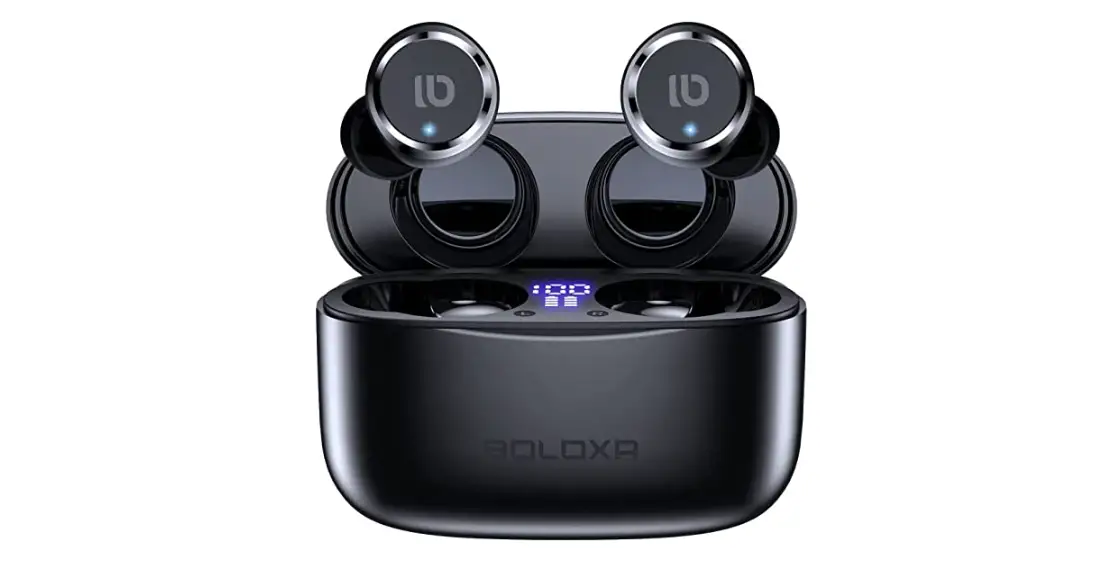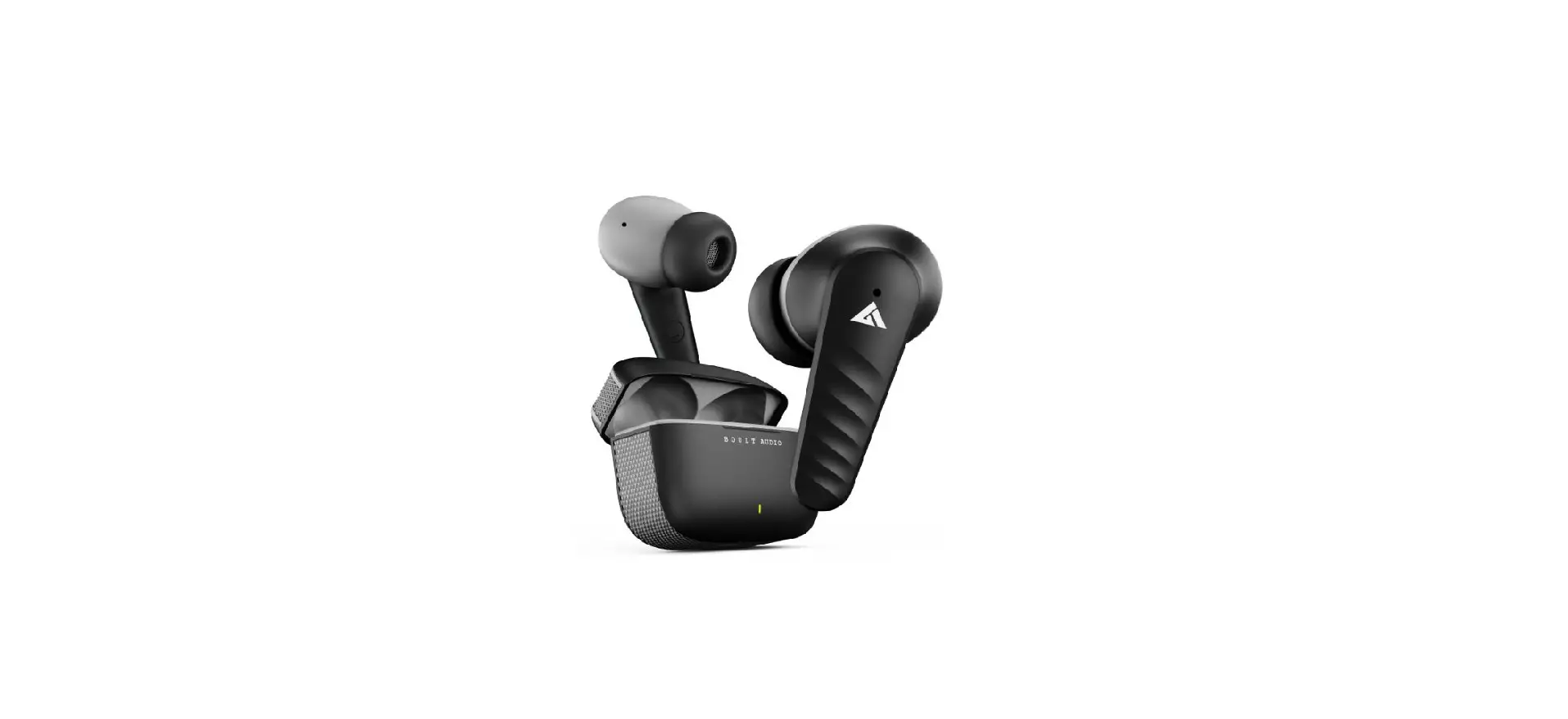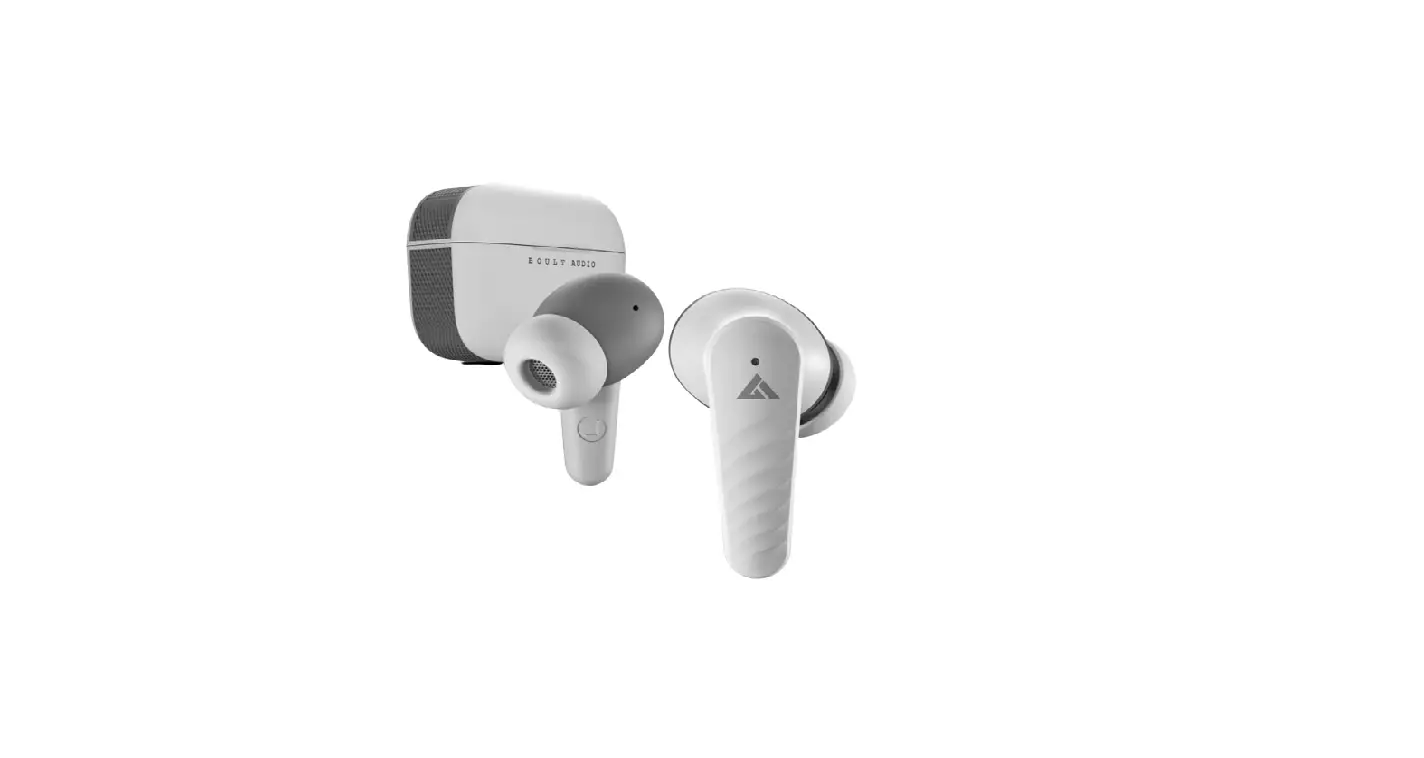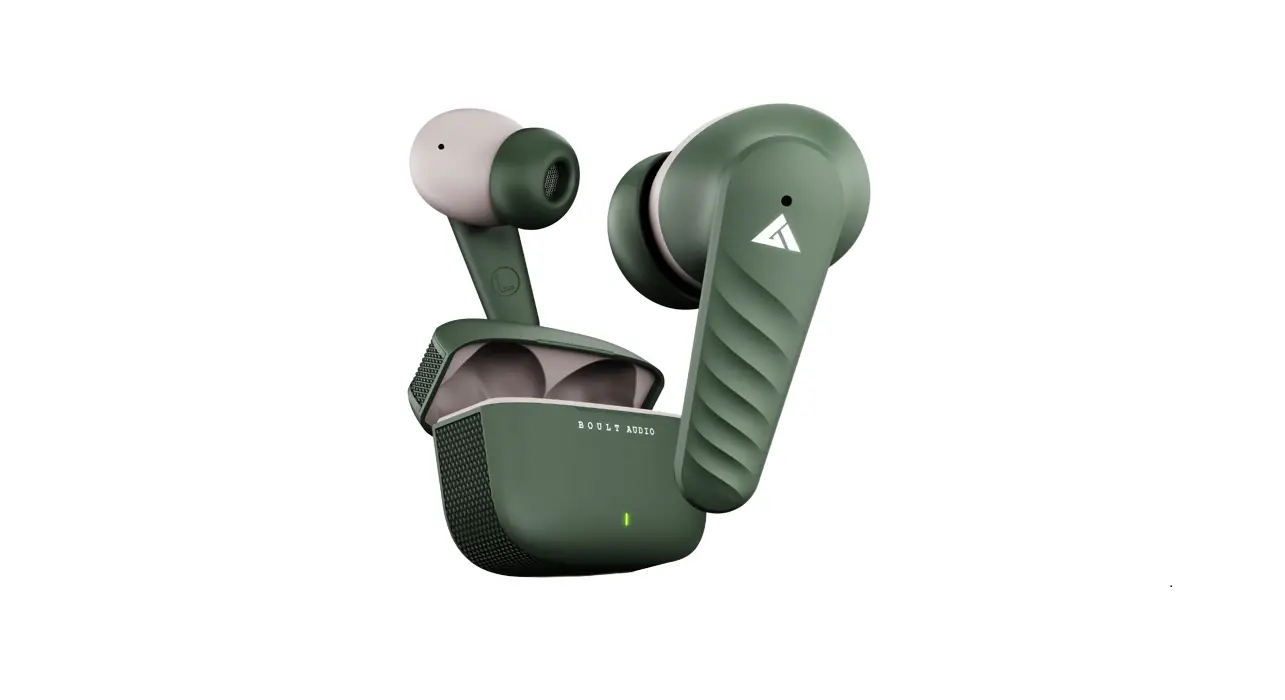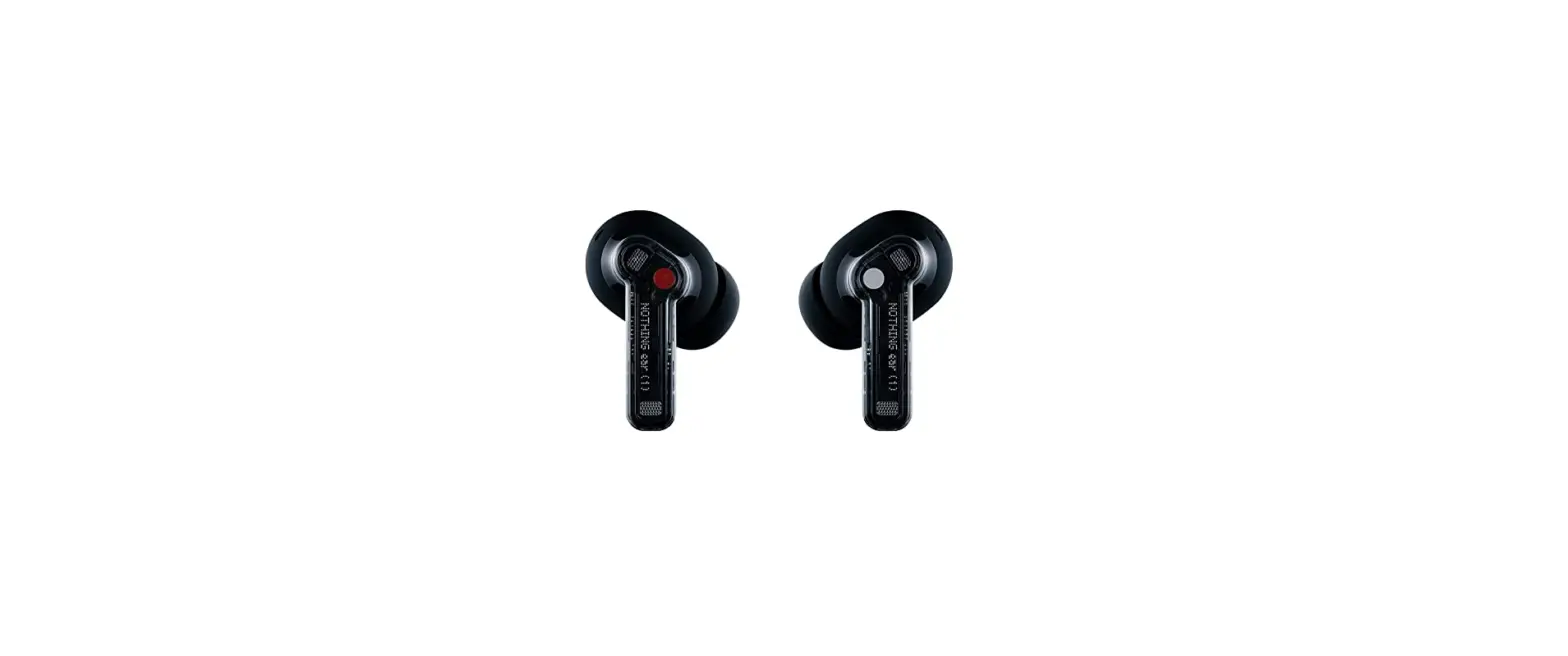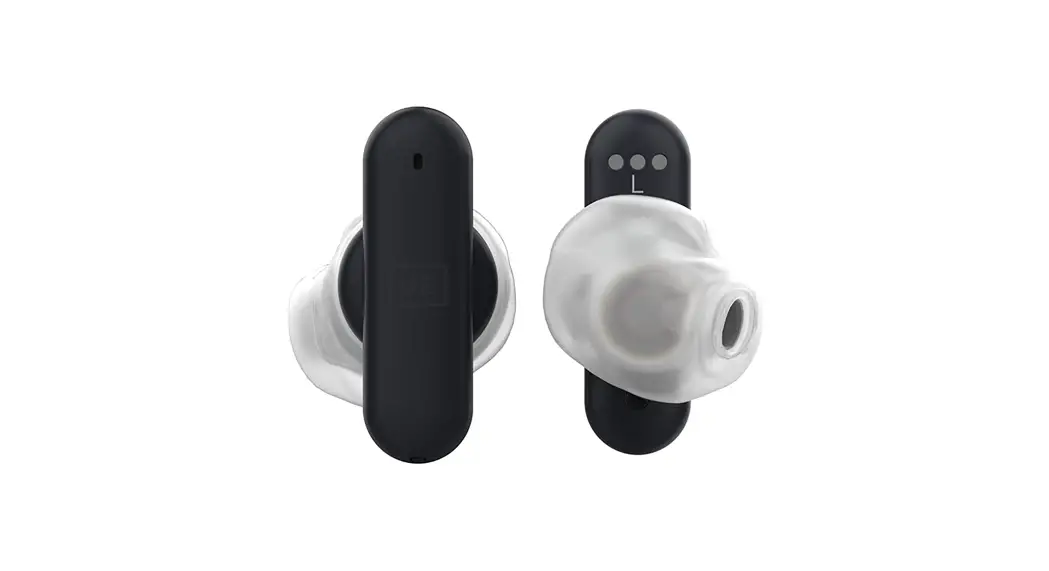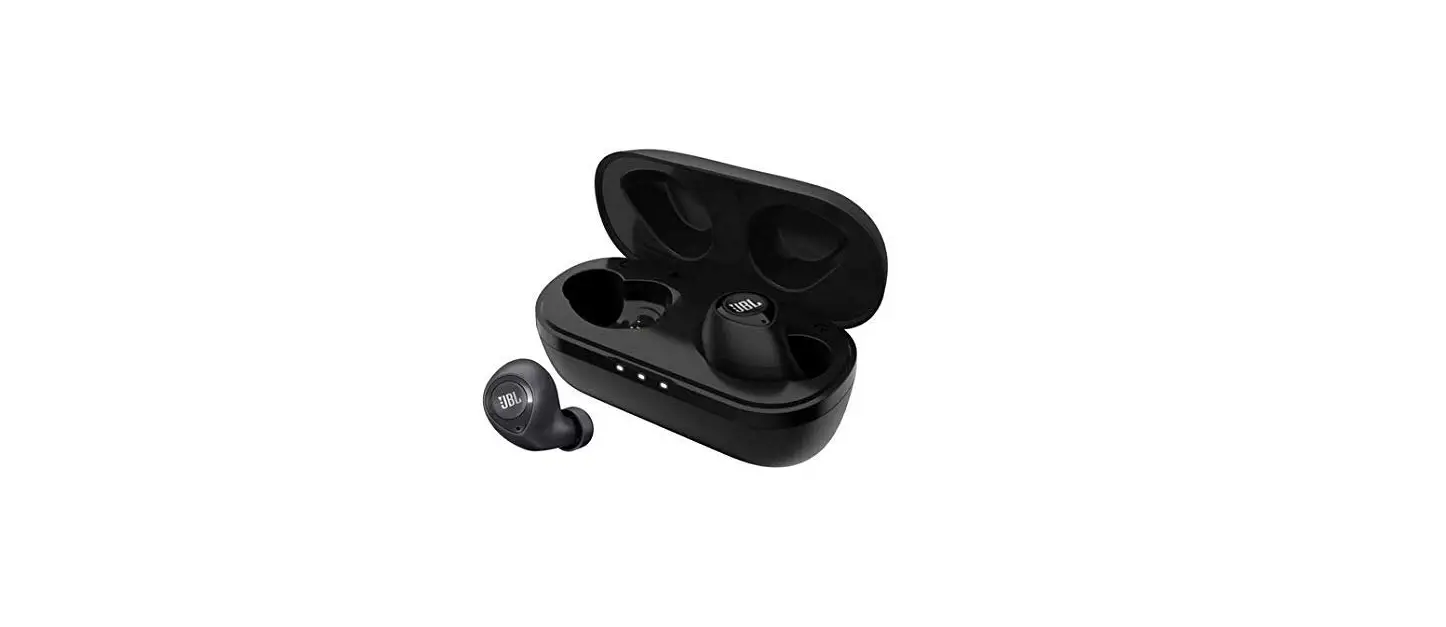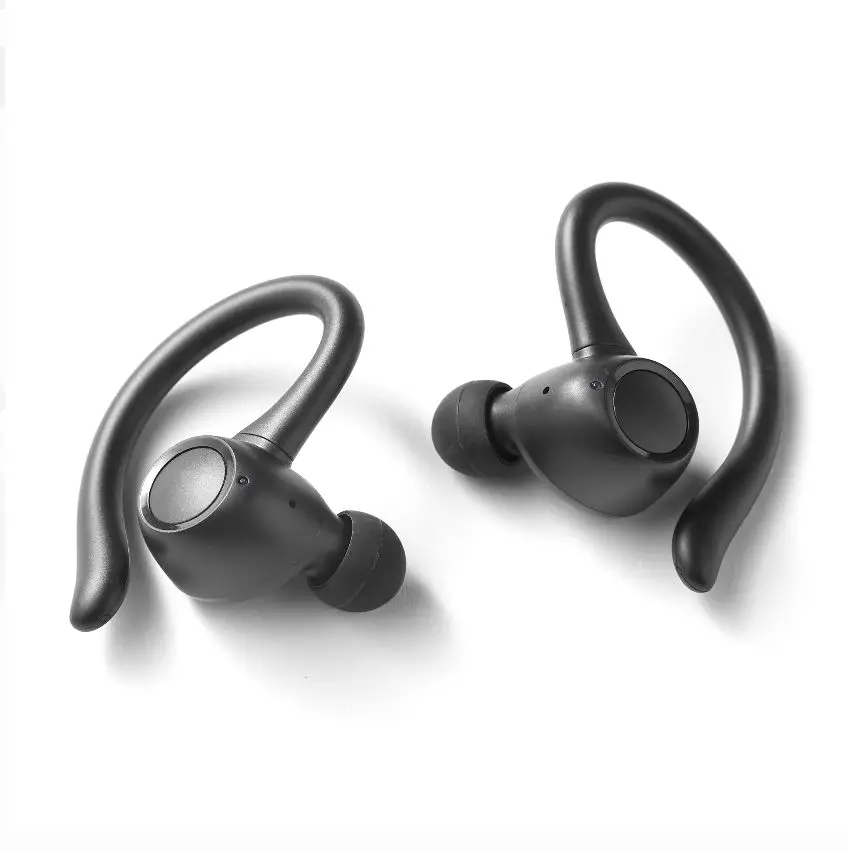
B10
User Manual
Manual thoroughly before operating your device. In order to avoid unnecessary injuries, please do not disassemble this product by yourself. Please use a standard charger.
Product Overview
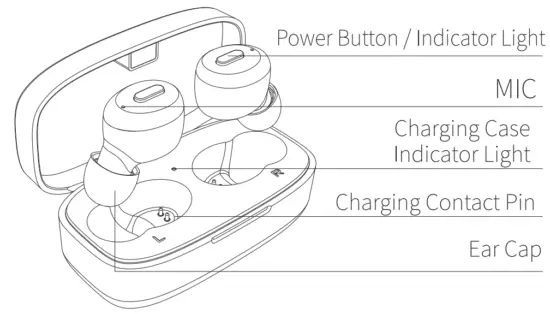
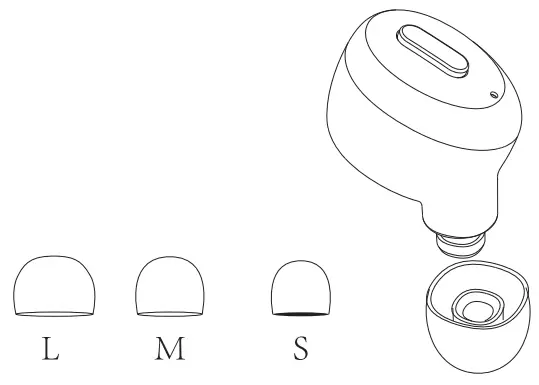
| 1. Choose the ear cap that suits you.
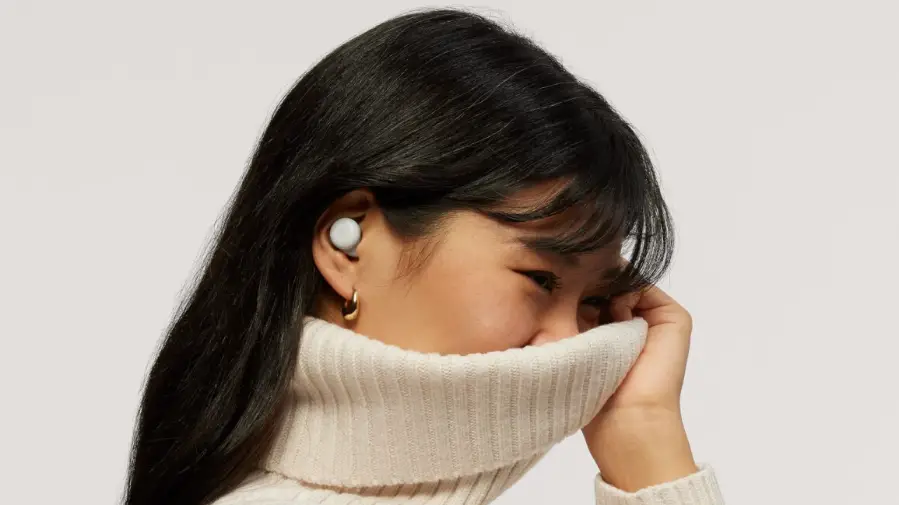
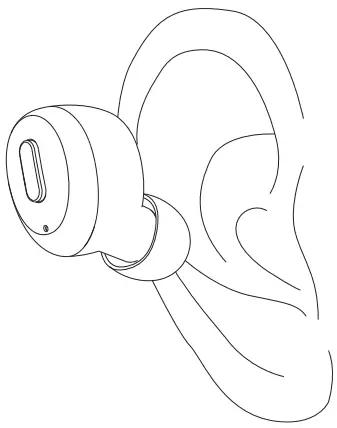
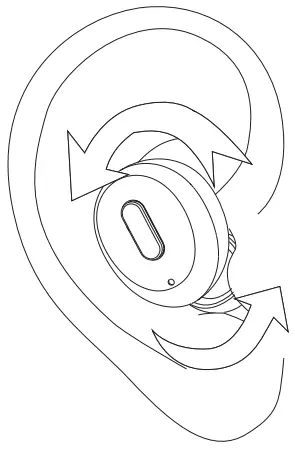
| 2. Make sure that the ear caps face down and put the earbuds into the ear at the angle shown in the picture on the right.
|
| 3. Wearing earbuds and adjust the right angle as the picture shows. It’s OK when we feel comfortable and stable.
| 4. Wrong Demonstration Do not wear the earbuds like the way shown in the picture on the right 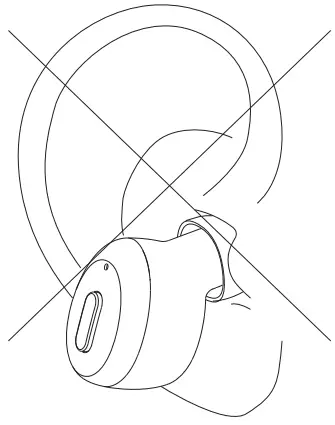 |
 First time using
 First time using
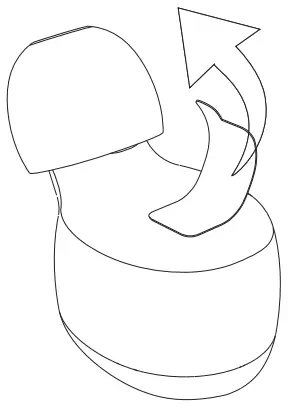
- Tear off the insulating film.

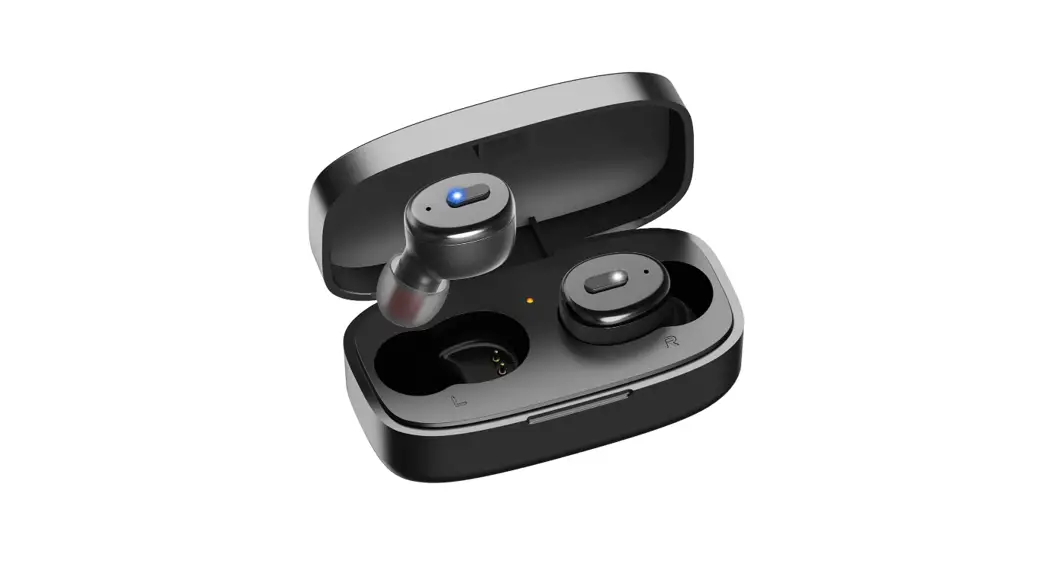
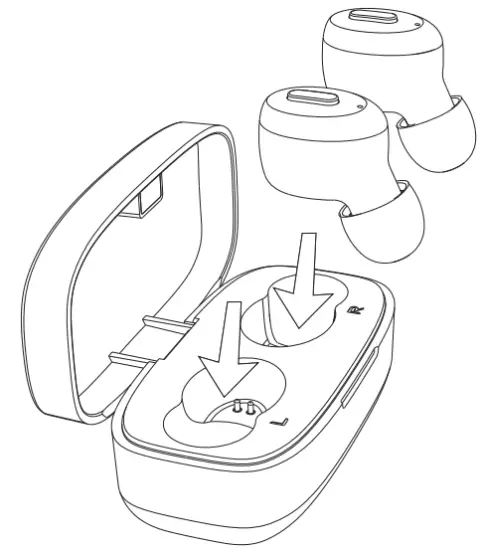
- Put the two earphones back into the charging compartment to charge (the white light is on After activating the headset)

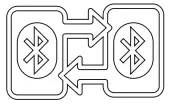
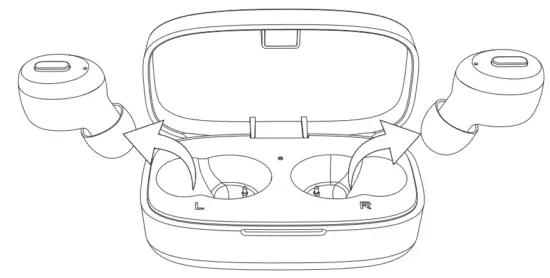
- Take both earbuds out from the charging case, they will power on and pair to each other automatically. Waiting for pairing(blue/white light flashes alternately).
 Tips: If the earphone is not turned on or there is no sound, please put it back in the charging box again to make sure it is in the charging state before taking it out for use (white/blue light flashes alternately)
 - Turn on the Bluetooth function on your phone and search for(B10) and connect it.
 Tips: when the two earbuds can’t pair the first time use, or there is no sound in one of the earbuds, please proceed as follows:
 Tips:
Tips: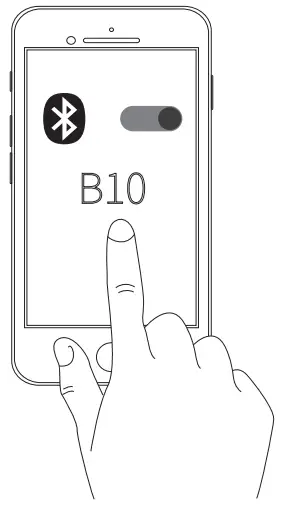 Tips: when the two earbuds can’t pair the first time use, or there is no sound in one of the earbuds, please proceed as follows:
Left/right Earbud Connection & Pairing
Turn o lithe phone’s Bluetooth and the earbuds, and then hold the earbuds, power buttons for 9 seconds to turn on the earbuds, the earbuds will enter pairing mode (indicators flash blue fast) and in about 5 seconds the two earbuds will enter pair to the phone mode(the indicator will turn to blue and white alternately).
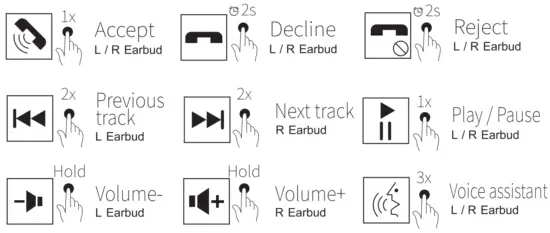
 Button control
 Button control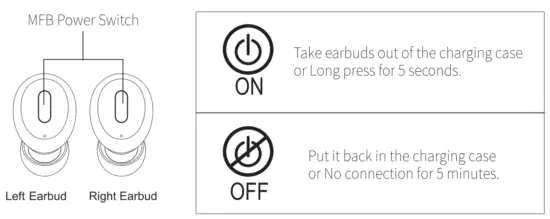
 Voice Assistant/Siri
 Voice Assistant/Siri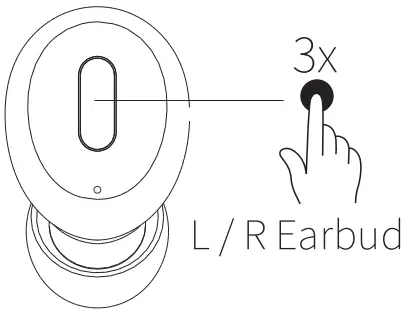
Press either earbud MFB three times will activate the Siri function and exit with the same operation. (this function is only available to IOS systems. In playing music, it can be activated while pause state).
The voice assistant will be based on different operating systems in the mobile system Automatically activate.
 Restore factory setting
 Restore factory setting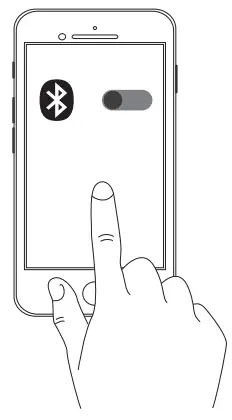
If the earbuds can’t work properly by misoperation, please repair them as follows:
- Clear the record: first, turn off the Bluetooth function of the mobile phone and turn off the earbuds, then press and hold the power button for 5 seconds, then let go, and then quickly press the power button four times. After the white light of the earbuds is on for 1 second, the record will be cleared and the earbuds will automatically shut down.
- Reset: Put the left and right earphones back into the charging case at the same time and reactivate them.
- Automatic pairing: Take out the left and right earbuds at the same time to automatically complete the pairing.
- After restoring the headset settings, delete the [B10] historical pairing records on the mobile phone and then search for the [B10] headset again.
 Earbuds indicator
 Earbuds indicator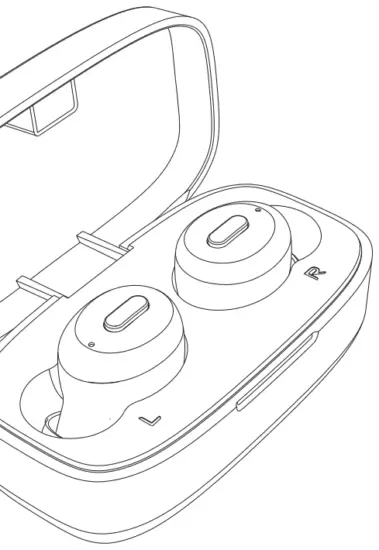
| Status | Light |
| Turn on | Blue light flashes for 1 second |
| Turn off | white light flashes for 1 second |
| Search earbuds | White and blue flash alternately |
| Connected successfully | No light |
| Music play | No light |
| Low battery | White light flashes |
| Charging | White light on |
| Full | White light off |
Charging case indicator
| Status | Light |
| Charging case charging | Orange indicator light flashes |
| Full battery | Orange indicator on |
| Charging for earbuds | Orange indicator light flashes |
| Low Battery | Orange indicator light flashes |

Charging case
Please use a charger with an output voltage of DC5V/1A to charge the charging case. You can also use a computer USB or other USB interface charger to charge (Must choose a charger certified by a regular manufacturer).
 Parameter specification
 Parameter specification
| Version | V5.2+EDR |
| Support | A2DPAVRCP,HFP,HSF |
| Transmission distance | 10m |
| Frequency range | 2.402GHz-2.480GHz |
| Hi- equipment | c1)6m m*2 |
| Impedance | 160 |
| Standby time | 70 hours |
| Talk time | 5 hours |
| Listening time | 6 hours |
| Earbud battery capacity | 55 mAh |
| Charging case battery capacity | 500mAh |
| Charging case charging time About | 1.5 hours |
| Weight(single earbud) | 4.5 g |
Notice:
△ If the charging case is out of power, it may cause the earbuds to fail to shut down and remain connected to the phone even when they are placed in the charging case. So please remember to charge the charging case in time.
△ If you want to switch the Bluetooth connection to another device, please disable the Bluetooth function in the previously connected device OR delete the pairing name of “B10” from the original device. Then the pairing name of “B10” can be searched in the new device and connected successfully.
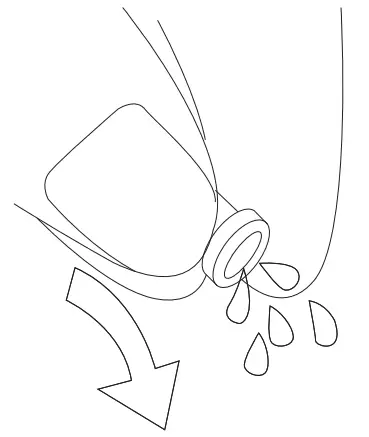
△ If moisture remains at the audio output hole, the sound may become fuzzy or completely inaudible. This is completely normal. In this case, please remove the earplugs and shake the audio output hole down several times to allow water to flow out or let it air dry for 1-2 hours, then the sound quality will become normal.
 Attentions
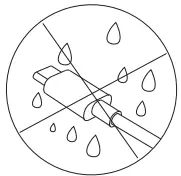
The Charging cable is not waterproof
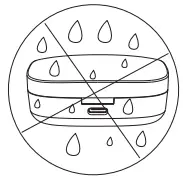
The Charging Case is not waterproof
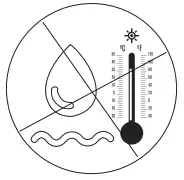
Do not use hot water to disinfect the product
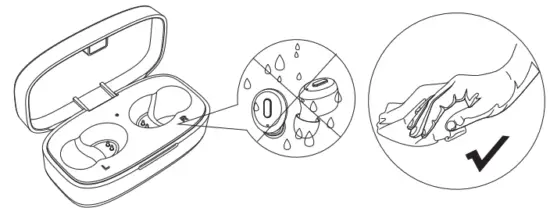 When the earbuds have water, please wipe them dry and put them back into the charging box to avoid damaging the device.
Tips:
- If the product is dirty, please don’t rinse it directly with water, or soak it in boiling water for disinfection. It is recommended to wipe the earplugs with an alcohol-containing or wet paper towel.
- If you accidentally fall into the water, please pick it up in time, dry it with natural wind or dry it in the sun for 2 hours before using it. (Otherwise, it will affect the sound quality and make you not get a better experience)
- Do not use corrosive liquid to clean this product.
- If it comes into contact with chemicals, please rub it with a damp cloth wet with clean water.
- Do not put the equipment under too high or too low temperature ( Below -10 °C or above 60°C)
- To avoid an explosion, please do not throw this product into fire.
- To avoid scratches, please do not touch the earbuds with sharp objects.
- Do not insert objects into the earbuds, otherwise, it would cause damage to the internal components.
- Do not disassemble the earbud.
- Please keep regular charge to earbuds, don’t leave them to become empty battery status to keep their lifetime.
- Please do not charge products with a power adapter over 2A current Excessive current may cause damage to the battery.
 Battery Warning!
There is a built-in lithium battery in this product. To avoid explosion, do NOT expose the product to strong sunlight, fire, or throw it into the fire.