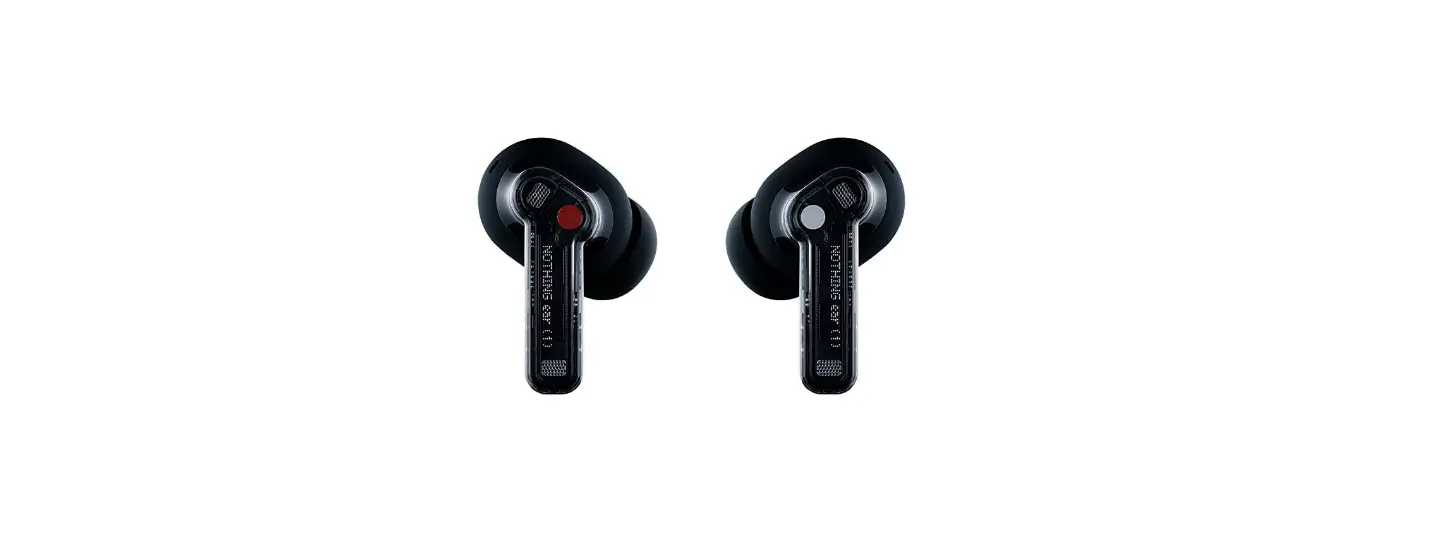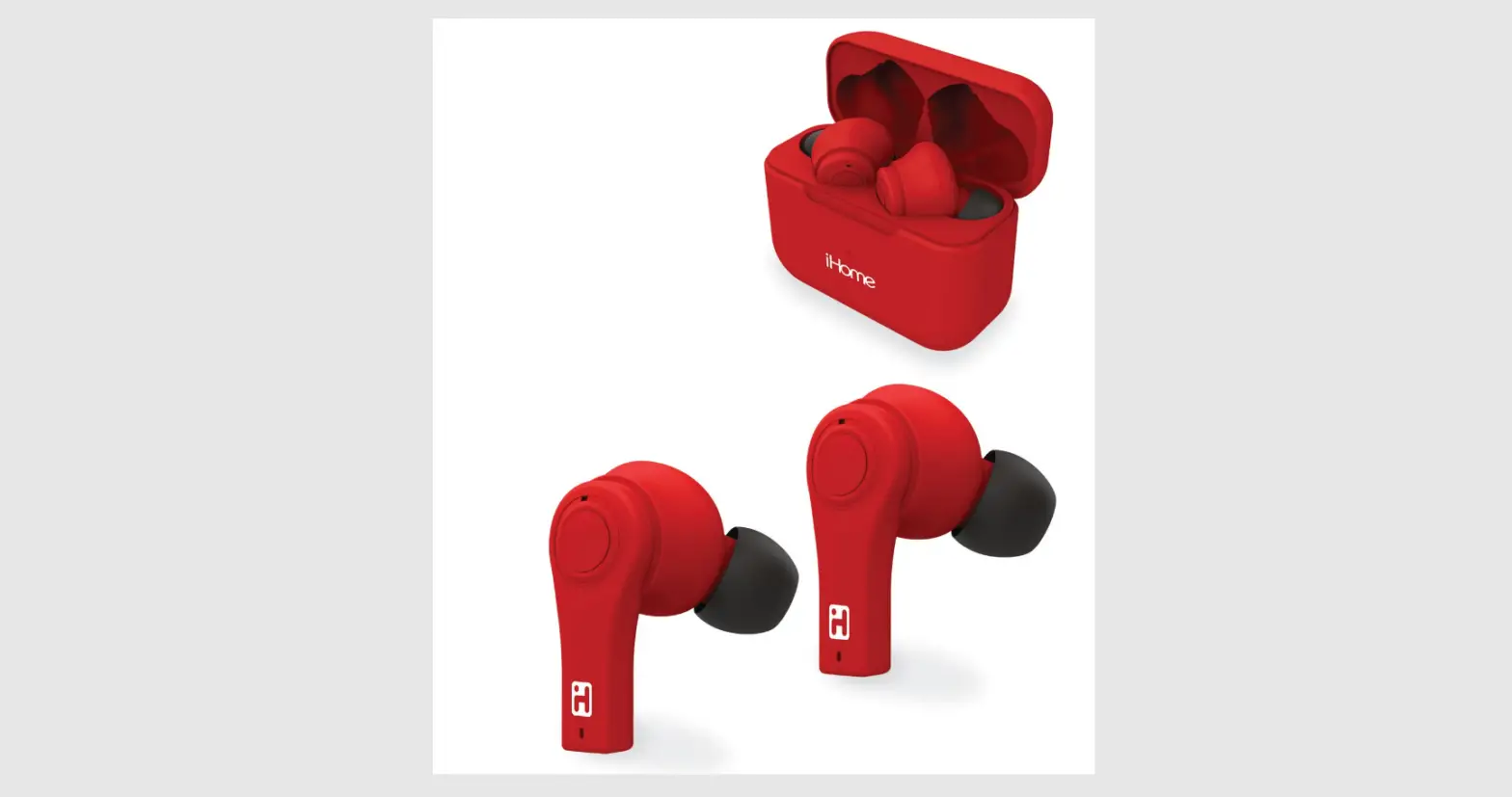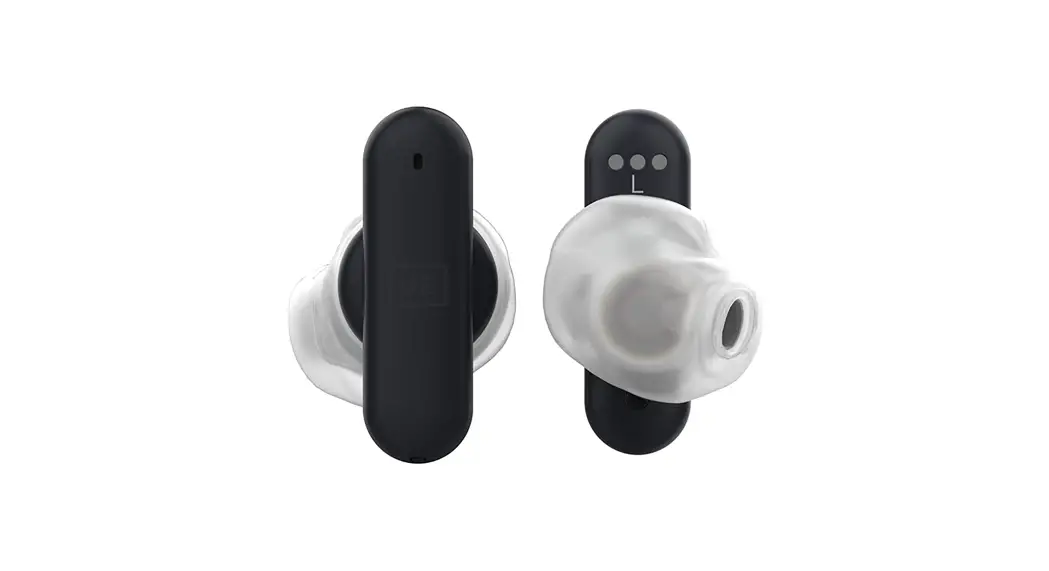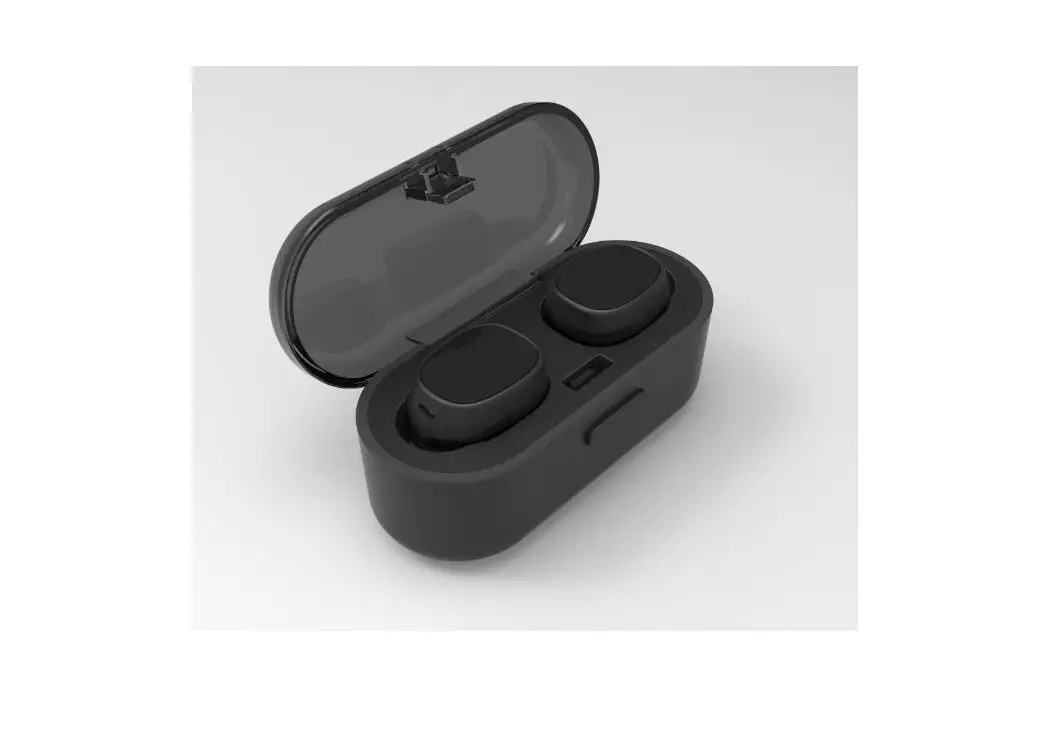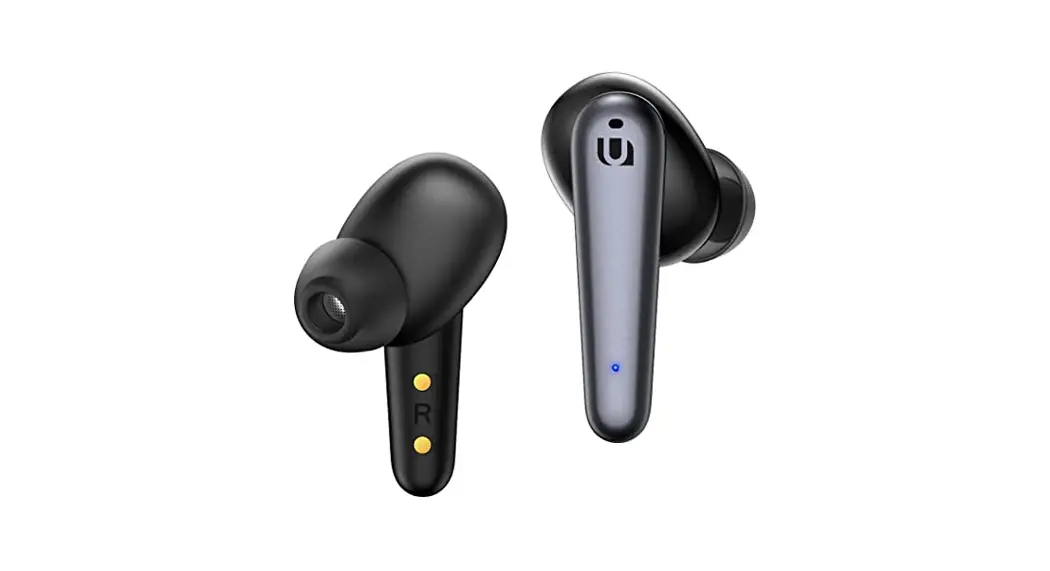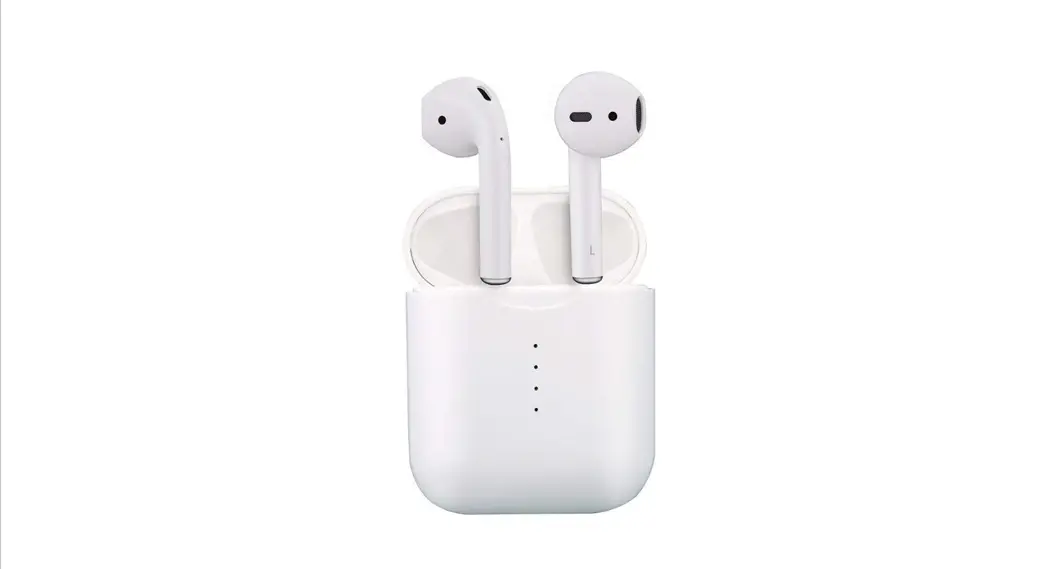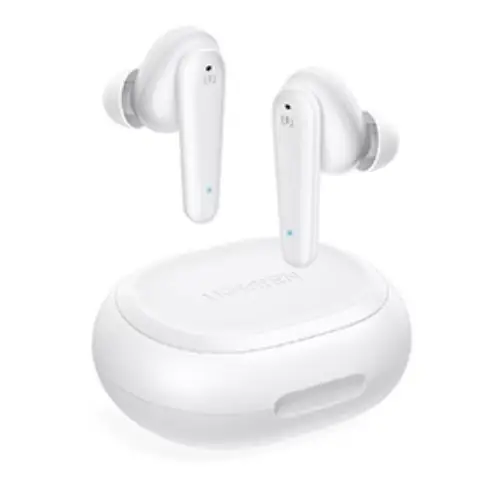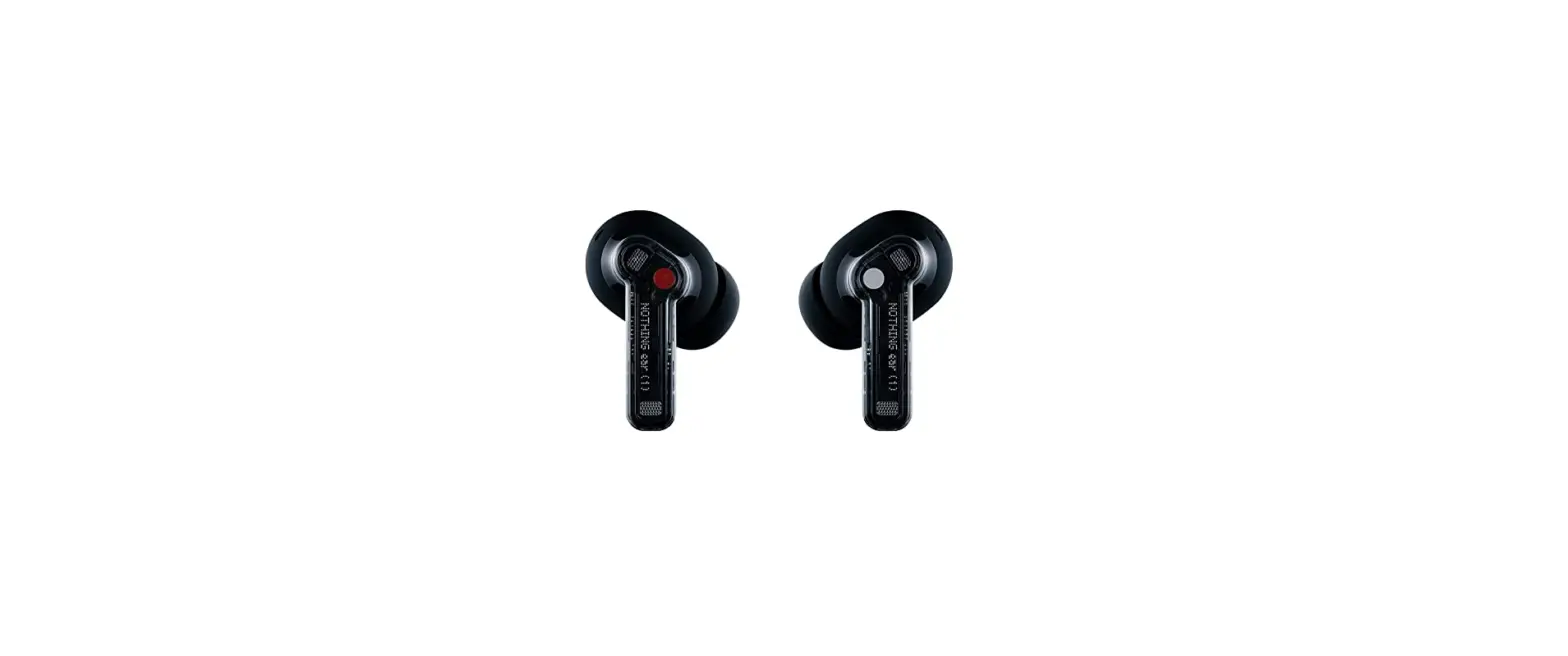

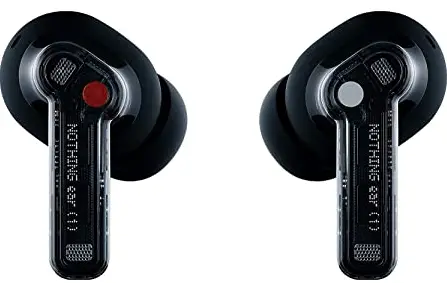
NOTHING B181 True Wireless Earbuds
PAIR
FAST PAIRING
OPEN ear CASE HOLD ITNEAR YOUR DEVICE FOR ON-SCREEN SETUF ANDROID ONLY)
OTHER DVICES
OPEN ear CASEHOLD FAIRING BUTTON NTIL LIGHT BLINKS. FAIR HITH YOUR DEICE.
CONTROL
D0UBLE TAP
PLAY/PAUSE
TRIPLE TAP
NEXT TRACK.
TAP&HOLD
SiHITCHES EETEEN
ISE CANLELLÅTININ,
TRANSFARENCT, AH
NOIE CANCELLATIIN FF.
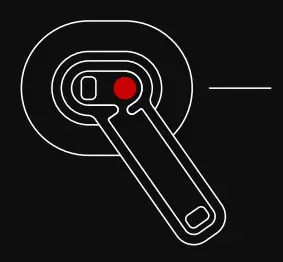
SLIDE ON STEM
VOLUME UP / DOWN
MORE OPTIONS
ENTHE EAR 1

ADJUST
SELECT FIT
SMALL MEDIUM OR LARGE
COMFORT
CNFETAELE TIF FOR YOUF EARS.
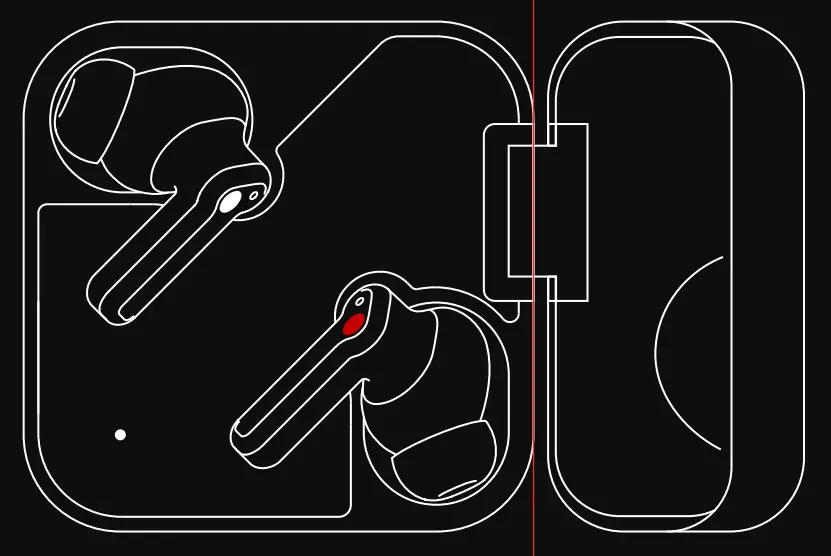
CHARGING
EAR 1
PLACE AERBUDS INSIDE AIR CASE TO CHARGE
EAR (CASE)
CHARGE USING VIA WIRELESS CHARGING OR VIA USB
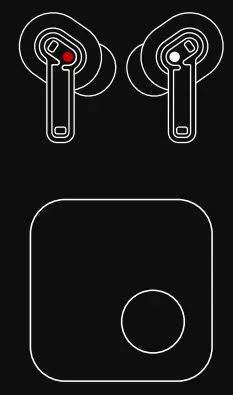
NOTHING
TRUE WIRELESS EARBUDS QUICK START.