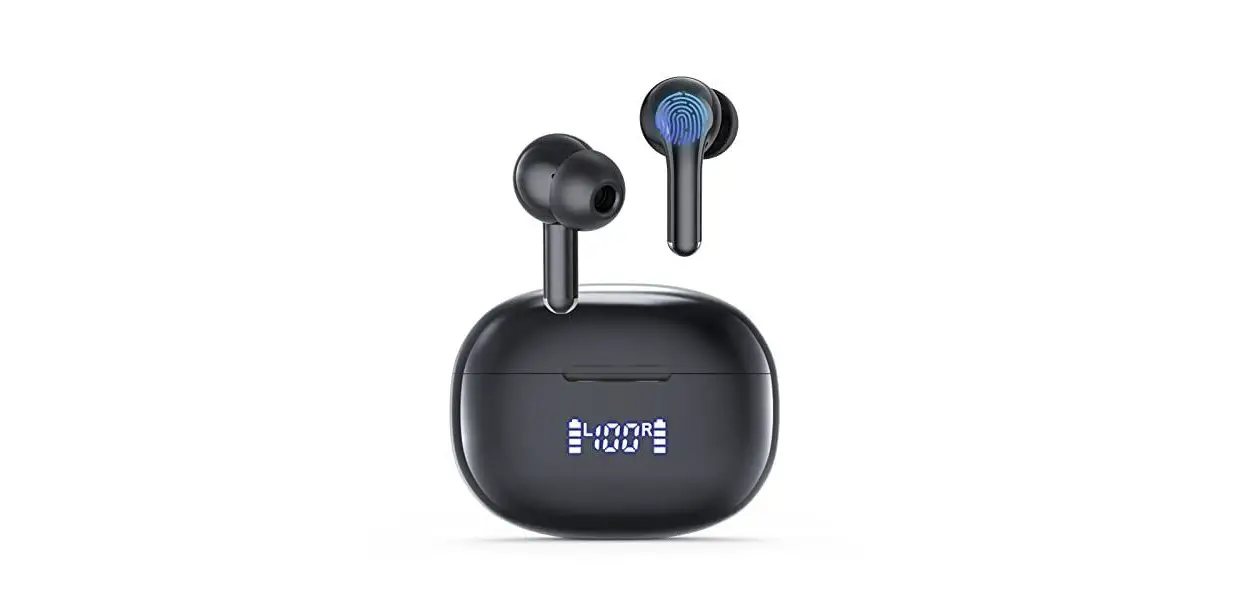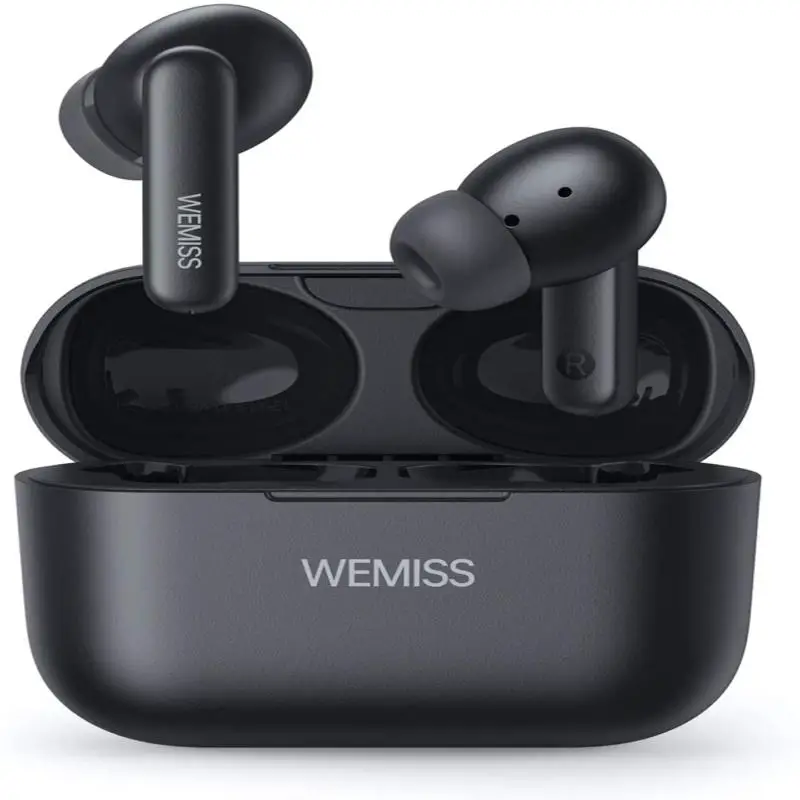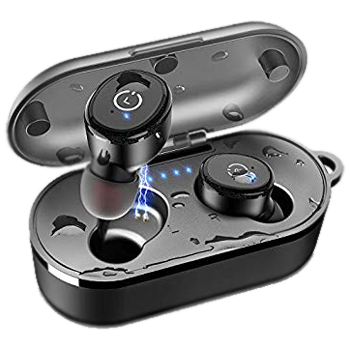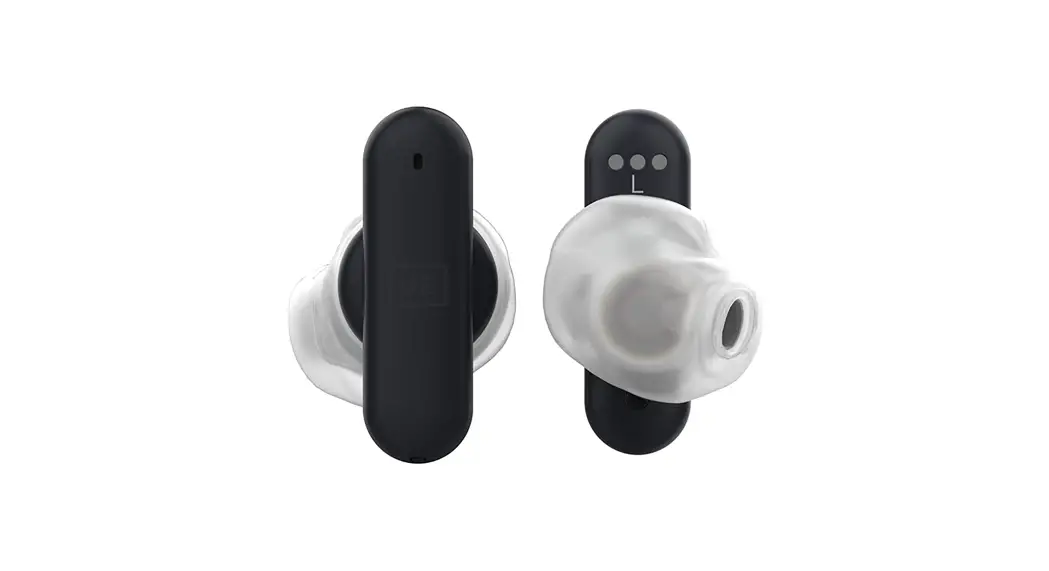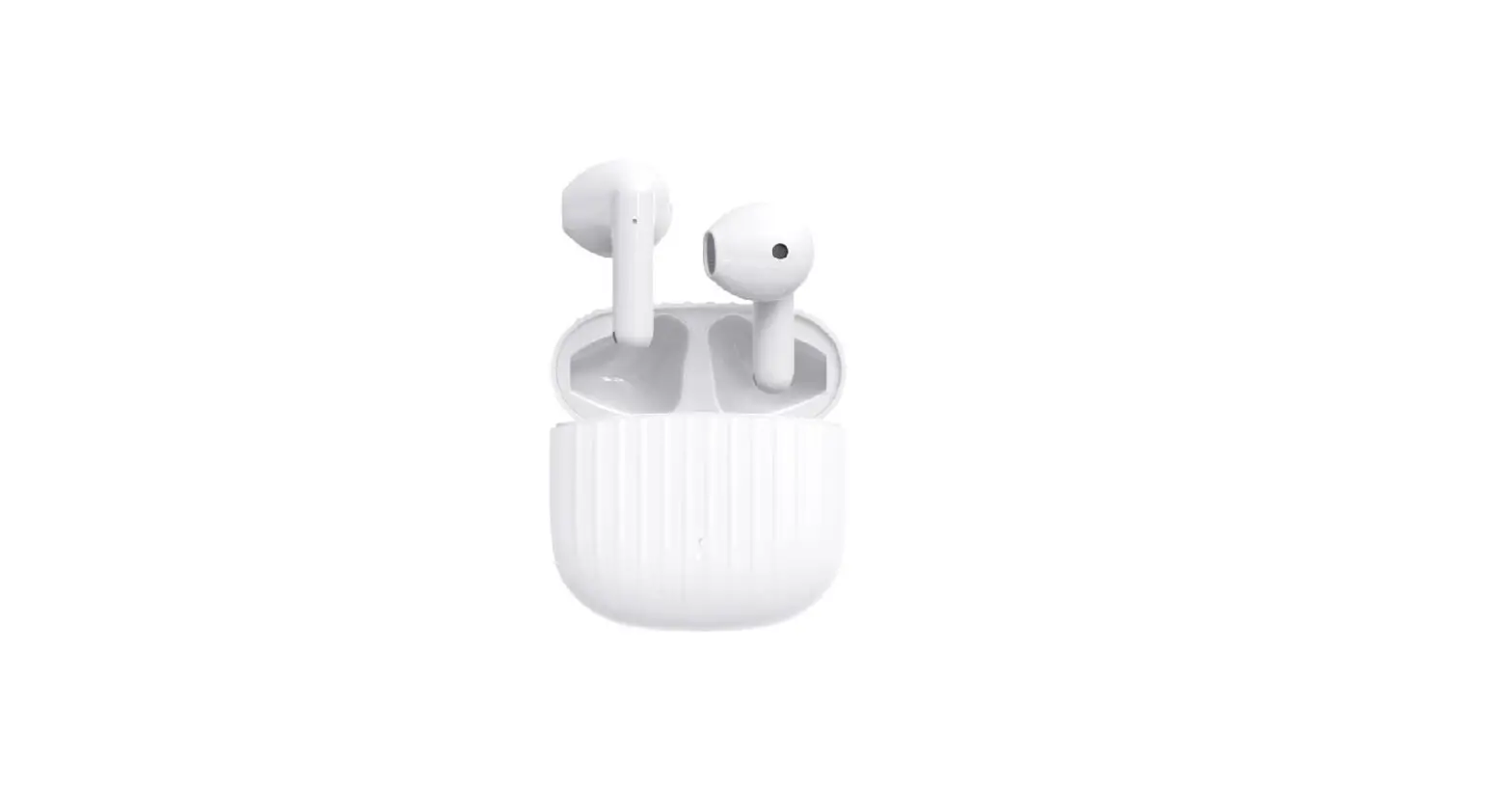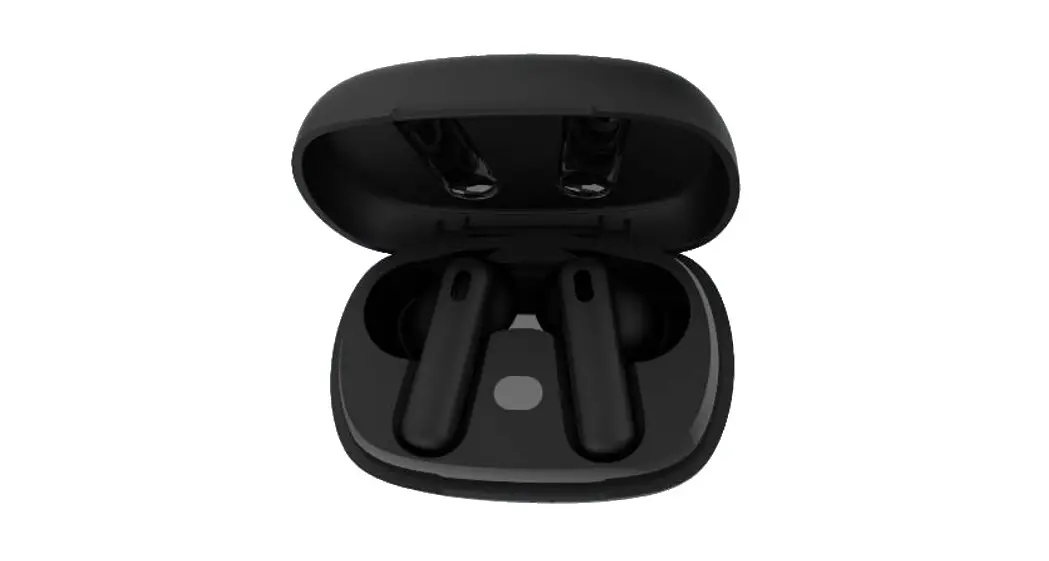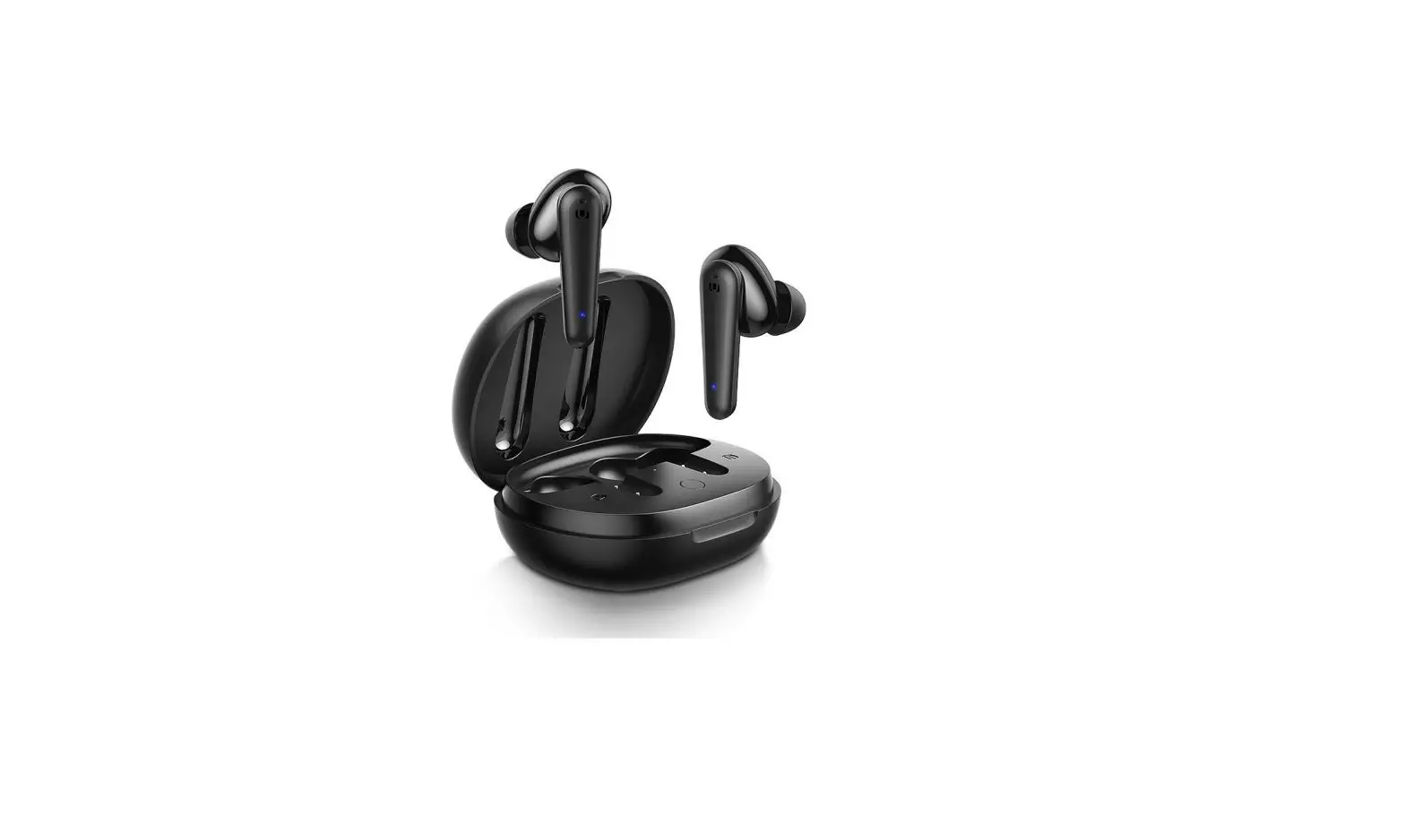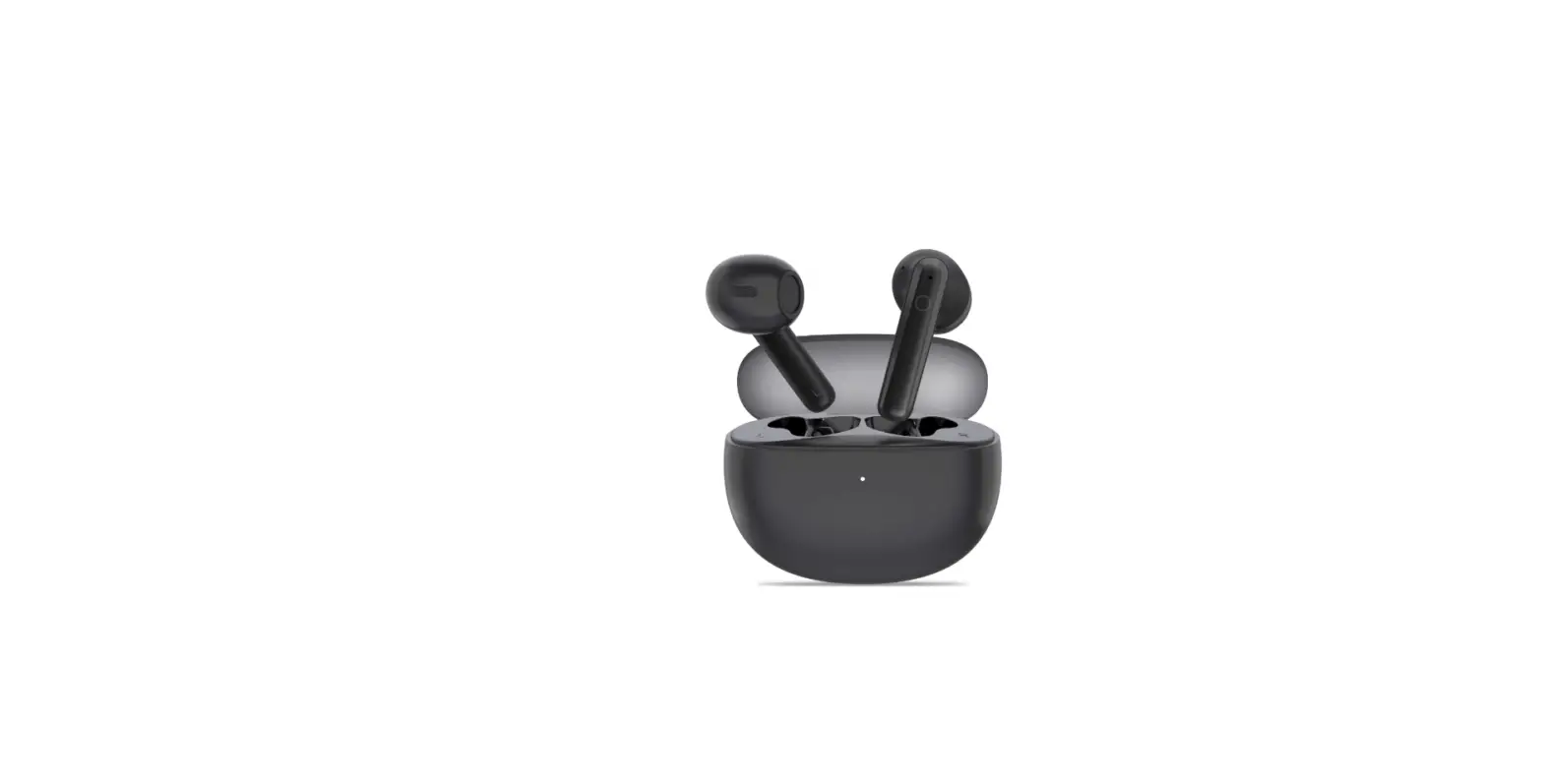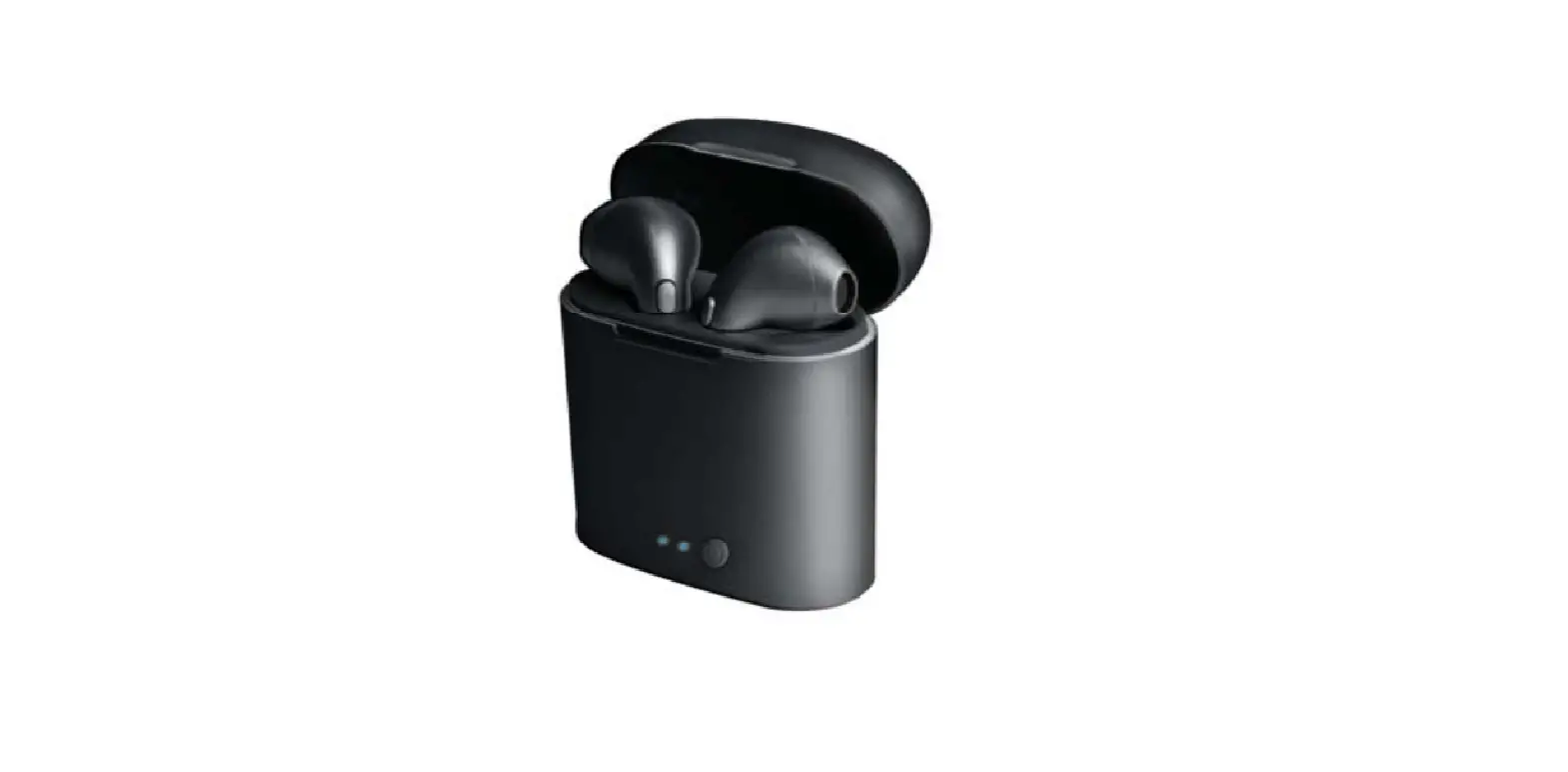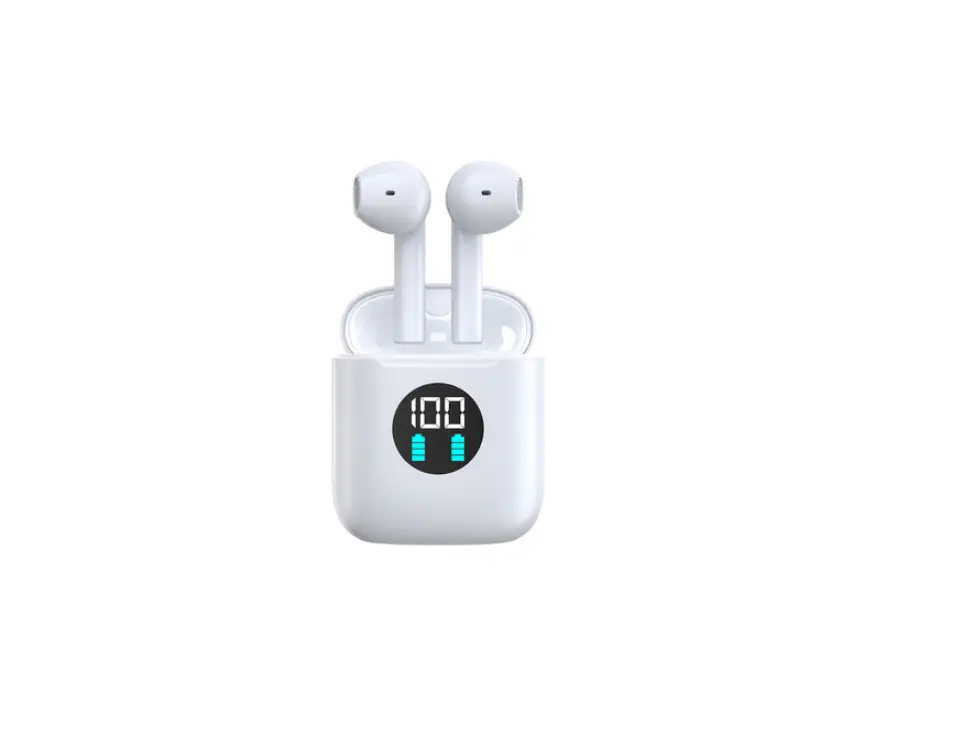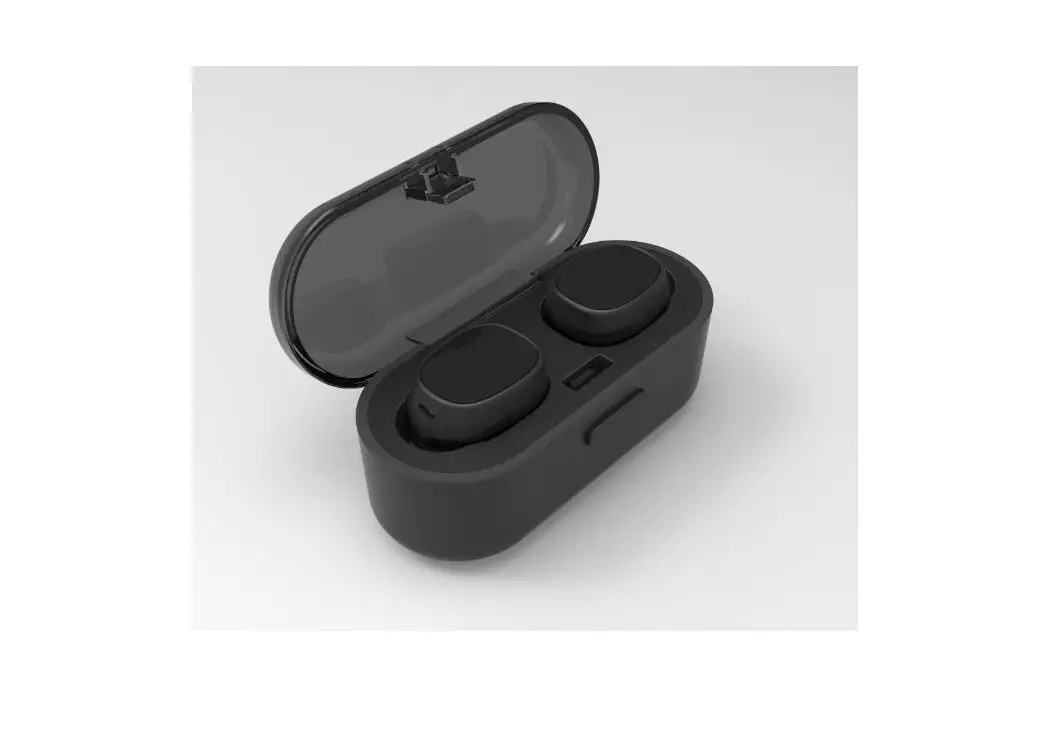
U and I BS121FE True Wireless Earbuds User Manual
TRUE WIRELESS EARBUDS should be used with the compatible devices
which support Bluetooth wireless technology. This allows you to make two calls and enjoy the music streaming at any time freely.
Please read this user manual carefully before using the EARBUDS, and also read your device’s user manual regarding the Bluetooth function, and pay attention to those important safety and maintenance information.
Please keep the headset away from children.
Specifications
| Bluetooth Version | V4.2 |
| Bluetooth Profiles Supported | HSP, HFP, A2DP, AVRCP, TWS |
| Audio Decoding Protocol | SBC, AAC |
| Transmission Power | Class 2 |
| Operation Range | Up to 10 meters |
| Frequency Range | 2.4GHz-2.48GHz |
| Battery of Headset | 45mAH Li-polymer Battery X2 |
| Charging Voltage of Headset | 5V |
| Charging Time of Headset | About 1hour |
| Battery of Base | 460mAH Li-polymer Battery |
| Charging Voltage of Base | 5V |
| Charging Time of Base | About 2 hours |
| Charging Headset Times from Charging Base | 4-5times |
| Charging Base Supply Power for Headset Music Play Time | About 10 hours |
| Music Playing Time | Up to 2.5 hours |
| Talk Time | Up to 3 hours |
| Standby Time | Up to 100 hours |
| Dimensions of Charging Base(mm) | L69×W30×H29.5 |
| Dimensions of Headset(mm) | L23.5×W17.1×H22.4 |
| Weight(one headset) | About 4.6g |
| Total Weight | About 28.5g |
*The time mentioned above may vary due to user’s operation mode and
device settings.
Structure Sketch
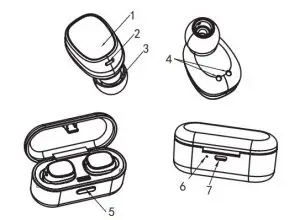
- MFB(multifunction button)
- Indicator light and MIC
- Speaker
- The charging contact point
- ON/OFF
- Charging indicator
- Micro USB charging port
| Status No. | Status | Headset Performance |
| 1 | The Single Pairing | The indicator light of headset(R) flashes red and blue alternately. |
| 2 | TWS Pairing | After TWS pairing successed, the indicator light of right headset alternately flashing red and blue, when the right headset pairing successful with mobile phone, the indicator light flashes blue once every 5 seconds |
| 3 | Standby Mode | The indicator light of right headset flashes blue once every 5 seconds |
| 4 | Call State | When in a call, the indicator light of right headset flashes red every 5 seconds |
| 5 | Headset Charging State | The indicator light of headset is red when being charged, and will turn off automatically after being fully charged |
| 6 | Charging Base Charging State | The indicator light of charging base is red when being charged, and will turn off automatically after being fully charged |
| 7 | Power On State | The indicator light flashes blue for 3 times and then flashes red once every 5 seconds |
| 8 | Power Off State | The indicator light flashes red for three times. |
| 9 | Low Voltage Alarm State | The indicator light flashes red once every 20 seconds |
Identify according to L&R and wear the EARBODS(R) and EARBODS (L) respectively
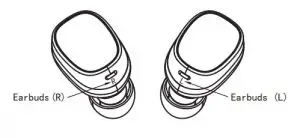
Wearing Steps:
Step 1:
Erect headset and place them into the cochlea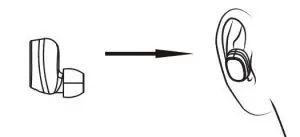
Step 2:
Slightly rotate headset until it firm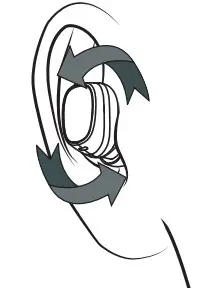
Step 3:
Make the headset to cochlear edge tightly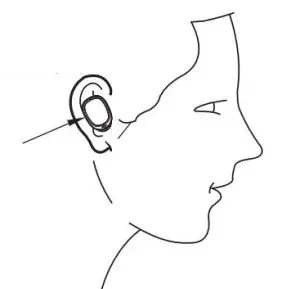
Charging Ways of Earbuds
The indicator light of headset is red when being charged, and will turn off automatically after being fully charged. Put the headset (L) (R) to the corresponding position in the bottom of the charging base, close the charging base tightly.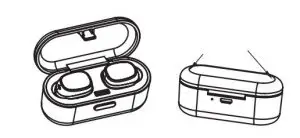
Charging Ways of Charging Base
Use the USB charging cable to charge. The indicator light of charging base is red when being charged, and will turn off automatically after being fully charged.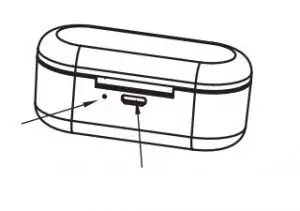
Use the USB cable to connect with computer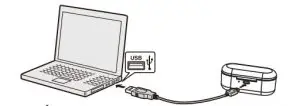
Use the USB cable to connect with mobile phone charger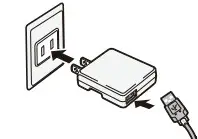
Note 1:
Check the charging device is suit to the headset or not.
Note 2:
Use only the supplied charger to charge the headset, if use other device may violate the validation or the maintenance article of this product and may cause danger.
Note 3:
Do not attempt to force open the built-in battery as this could damage the headset
Note 4:
A fully charged headset will lose its power automatically if left unused. It is recommended to charge the headset each three months.
Note 5:
Do not leave the headset in a too hot or too cold condition (best between -10℃ and 50℃) which may affect the headset’s operations although it is fully charged.
Note 6:
Do not dispose of the headset into fire or water.
Note 7:
Please take out of the headsets from the charging base and store it separately if not to use for a long time.
Turning ON/OFF
Method 1:
In OFF MODE, press and hold MFB for 2 seconds to turn on.
In ON MODE, press and hold MFB for 5 seconds to turn off.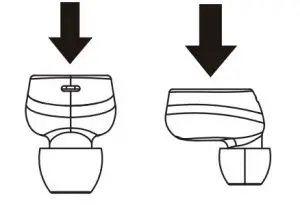
Method 2:
Pick up the headsets from the charging base to turn on automatically. Put them back and close the charging base to turn off automatically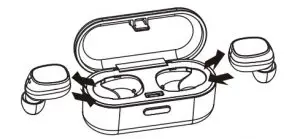
TWS Pairing
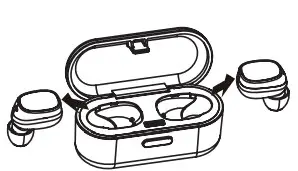
- On OFF state, press MFB key for 2 seconds to power on and waiting for 10 seconds , the two headsets will enter pairing mode automatically. Two headsets connected with each other after few seconds, the headset (R) alternately flashing red and blue, and then open the phone’s bluetooth device to search.

- Pick up the two headsets from the charging base to power on and waiting for 10 seconds , the two headsets will enter pairing mode automatically. Two headsets connected with each other after few seconds, the headset (R) alternately flashing red and blue, and then open the phone’s bluetooth device to search.

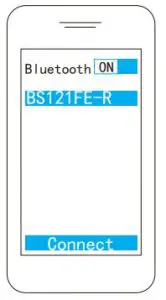
Do as the above ways: 1 or 2 , after TWS successfully paired: left headset prompts “left channel” and right headset prompts “right channel-pairing Cell phone begines to search for bluetooth devices (see the user guide of your phone for instructions). Mobile phone to search for “BS121FE-R” and select the “BS121FE-R”.
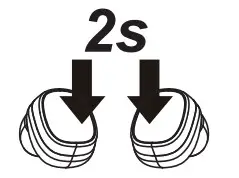
TWS Reconnected
Method 1:
Press and hold MFB for 2 seconds to power on→wait for few seconds, the two headsets connected automatically→the headset paired with the mobile phone that has ever paired after few seconds →reconnected successfully.
Method 2:
Pick up the headsets from charging base to power on→wait for few seconds, the two headsets connected automatically→the headset paired with the mobile phone that has ever paired after few seconds →reconnected successfully
Note: The headset(R)(L)will prompt “connected”, left headset prompts “left channel”, the right headset prompts “right channel”. After connected with mobile phone successfully, the right headset prompts “second device connected”.
Music Pause/Playing
On standby mode, shortly press MFB to play music. On music playing state, shortly press MFB to PLAY music, press MFB again to PAUSE music.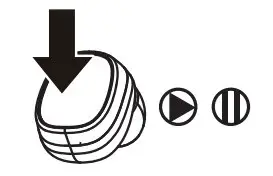
Answering /Ending a Call Headset(R)
Onstandby state or call state, you can answer/end the call by shortly press MFB of the headset(R).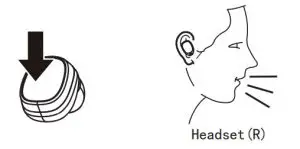
Rejecting a call Headset(R)
Press and hold MFB of headset(R) for 2 seconds to reject the call, the speaker prompts “beep” twice and “call reject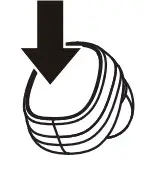
The Last Number Redialing Headset(R)
On standby state or call state, shortly press MFB twice to redial the last phone number. The speaker will prompt “beep” twice and “redial”.
Two-call Handling Headset(R)
(Only support the mobile phone who have function of handling two phones.) When you are answering a call, there is another call coming :
- Press and hold MFB of headset(R) for 2 seconds to end the current call and answer another one.
- Shortly press MFB of headset(R) once to answer another call and hold on the current one .
- After the above operation “2” settled, shortly press MFB of headset(R) to transfer one call to another.
Note:
All the above operations have to respect the precondition that Phone supported Bluetooth hands free profile V1.5 and Phones are running under call holding function (Network services) from telecom.
Delete Pairing Records on the Headset
On OFF MODE state, press MFB button for 10 seconds (OFF MODE→ON MODE(2 seconds)→Delete pairing records (10 seconds), until hearing the Beep voice for 3 times, and the red/blue light flashes twice at the same time.
Maintenance
- Do not use abrasive cleaning solvents to clean the headset.
- Do not allow the headset to touch with any sharp objects as this will cause scratching and damage
- Please keep headset away from high-temperature, humidity and dust.
Common Faults and Exclusion
| Faults | Reasons | Solutions |
| Can not turn on | low battery protection | Charging headsets for 1hour |
| Can not turn on by picking up the headset /No indicator light when headset being charged | Charging base low battery protection | Charging both the headsets and charging base for 1-2 hours |
| No sounds after pairing | Wrong pairing | Pairing again |
| The two headsets TWS pairing failure/TWS paired successful but can not find the headset(R) | Too many pairing records | Delete pairing records according to user manual |
| Charging base without indicator light when charging | DC power supply doesn’t output power | Check whether the micro USB charging line is plugged or the power switch is on |
| Headsets without indicator light when charging | The headsets couldn’t being charged in charging base | 1)Checking headset charging interface whether has touched to POGO PIN of charging base and the location is correct or not. 2)Charging for charging base |
| Turning off automatically | Low battery | Charging headset for 2-3 hours |
| Headset echo | Volume is too loud or environment is noisy | Adjust the volume at phone or change a place |
| Noise in call | Environmental interference caused or distance between headset and mobile is too far | Change a place or move to close the headset and mobile |
| Low voive of the calling party | Wearing headset is wrong | Adjusting wearing position of headset |
| The headset reconnected with mobile phone after put back to the charging base | The charging base without power, the headset will auto turn on and paired | Charging for charging base |
NOTE: This equipment has been tested and found to comply with the limits for a Class B digital device, pursuant to part 15 of the FCC Rules. These limits are designed to provide reasonable protection against harmful interference in a residential installation. This equipment generates uses and can radiate radio frequency energy and, if not installed and used in accordance with the instructions, may cause harmful interference to radio communications. However, there is no guarantee that interference will not occur in a particular installation. If this equipment does cause harmful interference to radio or television reception, which can be determined by turning the equipment off and on, the user is encouraged to try to correct the interference by one or more of the following measures:
- Reorient or relocate the receiving antenna.
- Increase the separation between the equipment and receiver.
- Connect the equipment into an outlet on a circuit different from that to which the receiver is connected.
- Consult the dealer or an experienced radio/TV technician for help
Changes or modifications not expressly approved by the party responsible for compliance could void the user’s authority to operate the equipment. This device complies with Part 15 of the FCC Rules. Operation is subject to the following two conditions:
- This device may not cause harmful interference, and
- This device must accept any interference received, including interference that may cause undesired operation.
U and I BS121FE True Wireless Earbuds User Manual – Download [optimized]
U and I BS121FE True Wireless Earbuds User Manual – Download