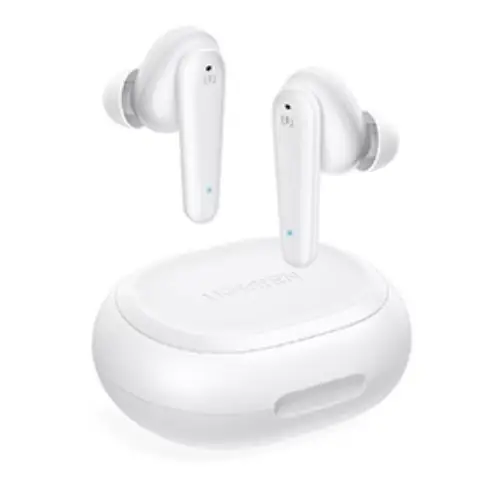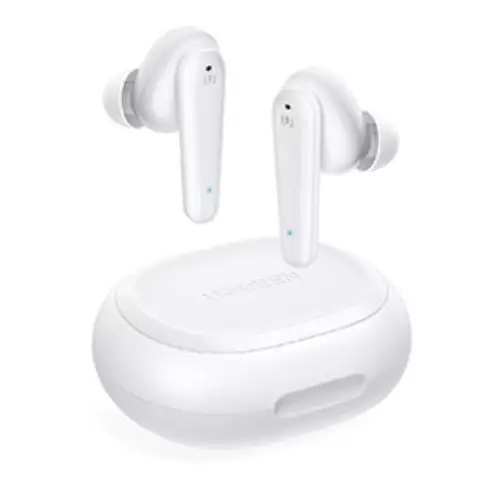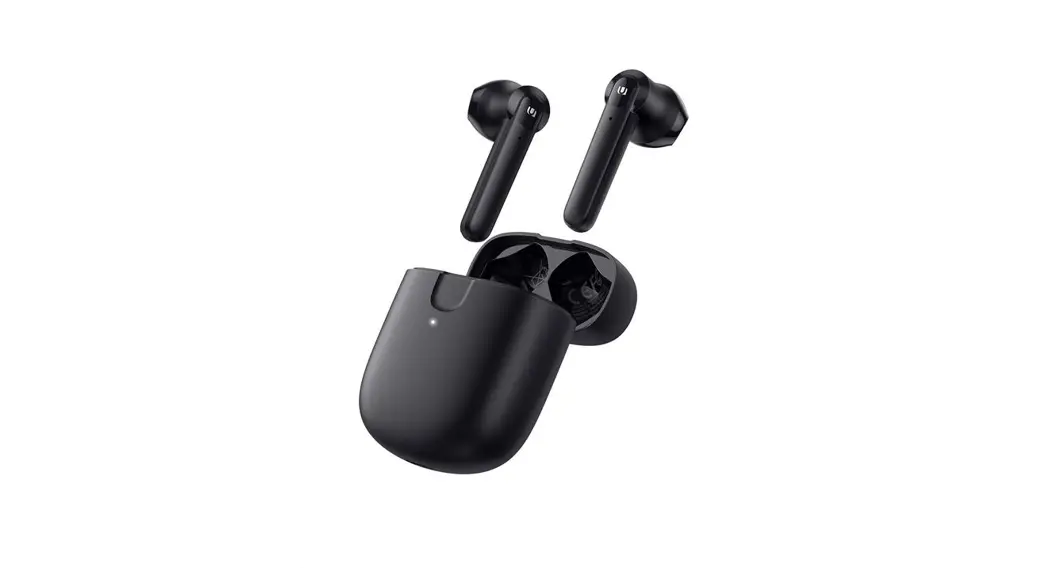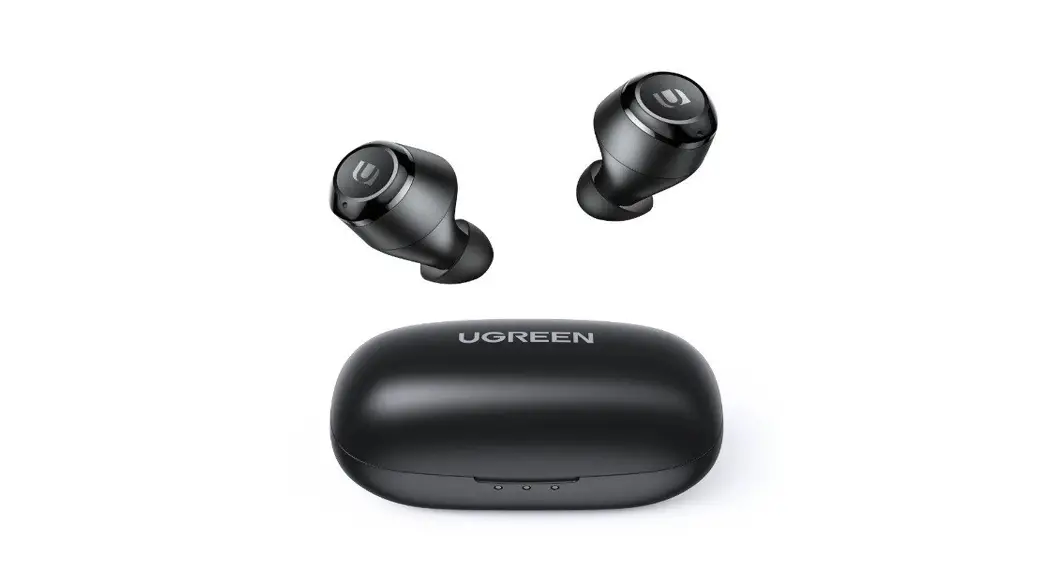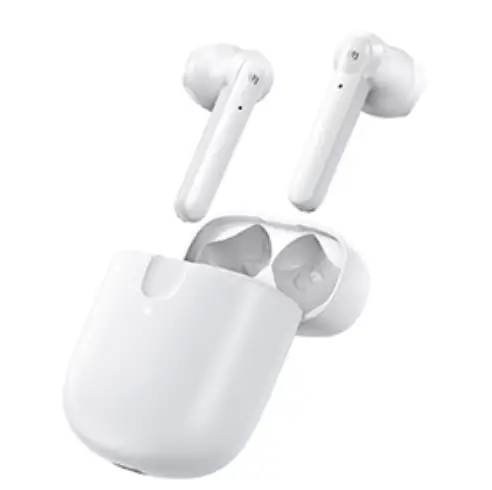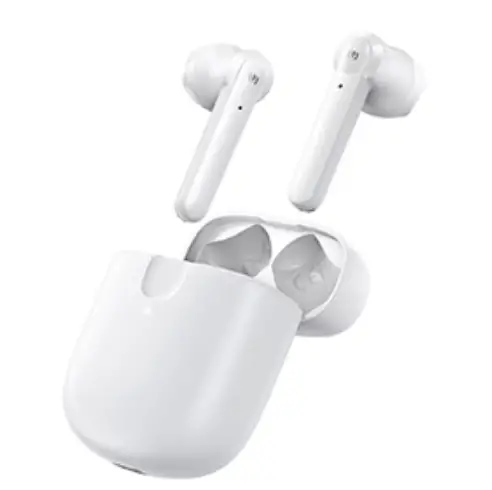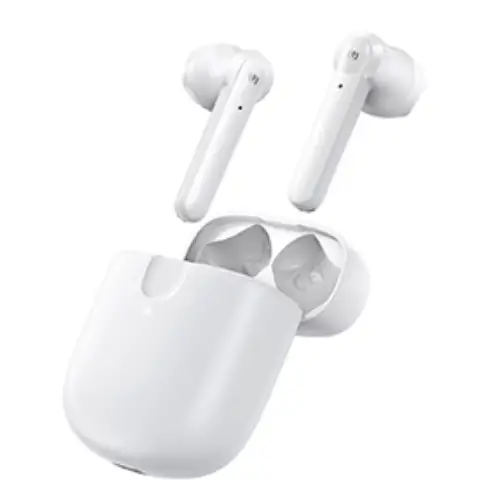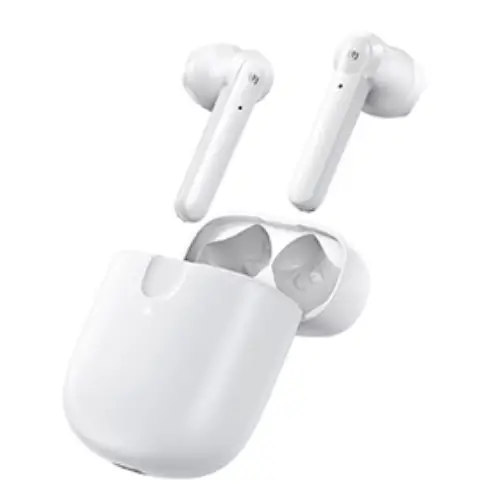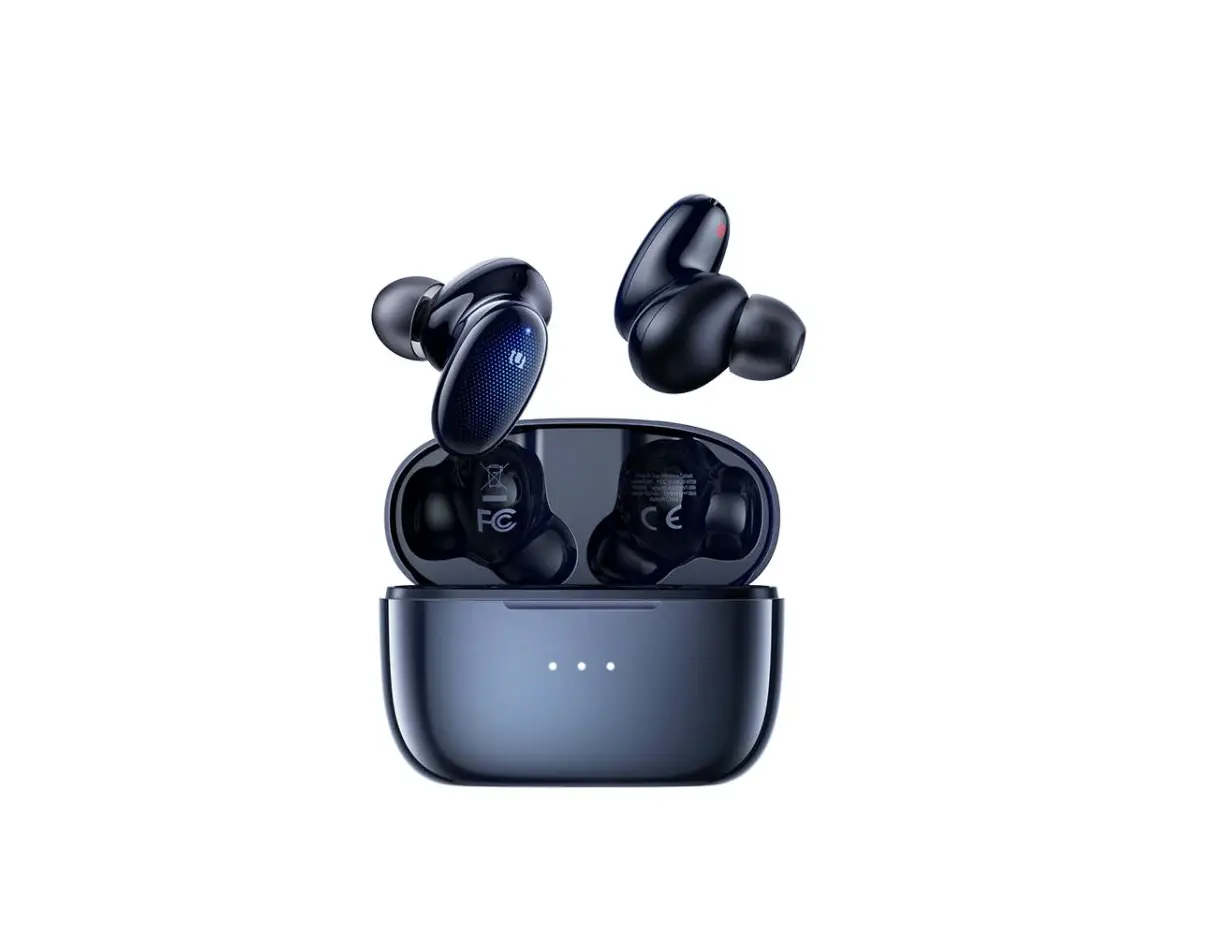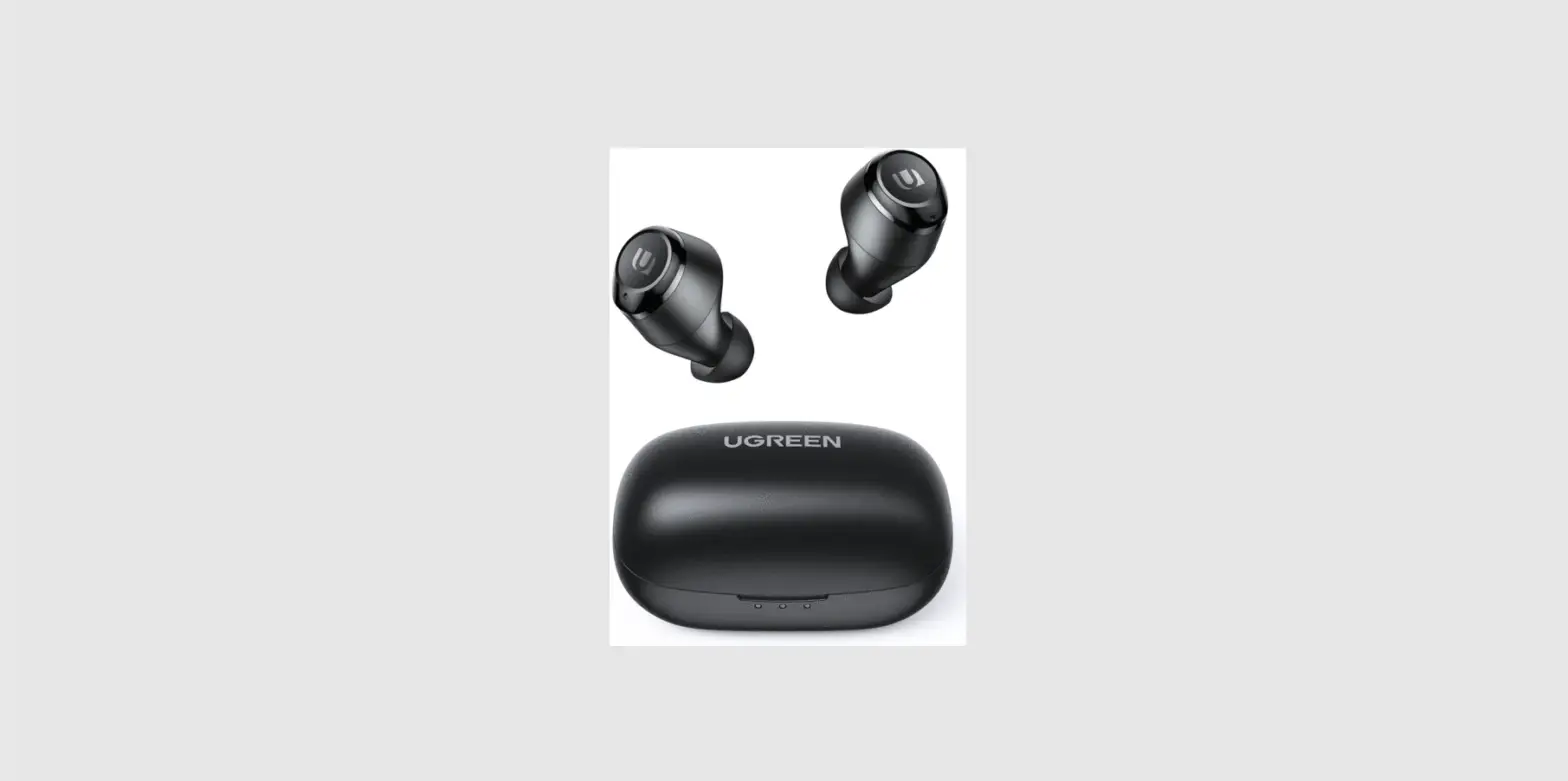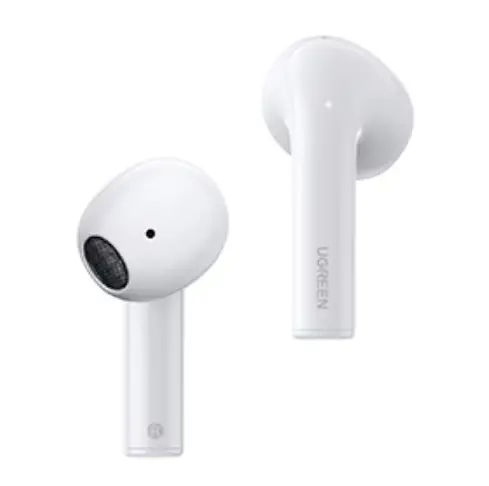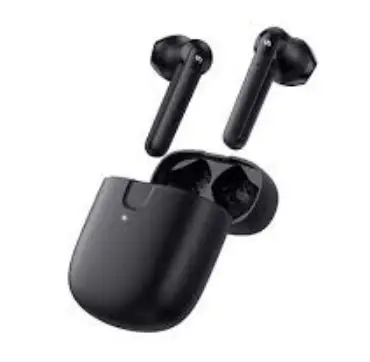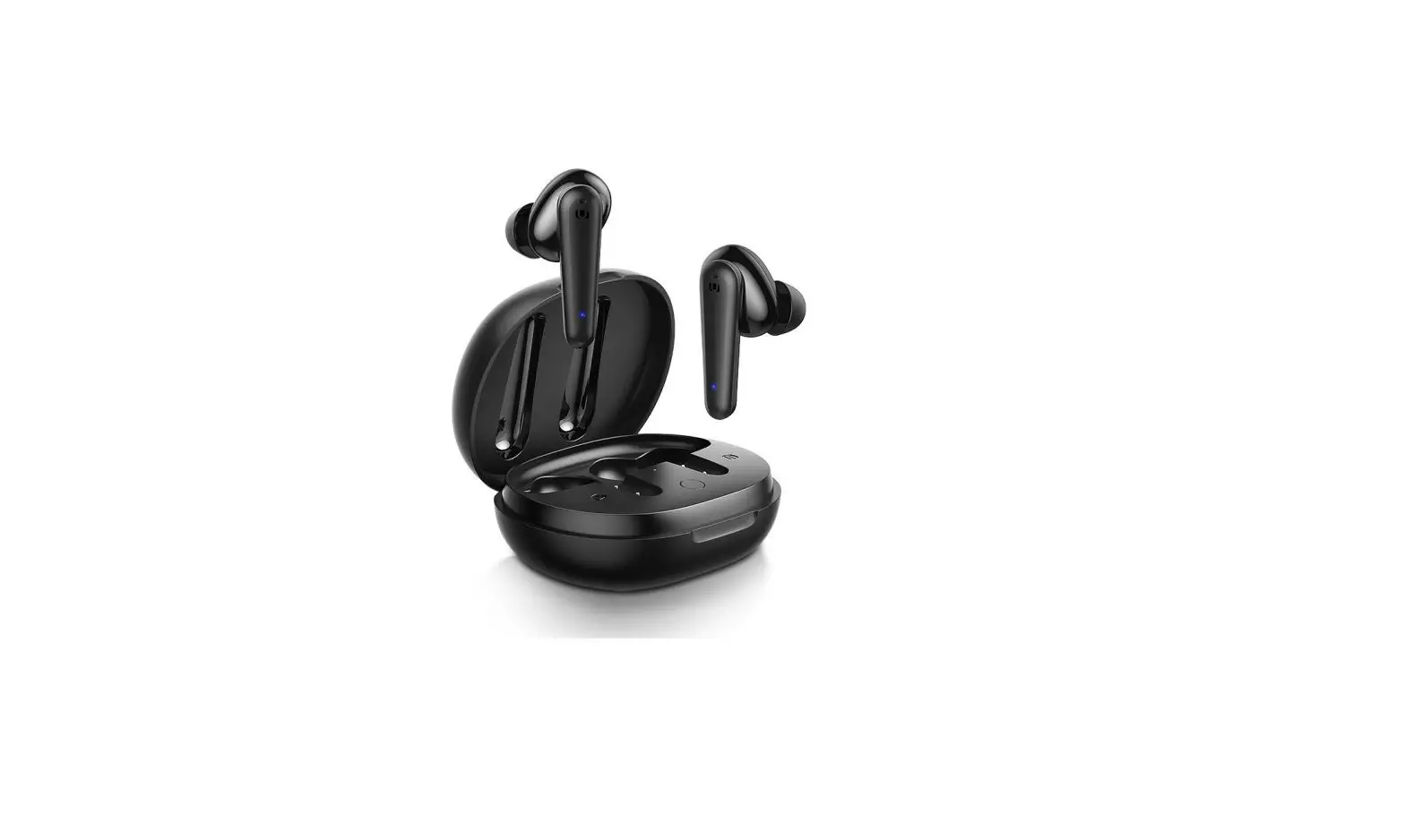
UGREEN WS111 HiTune T1 True Wireless Earbuds User Manual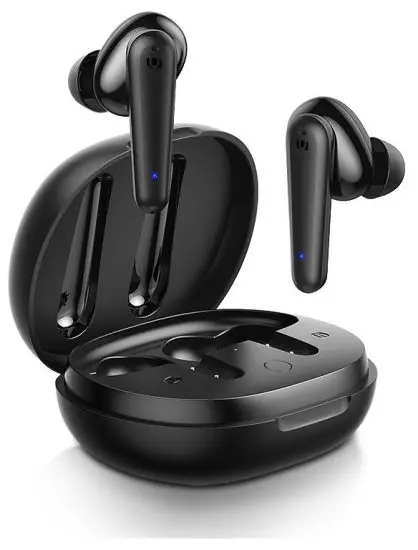
Product Overview
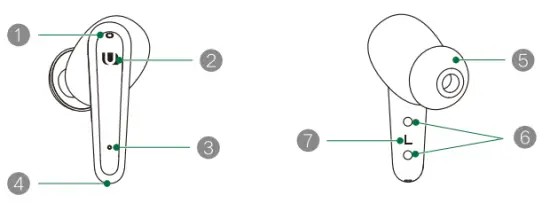
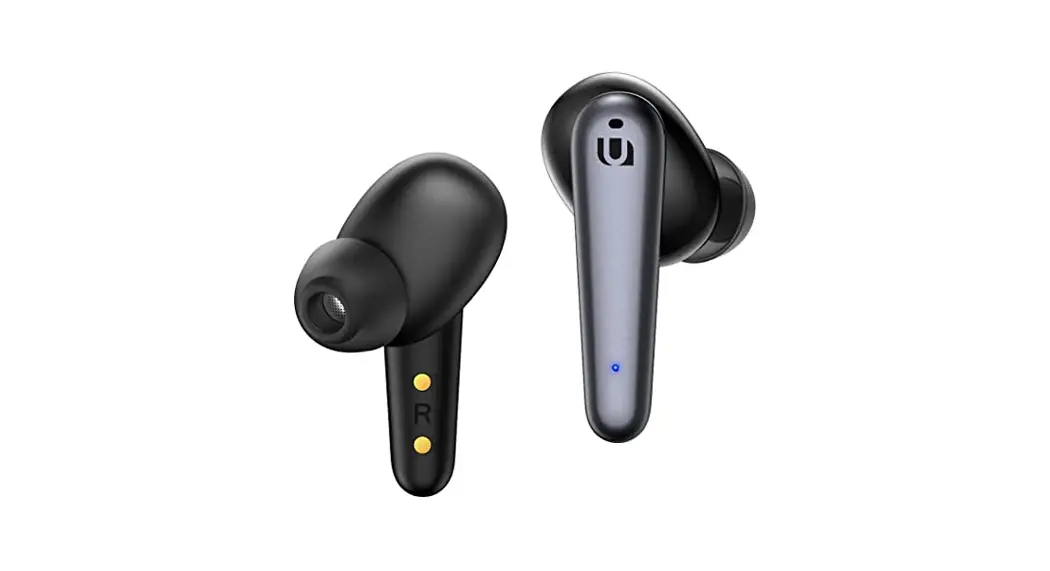
| 1 Noise Cancelling Microphone | 5 Silicone Ear Tip |
| 2 Touchpad | 6 Pogo Pin Charging Contacts |
| 3 LED Indicator | 7 L/R Marking |
| 4 Voice Pickup Microphone |
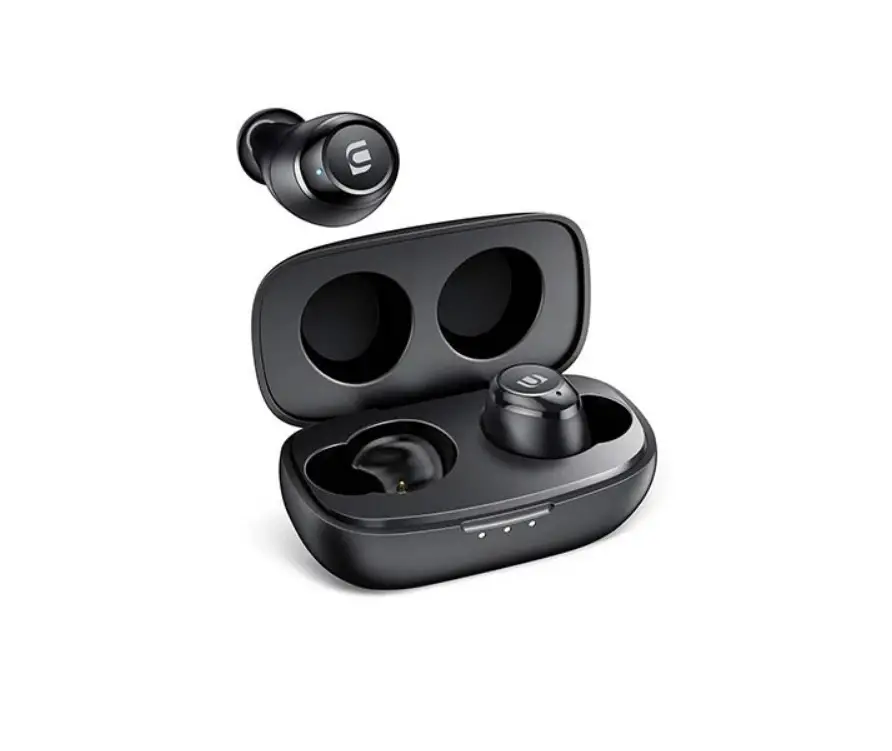
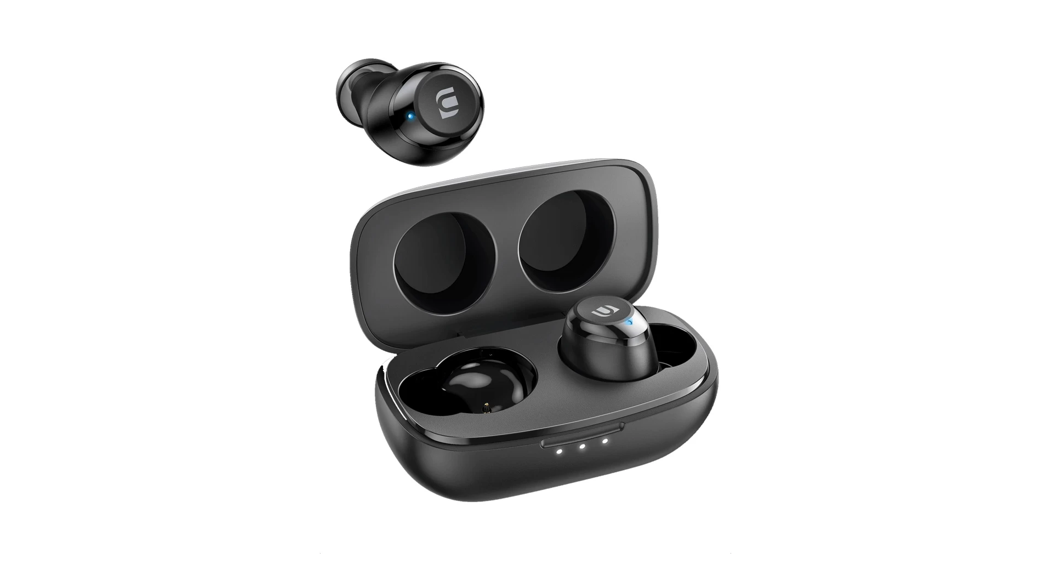
Charging case
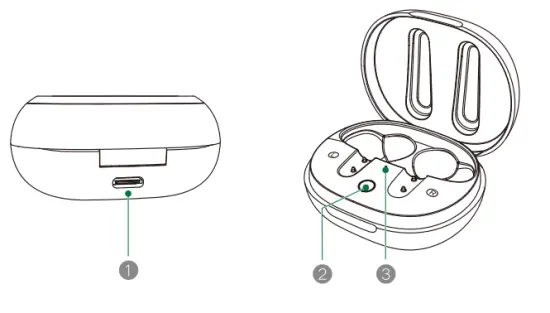
- Charging Port
- Reset Button
- LED Indicator
Specification
| Product name | HiTune Tl True Wireless Earbuds |
| Product model | WS111 |
| Version | Bluetooth 5.0 |
| Profiles | HSP, HIP, AVRCP, A2DP |
| Bluetooth frequency | 2400MHz-2483.5MHz |
| Bluetooth range | 10m |
| Codec | MC, SBC |
| Frequency response | 20Hz-20KHz |
| Speaker impedance | 160 |
| Speaker sensitivity | 97–1–3dB |
| Microphone sensitivity | -38–1–3dB |
| Earbuds battery capacity | 2′ 5DmAh |
| Charging case battery | built-in Lithium polymer battery |
| Charging case capacity | 50DmAh 3.7V (1.85Wh) |
| Charging limited voltage | 5V |
| Charging port | USB-C |
| Fully charge the earbuds | 1.5hrs |
| Fully charge the case | 2hrs |
| Charging case input | 5V  400mA 400mA |
| Charging case output | 5V:7 100mA |
| Operating time | 5.5hrs music play on a single charge 24hrs music play with charging case |
Get ready for use
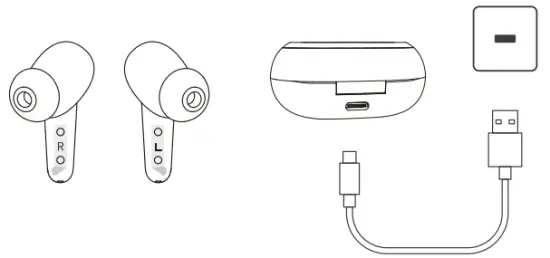
- First charging
Ensure to remove the insulating film of both L/R earbud on its first use, and fully charge both earbuds and charging case by a standard 5V/lA adapter. - Multi-sized Ear tips
HiTune T1 Earbuds come with four sizes of ear tips. The medium size comes already attached, and the other three sizes are in the packaging box. For a comfortable fit and optimal audio performance, please select the best-sized ear tips and make a good seal with your ear canal.
Connection and operation
- Earbuds Power On/Off
Auto-On: Open the charging case and take out the earbuds. Auto-Off: Return the earbuds to the charging case and close it. Manual-On: When earbuds are OFF, press the Touchpad fort seconds. Manual-Off: When earbuds are ON, press and hold the Touchpad for 6 seconds. - Bluetooth Connection
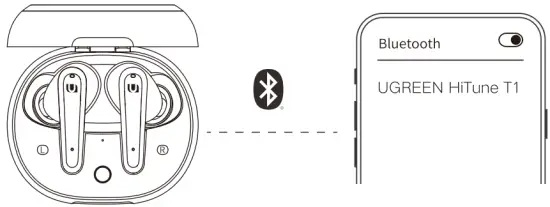
- TWS Mode L/R earbud will be paired automatically while opening the
charging case, then earbuds will connect to your smartphone. - First Connection Turn the Bluetooth access on and search “UGREEN HiTune Ti” from Bluetooth device list and tap to connect. The voice prompt of “Bluetooth connected” indicates that connection is established.
- Auto Reconnection Take out earbuds and they will reconnect to the latest paired one automatically.

- TWS Mode L/R earbud will be paired automatically while opening the
- Mono Mode
Both left and right earbuds can be used individually. In Mono mode, take out only one earbud from the charging case and its indicator blinks blue and white. Find “UGREEN HiTune Ti” from Bluetooth device list and tap to connect. - Factory Reset
If one or both of earbuds become completely unresponsive or can not pair or connect successfully, please try the following factory reset steps:
Step 1: Delete “UGREEN HiTune Tl” information from Bluetooth device list on your smartphone.
Step 2: Return earbuds to the charging case, press and hold the button on the charging case until LED indicators flash blue and white for 3 times. - Abnormal Connection
- Unavailable Bluetooth distance: The maximum wireless operating range is 10m. If you exceed the range, the earbuds will disconnect from your smartphone automatically. The connection will be re-established once you re-enter an available range within 2 minutes, or you could reconnect to your smartphone following “2. Bluetooth Connection” after 2 minutes.
- Connection timed out: If earbuds are not connected to any device within 5 minutes, they will automatically turn off.
Touchpad control (same control in L/R)
 Music Playback
 L/R X 1 L/R X 1 | Play/Pause |
| R X 3 | Next Track |
 L X 3 L X 3 | Previous Track |
| R X 2 | Volume Up |
| L X 2 | Volume Down |
 EQ switch

 R 2s
R 2s
Press and hold the Touchpad on R-earbud for 2 seconds to switch to Normal mode or Super Bass mode until a voice prompt of “Dong”.
 Making Calls
| L/R X 1 | Answer/End a Cal |
| L/R 2s | Decline a call |
 Activating voice assistant
L 2s
Press and hold the touchpad on L-earbud for 2 seconds until a voice prompt of “Dong”.
Earbuds chargimg
Earbuds Battery Level & Charging
- Battery level: You can check the earbuds battery level following the battery display on the top right corner of your phone screen (smartphone should support the function ).
- Charging status:
Return earbuds to the charging case then it begins charging. No LED indicators of earbuds light up yet the LED indicator of the charging case shows a pulsing white until fully charged. - Low battery signs:
When the earbuds battery level is at 10% (still can be used for around 30 minutes), the voice prompt will be given every 4 minutes until power off.
Charging Case Battery Level & Charging
- Charge the case:
Use standard 5V/1A adapter and provided USB-C cable to charge the case. - Charging case battery level Open the charging case and the LED indicator show the current battery level for 3 seconds
- Ultra-low battery level:
lower than 5%, LED indicator fast blinking red for 3 seconds. Please charge the case in time. - Low battery level:
lower than 30%, LED indicator slow blinking red for 3 seconds. The charging case still can be used to charge earbuds once. - Fully battery level:
larger than 30%, LED indicator slow blinking white for 3 seconds. The charging case is ready for discharge.
- Ultra-low battery level:
- The LED indicator of the charging case glows solid white during the charging process. It will turn off when fully charged.
Earbuds voice prompts status
| Status | Voice Prompts |
| Power on | Power on |
| Pairing | Pairing |
| Bluetooth connected | Bluetooth connected |
| Activating voice assistant | Dong |
| Bluetooth disconnected | Bluetooth disconnected |
| Battery low | Battery low |
| EQ switch | Normal mode/SuperBass mode |
| Power off | Power off |
Earbuds Indicators Status
| Status | LED Indicator |
| Power on | Solid blue for 1 second and turn off |
| Charging | Charging case: pulsing white until fully charged; Earbuds: no LED indicators display |
| L/R earbuds connection | Fast blinking blue |
| Pairing | Blue & White alternate blinking |
| Using | No LED indicators display |
| Power off | Solid white for 1 second and turn off |
Charging Case Indicators Status
| Status | LED indicator |
| Charging | Solid white until fully charged |
| Low battery | Blinks red for 3 seconds (lower than 30%) |
| Error | Fast blinking red until errors are removed |
FAQ
What should I do if there are connection and pairing issues?
- Please make sure the earbuds or your smartphone is not
connected to any other devices; - Turn the Bluetooth access on your smartphone off and then re-open it;
- Delete the “UGREEN HiTune Ti” pairing information from the Bluetooth device list on your smartphone and re-connect again;
- Open the charging case and make sure that earbuds are on. Press and hold the reset button on the charging case for 3 seconds to establish a mandatory connection.
- If the previous steps are unable to solve problems, please place the earbuds in the charging case, then press and hold the reset button on the charging case for 10 seconds until the LED indicators of earbuds blinking blue and white for 3 times, indicating a complete factory reset operation.
Warnings
- This product has built-in Lithium battery. Do not disassemble, crush, squeeze or dispose of in fire.
- Stop using if the earbuds is inflated.
- Do not expose the product to excessive temperature.
- Stop using if the earbuds is submerged.
Whats in the Box
HiTune T1 True Wireless Earbuds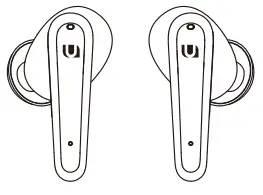
Silicone Ear lips {XS/S/M/L}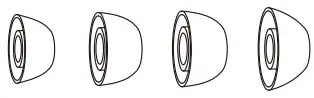
Charging Case
USB-C Charging Cable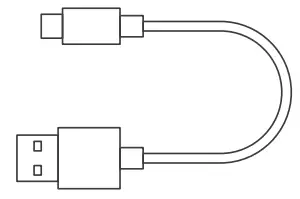
User Manual
Important WEE information
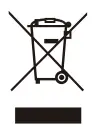 | This symbol on the product(s) and / or accompanying documents indicates that, under the new Directive 2012/19/EU on waste electrical and electronic equipment (WEEE), product(s) used electrical and electronic equipment (WEEE) should not be mixed with general household waste. For proper treatment, recovery and recycling, please take this product(s) to designated collection points where it will be accepted free of charge. Disposing of this product correctly will help save valuable resources and prevent any potential negative effects on human health and the environment, which could otherwise arise from inappropriate waste handling. Please contact your local authority for further details of your nearest designated collection point. Penalties may be applicable for incorrect disposal of this waste, in accordance with your national legislation. For professional users in the European Union If you wish to discard electrical and electronic equipment (EEE), please contact your dealer or supplier for further information. For disposal in countries outside of the European Union This symbol is only valid in the European Union (EU). If you wish to discard this product please contact your local authorities or dealer and ask for the correct method of disposal.
|
WARRANTY INFORMATION
A limited 2-year warranty applies to all UGREEN products purchased from UGREEN official store or authorized sellers. Please feel free to contact us if you run into any problems.
CONTACT US
FOR AMAZON MARKETPLACES
NORTH AMERICA
US: [email protected]
mx: support.mniougreen.com
CA: [email protected]
EUROPE
UK: [email protected]
FR: [email protected]
IT: [email protected]
DE: [email protected]
ES: [email protected]
ASIA PACIFIC
JP: [email protected]
AU: [email protected]
MIDDLE EAST
UAE: [email protected]
KSA: [email protected]
MORE SALES CHANNELS
ALIEXPRESS: [email protected]
LAZADA: [email protected]
EBAY: [email protected]
SHOPEE: [email protected]
WHOLESALE BUSINESS: [email protected]
FCC STATEMENT
This device complies with Part 15 of the FCC rules. Operation is subject to the following two conditions:
- this device may not cause harmful interference, and
- this device must accept any interference received, including interference that may cause undesired operation.
Warning: Changes or modifications not expressly approved by the party responsible for compliance could void the user’s authority to operate the equipment.
FCC RADIATION EXPOSURE STATEMENT
This equipment complies with FCC radiation exposure limits set forth for an uncontrolled environment. This transmitter must not be co-located or operating in conjunction with any other antenna or transmitter. Note: This equipment has been tested and found to comply with the limits for a Class B digital device, pursuant to part 15 of the FCC Rules. These limits are designed to provide reasonable protection against harmful interference in a residential installation. This equipment generates uses and can radiate radio frequency energy and, if not installed and used in accordance with the instructions, may cause harmful interference to radio communications. However, there is no guarantee that interference will not occur in a particular installation. If this equipment does cause harmful interference to radio or television reception, which can be determined by turning the equipment off and on, the user is encouraged to try to correct the interference by one or more of the following measures:
—Reorient or relocate the receiving antenna.
—Increase the separation between the equipment and receiver.
—Connect the equipment into an outlet on a circuit different from that to which the receiver is connected.
—Consult the dealer or an experienced radio/TV technician for help.
Learn more about the EU Declaration of Conformity: https://www.ugreen.com/download/
UGREEN GROUP LIMITED
 www.ugreen.com
 [email protected]
 +86-755-28066530
 @ugreen.fans
 @ugreen_official
 @Ugreen_Official
 Ugreen Building, Longcheng Industrial Park, Longguanxi Road, Longhua, Shenzhen, China
UGREEN is a registered trademark of Ugreen Group Limited. All rights reserved.
FCC ID: 2AQI5-WS111