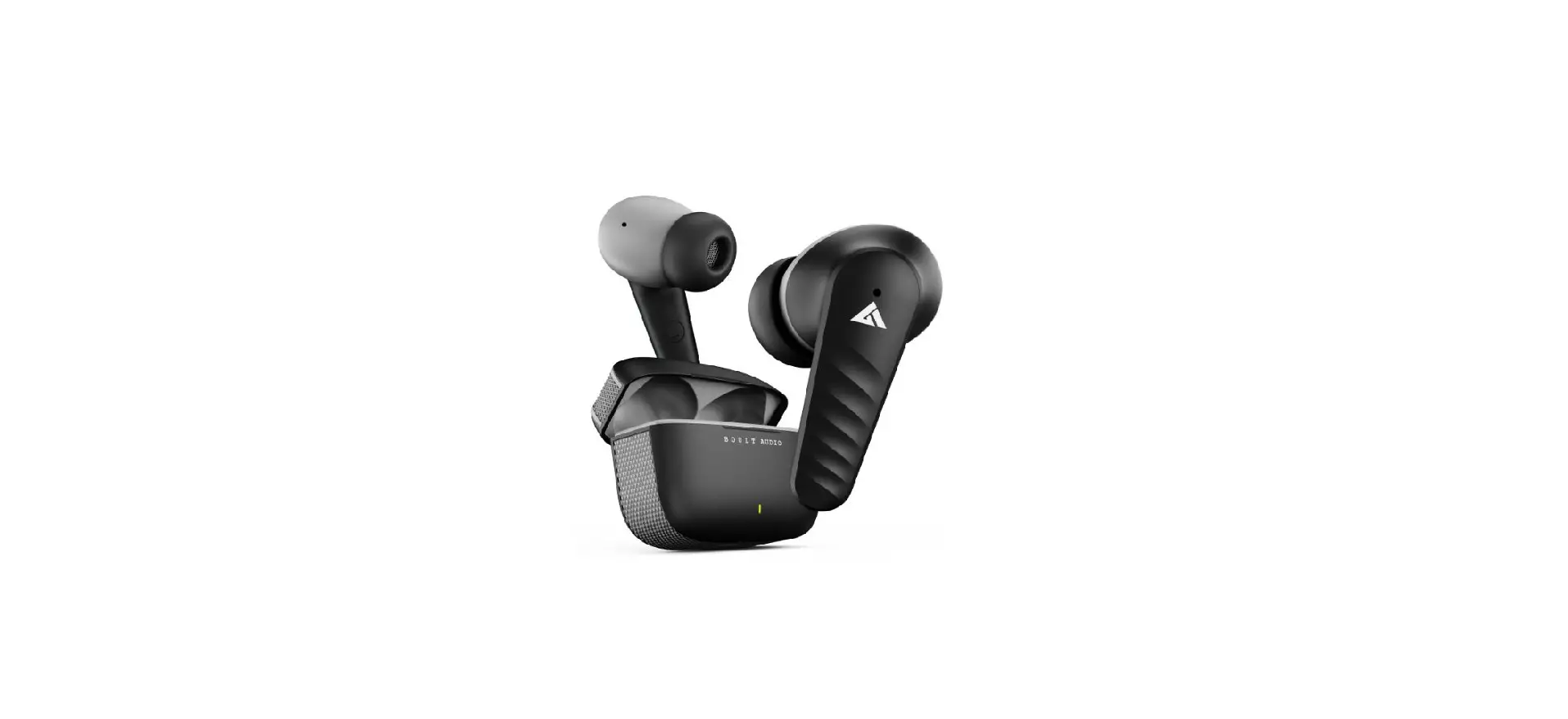
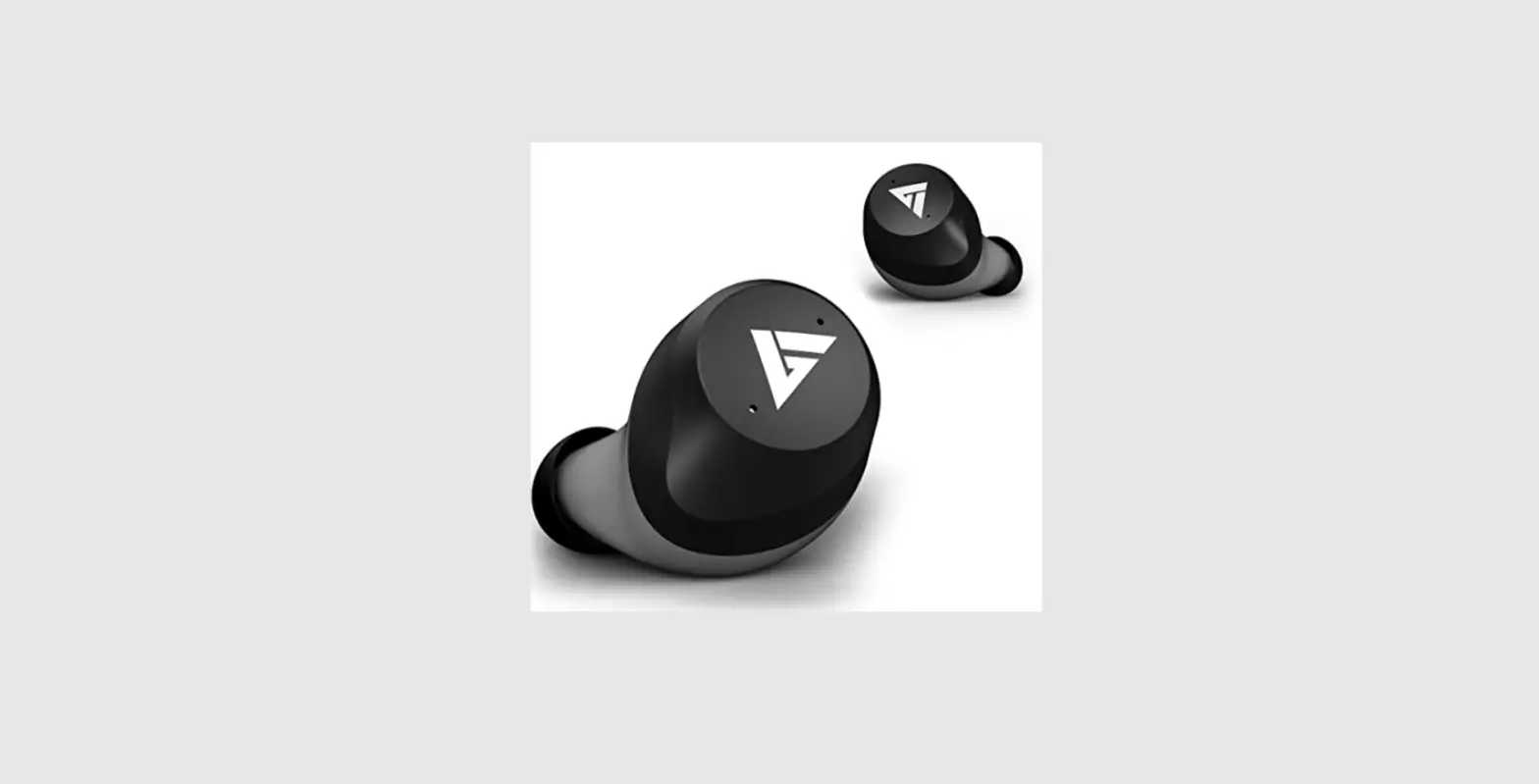
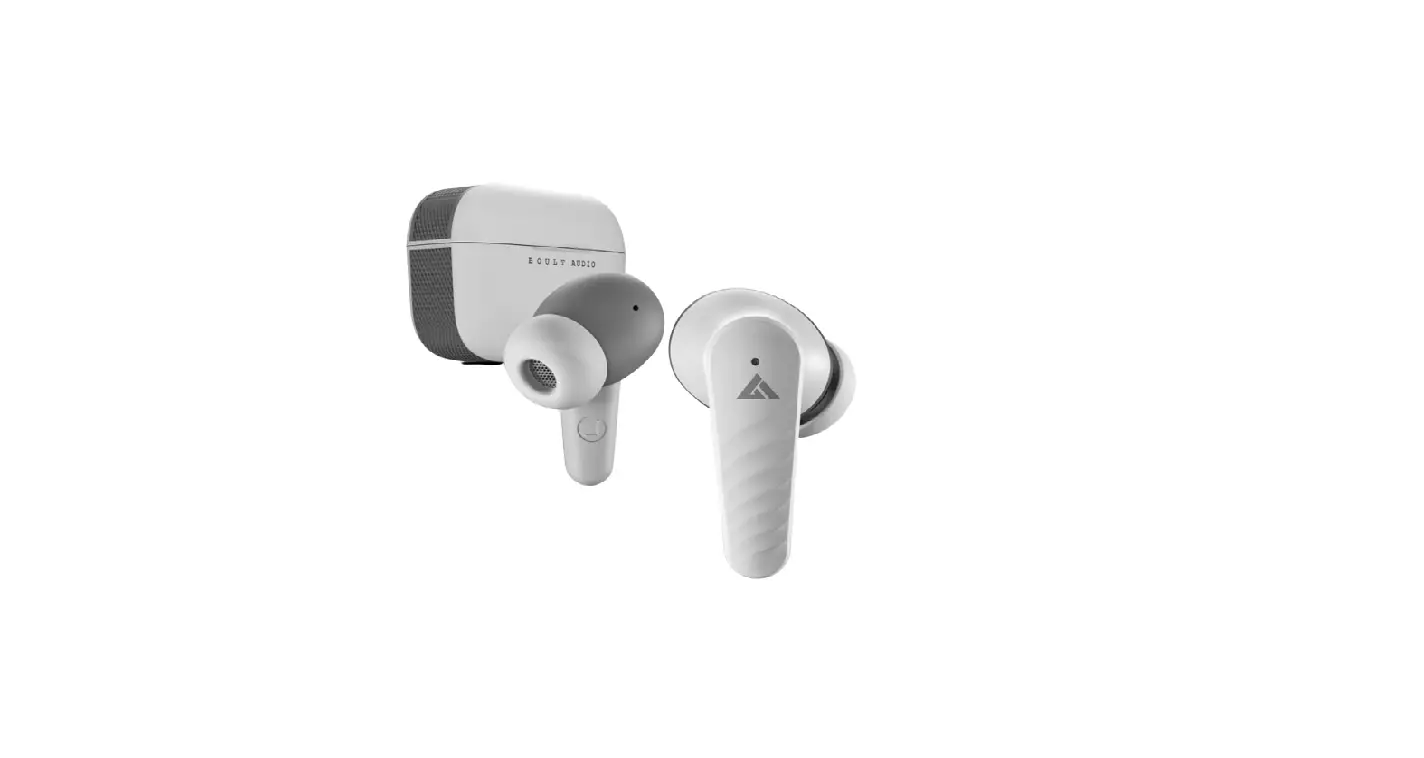
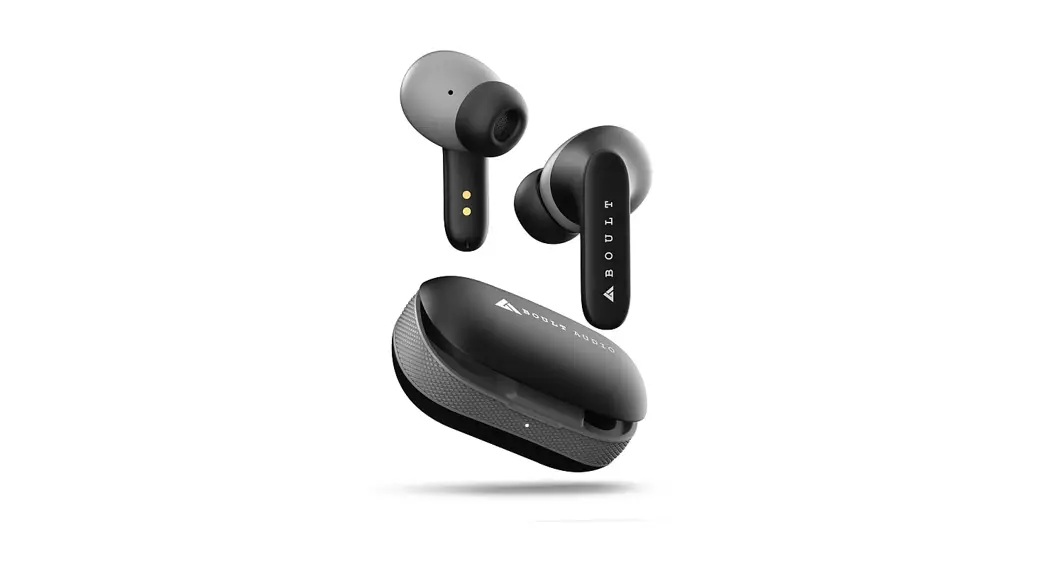
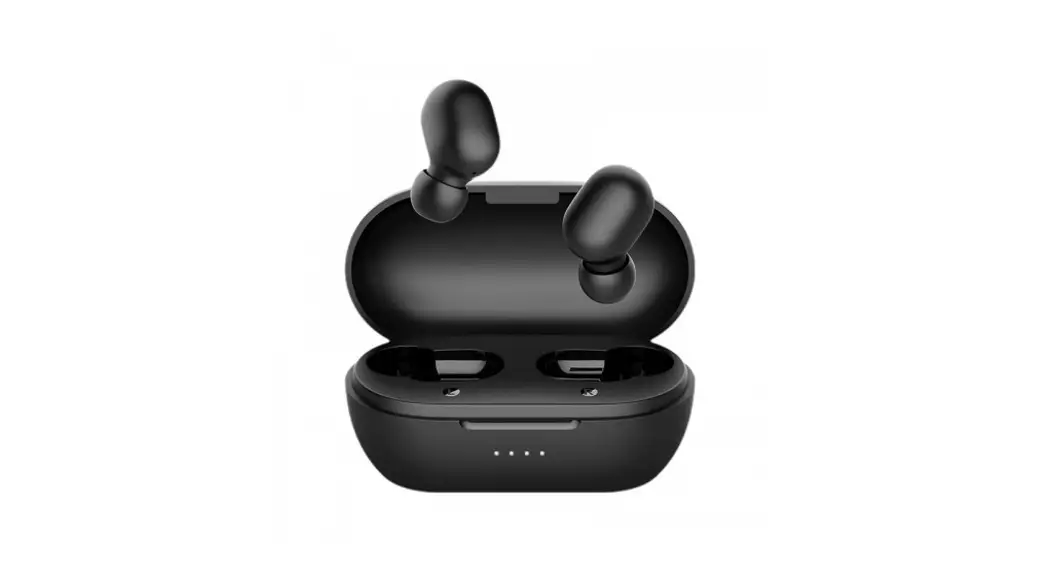
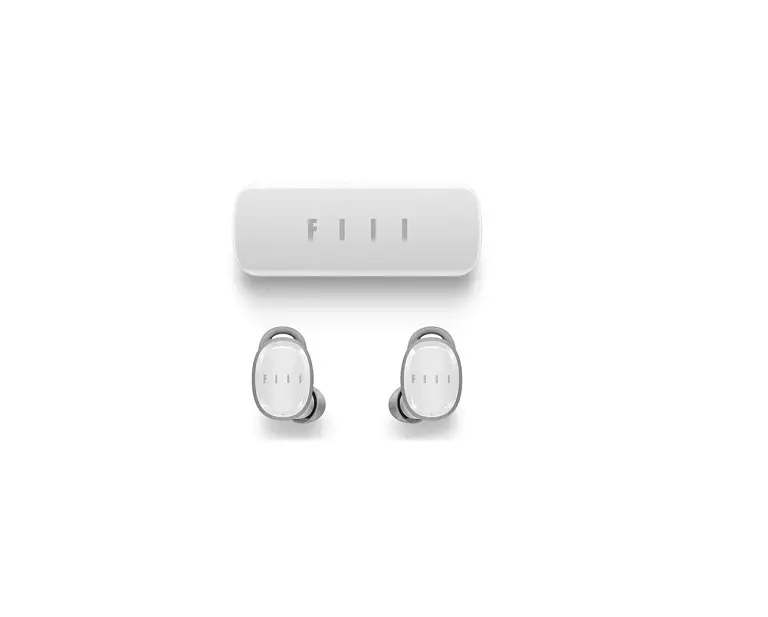
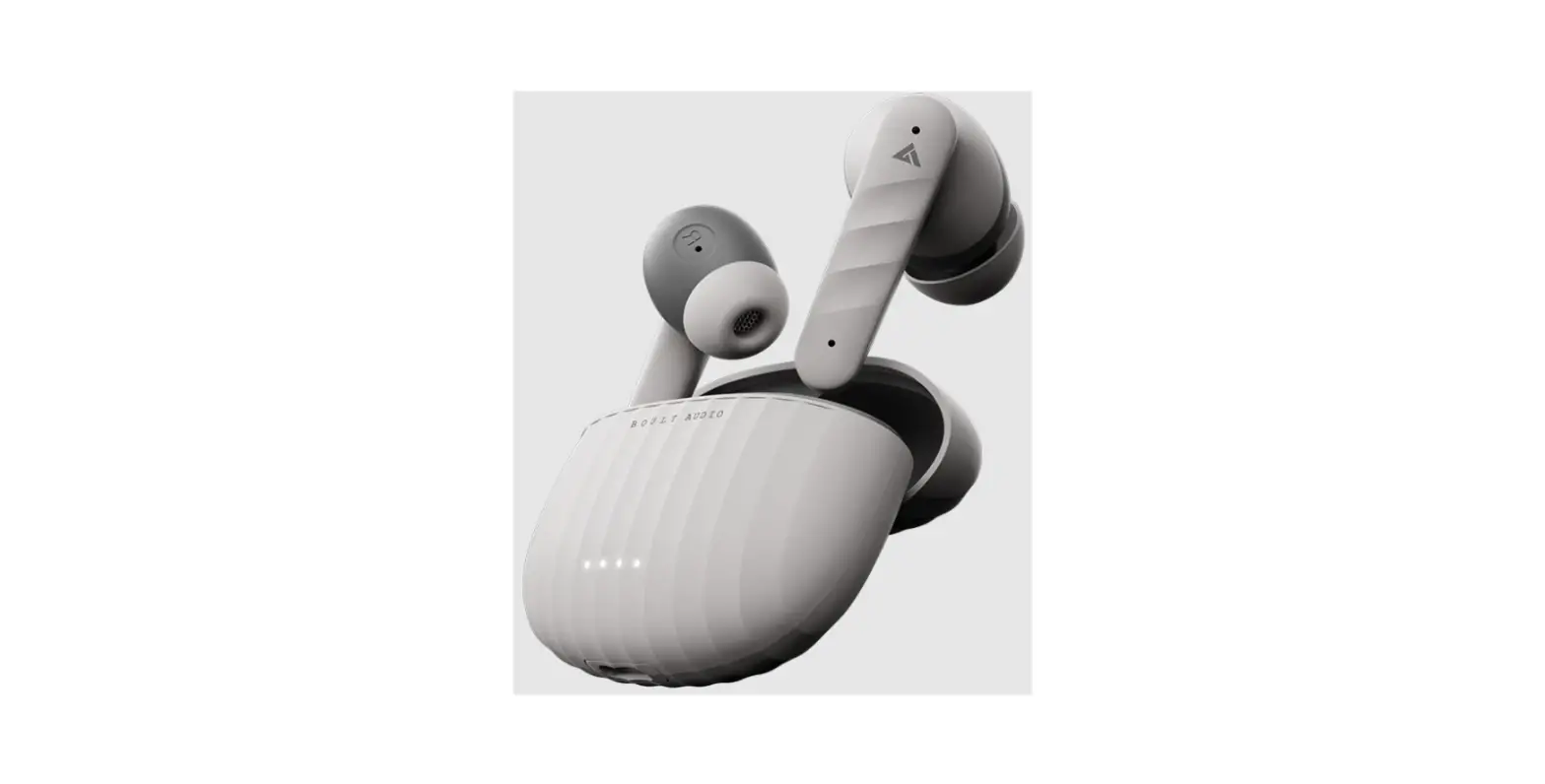
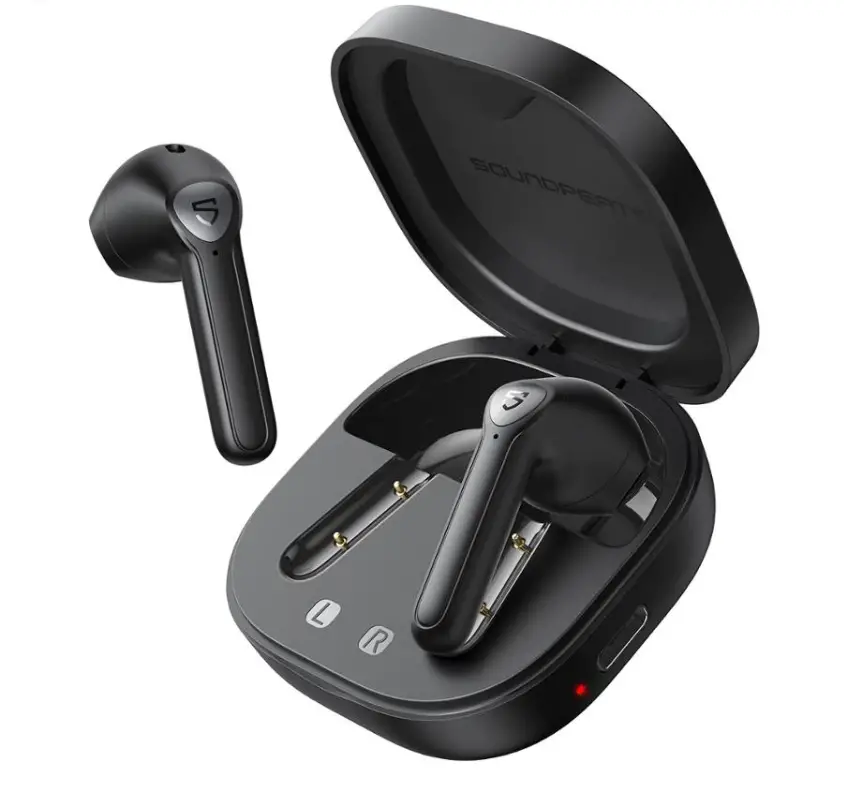
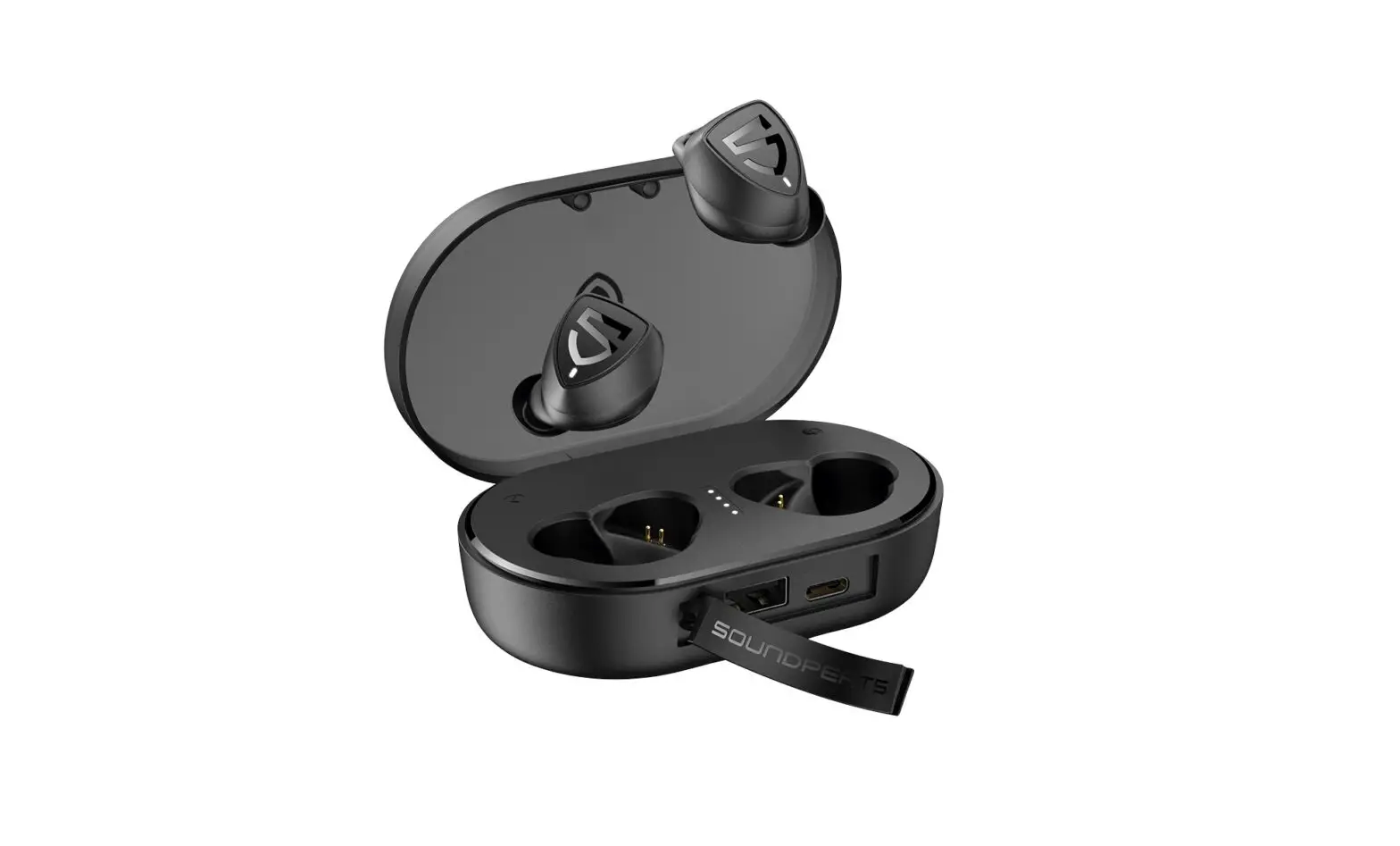
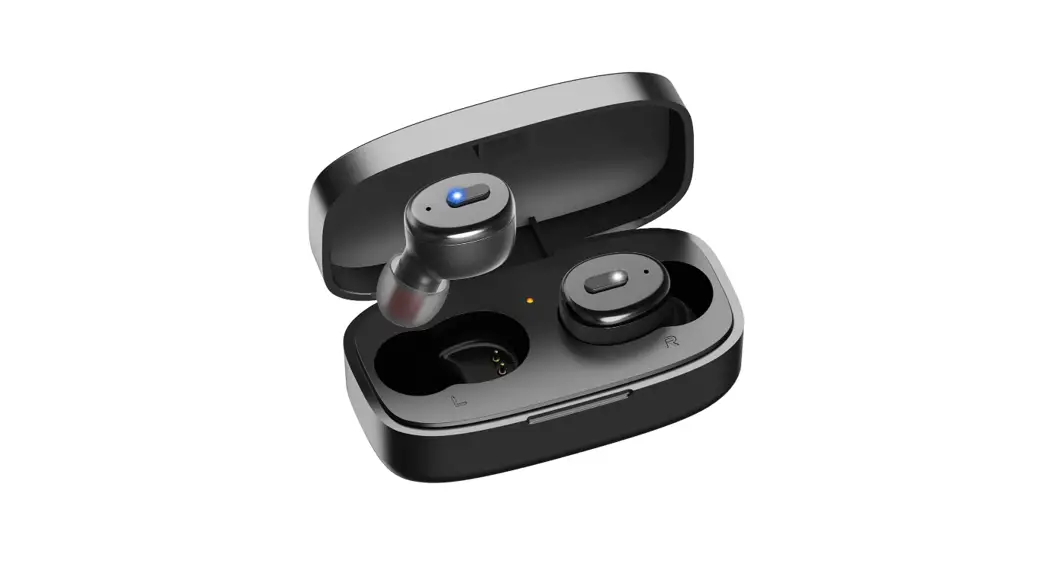
X1 Buds True Wireless Earbuds
Boult Audio X1 Buds User Manual
Product Information:
| Component | Description |
|---|---|
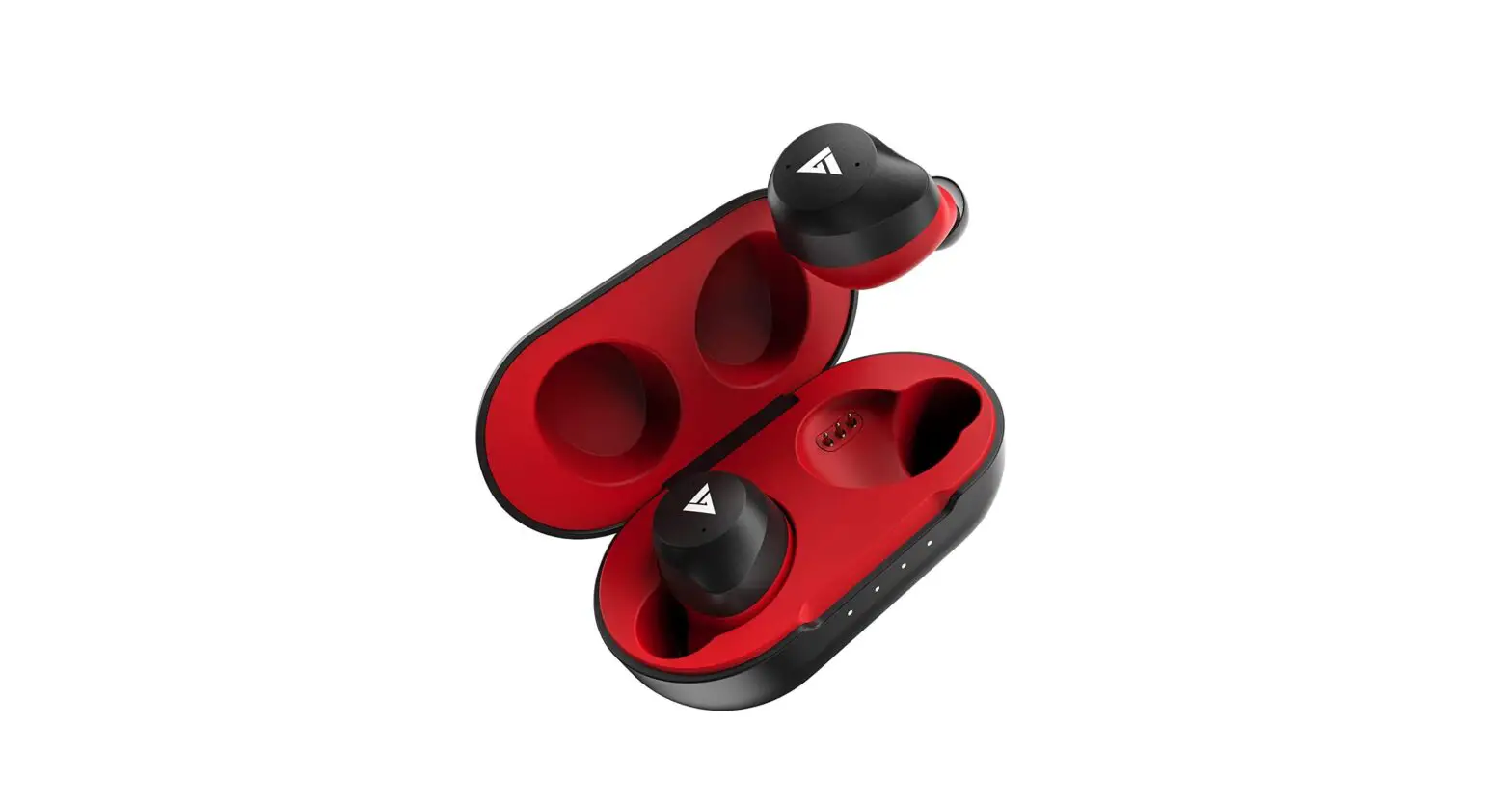
| Case Charging point for Pods | Charging point on the case for the earbuds/pods |
| Pods Charging point | Charging point on the earbuds/pods |
| Charging LED Indicator | Indicator that shows the charging status |
| Power On | Turn on the earbuds automatically when taken out of the case or long press for 2 seconds if the case is not at hand |
| Power Off | Earbuds will automatically turn off and enter charging mode when placed in the case. Disconnecting Bluetooth and leaving the earbuds idle for 3 minutes will also turn them off. |
| Pairing | For the first time pairing, take the earbuds out of the case, search for Bluetooth “Boult Audio Airbass” on your cell phone, and tap to connect. Subsequently, the earbuds will automatically connect with a preconnected device for regular use. |
| Clear to pairing | To clear the pairing record of earbuds and mobile phones, take out the earbuds from the charging case and touch the left and right earbud 5 times. This will clear the record of the Bluetooth device. Then search for the Bluetooth name “Boult Audio Airbass” to pair. |
| Resume pairing of left and right earbuds | Put earbuds in the charging case and charge. After a few minutes, take the earbuds out of the charging case and they will enter into pairing mode automatically. |
| Charging | Put earbuds into the charging case for automatic charging. The LED indicator will flash green to indicate correct placement. |
| Charging Case | Plug the attached Type-C cable into a computer or charger to charge the case. The green light indicator will flash during charging and remain steady after being fully charged. |
| Battery of Charging Case | The indicator light flashes a certain number of times to indicate the battery status of the case. Green light indicates different battery levels ranging from 0-100%. |
| Functional Operation | – Adjust volume through the phone. Use reasonable volume and time to avoid damaging hearing. – In Mono mode, double click the earbud only for next song. |
| Specification | Not provided in the manual extract. |
| Attention | Do not expose the product to strong sunlight, heat, or fire as it may cause the built-in lithium battery to explode. |
| Warning | Not provided in the manual extract. |
Boult Audio X1 Buds User Manual
Product Picture
Case Charging point for Pods
Pods Charging point
Charging LED Indicator
Power On
1. Take the earbuds out of case, they will automatically turn on and pair with each other.
2. Long press for 2s to power on, if the case is not at hand.
Power Off
1. Earbuds will automatically turn off and enter charging mode when they are placed in the case. 2. Disconnecting the Bluetooth from device and laying the earbuds down for 3 mins will turn them off.
Pairing
For the rst time pairing, take the earbuds out of case and search bluetooth “Boult Audio Airbass” on your cell phone, and tap to connect.
X1 BUDS
Regular use: Once next use, the earbuds will automatically connect with a preconnected device.
Clear to pairing
Clear the pairing record of earbuds and mobile phones: Take out the earbuds from the charging case, and touch the left and right earbud 5 times, it will clear the record of the Bluetooth device, Then search for the Bluetooth name “Boult Audio Airbass” to pair.
X1 BUDS
Resume pairing of left and right earbuds: Put earbuds in the charging case and charge, then take earbuds out of the charging case when they are charged a few minutes. they will enter into pairing mode automatically.
Charging
Earbuds: Put earbuds into charging case, and they will be charged automatically. (LED green indicate ashes once you put earbuds right place.)
Charging Case:
Plug the attached Type-C cable in the Computer or charger, the green light indicator ashes when the charging case is being charged, and will keep green light after being fully charged.
Battery of Charging case
Indicator Light One Flash Two Flash Three Flash Four Flash Green light on
Battery Status 0-25% 26-50% 51-75% 76-99% 100%
Note: Please charge for the case with DC5V/1A charger or Computer USB; As the charging and discharging of the
earphones increases, the battery performance will decrease, which is normal for all rechargeable batteries (Don’t press the contact of the spring pin hard to avoid improper use.)
Functional Operation
Tips: 1. The Volume can be adjucted by the phone. Please use the earbud in reasonable volume and time, otherwise it will damage your hearing if you listen the music for long time in high volume. 2. In the Mono mode, double click the earbud only for next song.
Specification
Attention
1. Do not remove or ref it earbuds for any reason, otherwise it will lead to headset damaged and burn. These are not covered by warranty. 2. Do not touch the earbuds in corrosive liquid, otherwise it will cause serious damage, The Manufacturer will not guarantee the damage caused under this situation. 3. Do not put the equipment under too high or too low temperature (Below 0C or above 45C). 4. Please avoid approaching the eyes of children or animals when using equipment lights. 5. Do not use equipment in the thunderstorm weather. Thunderstorms may cause abnormal equipment operation and increase the risk of electric shock. 6. Due to the limit of the environment & connection distance for the bluetooth products, do not use our earbuds in large electromagnetic interference and radiation environment. 7. While driving, try to avoid using earbud to listen to music, make or receive calls, so as not to distract from danger.
Warning
This product contains a built-in lithium battery. Please do not expose this product to strong sunlight, roasting or throwing it into the re, as they may explode.