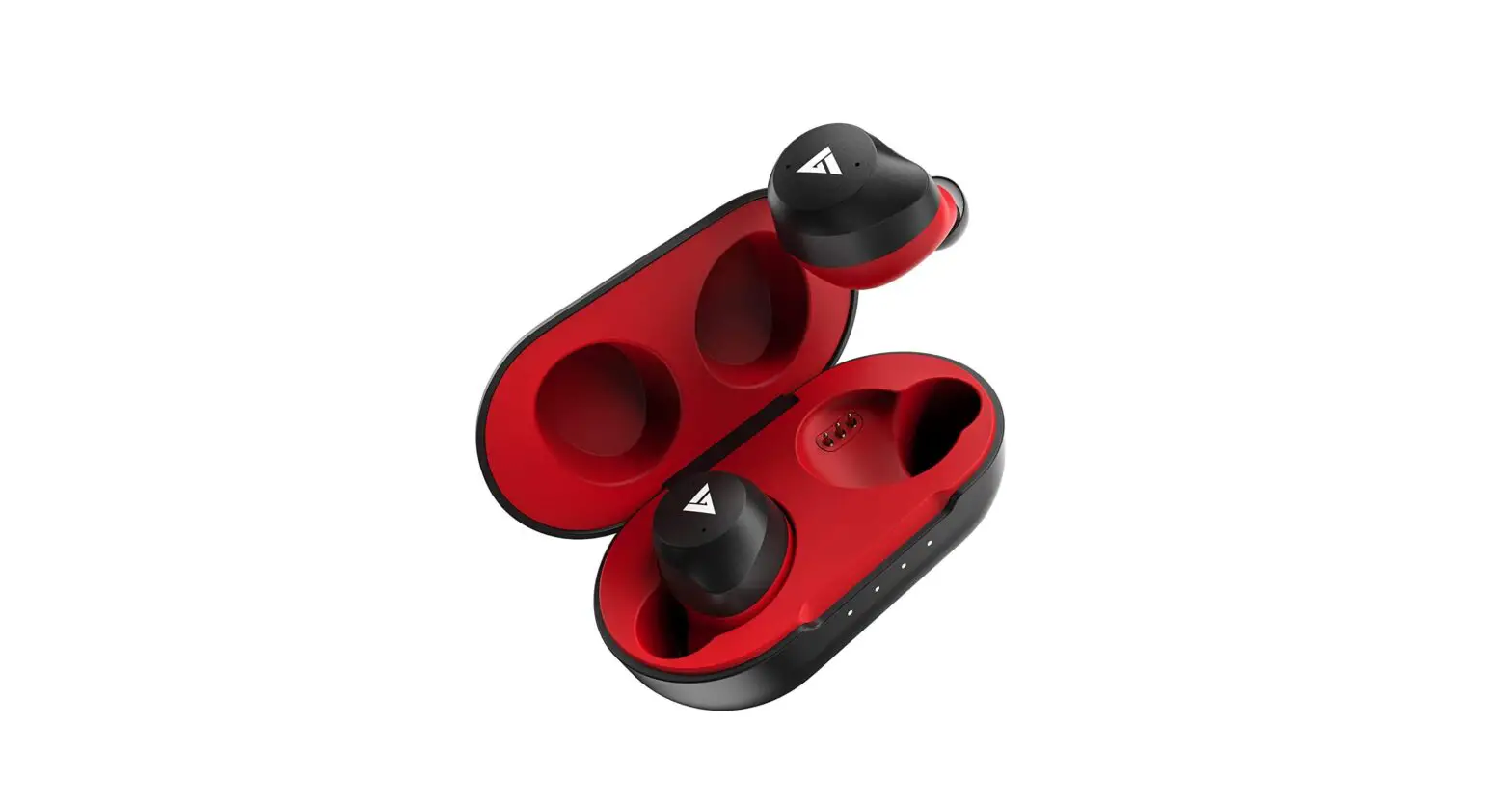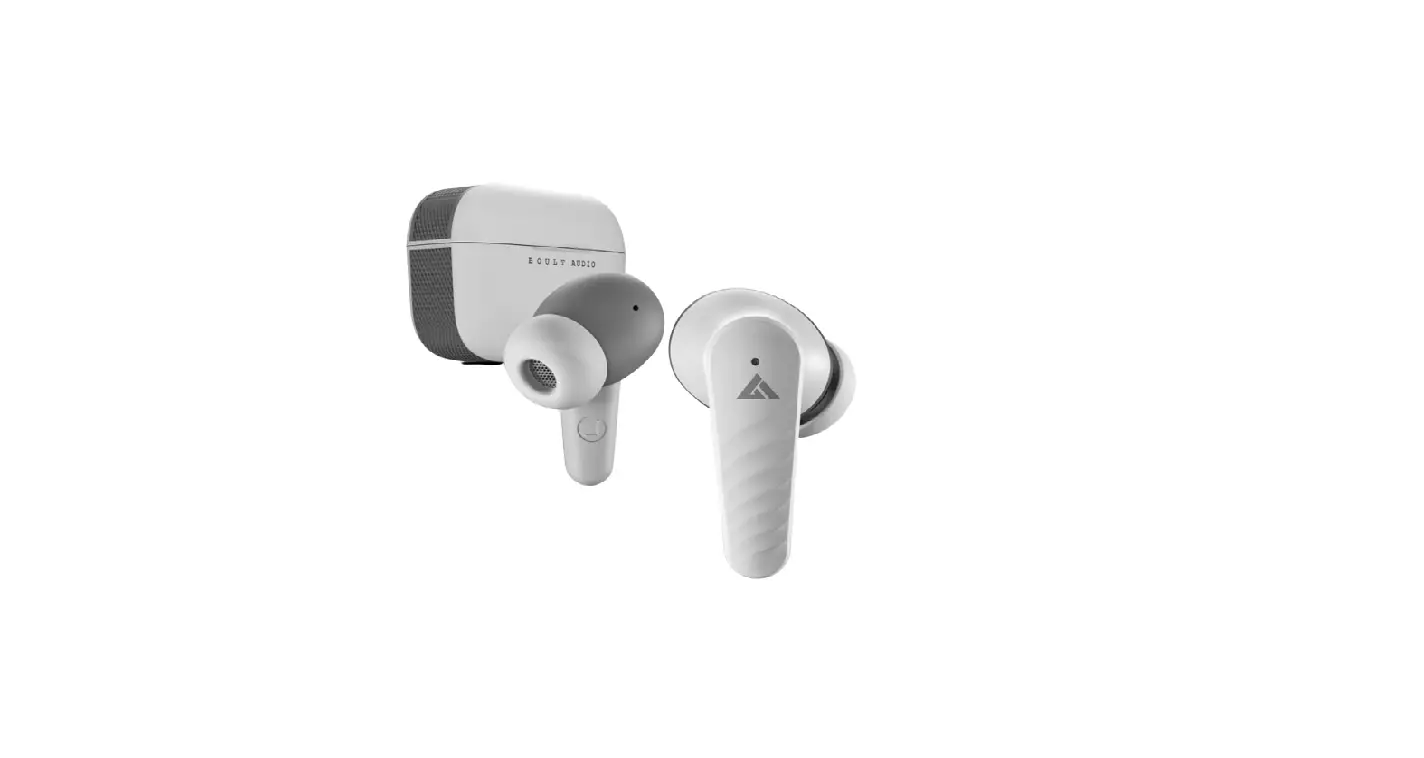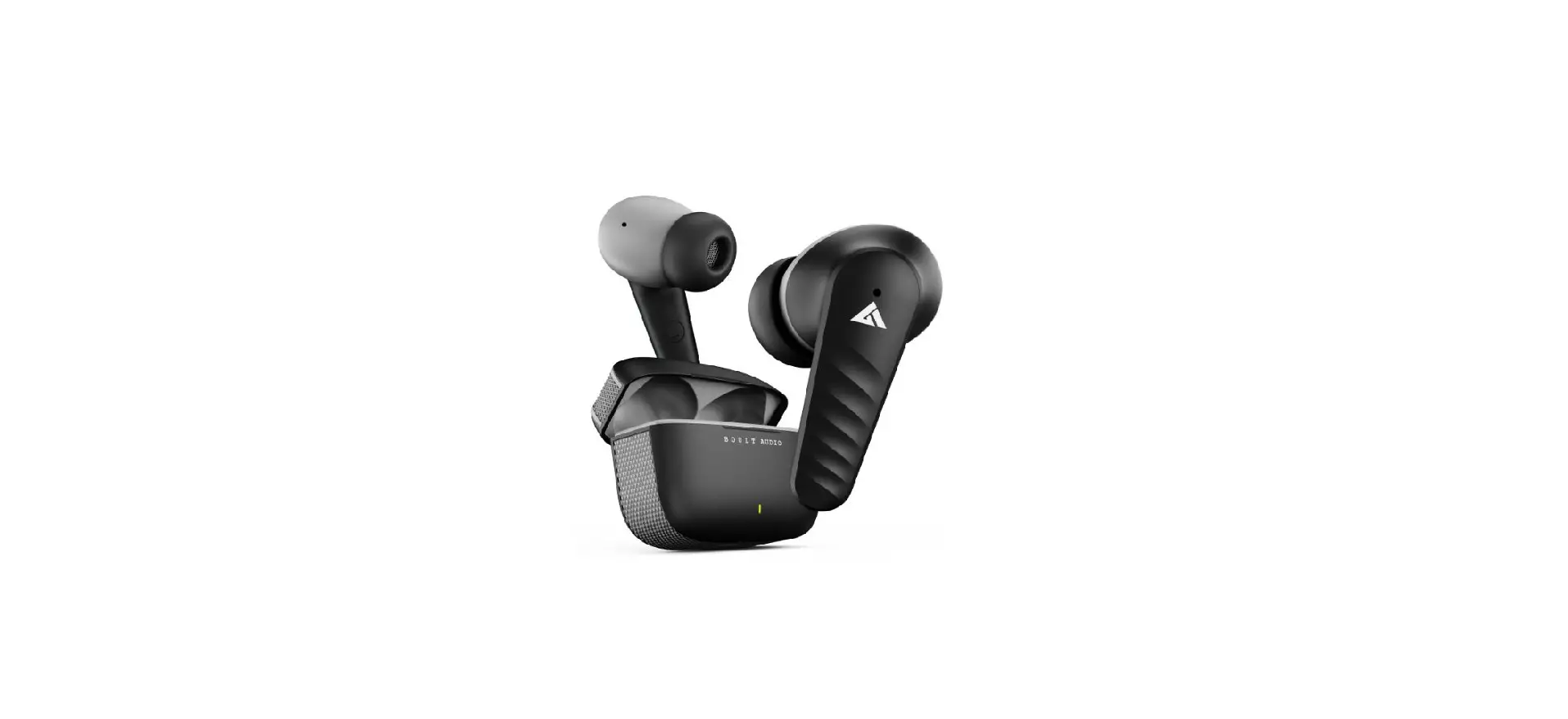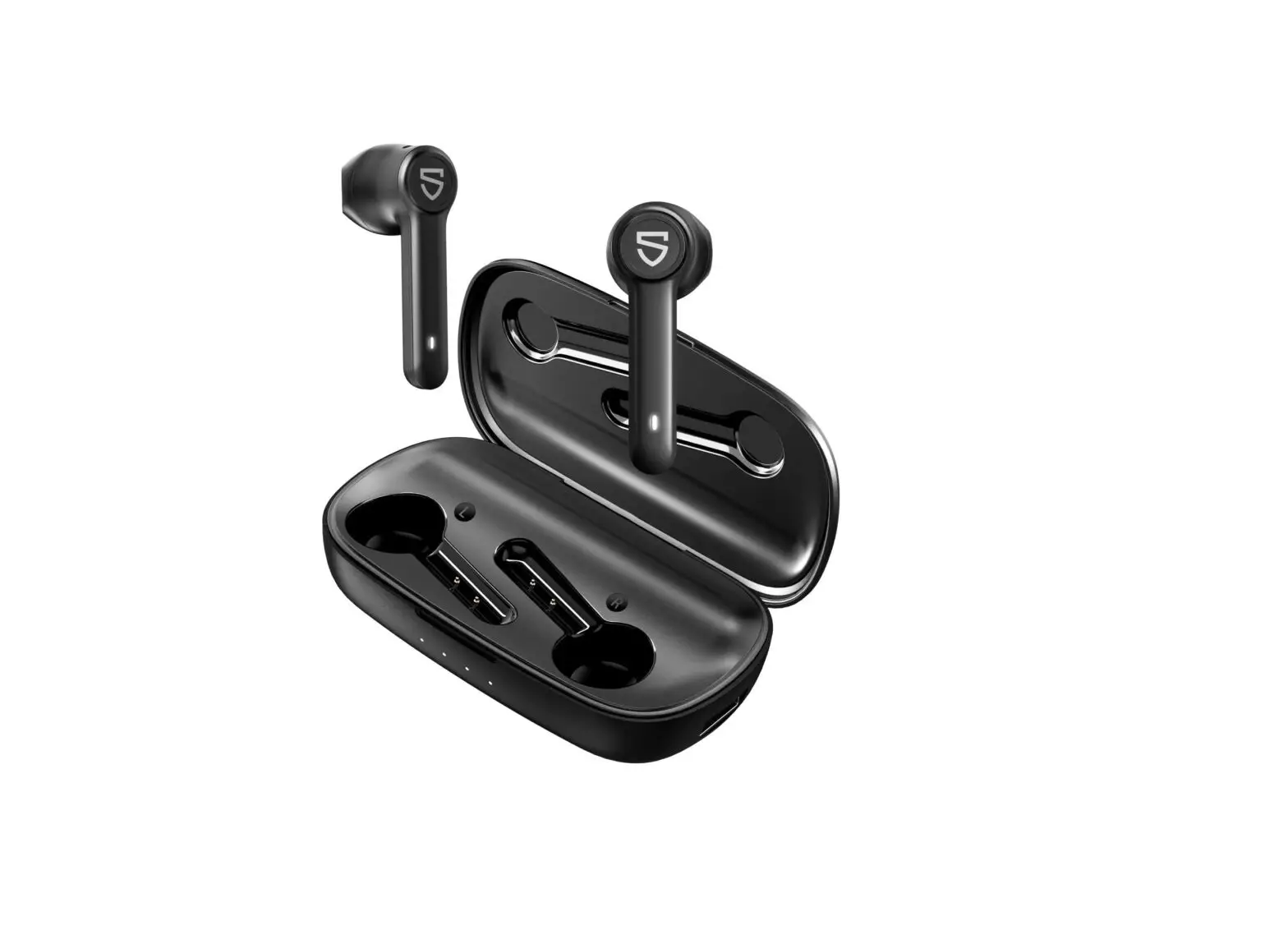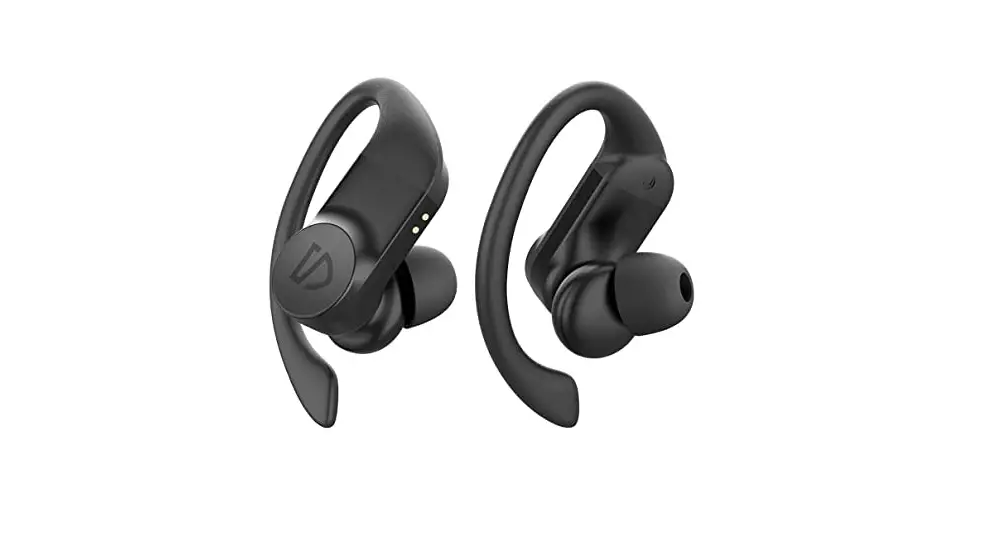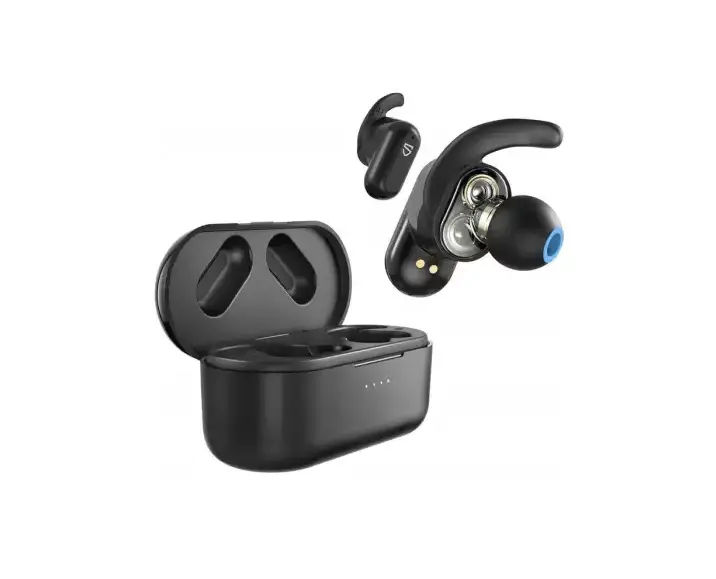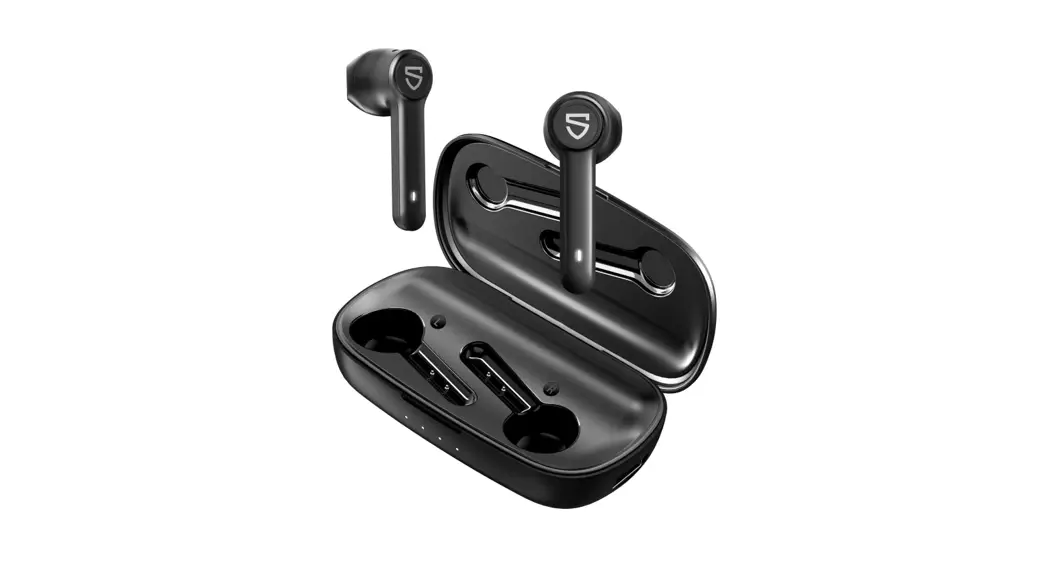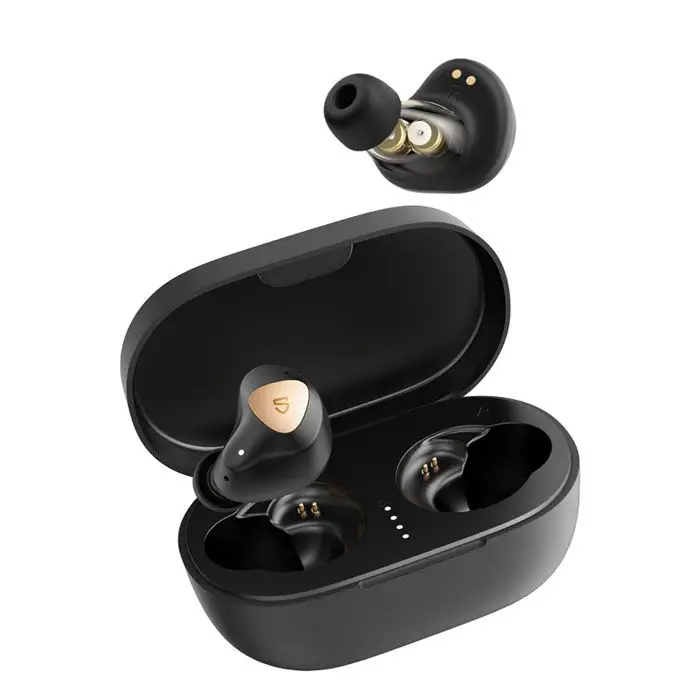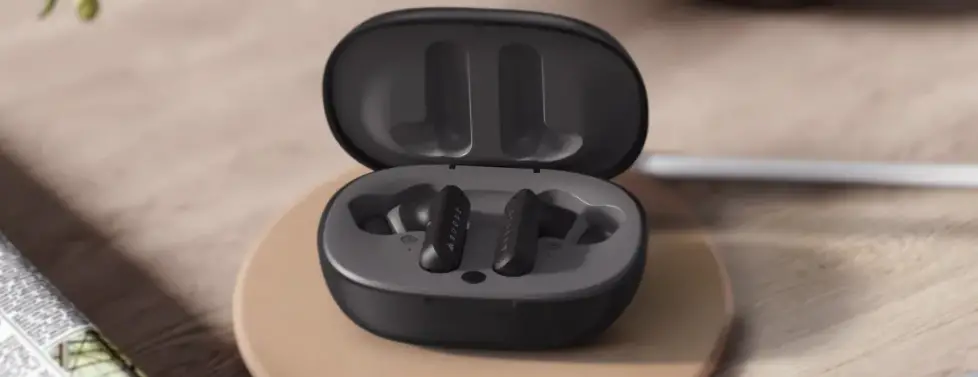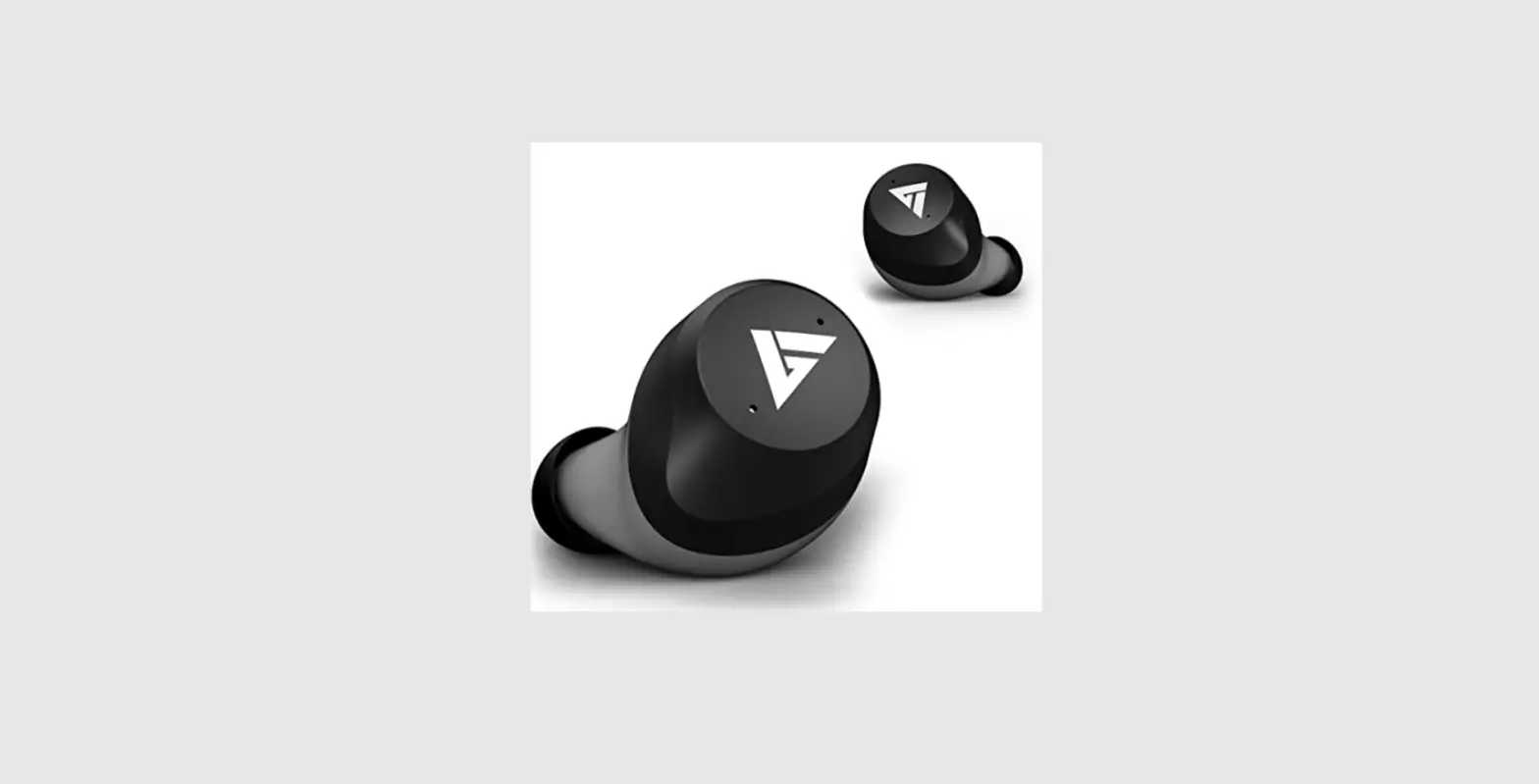

BOULT AUDIO TrueBuds Wireless Earphones
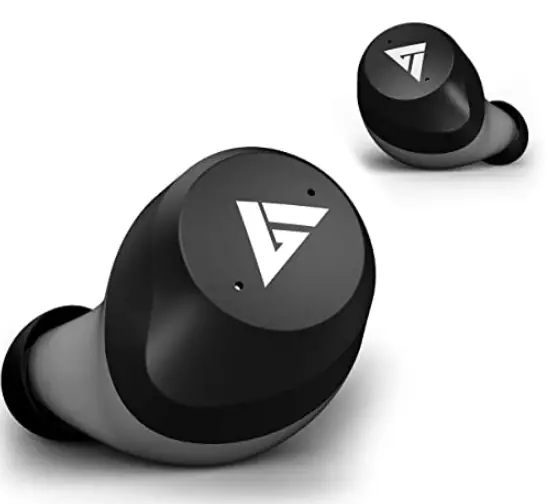
BOULT AUDIO TrueBuds Wireless Earphones
For better sound quality experience, suggest use IOS 8.0/ Android 4.3 or above operation system.
Please refer to the safety precautions mentioned on the last page of this manual before operating this device.
Pairing
When using it for the first time (or not using it for a long time), please make sure to charge the earbuds and charging box before use.
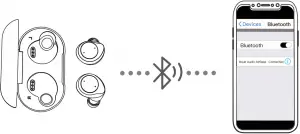
- Open the charging case and take out the earbuds, the earbuds will turn on automatically and enter into the pairing mode.
- The phone turns on Bluetooth, searches for the Bluetooth name “Boult Audio TrueBuds” to connect.
Tips:
- When the red & blue lights of the master earbud flash alternatively, and the salve earbud indicator flash blue slowly, the earbuds are ready to pair with your Bluetooth device.
- When the earbuds indicator flash blue slowly, they have connected with cellphone.
- While using earbuds again, take the L/R earphones out of the charging case and the L/R earbuds will power on and connect to each other automatically, also the master earbud will connect o the bluetooth device automatically, (The last connected Bluetooth device.)
- Both earbuds can be used separately.
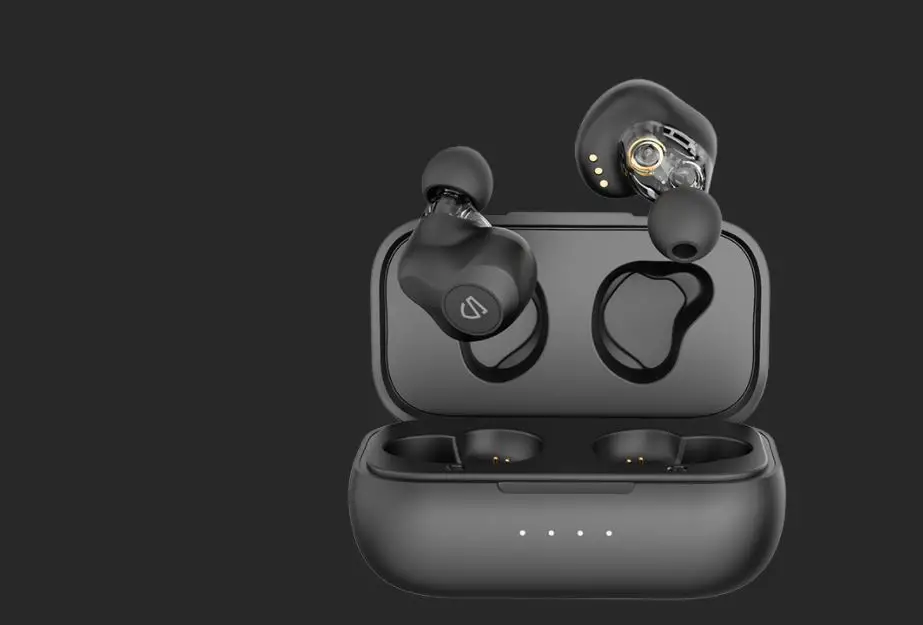
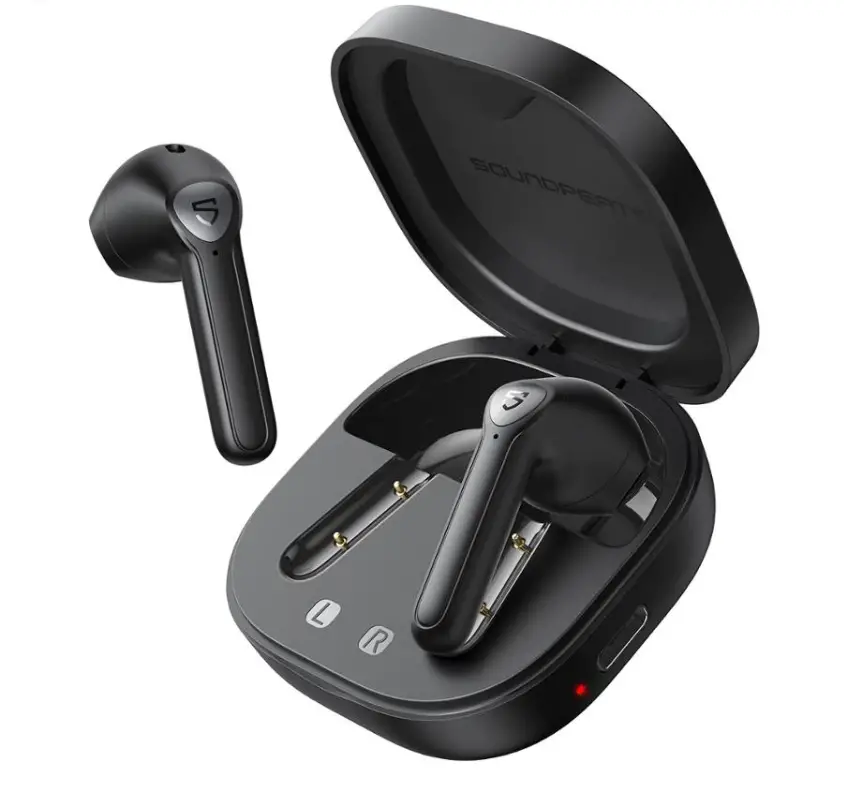
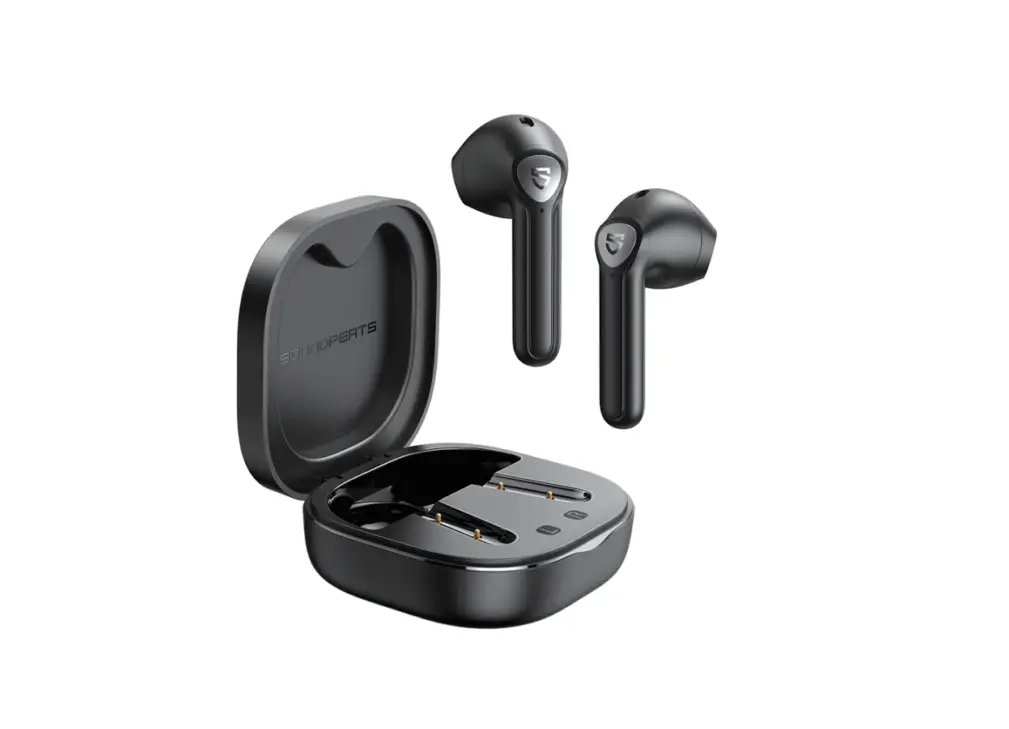
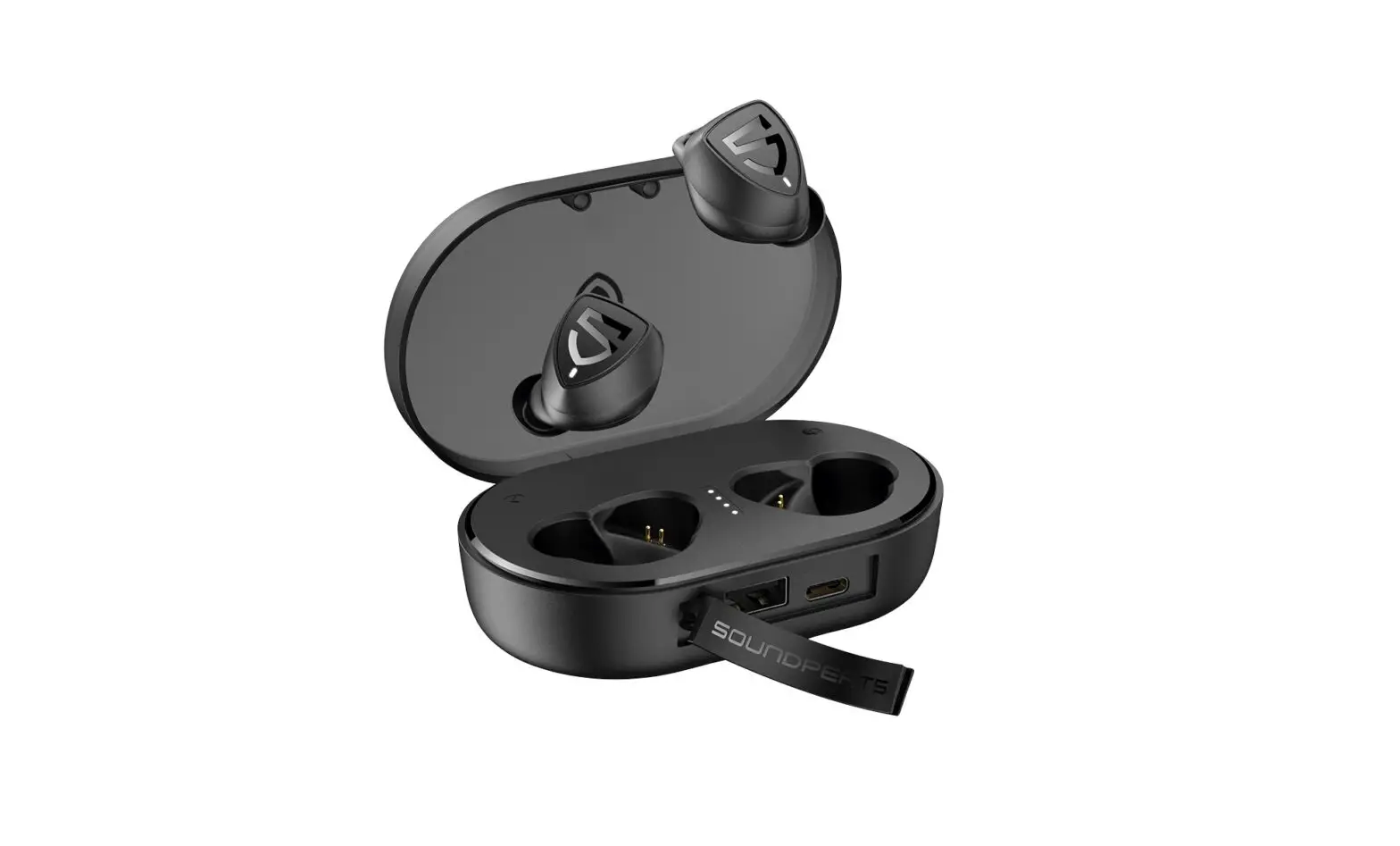
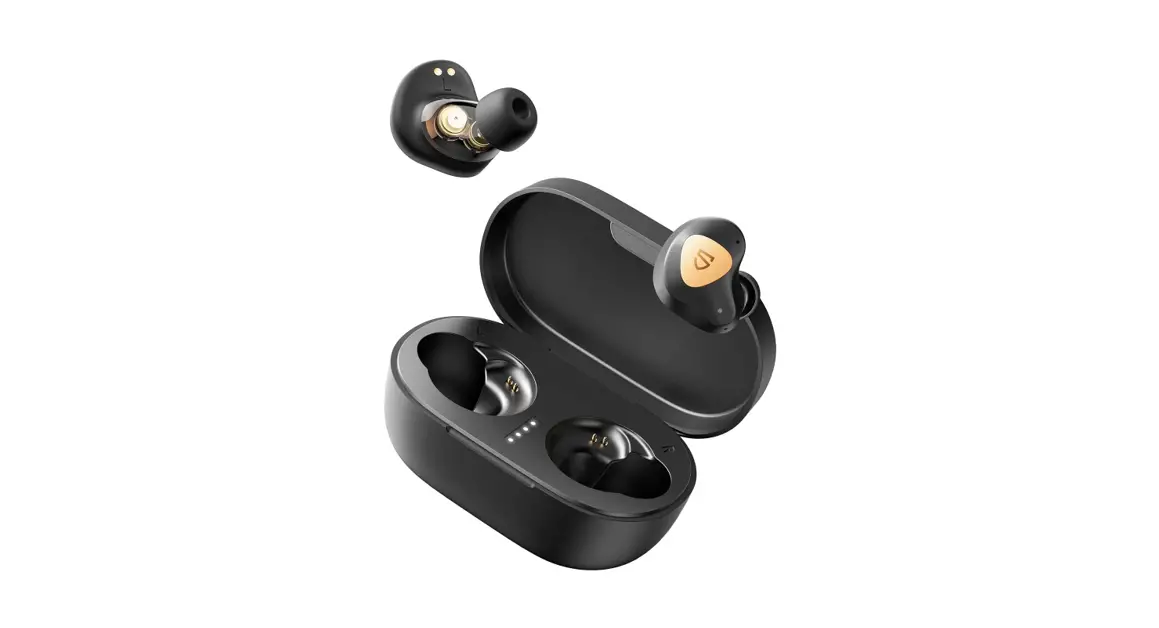
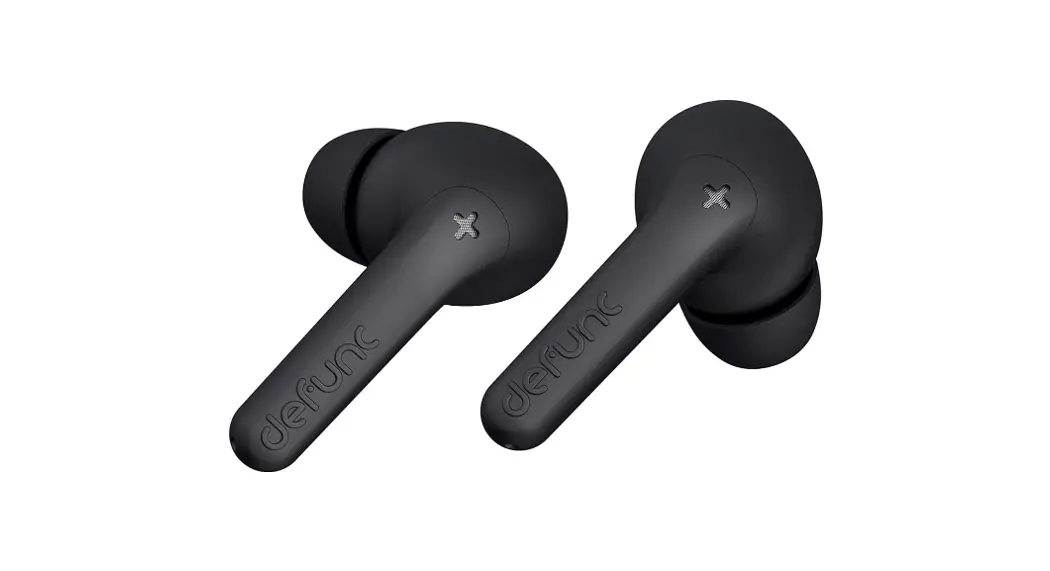
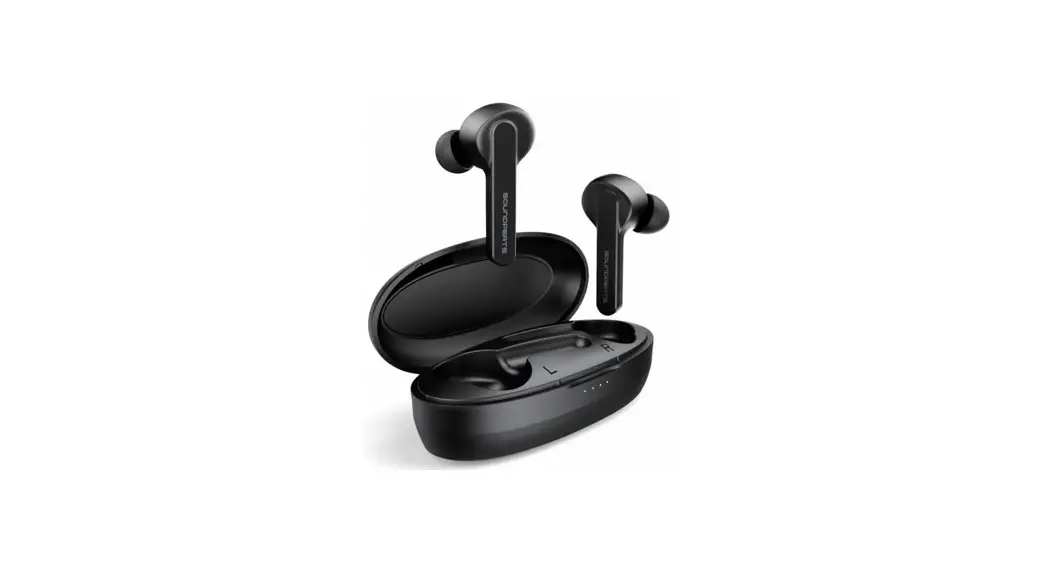
Product Picture
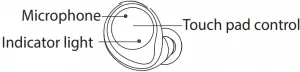
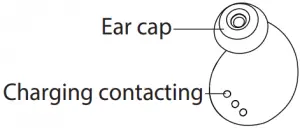
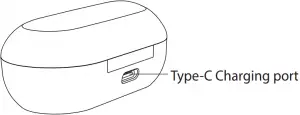
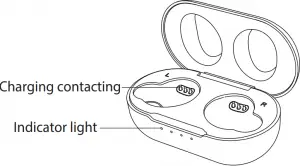
Functional operation
 Play /Pause
  Click
Click Previous Song Double-Click
 Next Song Double-Clickk
 Volume + Press 3S(right earbuds) Volume – Press 3S(left earbud)
 Answer Call/Hang up Click
 Reject Call Press 2S
 Voice Assistant Press 2S
 Power On
  Open the Case Cover/Press 3S Power Off
  Close the case cover/ No Connected in 10 Minutes
Warm Tips:
- When adjusting the earbud volume, please press the operation area of the earbud without releasing until it reaches the desired volume.
- Please use the earbud in reasonable volume and time, othewise it will damage your hearing if you listen the music for long time in high volume.
- In the Mono mode, earbuds cannot adjust the volume. You can adjusted it by phone.
Charging
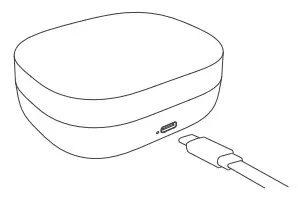
Charging for the charging case
- When charging the indicator light flashes white light.
- When fully charged, the 4 white indicator lights keep lighting, please disconnect charging devices from the charging case.
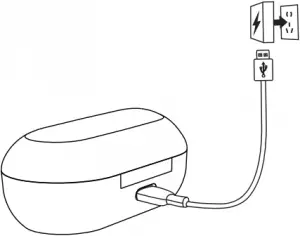
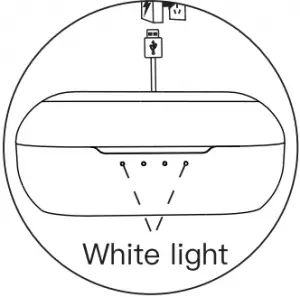
Charging for earbuds
- When charging, the indicator light flashes red light.
- When fully charged, the indicator goes out, the charging case will power off automatically.
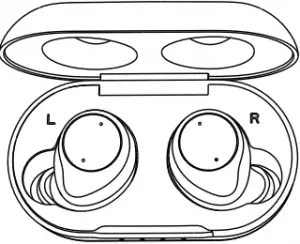
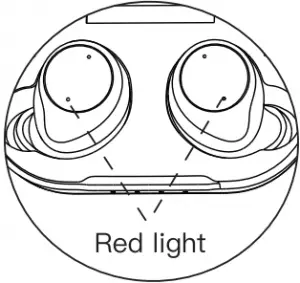
How to reset
If the earbuds cannot be connected to the mobile device, or the left and right earbud cannot be connected normally, please use the following reset method to solve the problem.
Open the charging case and take out the earbuds, when the earbuds flash blue lights, long press the left and right earbud touch control area for 5 seconds at the same time. The earbuds indicators flash red and blue light alternately and then release. They will enter into paring mode automatically.
Note: Please long press when the earbuds flashes blue light, but loog press is invalid when flashes red and blue light.
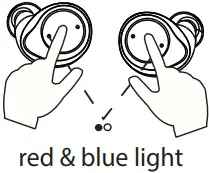

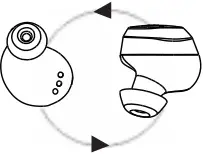
• Long press for 5s • Pairing automatically
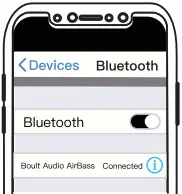
• Search the Bluetooth and connect
Specification
Bluetooth version: V5.0
Support profile: A2DP/AVRCP/HFP/HSP
Transmission distance: 10M
Frequency range: 2402MHz-2480MHz
Driver: Φ6MM*2 Hi-Fi Speaker
Voltage: 3.7V
Standby time: About 80H
Talking time: About 5H
Playing time: About 5H
Earbud Battery 45MAH
Earbud charging time: About 1.5H
Support system: IOS/Android/Windows
Certification: CE/FCC/ROHS
Attention
- Do not remove or refit earbuds for any reason, otherwise it will lead to headset damaged and burn. These are not covered by warranty.
- Do not touch the earbuds in corrosive liquid, otherwise it will cause serious damage. the manufacturer will not guarantee the damage caused under this situation.
- Do not put the equipment under too high or too low temperature (Below 0 ° C or above 45 ° C).
- Please avoid approaching the eyes of children or animals when using equipment lights.
- Do not use equipment in the thunderstorm weather. Thunderstorms may cause abnormal equipment operation and increase the risk of electric shock.
- Due to the limit of the environment & connection distance for the bluetooth products, do not use our earbuds in large electromagnetic interference and radiation environment.
- While driving, try to avoid using earbud to listen to music, make or receive calls, so as not to distract from danger.
Warning!
This product contains a built-in lithium battery. Please do not expose this product to strong sunlight, roasting or throwing it into the re, as they may explode.
FAQ’S
When adjusting the earbud volume, please press the operation area of the earbud without releasing until it reaches the desired volume.
Boult Audio AirBass PowerBuds TWS Earbuds with 120 Hours Total Playtime, Inbuilt Powerbank, Type-C Fast Charging and IPX7 Fully Waterproof (Black)
Fast Charging, 10 mins = 100 mins. Battery Life : 40 Hrs Playtime. With Mic for Pro+ Calling Experience. IPX5 Water Resistant.
There is a charging level indicator plus a button to see the current battery level on the case. On the side is a microUSB port for charging. Since the earbuds use Bluetooth 5.0, they don’t need to be manually connected to each other.
Android 8.1 Devices
All you need to do is pair and connect a Bluetooth device to your phone. Once you’ve done that, open the Settings app and go to Connect Devices. Tap Bluetooth (not the switch next to it). You will see a complete list of all connected devices and their battery level with some exceptions.
You can separately charge an earbud in the charging case, and keep using the other one if it still has power left. Attention: Stereo: When you listen with only one side of the headphones, the left and right stereo channels are not combined, so you will only hear the sound associated with the active side
Many audio and electronics shops will do headphone repairs. If you can’t find a local place to do the work, you can look into shipping your headphones to the manufacturer or an independent repair center for a fix. And depending on the problem, your headphones may be covered by a warranty as well.
Earphones/earbuds typically stop working due to damage to the drivers that produce the sound. These occurrences may cause shorts in the electrical flow of audio or complete disconnection between the drivers and the audio source
One side of your wireless earbuds may not be working because your first time setting the earbuds up might not have run properly. Other reasons include a bug (which requires a manual reset), needing to be reconnected to your other device using Bluetooth and actually having damage to the hardware.
To sync them together turn your bluetooth off and take them out of their case… press the buttons on top of the earbuds twice quickly at the same time.. they should start to pulse/breathe blue and then start flashing(looking for a device) select Jam Ultra in your Bluetooth settings.
To turn on/off ANC, press the ANC button on left earcup. You will hear a voice announcement confirming the change. With ANC on, you will experience a reduction in background noise such as air conditioning. Was this useful?
A noisy environment can drain more battery life than usual. As a general rule, your active noise-canceling headphones use 20-30% more power in a noisy environment. This is because active noise-canceling headphones are set to suppress noise (such as the hum of an aircraft engine), which requires more battery power.
To replace the battery of AirPods, use Hot Air Gun with helical wind to heat the metal cap. Pry up the metal cap from the side with an L letter after heating for about three minutes. Then remove adhesive and pay attention not to damage the flex cable.
VIDEO

www://boultaudio.com/products/