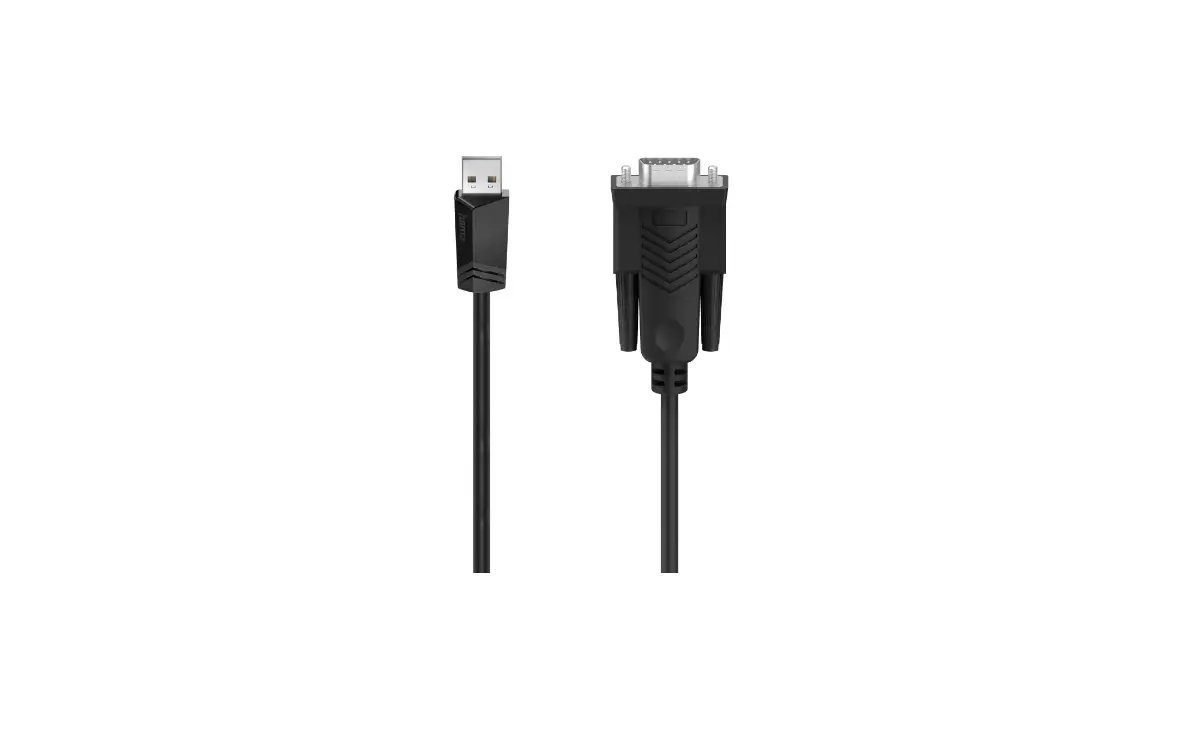
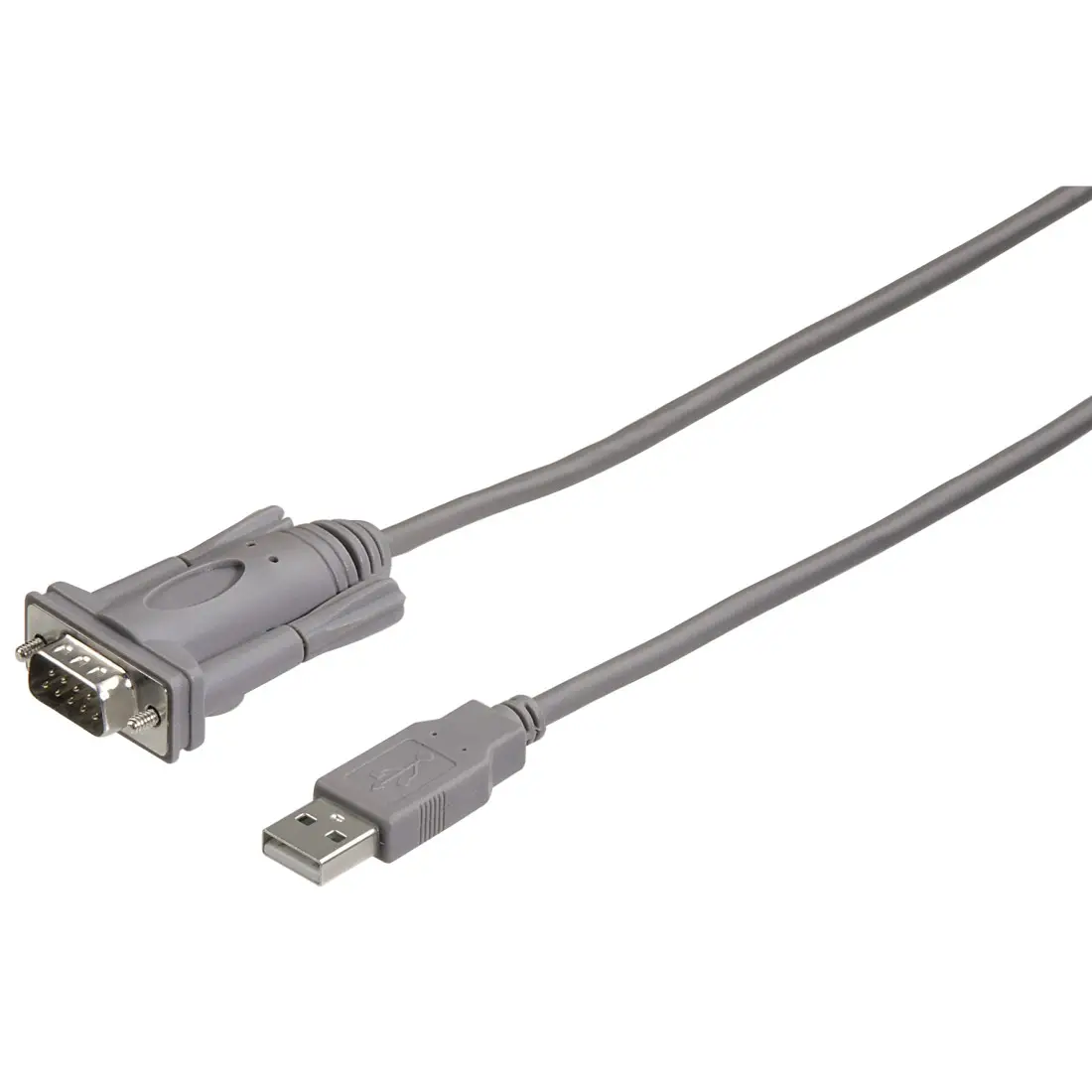
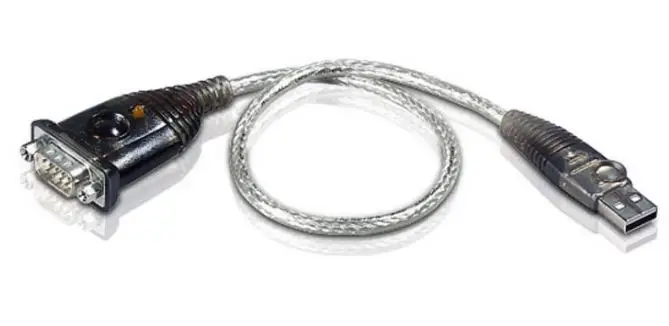
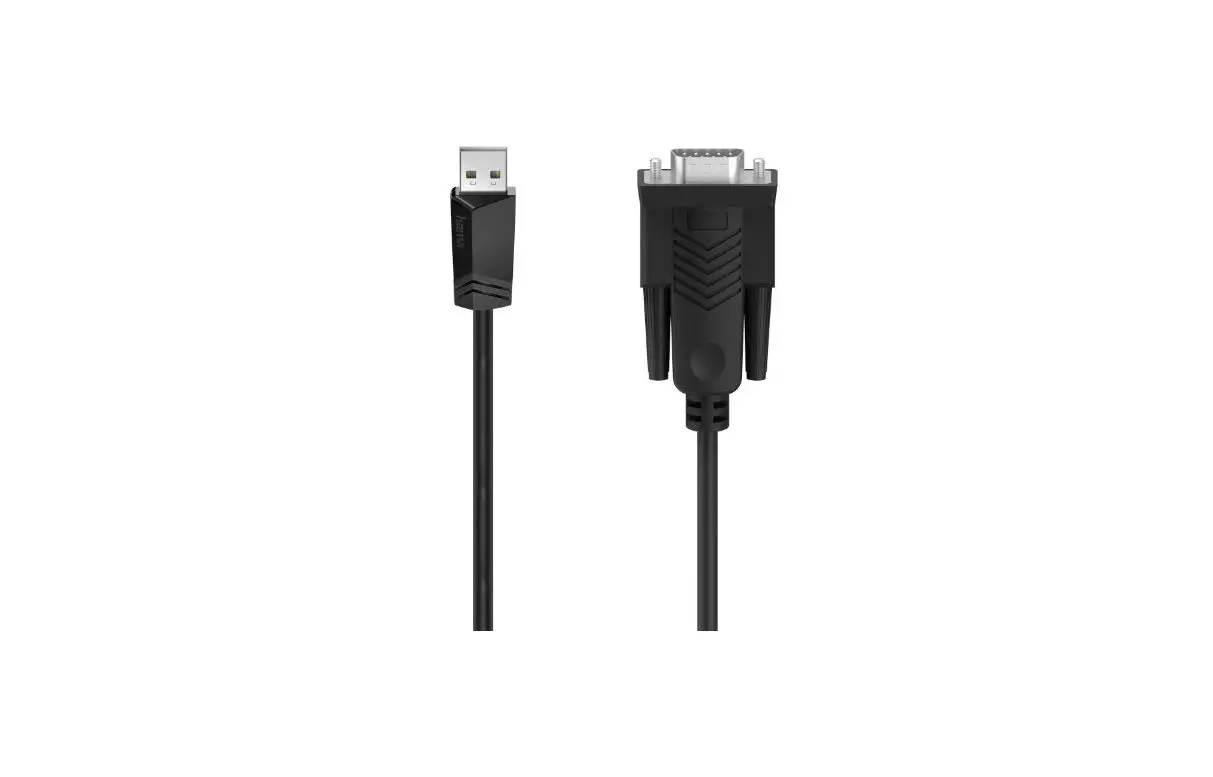
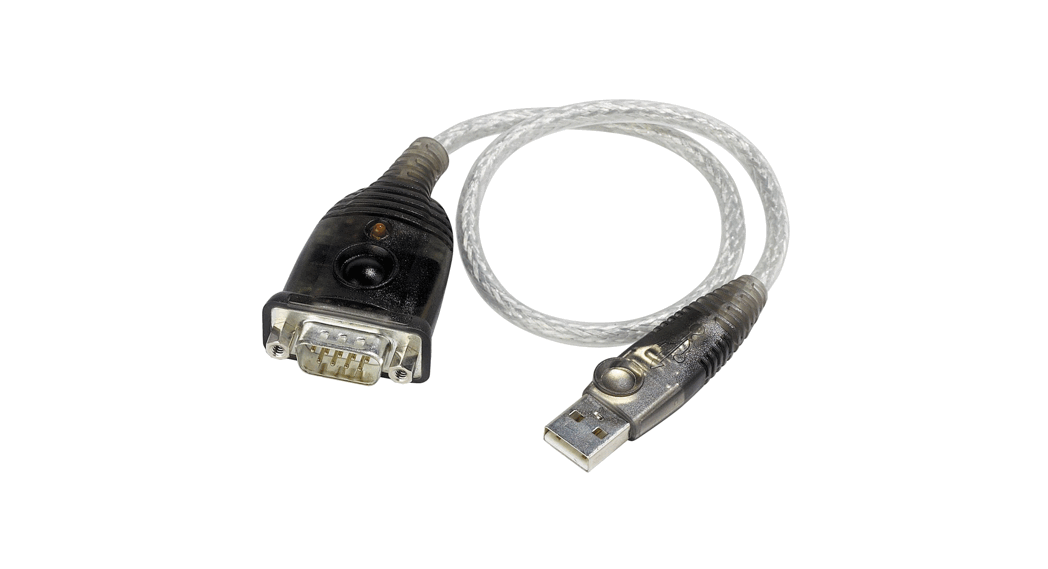
EX-13002 USB Serial Converter
Product Information:
The product is a USB 2.0 A-Plug with pin connectors for signal
and power transmission. It has two pins for signal transmission,
namely DATA- and DATA+, and one pin for power transmission, namely
VCC. The connector also has a GND pin for grounding. The product
comes with a user manual that provides detailed information on the
product’s connectors and status LED’s.
Product Usage Instructions:
- For cleaning the product, use only a dry fluff-less cloth and
remove dirt with gentle pressure. Ensure that no fibers from the
cloth remain in the connectors. Never use a moist or wet cloth for
cleaning. - To install the product, connect the EX-13002 USB to the USB
A-Port on your PC. - Refer to your computer’s reference manual whenever in
doubt. - To continue with driver installation, start your PC and follow
the instructions provided in the manual.
CONNECTORS & STATUS LED`S
USB 2.0 A-Plug:
USB 2.0 A-Plug
Pin
Signal
Pin
1
VCC
3
2
DATA-
4
Signal DATA+
GND
CLEANING
For cleaning please use only a dry fluff less cloth and remove the dirt with gently pressure. In the area of the connectors please make sure that no fibres from the cloth remain in the connectors. Never use a moist or wet cloth for cleaning!
Anleitung
Vers. 1.0 / 28.09.22
AUFBAU
EX-13002
HARDWARE INSTALLATION
Because there are large differences between PC’s, we can give you only a general installation guide for the EX-13002. Please refer your computers reference manual whenever in doubt. 1. Connect the EX-13002 USB to the USB A-Port at the your PC. 2. When you are ready you can start your PC and continue with the point ,,Driver Installation”.
DRIVER INSTALLATION Windows
After the hardware installation Windows will recognize the device automatically and install the drivers. If the driver shoul not be installed automatically, please download the driver from our homepage (www.exsys-shop.de) first. Now select the folder with your operating system and install the driver. Follow the hardware assistant and finish the installation. Important! Restart your PC in any case after installing the drivers. CHECK INSTALLED DRIVER Open the >Device manager<. Now you should see at ,,Ports (COM & LPT)” the following new entry:
If you see this or a similar information the device is installed correctly.
Germany: EXSYS Vertriebs GmbH
Industriestrasse 8 61449 Steinbach www.exsys.de
Switzerland: EXSYS Vertriebs GmbH
Dübendorfstrasse 17 8602 Wangen www.exsys.ch
5
6
USB 2.0 A-Stecker zum Anschluss an PC
S1: 9 Pin Stecker Seriell RS-232
BESCHREIBUNG & TECHNISCHE DATEN
Der EX-13002 ist ein Modul zur Umsetzung von USB 2.0 auf eine RS-232 Schnittstelle mit FIFO 16C550 Port für den Anschluss von High Speed Seriellen RS-232 Peripherie Geräten (z.B. Modem, Plotter usw.). Die EX-13002 ist mit einem USB 2.0 A-Stecker zum Anschluss an den PC und einem RS-232 seriellen 9 Pin Stecker für Endgeräte ausgestattet. Das USB Modul ist Hot Plug & Play fähig. Für die Einstellungen der I/O Adressen und Interrupts sind keine Jumper und Einstellungen notwendig, da die Einstellungen automatisch vom System BIOS und bei der Installation des Betriebssystems vorgenommen werden.
Kompatibilität: Betriebssysteme:
Anschlüsse: Lieferumfang:
USB 1.1, 2.0 & 3.2 Windows 9.x / ME / 2000 / XP / Vista / 7 / 8.x / 10 / 11 / Server 20xx/ Linux / MAC 1x USB 2.0 A-Stecker, 1x 9 Pin Stecker Seriell RS-232 EX-13002, Anleitung
Zertifikate:
ANSCHLÜSSE & STATUS LED`S
RS-232 Anschlussbelegung: DB 9M
9 Pin Stecker Seriell RS-232
Pin Signal Pin Signal
1
DCD
6
DSR
2
RXD
7
RTS
3
TXD
8 CTS
4
DTR
9
RI
5 GND
Verdrahtung RS-232
DB9 (EX-13002) 1 DCD 2 RXD 3 TXD 4 DTR 5 GND 6 DSR 7 RTS 8 CTS
RS-232 (Endgerät) 1 DCD 2 RXD 3 TXD 4 DTR 5 GND 6 DSR 7 RTS 8 CTS
1
ANSCHLÜSSE & STATUS LED`S
USB 2.0 A-Stecker:
USB 2.0 A-Stecker
Pin
Signal
Pin
1
VCC
3
2
DATA-
4
Signal DATA+
GND
REINIGUNG
Zur Reinigung des Gerätes verwenden Sie bitte ausschließlich ein trockenes nicht faserndes Tuch und entfernen Sie die Verschmutzung mit leichtem Druck. Im Bereich der Anschlüsse bitte darauf Achten, dass keine Fasern des Tuchs in der Buchse hinterlassen werden. Verwenden Sie bitte zu Reinigung in keinem Fall ein feuchtes oder nasses Tuch!
Manual
Vers. 1.0 / 28.09.22
LAYOUT
EX-13002
HARDWARE INSTALLATION
Beachten Sie bitte die folgenden Installationshinweise. Da es große Unterschiede zwischen PC`s gibt, können wir Ihnen nur eine generelle Anleitung zum Einbau der EX-13002 geben. Bei Unklarheiten halten Sie sich bitte an die Bedienungsanleitung Ihres Computersystems. 1. Schließen Sie die EX-13002 an eine USB A-Buchse Ihres PC`s an. 2. Jetzt können Sie Ihren PC starten und mit dem Punkt ,,Treiber Installation” fortfahren.
TREIBER INSTALLATION Windows
Nach Abschluss der Hardwareinstallation erkennt das Betriebssystem automatisch den Adapter und installiert diesen! Falls die Treiber nicht automatisch installiert werden sollten, laden Sie bitte als erstes den Treiber auf unserer Homepage (www.exsys-shop.de) herunter. Nun wählen Sie den Ordner Ihres Betriebssystems aus und installieren Sie die Treiber. Folgen Sie den Installationsanweisungen und schließen Sie die Installation ab. Wichtig! Starten Sie Ihren PC nach der Installation neu. ÜBERPRÜFEN DES INSTALLIERTEN TREIBER Öffnen Sie den >Geräte-Manager<. Jetzt müssten Sie unter ,,Anschlüsse (COM & LPT)” folgenden Eintrag sehen:
Ist dieser oder ein ähnlicher Eintrag vorhanden, ist die EX-13002 richtig installiert.
Deutschland: EXSYS Vertriebs GmbH
Industriestrasse 8 61449 Steinbach www.exsys.de
Schweiz: EXSYS Vertriebs GmbH
Dübendorfstrasse 17 8602 Wangen www.exsys.ch
2
3
USB 2.0 A-Plug for connection to PC
S1: 9 Pin Serial RS-232 Connector
DESCRIPTION & TECHNICAL INFORMATION
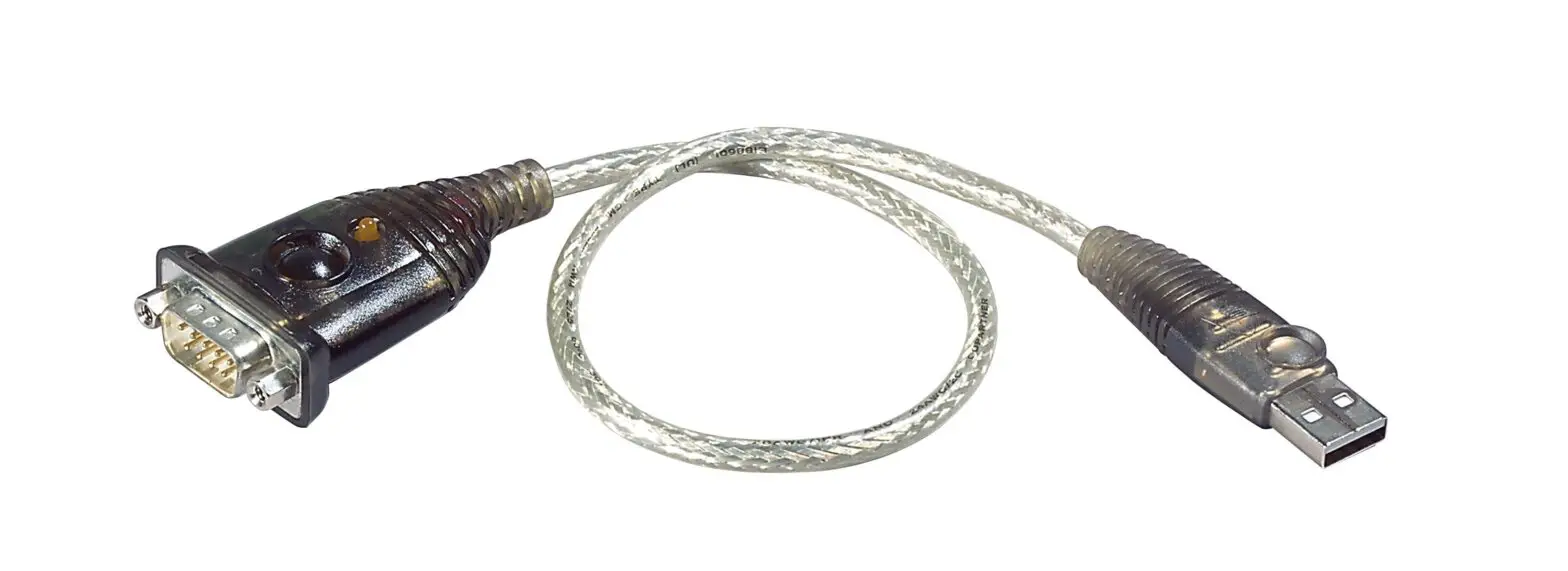
The EX-13002 is a module for converting USB 2.0 to RS-232 interface with FIFO 16C550 port for connecting high speed serial RS-232 peripheral devices (e.g. modem, plotter etc.). The EX13002 is equipped with a USB 2.0 A-Plug for connection to the PC and a RS-232 serial 9 pin connector for terminal devices. The USB module is hot plug & play capable. No jumpers and settings are required for I/O address and interrupt settings, as the settings are automatically made by the system BIOS and when the operating system is installed.
Compatibility: Operating Systems:
Connectors: Extent of delivery:
USB 1.1, 2.0 & 3.2 Windows 9.x / ME / 2000 / XP / Vista / 7 / 8.x / 10 / 11 / Server 20xx/ Linux / MAC 1x USB 2.0 A-Plug, 1x 9 Pin Serial RS-232 Connector EX-13002, Manual
Certificates:
CONNECTORS & STATUS LED`S
RS-232 Pin Assignments:
DB 9M
RS-232 Cable Wiring
9 Pin Serial RS-232 Connector
Pin Signal Pin Signal
1
DCD
6
DSR
2
RXD
7
RTS
3
TXD
8
CTS
4
DTR
9
RI
5 GND
DB9 (EX-13002) 1 DCD 2 RXD 3 TXD 4 DTR 5 GND 6 DSR 7 RTS 8 CTS
RS-232 (Device) 1 DCD 2 RXD 3 TXD 4 DTR 5 GND 6 DSR 7 RTS 8 CTS
4
 Exsys Online Shop DE
 EXSYS Shop Schweiz
 Exsys Online Shop DE