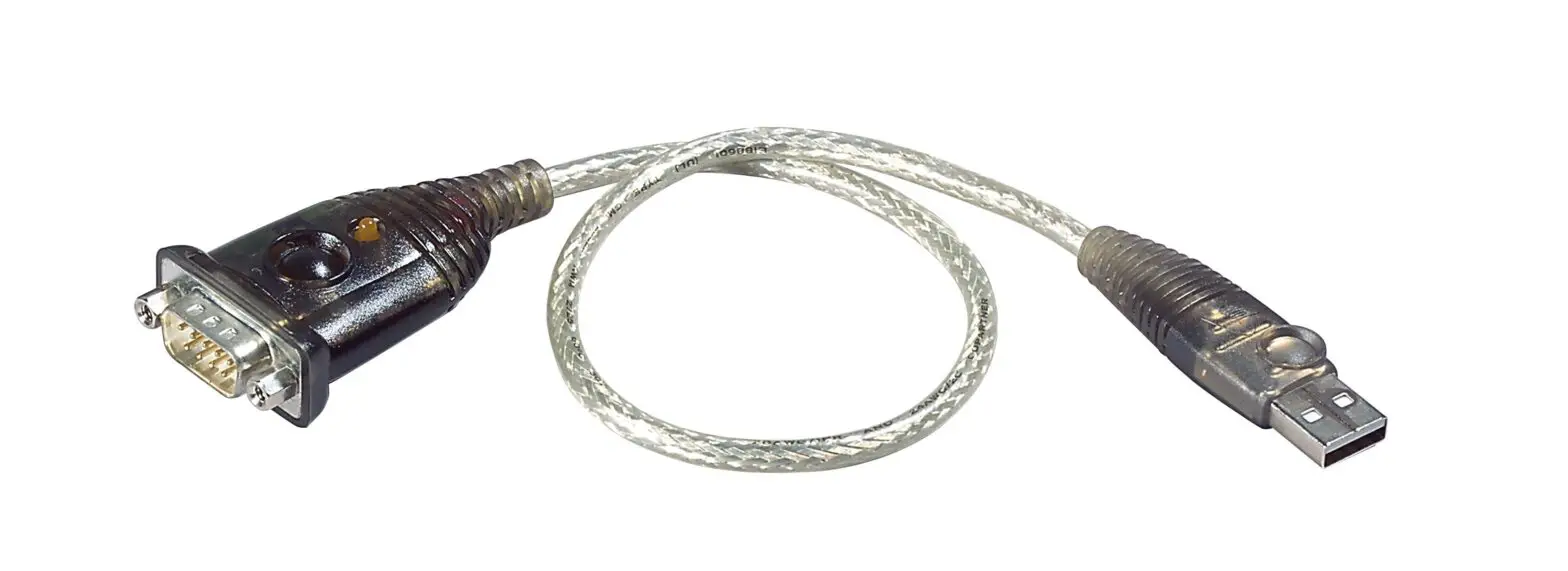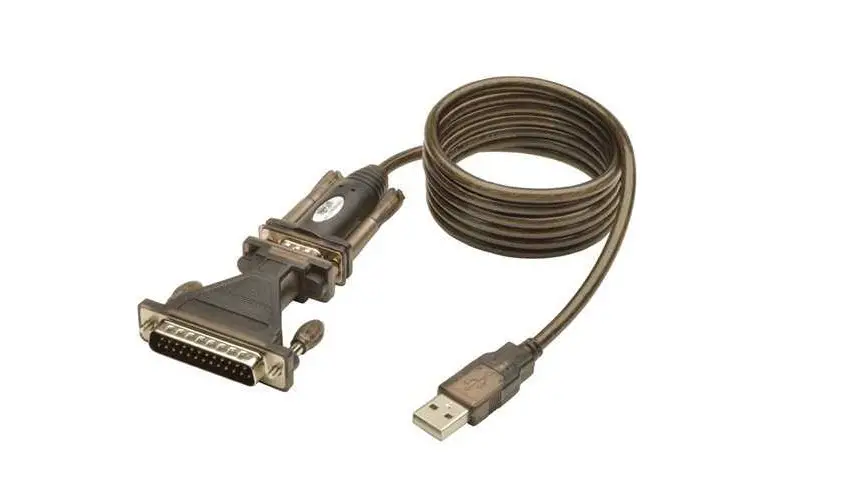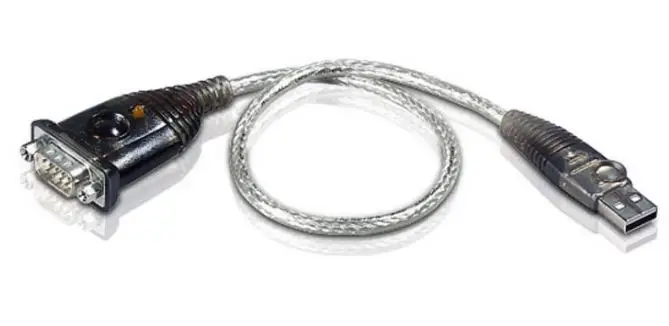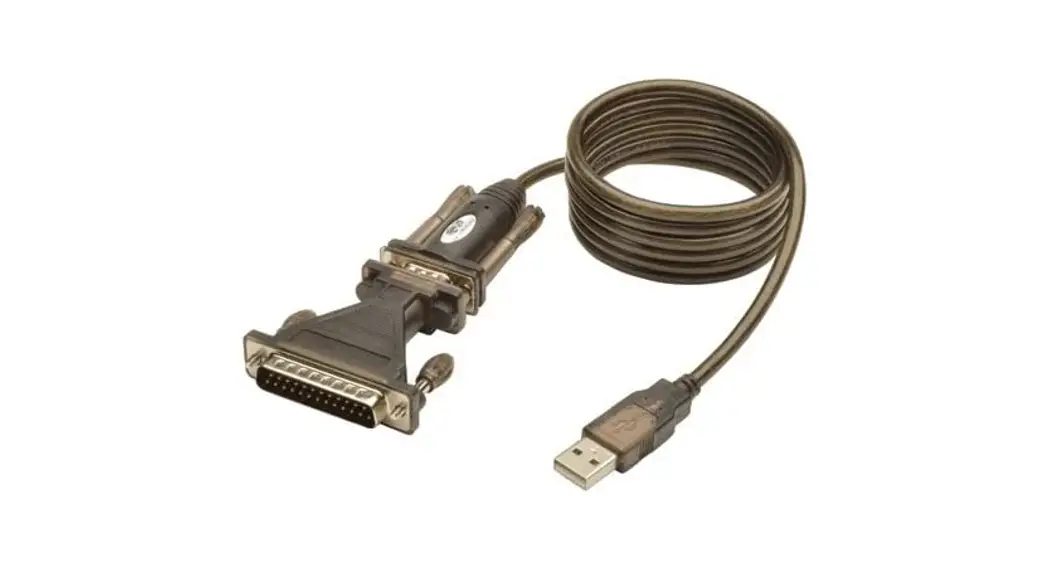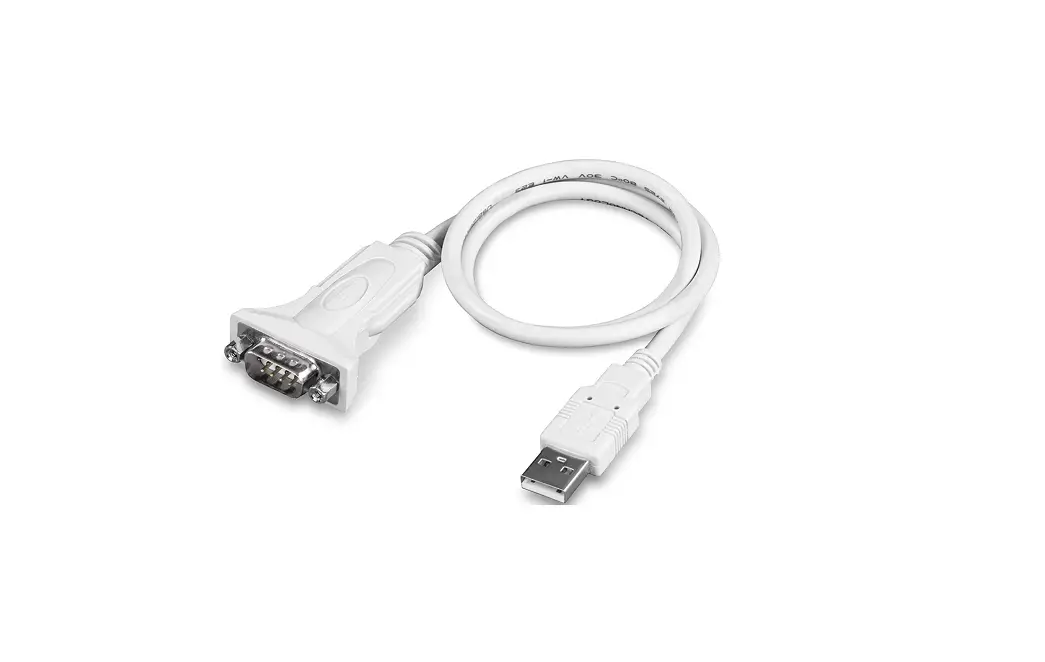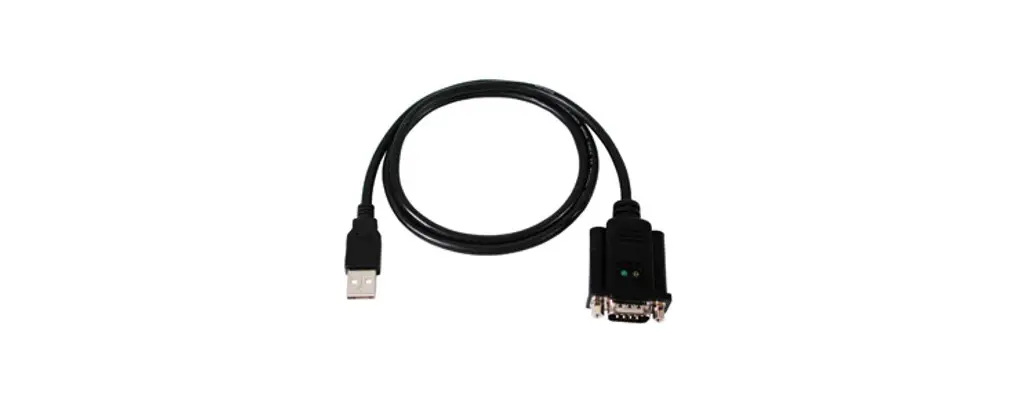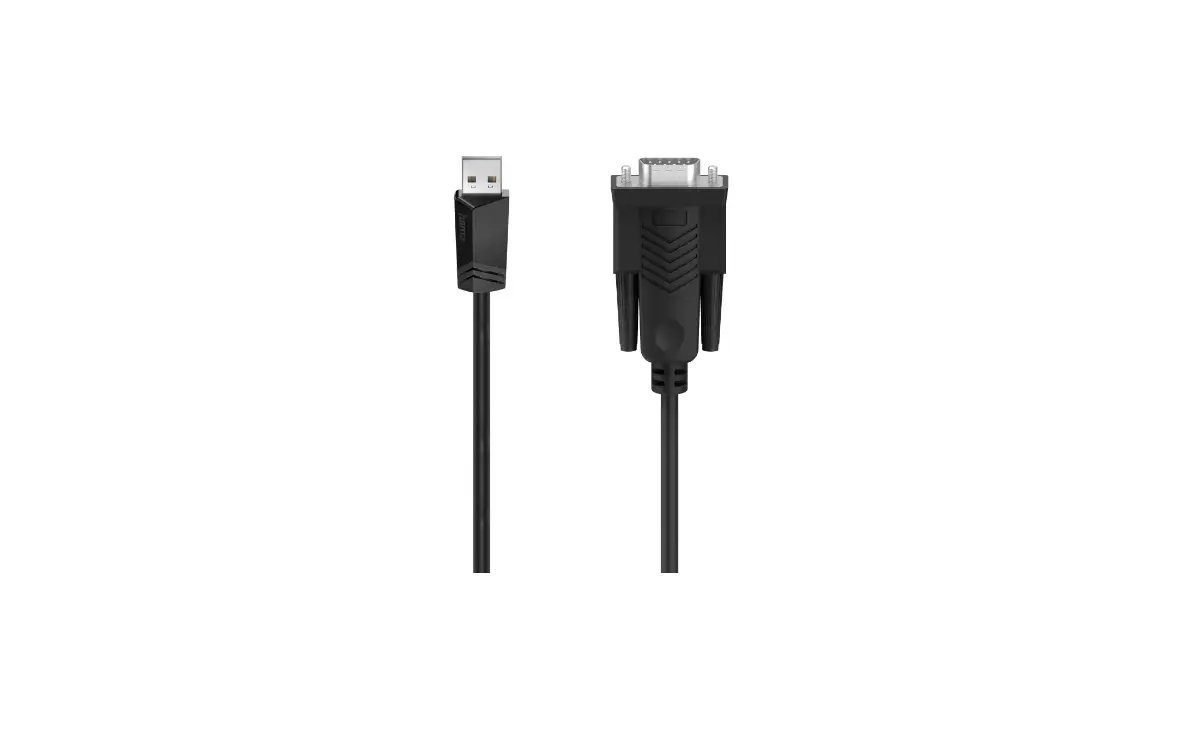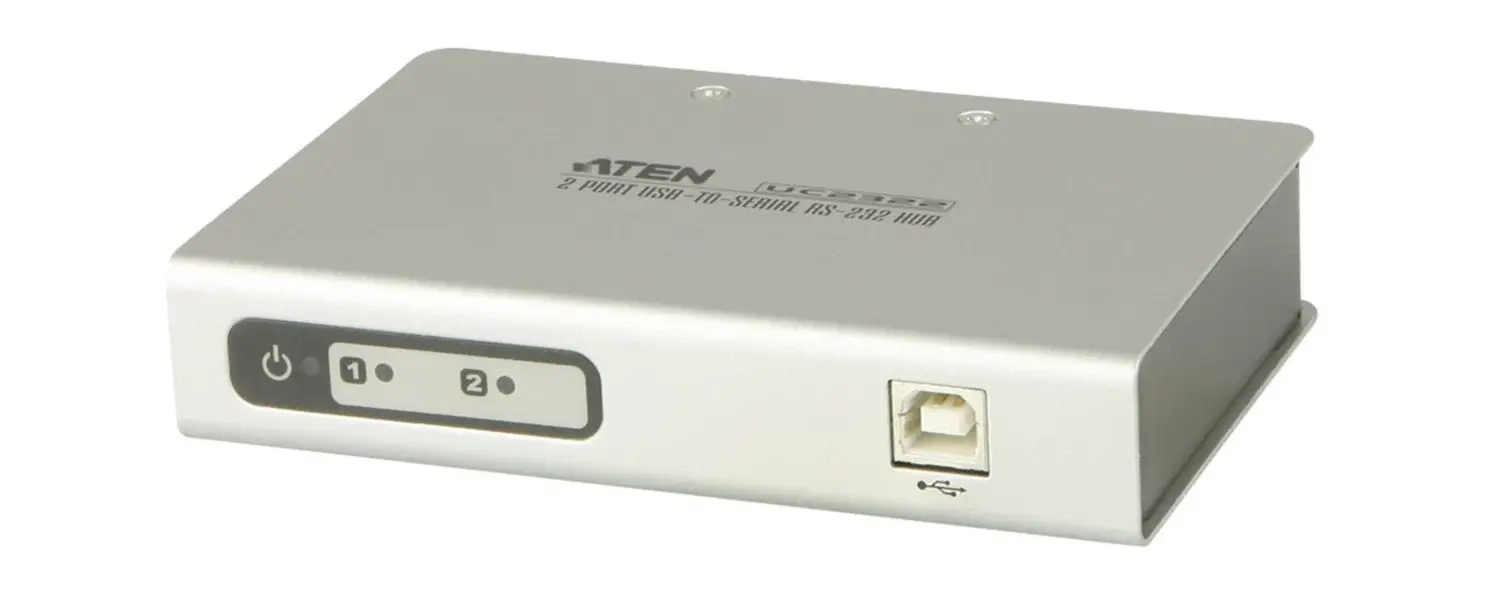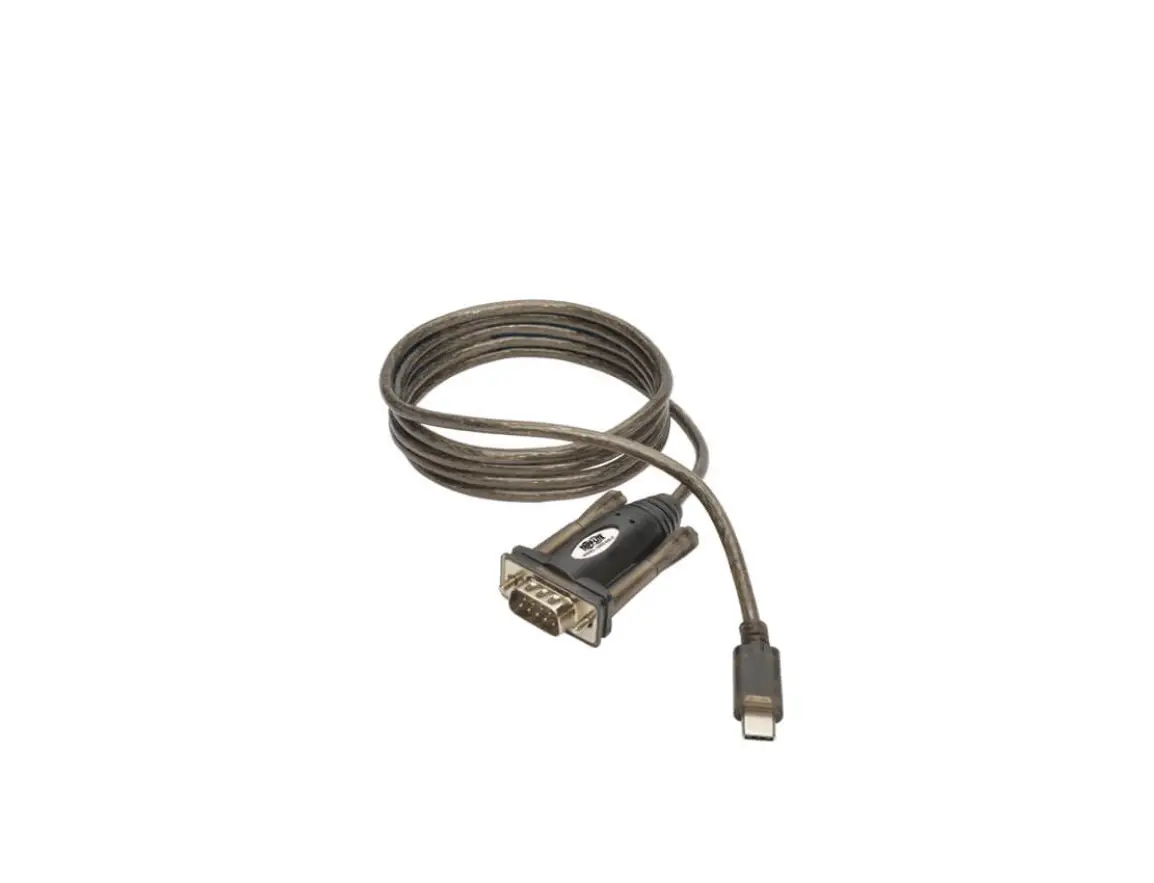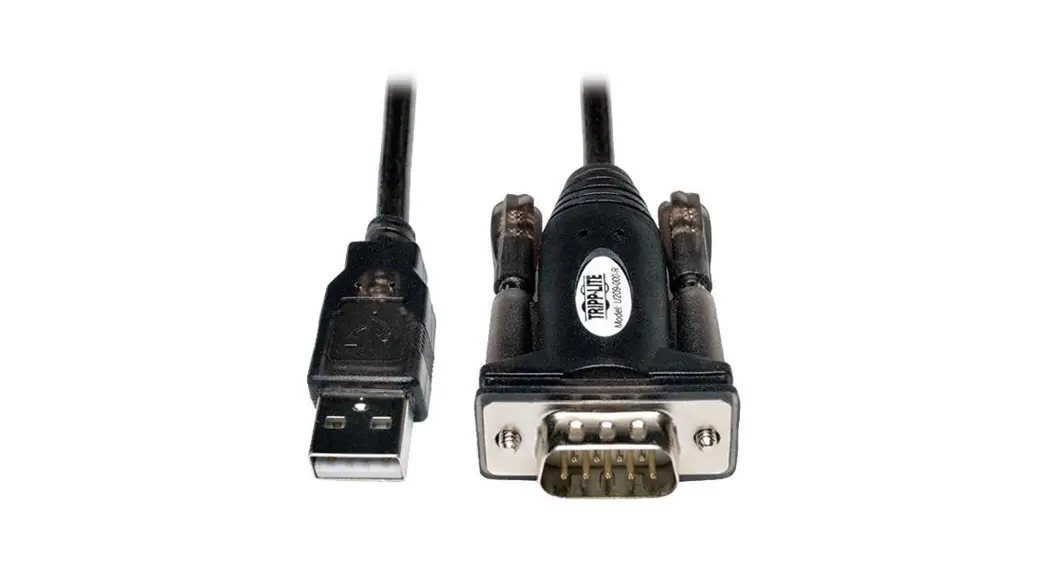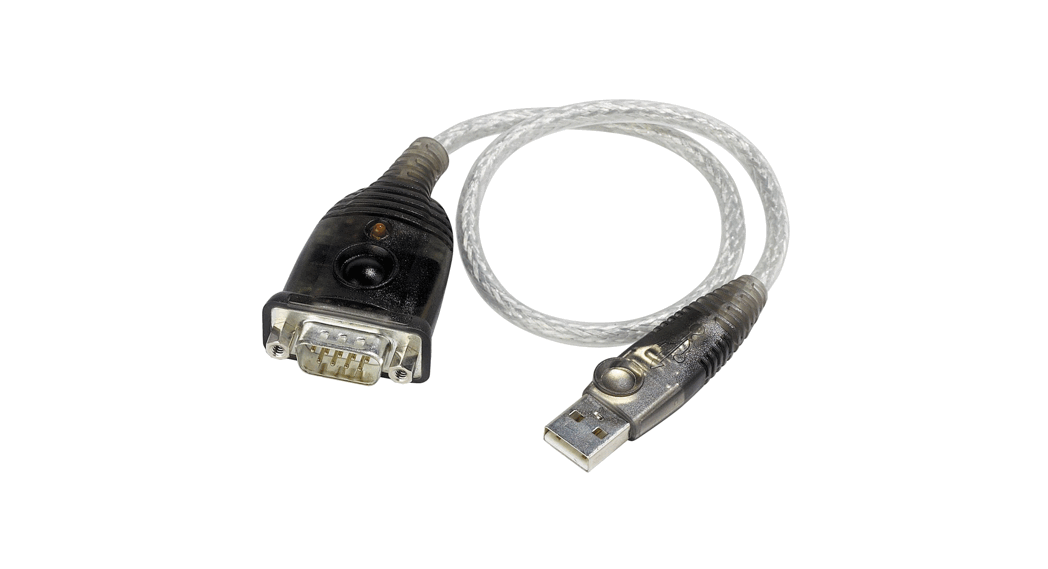
 GUC232A USB to Serial Converter Cable
Owner’s Manual
TECHNICAL BULLETIN
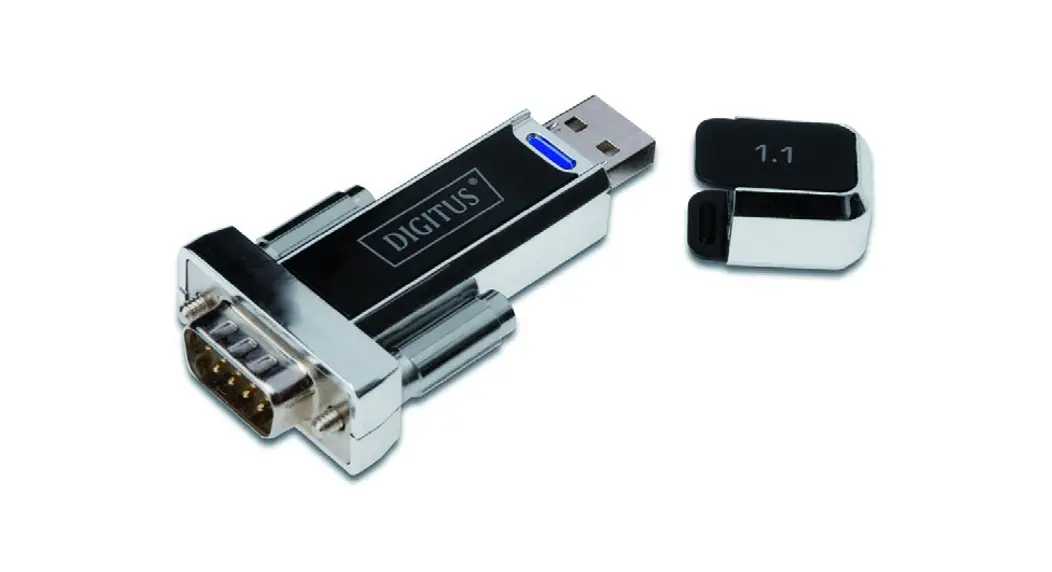
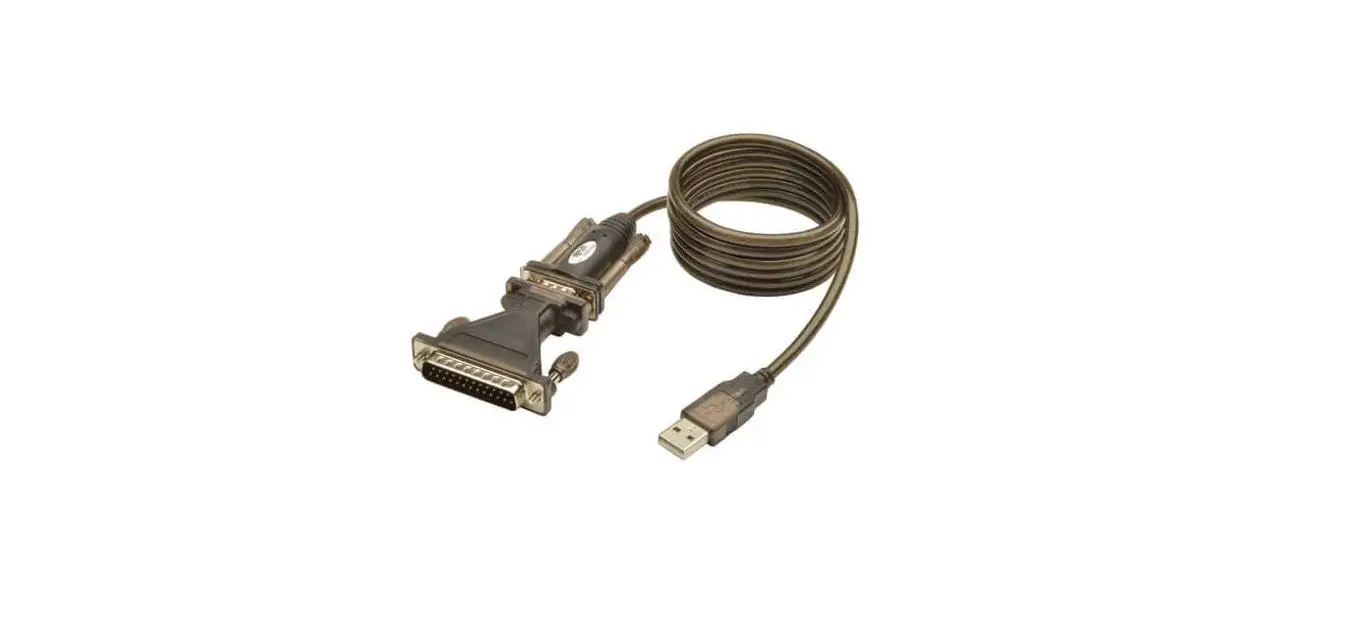
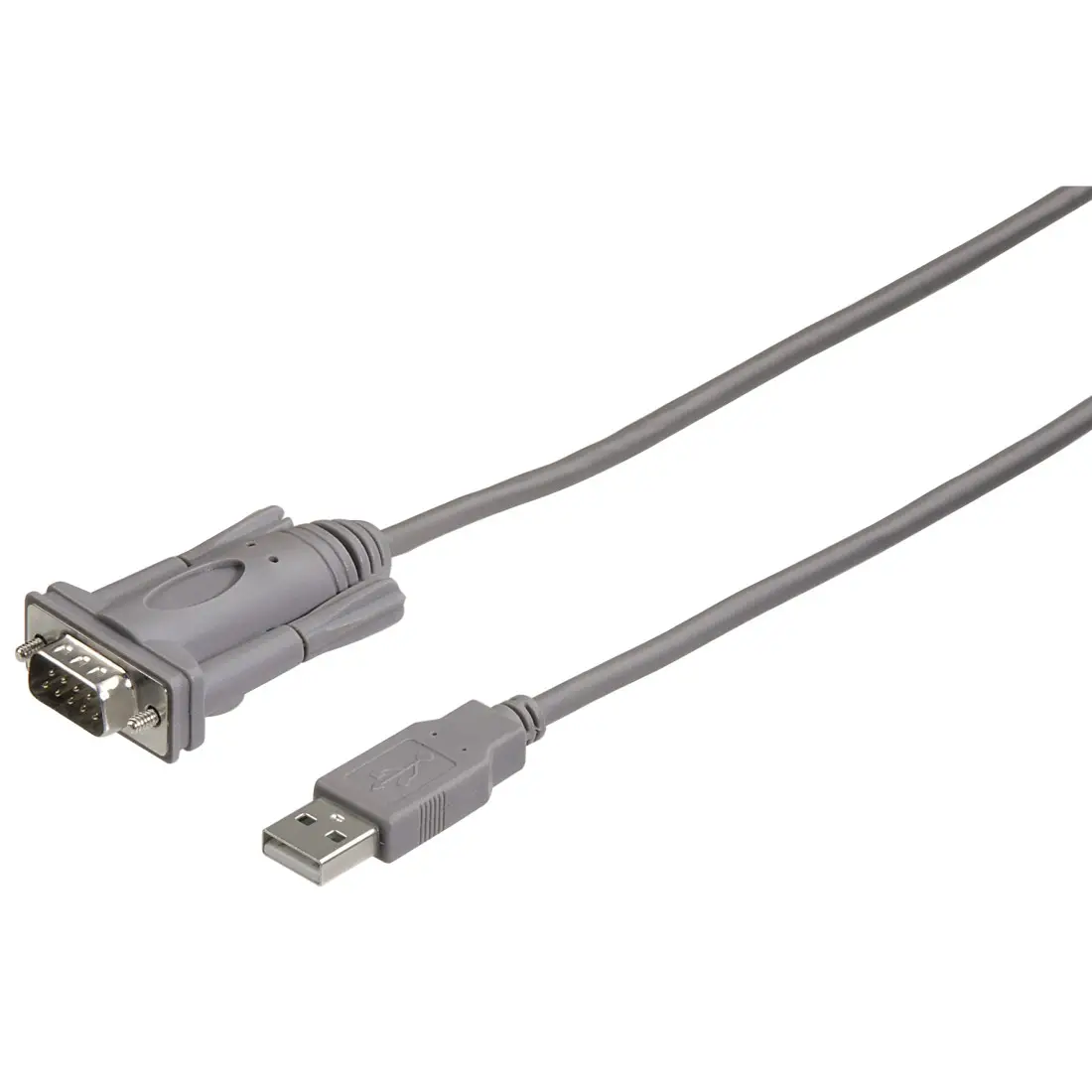
As per the FireNET installation and operation manual, Section 9.1 PC Requirements, Loop Explorer software requires a serial communication port that can be configured as COM 1-8. Due to increased difficulty in locating laptop PCs with true serial ports, Hochiki America Corp. has tested and recommends the following USB to Serial converter:
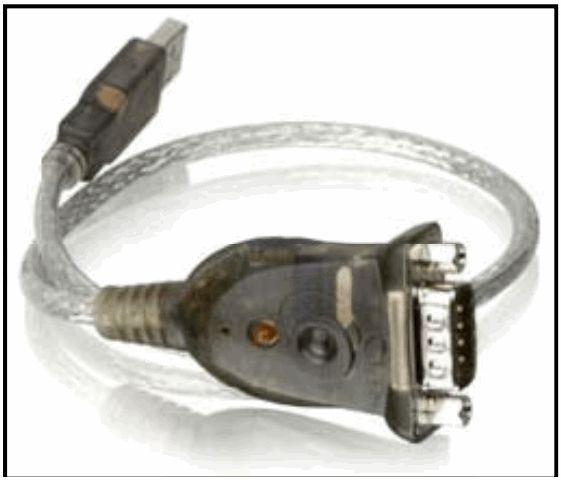 Manufacturer: IO Gear
Model GUC232A (HA Part# 0100-04570)
Note: It is critical to check the following items to ensure that the USB to Serial Converter operates properly:
Download and install the latest USB to Serial converter driver pertaining to the PCs operating system. Example: Windows XP (32bit/64bit), Window Vista (32bit/64bit), or Windows 7(32bit/64bit). Manufacturer’s web link: http://www.iogear.com/support/dm/driver/GUC232A#display
Check the PCs port assignment of the installed USB to Serial converter. Example: Port 1, Port 2, Port 3, and etc.
Configure the following settings from the PCs Device Manager: 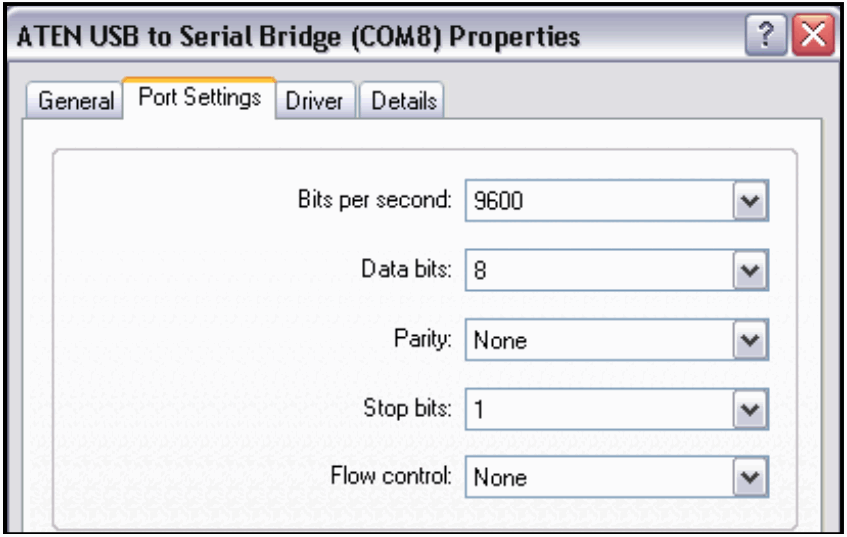
If you have any questions regarding this matter please contact Technical Support.
Technical Support
Initial Release: 09/20/2010
TB-008 Rev. 1.00
1-800-845-6692
[email protected]
firealarmresources.com
 Home - Fire Alarm Resources - Free fire alarm PDF manuals, documents, installation instructions, and technical specifications
 Product Drivers, Firmware & Software - IOGEAR