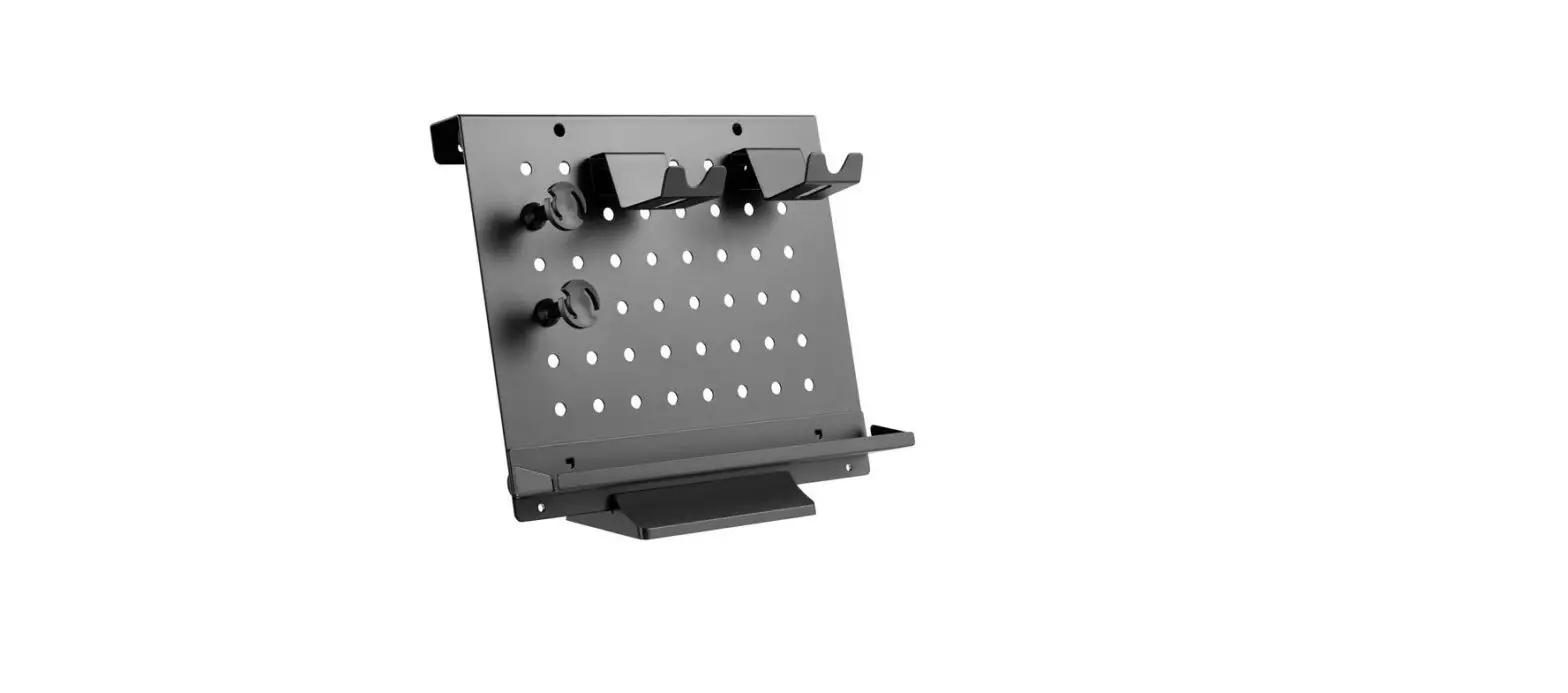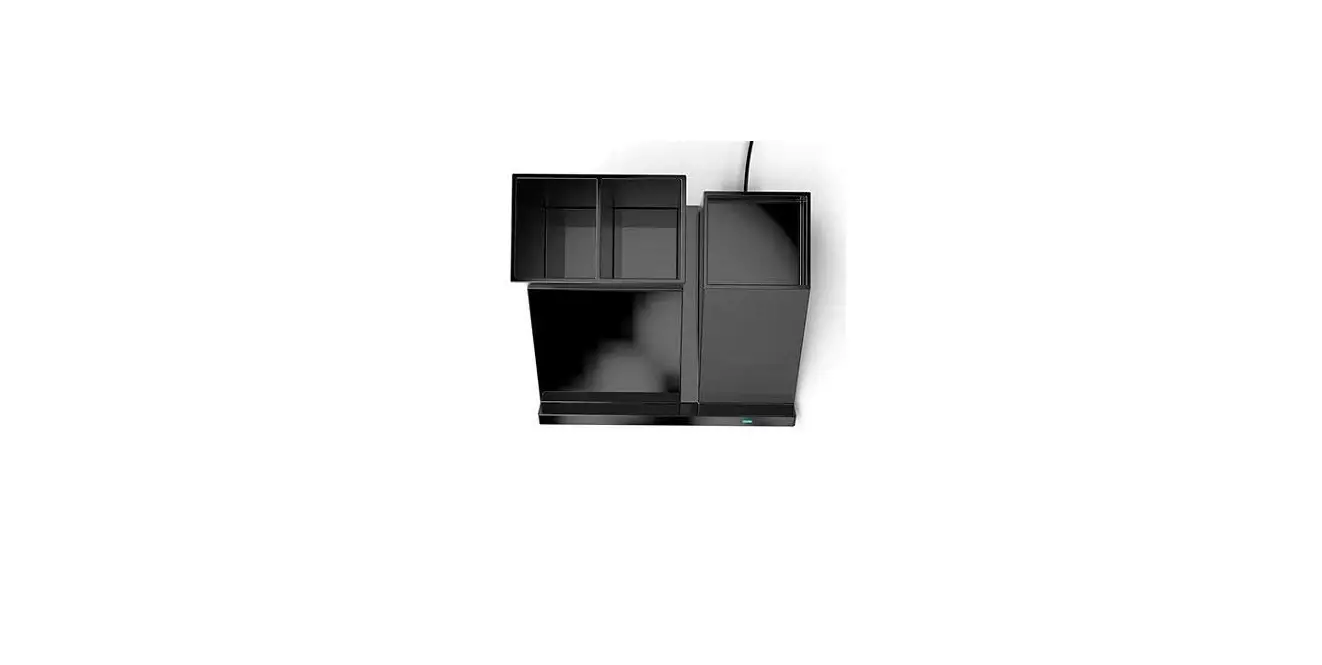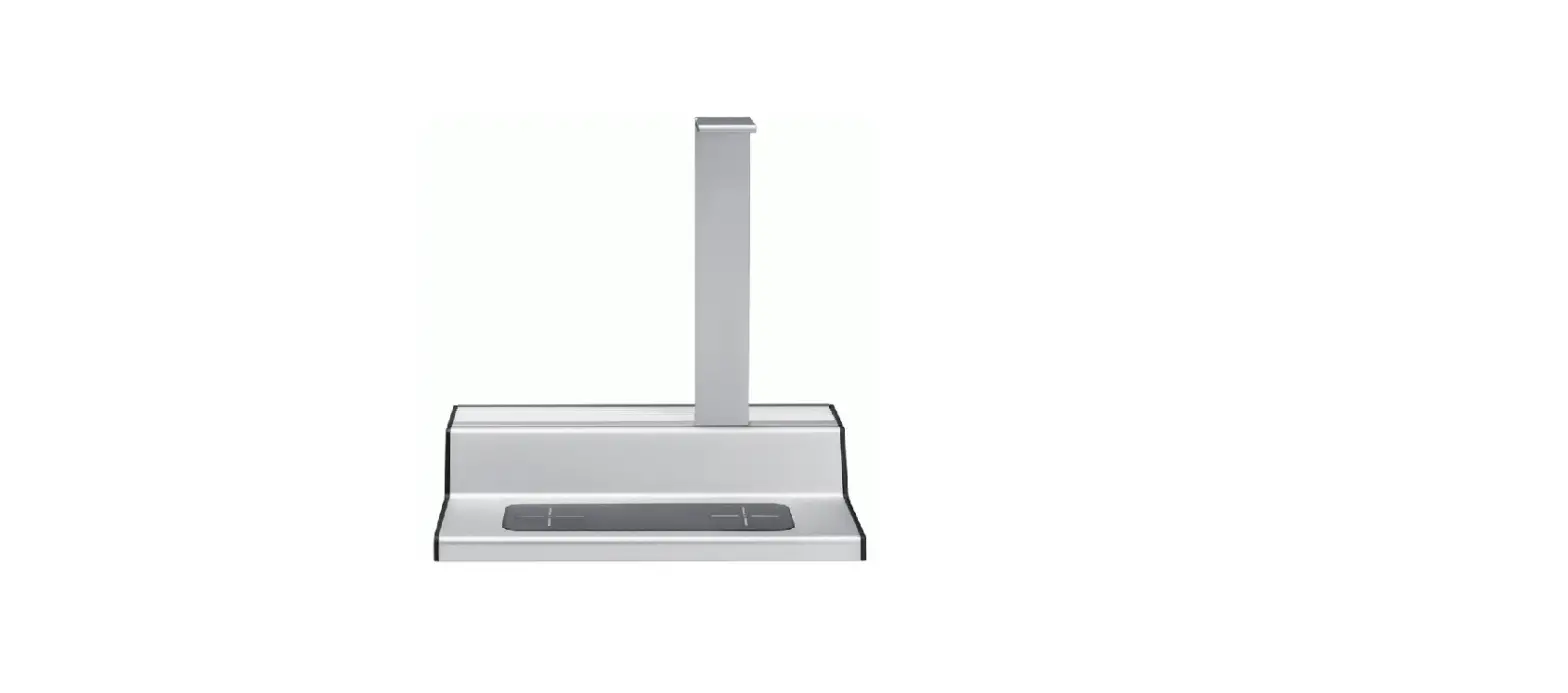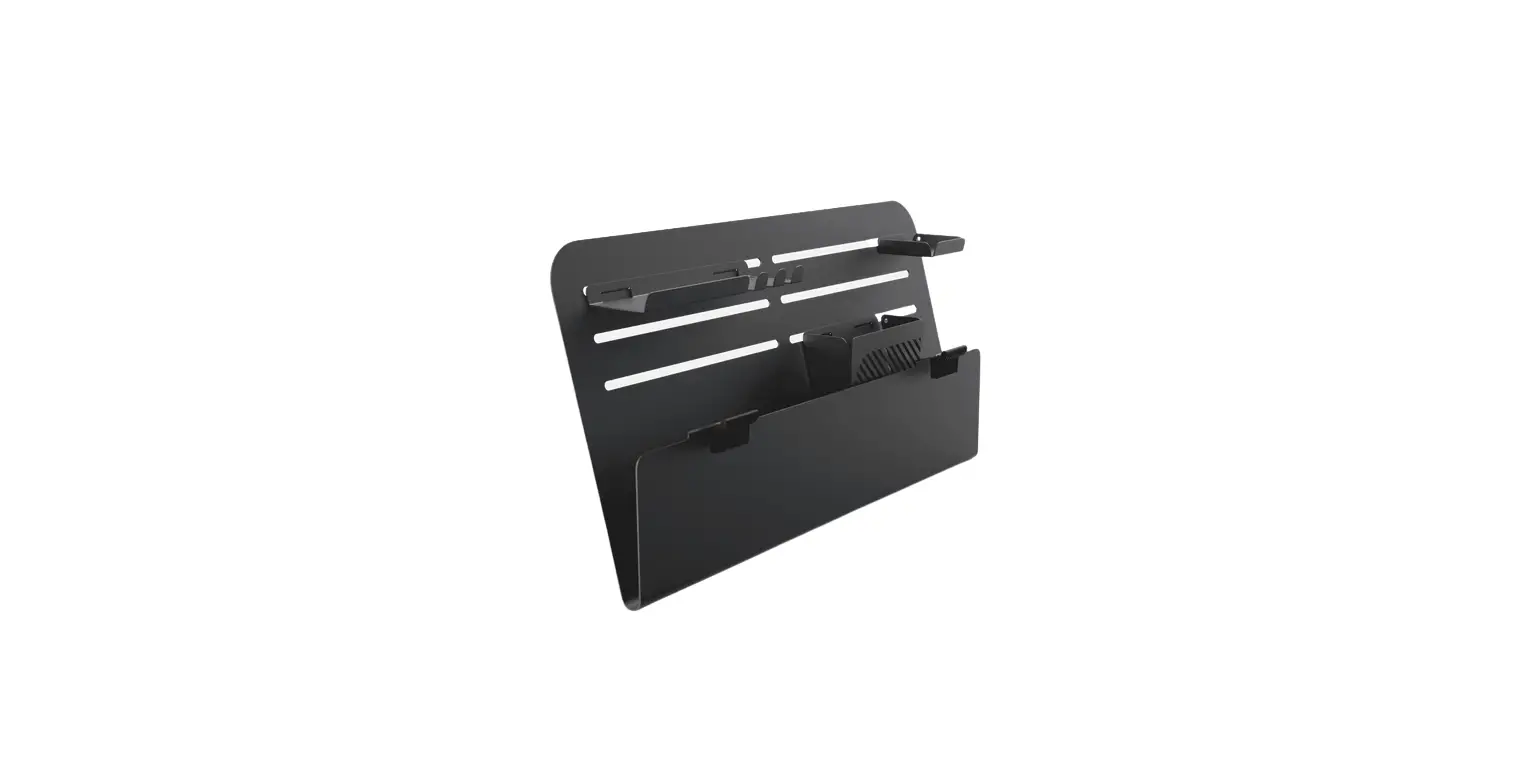

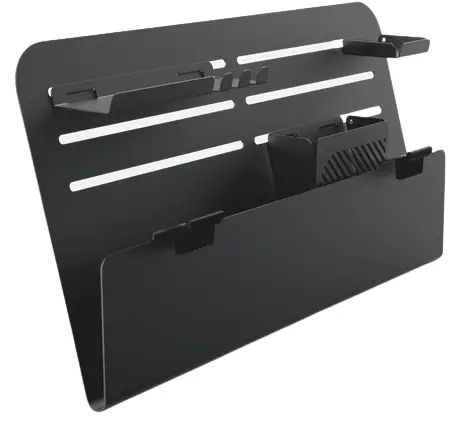
beflo Valley Desk Mounted Organizer
Specifications
- Dimension: 10.5 x 2.4 x 19.7 in (267 x 60 x 500 mm)
- Weight: 6.2 lb (2.8 kg)
- Max load: 11 lb (5 kg)
Overview
Installation
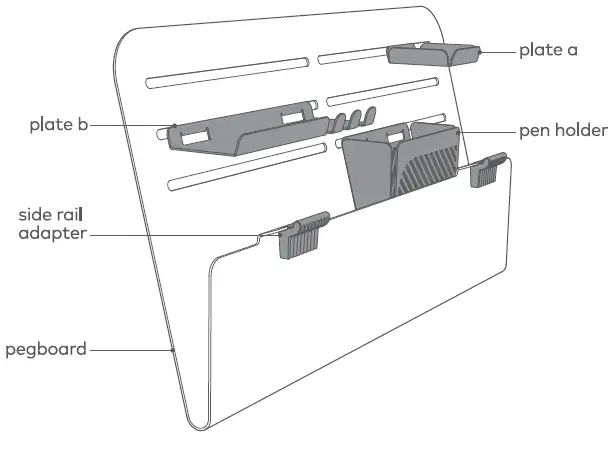
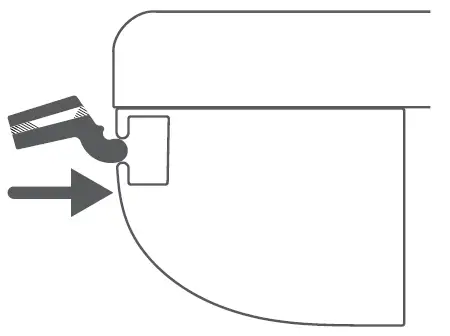
- Insert the adapters horizontally into Tenon’s side rail.

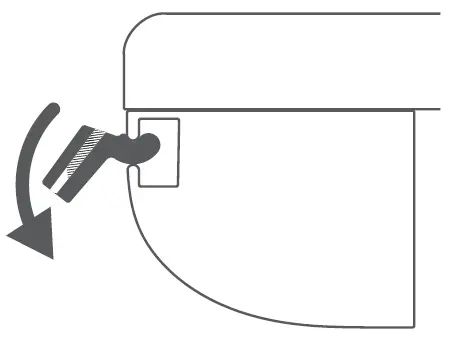
- Turn the adapters down into vertical position.

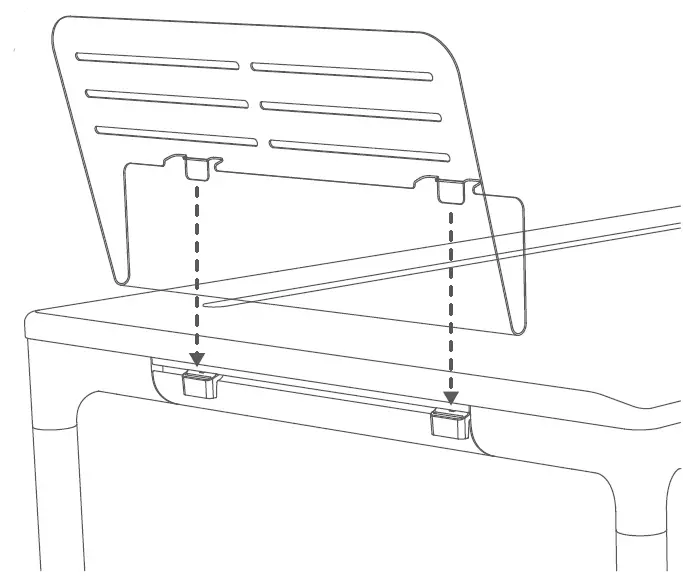
- Slide the adapter to align with the pegboard’s hooks, and put it into the adapter.

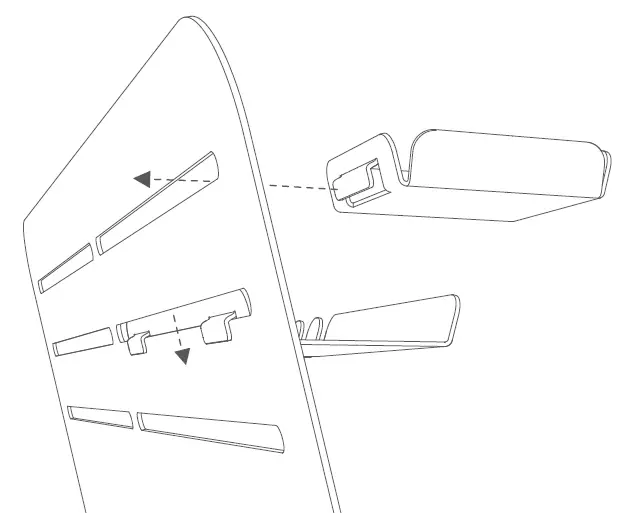
- Set other parts according to your needs.
All done!
Caution
- Do not swipe with sharp objects, steel wool, and chemical cleaners.
- Do not puncture, drop, bend, or modify.
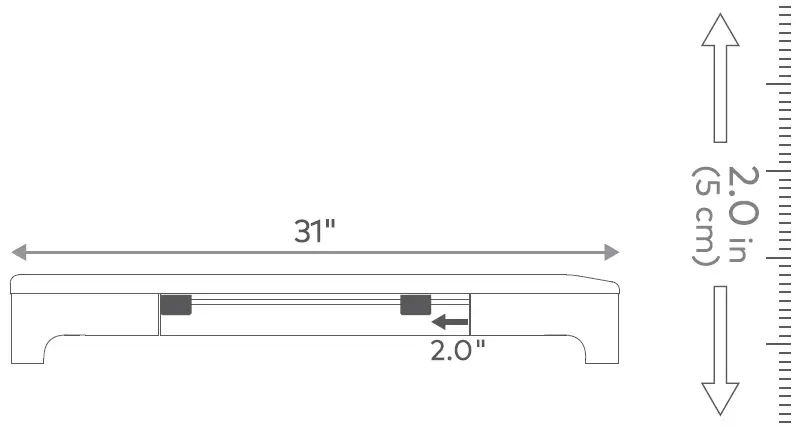
How to align adapters with pegboard hooks
For the 31″ depth of Tenon, please use this rule as the alignment tool.
© Copyright 2022 Nonet Inc. or its subsidiaries. All rights reserved.