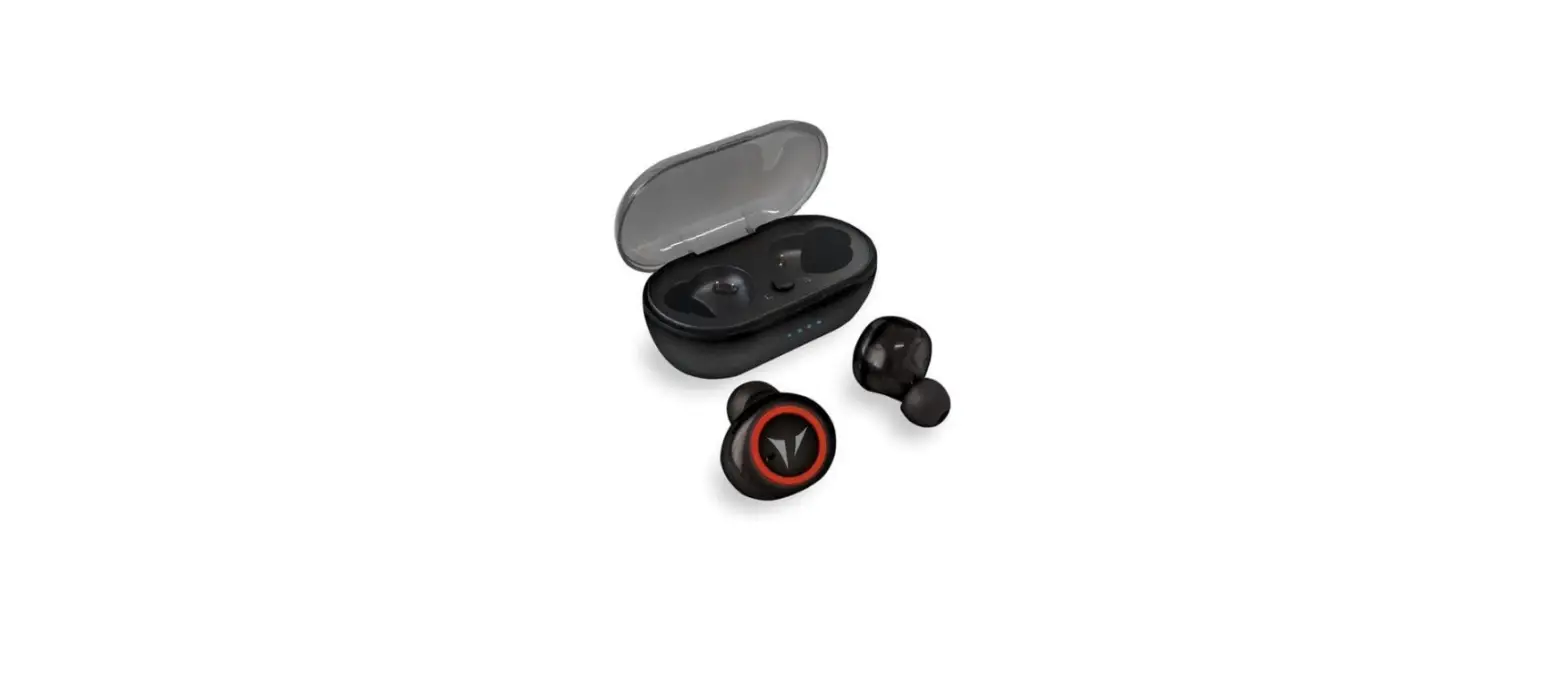
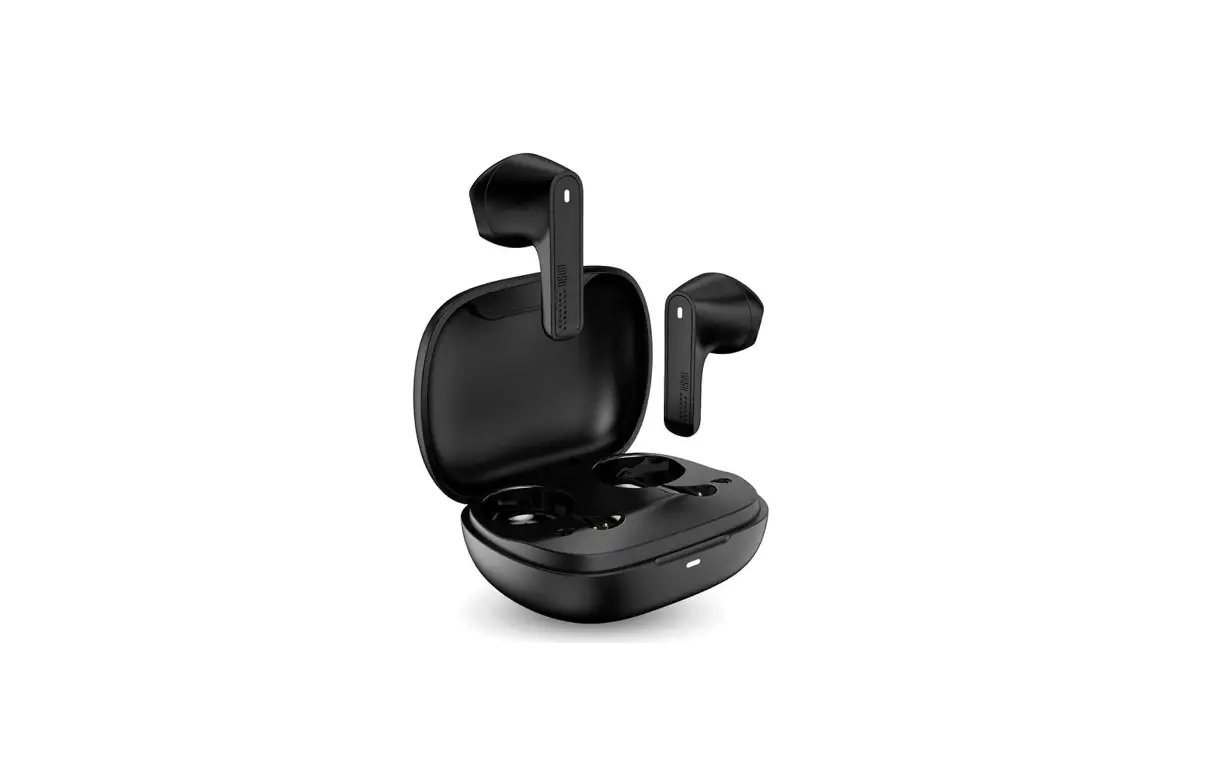
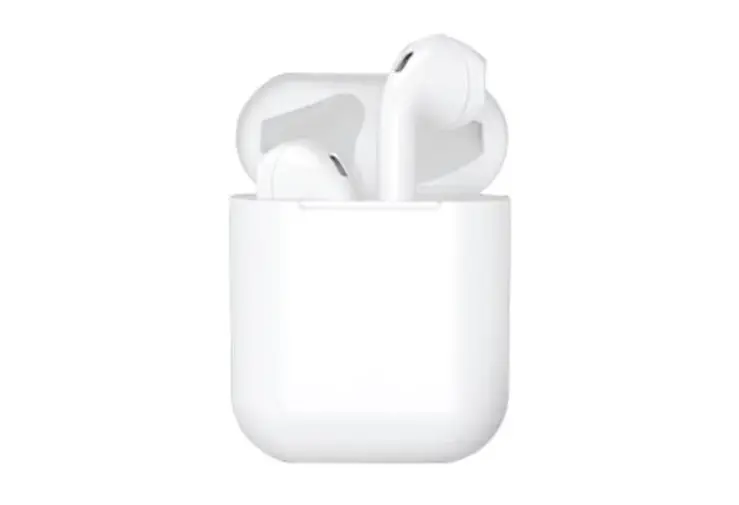
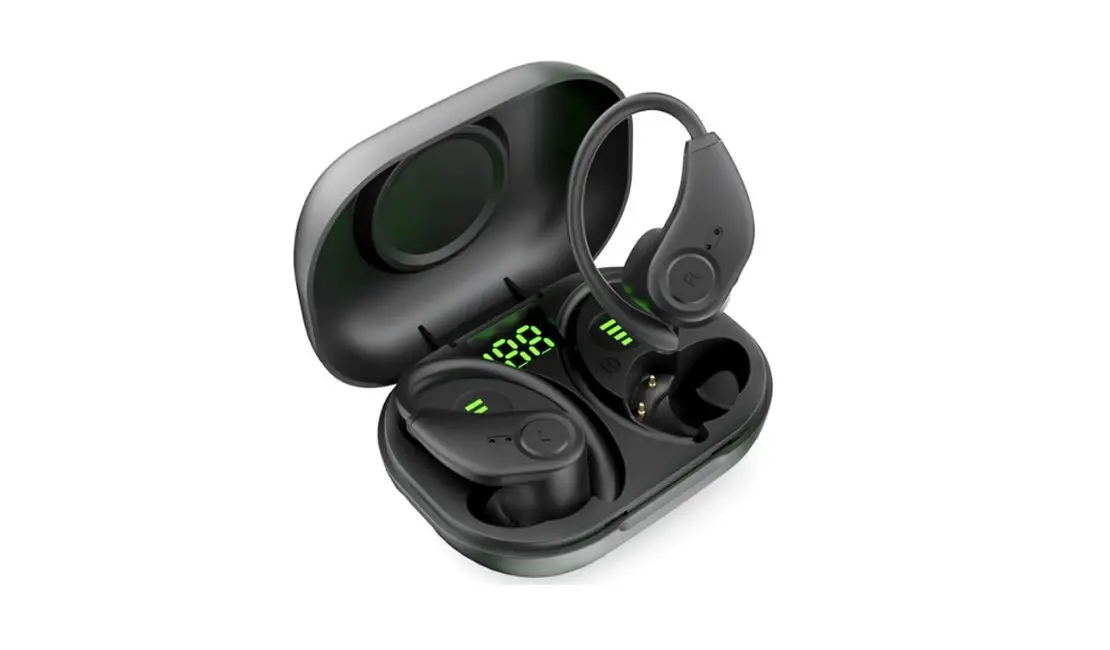
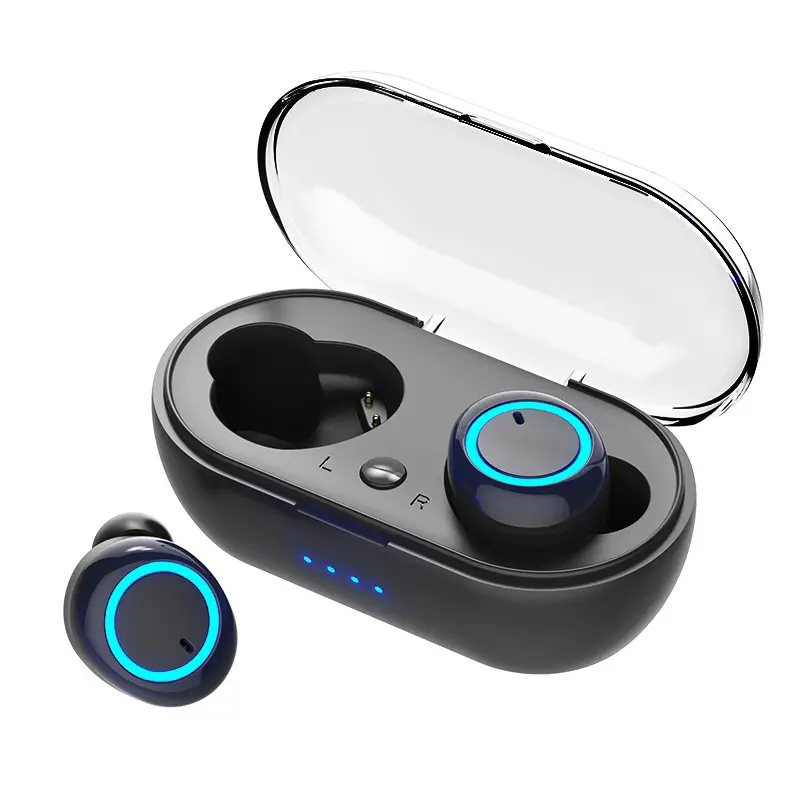
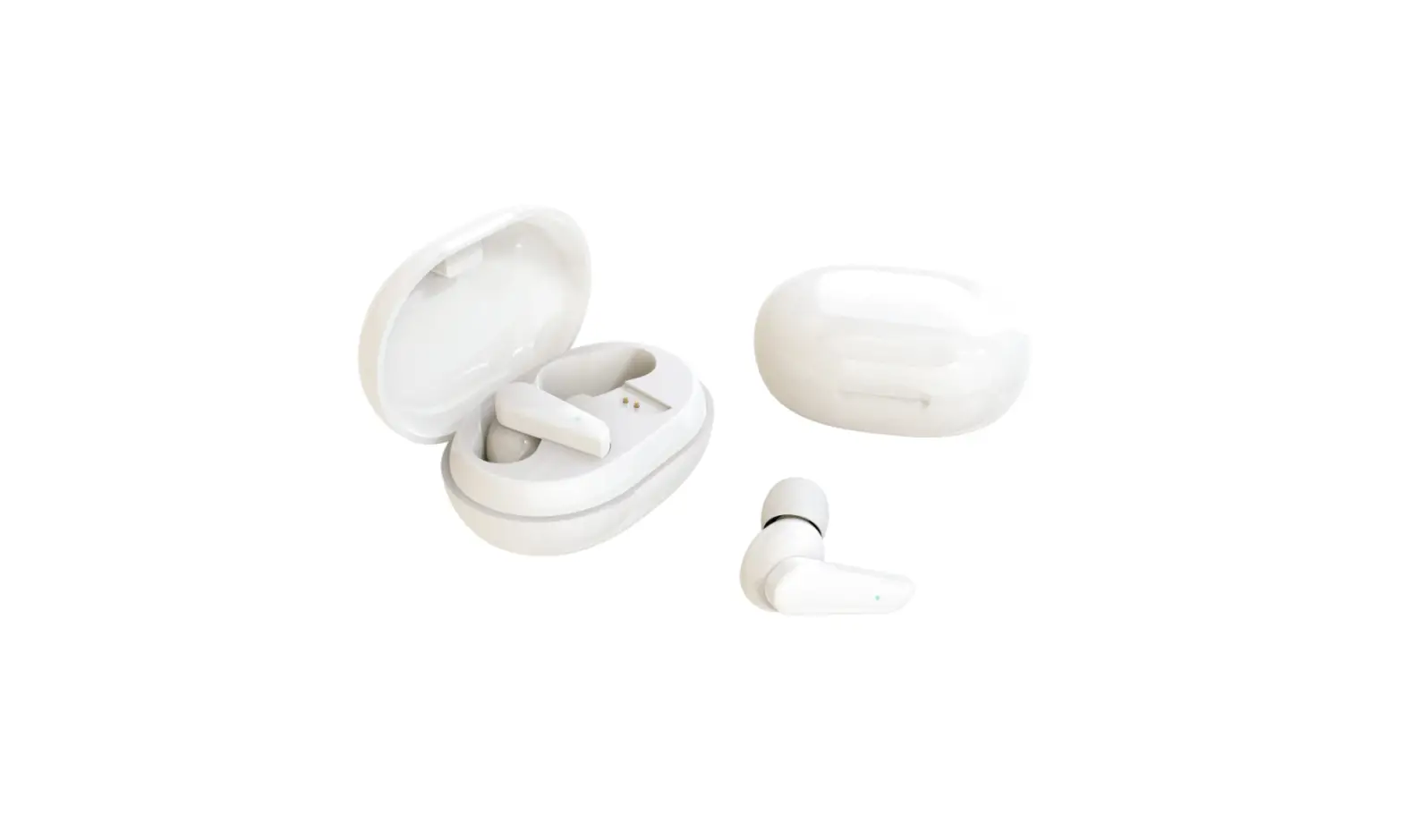
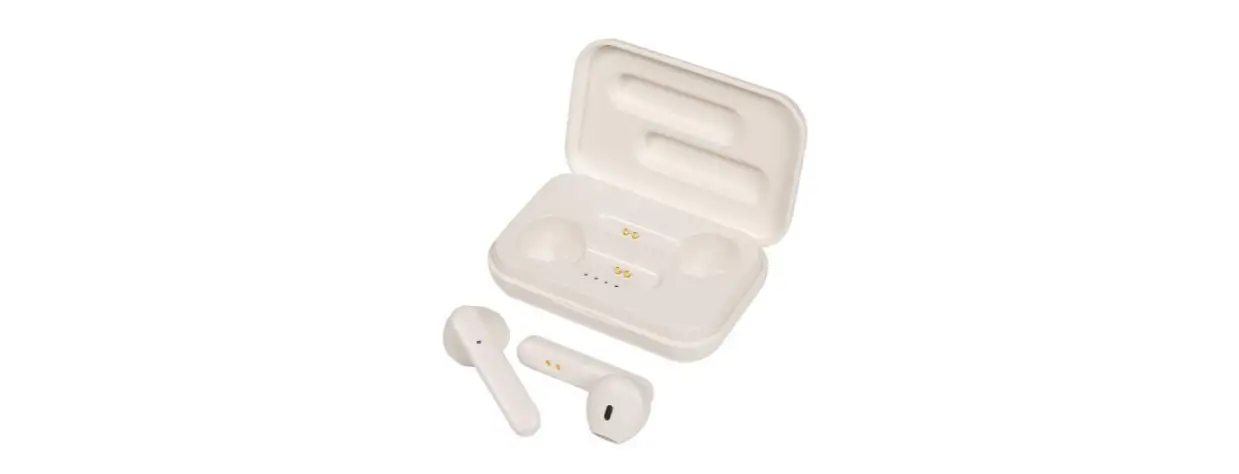
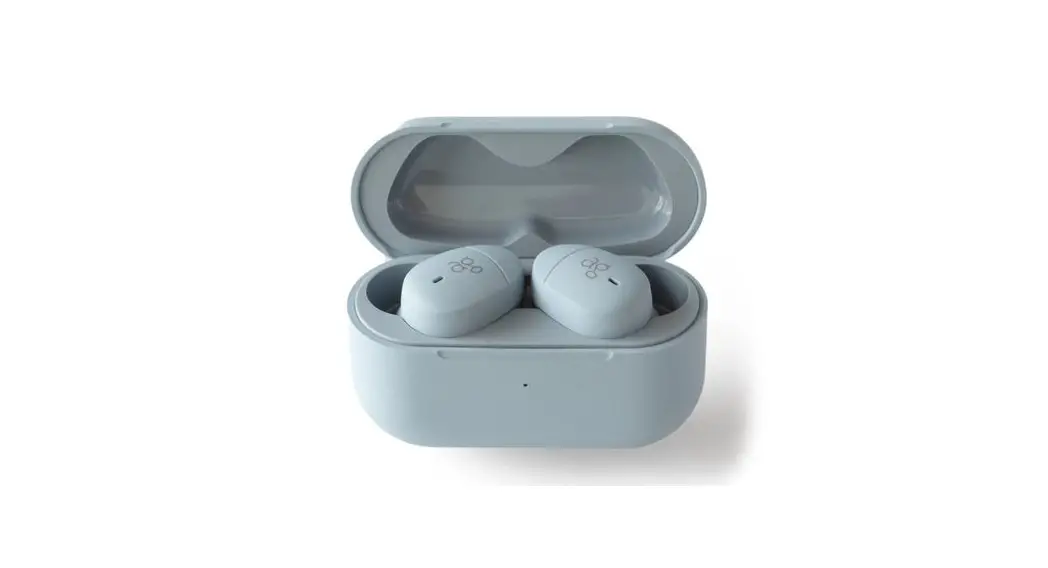
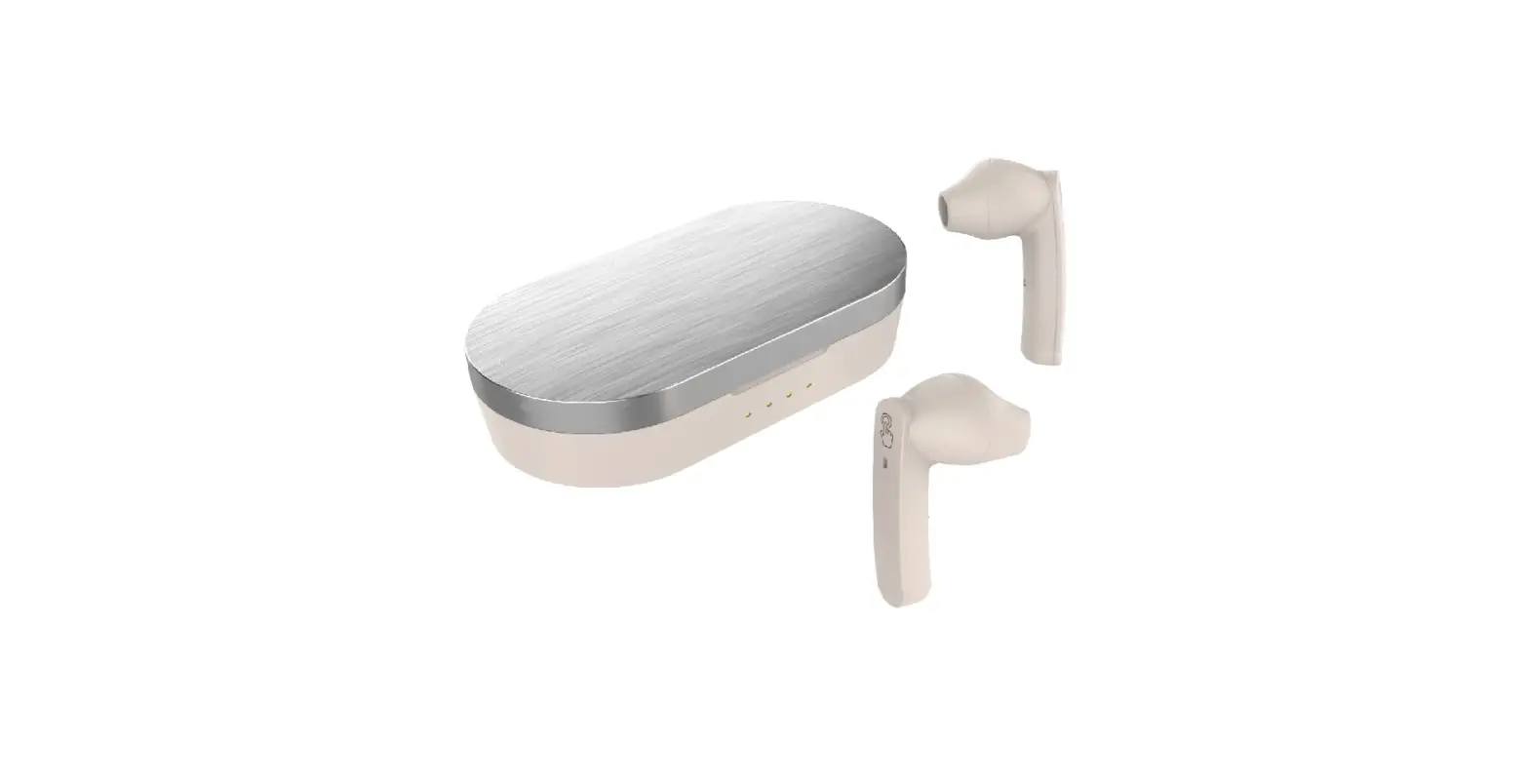
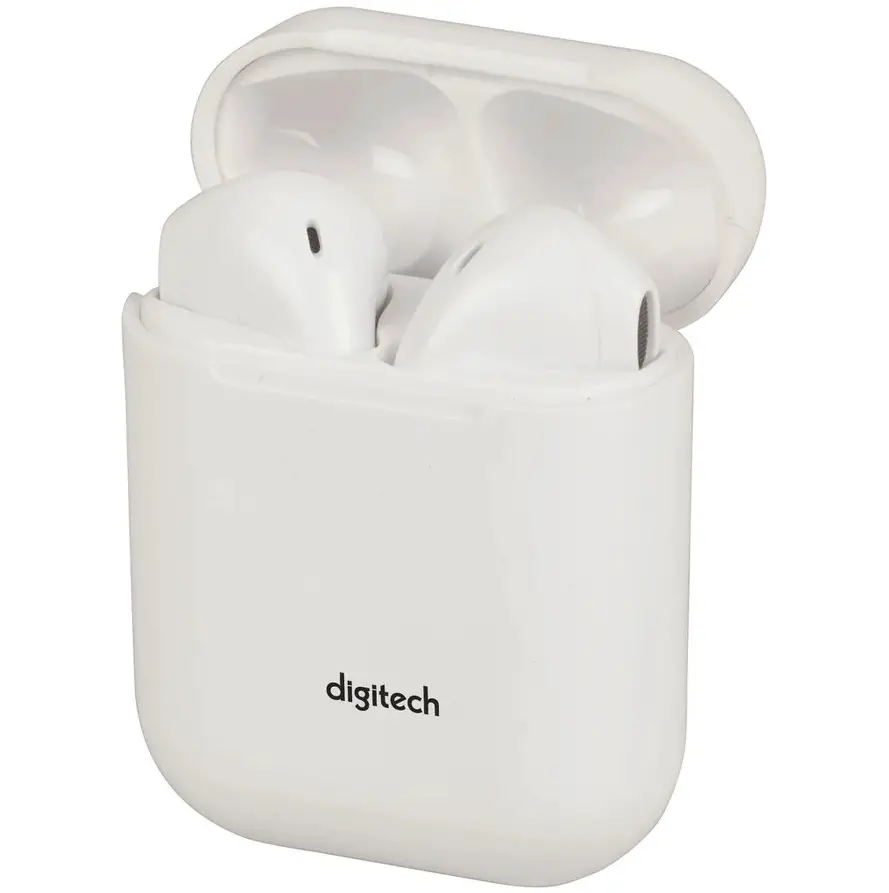
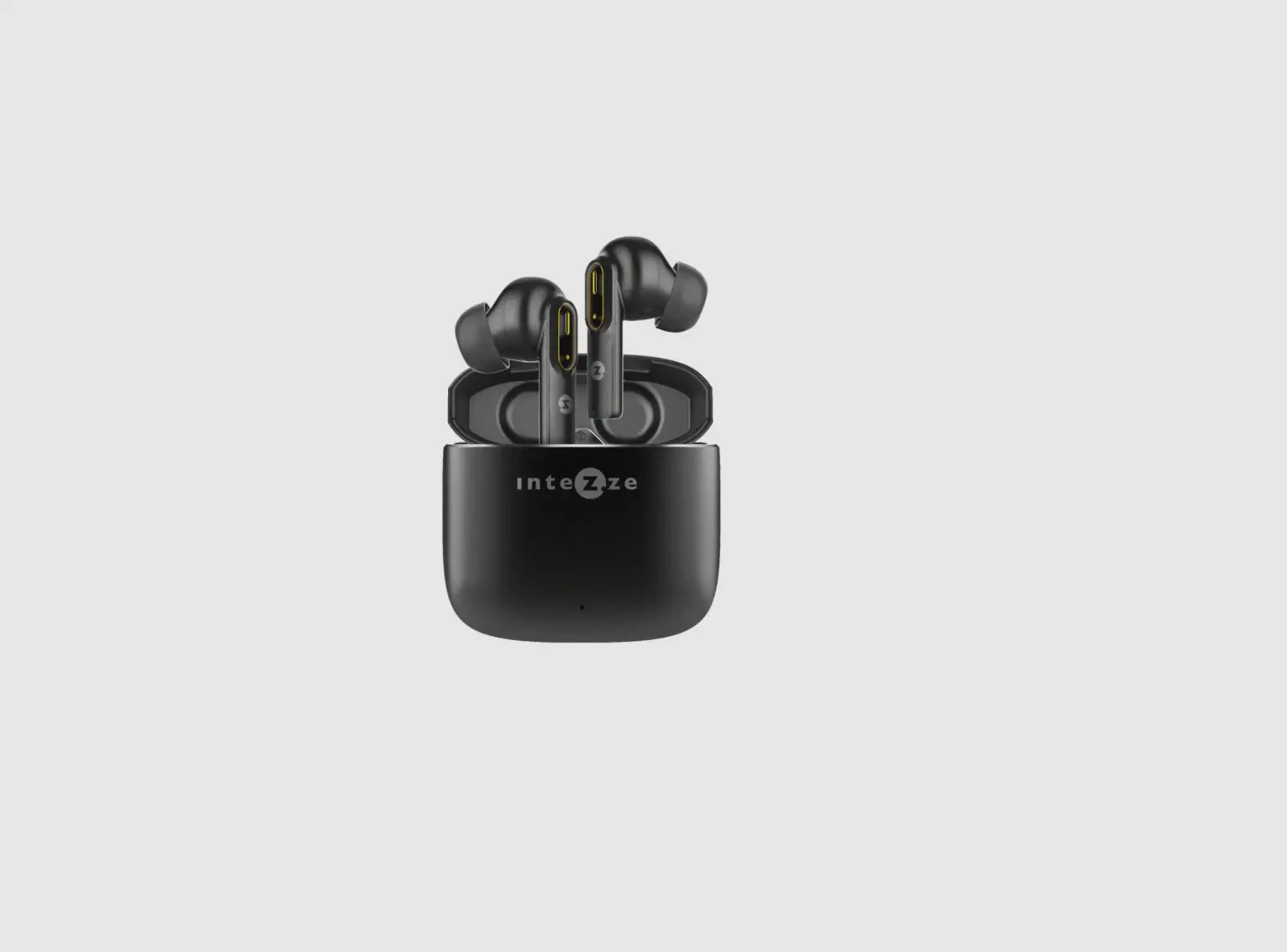
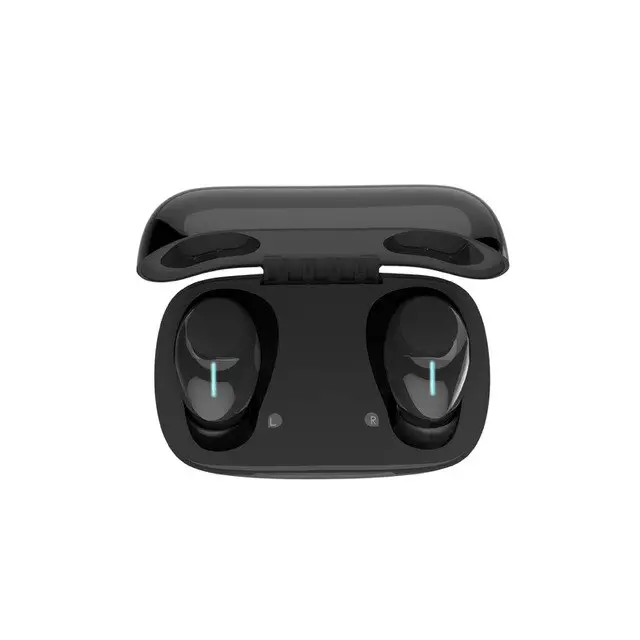
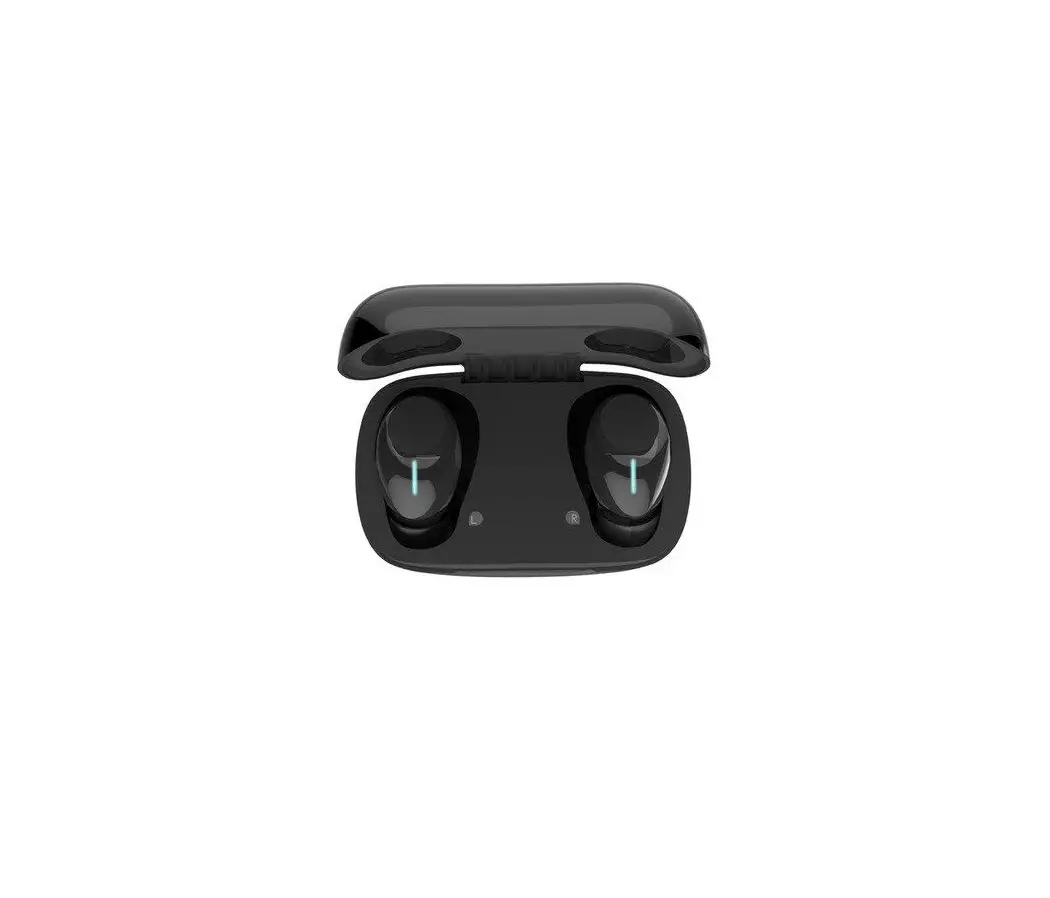
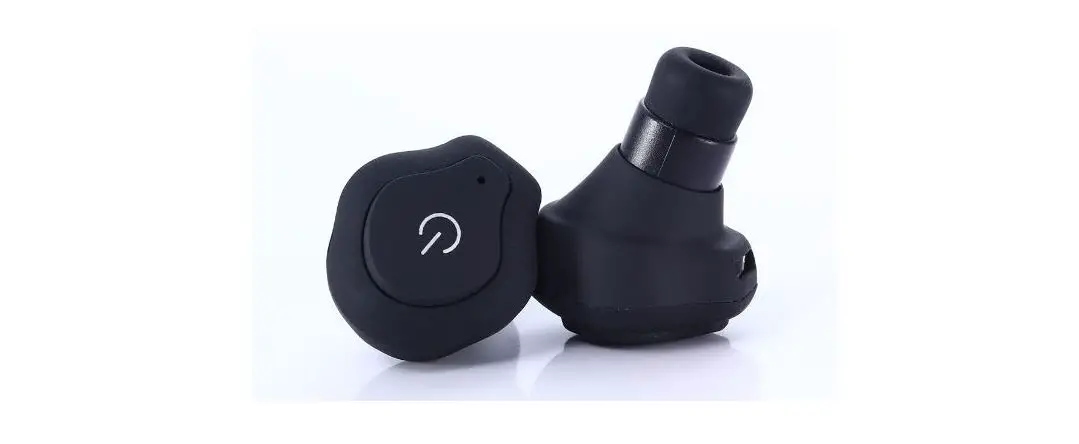
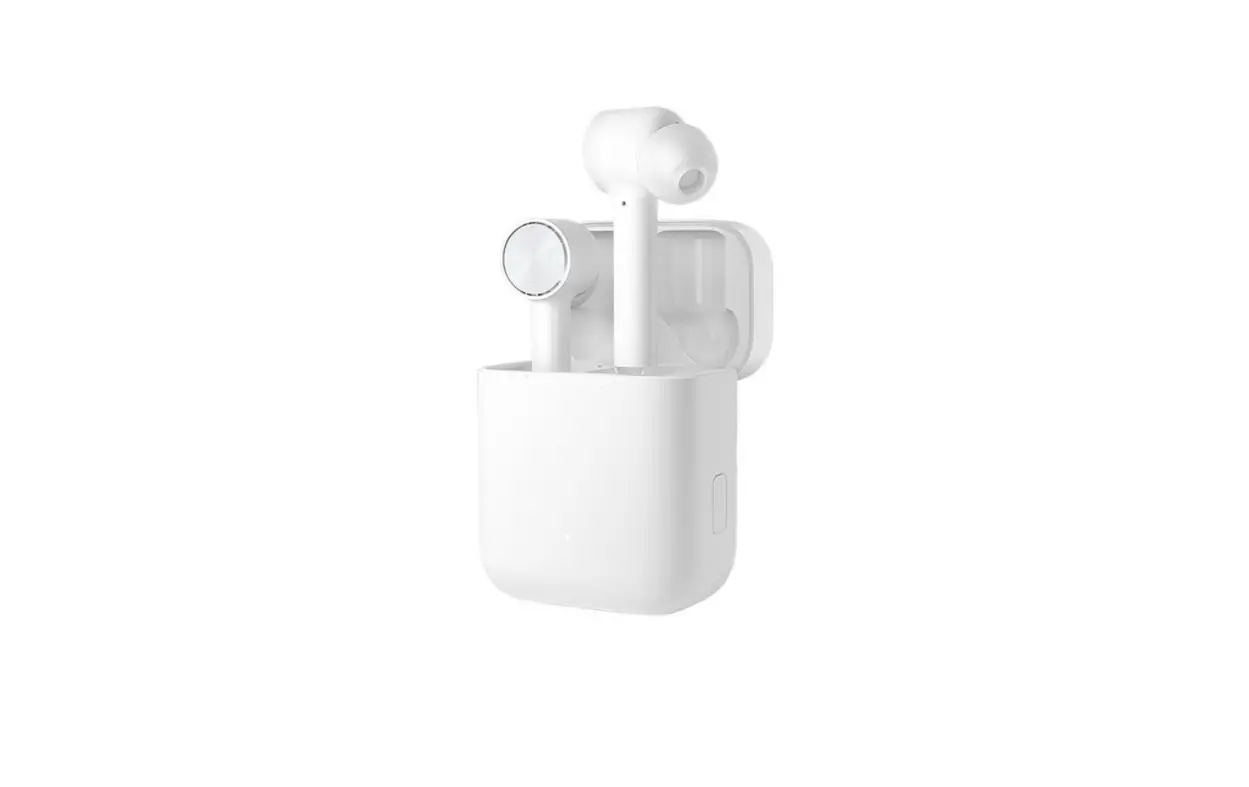
B66 TWS Wireless Earphone
TWS Earphone User’s Manual
Product Parameters
- Model: B66
- Use Distance: 6 meters
- Version: V5.0
- Battery Capacity: 60mAH
- Play Time: 3 hours
- Call Time: 3 hours
- Charging Power Input: DC5V/500mA
- Charging Time: 1 hour
- Protocol: HFP/A20P/AVRCP Signal noise
- CVC6.0
Product Features
- Incoming Call Alert; Answer/Reject/Switch
- Telephone Re-extraction; Mute
- Volume Adjustment
- Switch Songs Up and Down
Applications
Supports any mobile phone with Bluetooth device type, iPad
tablet.
Pairing and Connecting Instructions:
- Keep the distance between the mobile phone and the Bluetooth
headset within 1 meter. The closer it is, the better. - Press and hold the middle button on the Bluetooth for about 5
seconds to see the red and blue lights flash alternately, and the
Bluetooth headset has entered pairing mode. - Turn on the Bluetooth function of the phone, search for the
Bluetooth device, select B66 and confirm the connection. - When the connection is successful, the blue light of the
Bluetooth headset indicates slow flashing. - After the pairing is completed, the mobile phone and the
Bluetooth device can operate the song/call and other operations. No
need to pair again when using the next time.
Precautions:
- Do not place this product at a high temperature. High
temperature will shorten the life of the electronic device. Damage
to the battery and aging the battery or explosion may occur. - Do not throw and knock. Tap the product. Rough use may damage
the internal circuit board.
FCC Caution.
TWS earphone User’s manual
Product parameters
Model
B66
Use distance
6 meters
Version
V5.0
Battery capacity
60mAH
Play time
3 hours
Call time
3 hours
Charging power input
DC5V/500mA
Charging time
1 hour
Protocol
HFP/A20P/AVRCP Signal noise
CVC6.0
Incoming call alert; Answer/reject/switch
Product Features
Telephone re-extraction; Mute. Volume adjustment
Switch songs up and down.
Applications
Support any mobile phone with Bluetooth device type. ipad tablet.
Pairing and connecting:
1. Keep the distance between the mobile phone and the Bluetooth headset within 1 meter. The
closer it is, the better.
2. Press and hold the middle button on the Bluetooth for about 5 seconds to see the red and blue
lights flash alternately, and the Bluetooth headset has entered pairing mode. 3. Turn on the Bluetooth function of the phone, search for the Bluetooth device, select “B66” and confirm the connection. 4. When the connection is successful, the blue light of the Bluetooth headset indicates slow flashing. 5. After the pairing is completed, the mobile phone and the Bluetooth device can operate the song/call and other operations. No need to pair again when using the next time.
Bluetooth operation: 1. Switch / machine: long press the middle button for 5 seconds on/off. 2. Pause music: short press the middle button to pause playback, press again to resume playback. 3. Increase/decrease the volume: Press the “+” button to increase the volume continuously, and press the “-” button to decrease the volume. 4. Next song/previous song: Press and hold the 1.5+ “+” button for the next song, and press and hold the 1.5-second “-” button for the previous song. 5. Refuse to listen/answer/pull: Press the middle button for 1.5 seconds to reject the call. Short press to answer. Short press twice to make the last call.
Precautions: 1. Do not place this product at a high temperature. High temperature will shorten the life of the electronic device. Damage to the battery and aging the battery or explosion may occur. 2. Do not throw and knock. Tap the product. Rough use may damage the internal circuit board.
FCC Caution.
(1)§ 15.19 Labelling requirements. This device complies with part 15 of the FCC Rules. Operation is subject to the following two conditions: (1) This device may not cause harmful interference, and (2) this device must accept any interference received, including interference that may cause undesired operation. § 15.21 Changes or modification warning Any Changes or modifications not expressly approved by the party responsible for compliance could void the user’s authority to operate the equipment. § 15.105 Information to the user. Note: This equipment has been tested and found to comply with the limits for a Class B digital device, pursuant to part 15 of the FCC Rules. These limits are designed to provide reasonable protection against harmful interference in a residential installation. This equipment generates uses and can radiate radio frequency energy and, if not installed and used in accordance with the instructions, may cause harmful interference to radio communications. However, there is no guarantee that interference will not occur in a particular installation. If this equipment does cause harmful interference to radio or television reception, which can be determined by turning the equipment off and on, the user is encouraged to try to correct the interference by one or more of the following measures: -Reorient or relocate the receiving antenna. -Increase the separation between the equipment and receiver. -Connect the equipment into an outlet on a circuit different from that to which the receiver is connected. -Consult the dealer or an experienced radio/TV technician for help.
RF warning for Portable device: The device has been evaluated to meet general RF exposure requirement. The device can be used i n portable exposure condition without restriction. According to §15.247(e)(i) and §1.1307(b)(1), systems operating under the provisions of this section shall be operated in a manner that ensures that the public is not exposed to radio frequency energy level in excess of the Commission’s guidelines. According to KDB 447498 (2)(a)(i)