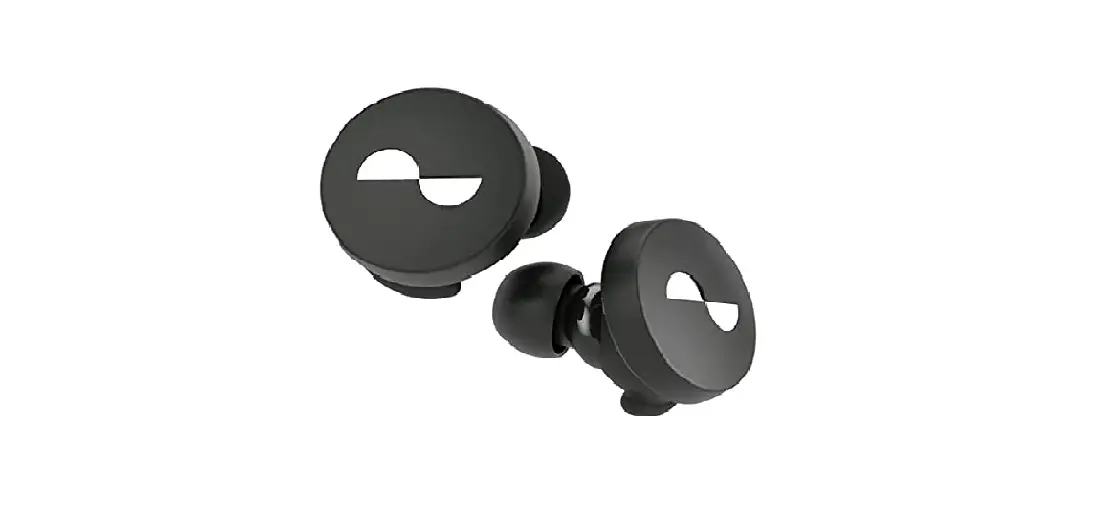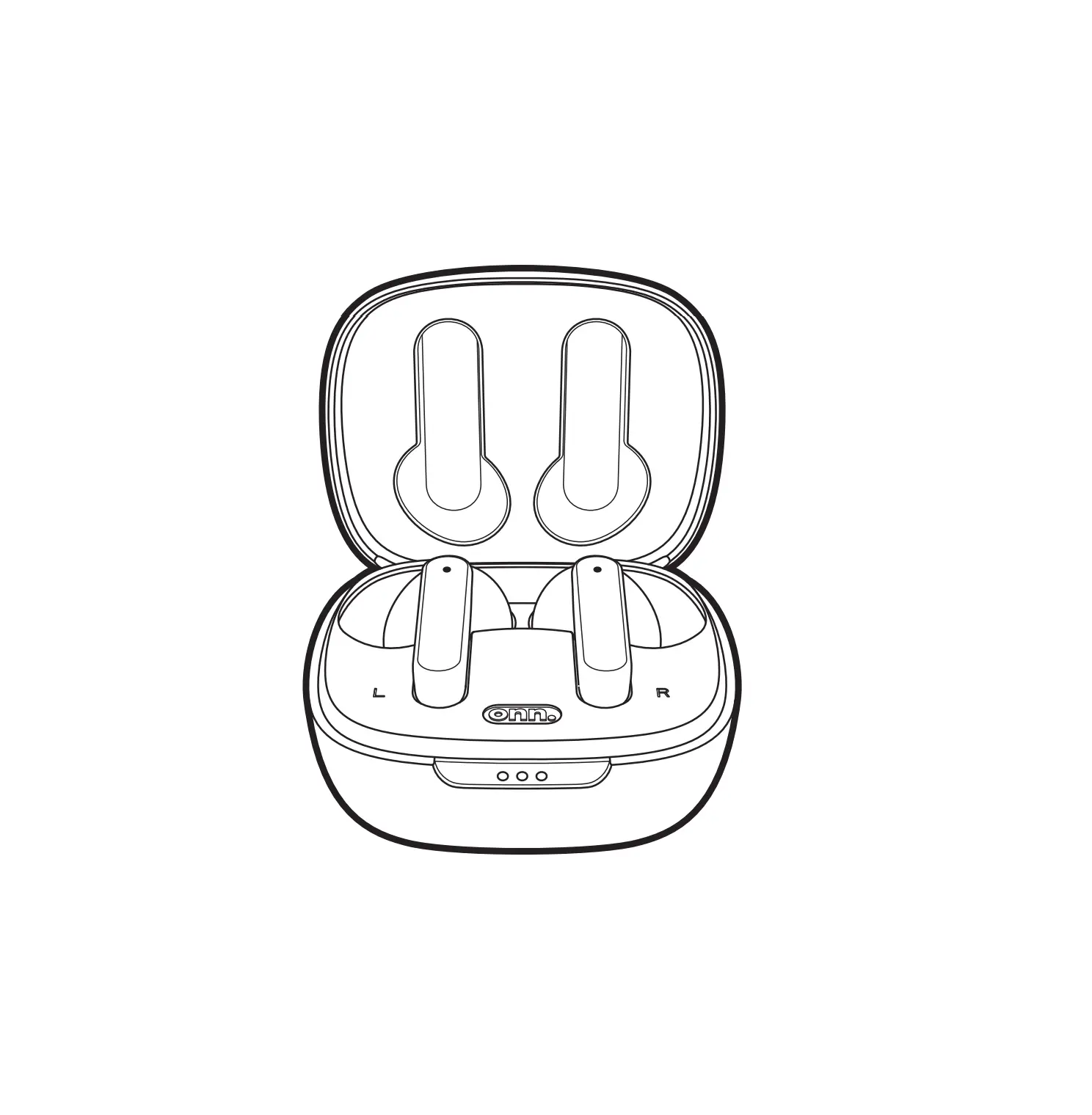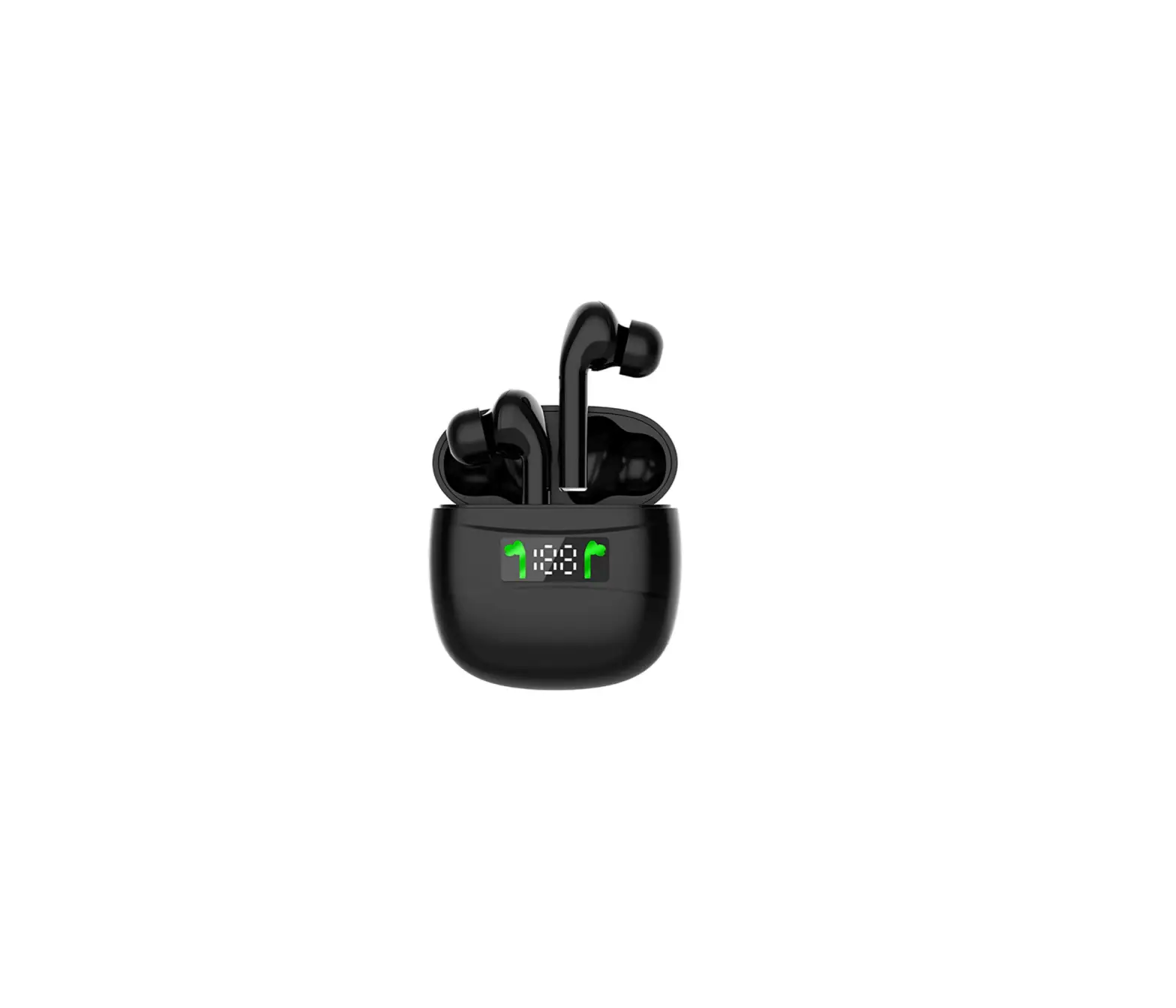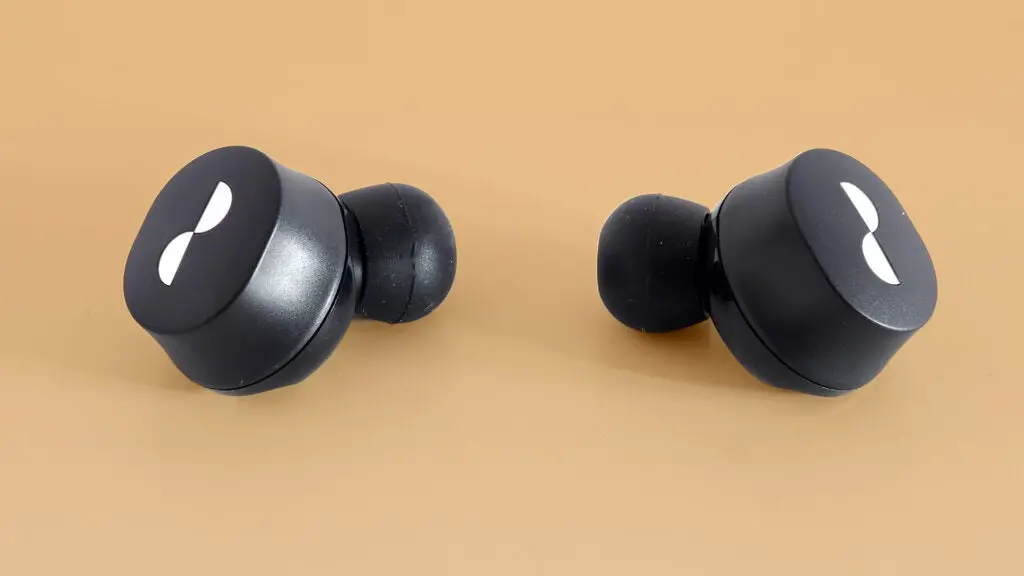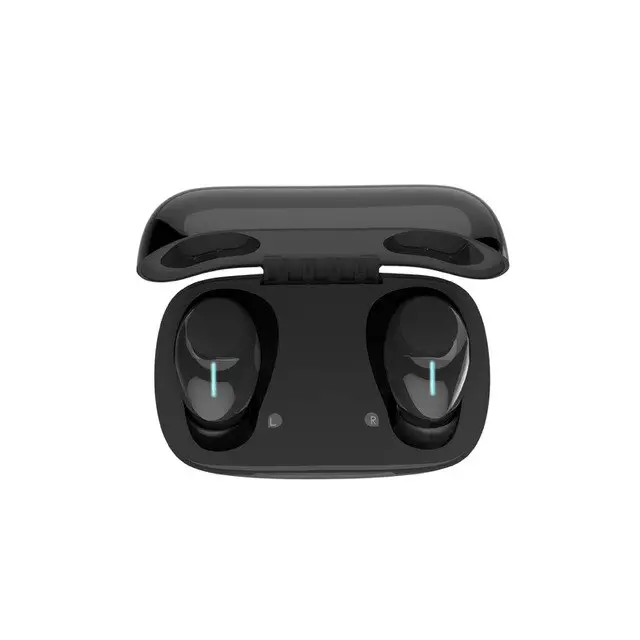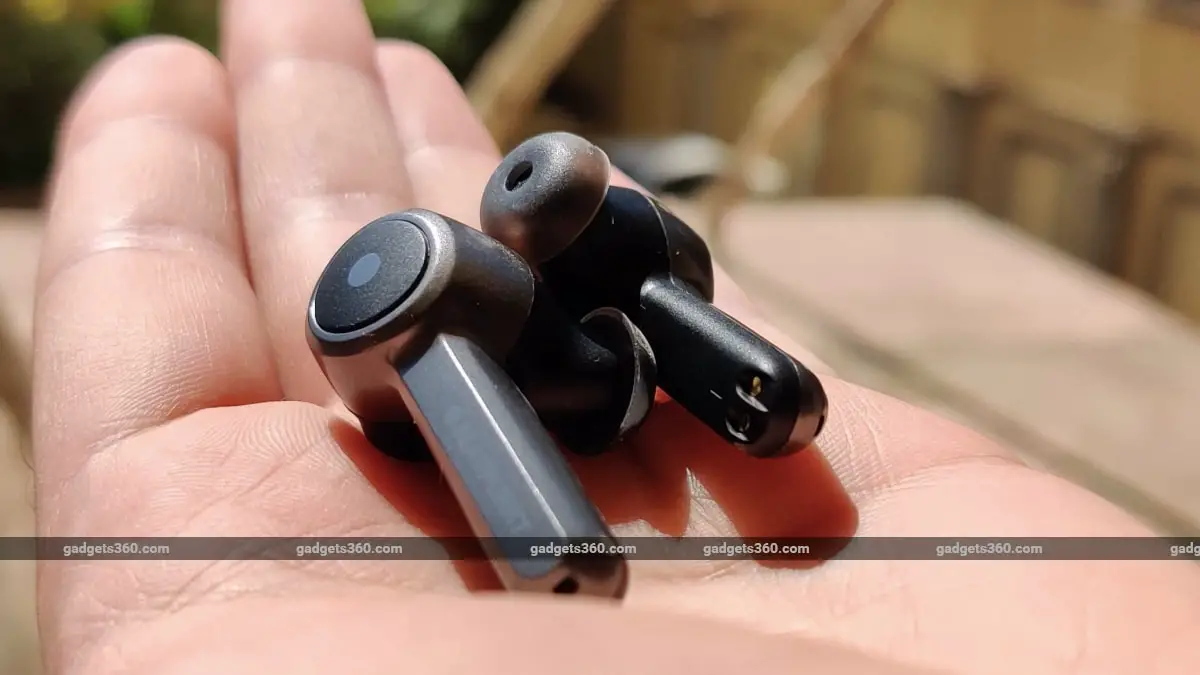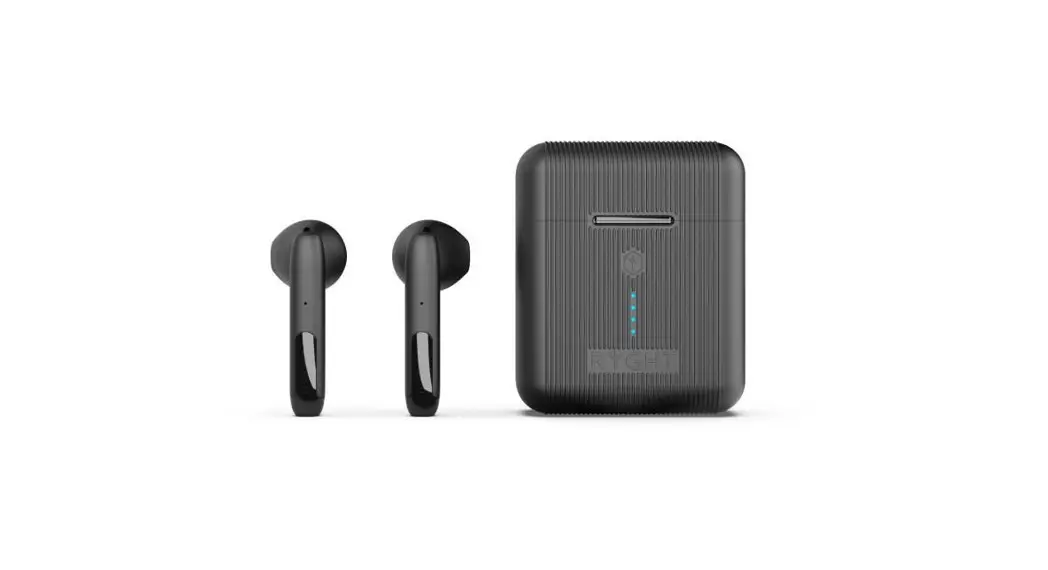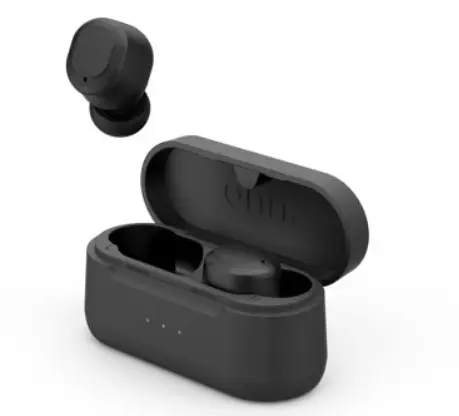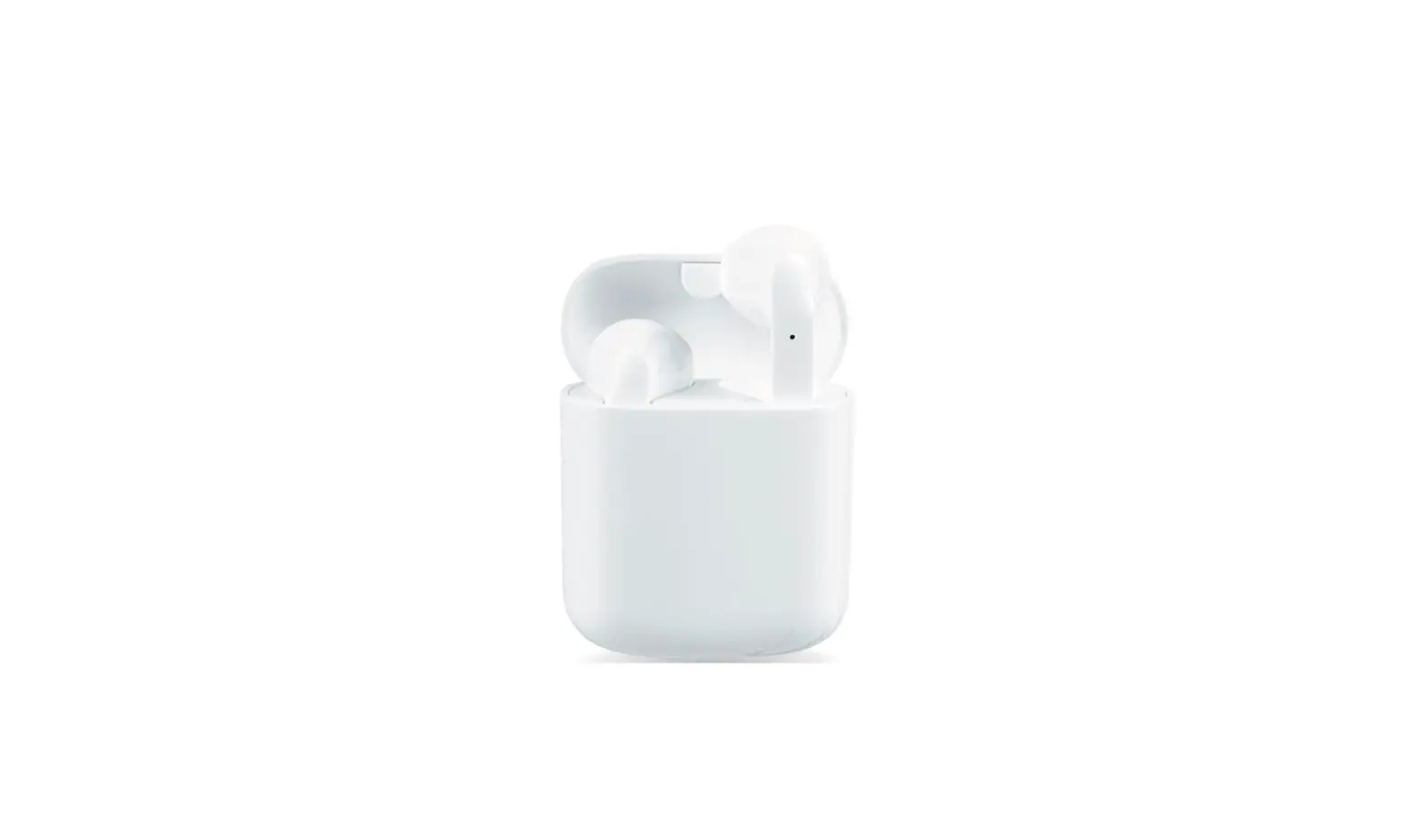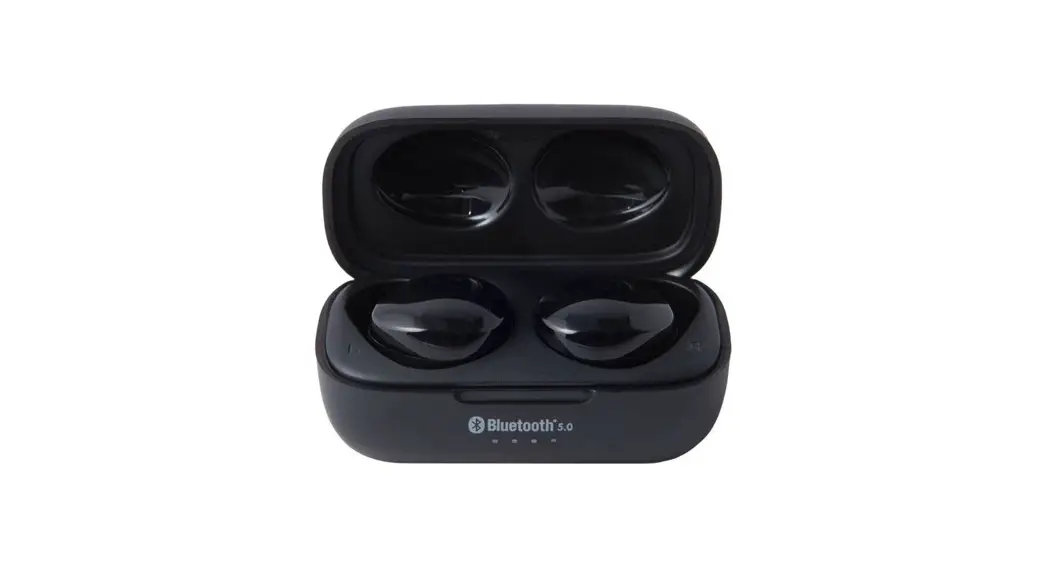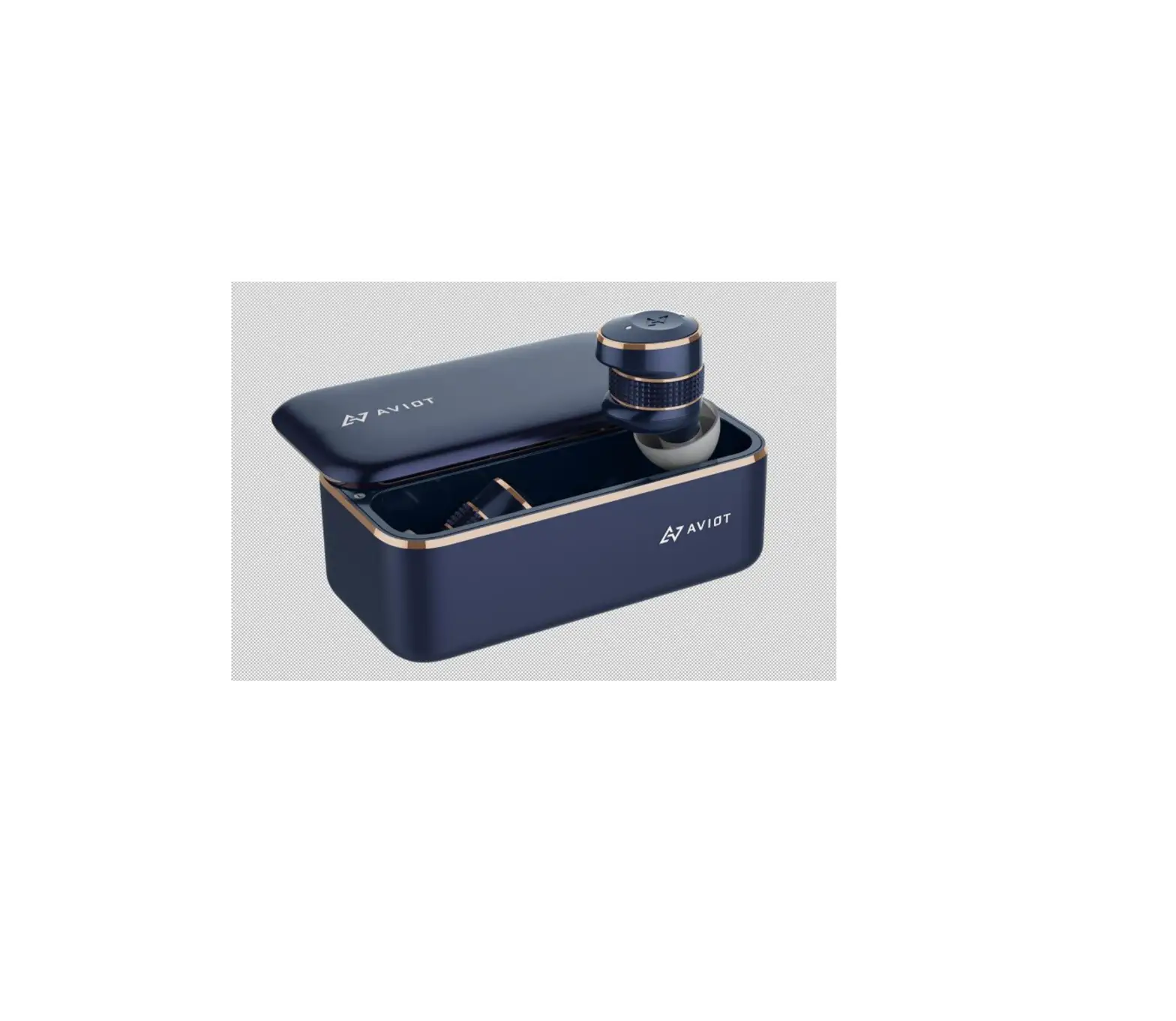
AVIOT TE-BD21j-ltd True Wireless Earphone
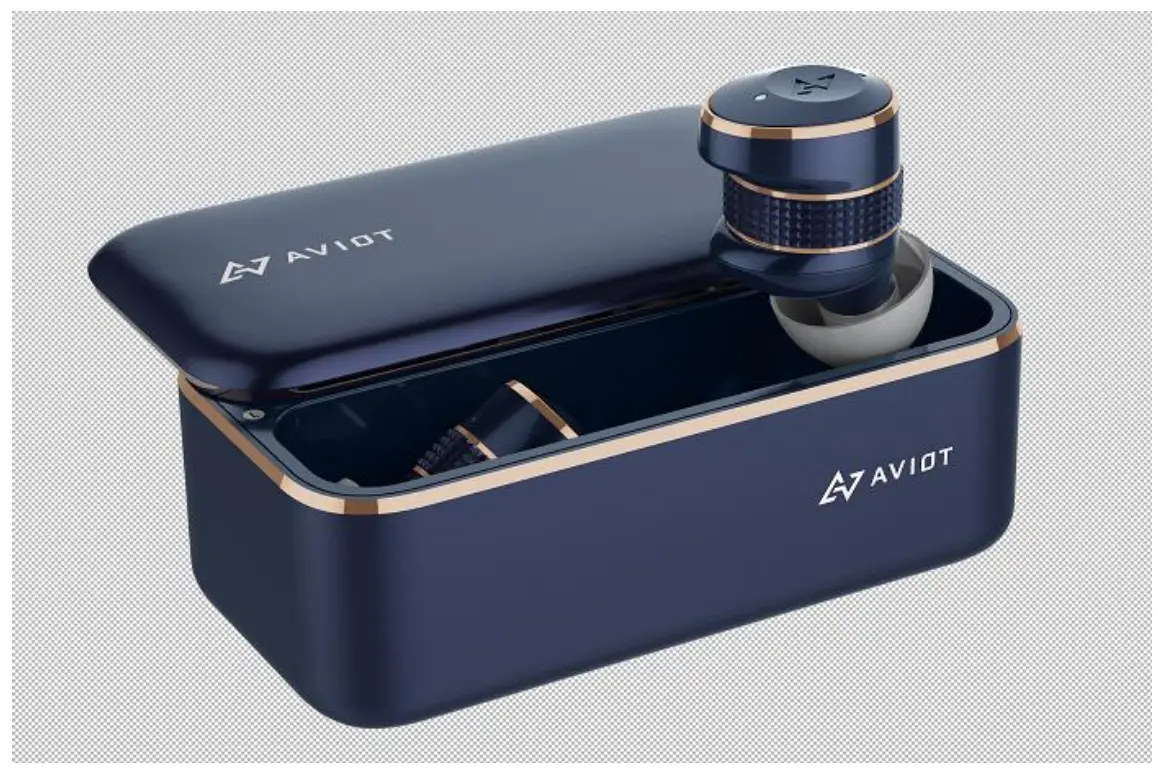
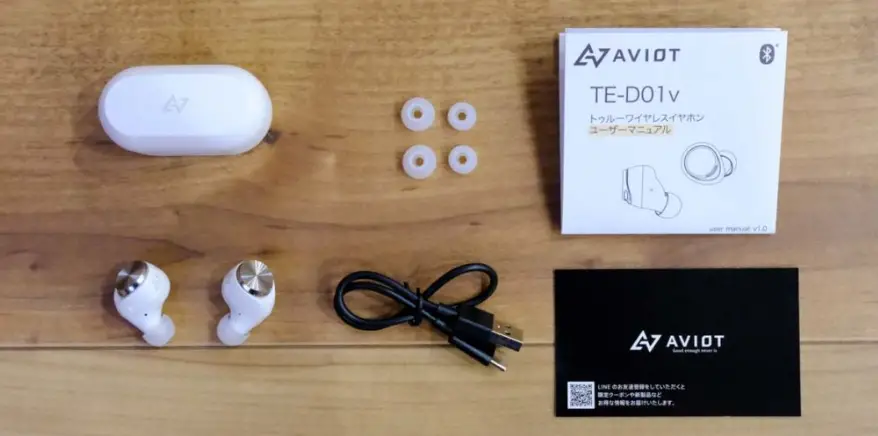
Packing list
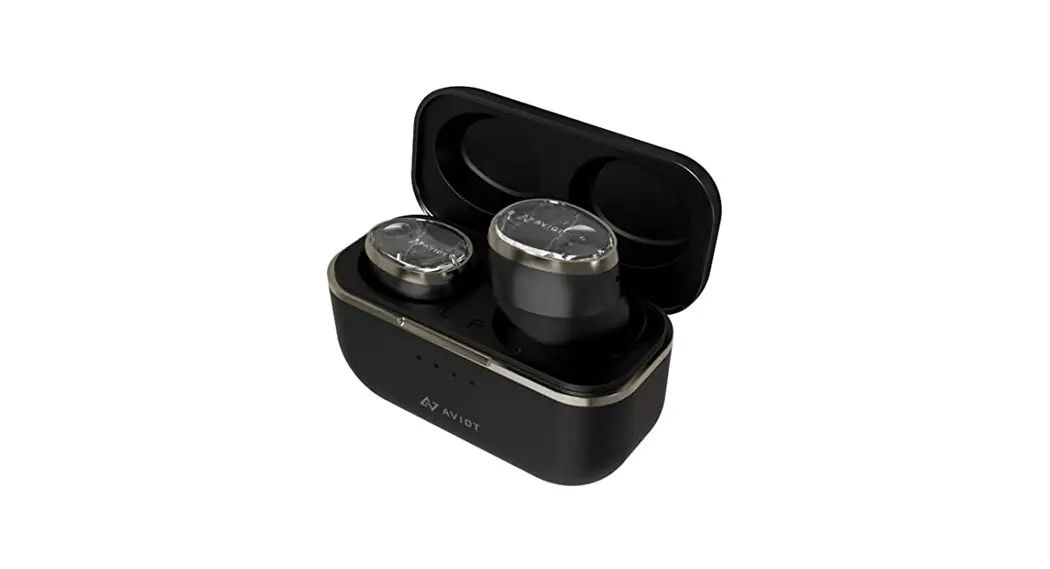
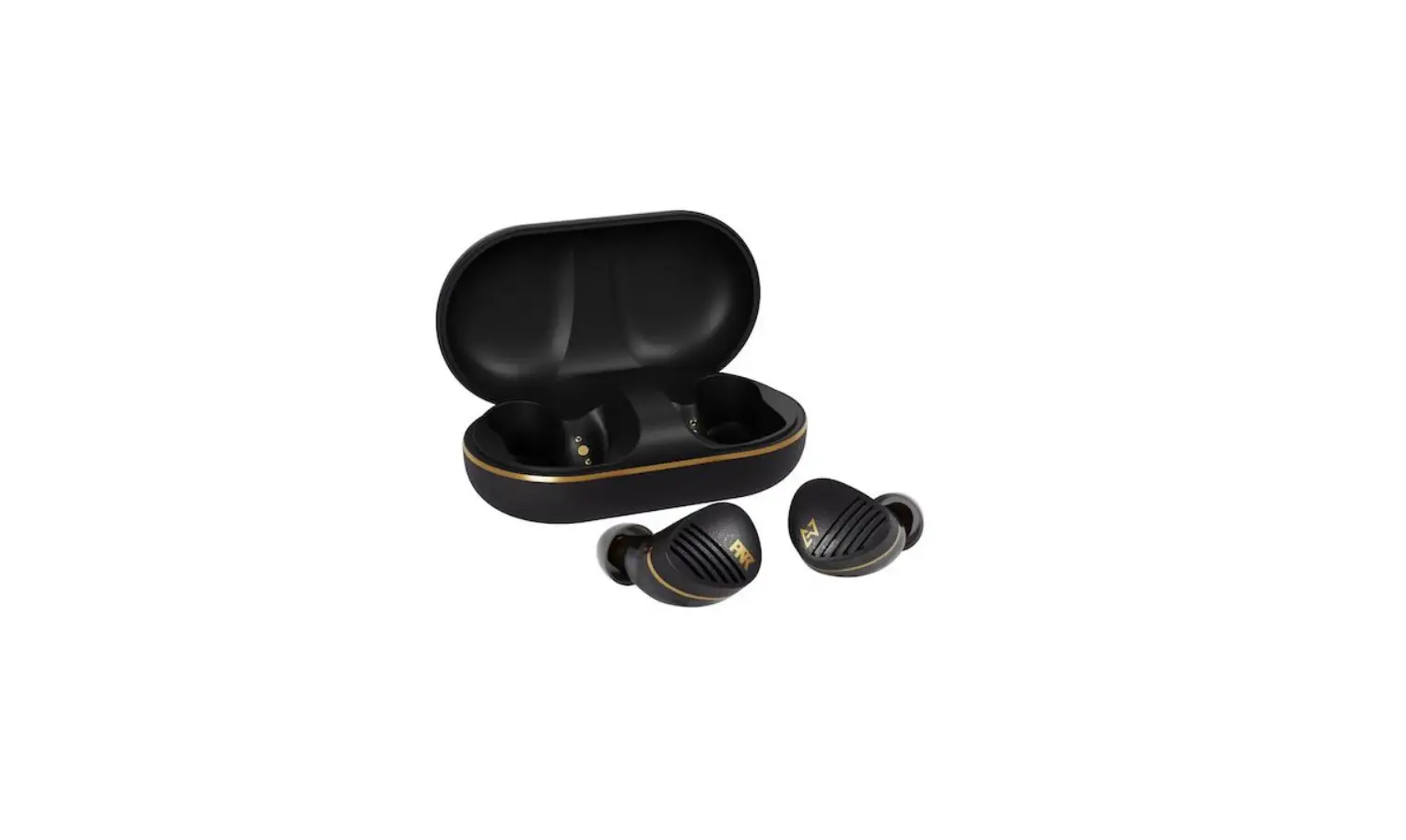
- True Wireless Earphone + Charging case x1
- Earpiece x3
- Foam Earpiece x3
- User manualx1
- Register cardx1
- Pouchx1
- Type-C cable
- Silicon strip x1
Product
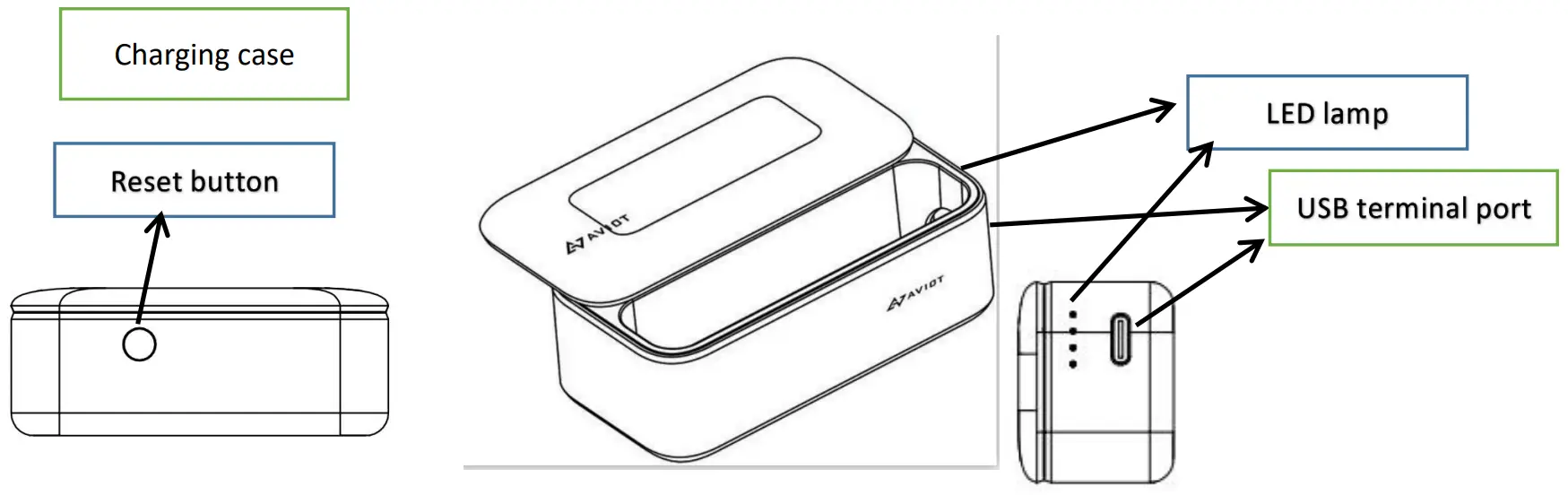
True Wireless Earphone
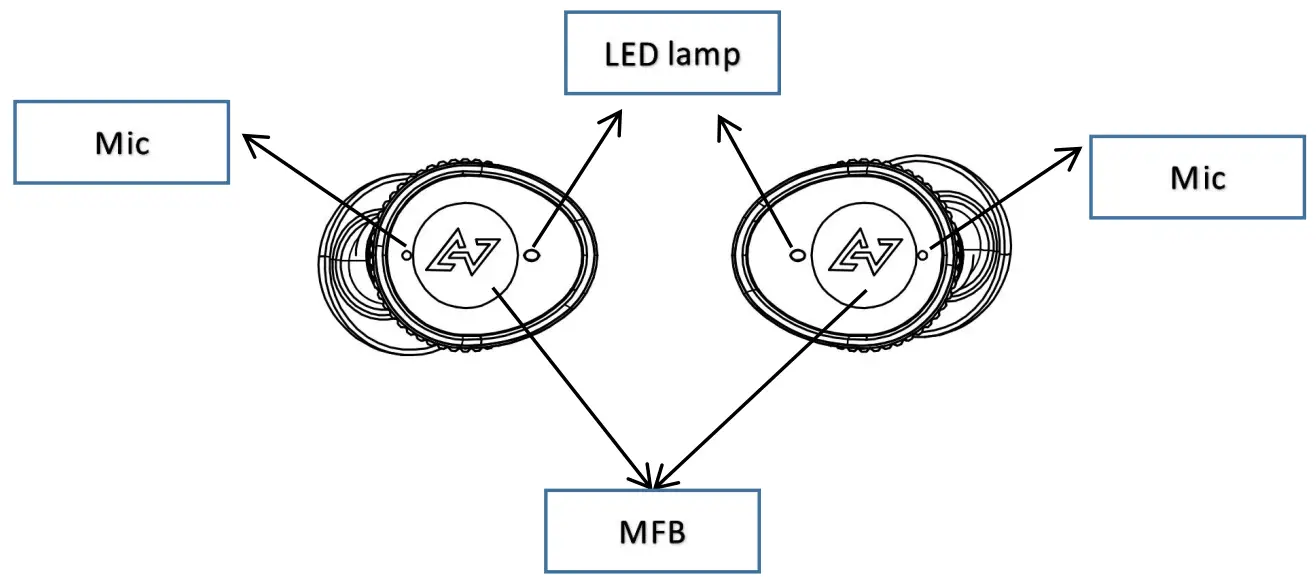
True Wireless Earphone operation
| Item | usage scenario | state | button | TONE | LED |
| 1 | Power on | Shutdown | Take out from charging ca se | White light for 1 second | |
| 2 | Pairing | Automatically enter pairing mode after first removing from charging case | Orange white lights flashing alternately | ||
| Manually disconnect the phone Bluetooth, the headset automatically enters the pairing state | Press 6 seconds long (right ear) | ||||
| Connection record, head phones into t he charging box, take out the headphones back to connect, back to failure to enter the pairing state | |||||
| 3 | Power off | Battery charged | When t he battery is full, still off connect the charger | Orange Lights Out | |
| Turn it off after 5 minutes | |||||
| 4 | answer a call | The ringing bell | 0.3 seconds long | 1 beep | |
| 5 | End of call | on the line | 0.3 seconds long | 1 beep | |
| 6 | reject a call | The ringing bell | 2 seconds long | ||
| 7 | Play music | Music pause | 0.3 seconds long | 1 beep | |
| 8 | Pause music | Music playing | 0.3 seconds long | 1 beep | |
| 9 | Next song (right ear) | Listening to music patterns | Press twice quickly | 1 beep | |
| 10 | Last song ( right ear ) | Listening to music patterns | Press 3 times quickly | 1 beep | |
| 11 | Volume plus (left ear) | Music mode and call mode | Press twice quickly | ||
| 12 | Volume reduction (left ear) | Music mode and call mode | Press twice quickly | ||
| 13 | Turn on hear through(left ear) | Standby/music | 2 seconds long | Anbient mic | |
| 14 | Reset | Charge status | Press t he button length of the charging case for 12 seconds | power on | White light flash |
Charging case operation
| No. | In case of charging: LED status | Battery level |
| 1 | The first LED on the left is flashing, and the other three are off | 0%-25% |
| 2 | The first LED on the left is always on, the second is flashing, and the other two are off | 25%-50% |
| 3 | The left two LED lights are always on, the third one is flashing, and the right one is off | 50%- 75% |
| 4 | The left three LED lights are always on, the fourth one is flashing | 75%- 99% |
| 5 | Four LED lights are always on | 100% |
| No. | Under discharge: LED status | Battery level |
| 1 | Four LED lights are always on | 100%-75% |
| 2 | The left three LED lights are always on, the fourth one is flashing | 75%- 50% |
| 3 | The left two LED lights are always on, the third one is flashing, and the right one is off | 50%- 25% |
| 4 | The first LED on the left is always on, the second is flashing, and the other two are off | 25%- 1% |
| 5 | Four LED lights are turn off | 0% |
 warning
(Failure to observe these warnings can lead to fires, electrocution, death1 and major injury to the human body.)
- when not in use, the product and attachments should be stored out of reach of small children in order to prevent accidental swallowing. In addition, please exercise caution with storage to prevent pets from touching or swallowing the product.
- Drivers are required by law to observe the provisions on road safety in the Road Traffic Act. The product should never be used while driving automobiles, motorcycles, ships, bicycles, or other vehicles.
- The product should never be disassembled; this can cause malfunction or electrocution.
- when worn, the product may make it difficult to hear peripheral sounds, such as warnings or alarms. Therefore, the product should not be used in locations where inability to hear the surroundings would present danger to the user.
- Always use the included USB cable to charge the product. Failure to do so can cause the product to burst, batteries to leak, overheating, and other incidents that can cause fires, burns, injury, and damage to the surroundings .
 Precautions
 Precautions
(Failure to observe these precautions can lead to injury or damage to household items.)
- Note that prolonged listening at high volumes can damage your hearing. Volume should be not be too high in order to protect your ears. In addition, regardless of the volume used, prolonged use can put stress on the ears. Remove the earphones every hour and take breaks.
- If you suffer from allergies or feel that this device does not sit comfortably on your skin, suspend use immediately and consult a doctor or the shop you purchased it at.
- Prolonged skin exposure to an electronic product can cause “cold burns.”
- You may experience a slight shock on the ears if static electricity has accumulated on your clothing or body.
 Regulations for disposal of rechargeable batteries
The rechargeable batteries found in the unit can be recycled. Removal of the rechargeable batteries should under no circumstances be performed by the end user. Please contact customer support for assistance. (Subject to your country of purchase, you can find the customer support contact address on your warranty card.)
NOTE: This equipment has been tested and found to comply with the limits for a Class B digital device, pursuant to part 15 of the FCC Rules. These limits are designed to provide reasonable protection against harmful interference in a residential installation. This equipment generates uses and can radiate radio frequency energy and, if not installed and used in accordance with the instructions, may cause harmful interference to radio communications. However, there is no guarantee that interference will not occur in a particular installation. If this equipment does cause harmful interference to radio or television reception, which can be determined by turning the equipment off and on, the user is encouraged to try to correct the interference by one or more of the following measures:
- Reorient or relocate the receiving antenna.
- Increase the separation between the equipment and receiver.
- Connect the equipment into an outlet on a circuit different from that to which the receiver is connected.
- Consult the dealer or an experienced radio/TV technician for help.
Changes or modifications not expressly approved by the party responsible for compliance could void the user’s authority to operate the equipment.