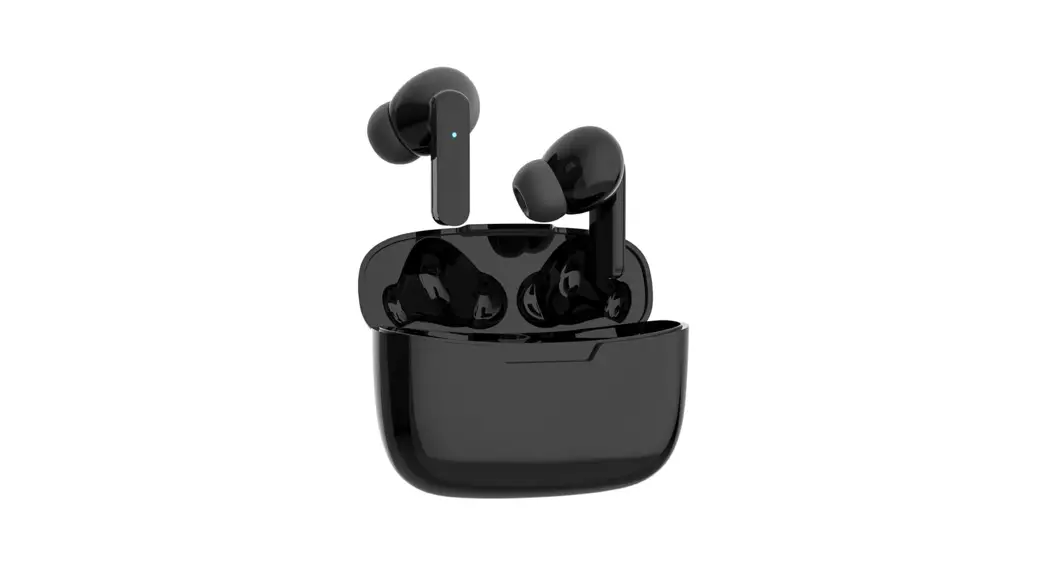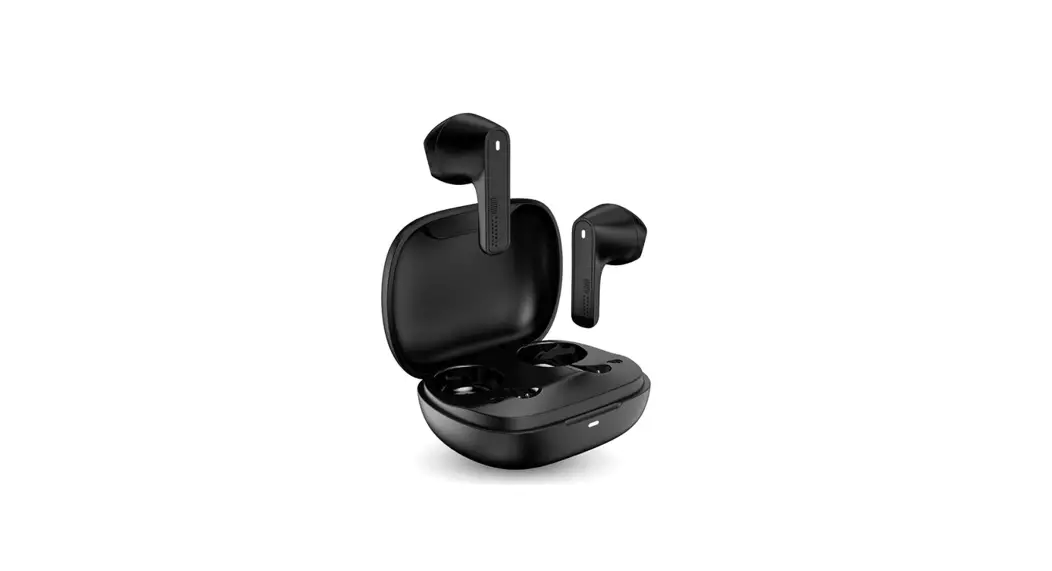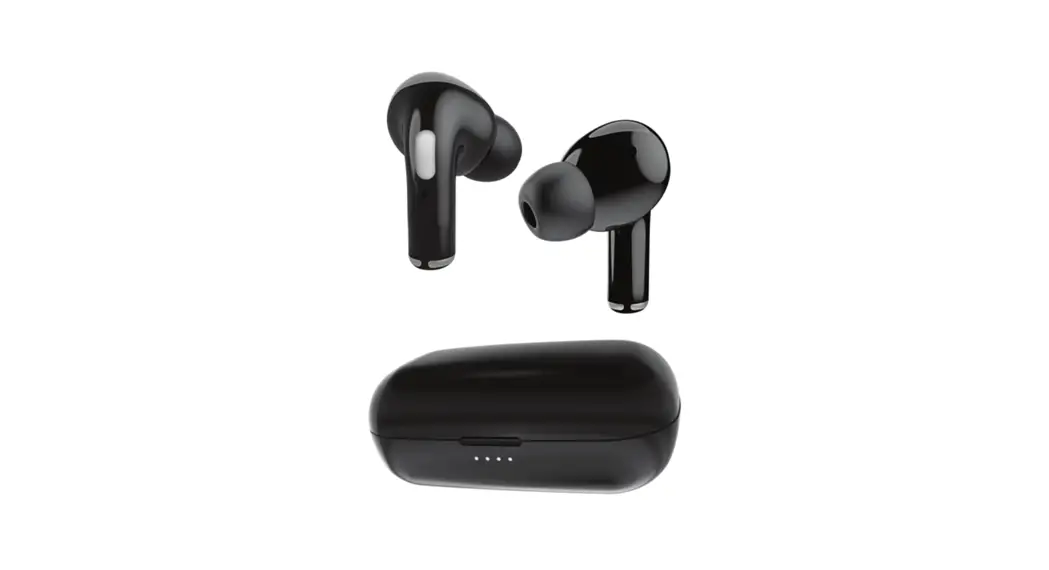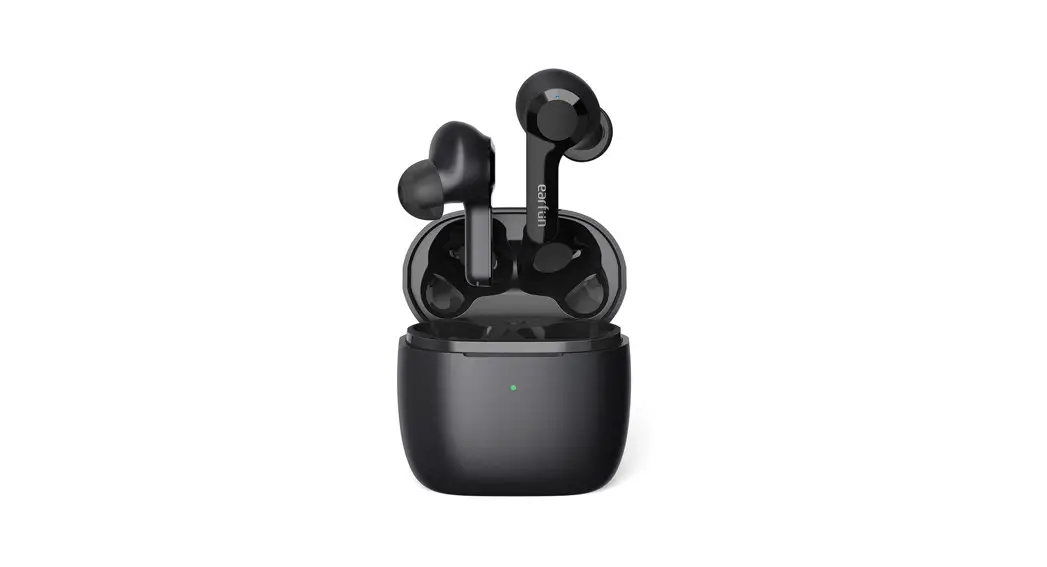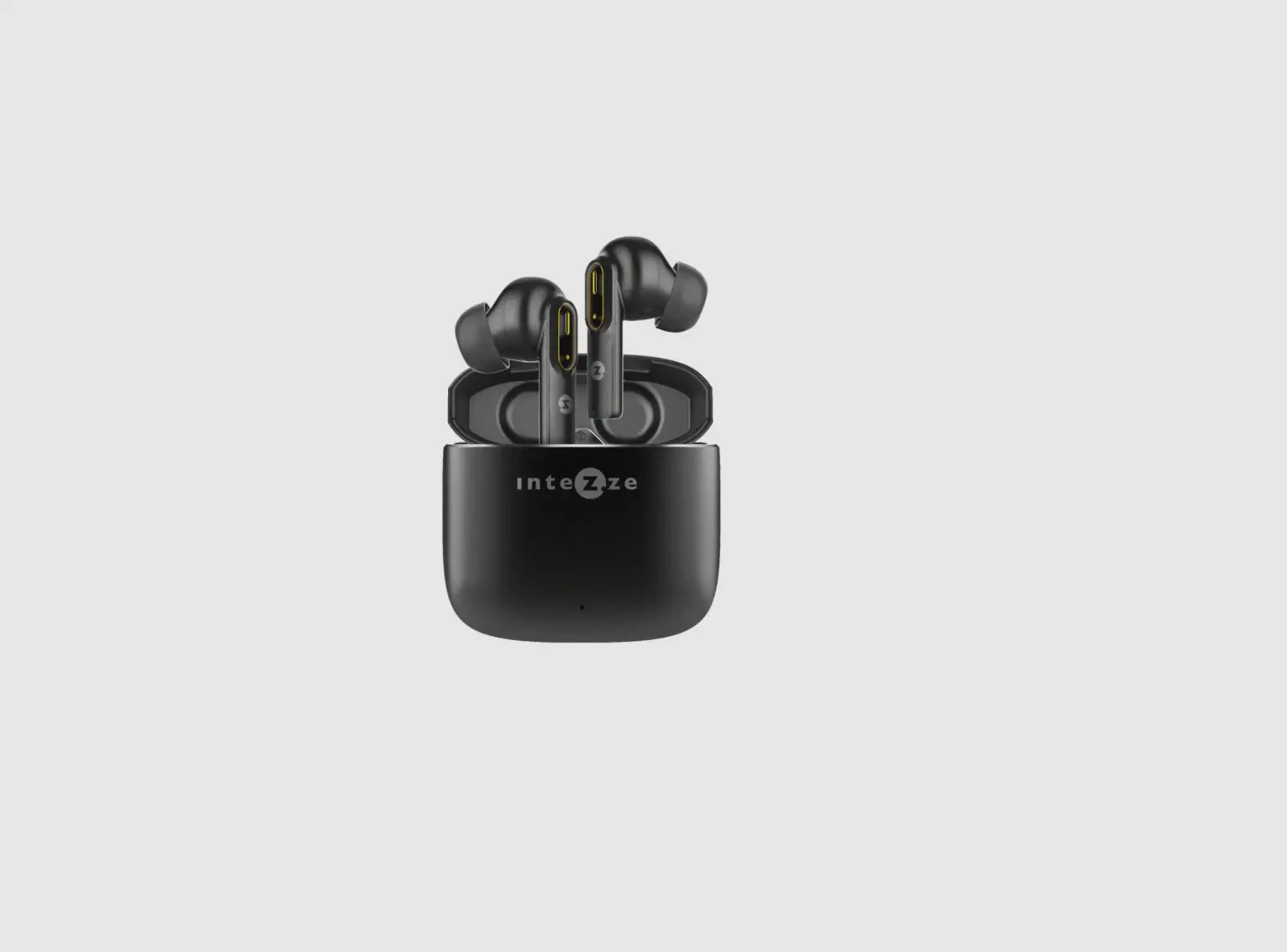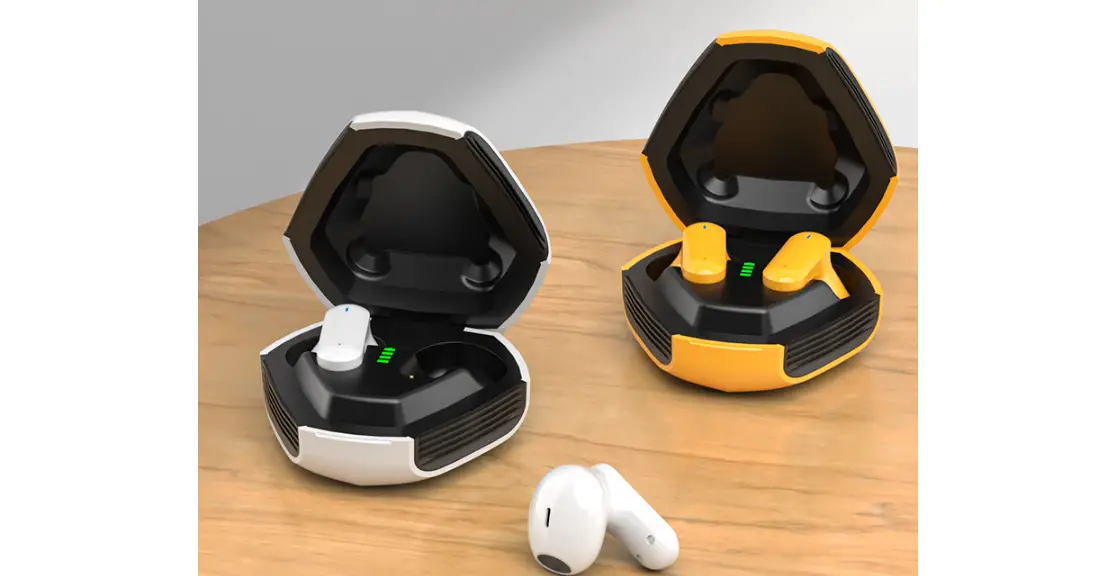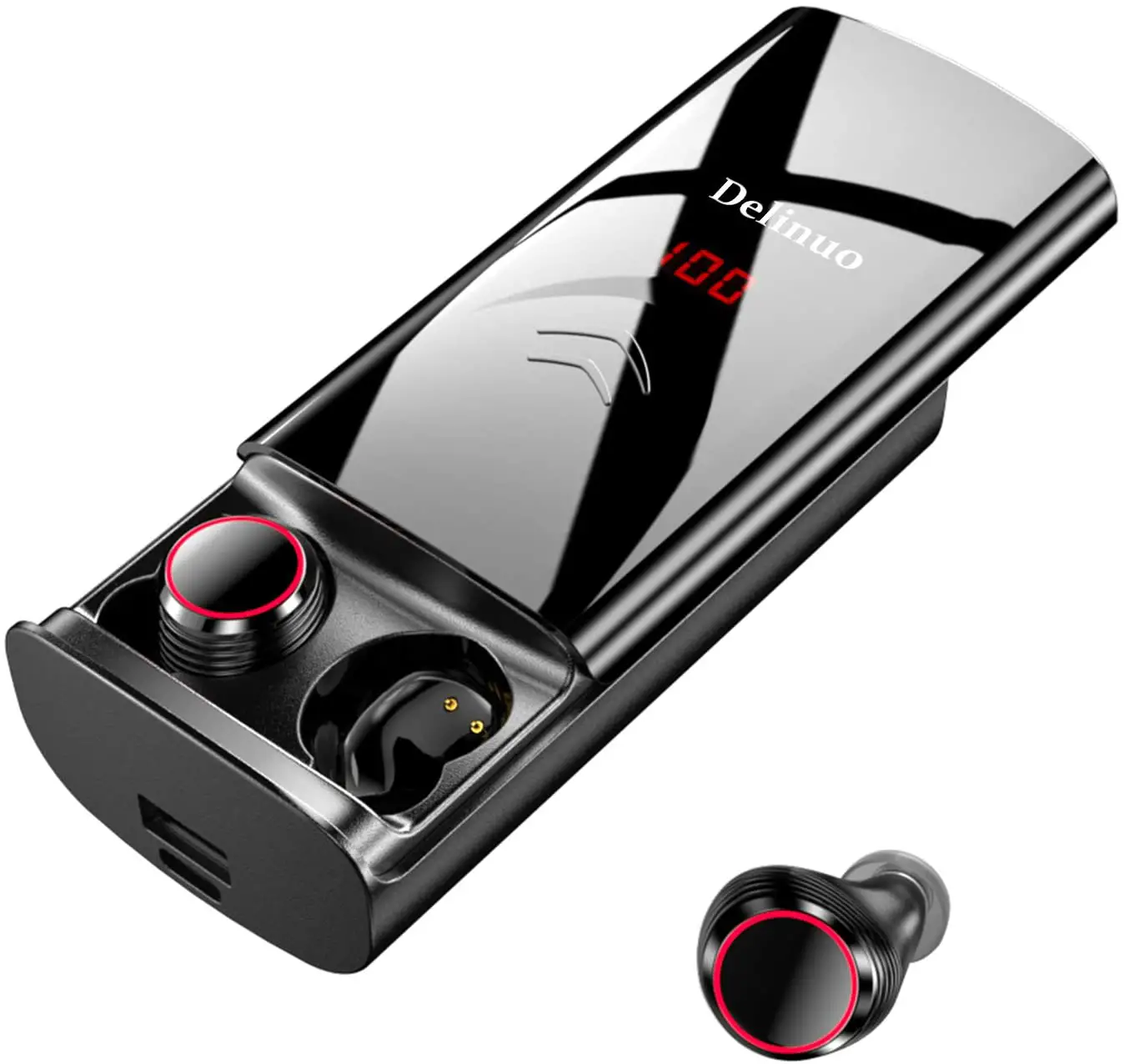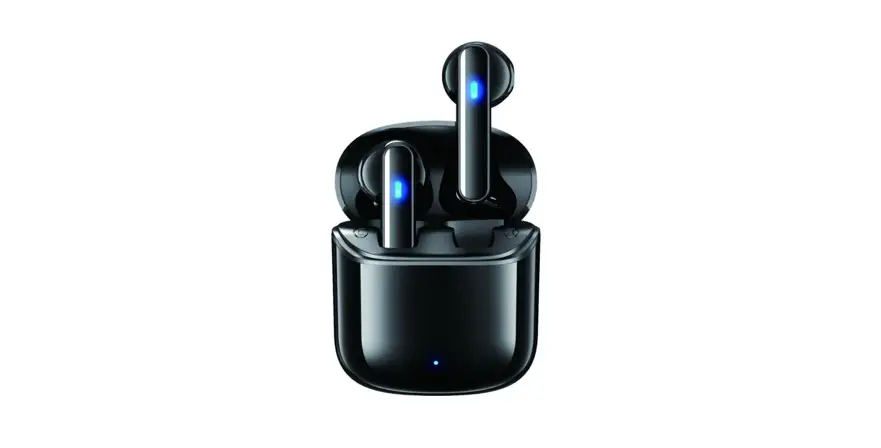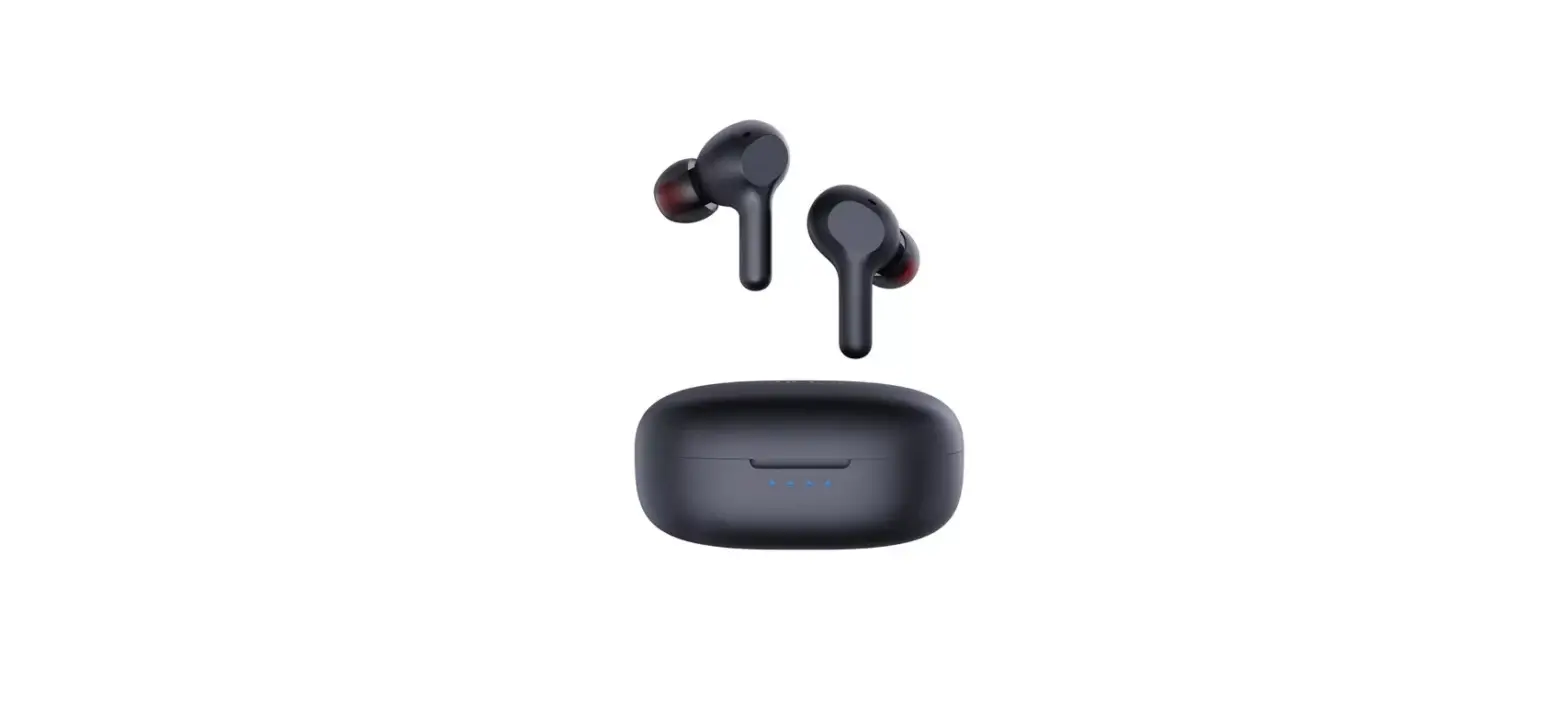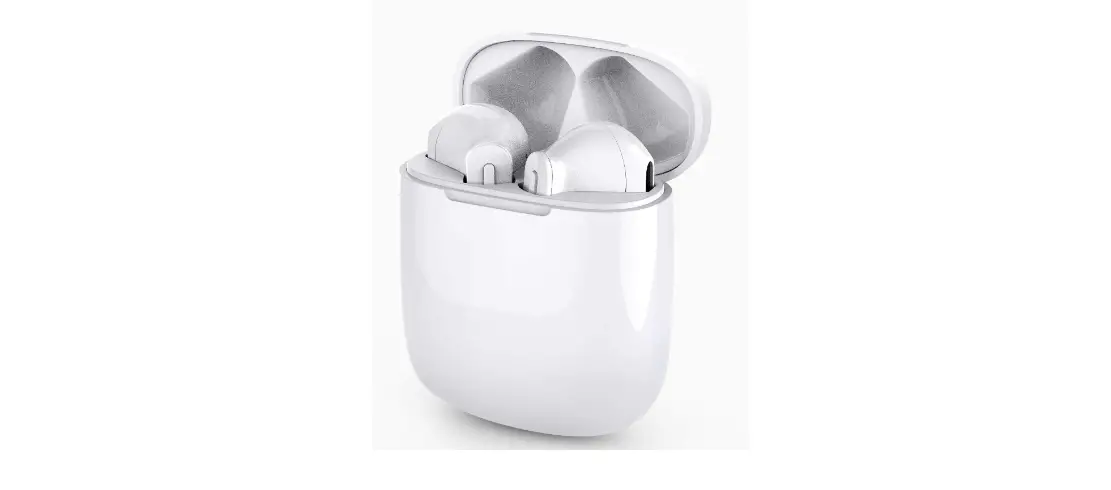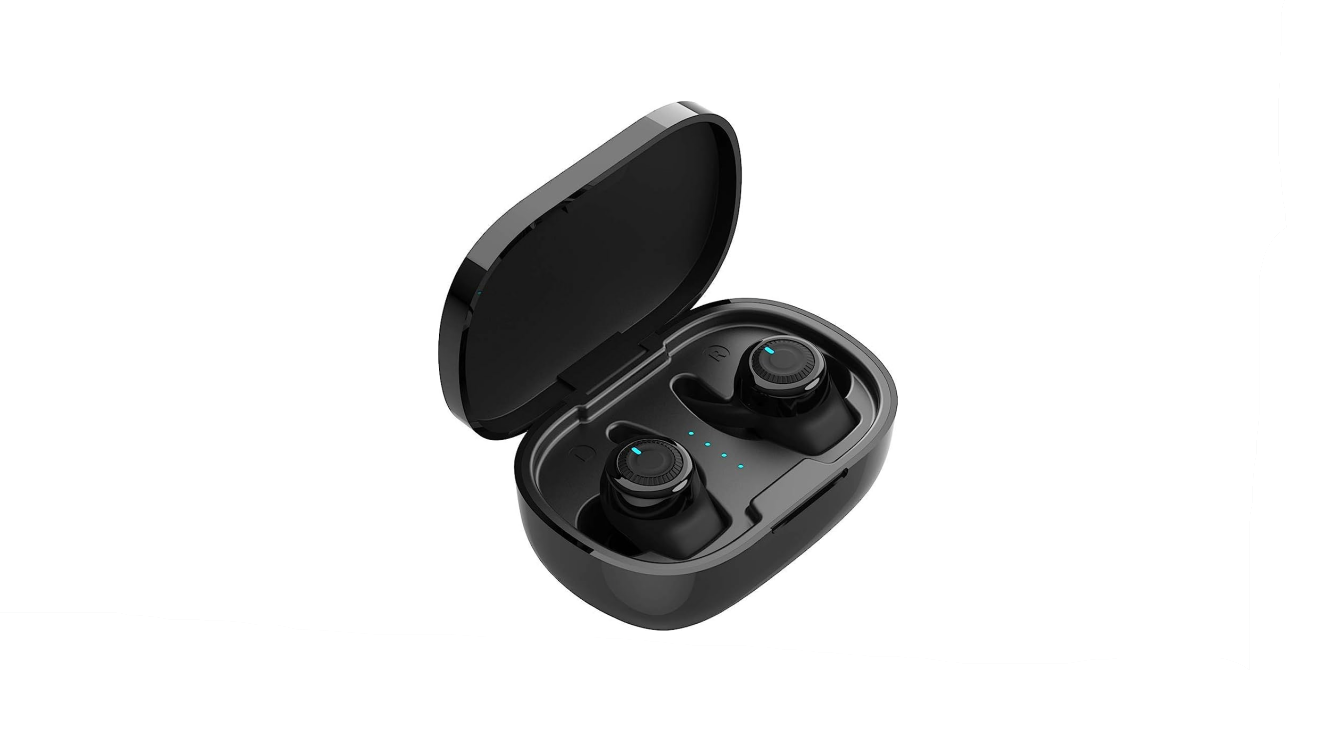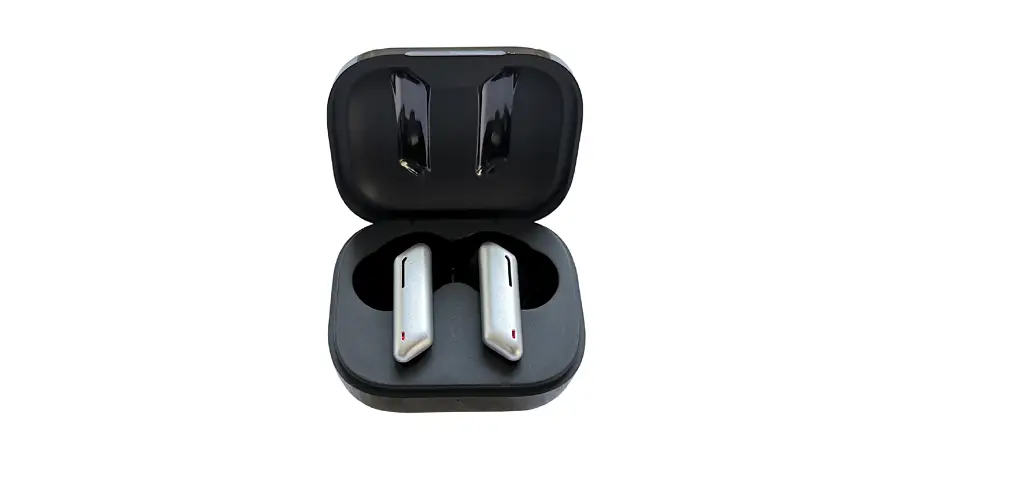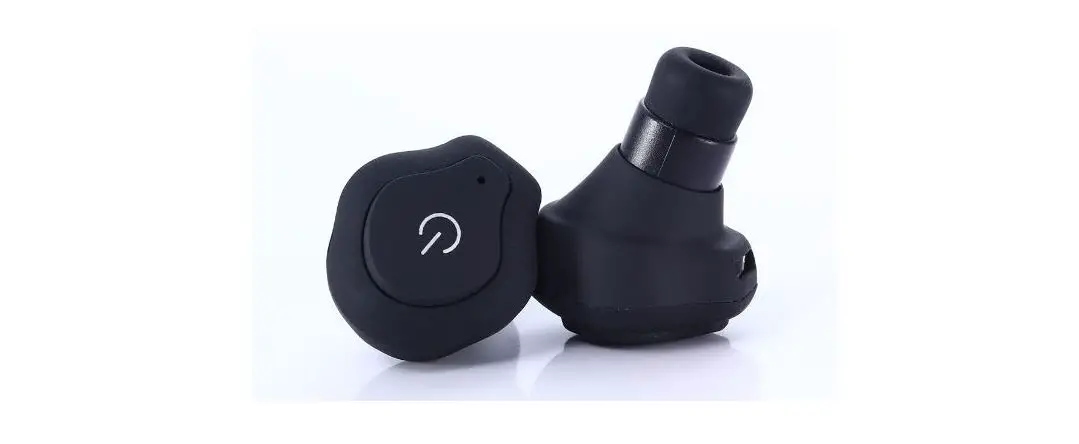
aimitek TW93 TWS Wireless EarBuds
User Manual
Overview
Chose eartips
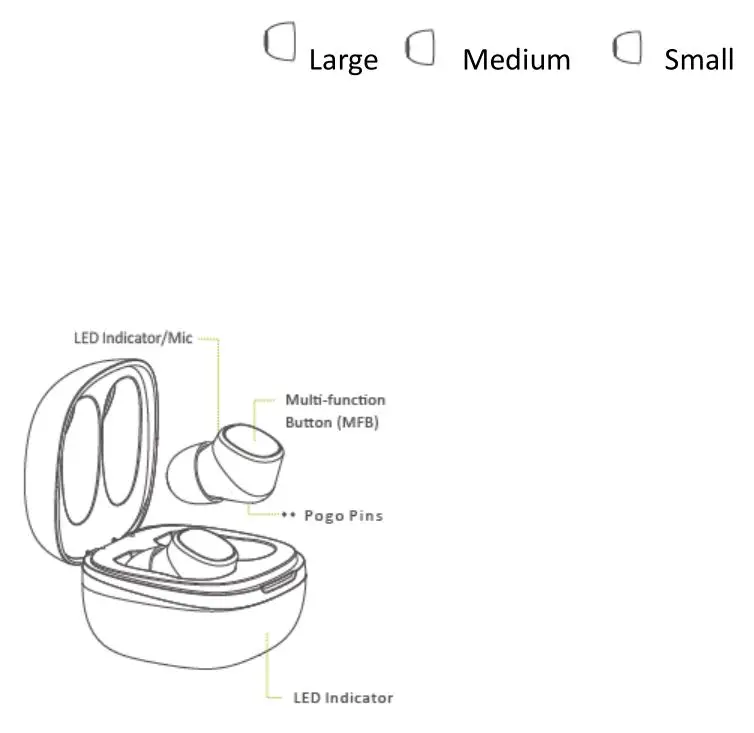
Medium eartips fit for most of the people, recommend to try if for the first time.
Start to Using
First use
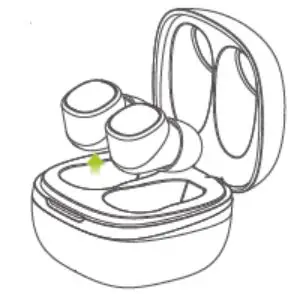
Take out both 2 earbuds then re-insert them back into the case to activate the earphones.
Notes: If Earbuds fail to be charged, please charge the case via USB cable(for details, please refer the following step)
How to pair
- Activating the EarBuds.
- Take out the EarBuds from the case, they will auto power on and pair with each other.
- The LED light on one earplug will be turned off, the other earplug will automatically go into pairing mode.
- Search for”TW76RK2″on mobile devices and tap to pair it to both EarBuds.
Resetting
Please try the following steps if fail to connect with the mobile device.
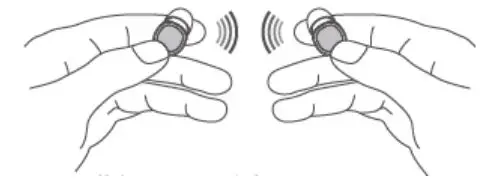
- Turn off the two EarBuds first.
- Tap the multi-function buttons for 10s(LED will blink red and white light then turn off).
- The two Earbuds will be put into the charging case to activate, and take out the EarBuds from the case at the same time, they will be automatically matched
- The LED light on one earplug will be turned off, the other earplug will automatically go into pairing mode.
- Search for”TW76RK2″on mobile devices and connect it with EarBuds.
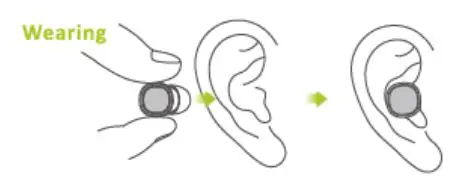
Put the Earbuds into ears lightly with mic to wards to the front side
Charging
a Charging the Earbuds
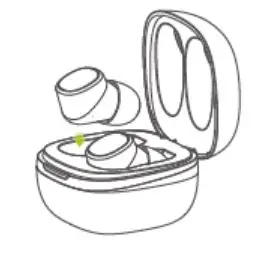
Insert the EarBuds into the charging case(pogo pins should be well-connected)LED light will be Red while charging and turnsinto White( will be last for 60s) once full charged .
b Charging the Case
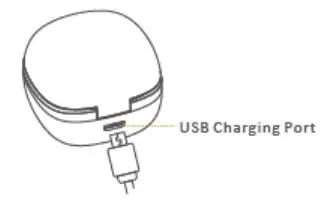
The charging case supports wireless charging function (Compatible with Huawei, Samsung, Xiaomi and other QI-certified wireless transmitters.)
Note: Then charging case, one light on mean 20% power, two lights on mean 50% power, three lights on means 75%power,four lights on mean full charged.
Functions
 Power-On
Method 1: Take out the EarBuds from the chargingcase,it will auto power on.
Method 2: Tap the multi-function buttons for 3s
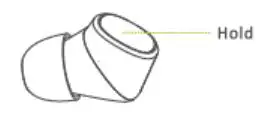
 Power-Off
Method 1: Put the EarBuds Rack into the chargingcase, it will auto power off.
Method 2: Tap the multi-function buttons for 3s
 Answer/Hang up the call
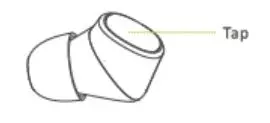
Tap the multi-function button to answer the call, Tap the button again to hang up.
 Decline a call
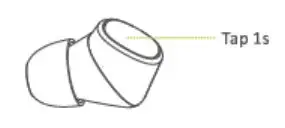
Tap the multi-function button for 1s.

 Switch Audio Output
Under the calling status, Tap the multi-function button for 1s to switch audio output between cell phone and Earbuds.
 Mute-on/off
Under the calling status, Tap the multi-function button twice to turn on or off the Mute function.
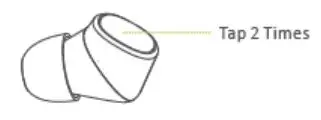
 Play/Pause the music
Tap the multi-function button to play pause the music.
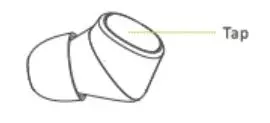
 Skip to last song
Tap the multi-function button for 3 times to playlast song.
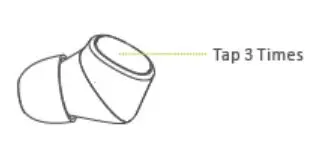
 Skip to next song
Tap the multi-function button for 2 times to playnext song.
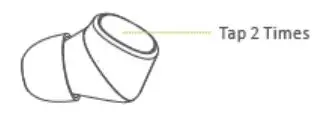
 Voice Assistant
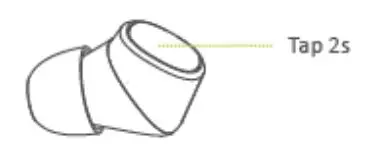
Under the standby status, tap the multi-function button 2s to activeate the voice assistant(eg. Siri).
 Call Redial
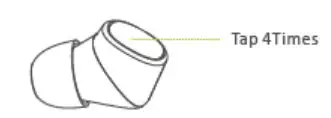
Under the standby status , tap the multifunction button 4 times to realize the function of call redial at the end number the phone .
Model: TW93
Transmission Distance: 15 meters
Bluetooth Vision: V5.0
Charging Time: about 2 hour
Talking Time: about 5 hours
Battery type :li-ion
Mode: HFP、HSP、A2DP、AVRCP
Battery capacity: 50mAh
Charging Case capacity: 500mAh
Tips
- Before use it, please read the user manual carefully and keep it for future references.
- It should be fully charged before first-time use.
- If it is not being used for over 1 month, please charge it before use it again.
- Please use the qualified adapter.
- If it cannot be found by your mobile devices, please check whether it is in pairing mode; if not pair it with mobile devices for a long time, it will exit pairing mode, please re-enter the pairing mode; if a procedure error occurs on mobile devices, please reset it; otherwise, reset the Ear Buds.
Warning
- Never disassemble or modify it to avoid causing any damages or dangers.
- Do not store it in extreme temperatures(under 0 ℃ or over 45℃)
- Keep it away from the kids.
- Do not use it during thunderstorms.
- Do not use harsh chemicals or strong detergents to clean it.
- Keep it dry.