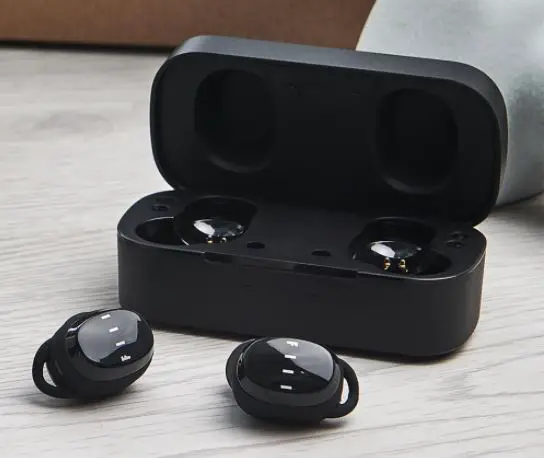
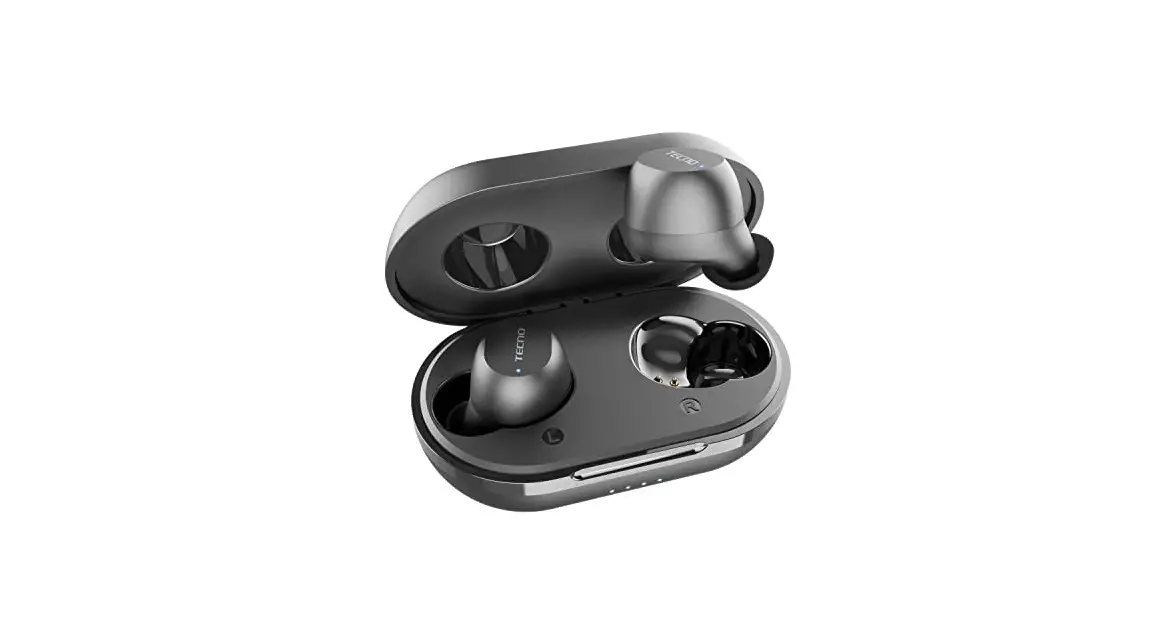
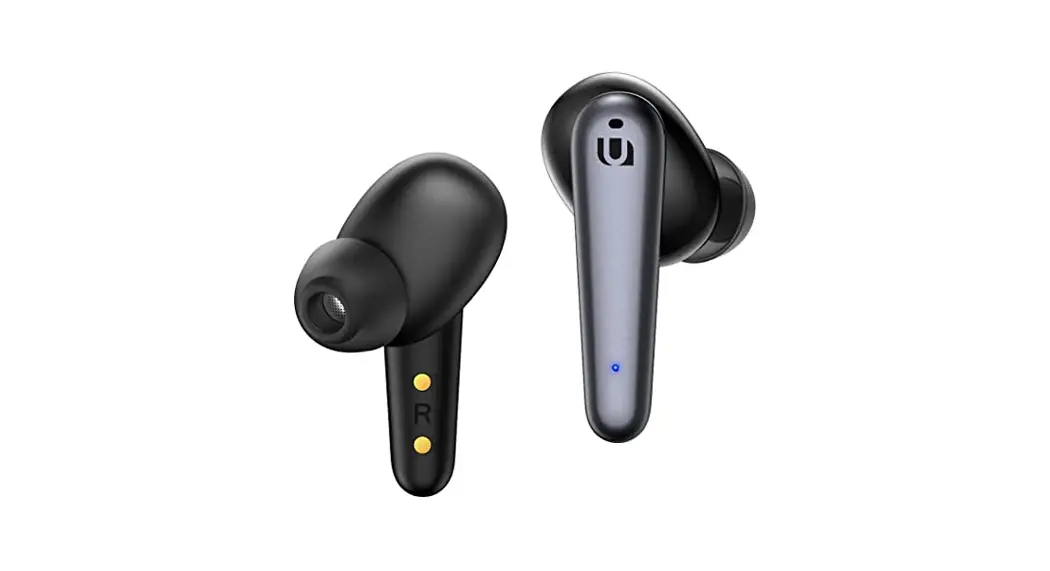
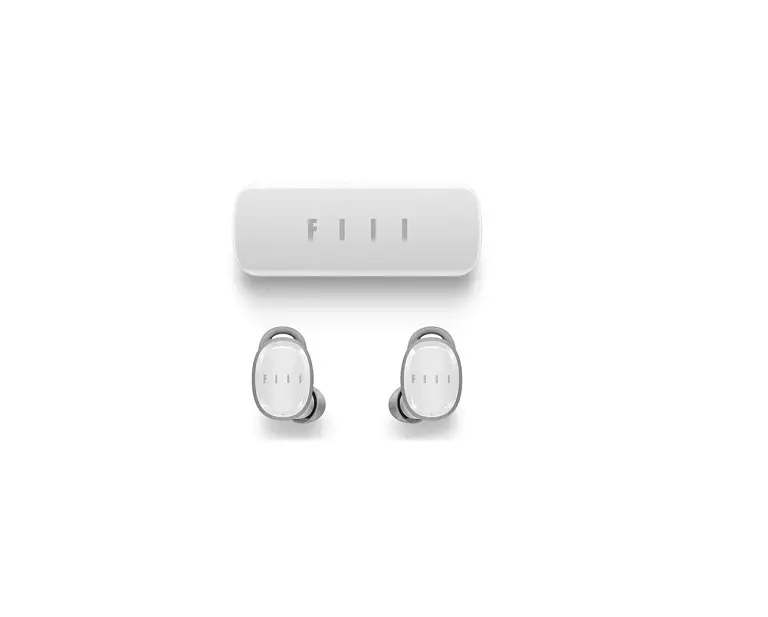
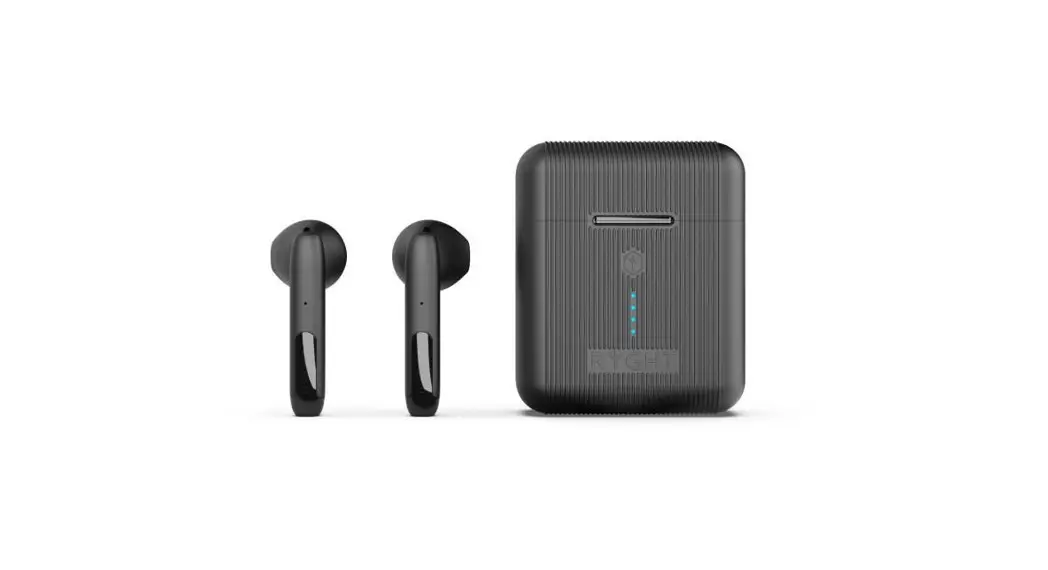
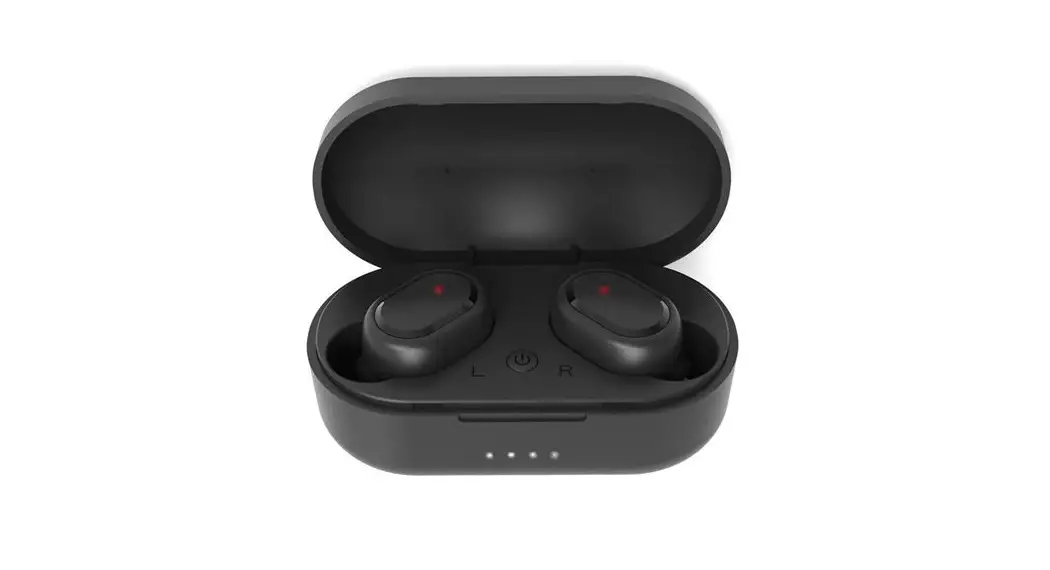
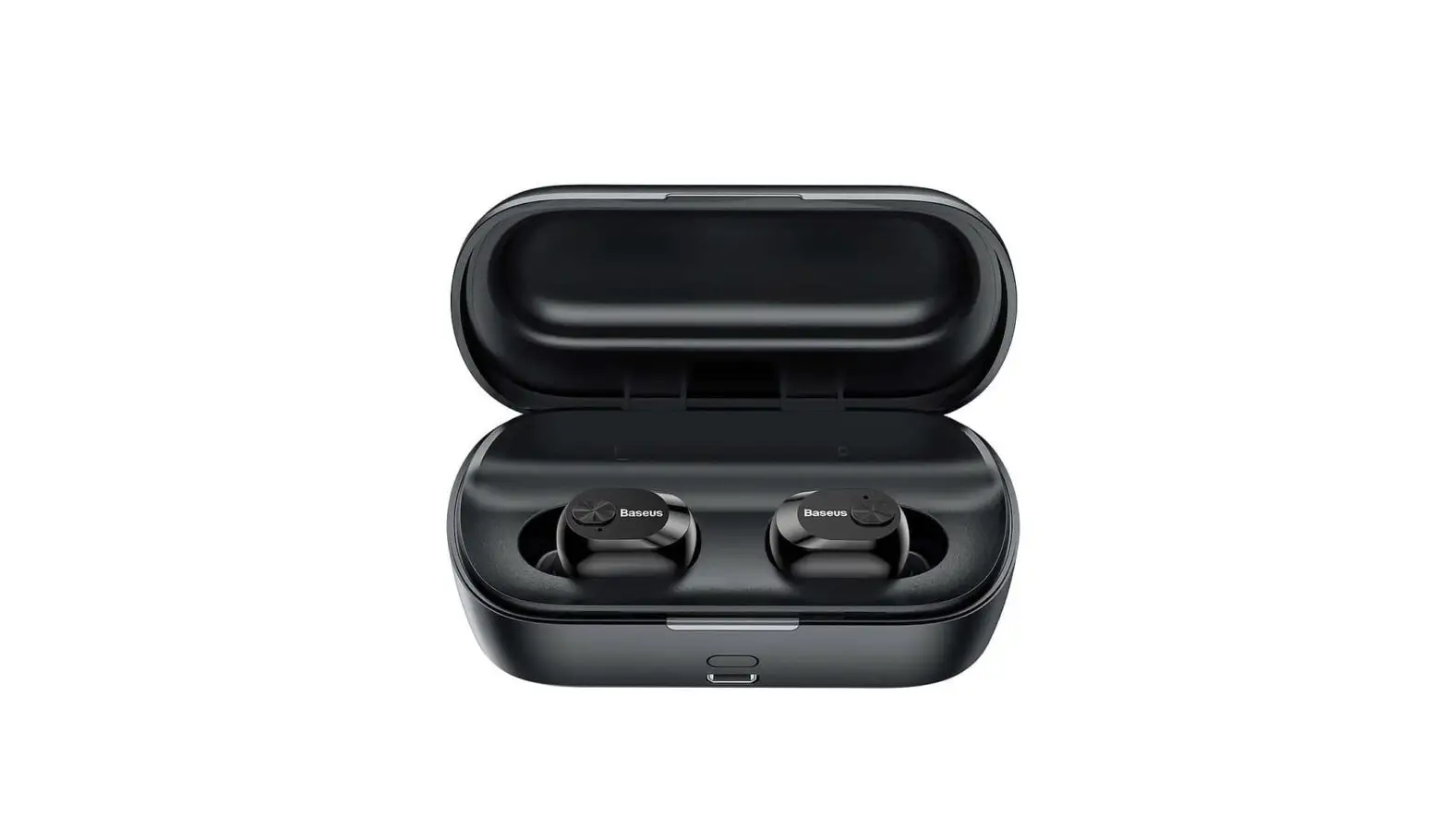
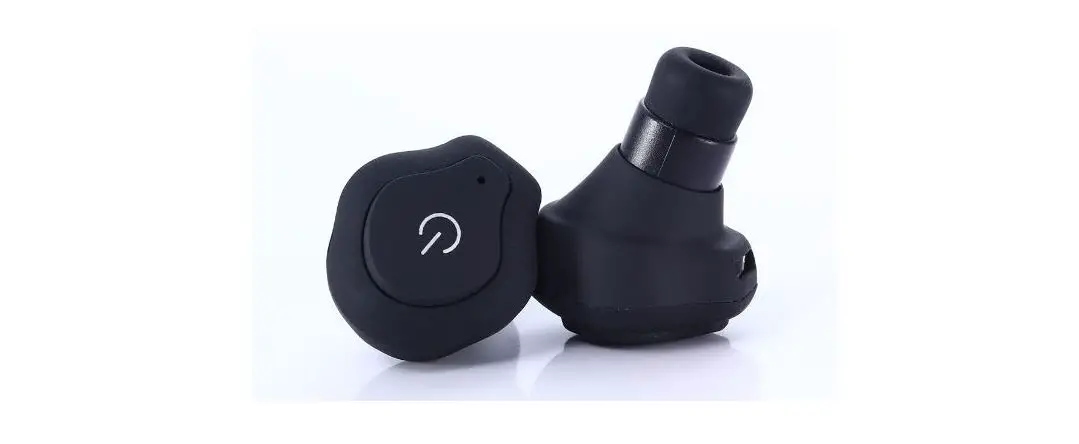
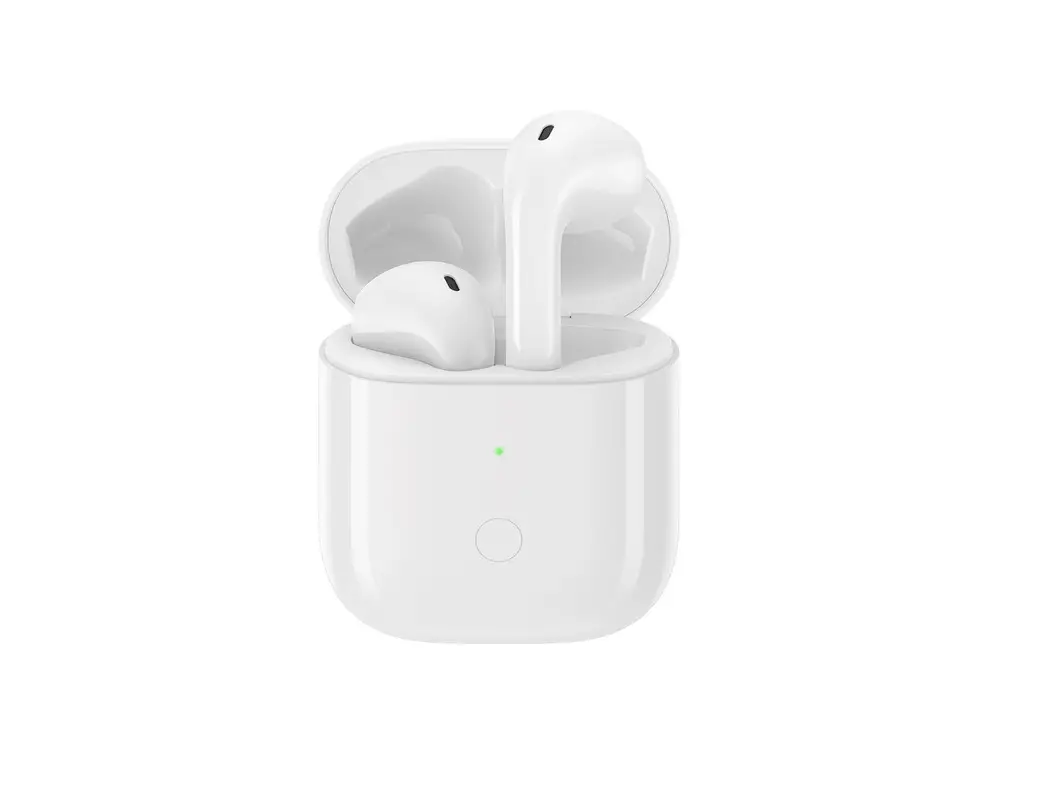
T1 Wireless Earbuds
Product Information
Product Name: T1 Earbuds
Model Number: 20186
Main Features:
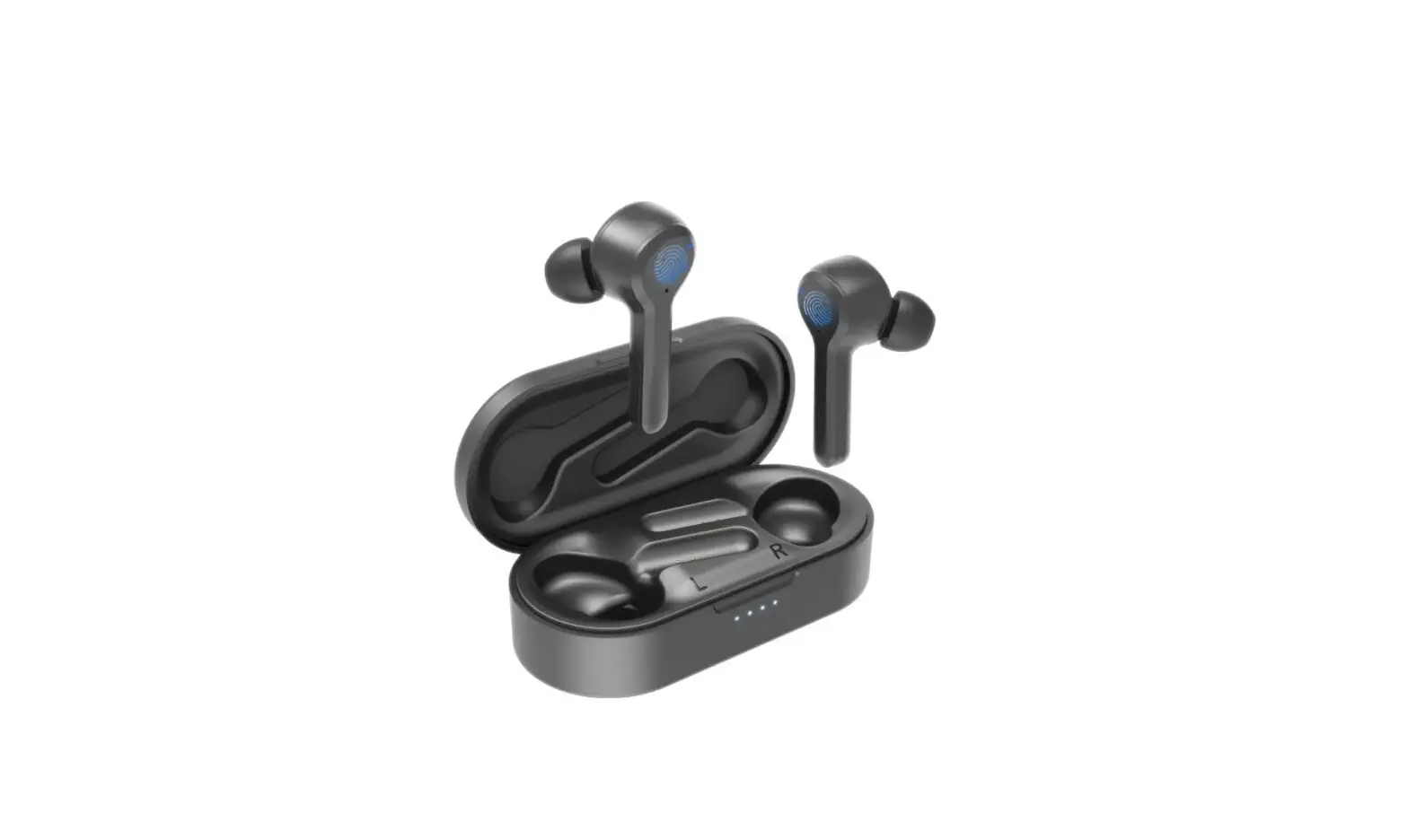
- Charging case with a charging pocket
- Music and call button
- Microphones
- Light indicators
Product Usage Instructions
Power On/Off
To power on the earbuds, simply pick them out from the charging
case. To power off, place them back in the case for charging.
Pairing with Bluetooth
After removing the earbuds from the case, they will
automatically turn on. The right earbud will automatically connect
to the left earbud. You will hear a pairing prompt tone from the
left earbud, and the LED indicator will flash green and blue. Note
that you have 3 minutes to pair with your device before they exit
pairing mode. If needed, put them back in the case to wake them
up.
To pair with your device, turn on the Bluetooth function on your
device and go to the Bluetooth menu. Select “T1” from the available
devices, and then pair and connect. You will hear “Connected” when
the pairing is complete. The left earbud will connect to your
device, and the right earbud will connect to the left.
Best Fit & Best Sound
Try all the included ear tips to find the best fit and sound
quality. The fit is right when you achieve a complete seal, the ear
tips feel comfortable, and you get the best quality and loudest
sound.
To insert the earbuds, direct the eartip towards your ear canal
and twist gently until they fit comfortably and securely. Wearing
them incorrectly may affect the signal of the earphone and
microphone.
Note that different sizes of ear tips may be suitable for your
left and right ears. Choose the size that completely seals your ear
canal for the best sound.
Music Control
To control music playback, start playing music on your music
player and use either the master or partner earbud.
- Press once to pause a track.
- Press again to resume.
- Double-press to go to the next track.
- Triple-press to go back one track.
Calls
When making and answering calls, you can press the master
earbud.
Charging
To charge the earbuds, place them into the charging case. The
earbud’s green light will turn on during charging and turn off when
fully charged.
To charge the case itself, plug in the charging cable. The case
will have a breathing blue light while charging.
Charge Level Indication
The earbuds will notify you when the battery level is low. Every
20 seconds, you will hear “Battery low” when there is only 5
minutes of battery life remaining.
Earbud and Case Status Lights
The earbuds and case have different status lights to indicate
their charging and pairing status:
- Earbud Charging: Steady green light (Case: Breathing blue
light) - Earbud Full Charge: Light turns off (Case: Turns off breathing
light) - Pairing: Blinking blue and green
- Case Charging: Breathing blue light
- Case Full Charge: Steady blue light (Light turns off after
pulling out charging cable) - Case Battery Low: Blinking blue
Basic Specifications of Charging Case
- Size: 59.5*34.5*27.3mm
- Weight: 27.6g
- Charging Port: Micro Charging base (Full) provide power to
earphone: 1.5 times - Charging Time: 1-2 hours
- Input Voltage: DC5V
- Charging Current: 300mA
- Output Voltage: DC5V
Safety Warning
Please disconnect the USB cable after charging. Do not leave the
product charging for an extended period of time.
Use a charger or adaptor with an output voltage and current
(max) of 5V/1A or 5V/1.5A, along with the product’s original
charging cable, for charging. Using a charger with higher voltage
and current may cause severe damage to the product and void the
warranty.
Note that the battery of the product is designed to last the
lifetime of the product. It should only be removed by a recycling
facility. Attempting to remove or replace the battery yourself will
damage the product and void the warranty.
EN
6TFSNBOVBM
charging case
T1 Earbuds
20186
T1
50WFSWJFX
Music & Call Button
Microphones
Light
Charging Pocket
Power on/off Power on when pick out from the charging case.Power off and
charge when place back in the case.
Pair with Bluetooth Earbuds remove from the case, after automatically turn on, the right will automatically connect to the left, After the right connect to the left, Left with “pairing” prompt tone, the LED indicator flashes green and blue; Note: You have 3 mins to paired with your device, or they out pairing mode. Put them in the case to wake them back up.
Turn on the Bluetooth on your device, go to Bluetooth menu, select for: T1, pair and connect. You will hear “Connected” when pairing is complete.
Note: Left earbud will connect to your device. The right one will connect to the left. T1
Best fit & best sound Try all the ear tips to find the best fit and the best sound.The fit is right when you get a complete seal, the ear tips feel comfortable, and you get the best quality and loudest sound.
Insert the earbuds with the eartip directed towards your ear canal. Twist gently until fit comfortably and feel secure in your ear.It will be affect the signal of the earphone and microphone if wrong wearing.
Tip: More than one eartips size may fit you. Choose the one that completely seals your ear canal for the best sound.You may need different size ear tips for left and right.
Music Start playing music on your music player and you could control it with both master and partner earbud.
Press once to pause a track. Press again to resume. Double-press to go to the next track. Triple-press to go back one track
Calls When making and answering calls, you can press master earbud.
Wrong wearing
Press once to answer an incoming call, or press and hold MFB for 2 seconds to reject it. Press once to end a call. When you are talking on the phone and receive another incoming call, 1. Press MFB once time, end first call and answer new coming call; 2. Long press MFB 2 seconds, answer new call and first call will be placed on hold; 3. if new coming call answer and first call on hold, long press MFB 2 seconds, switching between two calls. Note: All calls will be heard in the left earbud only.
Charge the earbuds Put the earbuds into the case.
The earbud green light turns on when it is charging and light turns off when it is completely charged.
Charge the case Charging the case by plugging in the charging cable. The case
breathing blue light when it is charging
Charge level Your earbuds let you know when your battery level is low. Every 20 seconds you will hear”Battery low” when there is 5 minutes of battery level.
Earbud status lights
Charging Steady green light(Case with breathing blue light)
Full charge Light turn off (Case turn off breathing light)
Pairing
Blinking blue and green
Case status lights When your case is plugged into a charge cable for charging , you will see charging lights.
Charging Full charge Battery low
Breathing blue light Steady blue light (Light turn off after pull out charging cable ) Blinking blue
Note: Your battery is designed to last life of the product. It should only be removed by a recycling facility. And attempt to remove or replace your battery will damage the product and void your warranty.
Pairing Left & Right earphone Guide: 1. Put both earphone back to the charging case. then Pick out the both earphone from the charging capsule; 2. Make sure both of earphone didn’t connected with any devices; 3. Double click the main button of left earphone you’ll hear “Pairing” from the left earphone. Then Hold the main button of left earphone for 3 seconds, You’ll hear “TWS searching”. While the indicator light was flashing blue and green; 4. Double click the MFB button of right earphone, you’ll hear ” pairing” 5. Wait until you hear “TWS Connected” from right earphone, Pairing done.
Basic Specifications of Earphone Size: 23.6×16.5×26.7mm Weight: 4.5g Earbuds Charging Current:55mA Earbuds Charging time: 1 hour Working Voltage: 3.3V~4.2V Standby time: about 40 hours Music Time:2~2.5 hours Talking Time:2 hours Bluetooth version: Bluetooth 4.2 Support Profile: HSP, HFP, A2DP, AVRCP RF transmit: Class-2 Transmission Range (Hz): 2.40GHz ~ 2.48GHz Transmission distance: 10m Audio sampling accuracy: 16bits Audio sampling rate: 44.1~48kHz Audio encoding format: CVSD
MSBC
SBC
AAC SNR: >95dB Working temperature: -15^d+60^ Working humidity: 10%~85%( in a non-frozen state)
Earbud Speaker Specifications Speaker specifications / mode: 6mm Impedance: 16/ TYP. Frequency(Hz): 20Hzd20KHz Sensitivity: 93±3dB Input Power: 2.0mW (Normal), 5mW (Maximum)
Earbud MIC Specifications 1.MIC type: Silicon MIC 2.MIC sensitivity: -42±3dB 3. SPL130dB
Basic Specifications of Charging Case Size: 59.5*34.5*27.3mmWeight:27.6g Charging Port: Micro Charging base(Full) provide power to earphone: 1.5 times Charging time : 1-2hrs Input Voltage :DC5V Charging current:300mA Output Voltage:DC5V
Safety instructions for use To avoid hearing damage, keep the volume at a moderate level. Avoid listening to music at loud volume levels for prolonged periods of time as this may cause permanent hearing damage or hearing loss.Do not use T1 when it is unsafe to do so. For example, while operating a vehicle, cycling, crossing a road, or any activity which requires your attention and ability to hear. Note: If you are watching video while using your earbuds, your audio may be slightly out of sync with your device.
Safety Warning Please disconnect the USB cable after charging. Product should not de charging in a long time. Please use the charger or adaptor with output voltage and current(max) 5V/1A or 5V/1.5A and product original charging cadle for the product charging. lf the output voltage and current of the charger exceeds the requirement,it will cause severe damage to the product, and the product warranty will be invalid.