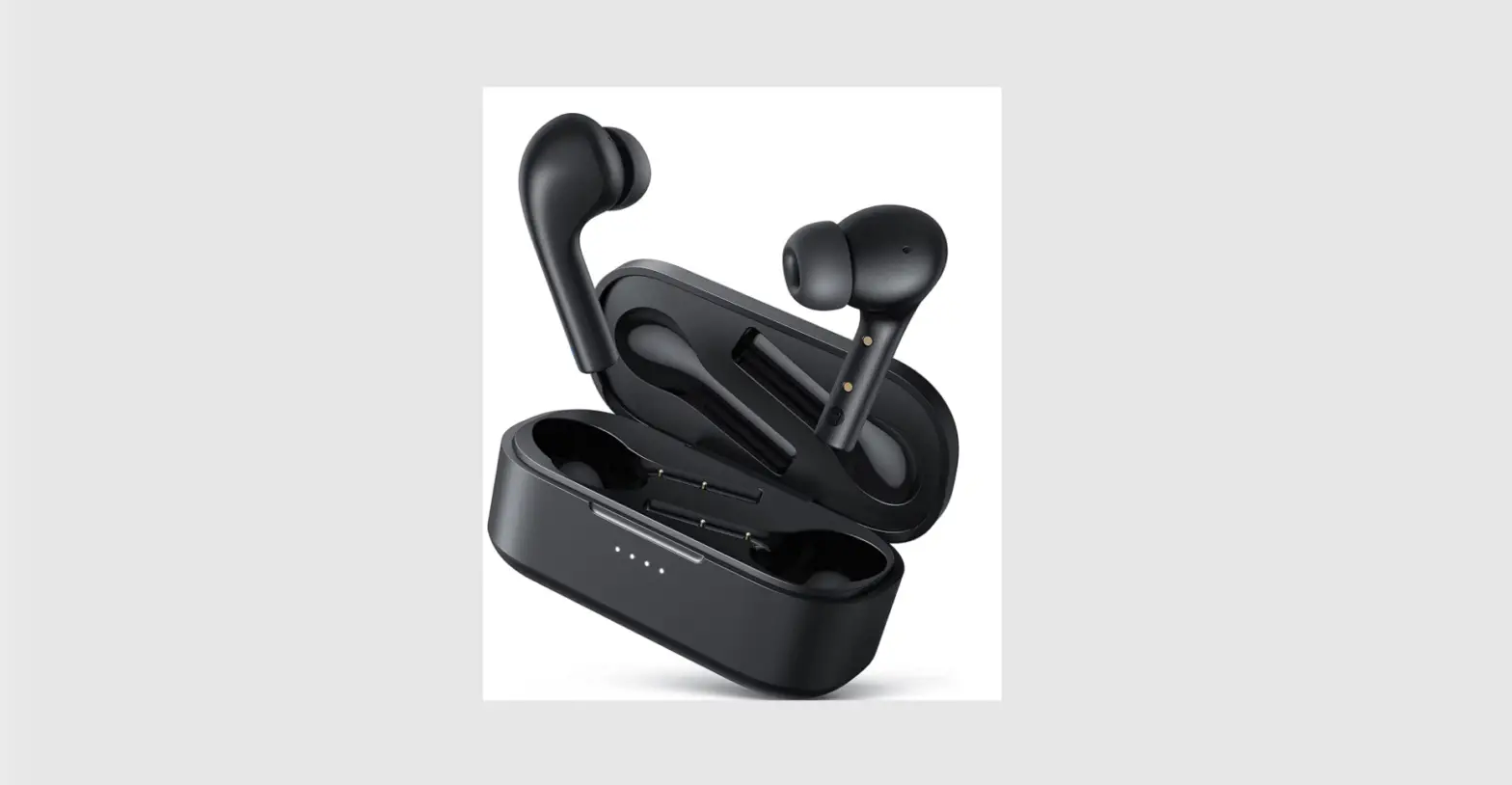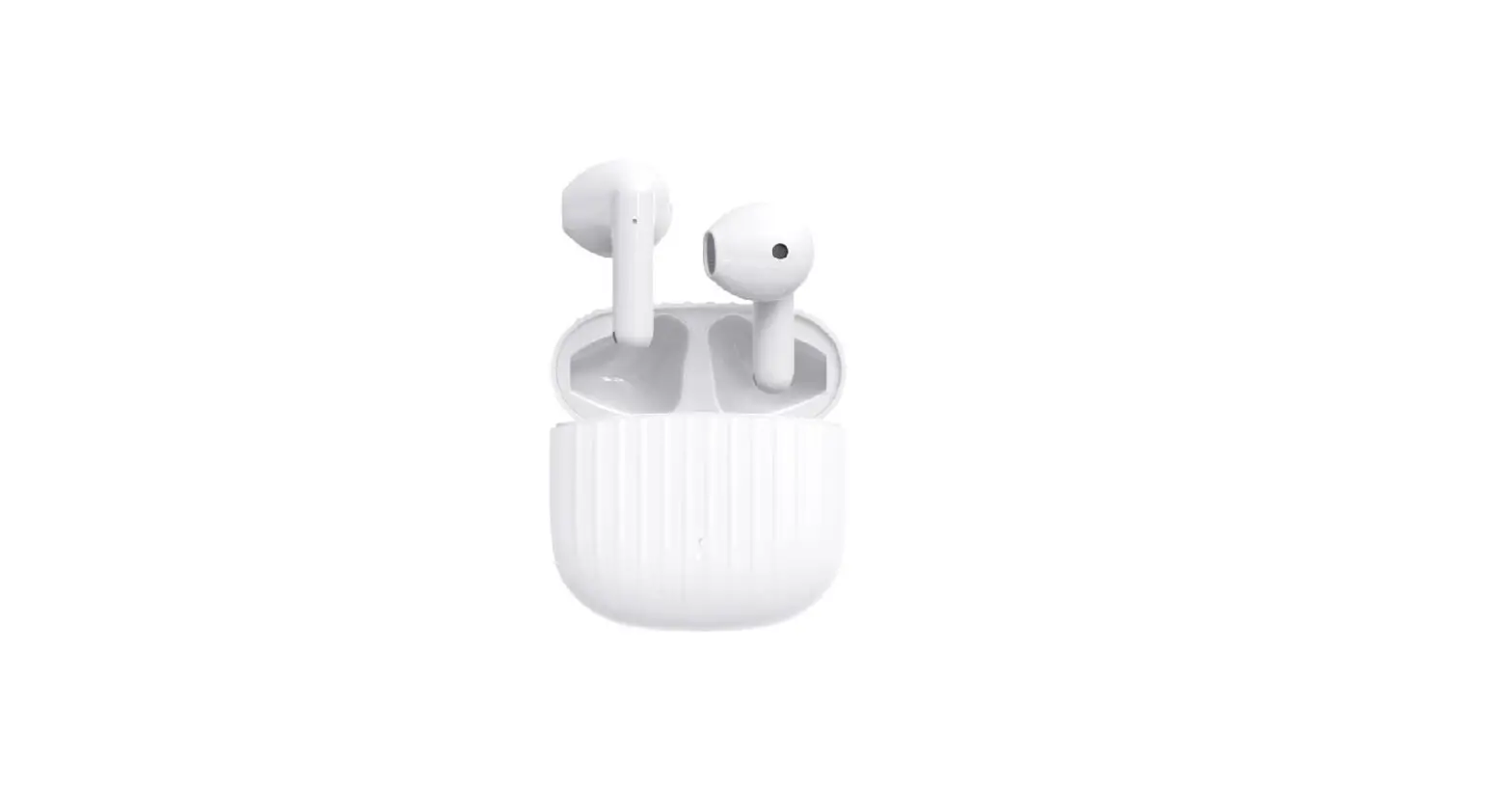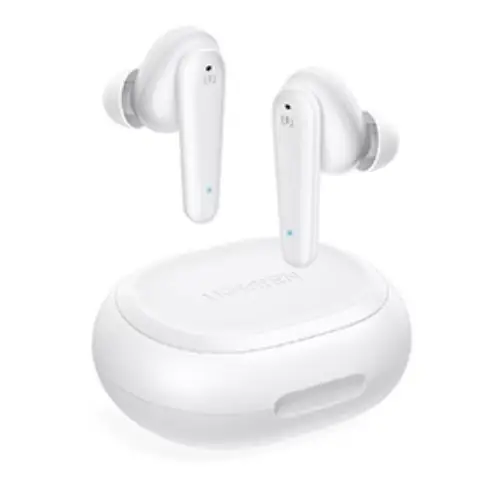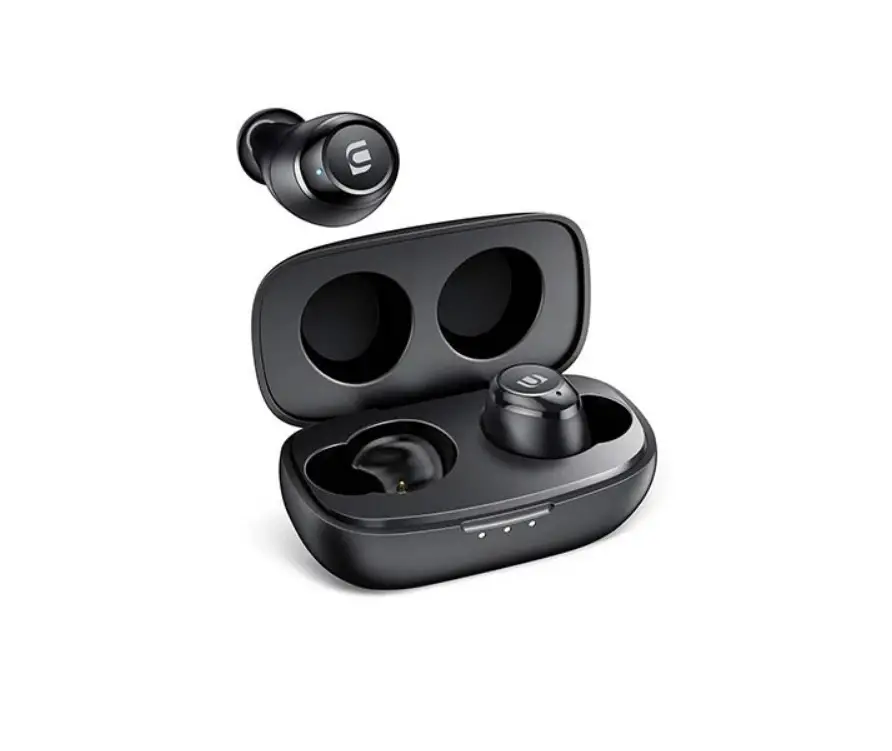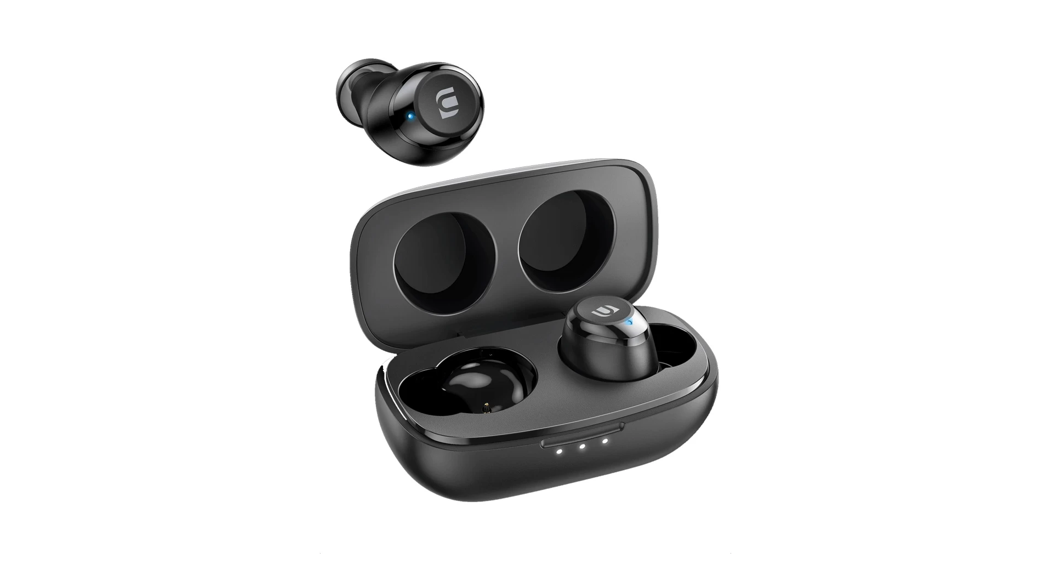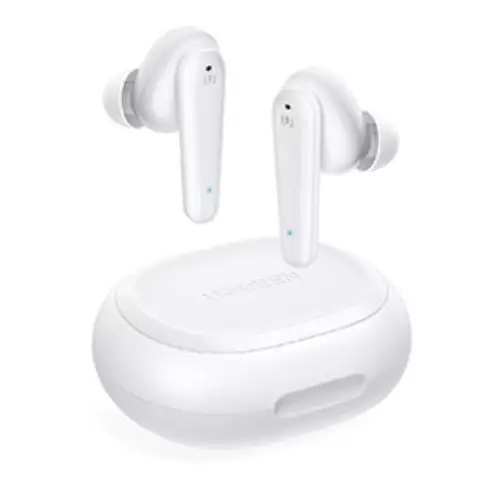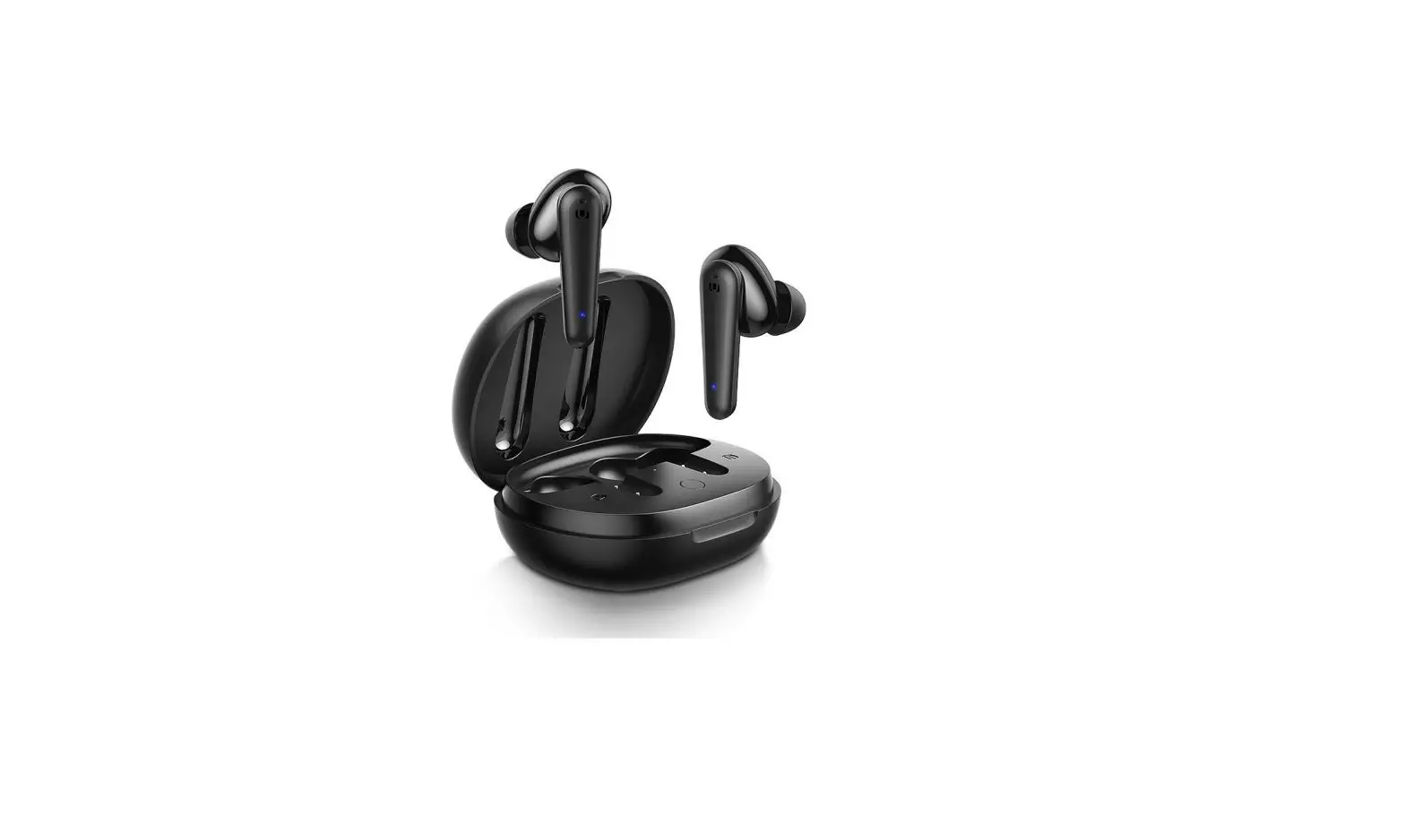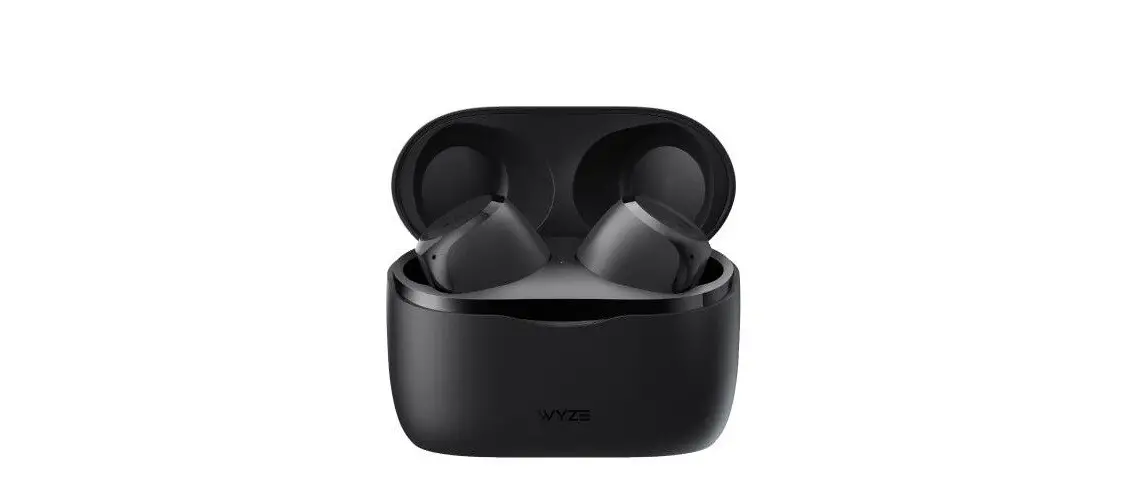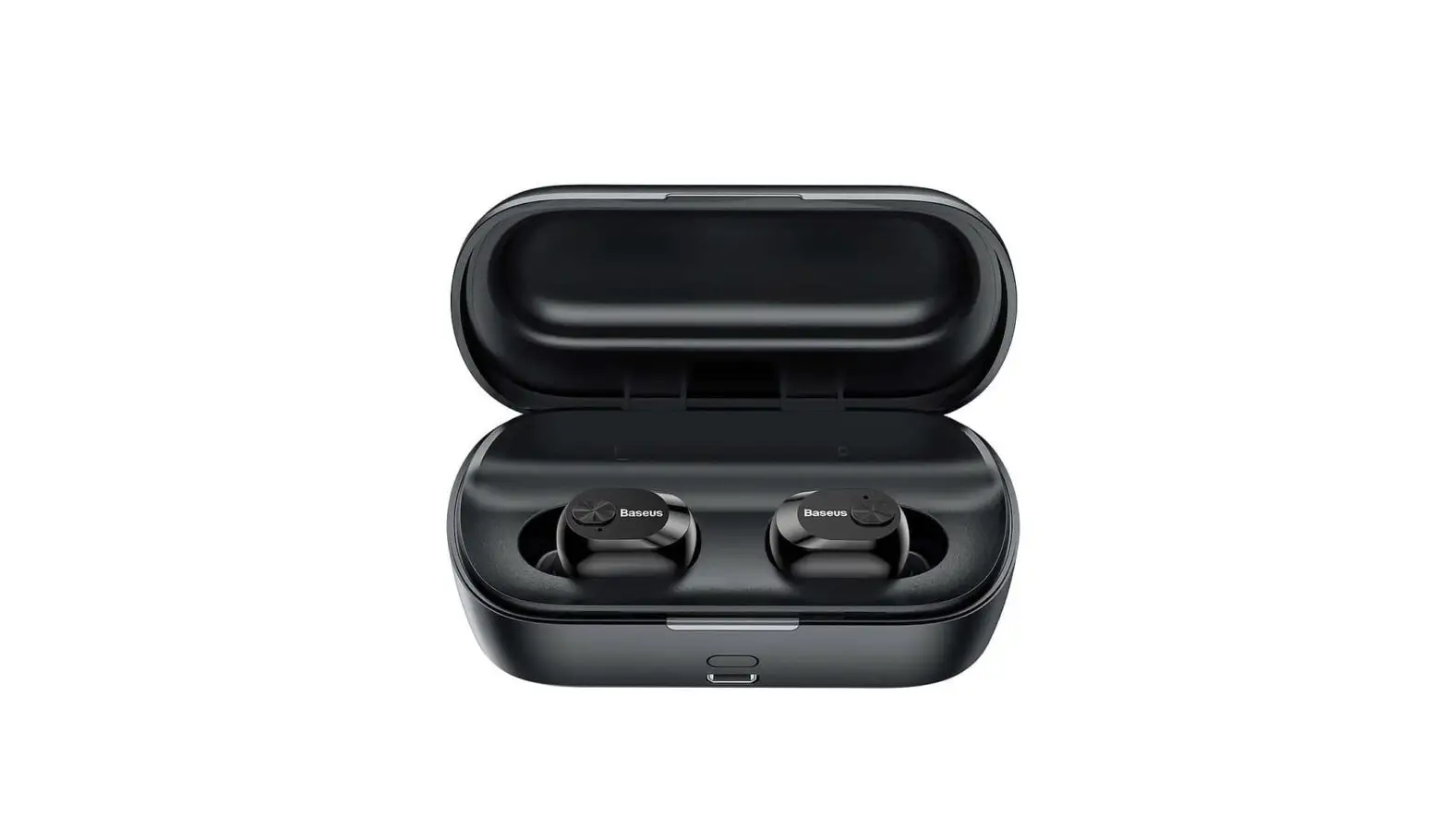
W01 Wireless Earbuds User Manual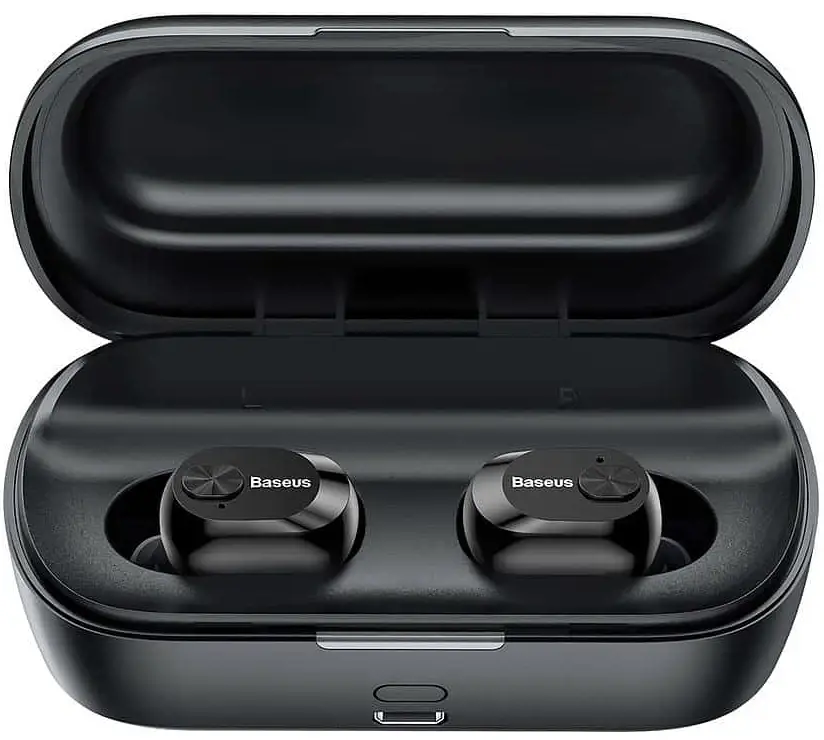
Thanks for using our wireless electronic products. To make good and full use of our products, please read the manual carefully before using the products. Notice: to avoid unnecessary troubles, please do not disassemble these products by yourself and please use the standard charger to charge.
Product Overview
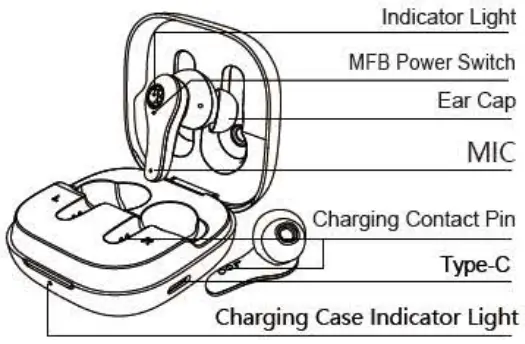
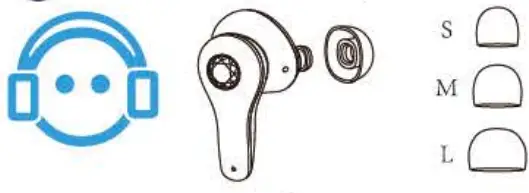
- Choose the ear cap that suits you.

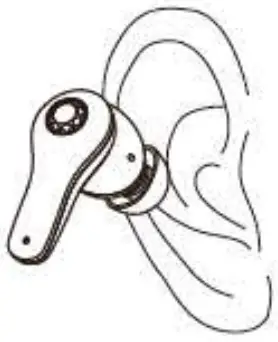
- Make sure that the ear caps face down and put the earbuds into the ear in the angle shown as the picture on the right.

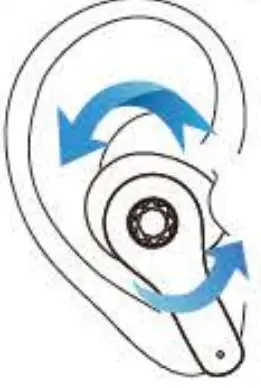
- After putting on the earbuds, please gently rotate the earbuds to a comfortable and secure position shown as picture 3 on the right. Now the earbuds are put on correctly!

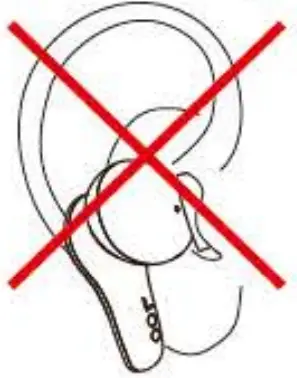
- Error demonstration
Do not put on the earbuds like the way shown as the picture on the right.
First Time Using
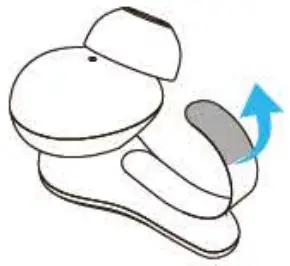
- Tear off the insulating film.

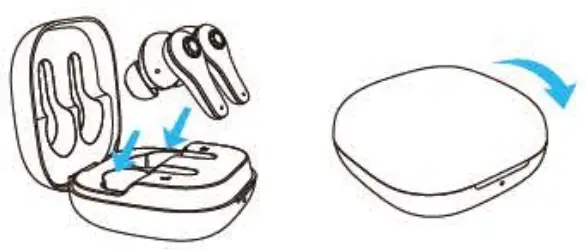
- Put the earbuds into the charging case and close the lid to charge ( the earbuds are in charging state ) .

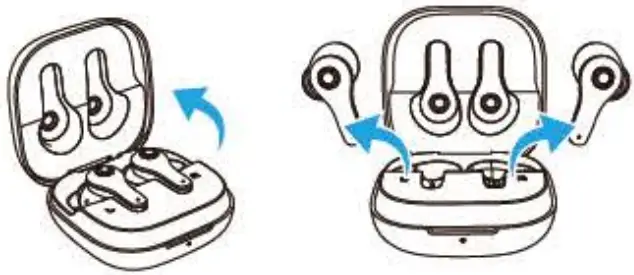
- Open the case and the earbuds will automatically turn on and ready for pairing(white and purple flash alternately).

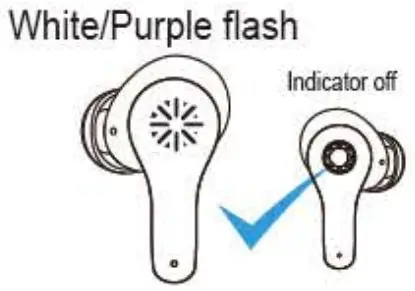
Notice: When there is no sound coming out from the earbuds, please put them back into the case and then take out to use when they are charging(white and purple flash alternately). - When finish pairing, one earbud will keep flashing white and purple alternately: and the other one off.

- Turn on the Bluetooth function on your phone and search for [W01 ] and connect it.

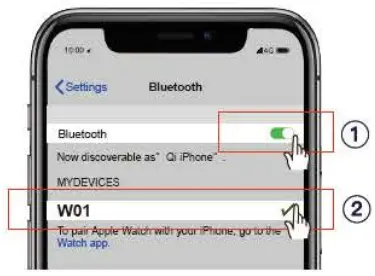
Warm notice
 When there is no sound or no connection for pairing, please turn off the Bluetooth on the phone and then triple click either earbud(when both earbuds flash white and purple alternately) for reconnecting. When finish pairing, one earbud will keep flashing white and purple alternately, and the other one off.
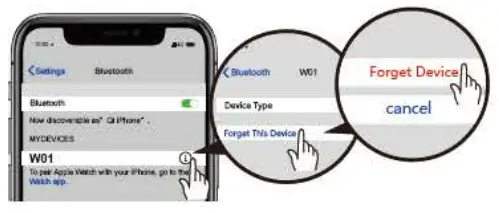
If you want to switch the Bluetooth connection to another device, please turn off the Bluetooth function in the previously connected device OR delete the connection record of “W01” from the previous device. Then the connection record of “W01″can be searched in new device and connected successfully.
 ON
ON
- The earbuds will automatically turn on after opening the top lid of the charging case.
OR - Press and hold the power switch for 5s ther the earbuds will turn on (not in the charging case and are in the off state) .
 OFF
OFF
- Put the earbuds into the charging case and close the lid, they will automatically shut down.
- When in the non-working state, press and hold the power switch for 5s and then two earbuds will turn off at the same time.
OR - The earbuds will automatically shut down when not connected for more than 5 minutes
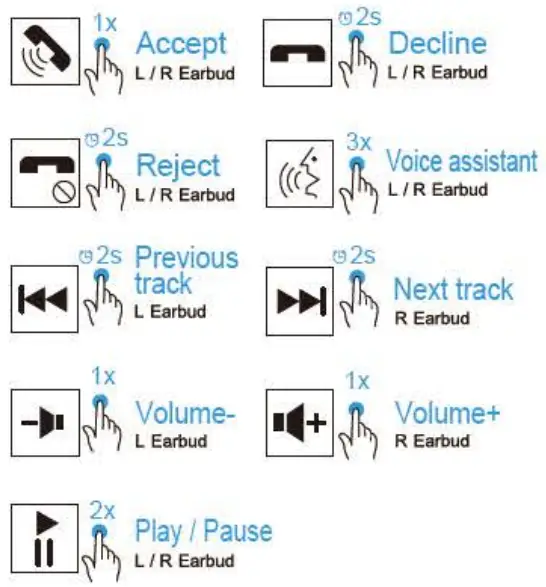
Warm notice
For each single earbud, when it is in standby mode in the case, you can’t use it to play the previous song or turn down the volume.
Siri and other Voice Assistant
iOS and some part of Android users can triple click the left or right power switch to activate the voice assistant.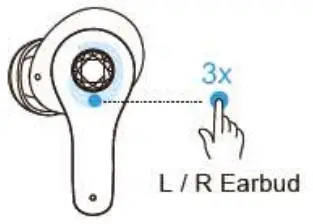
The voice assistant will be automatically activated and adapted to different OS in mobile system.
Restore factory setting
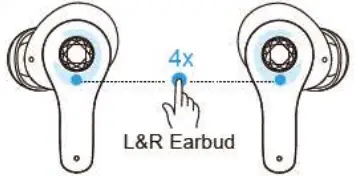
- Please turn off the Bluetooth and press the button four times when the earbuds both on, flashing white and purple alternately

- Please delete all the connection records on the phone and re-search IWO•11 after deleting the pairing and then reconnect.

Earbuds indicator
| Status | Light |
| On | Purple flashes for ls |
| Off | White flashes for ls |
| Pairing | Both purple and white flash alternately |
| Connected | Only one purple and white flashes alternately |
| Standby | No light |
| Music | No light |
| Calling | One flashes purple every 6s |
| Automatically Reconnected | Only one purple and white flashes alternately |
| Low power | White flashes every 6s |
| Charging | White on |
| Full power | White off |
Charging case indicator
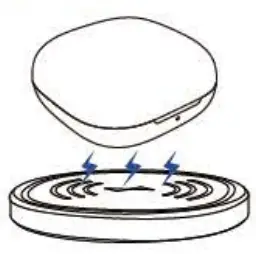
 Wireless charging is available
(Wireless Charging Pad Not Included)
| Status | Light |
| Charging | Red flashes |
| Full battery | Red on |
| Charing for earbuds | White on |
| Low battery | White flashes |
| Full power(earbuds) | Light off |
| Open/Close the lid | White flashes for 1s |
Parameter Specification
| Version | V5.3 FDR |
| Support | A2DP,AVRCP,HFP,HSP |
| Transmission distance | 10m |
| Frequency range | 2.402GHz-2.480GHz |
| Hi-fi equipment | c1)10mm*2 |
| Impedance | 32Q |
| Standby time | 80 hours |
| Talk time | 4 hours |
| Listening time | 5 hours |
| Earbud battery capacity | 40 mAh |
| Charging time | About 1 hour |
| Charging case battery capacity | 450mAh |
| Charging case charging time | About 1.5 hours |
| Weight(single earbud) | 5.1 g |
Steps of charging for earbuds: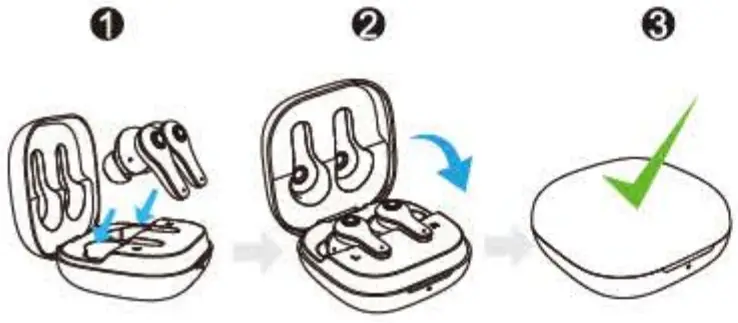
Put the earbud in the charging case, and the lid must be closed to charge it, and they will automatically turn off and disconnect when the charging case lid is closed.
Charging case
Please use a charger with an output voltage of DC5VPIA to charge the charging case. You can also use a computer USB or other USB interface charger to charge ( please DO remember choose the charger authorized by formal manufacturer )
Notice: When the charging case is out of power, it may cause the earbuds fail to shut down and remain connected to the phone even when they are placed in the charging case. So please remember to charge the charging case in time.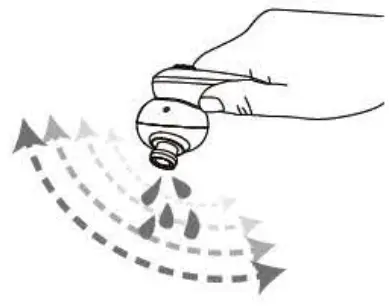
If moisture remains in the audio output hole, the sound may become fuzzy or completely inaudible. This is quite a normal case. In this case, please remove the earbuds and shake the audio output hole down several times to allow water to flow out or let it air dry for 1-2 hours, then the sound quality will become normal.
The Charging cable is not waterproof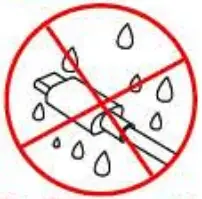
The Charging case is not waterproof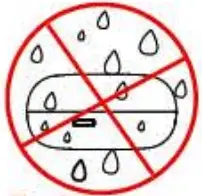
Do not use hot water to disinfect the product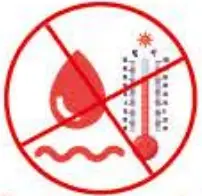
If there is water droplet on the surface, please wipe it with a dry cloth before putting them back into the charging case to avoid damaging the device.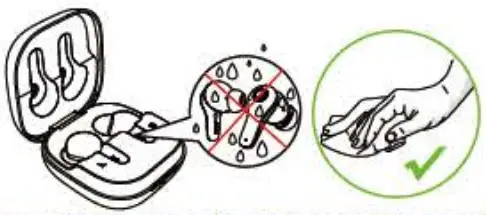
Tip:
- If the product is dirty, please do not rinse it directly with water or use boiling water to soak and disinfect it. It is recommended to wipe the earbuds with an alcohol cloth or a wet tissue.
- If the product falls into the water accidentally, please pick it up in time and let it dry by natural wind under the sunshine for two hours before using it (otherwise it will affect the sound quality, thus fails to give you better experience).
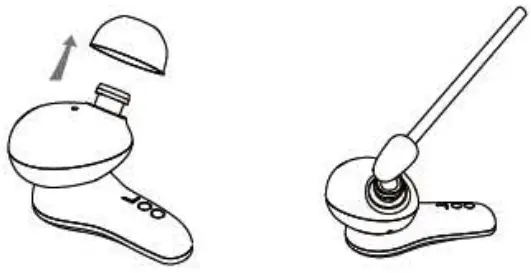
- If there is noise. broken sound, or low sound, please take off the silicone ear cap and wipe it with a cotton swab.

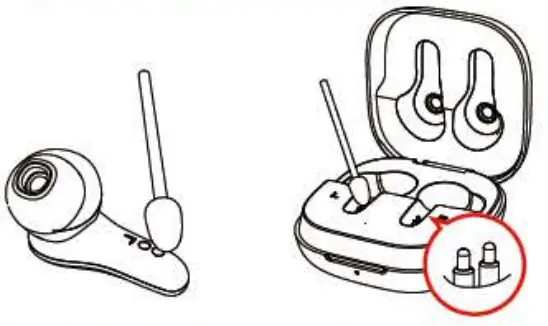
- If the earbud is not charging properly, please wipe the charging column with a cotton swab. and then charge it again.

- Do not use corrosive liquid to clean this product.
- When it is stained with any chemicals, please rub it with a damp cloth wet with clean water.
- Do not use this product under extreme circumstances for temperature below -10 degree Celsius or above 60 degree Celsius .
- To avoid explosion, please do not throw this product into fire.
- To avoid scratches, please do not touch the earbuds with sharp objects.
- Do not insert objects into the earbuds, otherwise it would cause damage to the internal components.
- Do not disassemble the earbud.
- Please keep regular charge to earbuds, don’t leave them become empty battery status to keep their lifetime.
- Please do not charge this product with power adapter over 2A current.
Excessive current may cause damage to battery.
Battery Warning !
There is a built-in lithium battery in this product. To avoid explosion, do NOT expose the product to intense sunlight, fire or throw it into fire.
FCC Caution:
This device complies with part 15 of the FCC Rules. Operation is subject to the following two conditions:
- This device may not cause harmful interference, and
- this device must accept any interference received, including interference that may cause undesired operation.
Any Changes or modifications not expressly approved by the party responsible for compliance could void the user’s authority to operate the equipment.
Note: This equipment has been tested and found to comply with the limits for a Class B digital device, pursuant to part 15 of the FCC Rules. These limits are designed to provide reasonable protection against harmful interference in a residential installation.
This equipment generates uses and can radiate radio frequency energy and, if not installed and used in accordance with the instructions, may cause harmful interference to radio communications. However, there is no guarantee that interference will not occur in a particular installation. If this equipment does cause harmful interference to radio or television reception, which can be determined by turning the equipment off and on, the user is encouraged to try to correct the interference by one or more of the following measures:
- Reorient or relocate the receiving antenna.
- Increase the separation between the equipment and receiver.
- Connect the equipment into an outlet on a circuit different from that to which the receiver is connected.
- Consult the dealer or an experienced radio/TV technician for help.
The device has been evaluated to meet general RF exposure requirement. The device can be used in portable exposure condition without restriction.