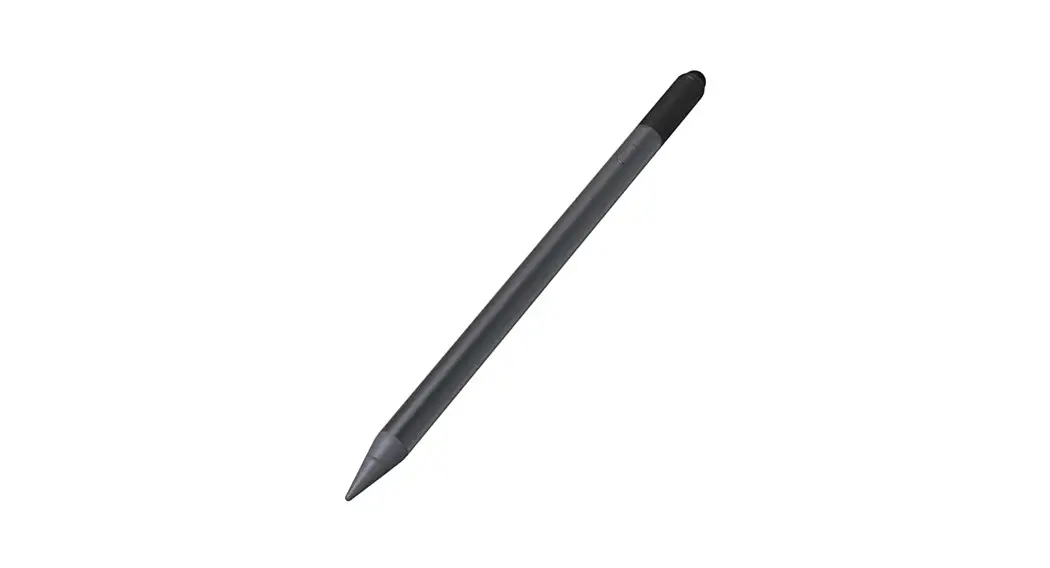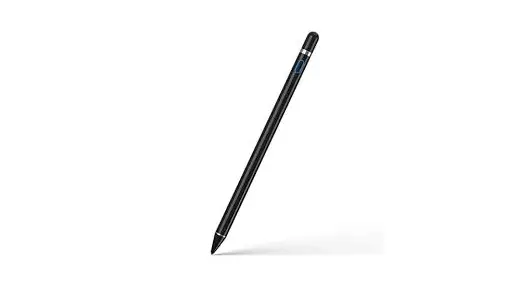

hama 395894 Active “Pro” Input Stylus
OVERVIEW
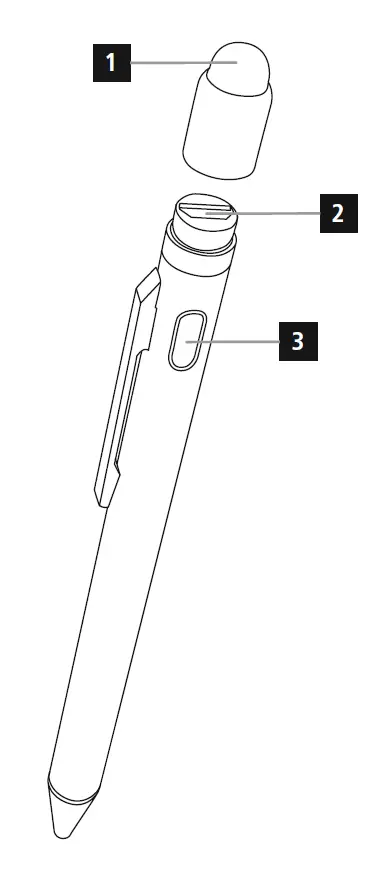
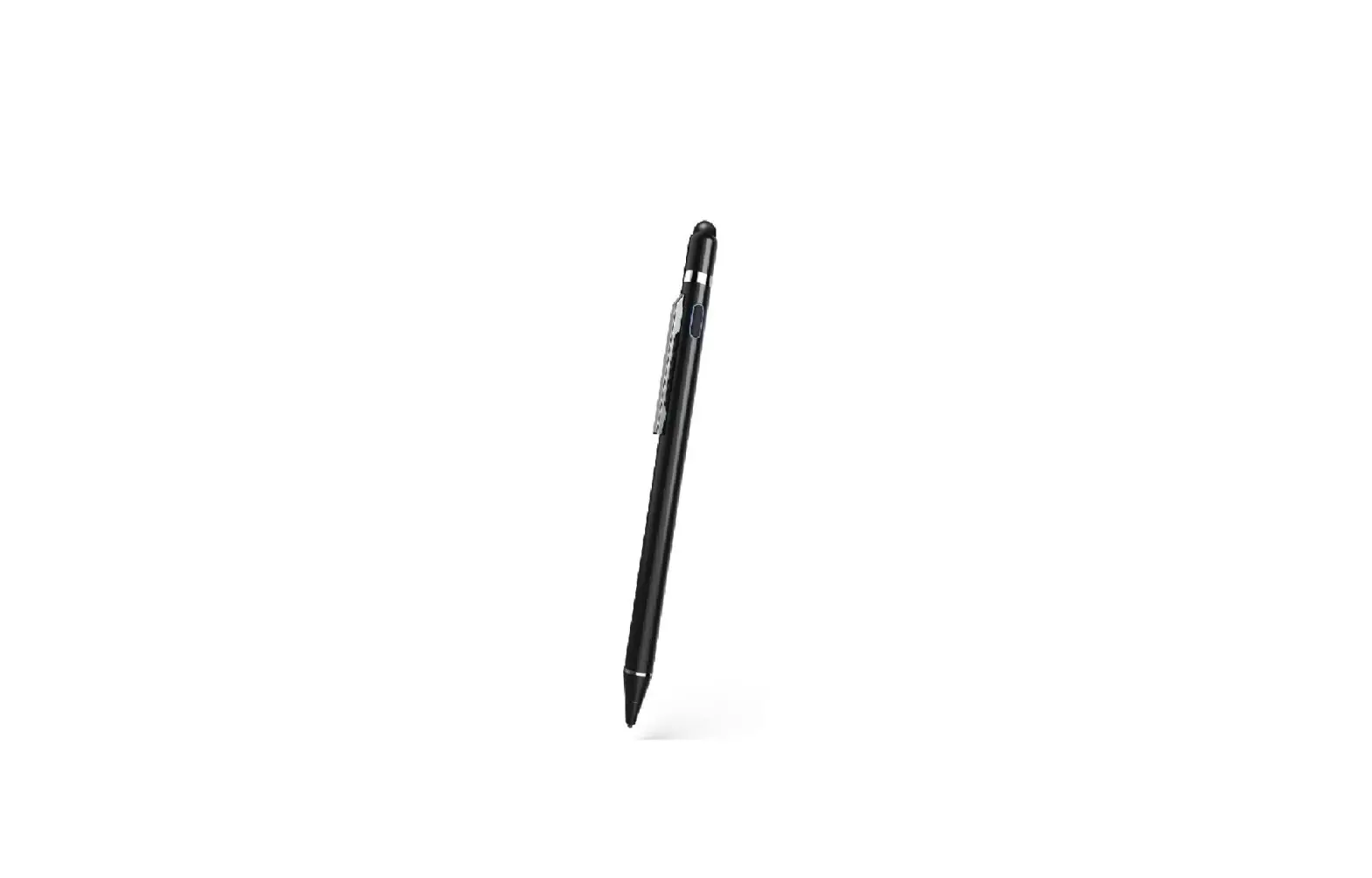
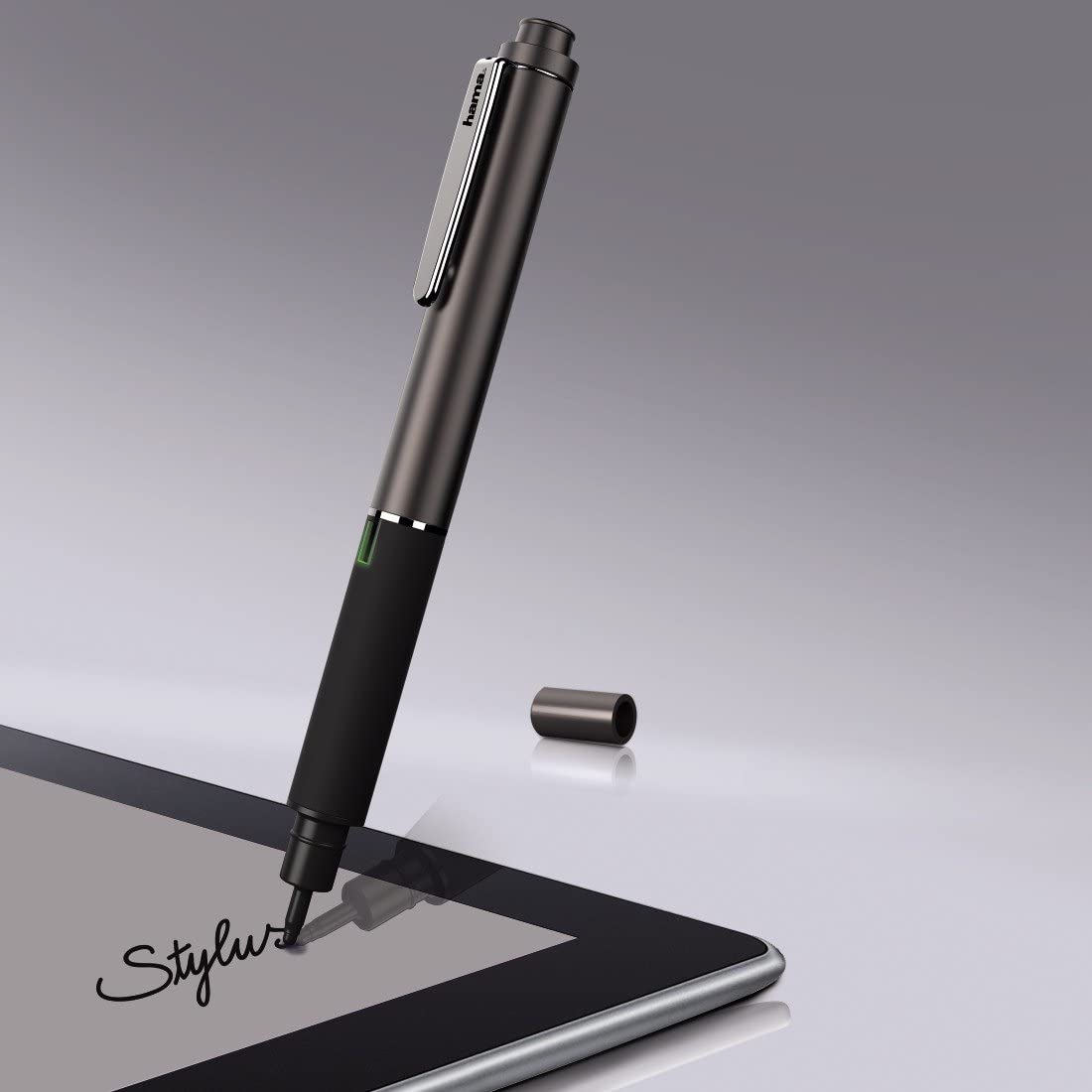
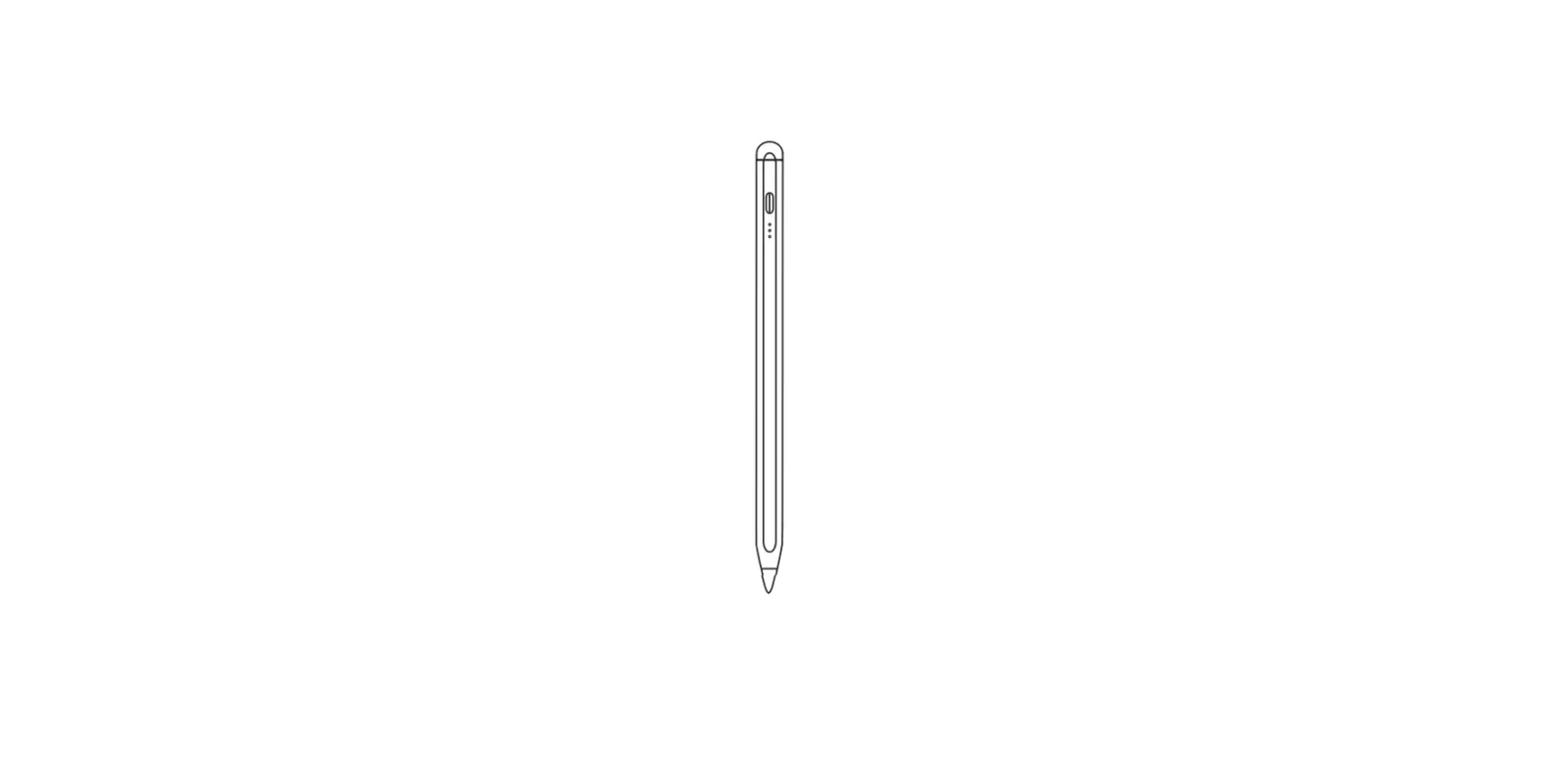
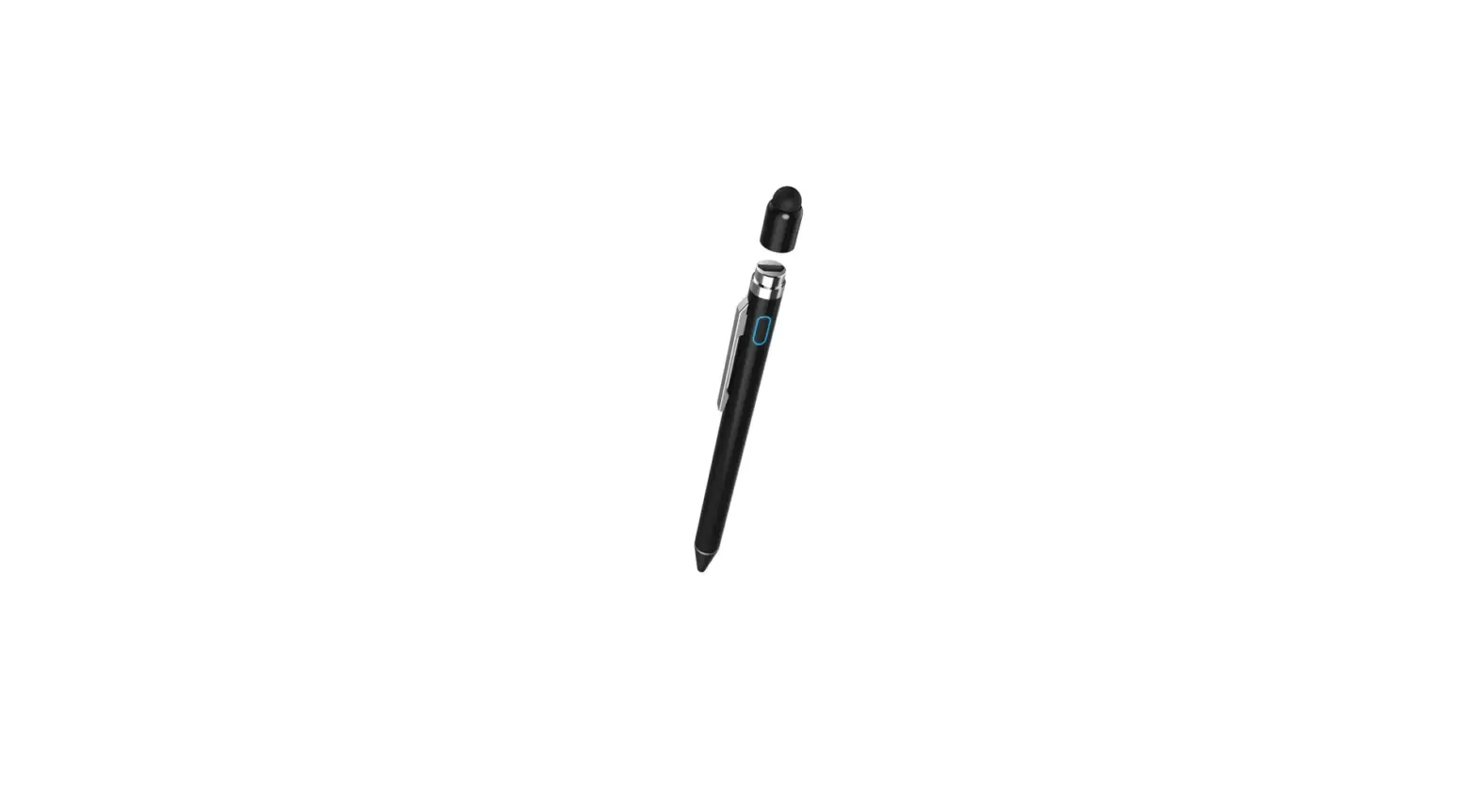
Controls and Displays
- Magnetic cap
- Micro-USB charging socket
- On/off switch / Status LED
Thank you for choosing a Hama product.
Take your time and read the following instructions and information completely. Please keep these instructions in a safe place for future reference. If you sell the device, please pass these operating instructions on to the new owner.
Explanation of Warning Symbols and Notes
- Warning
- This symbol is used to indicate safety instructions or to draw your attention to specific hazards and risks.
- Note
- This symbol is used to indicate additional information or important notes.
Package Contents
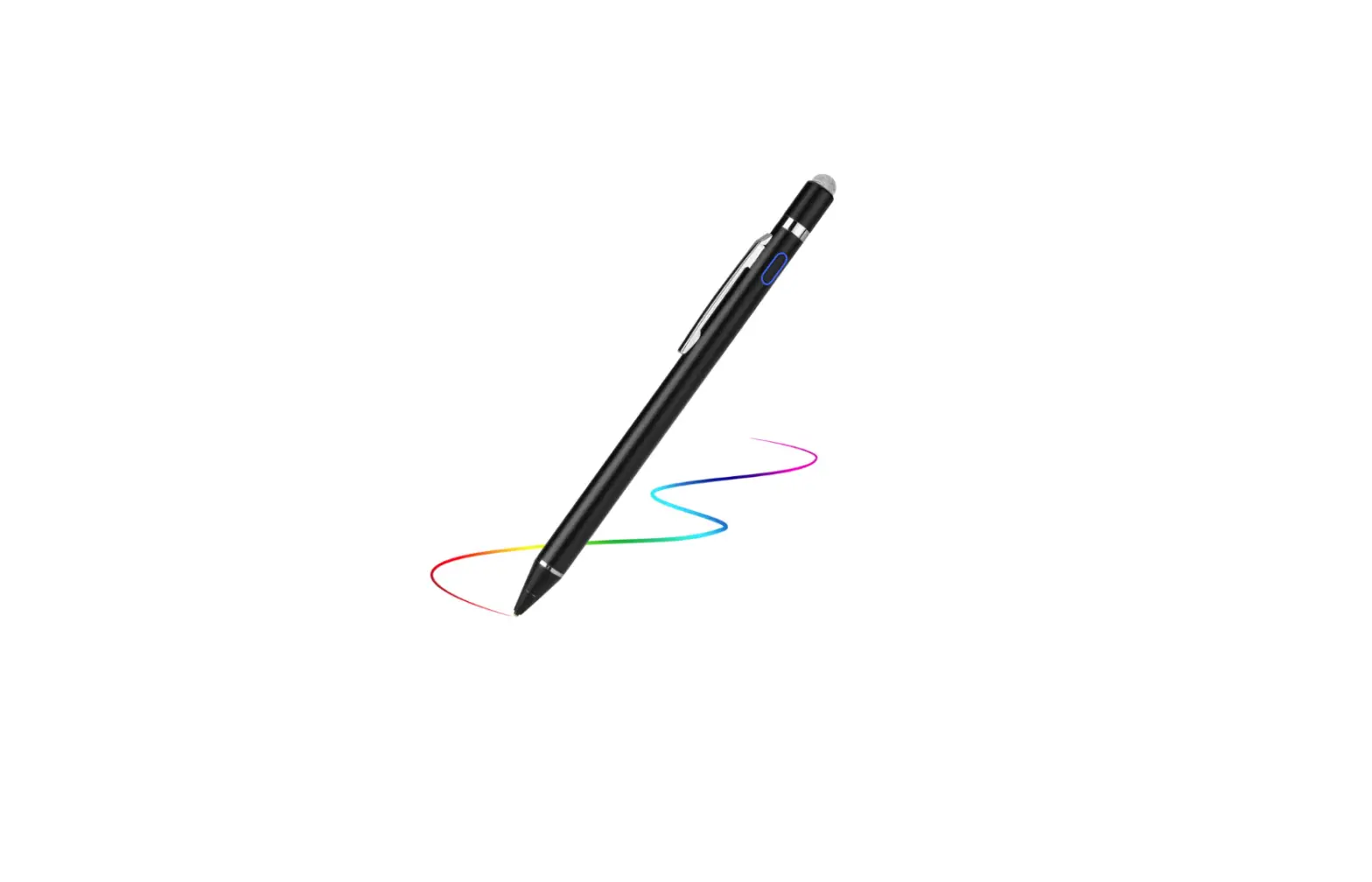
- Active Stylus ‘Pro’
- USB charging cable
- These operating instructions
Safety Notes
- The product is intended for private, non-commercial use only.
- Do not use the product in the immediate vicinity of heaters or other heat sources or in direct sunlight.
- Protect the product from dirt, moisture and overheating, and only use it in a dry environment.
- Keep this product, as all electrical products, out of the reach of children!
- Do not drop the product and do not expose it to any major shocks.
- The battery is integrated and cannot be removed.
- Do not open the device or continue to operate it if it becomes damaged.
- Do not operate the product outside the power limits given in the specifications.
- Do not continue to operate the device if it becomes visibly damaged.
- Children are not permitted to play with the device.
- Children may not clean the product or perform user maintenance without supervision.
- Do not modify the product in any way.
- Doing so voids the warranty.
- Dispose of packaging material immediately according to locally applicable regulations.
- Do not throw the battery or the product into fire.
- Do not tamper with or damage/heat/disassemble the batteries/rechargeable batteries.
Getting started and operation
- Note
- Only use original accessories (or accessories approved by Hama), to prevent damage to the product.
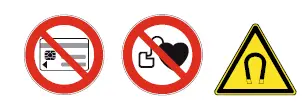
- Warning – Magnet
- Keep bank cards or similar cards with magnetic strips away from the magnet. The data on the cards’ magnetic strip could be damaged or completely deleted.
- People with pacemakers should keep away from the magnet. The magnet can negatively affect the function of the pacemaker.
Charging the battery
Warning – Rechargeable battery
- Only use suitable charging devices or USB connections for charging.
- As a rule, do not use charging devices or USB connections that are defective and do not try to repair them yourself.
- Do not overcharge the product or allow the battery to completely discharge.
- Avoid storing, charging or using the device in extreme temperatures and extremely low atmospheric pressure (for example, at high altitudes).
- When stored over a long period of time, batteries should be charged regularly (at least every three months).
- The product has a rechargeable battery.
- Charge the product fully before using it for the first time.
- Remove the magnetic cap (1) at the end of the input pen.
- Connect the supplied USB charging cable to the USB port (2) on the product.
- Connect the unused connector of the USB charging cable to a suitable USB charger.
- Please refer to the operating instructions for the USB charger used.
- The status LED (3) is constantly lit red during charging. When the battery is fully charged, the status LED (3) is lit green.
Note – Charging/battery capacity
- It takes about 90 minutes to fully charge the battery.
- The input pen’s battery can be charged whether the input pen is on or off.
- If the battery charge level is less than 10%, the status LED (3) flashes blue slowly and switches off automatically after about 10 seconds.
- The actual battery life varies depending on use of the device, the settings and the ambient conditions (rechargeable batteries have a limited service life).
Note – Automatic switch-off
- Be aware that the input pen switches off after 30 minutes of no activity.
Note
- To avoid causing damage to the display, please observe the following points:
- Avoid exerting strong pressure on the display with the input pen.
- Make sure that the display and the input pen are clean before they are used. Small debris such as grains of sand can cause scratches when using the input pen.
- Press the on/off switch (3) to switch on the input pen. The status LED (3) is constantly lit blue.
- Press and hold the on/off switch (3) to switch off the input pen. The status LED (3) goes out.
Care and Maintenance
Only clean this product with a slightly damp, lint-free cloth and do not use aggressive cleaning agents.
Warranty Disclaimer
Hama GmbH & Co KG assumes no liability and provides no warranty for damage resulting from improper installation/mounting, improper use of the product or from failure to observe the operating instructions and/or safety notes.
Technical Data
| Aktive Stylus “Pro” | |
| Power supply | 5 V / 1 A |
| Input | 5 V 120 mA |
| Battery type | Li-Po |
| Min. capacity | 130 mAh / 0.48 Wh |
| Typ. capacity | 140 mAh / 0.52 Wh |
| Weight | 16 g |
| Dimensions (length x diameter) | 146 x 9 mm |
Hama GmbH & Co KG
86652 Monheim/Germany
Service & Support www.hama.com
+49 9091 502-0
All listed brands are trademarks of the corresponding companies. Errors and omissions excepted, and subject to technical changes. Our general terms of delivery and payment are applied.
 hama.com