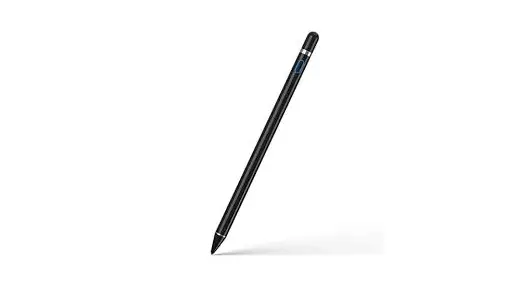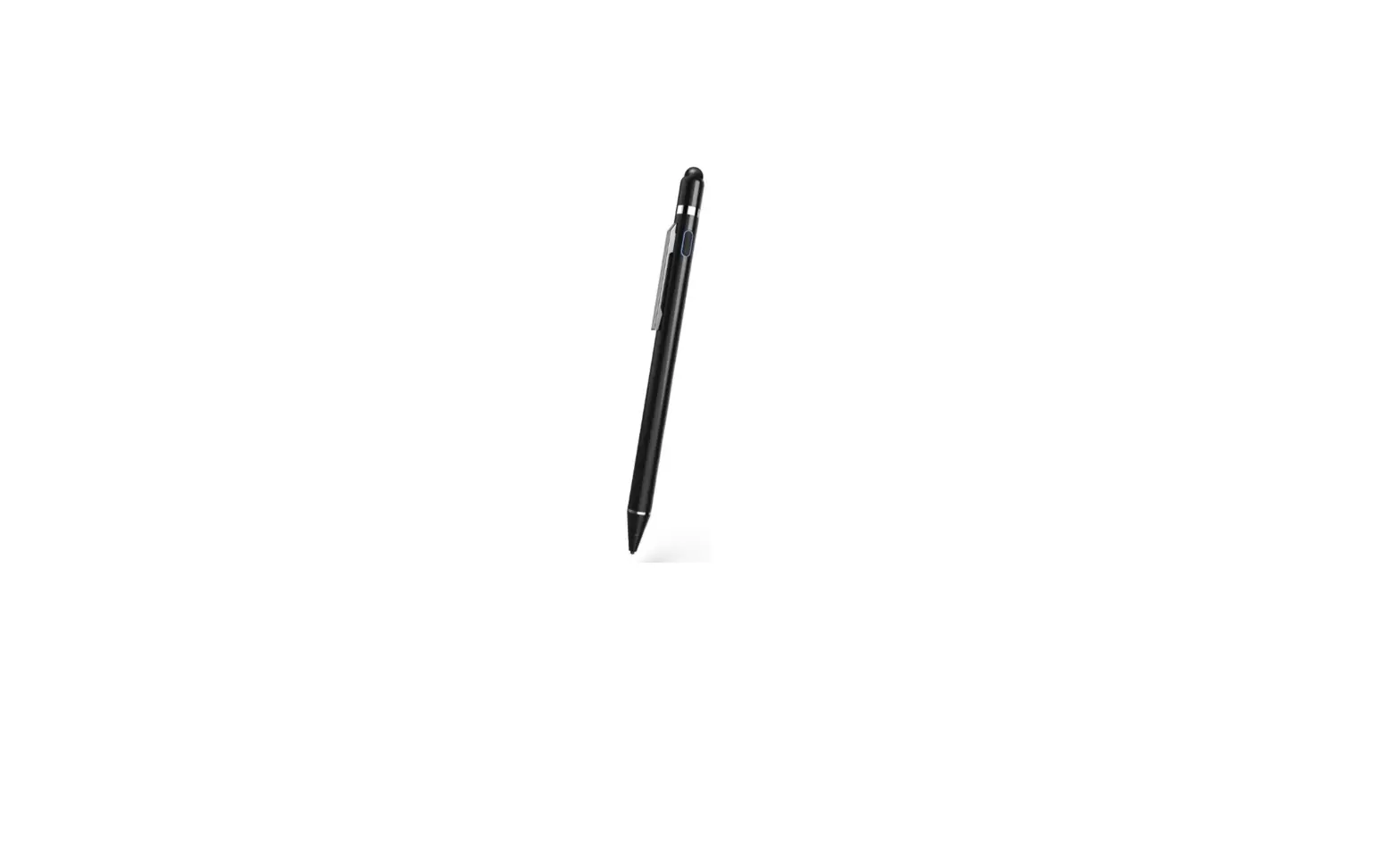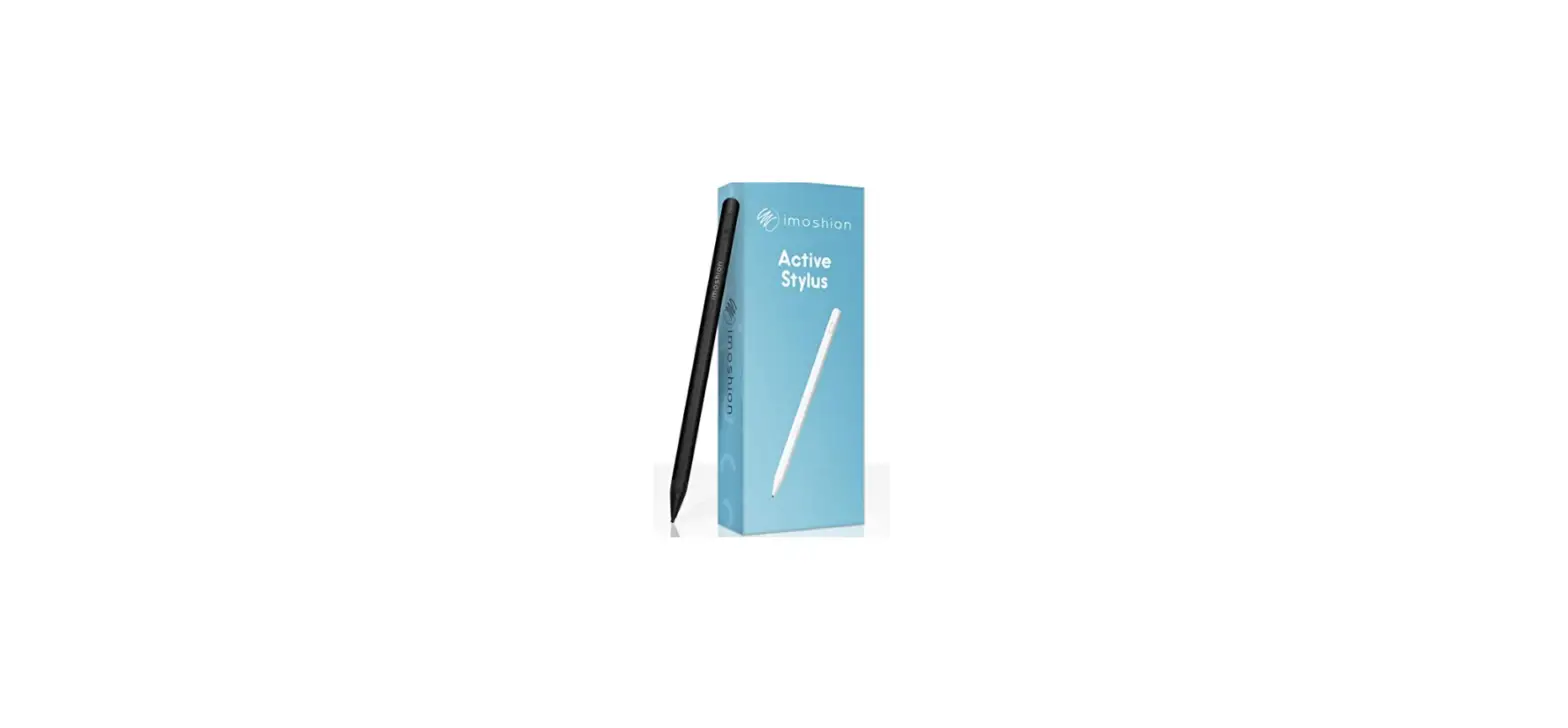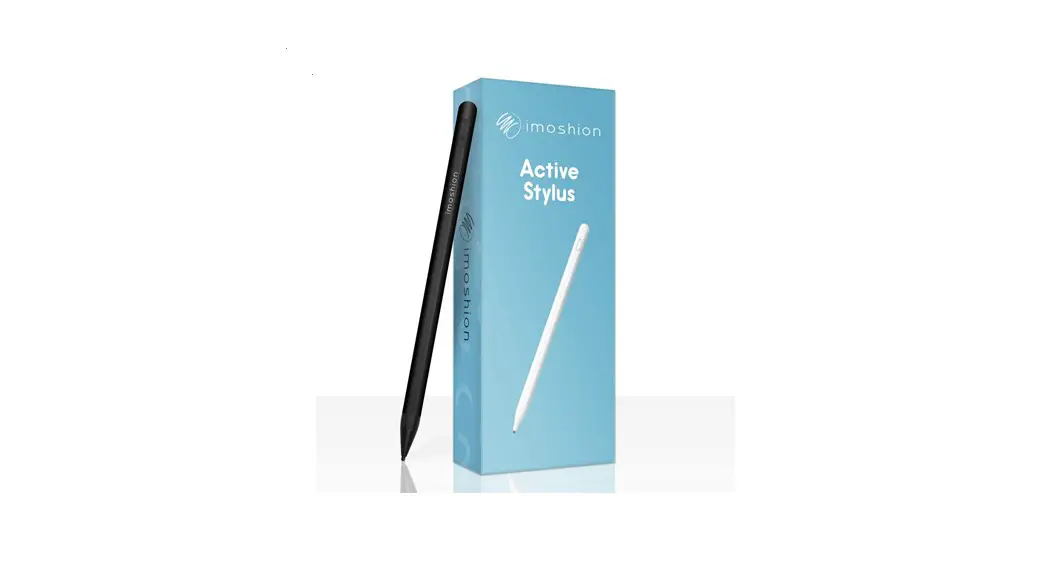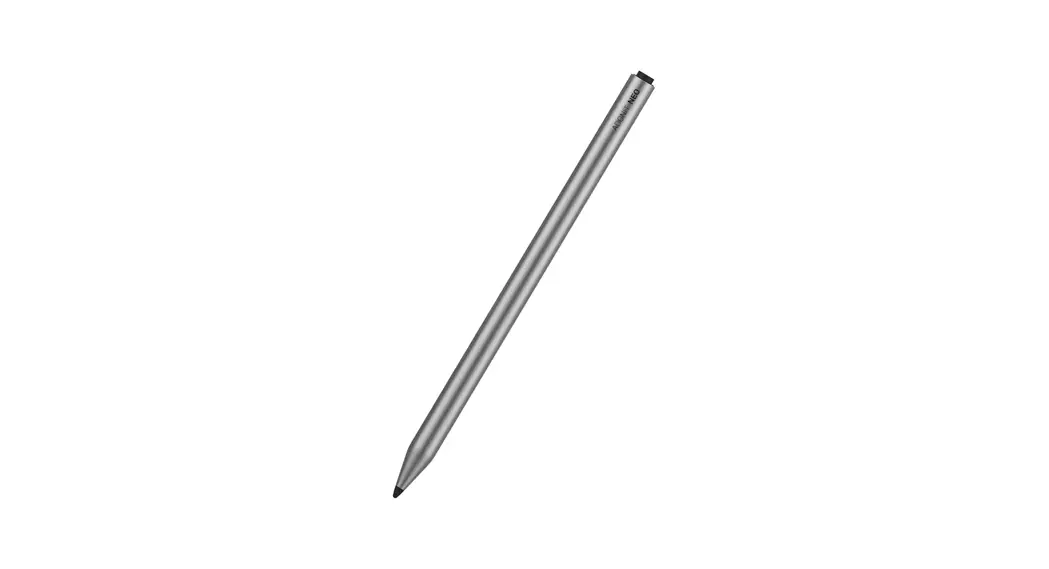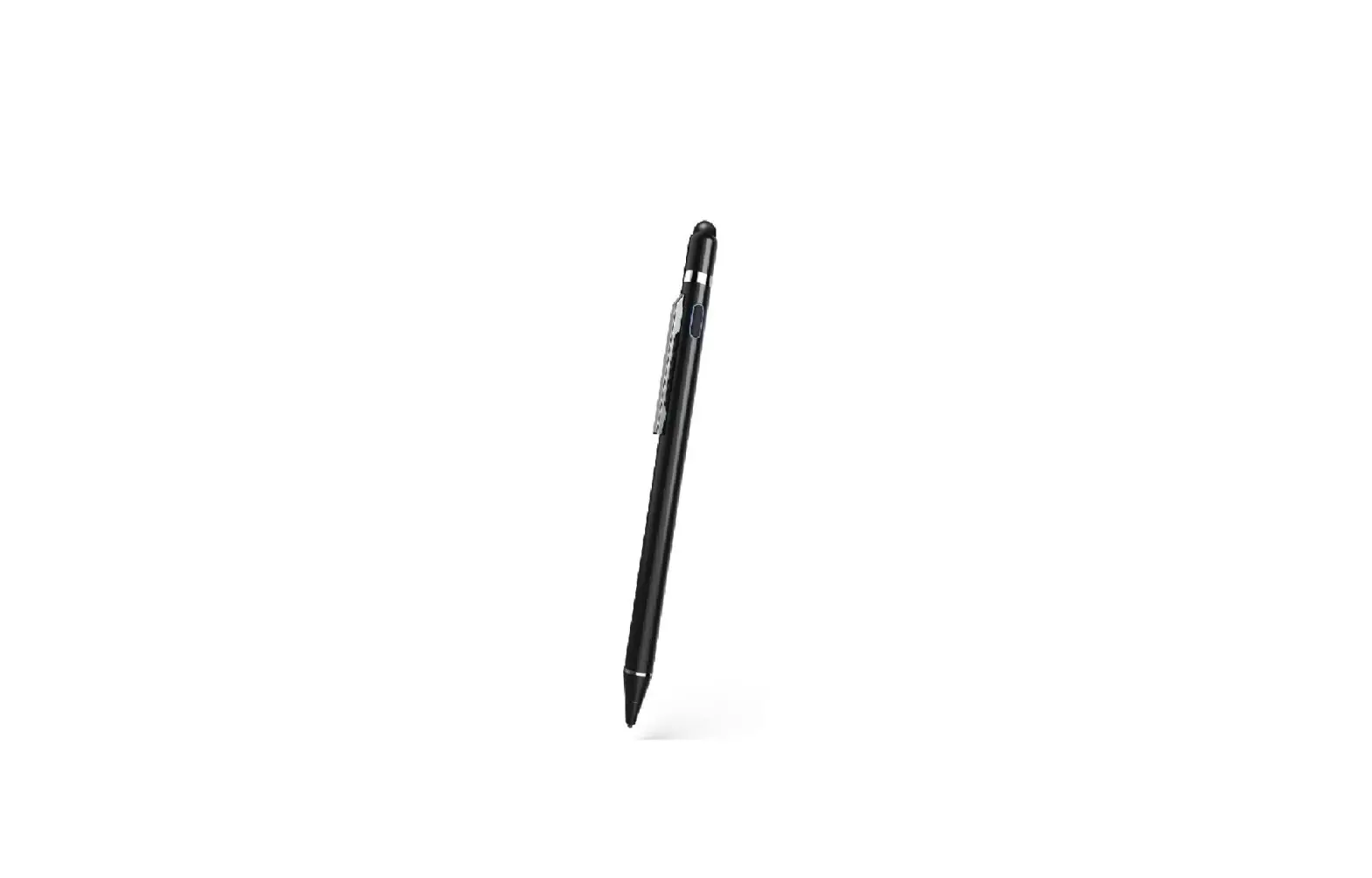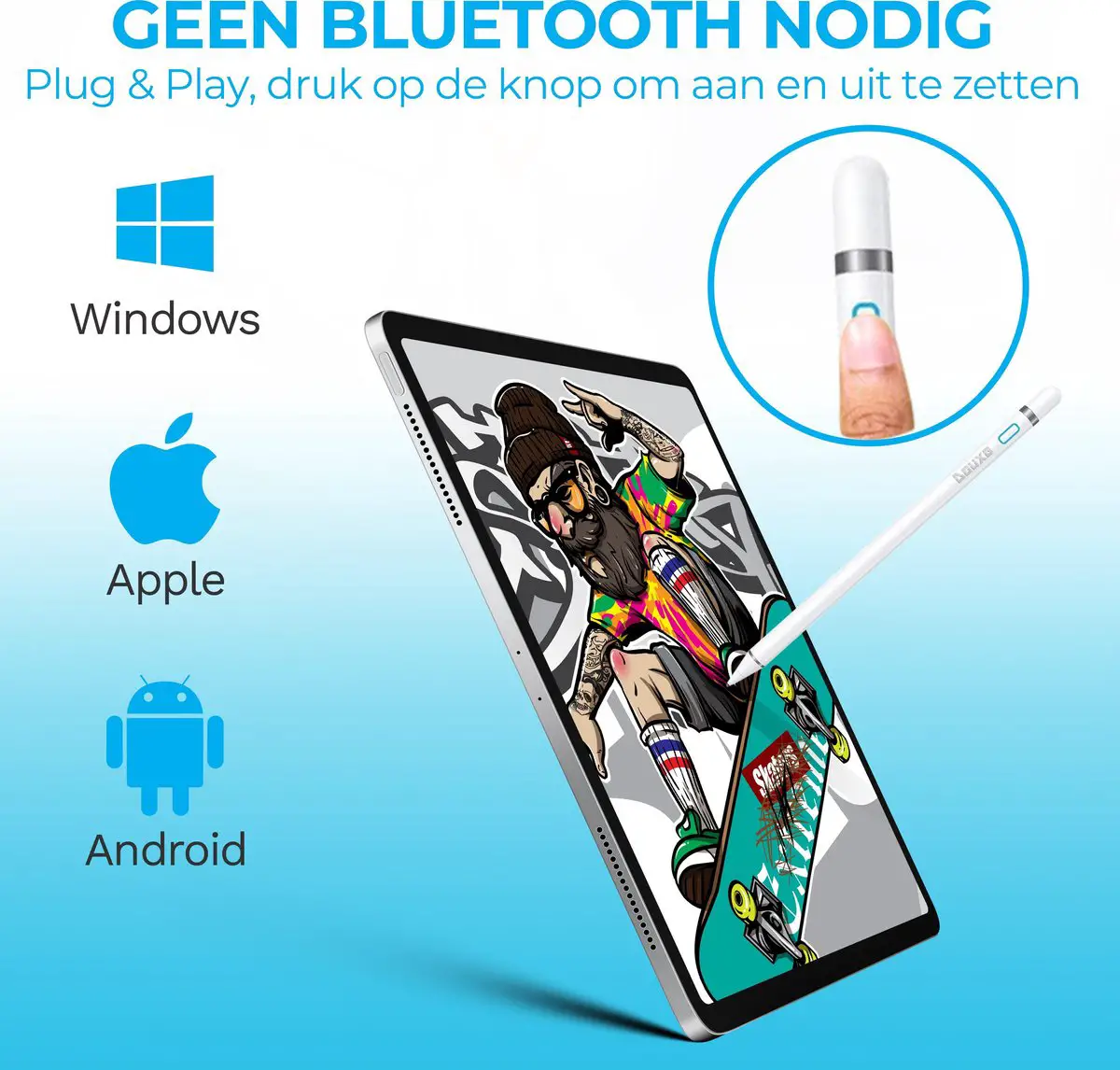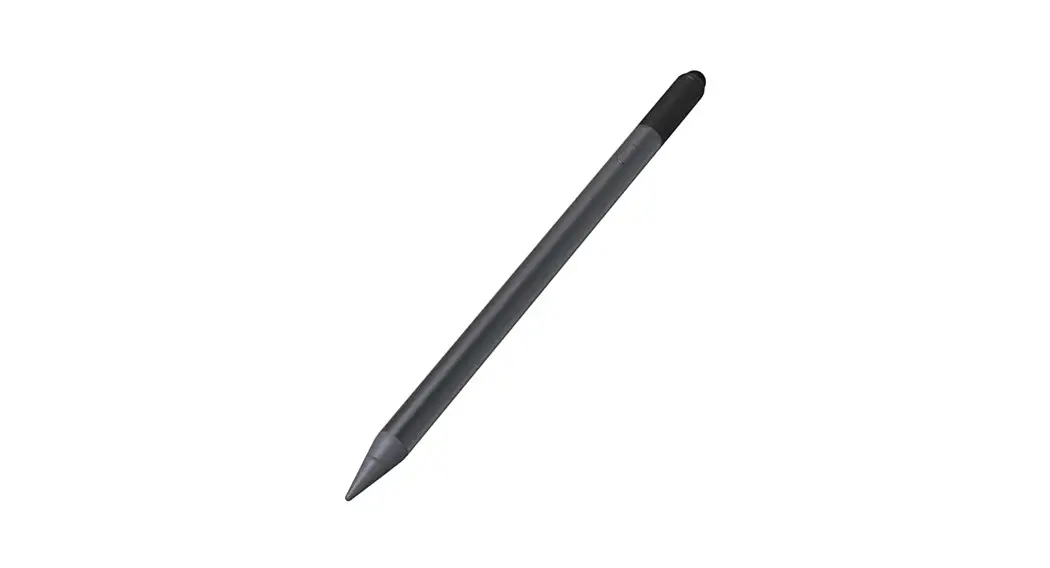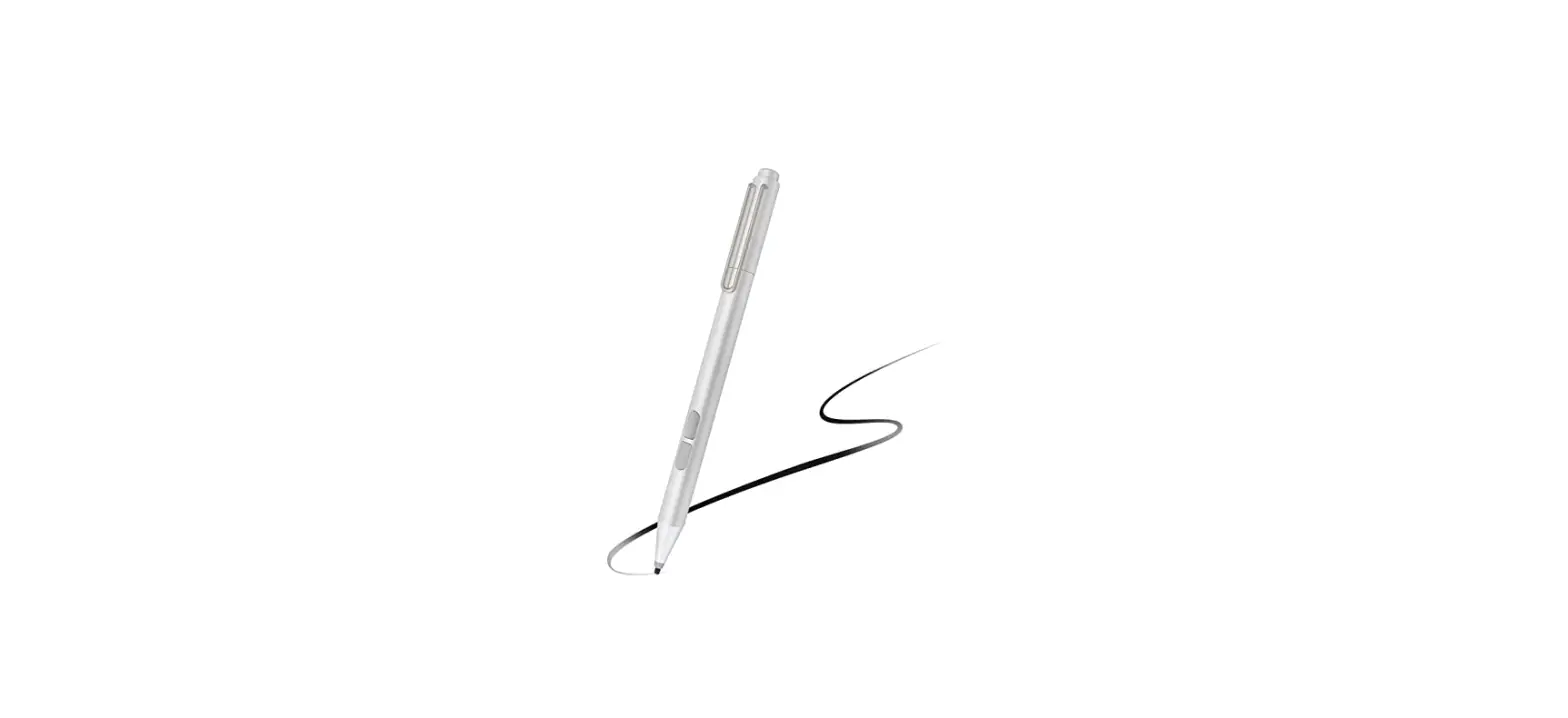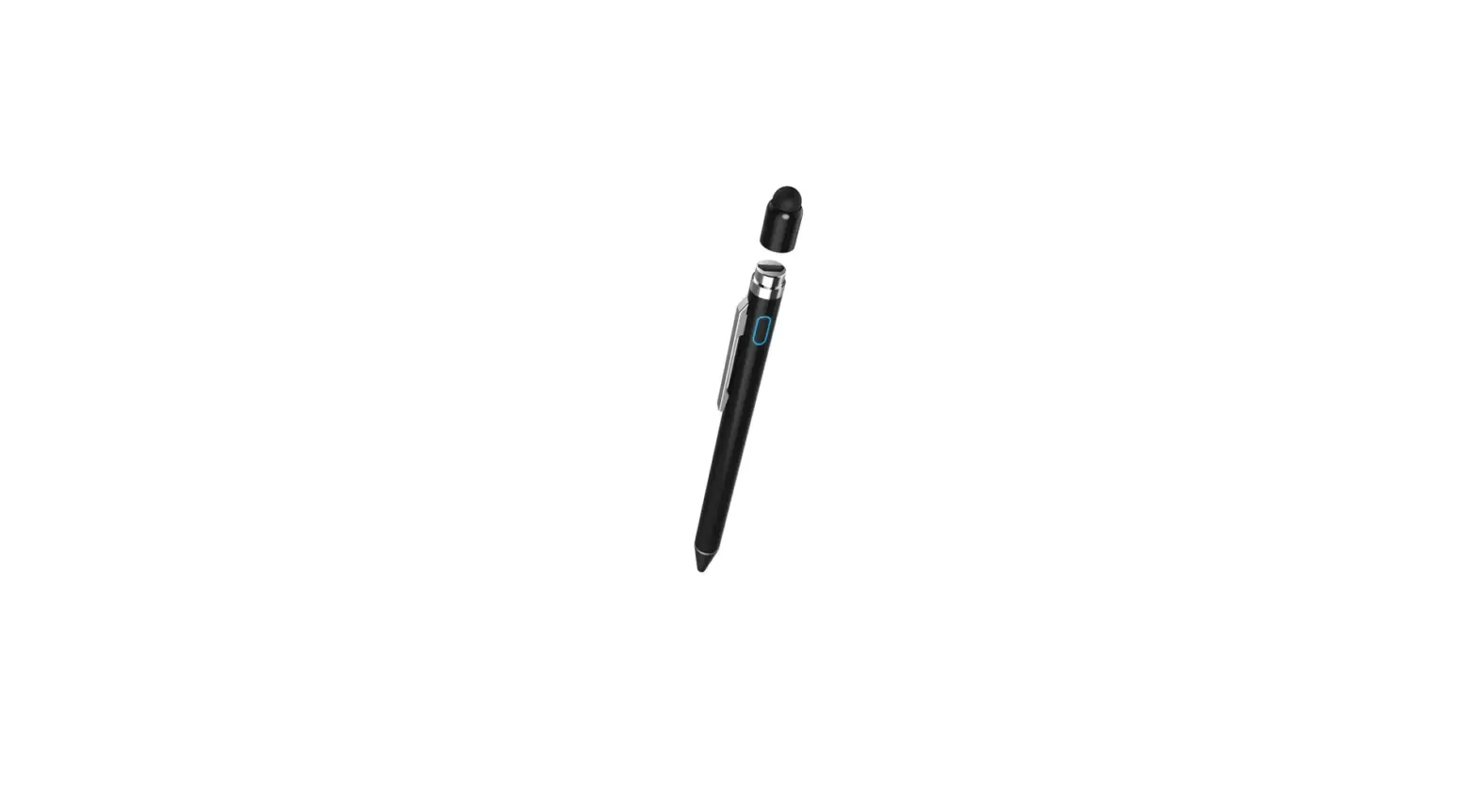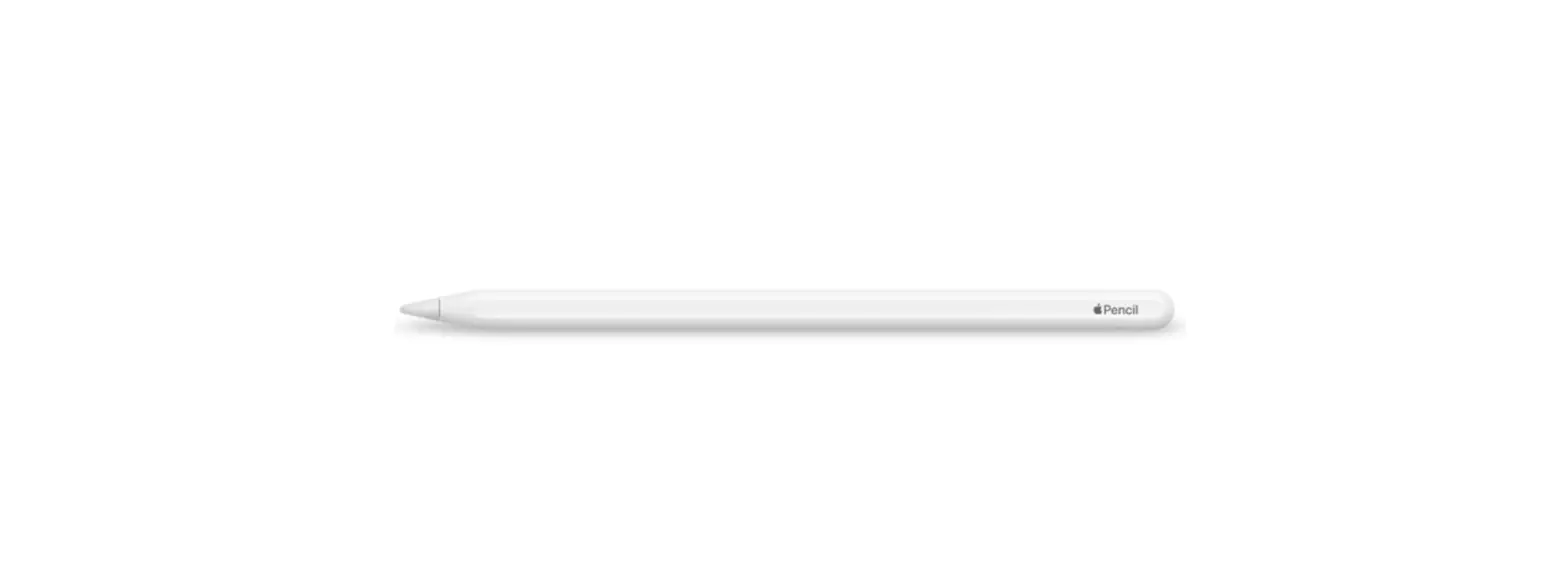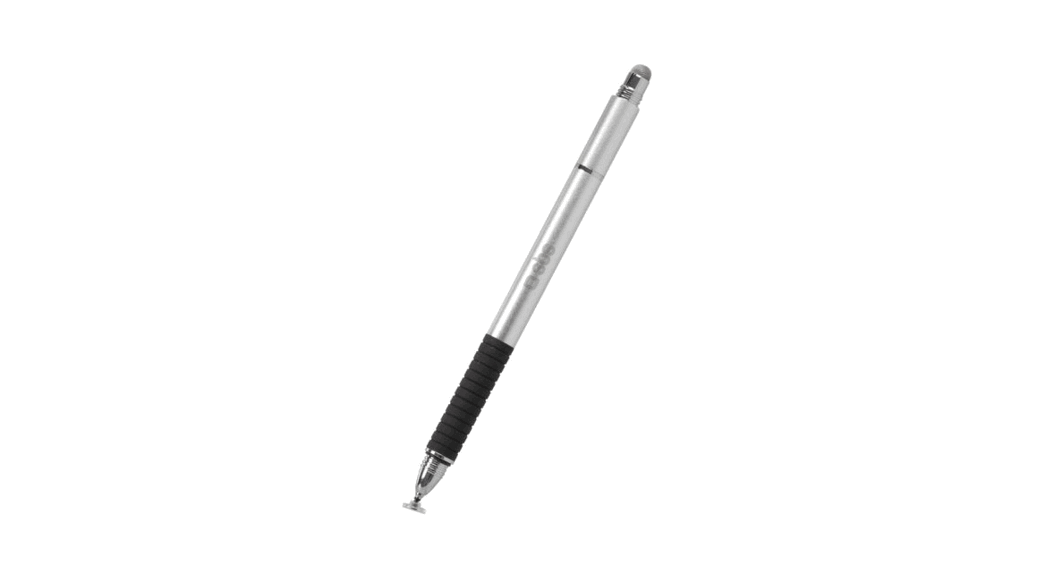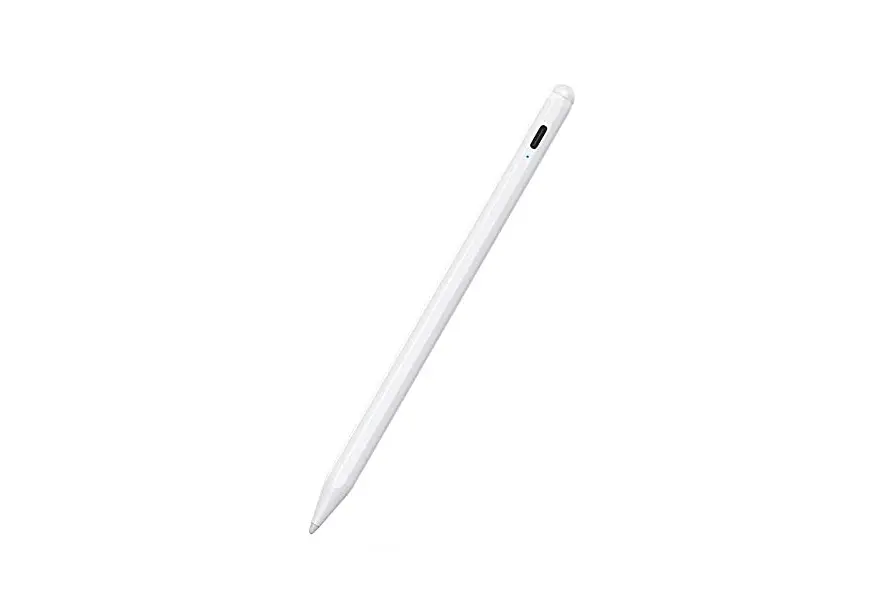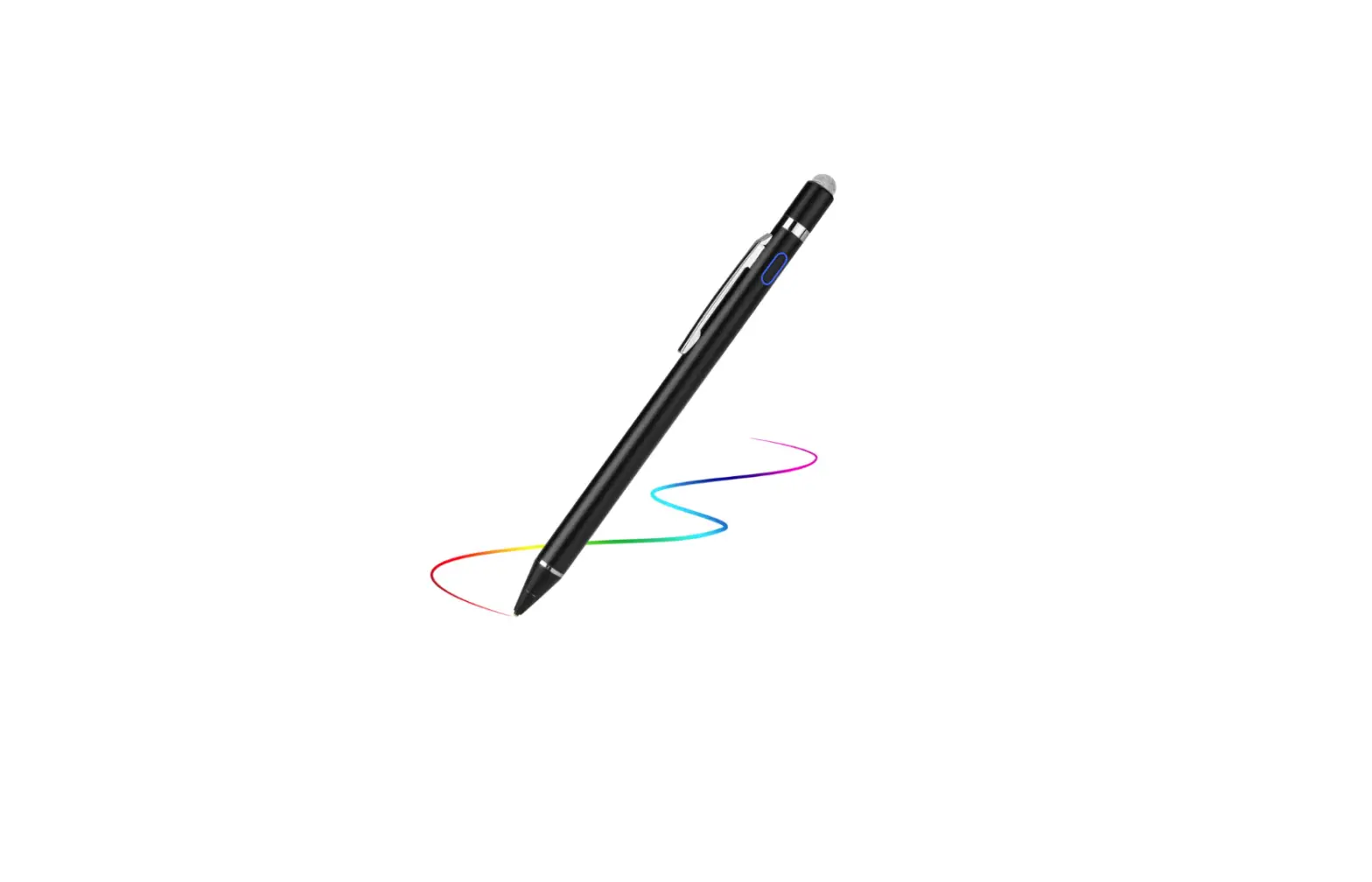

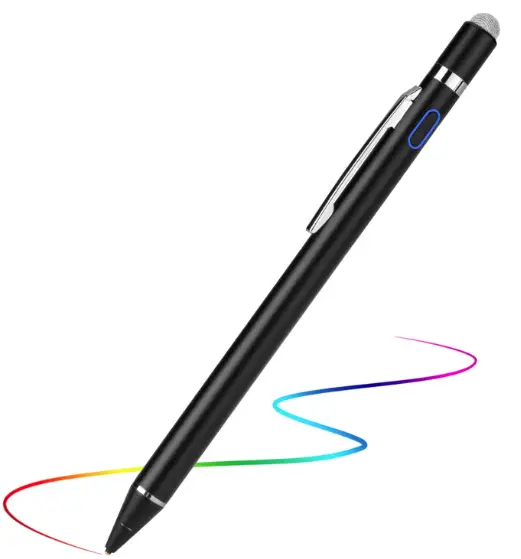
EVACH 2S Active Stylus Pencil
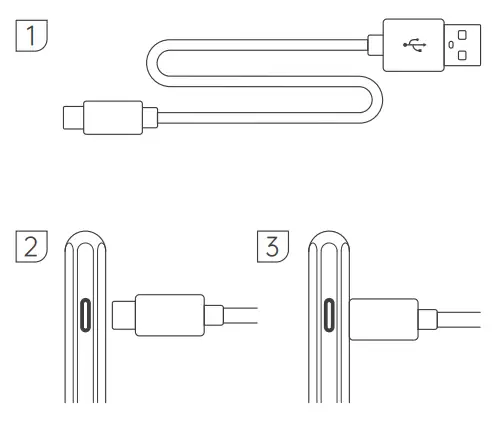
HOW TO CHARGE STYLUS
- When the light blinks blue, the battery is low.
- Connect the Type-C interface to the pen, and the red light is on, indicating that the connection is successful and charging is under way.
HOW TO REPLACE THE NIB
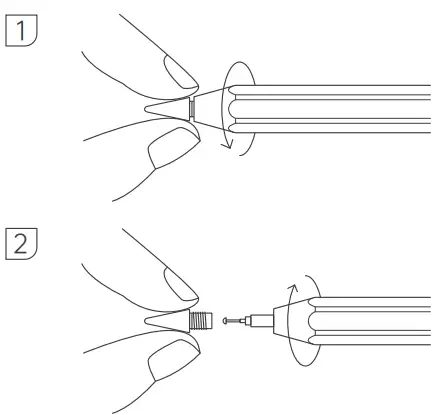
- Grab the nib of the pen and gently turn out the replace nib.
- After the nib is removed, fill the new nib in the same way.
This instruction manual use for stylus, please kindly read all the details before use.
PRODUCT SPECIFICATION

| PRODUCT PARAMETER | EN | |
| Product Name | Active Stylus | |
| Product Number | 2S | |
| Input | 5V 200mA | |
| Battery Capacity | 140mAh | |
| Nominal Voltage | 3.7V | |
| Working Temperature | 0℃-35℃ | |
| Charging Time | <1 Hour | |
| Working Time | >10 Hours | |
| Compatible With: iPad Air ( 3rd&4th Gen ) iPad mini ( 5th&6th Gen ) iPad ( 6th—9th Gen ) iPad Pro 11-inch ( 1—3rd Gen ) iPad Pro 12.9-inch ( 3rd—5th Gen ) Notes: Compatible with iPad launched in 2018-2021 or lastest together with iOS updated to higher than Rev12.2 | ||
| LED NOTIFICATION | ||
| Blue light | Working | |
| Blue light keep flashing | Low battery | |
| The red light changes to blue light | Fully charged | |
| PACKAGE | ||
| Stylus*1 Typ-C port*1 Replace nib*1 Instruction manual*1 | ||
All the above data and info comes from lab. They might vary with environment or other factors.