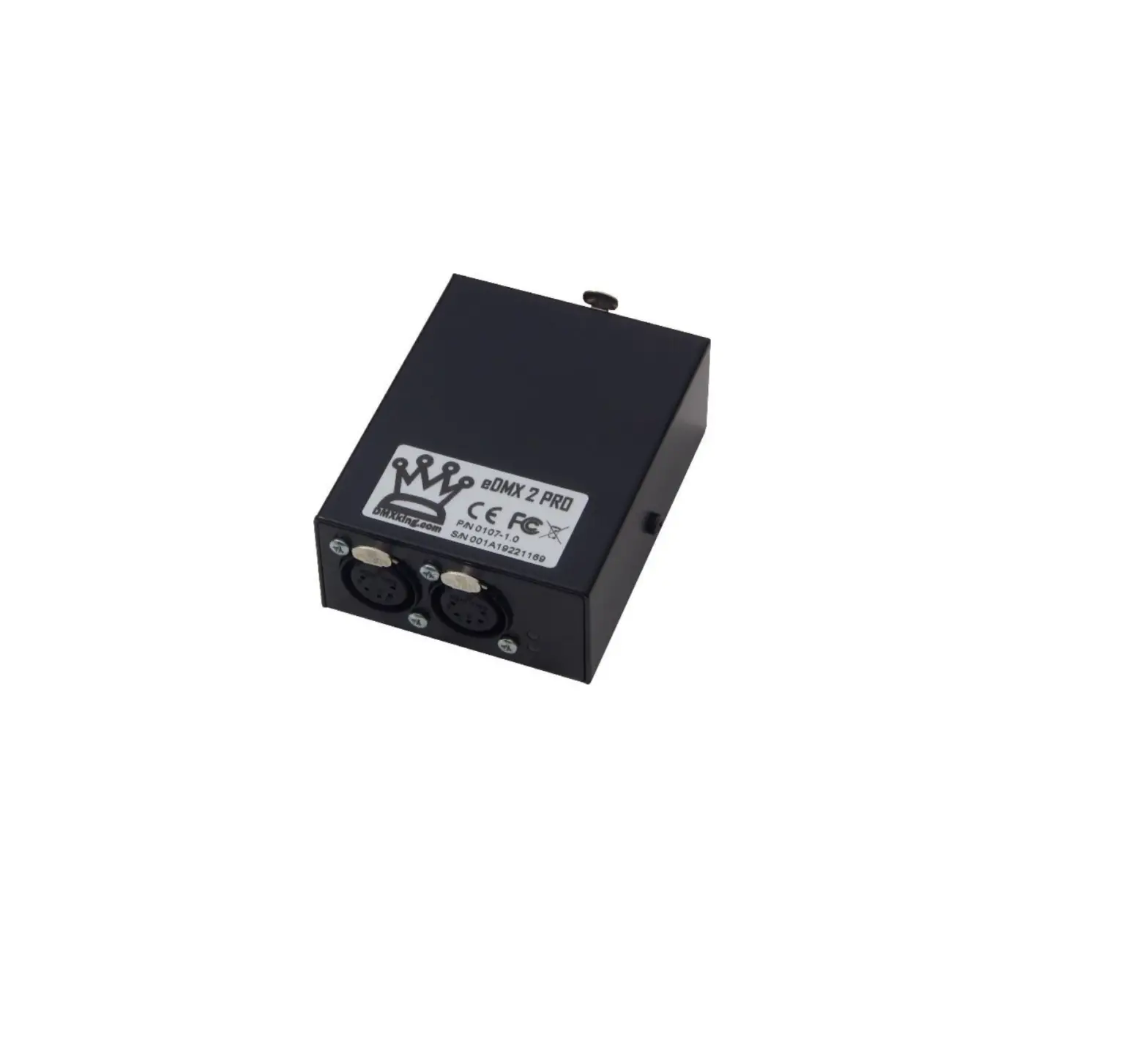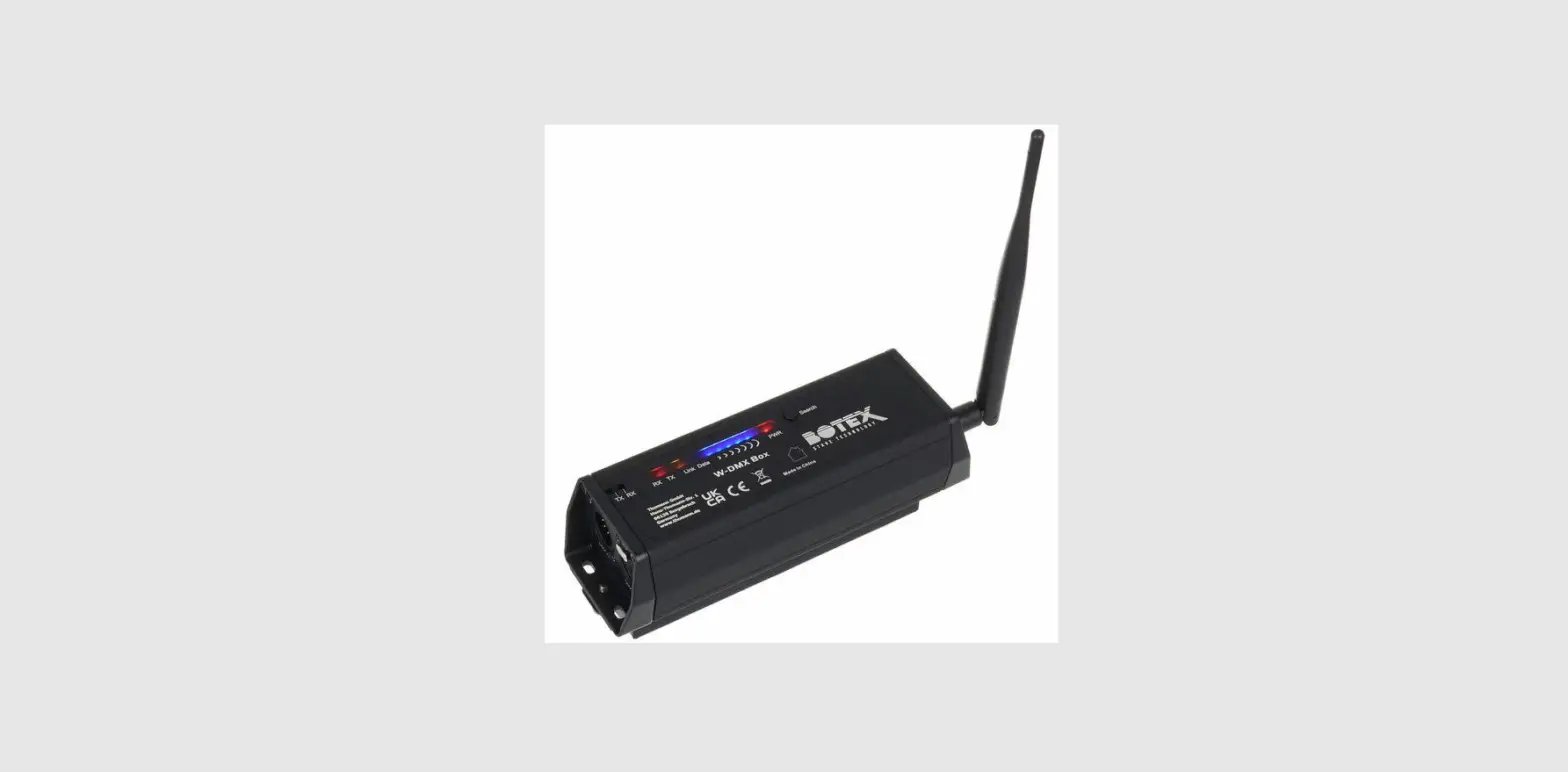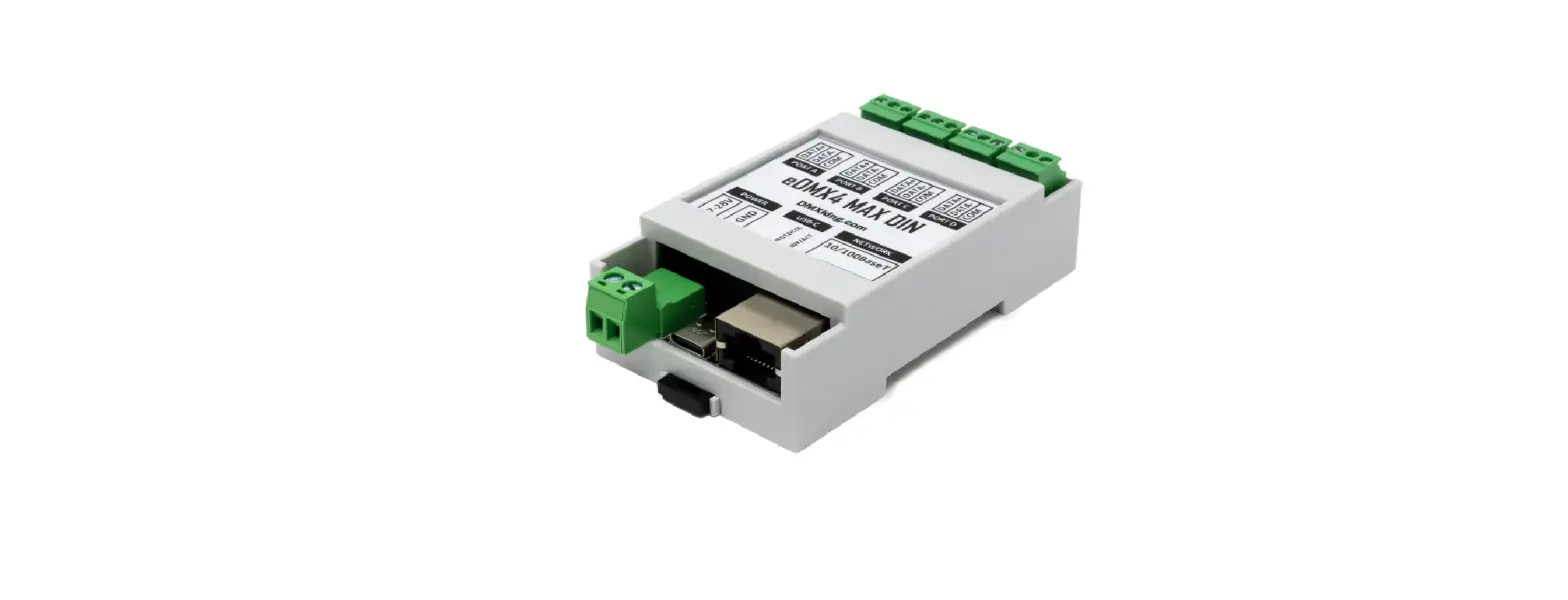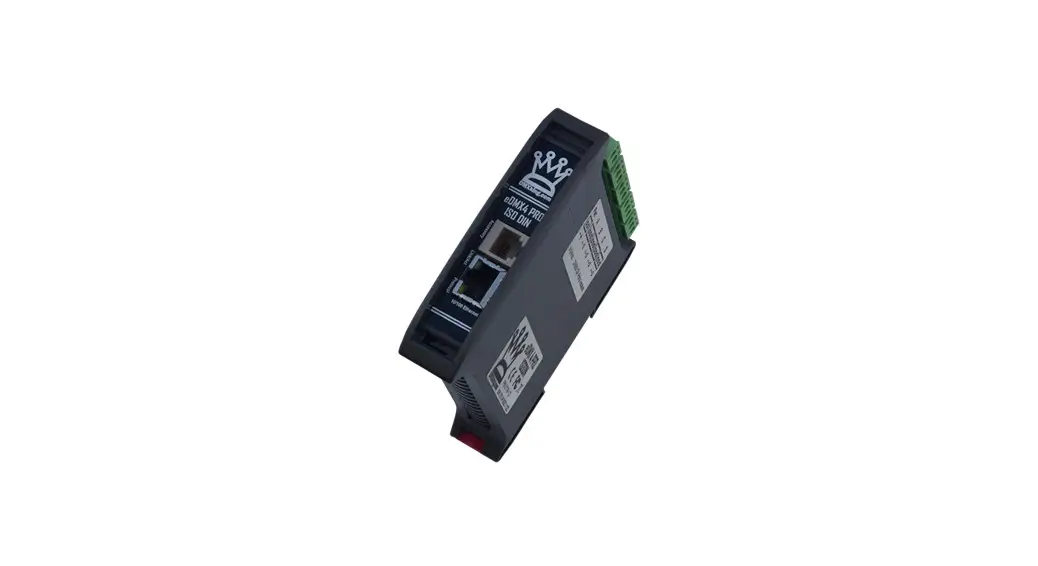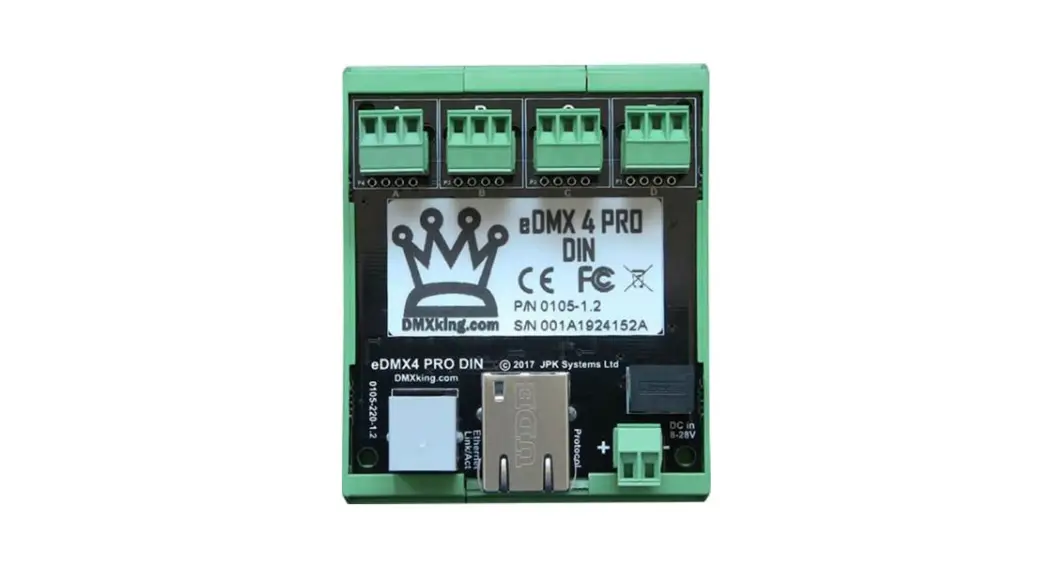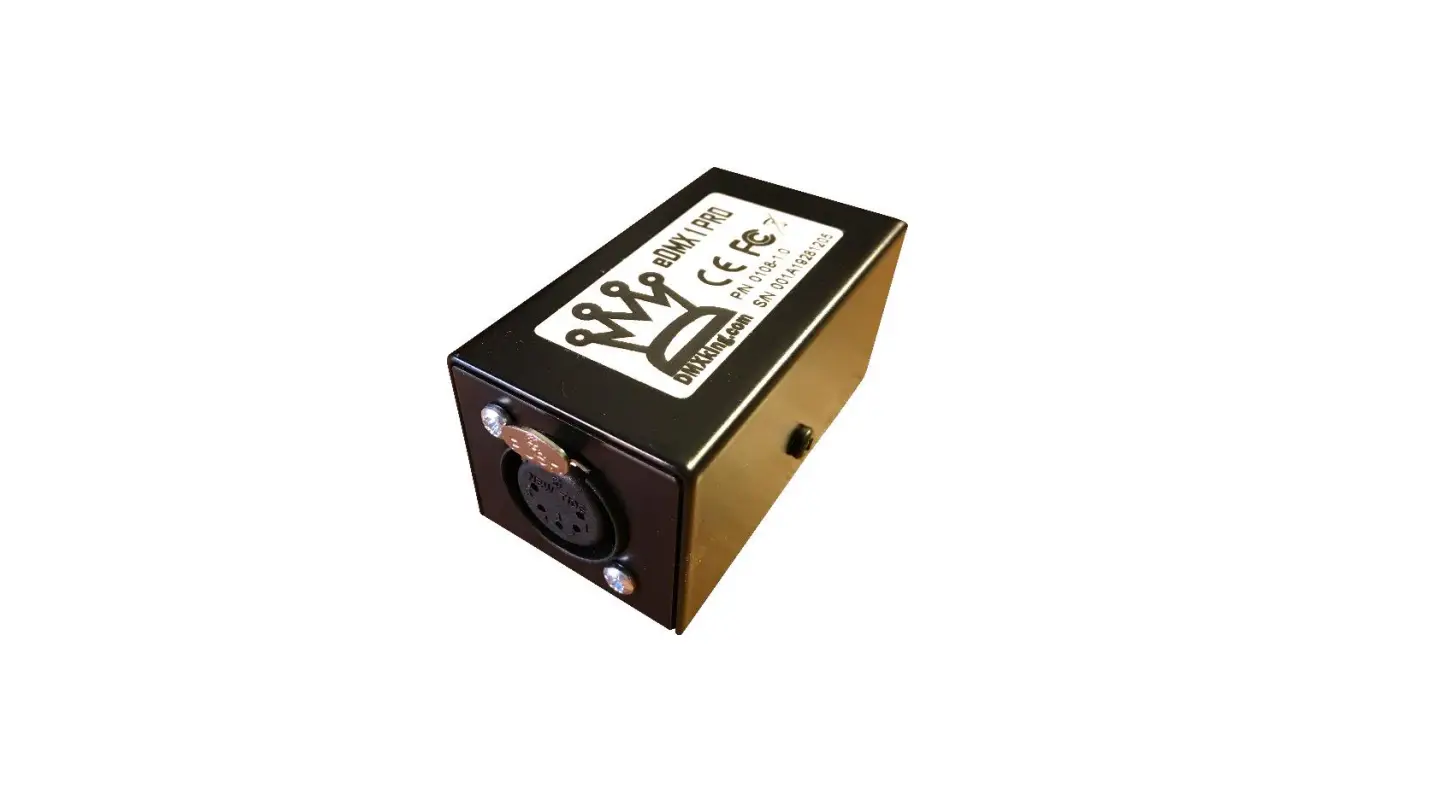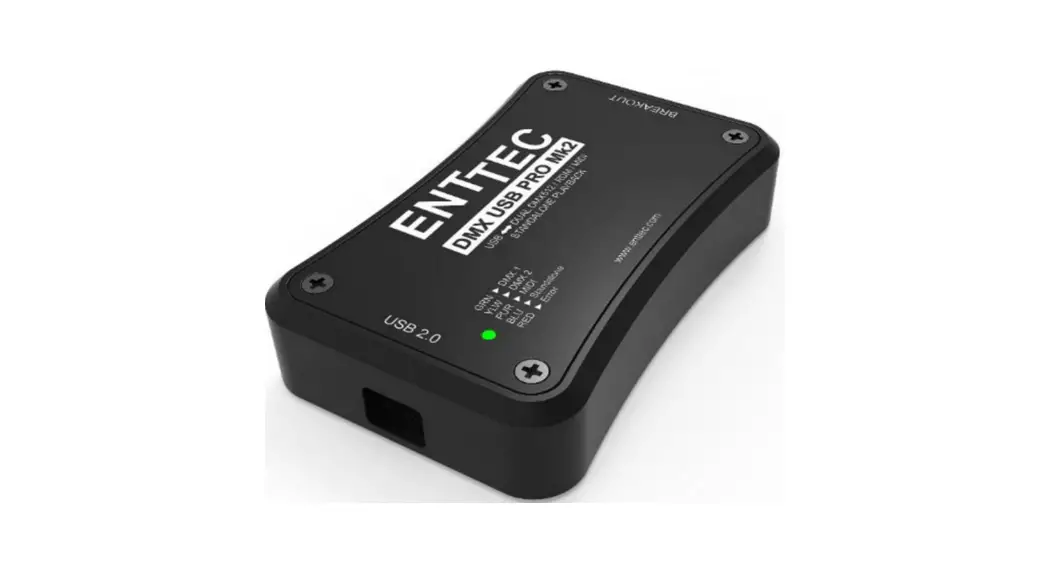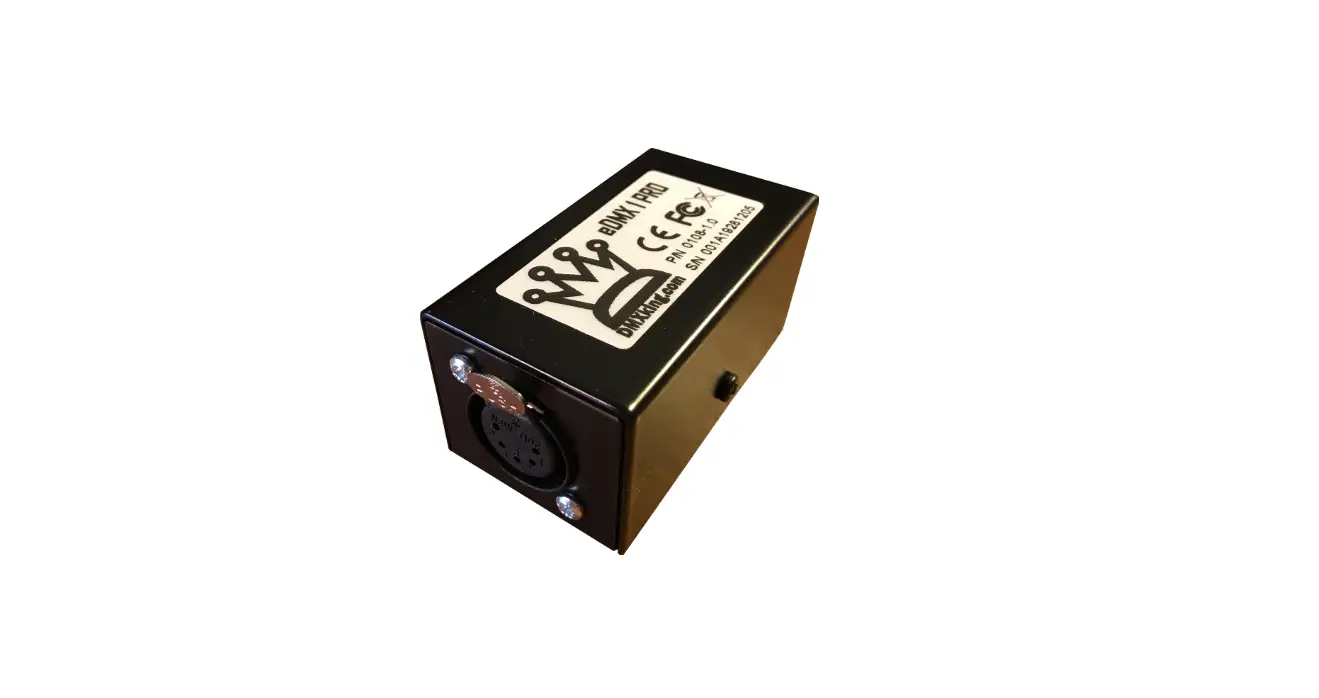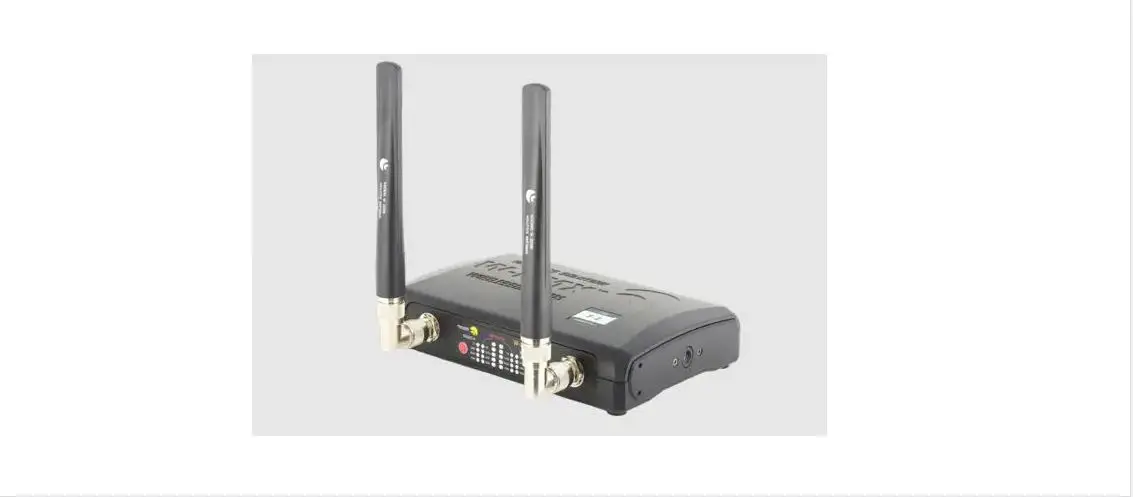

Kessil W2K DMX Setting Box
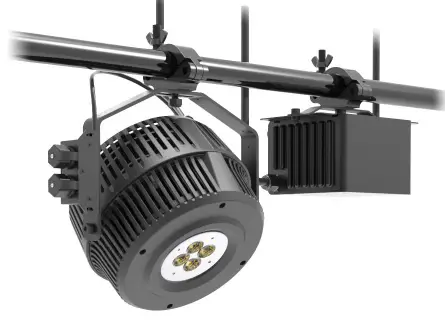
INSTALLATION
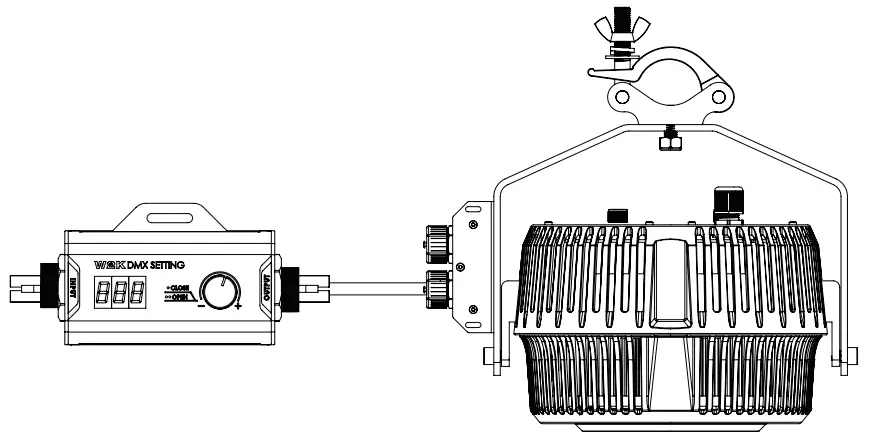
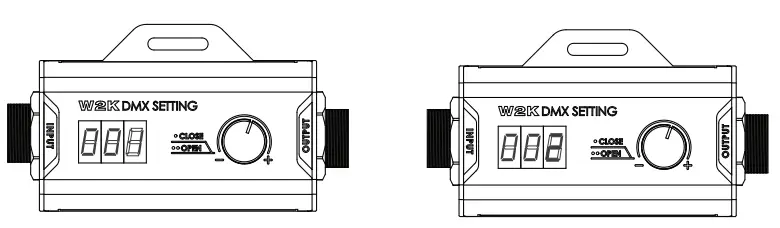
- Connect OUTPUT port and W2K unit using RJ45 cable.
- When connected, press and hold knob for 5 sec to turn on and enable editing. To change the DMX address, press the knob 2x. The DMX address will begin flashing. Turn the knob to adjust the DMX address, and press knob 1x to confirm.
- Once the DMX address has been adjusted, remove the W2K DMX Setting box.
W2K Amazon Sun (8-bit mode) W2K Tuna Light Blue (8-bit mode)
| DMX Address | Function | DMX Address | Function | ||
| 1 | Intensity | 0%-100% | 1 | Intensity | 0%-100% |
| 2 | CCT | 4000K-6500K | 2 | CCT | 8000K-14000K |
Fan Mode
- Press knob 6x to entered fan mode, turn knob to adjust mode, press again to confirm.
Fan Speed Options
1689 Regatta Blvd., Richmond, CA 94804 | [email protected] | (510) 620-5250