 INSTRUCTIONAL GUIDE
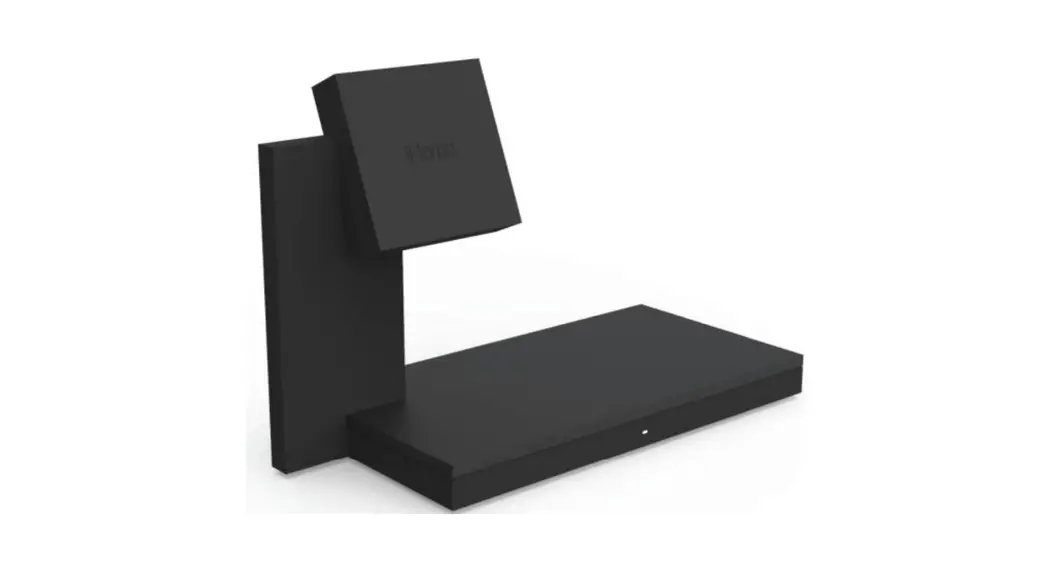
ALUMINUM DOCK FOR MAGSAFE CHARGER
4366 Aluminum Dock for Magsafe Charger
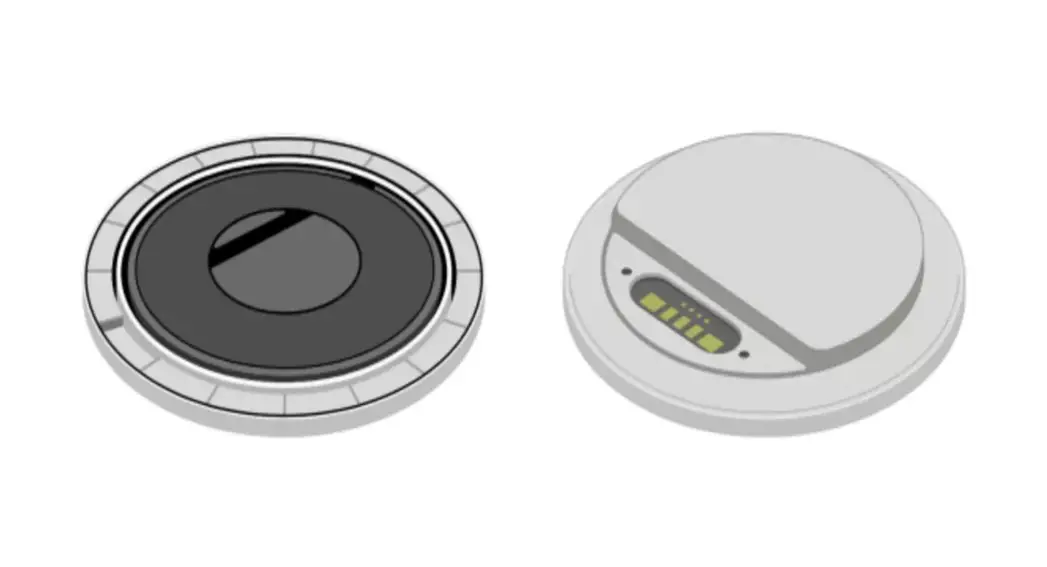
- Insert your MagSafe Charger into the Aluminum Dock.
Charger itself is not included
- Peel off the film on the bottom side of the dock.

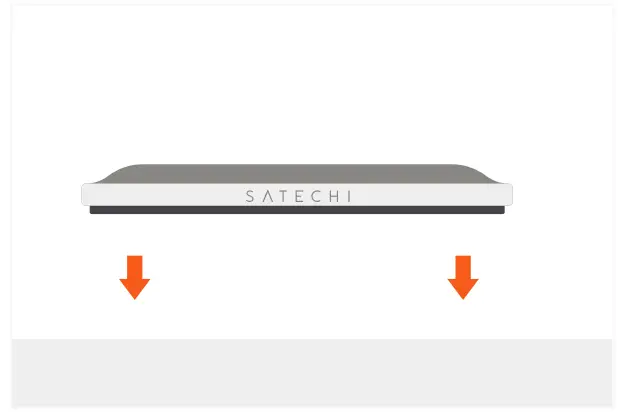
- Gently press the Aluminum Dock onto a flat surface.

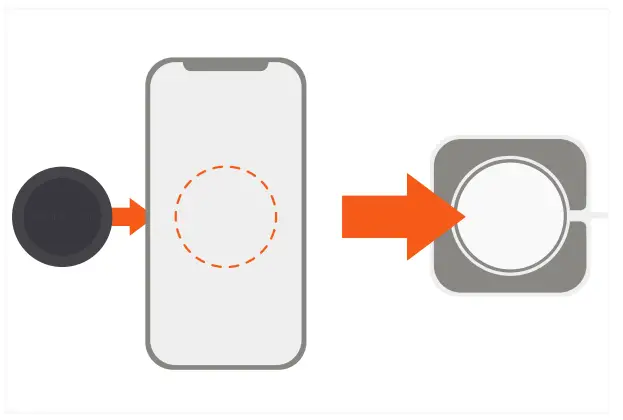
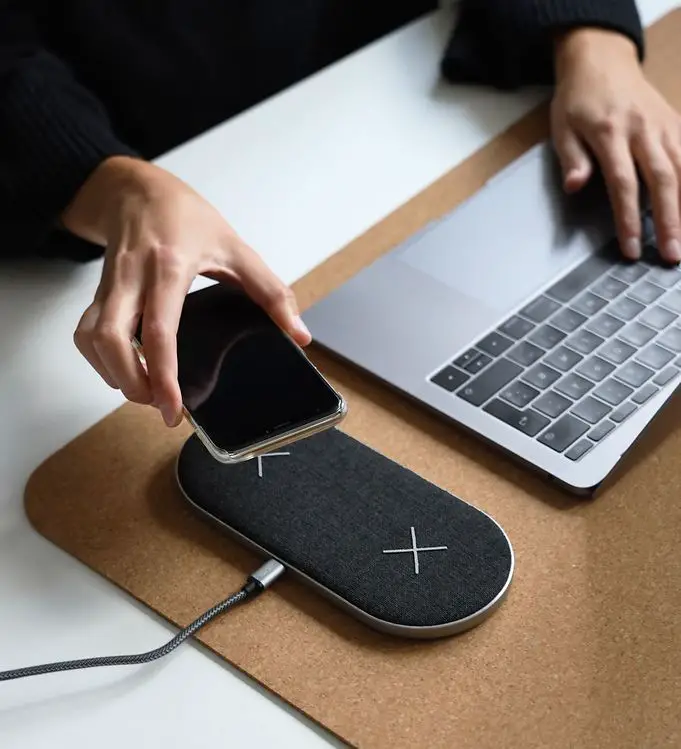
- Place your iPhone 12 on top to start charging.
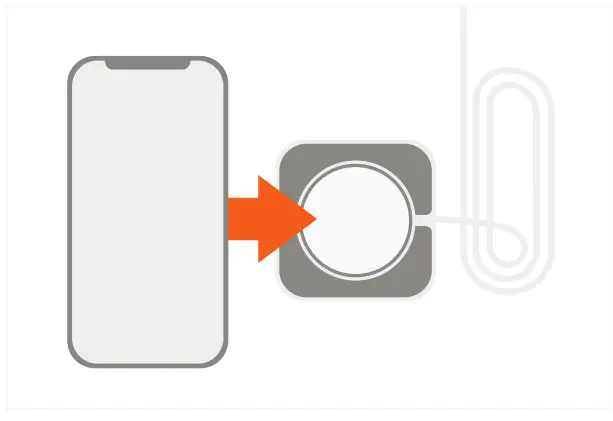
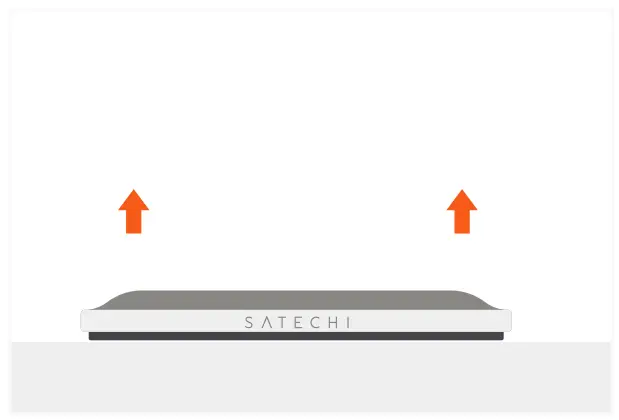
- The Aluminum Dock can be removed and placed in a different location if desired, with its micro suction padding.

- Note: our Magnetic Sticker (sold separately) is required for use with iPhone 11 models or iPhone 12 cases without MagSafe.