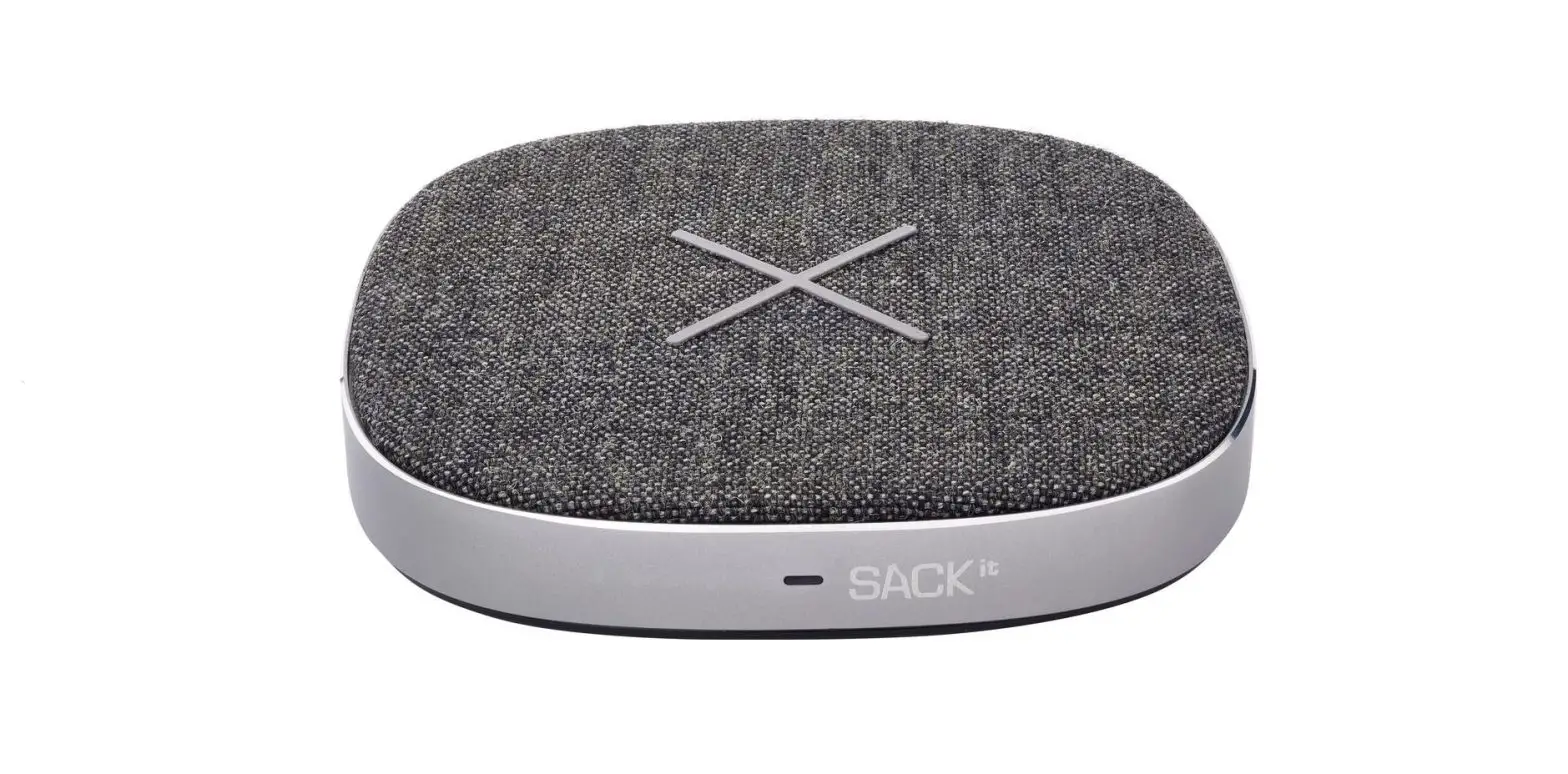
530018 Phone Dock Wireless Charger
Phone Dock Wireless Charger
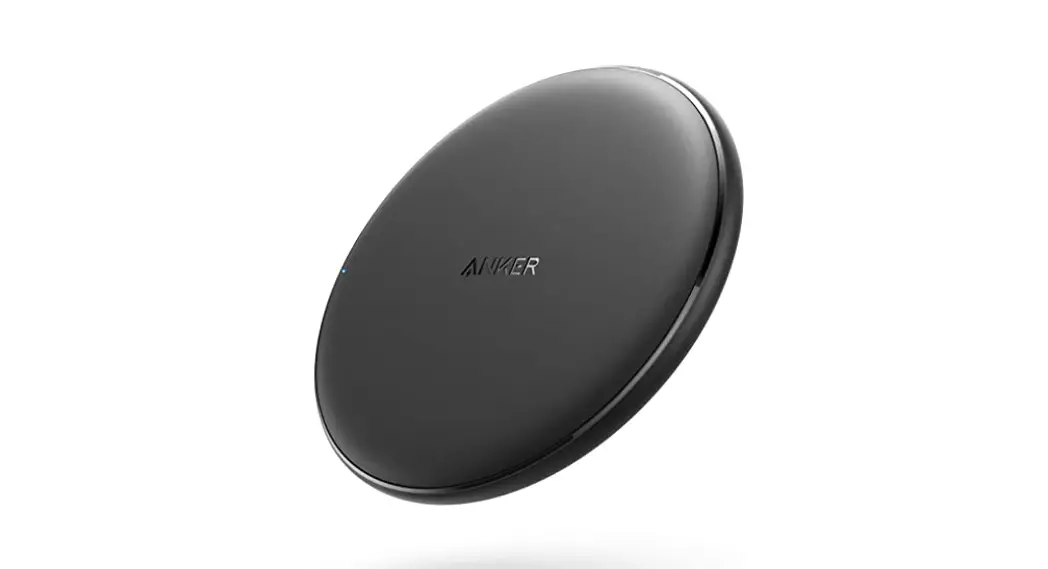
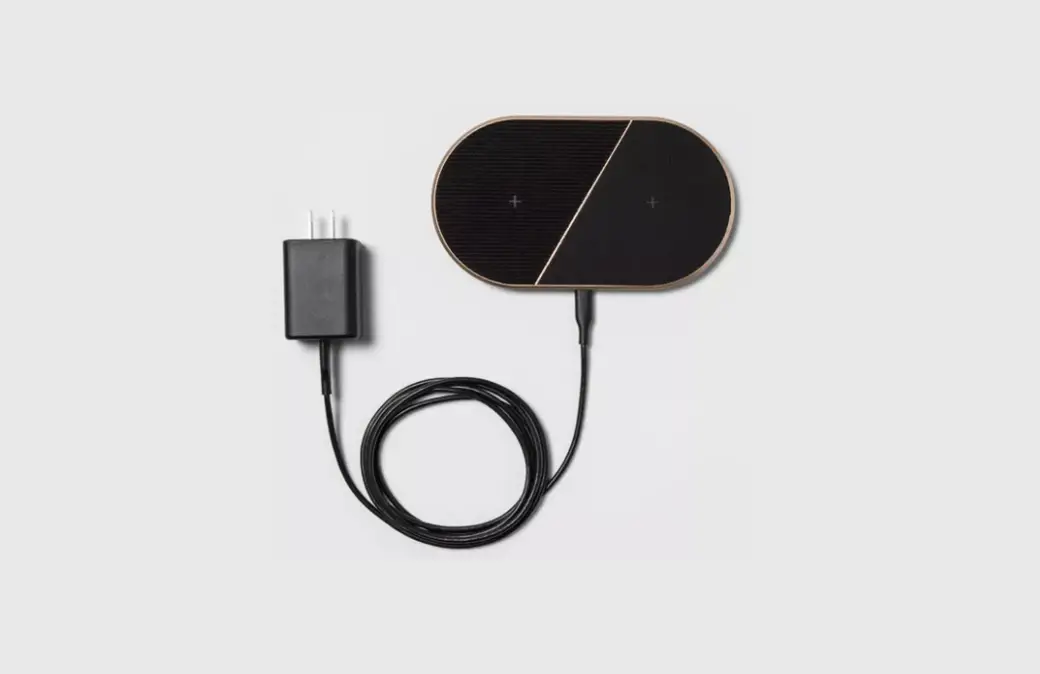
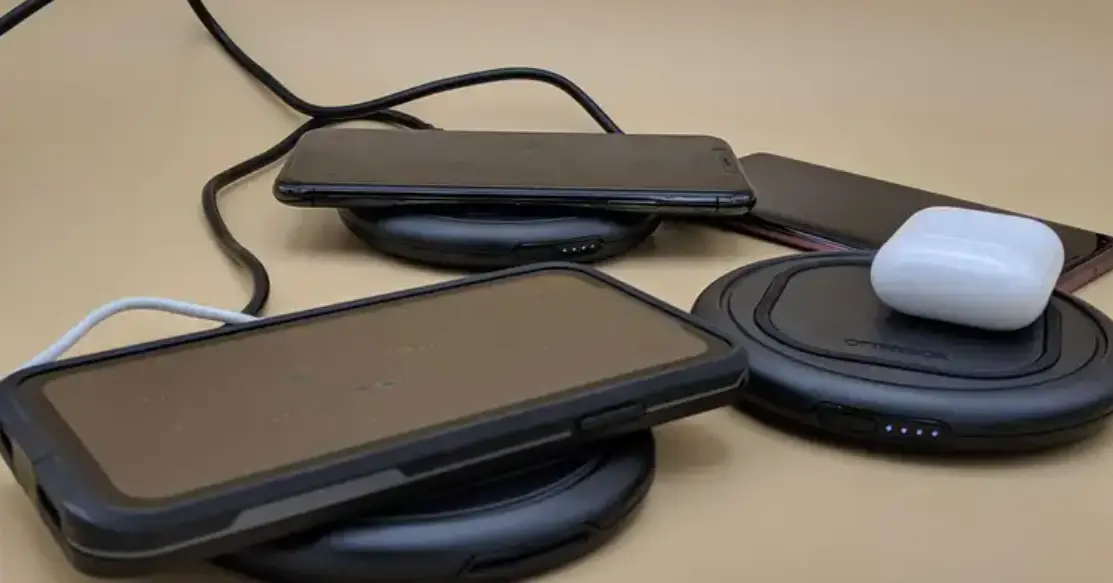
The Phone Dock Wireless Charger is a device that charges phones
wirelessly using inductive charging technology. It has the
following features:
- Monitors phone’s thermal parameters and may temporarily stop
charging to prevent overheating and damage to the phone - Charging capacity of F-10W (device dependent)
It comes in two base part numbers: 530018 (surface mount) and
530020 (under mount). The product dimensions for both base part
numbers are as follows:
| Dimensions | |
|---|---|
| Rubber Pad Material | 0.83 |
| Housing Material | 0.4 |
| Cutout Voltage | 0.83 |
| Input Current | 0.12 |
| Standby Current | 0.12 |
| Charging Capacity | 1.10 |
| Wire Length | N/A |
| Wire Gauge | N/A |
| Operating Temp | N/A |
| IP Rating | N/A |
| UV Stable | N/A |
| Certification | N/A |
Product Usage Instructions
Safety/Installation Considerations
- Ensure that there is enough room to accommodate the mounting
nut on the back of the device. - Use marine grade splices for wiring.
Surface Mount Install:
- Determine the installation location.
- Drill a 3″ hole.
- Install the charger and tighten the provided plastic nut.
- Tighten the locking screw on the nut to prevent any loosening
from vibration. - Wire to the system following the diagram provided.
Under Mount Install:
- Determine the installation location, making sure there is a
flat surface on the front and enough room to accommodate the
mounting nut on the back. A recessed pocket will need to be routed
to a depth so that the maximum distance between the charger and
phone is 2mm. - Substrates 2mm (0.08″) or thinner: Route a counter bore hole
that is 3″ in diameter to clear the charger. Substrates thicker
than 16mm (0.625″): Route an additional counter bore hole to
accommodate the nut. - Assemble the retaining nut to the charger with a small amount
of the charger sticking above the face of the nut. - Insert the charger into the hole, and if thickness allows screw
in place. If material is too thin for screws, use the adhesive pads
on the nut for attachment. Follow 3M recommendations on surface
prep and hold times for proper adhesion. Not all surfaces are
appropriate for 3M adhesive, in these cases it is the
responsibility of the installer to select an adhesive that will
bond with the nut and surface appropriately. - Slowly turn the charger until it bottoms out on the back side
of the mounting surface. Do not overtighten. Once installed to the
correct depth, tighten the locking screw to prevent any loosening
of the nut from vibration. - Wire to the system following the diagram provided.
Phone Dock Wireless Charger
Features
· The modular design of the inductive charger allows it to be incorporated into OEMs own visual brand language
· Surface or under mount options allow for installation into multiple applications
· Qi certified to meet all wireless charging standards · Up to 10W of charging capacity depending on
phone limitations · Designed to charge and operate within the
phones thermal parameters. Charging may stop temporarily to prevent overheating and damage to the phone
Specification Guide
Base Part #
530018 530020
Mounting Method
01 – Surface Mount 02 – Under Mount
Under mount 530020
Product Dimensions
3″Ø
Charging Capacity F – 10W (device dependent)
Surface mount 530018
Product Details
Dimensions
Rubber Pad Material Housing Material Cutout Voltage Input Current Standby Current Charging Capacity Wire Length Wire Gauge Operating Temp IP Rating UV Stable Certification
Surface: 3-“Dia. x 1.1″ Mounting Depth Under Mount: 3″Dia. x 1.14″ Mounting Depth Silicone Black Polycarbonate 3″Dia. 10-30V DC 1.5A @ 12V 0.03A Up to 10W (device limited) 6″ 18 AWG 32°F to +95°F (-0°C to +35°C) IP66 Yes Qi 3.58
3.94″Ø
0.83″ 0.4″
0.83
Under mount
2.95 3.58″Ø
0.37
3.94 3.94″Ø
0.12″ 0.83″
0.12
1.10
Surface mount
3.94
385 Thynne Road Morningside QLD 4170 Phone: 61 7 3902 7222 · www.samallen.com.au · www.relaxn.com.au
REV | 10.26.21
Modular Inductive Charger Install Instructions
(Part #’s: 530018 / 530020)
PARTS / TOOLS NEEDED:
Inductive Charger
Mounting Screws (not provided)
Power Drill & Hole Saw
Marine Grade Splices (not provided)
Safety/Installation Considerations
· Disconnect power before installing, adding or changing any component.
· To avoid a hazard to children, account for all parts and destroy all packing materials.
· Electrical Specs: Input voltage: 10-30V DC| Charging Capacity: Up to 10W (device limited) | Max Current: 1.5A @ 12V | Standby Current: 0.03A
· Positive (+) outputs require a fuse if the attached wire leads are not rated to handle the max current. · The charger has been designed to work with Qi compatible devices. · The charger has been designed to charge and operate within the receiving device’s thermal parameters. Low or high temperatures
might cause the receiving device to change their charging behavior to regulate its temperature and preserve battery life. Typical temperature ranges are 0ºC to 35ºC (32ºF to 95ºF). When exceeding these operating temperatures, the phone and/or the charging device may temporarily stop charging to protect from overheating. · The wireless charging module has been designed to be optimized with no case installed. If a thick phone case is added to the distance between the charger surface and the phone it may cause the device to not charge or to temporarily shut down to protect from over-heating.
Surface Mount Install:
1. Determine the installation location, making sure there is enough room to accomodate the mounting nut on the back.
2. Drill a 3″ hole. 3. Install the charger and tighten the provided plastic nut. 4. Tighten the locking screw on the nut to prevent any loosening
from vibration. 5. Wire to the system following the diagram below.
Under Mount Install:
1. Determine the installation location, making sure there is a flat surface on the front and enough room to accomodate the mounting nut on the back. A recessed pocket will need to be routed to a depth so that the maximum distance between the charger and phone is 2mm.
2. Substrates 2mm (0.08″) or thinner: Route a counter bore hole that is 3″ in diameter to clear the charger. Substrates thicker than 16mm (0.625”): Route an additional counter bore hole to accomodate the nut.
3. Assemble the retaining nut to the charger with a small amount of the charger sticking above the face of the nut.
4. Insert the charger into the hole, and if thickness allows screw in place. If material is too thin for screws the adhesive pads on the nut can be used for attachment. Follow 3M recommendations on surface prep and hold times for proper adhesion. Not all sur faces are appropriate for 3M adhesive, in these cases it is the responsibility of the installer to select an adheisve that will bond with the nut and surface appropriately.
5. Slowly turn the charger until it bottoms out on the back side of the mounting surface. Do not overtighten. Once installed to the correct depth, tighten the locking screw to prevent any loosen ing of the nut from vibration.
6. Wire to the system following the diagram at the right.
LOCKING SCREW
0.08
3.00
Inductive Charger
Positive (+) Fuse Negative (-)
Incoming 10V – 30V DC
Power
385 Thynne Road Morningside QLD 4170 Phone: 61 7 3902 7222 · www.samallen.com.au · www.relaxn.com.au
 Marine Lighting, Led Marine Lighting, Rope, Stainless Steel Wire Rope : SAM ALLEN WHOLESALE
 SAM ALLEN WHOLESALE : Lenco Trim Tabs, Boat Accessories, Trim Tabs, Boat Covers, Shurflo Marine Plumbing