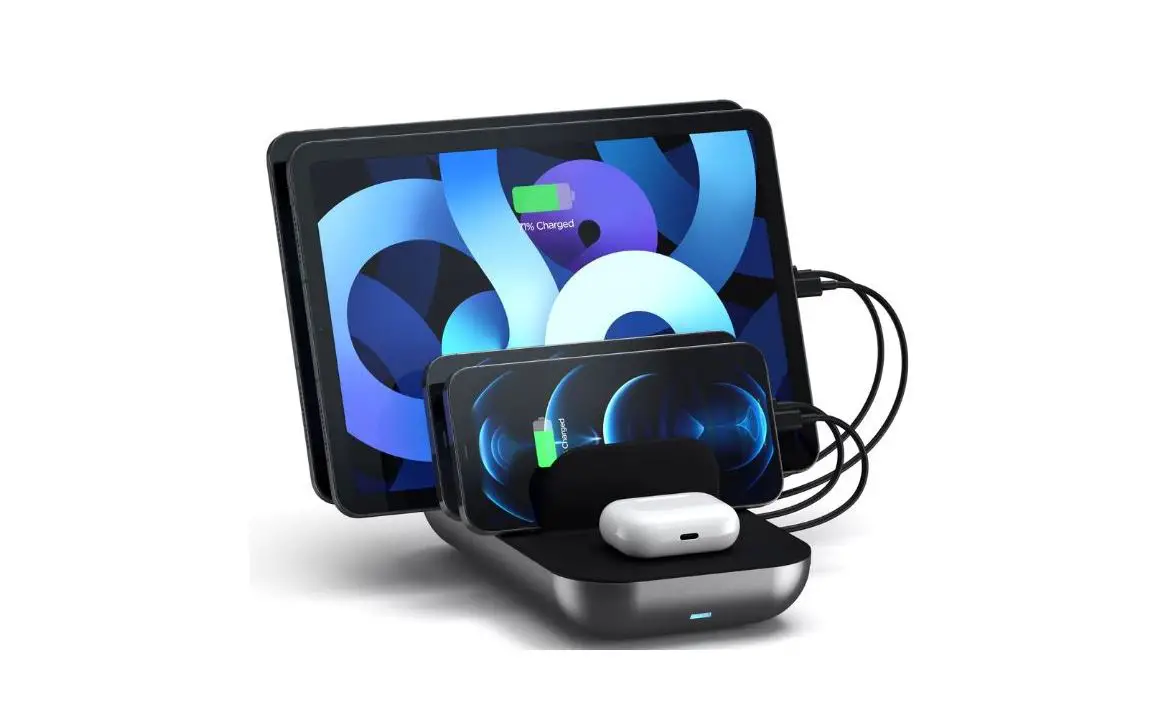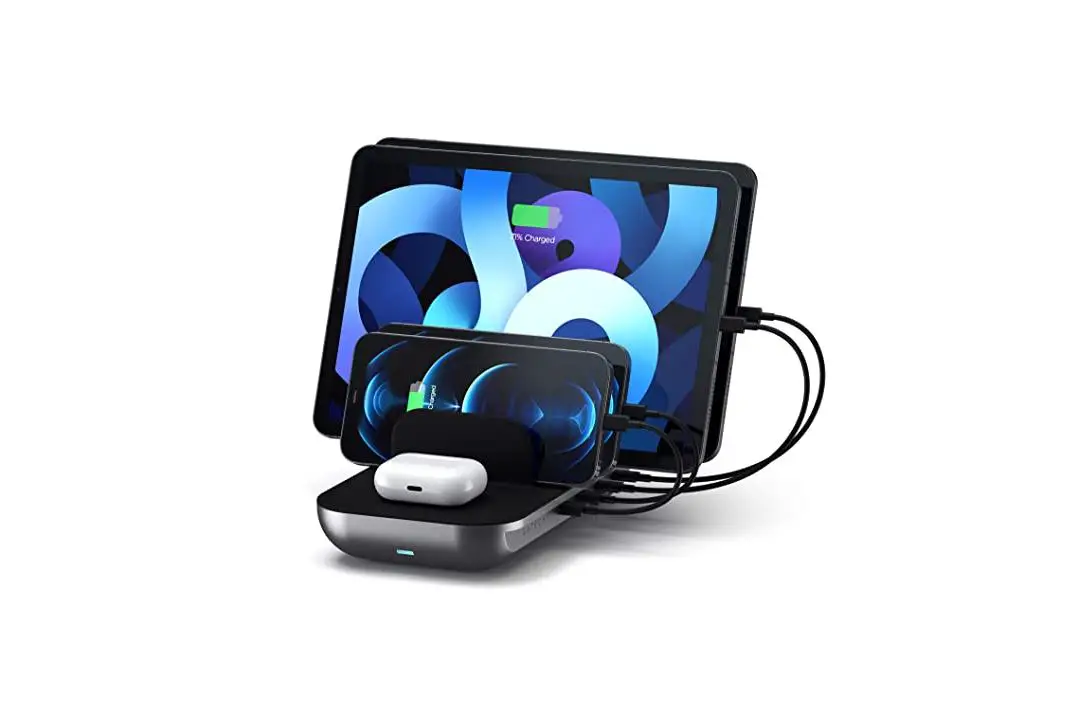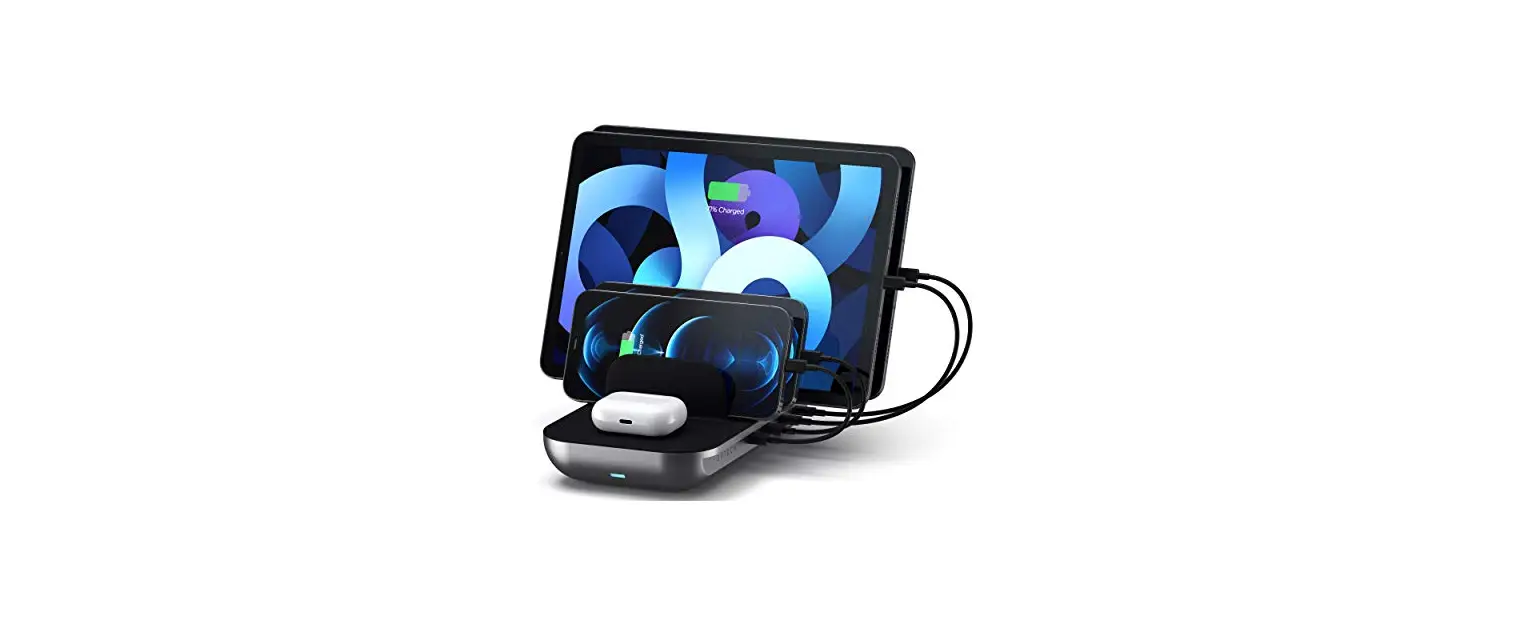

SATECHI DOCK5 Multi Device Charging Station
INSTALLATION INSTRUCTIONS
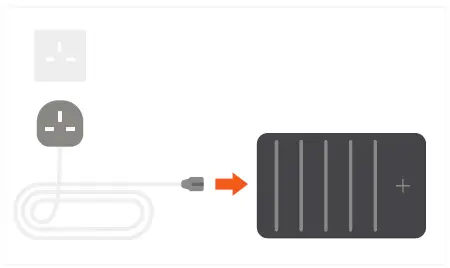
- Connect the power cord to the Dock 5 Charging Station and plug it into a wall outlet.

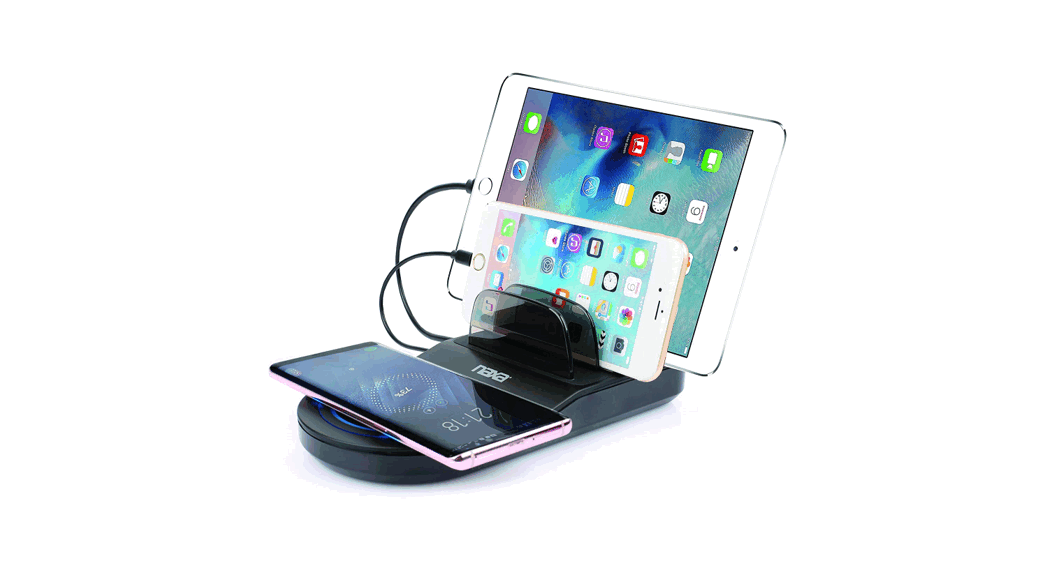
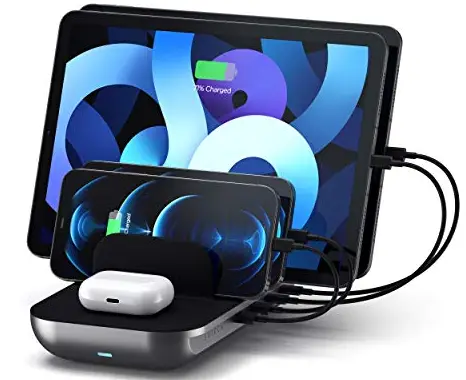
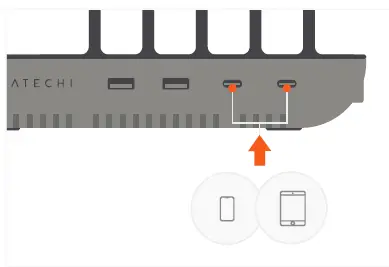
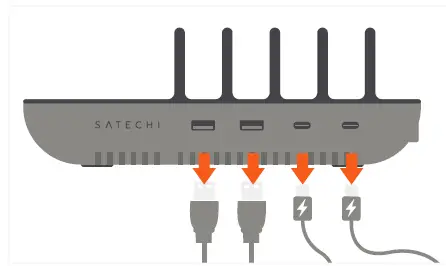
- Connect USB-C smartphones or tablets to its two USB-C PD charging ports. Up to 20W each

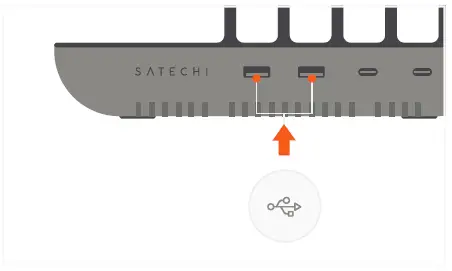
- Connect USB-A devices to its two USB-A charging ports. Up to 12W each

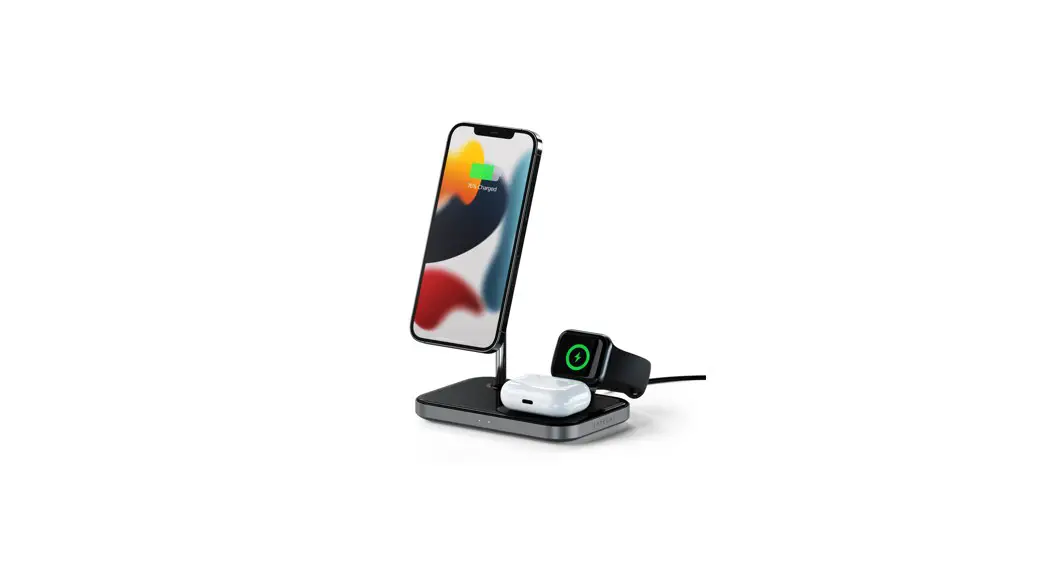
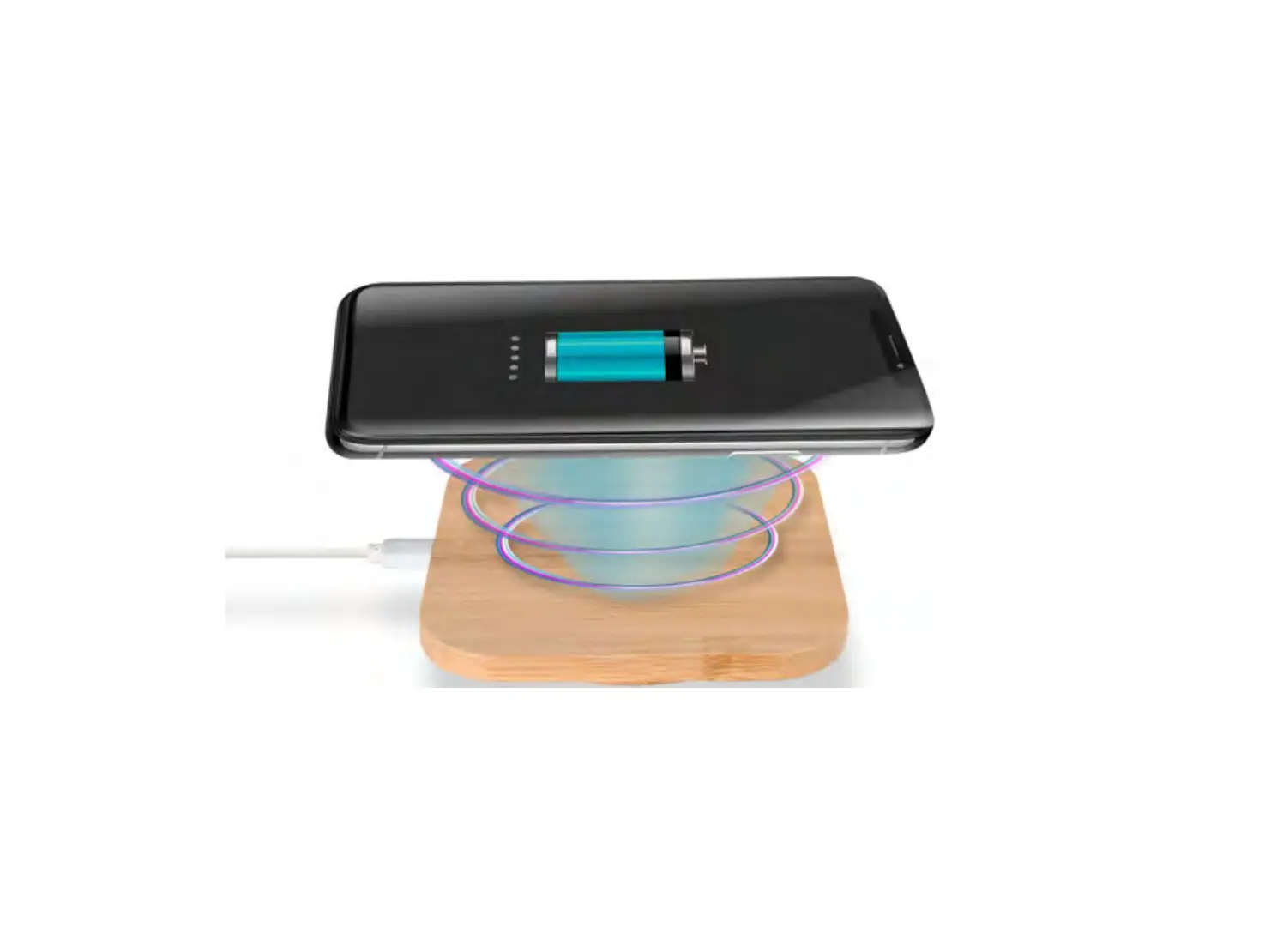
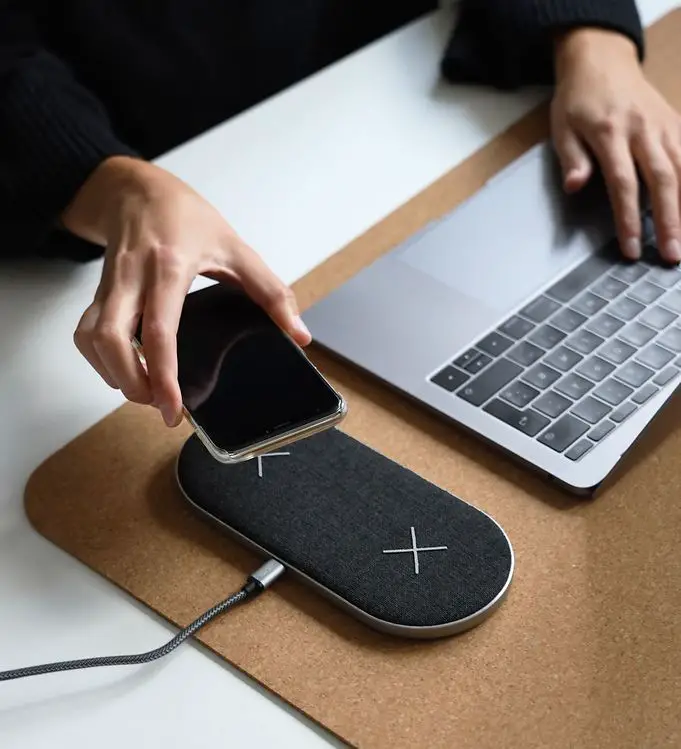
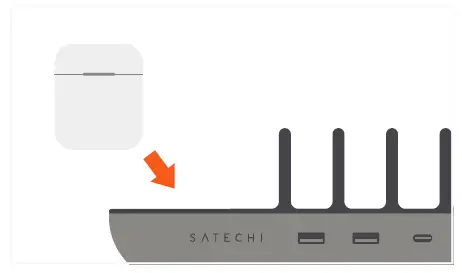
- Use the built-in wireless charging pad to power a Qi-enabled device. LED light will illuminate when device is charging. Up to 10W

- Remove devices from Charging Station when fully charged

CHARGING CABLES SOLD SEPARATELY.
WE ALWAYS RECOMMEND USING CERTIFIED CHARGING CABLES.