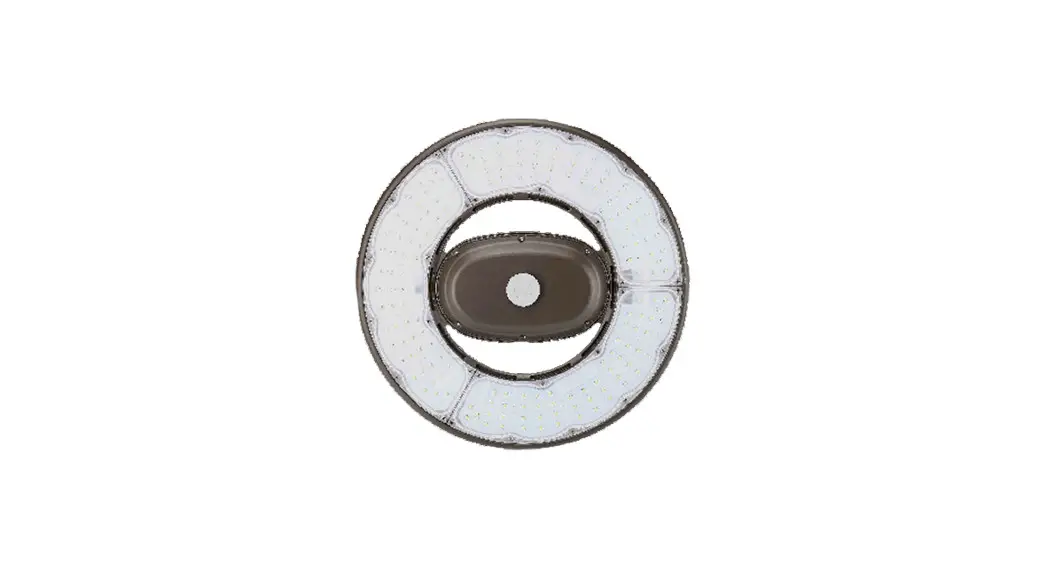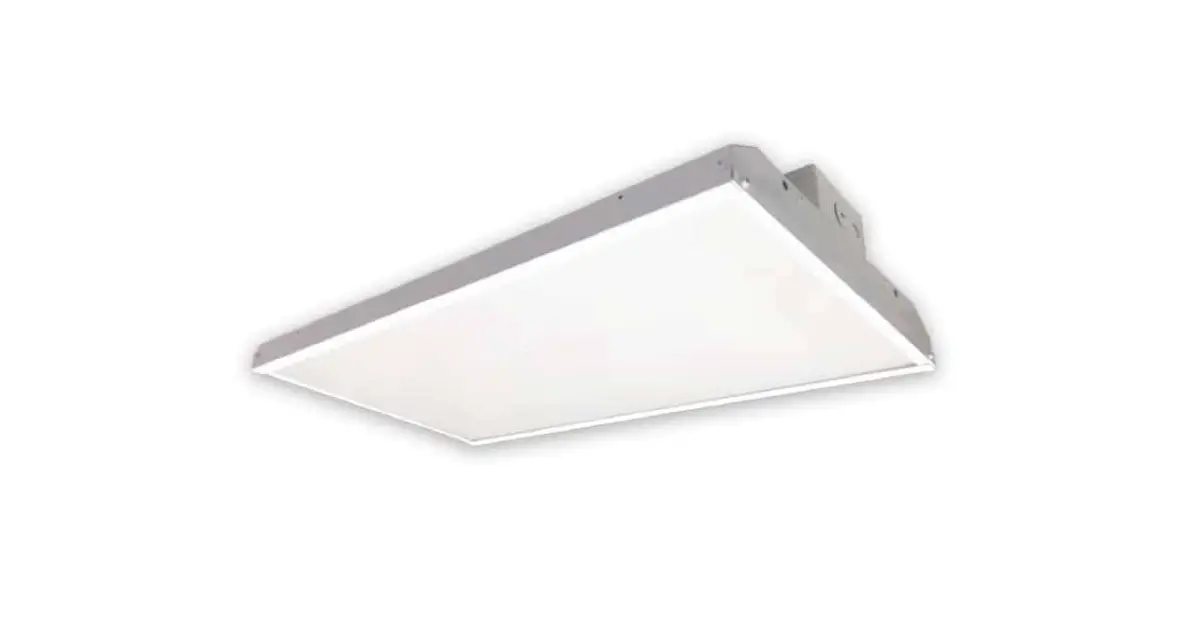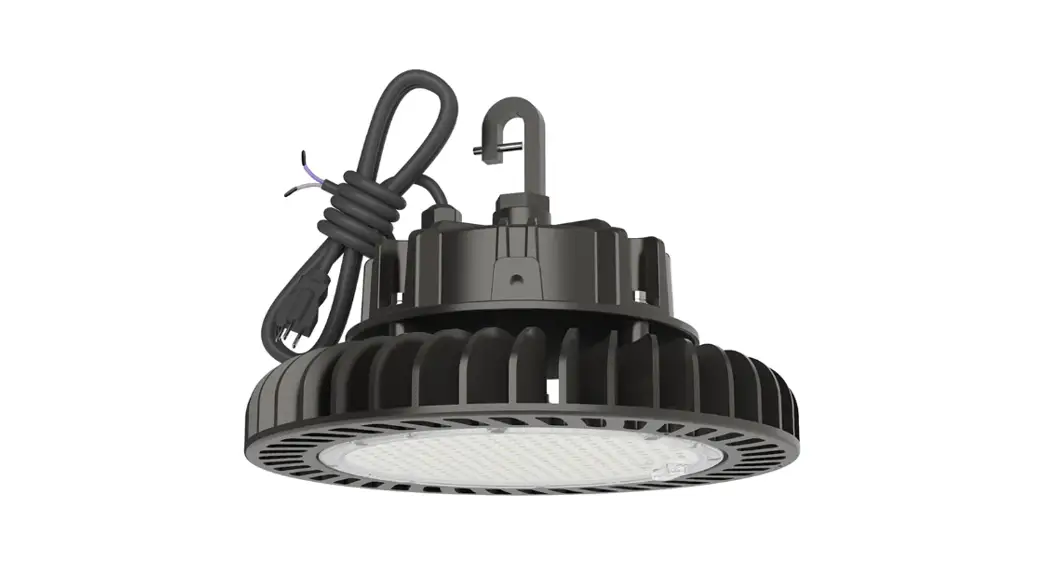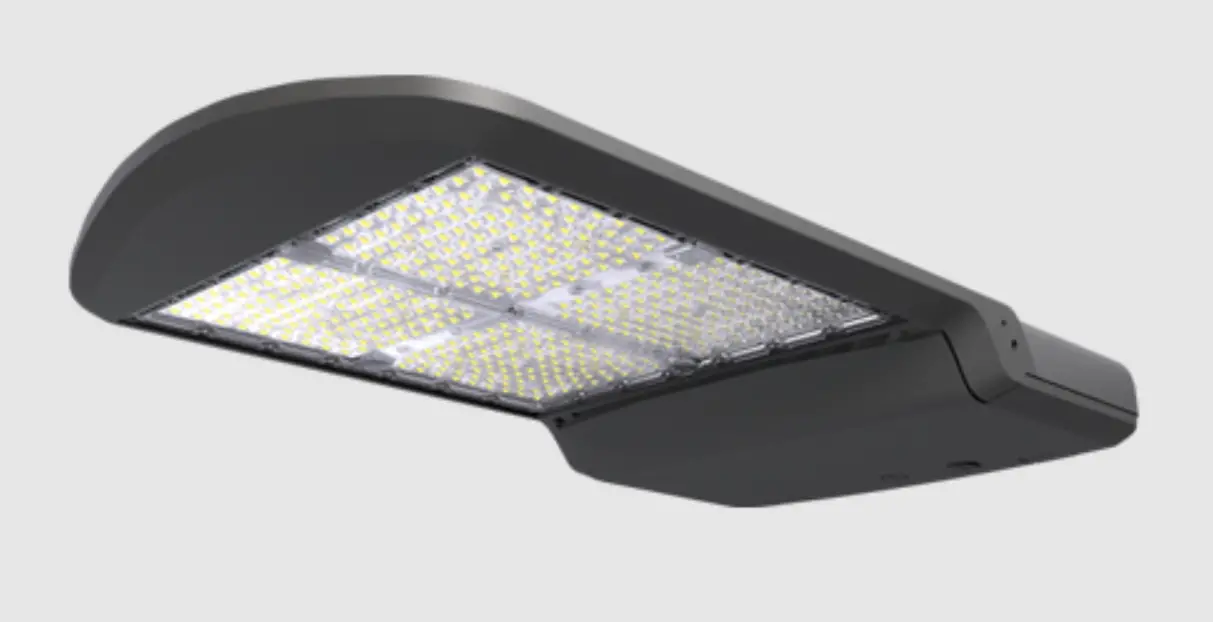

INSTALLATION INSTRUCTIONS
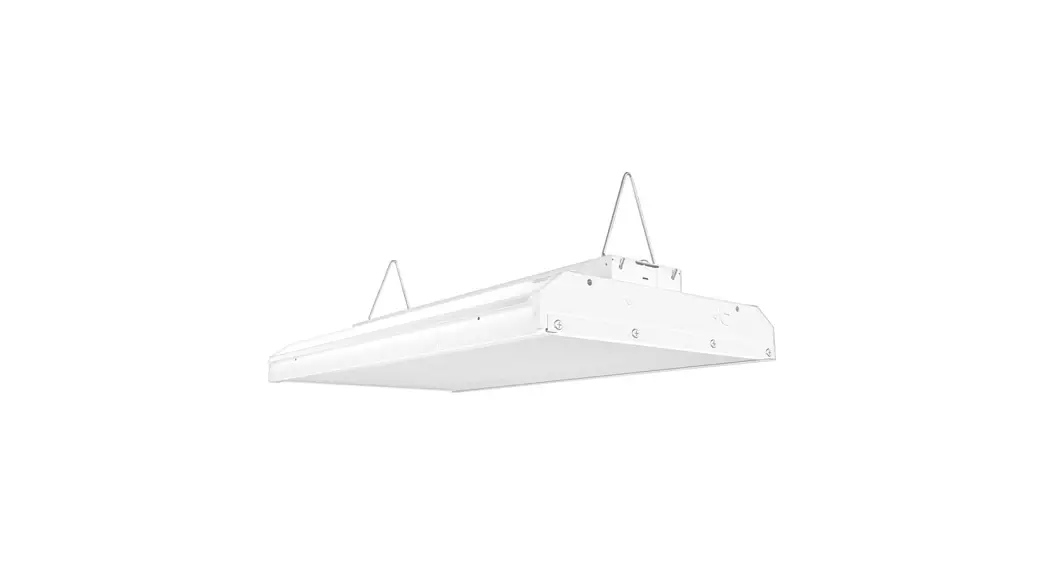
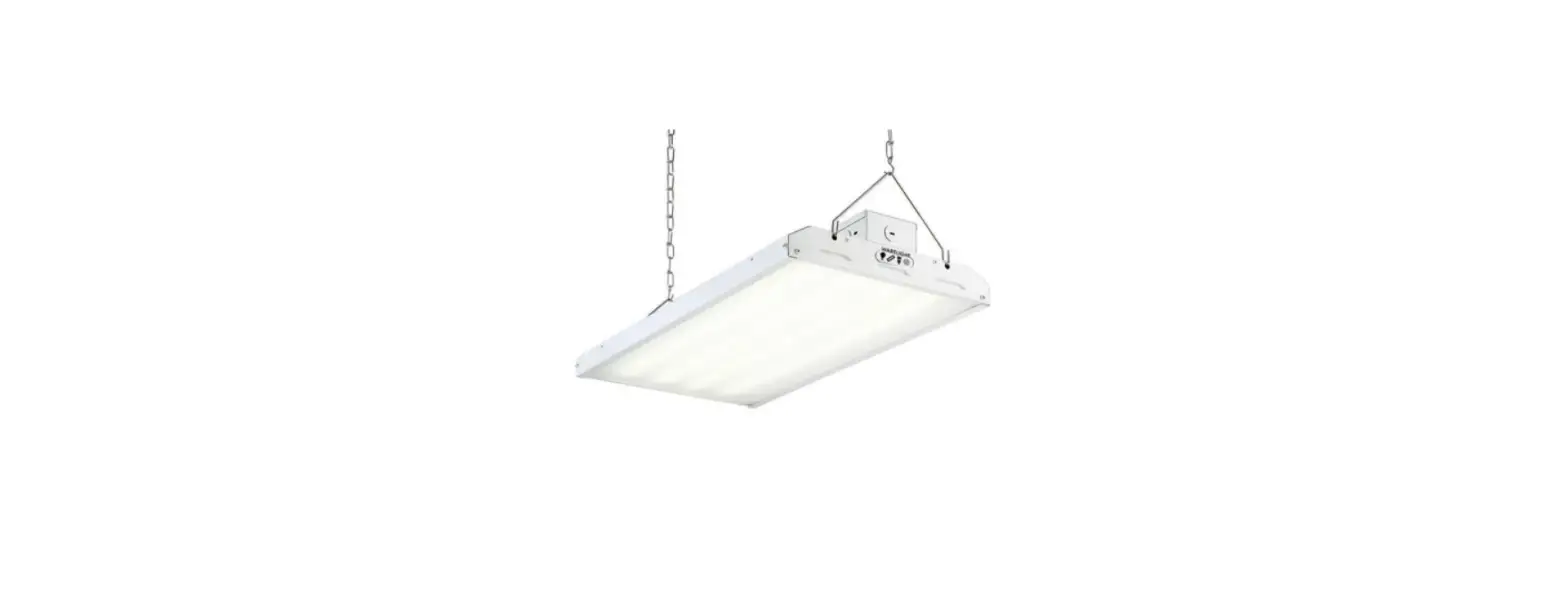
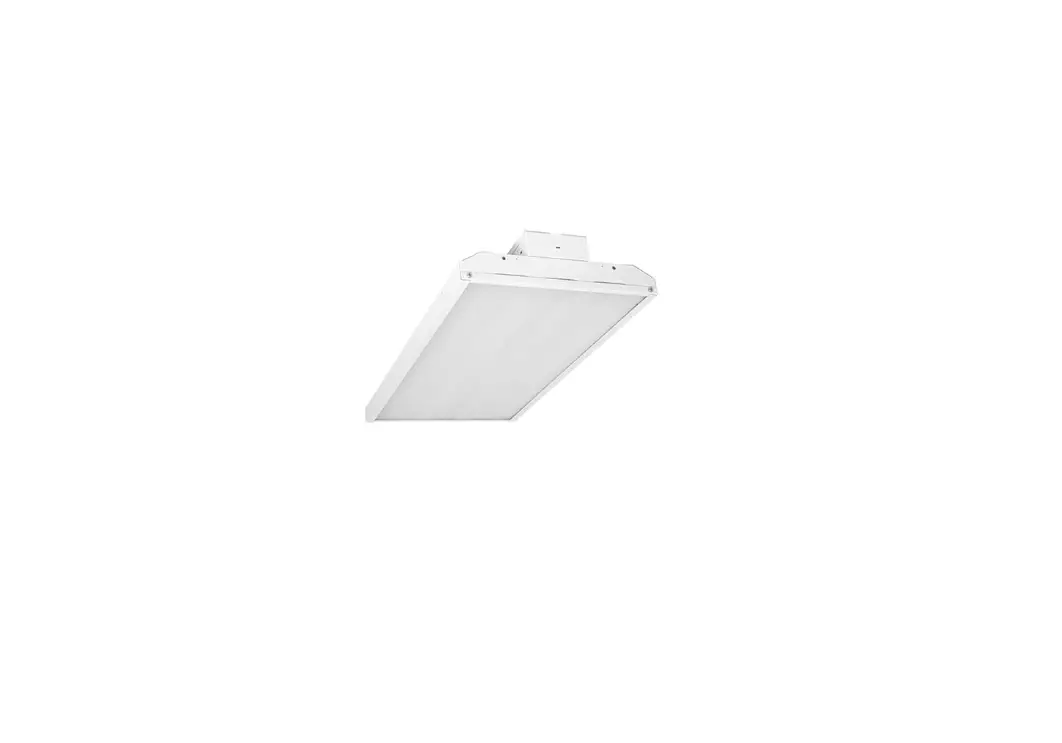
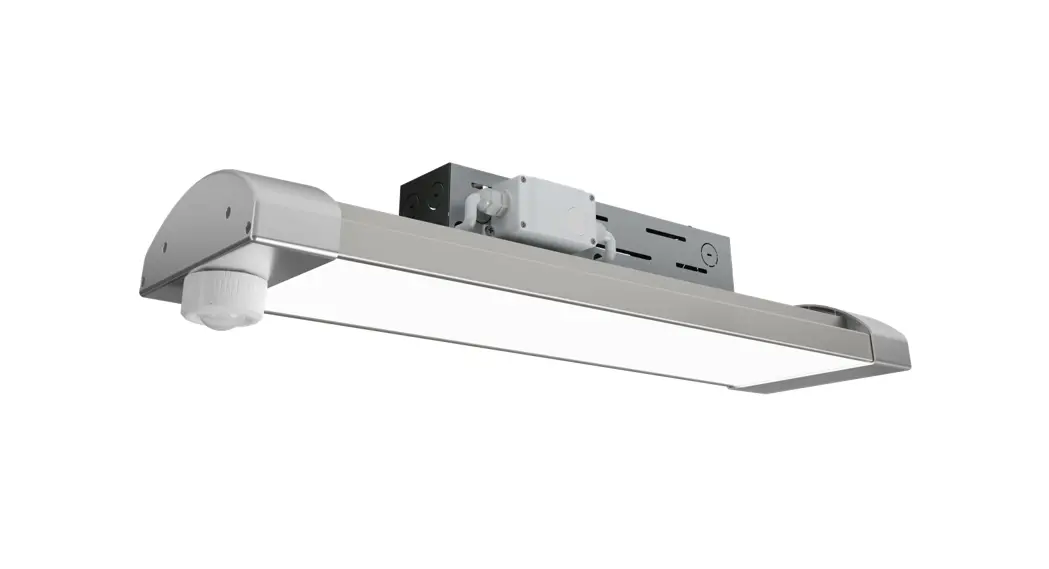
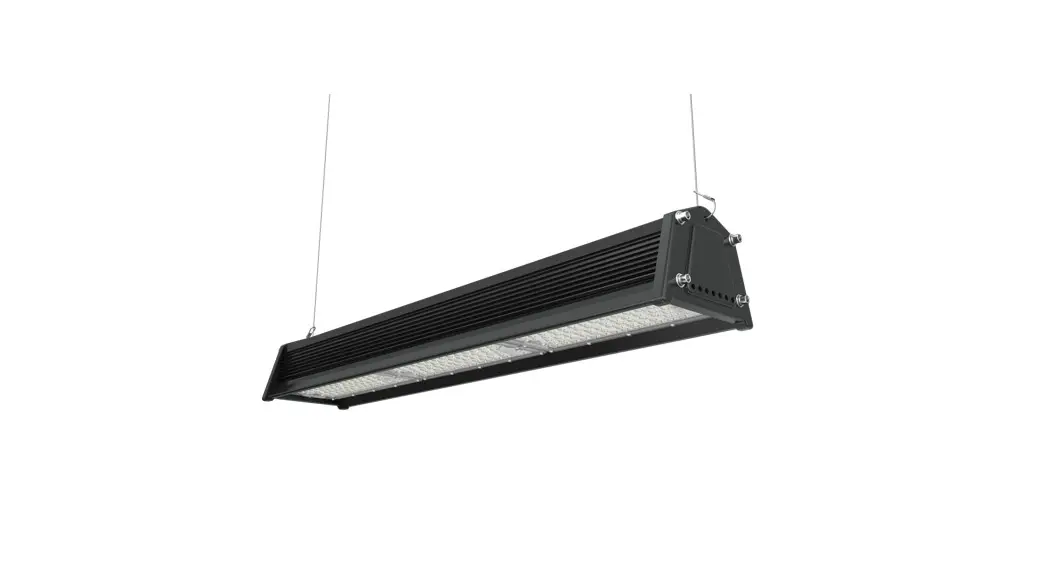
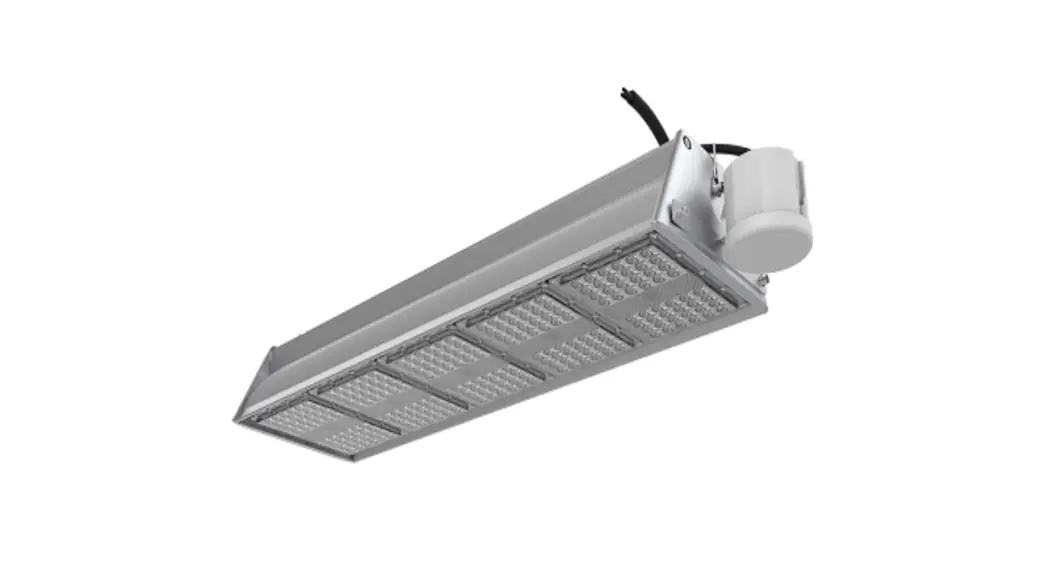
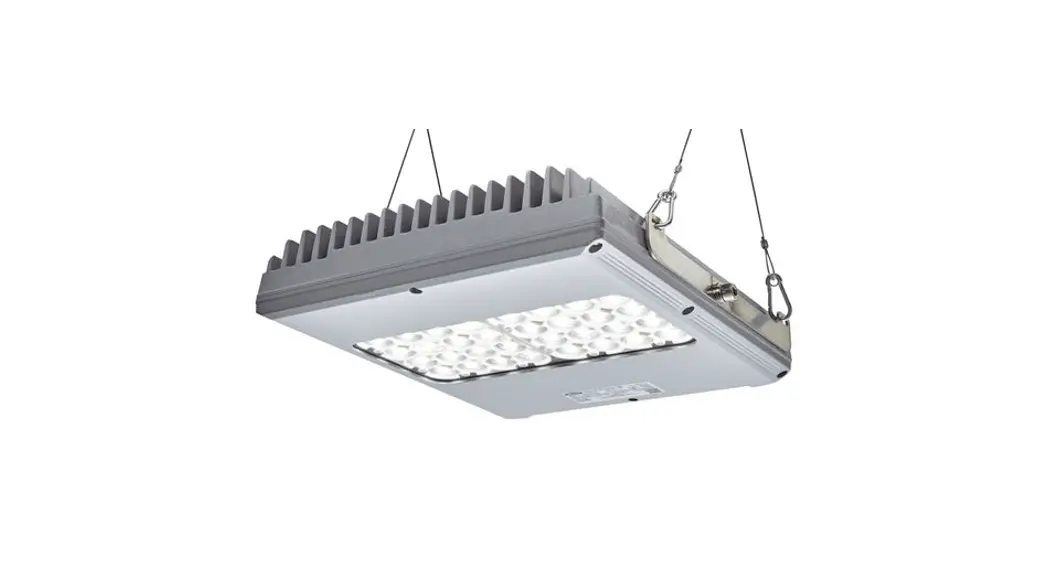
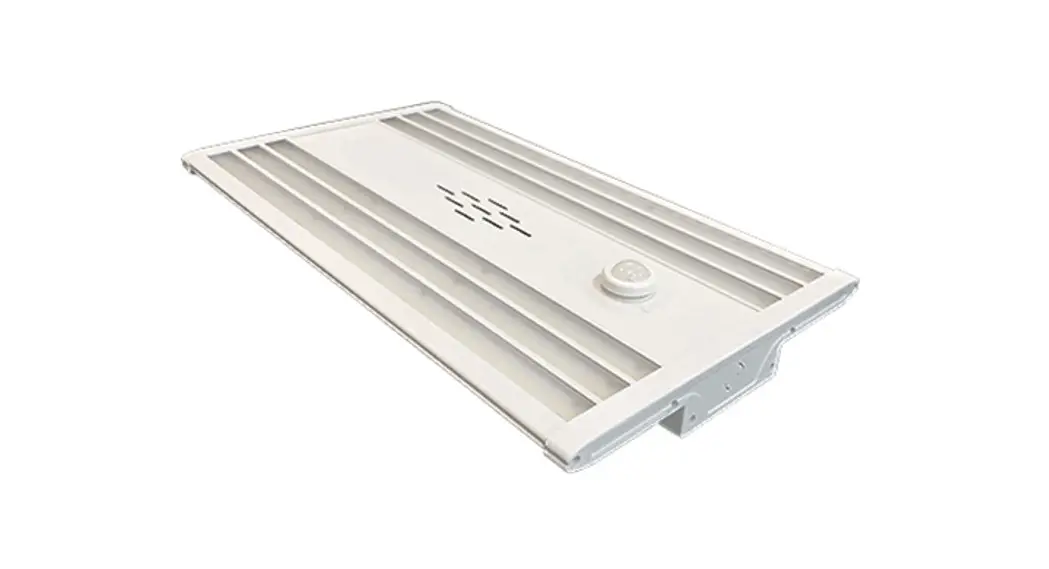
JLHBD LINEAR HIGH BAY INSTALLATION INSTRUCTIONS
INSTALLATION REQUIREMENTS

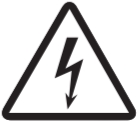 WARNING: Risk of electric shock and serious injury. SHUT OFF BREAKER AT PANEL BEFORE INSTALLING.
WARNING:
- To reduce the risk of death, personal injury or property damage from fire, electric shock, falling parts, cuts/abrasions, and other hazards read all warnings and instruct box and all fixture labels.
- Before installing, servicing, or performing routenance upon this equipment, follow this general precious.
- Commercial installation and maintenance of luminaries should be performed by a qualified licensed electrician.
- For the installation are unsure about the installation or the luminaries, consult a qualified licensed electrician and check your local electrical code.
- To prevent wiring damage or abrasion, do not expose wiring to edges of sheet metal or other sharp objects.
- Do not make or alter any open holes in an enclosure of wiring or electrical components during kit installed
WARNING:
- Turn off electrical power at fuse or circuit breaker box before wiring fixture to the power supply.
- Turn off the power when you perform any maintenance.
- Verify that supply voltage is correct by comparing it with the luminaries label Informa
- All wiring cone capped with UL-approved wire connectors.
CAUTION:
- Avoid direct eye exposure to the light source while it is on.
- Account for small parts and destroy packing material, as these may be hazardous to children
- Risk of burn. Disconnect power and allow fixture to cool before changing the bulb or hanging fixture.
NOTICE: Green ground screw provided in the proper location. Do not relocate.
NOTICE: Minimum 90° supply conductors
NOTICE: Specification and dimensions are subject to change without notice.
NOTICE: Suitable for Dry or Damp locations.
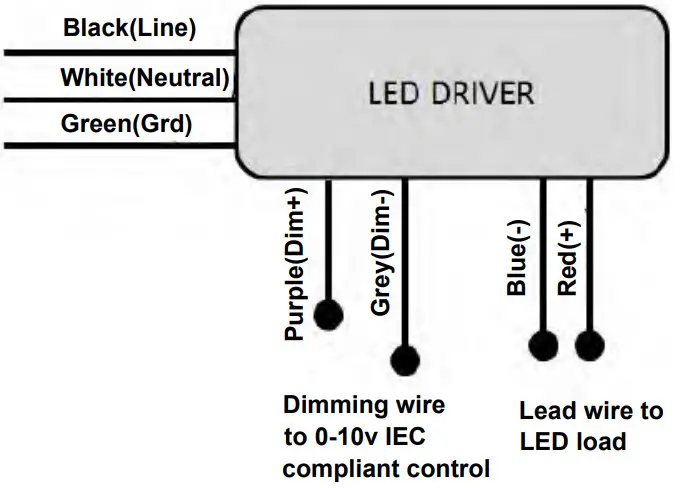
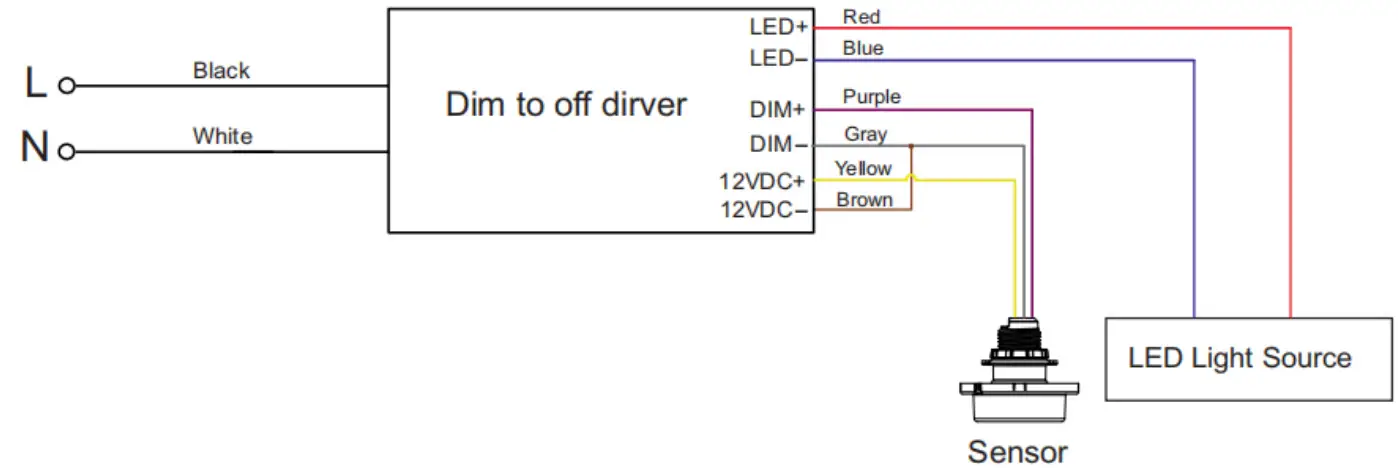
GENERAL WIRING DIAGRAM
INSTALLATION INSTRUCTIONS
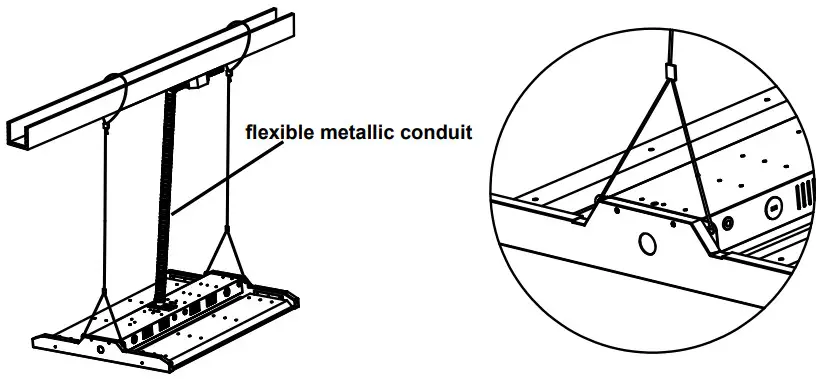
CABLE KIT
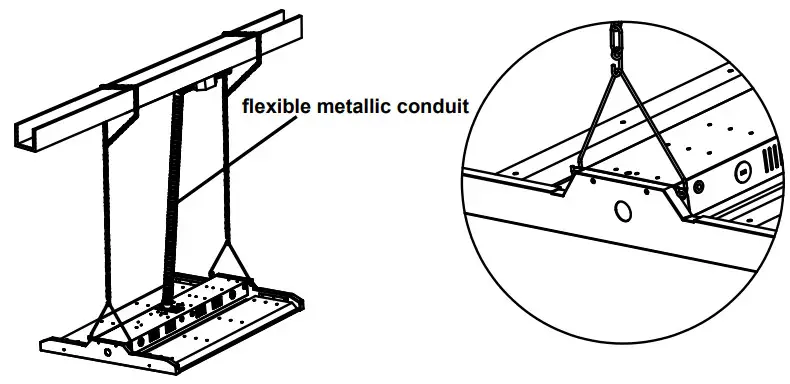
CHAIN KIT
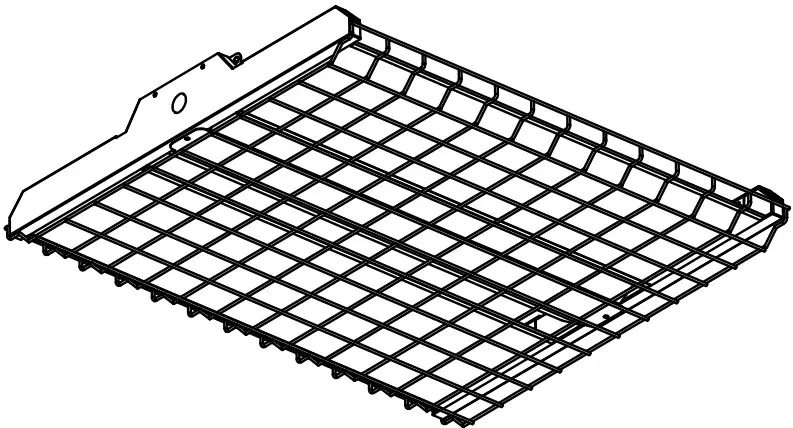
WIRE GUARDS
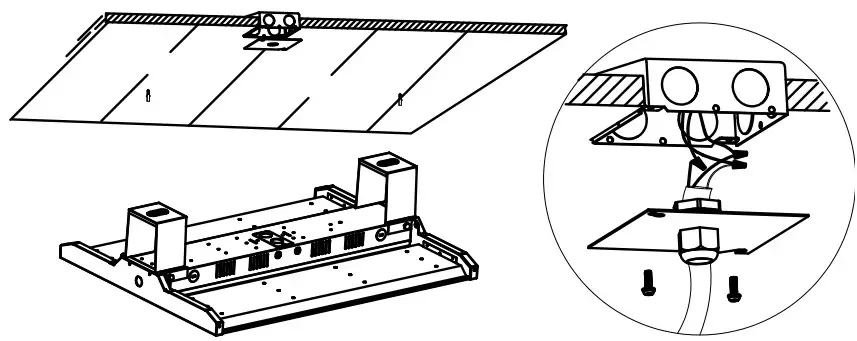
SURFACE MOUNTING
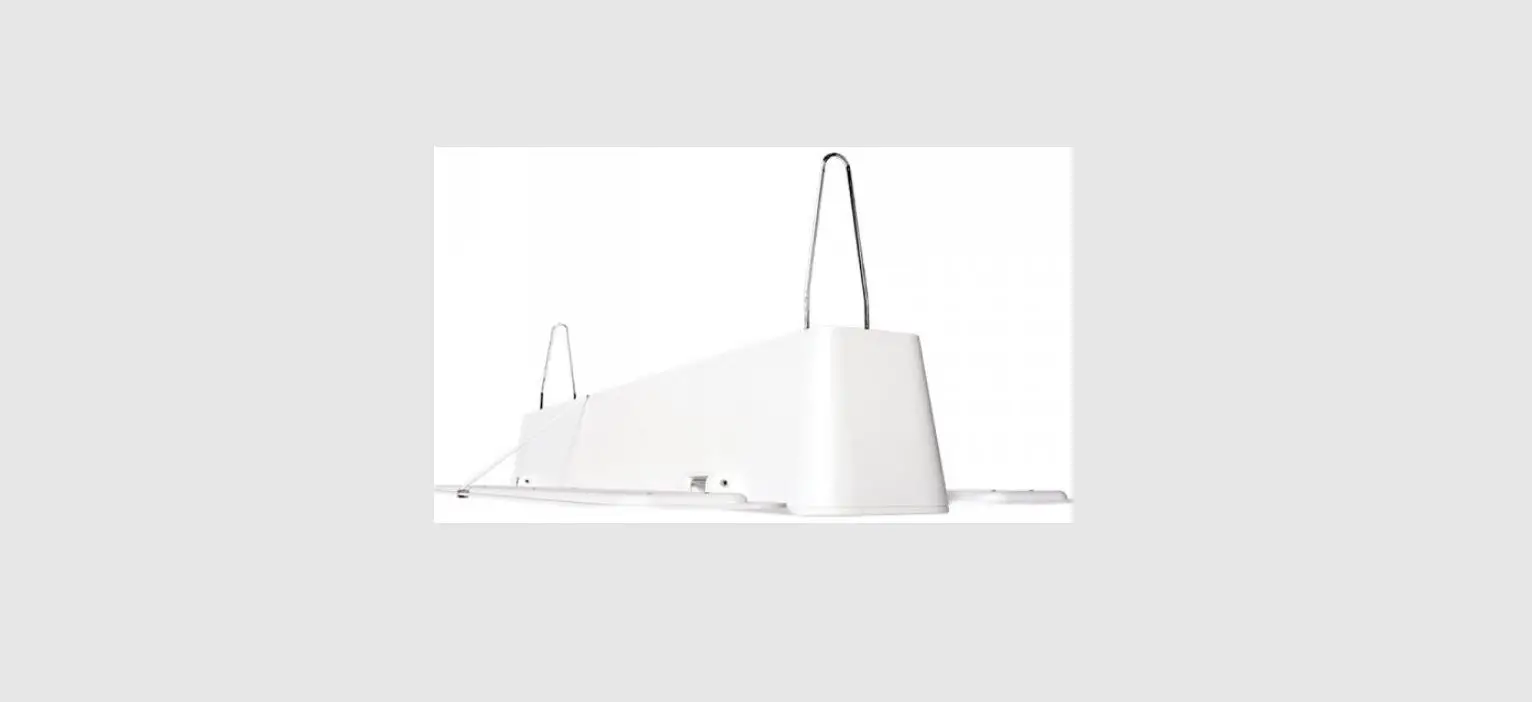
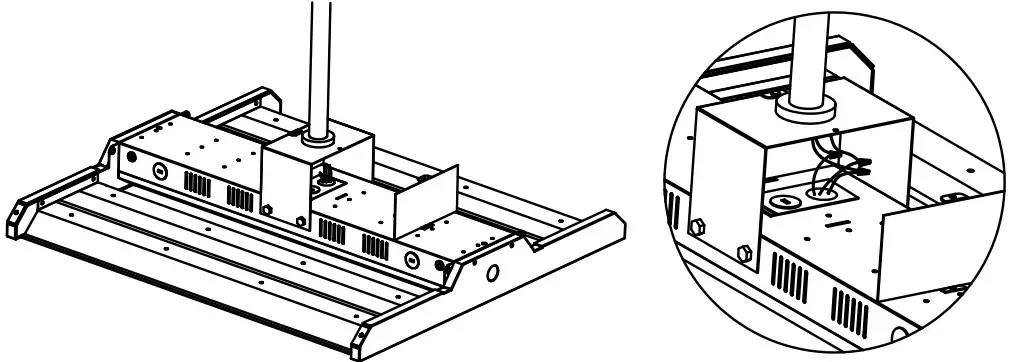
PENDANT HANGER
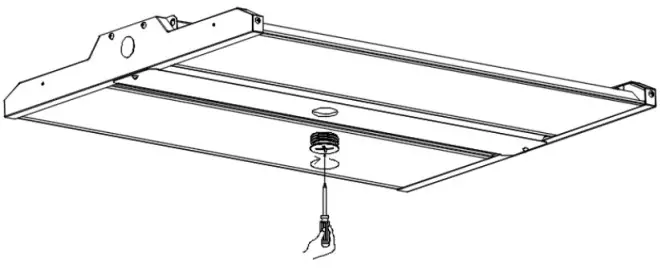
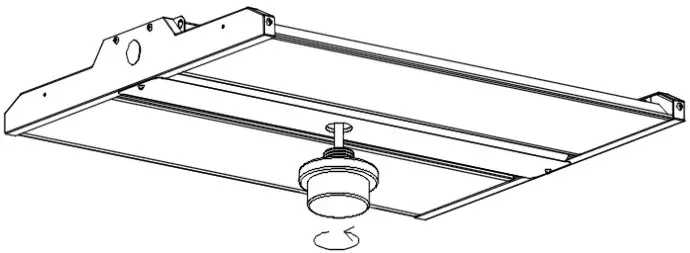
MOUNTING
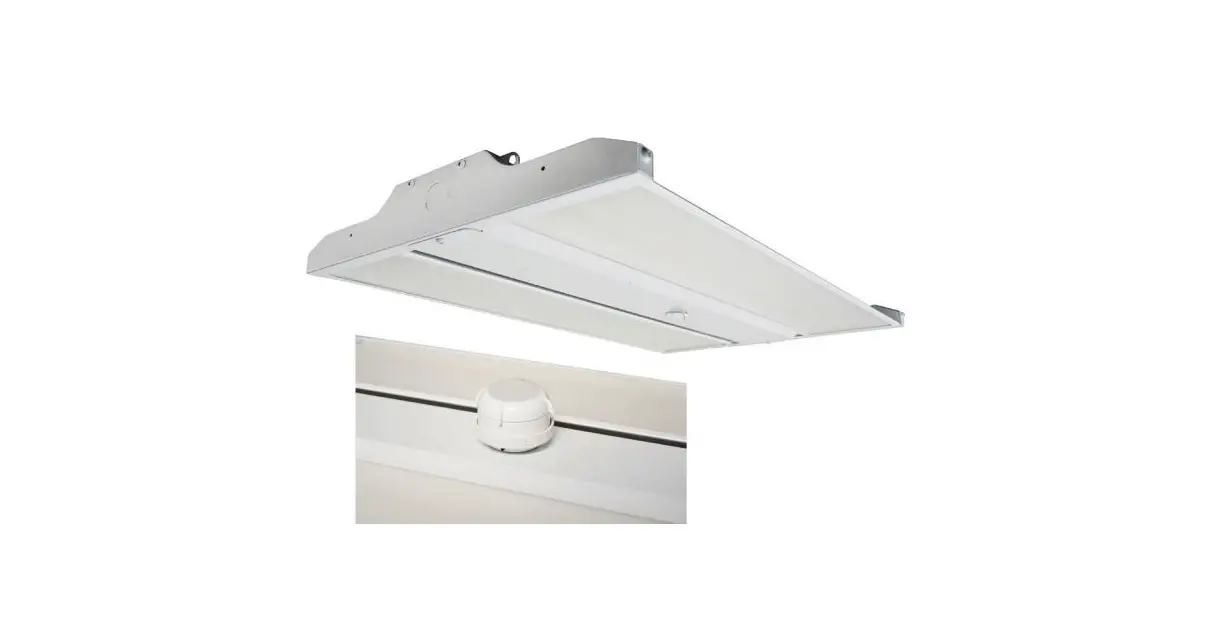
- As shown in the picture, turn counterclockwise to unscrew the plug.

- Insert the microwave sensor into the hole and ten it clockwise

GENERAL WIRING DIAGRAM
INSTALLATION STEP:
*ALWAYS TURN OFF THE POWER SUPPLY FROM THE MAIN CIRCUIT BREAKER FIRST!*
- Remove the new LED fixture from packaging and inspect for any damages. Handle new LED fixture with care.
- CHAIN MOUNT EXAMPLE: Install the chain into the provided wire hanger. Secure the other end of the chain to a structure using hardware rated for the load.
Install the wire hanger onto the side of the top ETLB6 LED channel. Make sure the wiring hangers are fully engaged into the side holes on the top channel. - Connect the LED high bay wiring to line wire, black to black, white to white, and green to green. Use only UL-listed wiring.
◦ NOTE: Purple and grey lead inside the driver compartment are 0-10V (low voltage) dimming leads. Connect to dimming low voltage wiring only. - Clean all residues/fingerprints from the new LED high bay and lens. Double-check all hanging hardware before moving on to the next installation.

Miami, FL USA – [email protected]
T: 305.640.0465 – F: 305.640.0468
WWW.JADEMAR.COM


 Jademar Lighting 💡 Manufacturers of Energy Efficient Lighting Fixtures