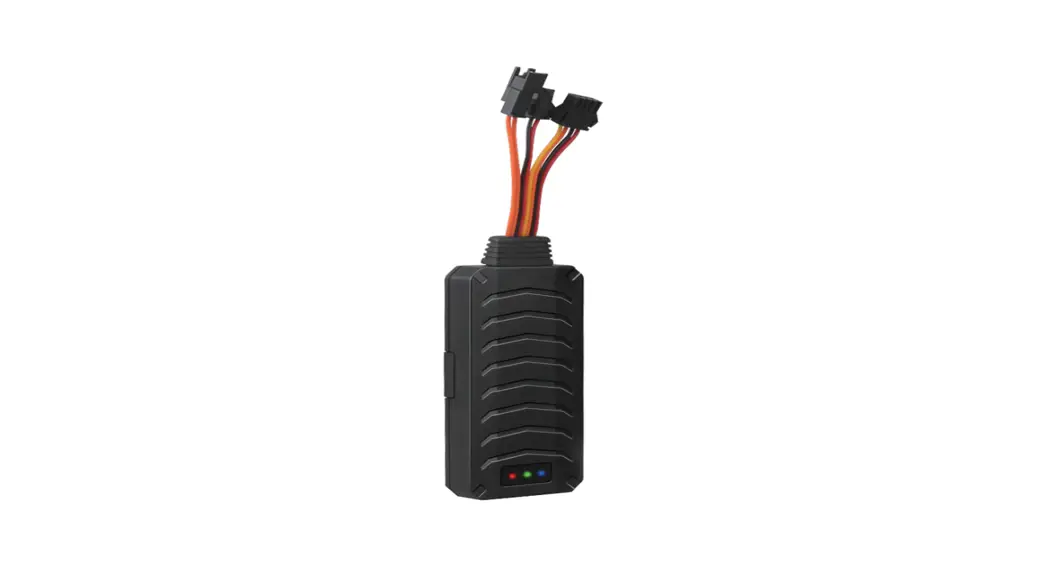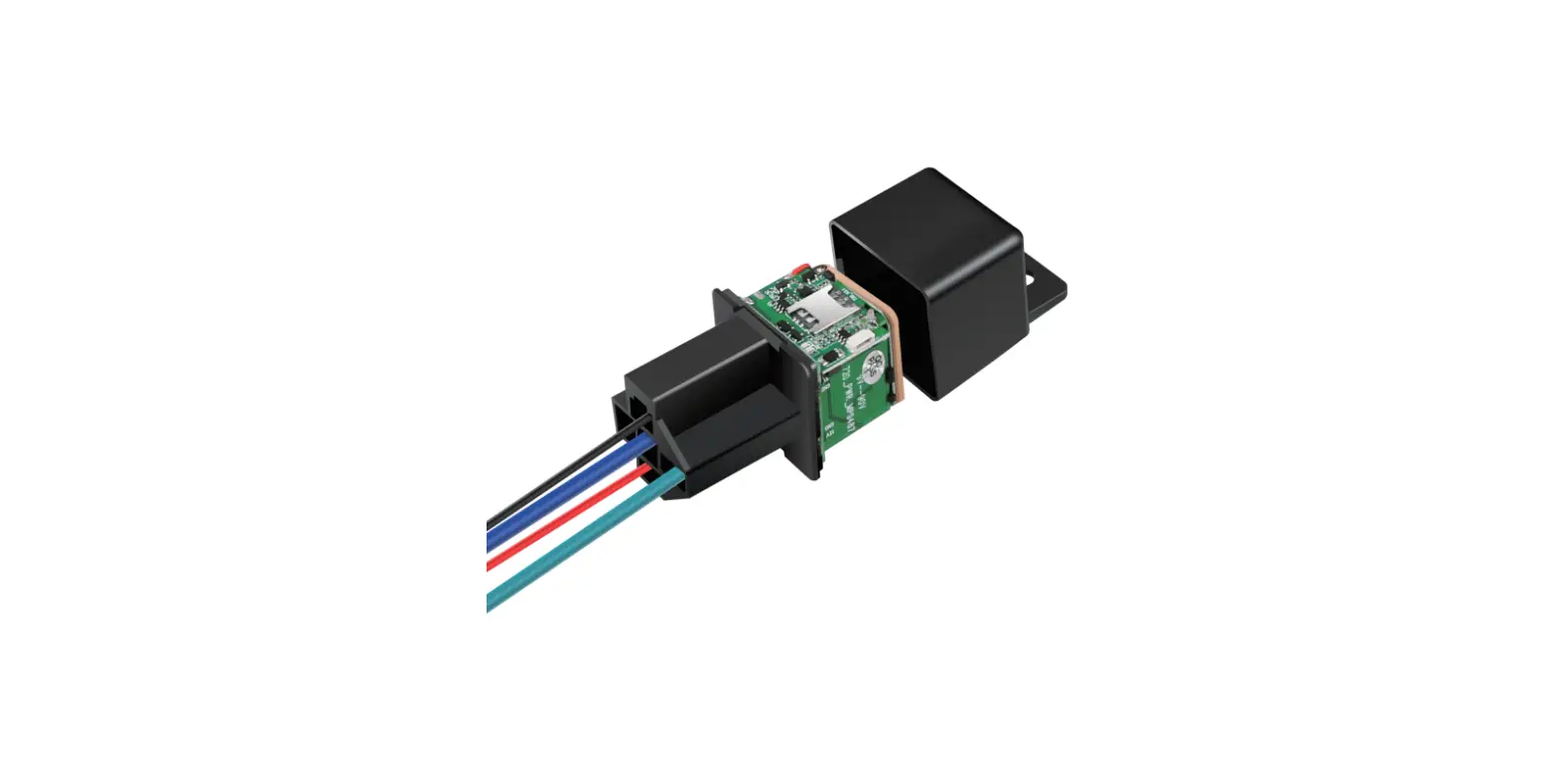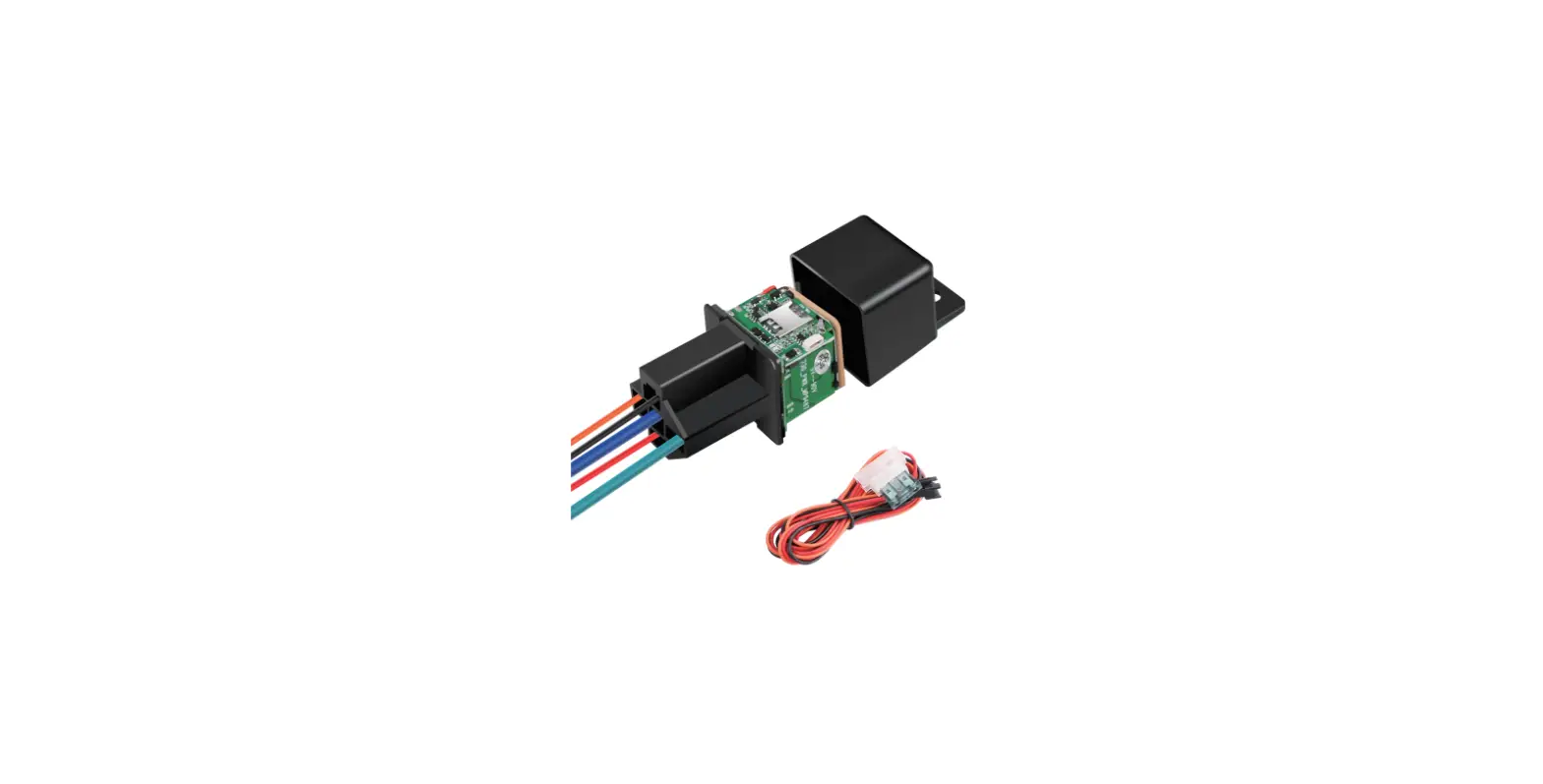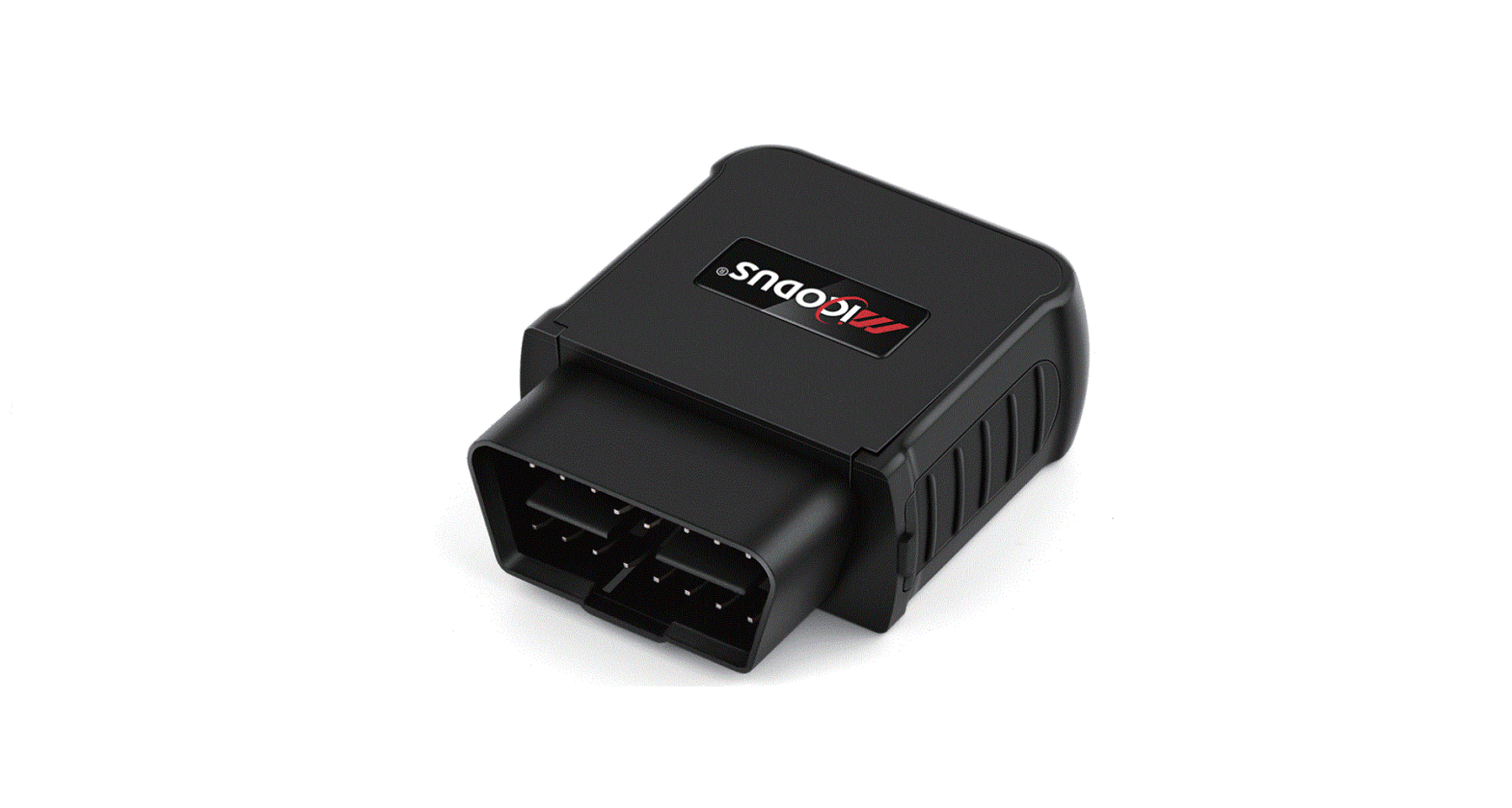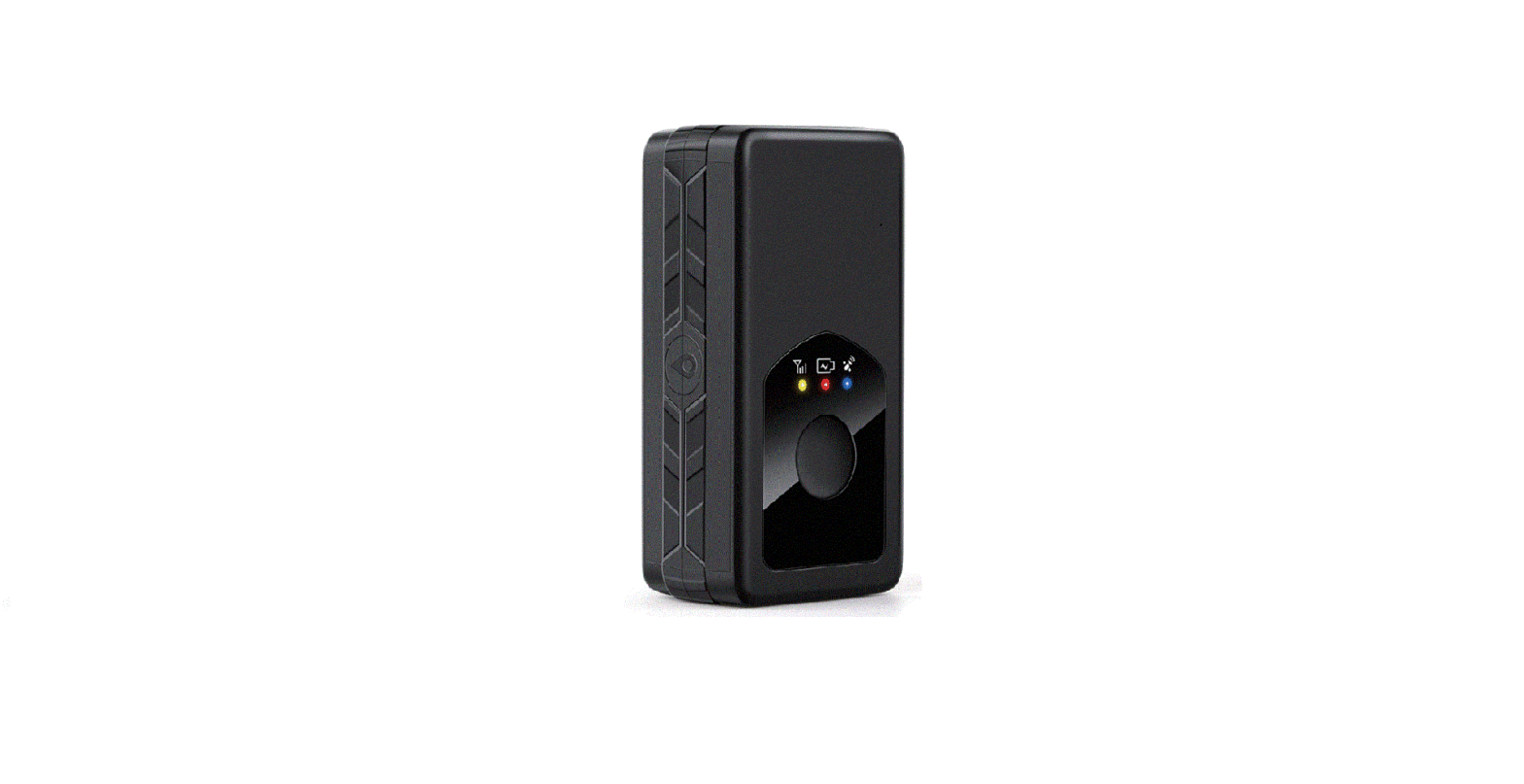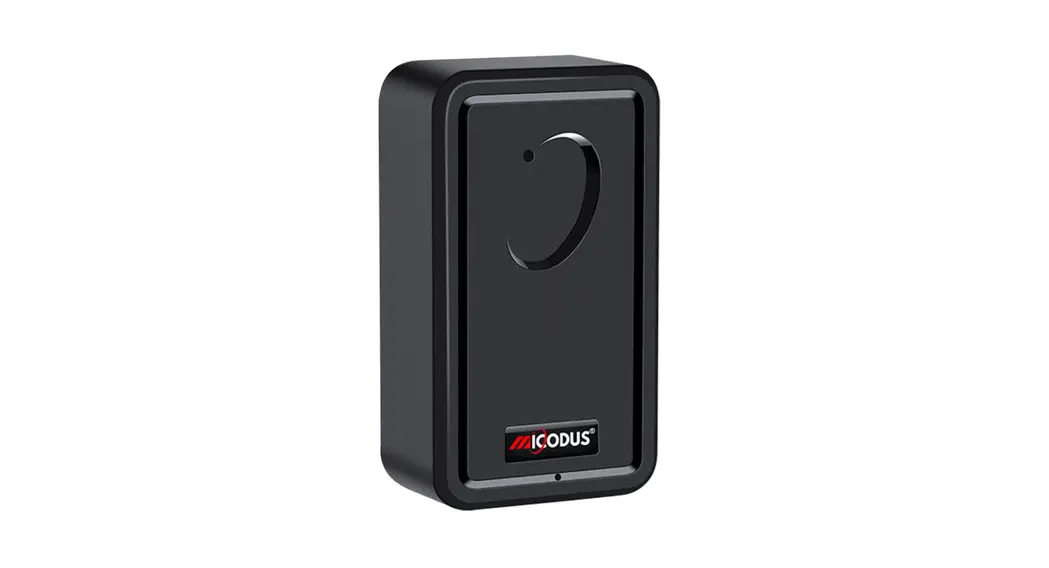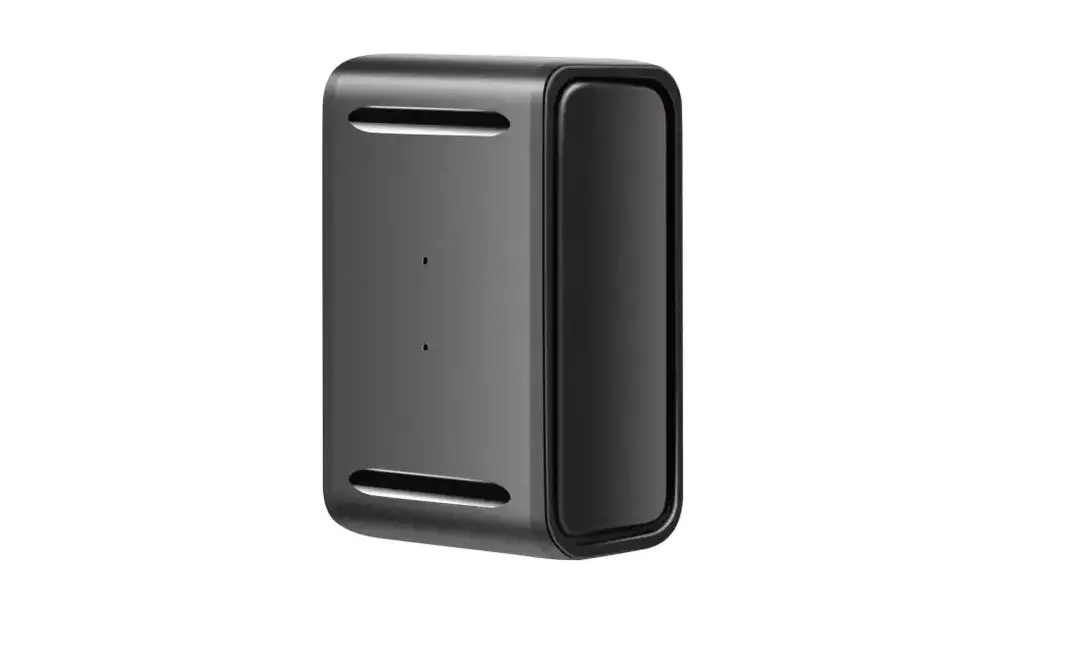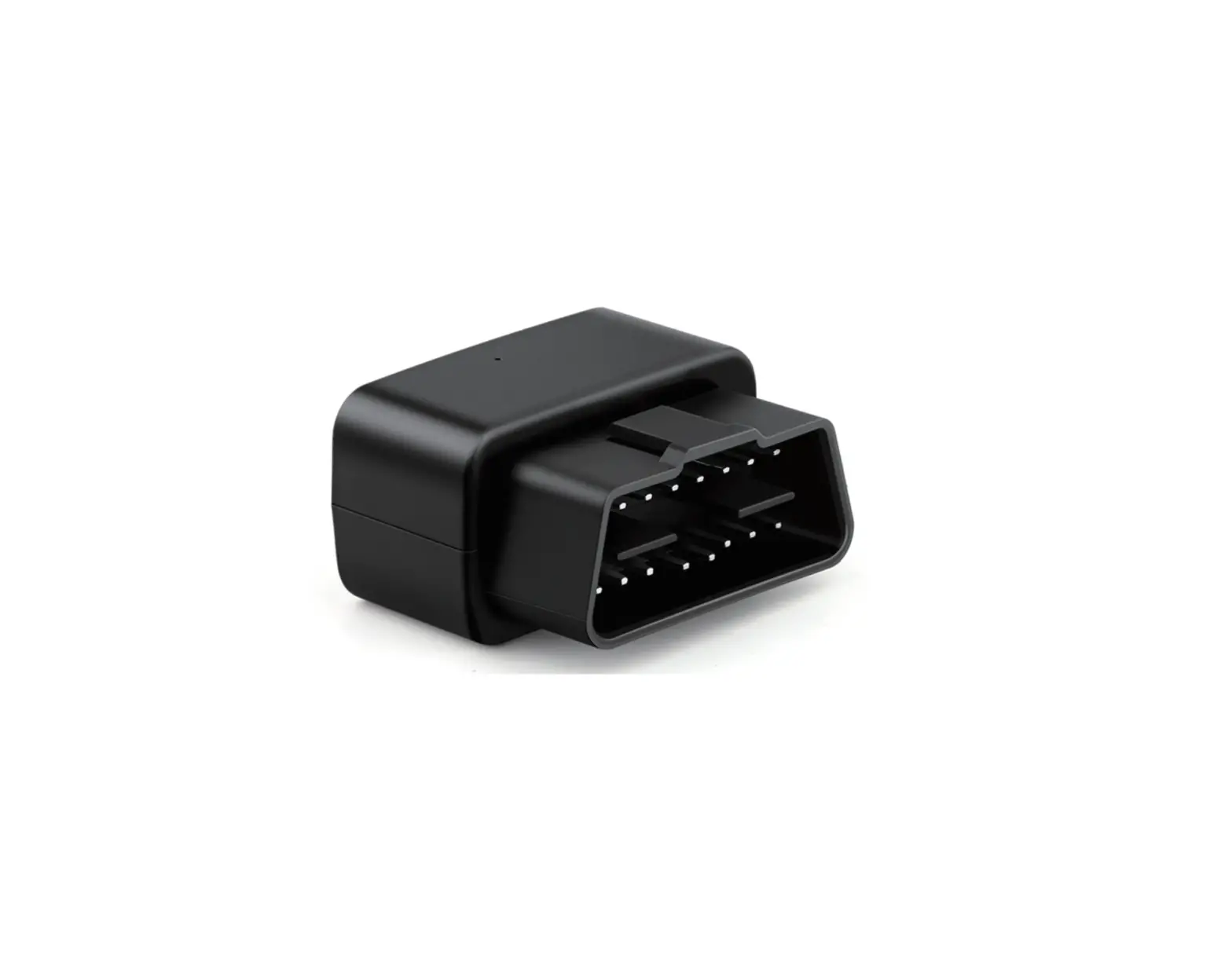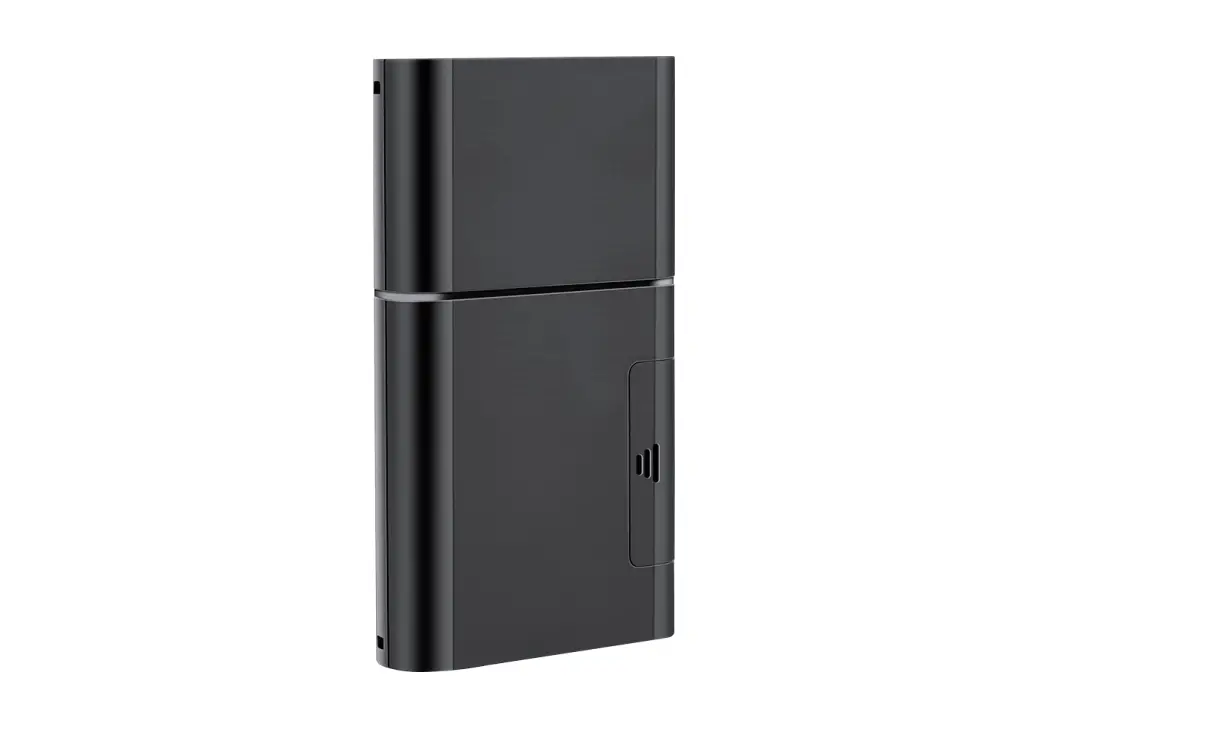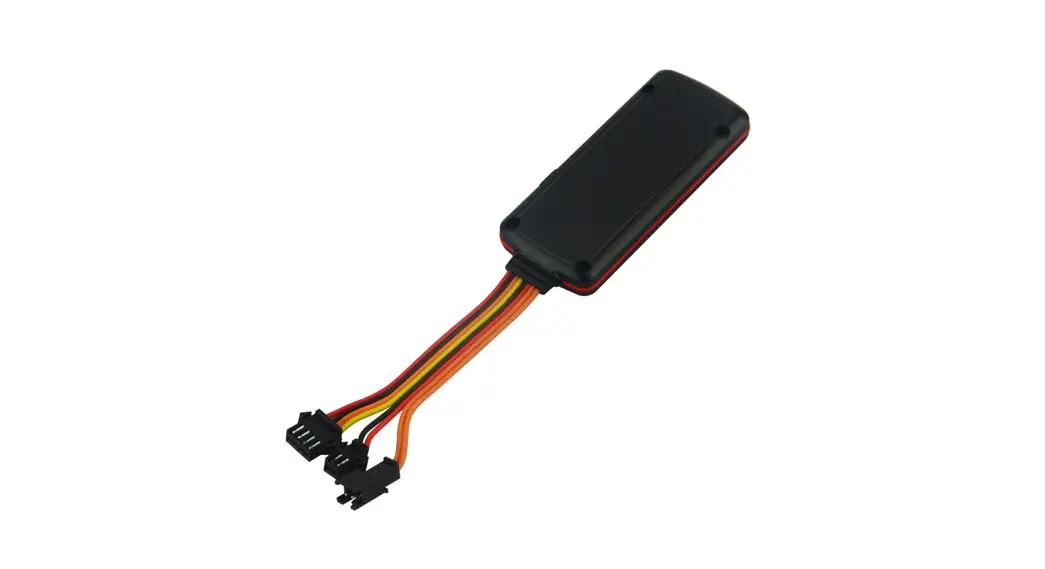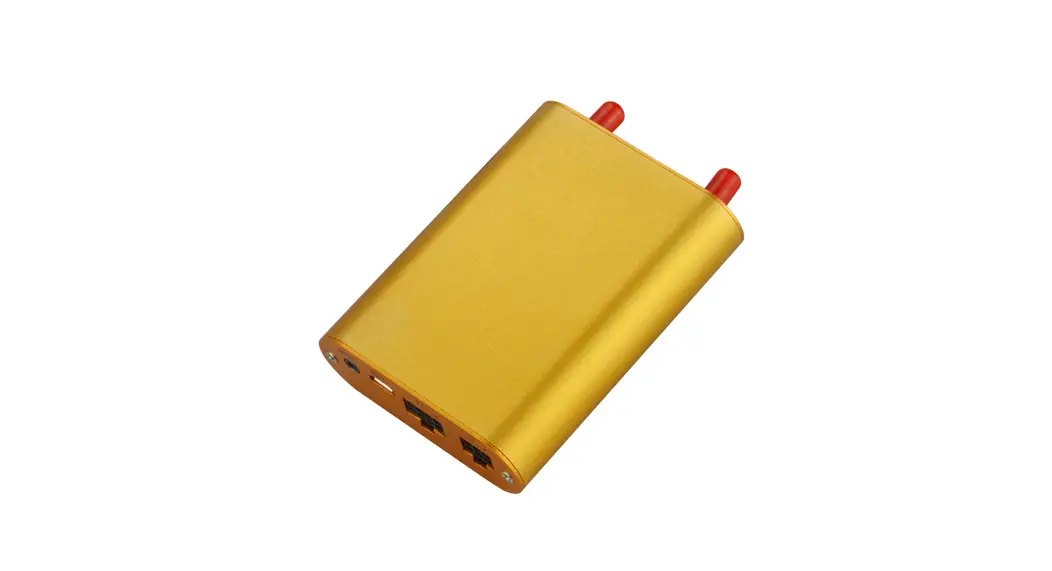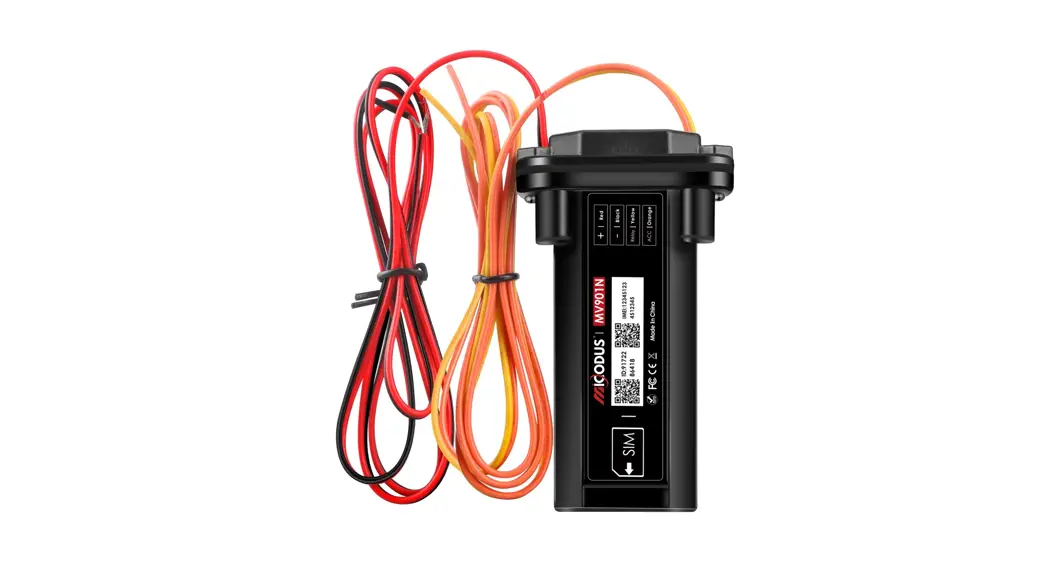

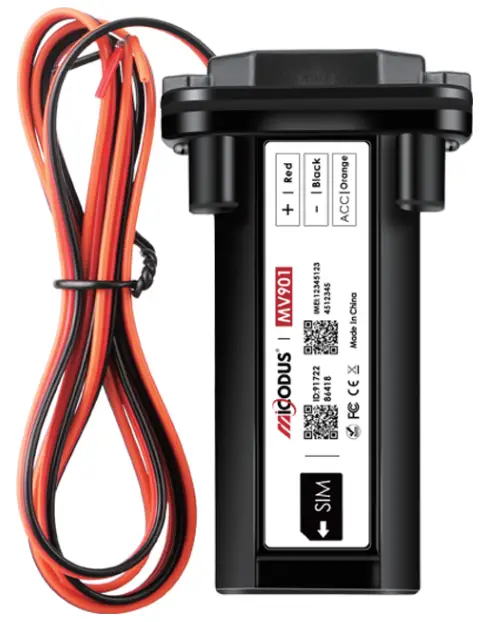
 MV901 User Manual V1.0
Learn how to set up your new MiCODUS Tracker
Copyright ©2022 MiCODUS | All Rights Reserved
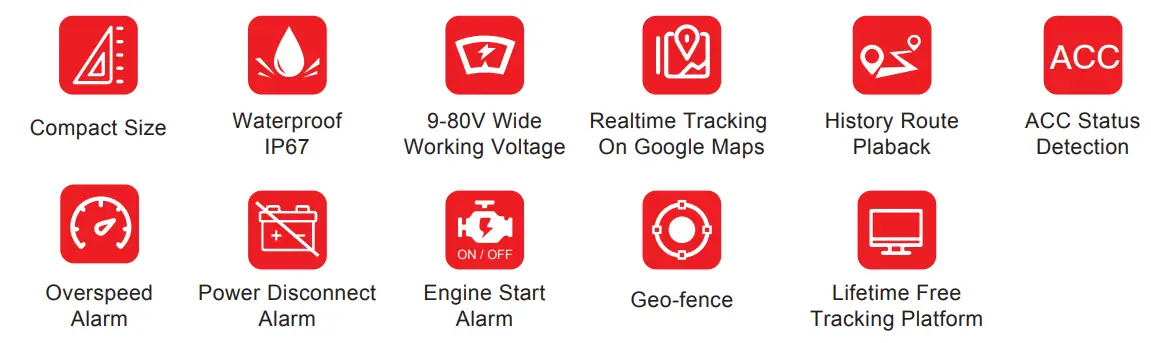
Main Features
Specifications
| Device Information | Model | MV901 |
| Weight | 63.2g | |
| Dimensions | 33mm(L) * 15mm(W) * 88mm(H) | |
| Backup Battery Working Time | 1-2 hours | |
| Working Voltage | 9-80V DC | |
| Working Current | 4V/Average 45mA | |
| Sleep Current | 4V/less than 5mA | |
| Working Parameters | Battery Capacity | 3.7V 150mAh Li-ion Battery |
| Working Temperature | -20°C – 55°C | |
| Working Humidity | 10%-85%RH non-condensing | |
| Working Frequency | 2G GSM 850/900/1800/1900MHz | |
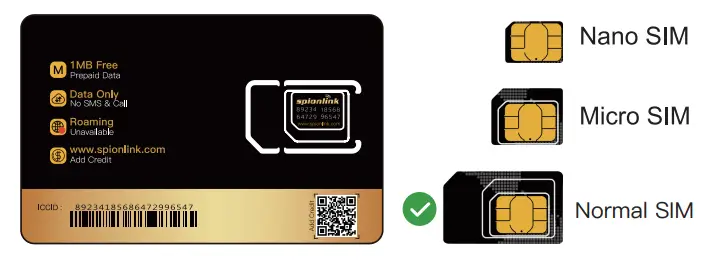
| Cellular Specifications | SIM Card | Normal SIM |
| Cellular Antenna | Built-in | |
| Positioning Type | GPS+BEIDOU+LBS | |
| GPS Antenna | Built-in | |
| Cold Start | 32 Seconds | |
| GNSS Specifications | Hot Start | Second |
| Tracking sensitivity | -162 dBm | |
| GPS Channels | 64 | |
| Position Accuracy | 5-10m |
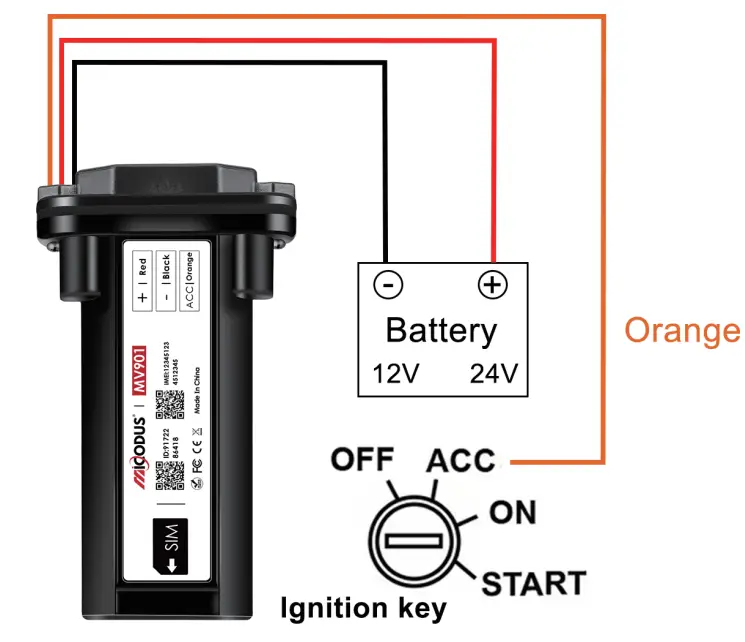
Wiring diagram
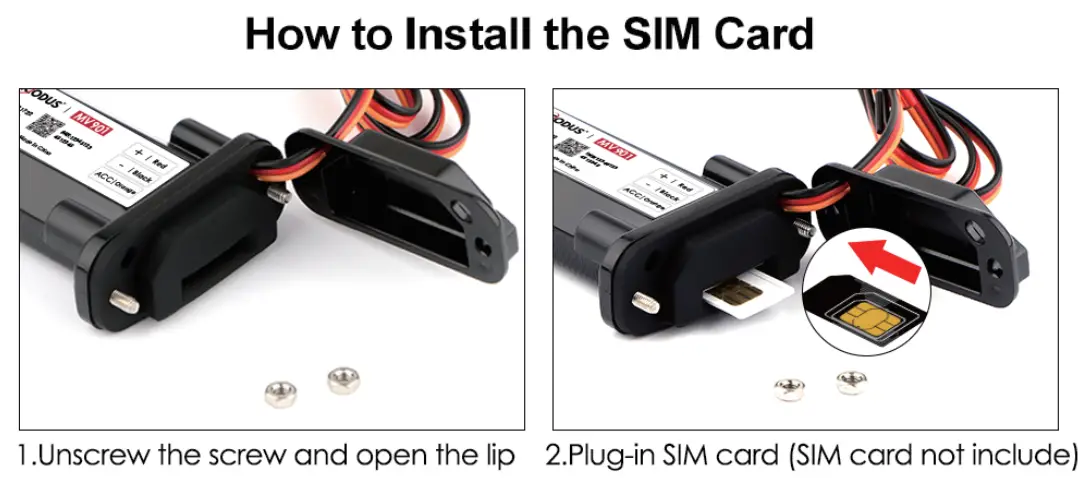
Activate Device
Install the SIM card via the correct direction as below:
| LED | Event | State |
| POWER LED (RED) | Charging | Solid |
| Charger inserted and battery has been fully charged | Dark | |
| Charger has not been inserted | Dark | |
| CELL LED (YELLOW) | Searching for network | Flash every 1 second |
| Network has been registered | Solid | |
| GPS LED (BLUE) | GPS is in fixing | Flash every 1 second |
| GPS has fixed | Solid | |
| ALL LED | Device is working but stopped more than 5min | ALL LED TURN OFF |
| Device has not been turn on | ||
| Device ran out of battery |
Please get the exact correct APN name from local SIM card provider. Take the tracker to a good signal place for operation and configure the APN for it as below:
| SMS Command Format | Reply | Example | Note |
| APN,ApnName,User, Password# | SET APN OK | APN,orange, orange,orange# | If the SIM card has APN user and APN password, then use this command. |
| APN,ApnName# | SET APN OK | APN,internet# | If the SIM card operator doesn’t have APN user and APN password, then please use this command. |
Note: The APN information is very important, it must 100% correct to match with the sim card of the tracker, if you configured wrong APN, the tracker also will reply “SET APN ok” but it will can’t get online!
Package Content
| GPS Main Unit | x 1 |
| User Guide | x 1 |
| Genuine Packing Box | x 1 |
Functions Explanation
Please follow with the quick user guide carefully!
a. Engine Start/Flameout Alarm
* First Step:
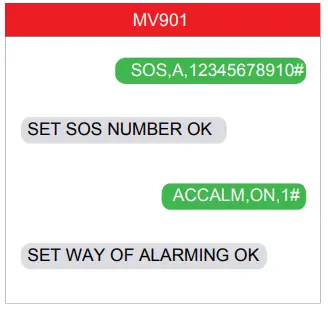
Configure SOS numbers for the tracker by this sms command:
SOS,A,1st number, 2nd number,3rd number#.
3 SOS numbers supports at the most.
* Second Step:
Configure the alarm ways via this SMS command .ACCALM,ON,A#
Alarm ways: A=0/1/2 (0 : Platform only, 1: SMS+Platform,
2: Platorm+SMS+CALL, Default:1)
For example:
b. Vibration Alert:
This vibration alert function just work under stationary status. How to use this function:
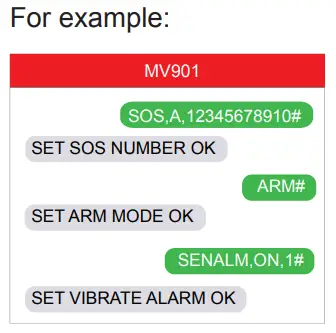
* Configure SOS numbers for the tracker by this sms command:
SOS,A,1st number,2nd number,3rd number# 3 SOS numbers supports at the most
* Enable the device to enter into arm mode by this sms command: ARM#
* Conifgure the alarm ways by this sms command:
SENALM,A,M#
A=ON/OFF, default: OFF;
M=0/1/2, way of alarming,
0 :GPRS only, 1: SMS+GPRS, 2: GPRS+SMS+phone call, default:1
Applications

Installation Recomendation
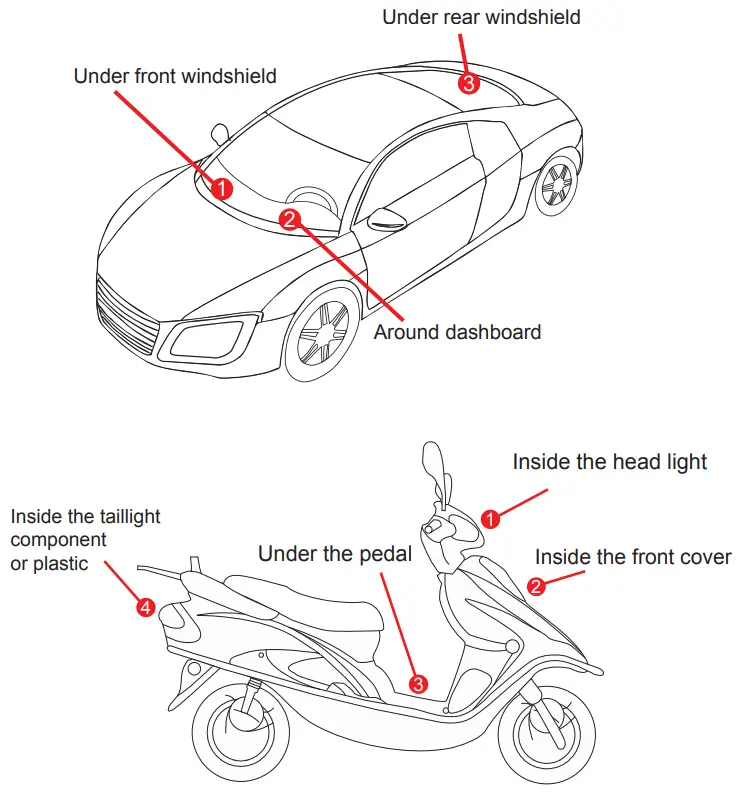
- The decice should face up to the sky.
- Metal therma barrier of heating layer of the windshield affects the signal.
Troubleshooting
| Type | Use |
| Unable to connect to tracking platform | Check the APN and settings. Check whrther the data service of SIM card is enabled. Check the balance of SIM card. |
| Tracker shows offline | Check whether external power is still connected. Check if the vehicle entered netword blind area. Check the balance of SIM card. |
| Unable to locate | Make sure the top side facing upward without metallic things shielded. Make sure it’s not in area with no satellite coverage. |
| Location drift | In area with poor GNSS signal (tall building around or basement), drifting may happen. Check whether vibration happens around to trigger the accelerator. |
| No command reply | Make sure command format is correct. Vehicle may be in network blind area. Make sure SIM card is well inserted and has SMS servi. |
Full SMS Commands List
| Functions | Command Format | Explanation |
| APN Setting | APN,Network nameLname,passwordy | APN,CMNET# (if no name & Password) APN,internet,internet,internet# (if with name & Password) |
| Server Setting | If set with Domain Name: SERVER,1, Domain,Port# | SERVER,1,d.micodus.net,7700# |
| If set with IP: SERVER,0,IP,Port# | SERVER,0,47.254.77.28,7700# | |
| Revise the instruction password | PASSWORD,[A],[B]# | A=old password, six digitals, digital range: 0-9, default: 000000; B=new password, six digitals, digital range: 0-9 |
| Check IMEI | IMEI# | |
| Restore factory settings | FACTORY# | |
| Restart device | RESET# | |
| Internet Traffic Switch | TRAFFIC,ON# | |
| TRAFFIC,OFF# | ||
| Version Inquiry | VERSION# | |
| Parameter Inquiry | PARAM# | |
| Check All Alarms Status | ALARM# | |
| Status Inquiry | STATUS# | BATTERY: XX% (Built-in Battery Power Percent) NET: CLOSED (No Network) FAILED (Connecting Network or Failure) SUCCESS(Connected to Network), NONE (No GSM Signal) HIGH / MED / LOW (Signal Strength) GPS: CLOSED (GPS Module Closed) FIXED, N(Positioned and satellite number) UNFIX, 0 (Not Positioned yet) ANGLE: 20 (the data upload angle) SENSOR: ON/OFF (the status of the shake sensor) LEVEL: 3 (the sensitivity of the shake sensor) STATE: ARM/DISARM (the defense status of the device) |
| Alarms Parameters | ALARM# | ID: 1 91 7201 264 4 (ID number of device) STATE: ARM(DISARM)(Defense status of device) SPEED: ON/OFF(alarm status); 30kin/h(alarm value); 0/1/2(alarm way) SHIFT: ON/OFF(alarm status); 300m(alarm value); 0/1/2(alarm way) VIBRATE: ON/OFF(alarm status):3(sensitivity level), 0/1/2(alarm way) ACC: ON/OFF(alarm status); 0/1/2(alarm way); 0/1/2(0: ACC ON&OFF, 1: ACC ON; 2: ACC OFF) (alarm situation) ; POWER DOWN: ON/OFF(alarm status)2 (alarm way) NOTE: Alarm Ways: 0/1/2 ( 0 :GPRS only, 1: SMS+ GPRS, 2: GPRS+SMS+phone call ) |
| Latitude&Longitude Inquiry | WHERE# | |
| Map URL Inquiry | URL# | |
| Address Inquiry | POSITION# | NOTE: Reply message’s language is determined by device’s language setting, if get position content failed, device will reply Google Map location link. |
| Time Zone Setting | GMT,Time zone orientation,Whole Time Zone[,Half Time Zone]# | GMT,E,8# (if no half time zone) GMT,W,9,30# (if has half time zone) NOTE: Parameter : E /W; 0 — 12; 0/15/30/45 |
| Set The Angle Upload | ANGLEREP,[X]LAN,B]# | |
| X=ON/OFF, default: ON; A=5 – 180 degrees, diversion angle degree, default: 30 degrees; B=2- 5 seconds, detecting time, default: 3 seconds, | ||
| ANGLEREP,OFF# | ||
| Mileage Statistics | MILEAGE,[A],[B]# | A=ON/OFF, On/Off mileage calculation, default: Off B=0′-999999, Mileage initial value , unit: km ; default: 0, mileage return to zero |
| MIELEAGE# | Query current mileage | |
| Add SOS Administrator Number | 1st number SOS A 2 , ” nd number, 3rd number# | Set 3 numbers at a time: SOS,A,13800138000,1380013800 1,13800138002# Set the first numberseparately: SOS,A,13800138000# Set the second number separately: SOS,A„13800138001# Means to set 3rd number separately: SOS,A„,13800138002# |
| Delete SOS Administrator Number | SOS,D,1st number,2nd number,3rd number# or SOS,D,1,2,3# | Directly delete the number: SOS,D,13800138000# Delete 1st number: SOS,D,1# Delete 2nd number SOS,D,2# Delete the 2nd and 3rd number: SOS,D,2,3# |
| Add Center Number | CENTER,A,center number# | CENTER,A,13800138000# NOTE: Center number is only used for cutting off power & oil, it can only be set by SOS Administrator when using i this command by SMS. |
| Delete Center Number | CENTER,D# | |
| Data Upload Time Interval | TIMER,T1,T2# | T1 ranges 0/5-18000 or 0(seconds), upload interval when ACC ON, 0 means no upload, default is 10; T2 ranges 0/5-18000 (seconds), upload interval when ACC OFF, default is 10; |
| Heartbeat Packet Upload | HBT,time# | HBT,3# NOTE: Range :1-60min, default 3min. |
| Sensor Sensitivity | LEVEL,A# | LEVEL,2# NOTE: A: Sensitivity Level 1-9 (1-9 is from week to strong vibration) |
| Arm Manually | ARM# | Set the device into arm mode |
| Disarm manually | DISARM# | Set the device out of arm mode |
| Overspeed Alarm Setting | SPEED,[A][,B][,C]# | A=ON/OFF, open or close over speed alarm, default: OFF B=1 – 255(krafh), speed limit, default: 100(km/h); C=011, way of alarm, 0 : GPRS only, 1: SMS+GPRS, default:1. |
| SPEED,OFF# | ||
| Vibration Alarm Setting | SENALM,[A][,M]# | A=ON/OFF, default: OFF; M=0/1/2, way of alarming, 0 :GPRS only, 1: SMS+GPRS, 2 : GPRS+SMS+phone call, default:2 |
| SENALM,OFF# | ||
| Shift Alarm Setting | SHIFTJAN,Bli,Myt | Example: SHIFT,ON,100,1# ( Means Setting 100 meters shift alarm range, when the ignition turned off, vehicle’s 100 meters’ shift will trigger the alarm. ) A=ON/OFF; default:ON B=Shift Distance (Range: 100-9999m) M=0/1/2; way of alarm, 0 : GPRS only, 1:SMS+GPRS, 2:GPRS+SMS+CALL, default:1 |
| SHIFT,OFF# | ||
| Auto Arm By ACC | ACCARM,ON,M# | Arm Time: M=5-1800s, default: 60s |
| ACCARM,OFF# | Close auto arm function | |
| ACC Status Change Alarm | ACCALM,ON,A# | Alarm Ways: A=0/1/2; way of alarm, 0 : GPRS only, 1: SMS+GPRS, 2: GPRS+SMS+CALL, default:1 |
| ACCALM,OFF# | Cancel ACC alarm function | |
| Power Disconnect Alarm | PWRALM,A,B# | A=ON/OFF, default ON; B=0/1/2/3, ways of alarming, 0: GPRS only, 1: SMS+GPRS, 2 : GPRS+SMS+phone call, 3:GPRS+ call, default:2; |
| PWRALM,OFF# | Close power disconnect alarm |
Any Questions?
E-mail: [email protected]
Skype: MiCODUS
Download the APP
Search “MiCODUS” in iOS APP store or Google Play Store, or just scan the QR code as below to download MiCODUS APP: