
USER GUIDE – 280127
37-70″
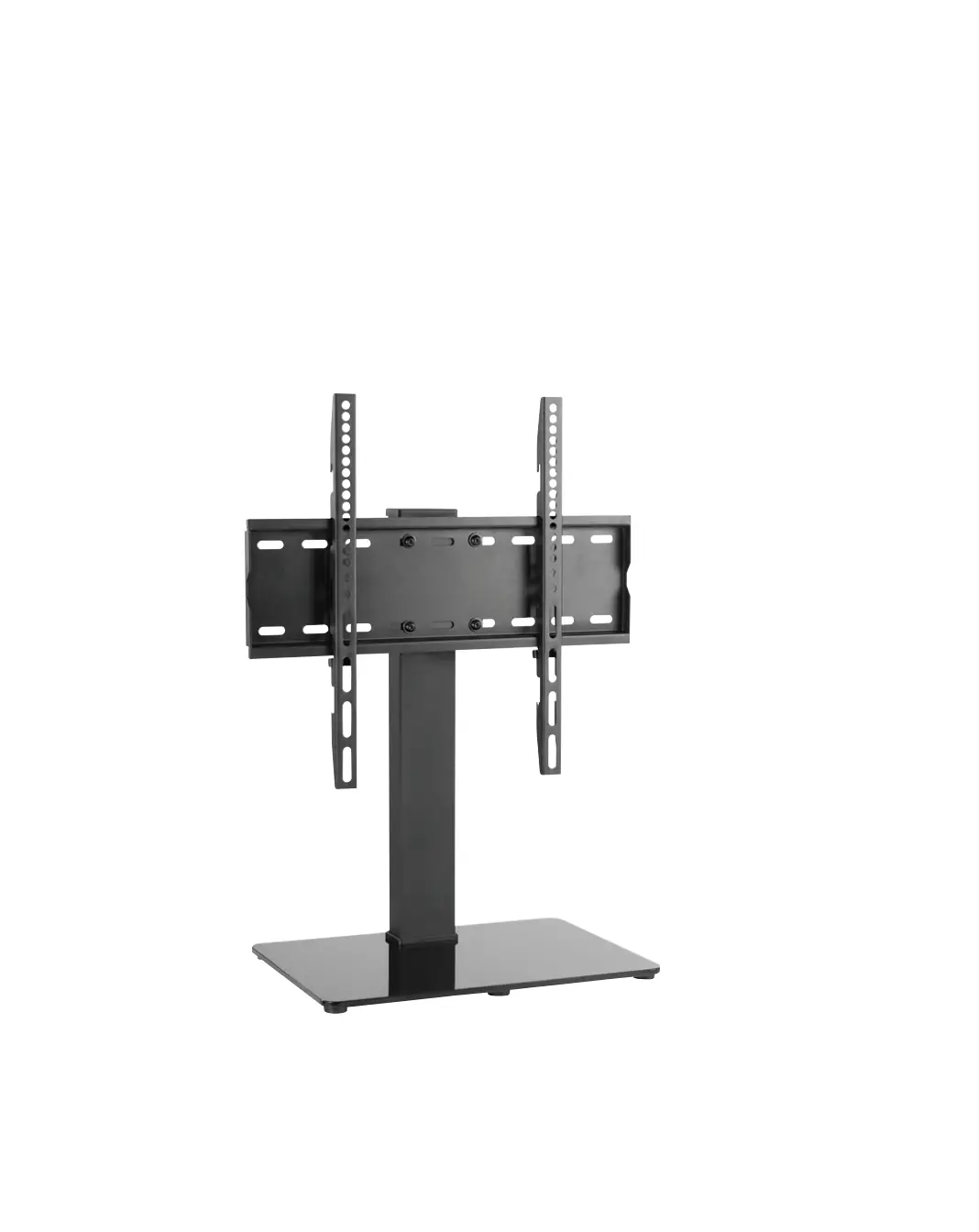
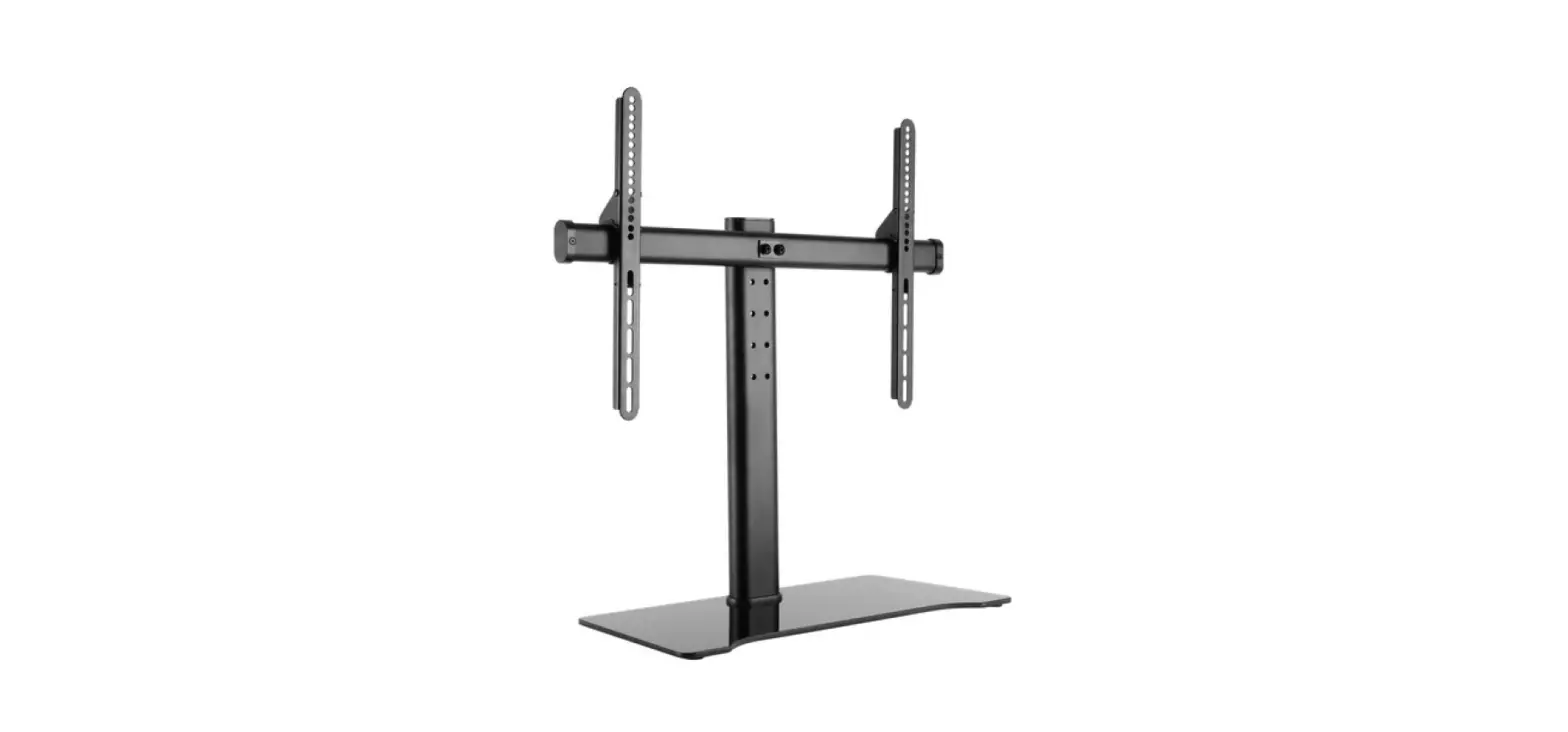
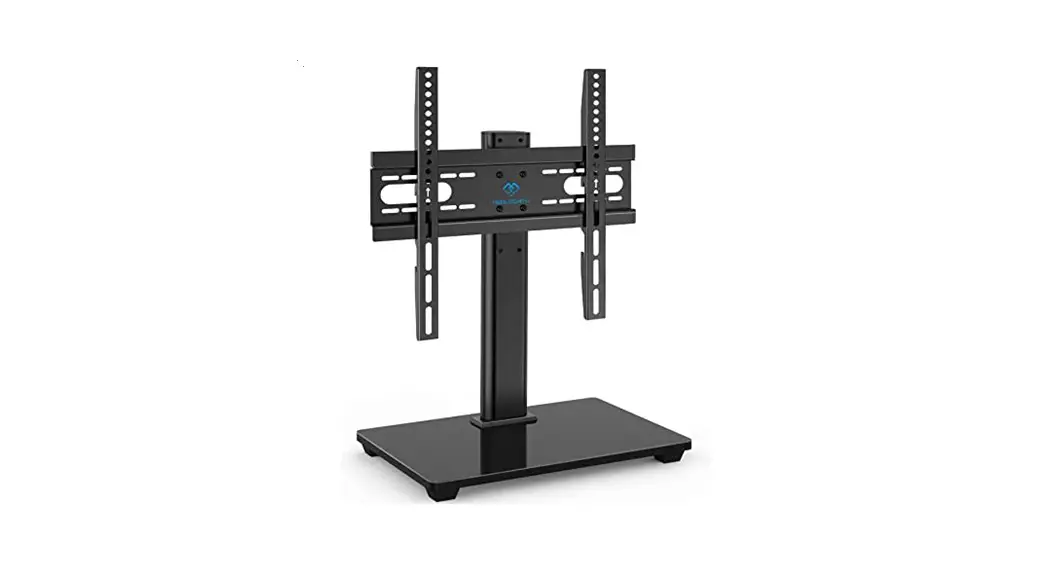
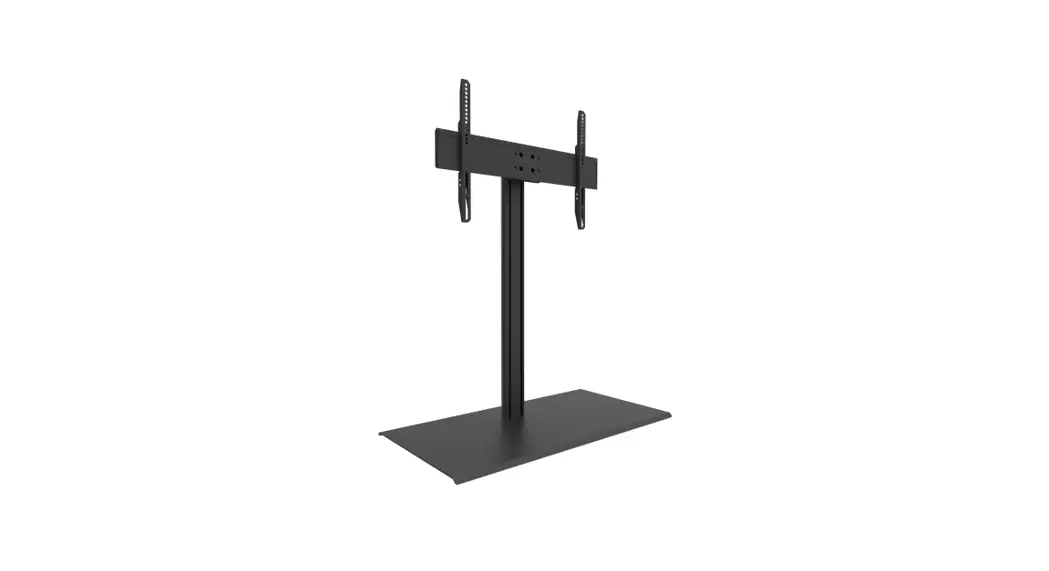
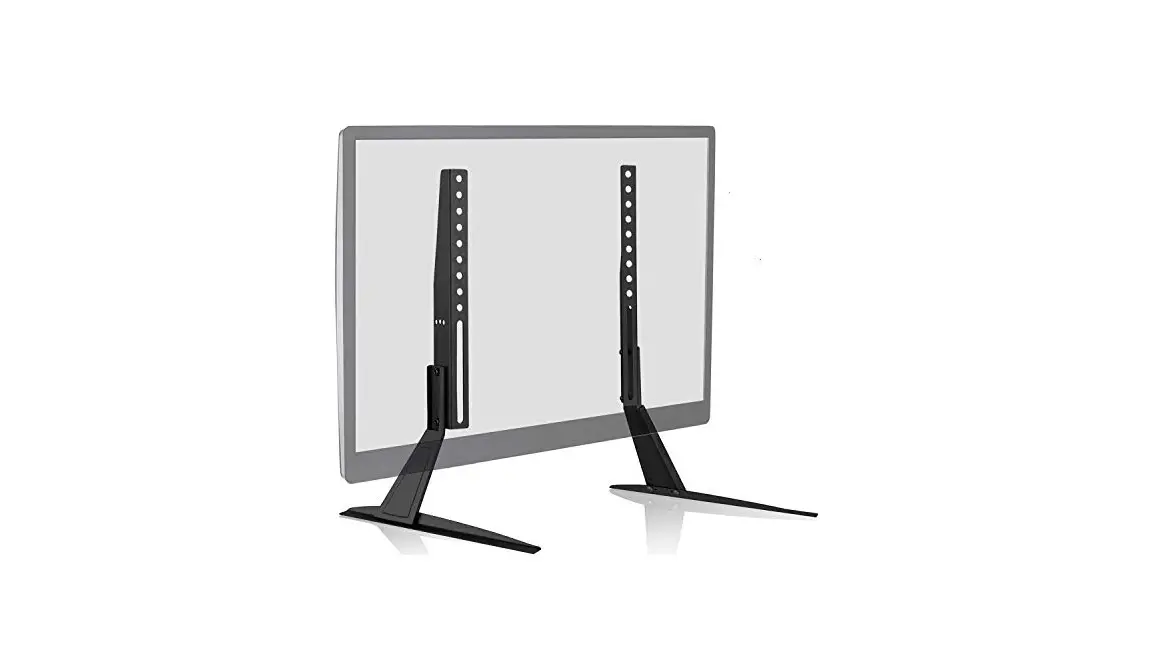
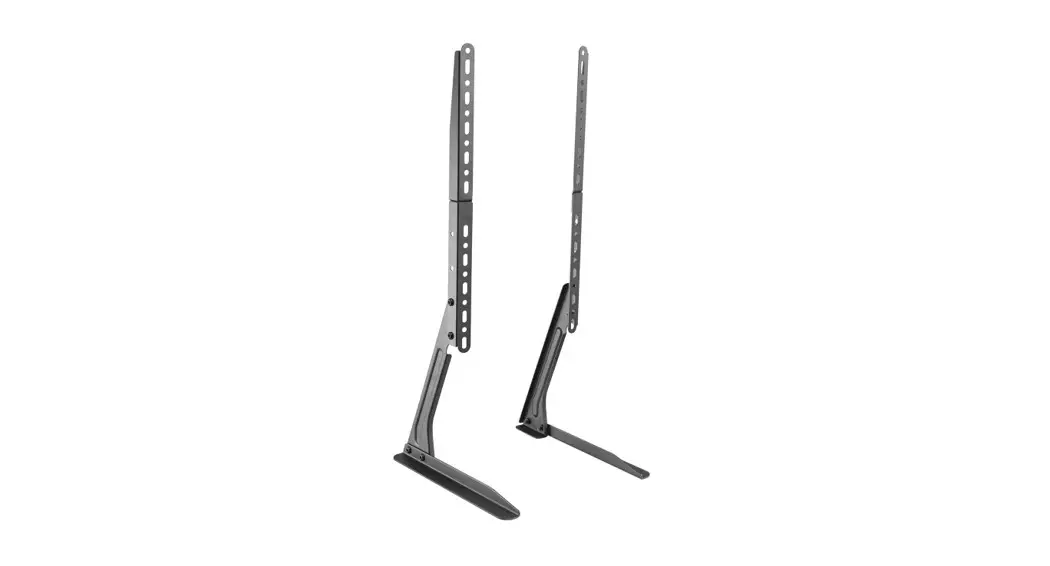
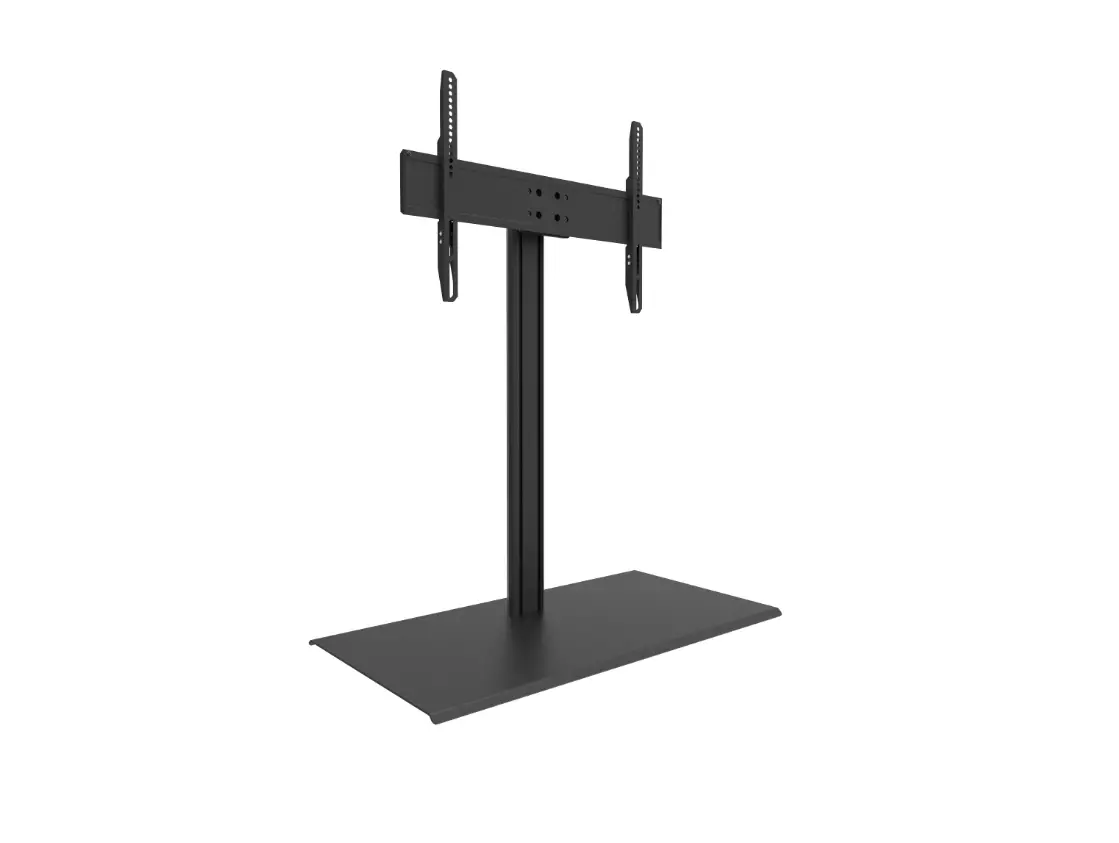
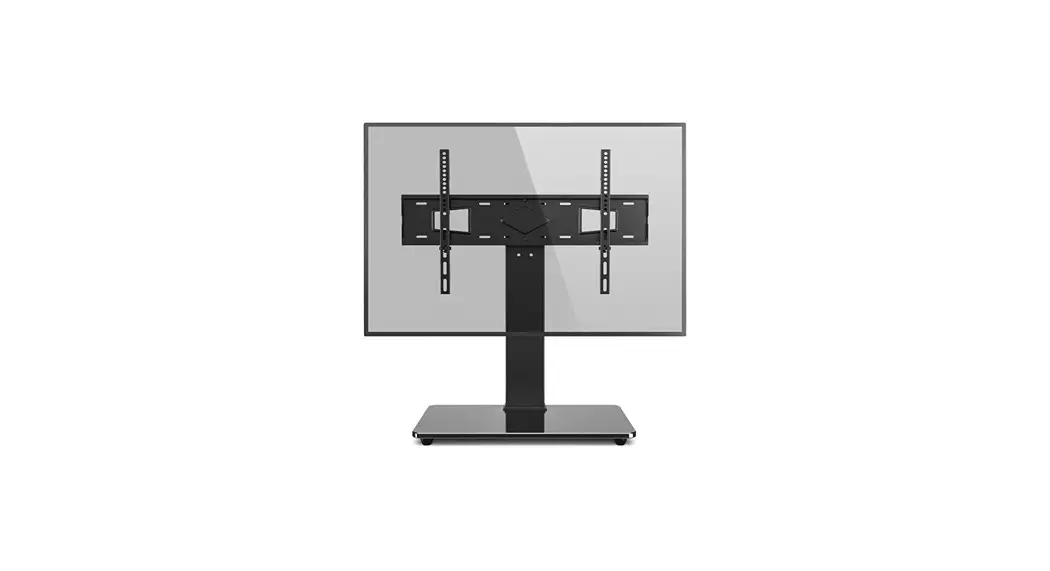
Universal Swivel Tabletop TV Stand
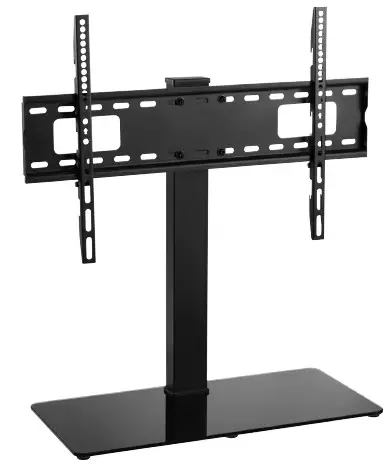
28012T Universal Swivel Tabletop TV Stand
- TV Size range: 37-70″
- Maximum weight capacity: 40kg
- Mount function: Swivels +35°/-35°
- Compatibility: Flat and Curved Displays
- Compatible with VESA sizes: 200 x 200, 300 x 200, 300 x 300, 400 x 200, 400 x 300, 400 x 400, 600 x 400
 WARNING
- Check the components list and images to check there are no missing or defective parts.
- Never exceed the Maximum Weight Capacity.
- Always ensure that all 4 bolts engage well into the VESA threaded apertures on the back of your TV; to at least a depth of 70% of the total depth of the aperture to ensure your TV is attached securely to the TV mount.
- Read these instructions carefully before installation. If in any doubt about safely installing this product, contact a professional installer for assistance.
- For larger/heavier TVs we recommend that you ask someone to assist you with lifting and positioning your TV.
- This product is suitable for indoor use only.
- Improper installation or use of this product can result in product failure, damage or personal injury.
- This product contains small items that could cause choking if swallowed, so keep these items away from children and pets.
- Appropriate safety equipment and proper tools must be used for installation. Always check manufacturer’s operating and safety instructions before using tools and other equipment.
UK Distributor: Philex Electronic Ltd., London Road, Bedford, MK42 ONX, U.K.
EU Distributor: Philex Electronic Ireland Ltd., Robwyn House, Corrintra, Castleblayney, Co. Monaghan, A75 YX76, Ireland.
© Philex Electronic Ltd. 2021. Vb1.1
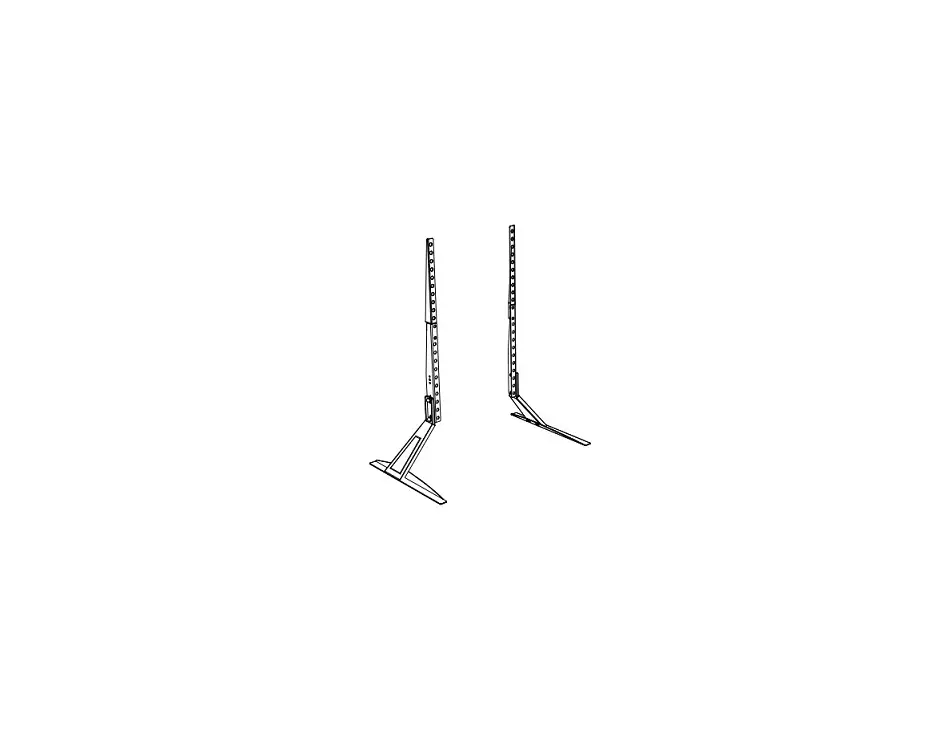
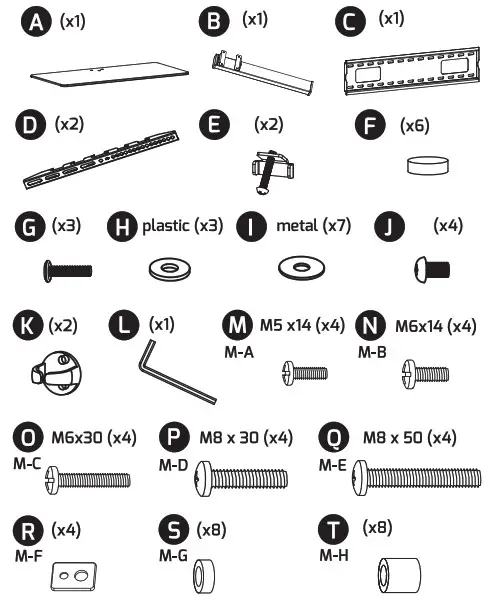
Components
Before installation check that you have all the components shown here and that none of them are damaged.
VESA Compatibility
- VESA Is the standard adopted by most TV manufacturers for watl bracket mounting.
- There are 4 holes on the back of every flat screen TV and the space between the holes Is governed by the VESA standard.
- VESA comes in a range of sizes depending on the weight and size of the flat screen TV; sizes 50 x 50mm, 75 x 75mm, 100 x 100mm, 200 x 100mm and so on… are standard. Not all flat screen TVs are compliant, contact the TV manufacturer for assistance if your TV does not appear to comply with VESA.
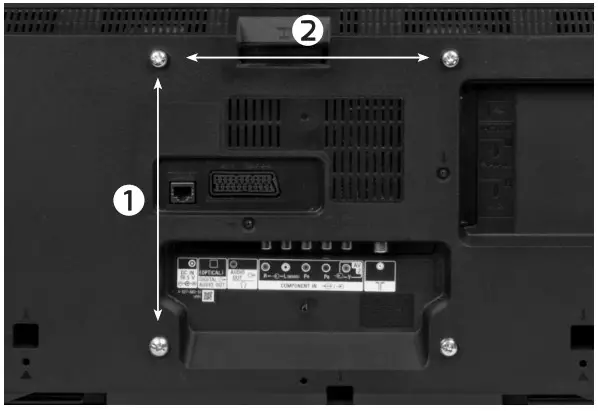
- To check if your TV or monitor Is compliant, look at the rear of the display there should be 4 screw-holes in a square pattern or In larger displays a rectangular shape.
- Measure the distances marked (2) (horizontal) x (1} (vertical) below in mm to find your VESA format.
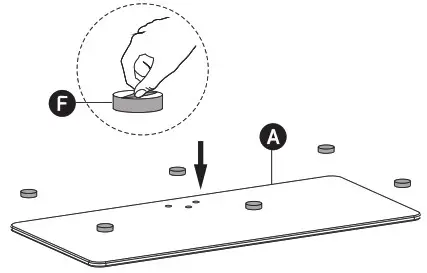
- Preparing the Base -attaching foot pads

- Attaching Base to Stand

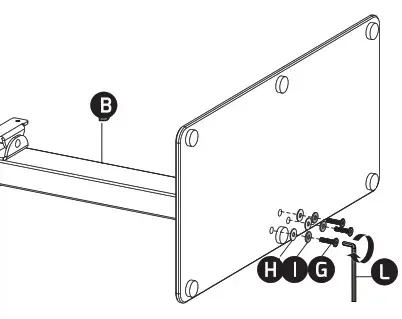
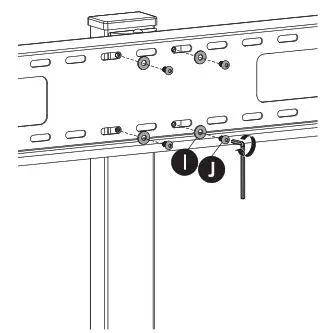
- Attaching Plate to Stand

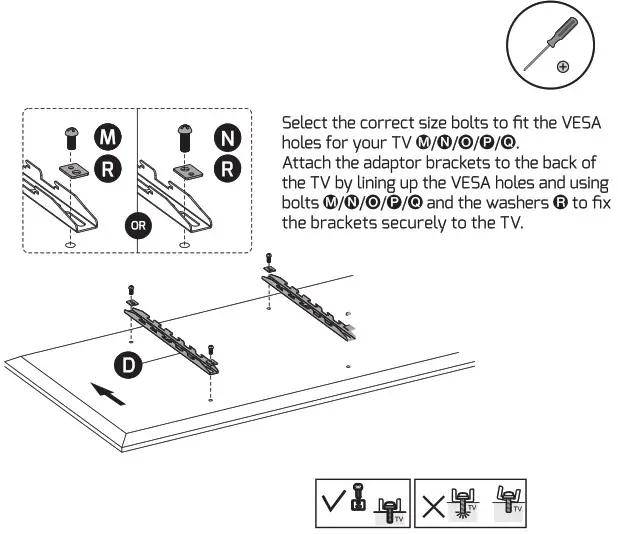
- a. Attaching Adaptor Brackets to TV
 b. Attaching Adaptor Brackets to TV using spacers (i.e. for curved TVs etc.)
- Mounting TV on Stand
 With two people, lift and hook the adaptor brackets onto the top and bottom of the plate. hold the TV in place, insert locking tabs E and tighten the bolts with a screw- driver to secure the adaptor bracket arms to the plate.
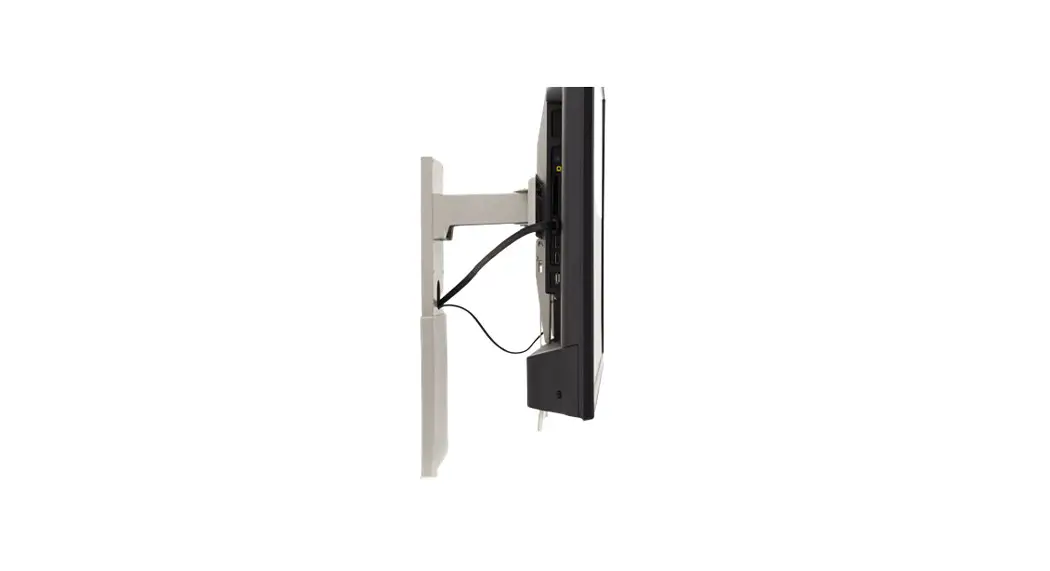
 - Cable Management

- Adjusting Position
 To adjust the height of the TV, release the locking tabs E , and lift or lower the screen and adaptor brackets and reattach the adaptor brackets at the height required, then replace the locking tabs.
 b. Attaching Adaptor Brackets to TV using spacers (i.e. for curved TVs etc.)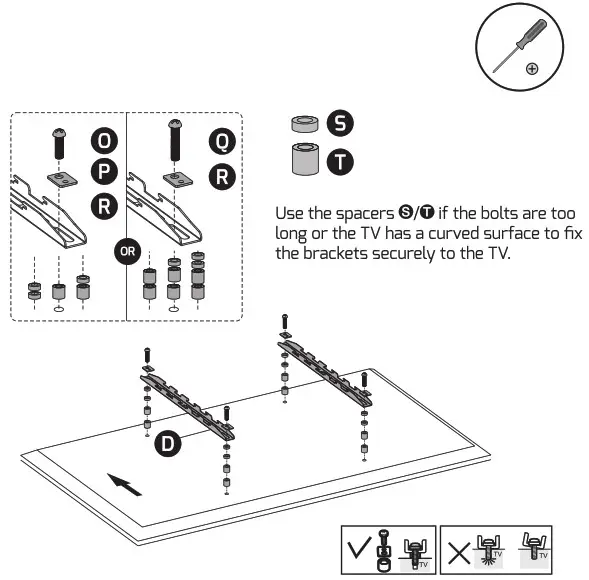
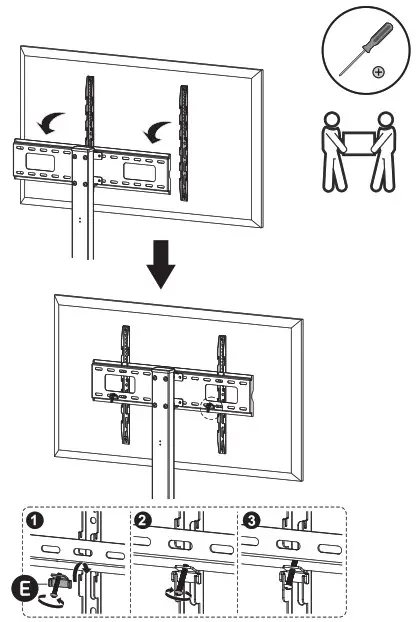 With two people, lift and hook the adaptor brackets onto the top and bottom of the plate. hold the TV in place, insert locking tabs E and tighten the bolts with a screw- driver to secure the adaptor bracket arms to the plate.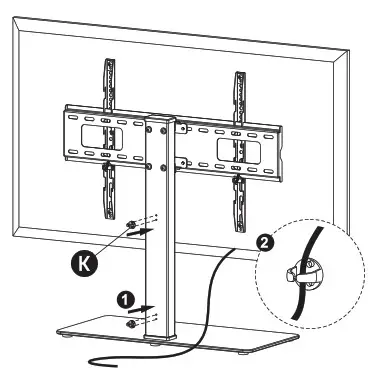
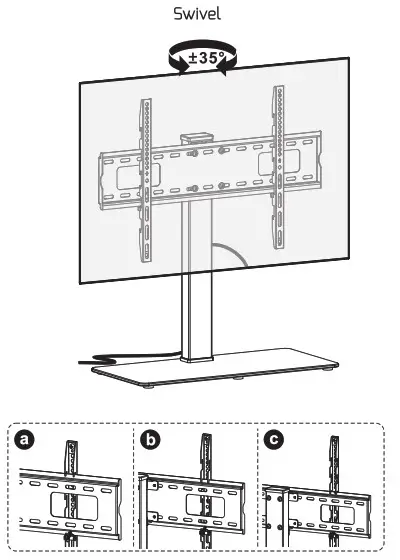 To adjust the height of the TV, release the locking tabs E , and lift or lower the screen and adaptor brackets and reattach the adaptor brackets at the height required, then replace the locking tabs.
Technical Support:
www.philex.corn/support