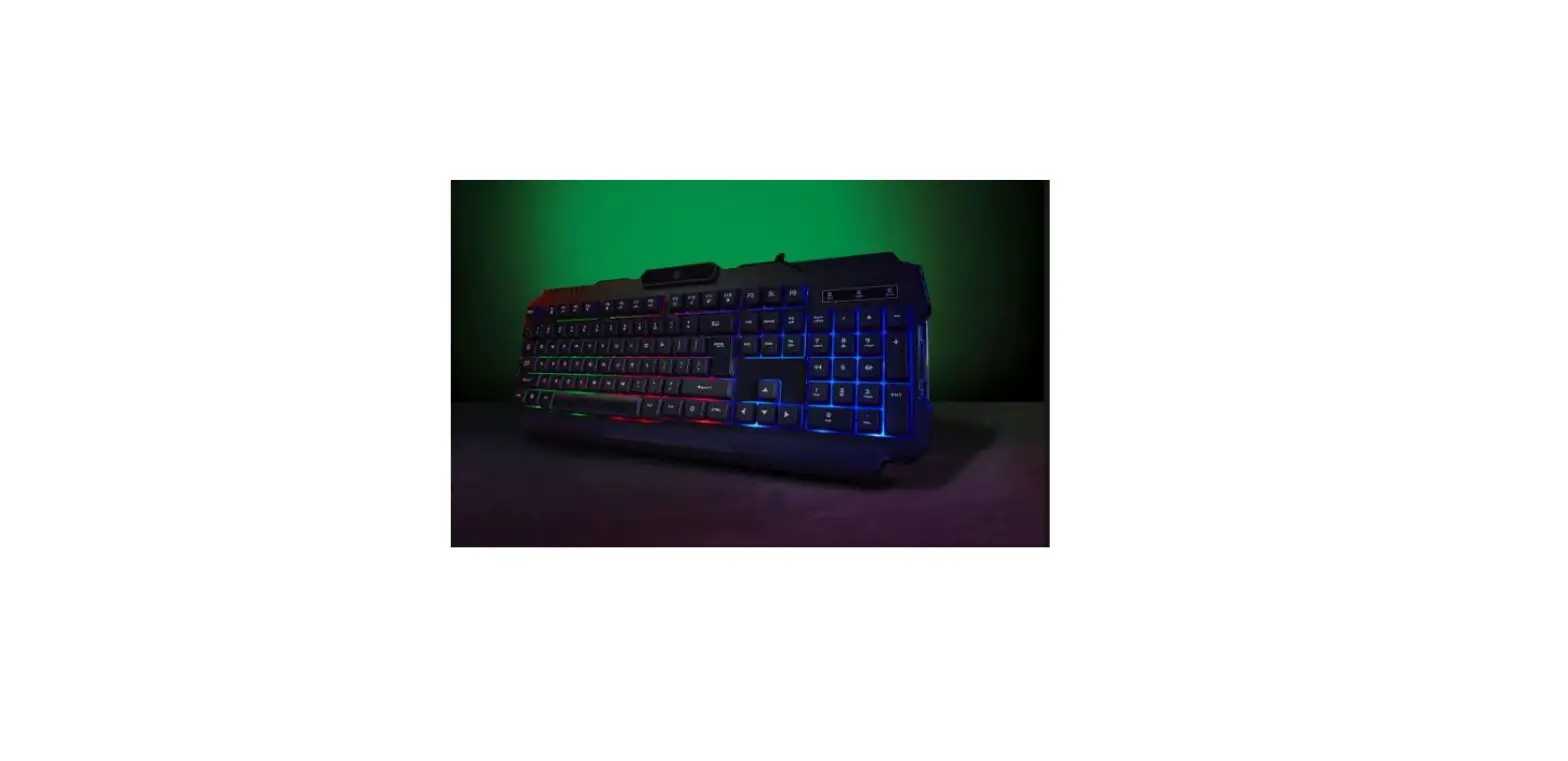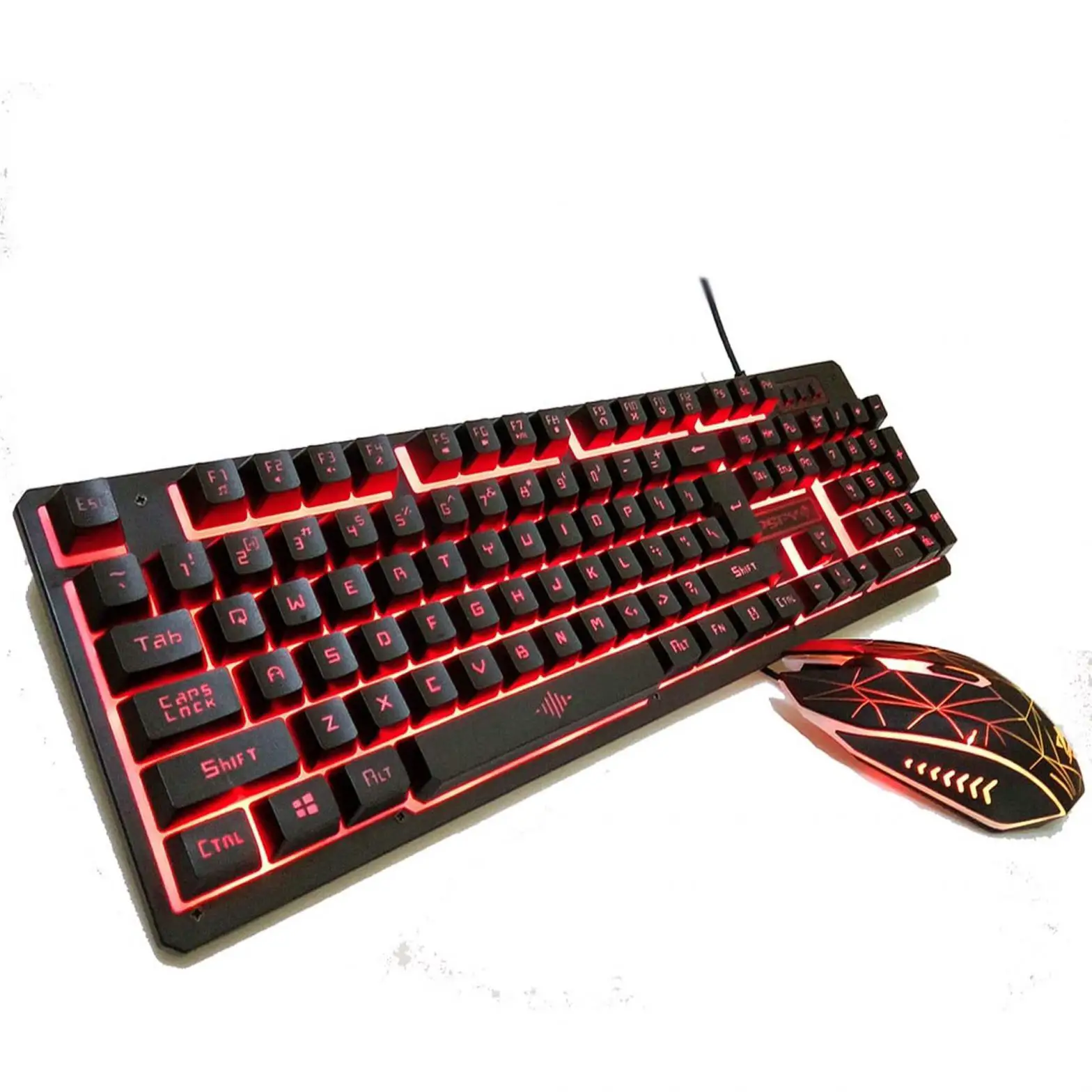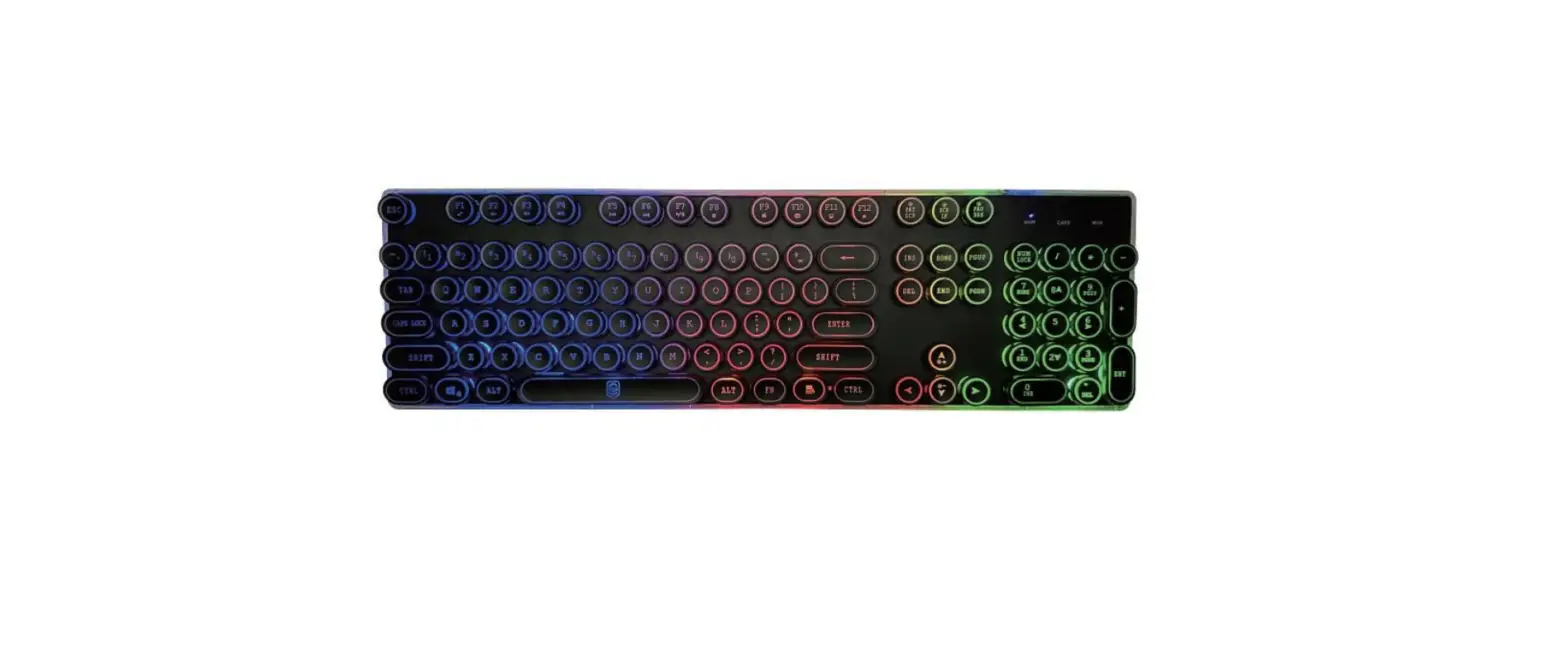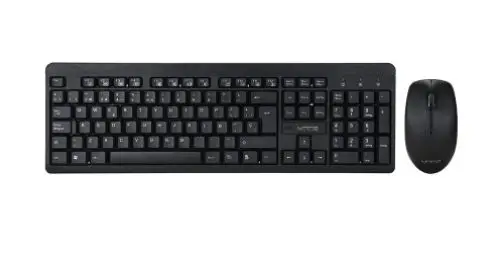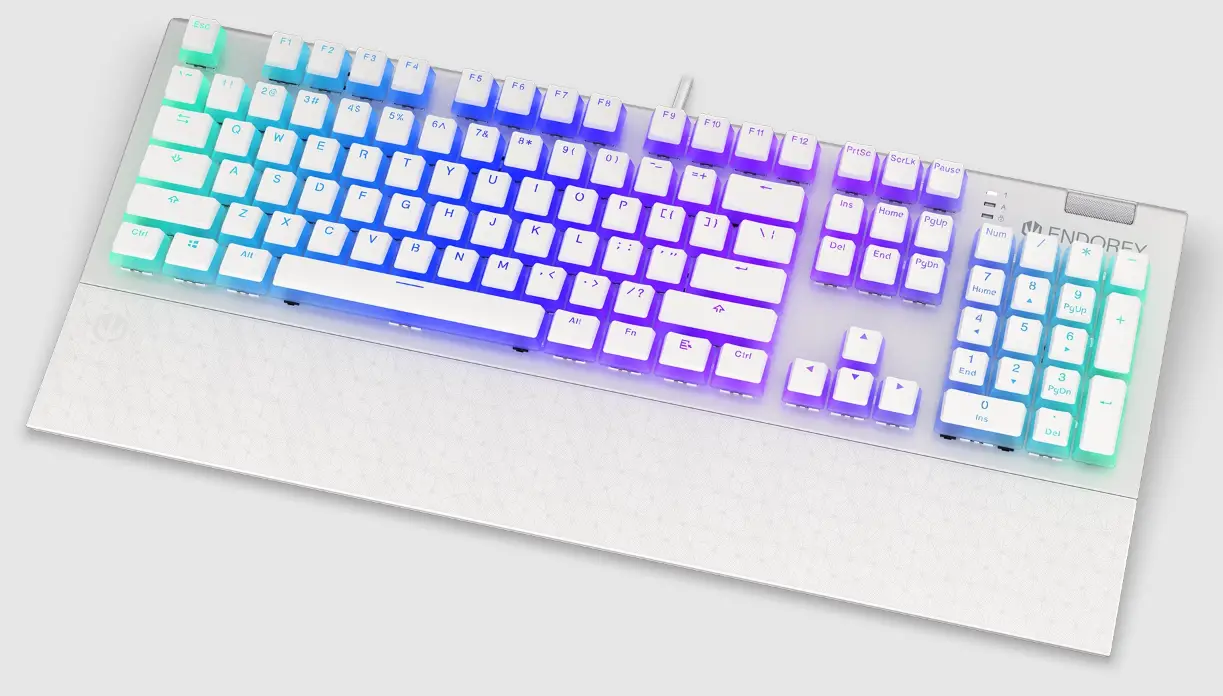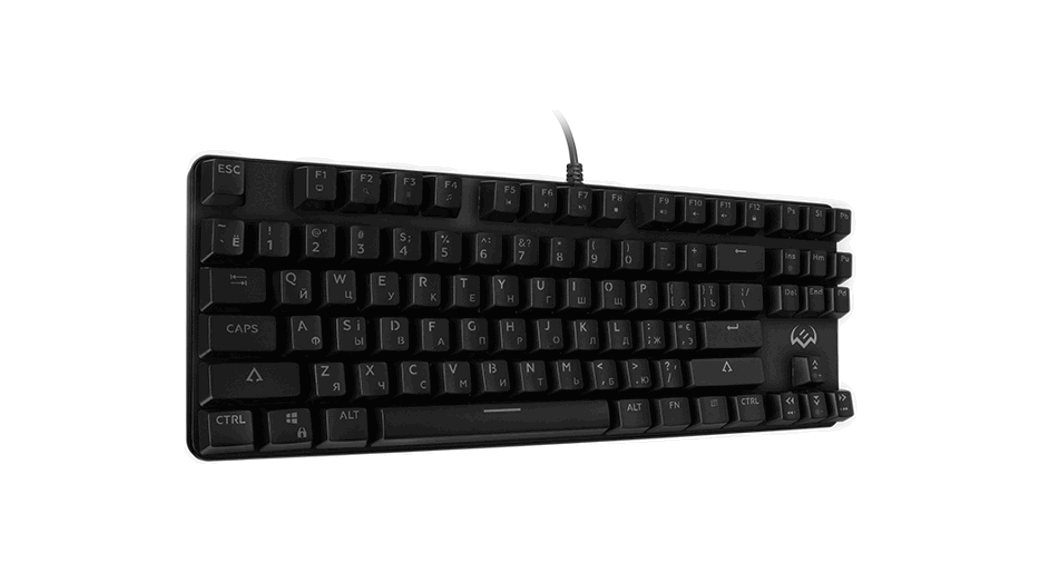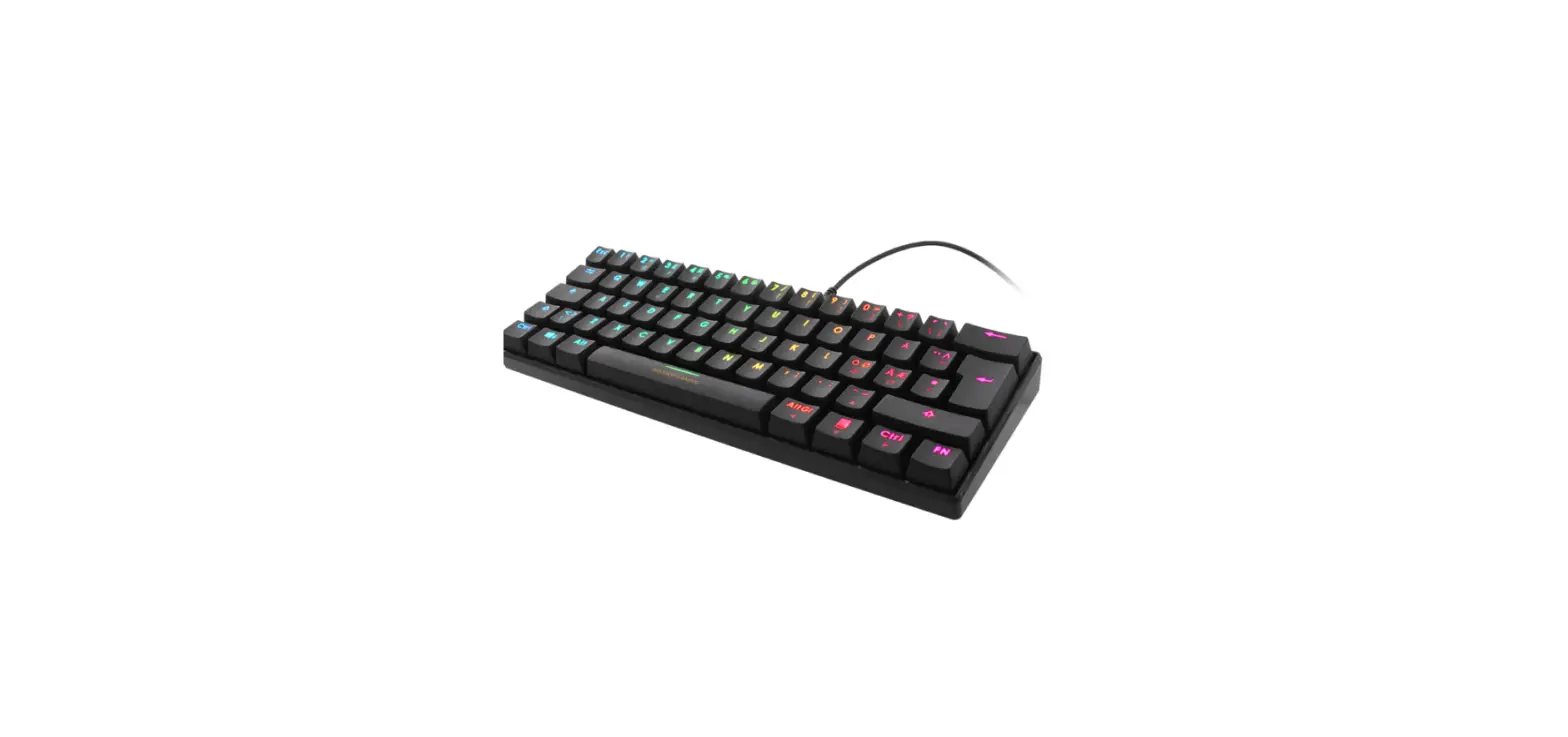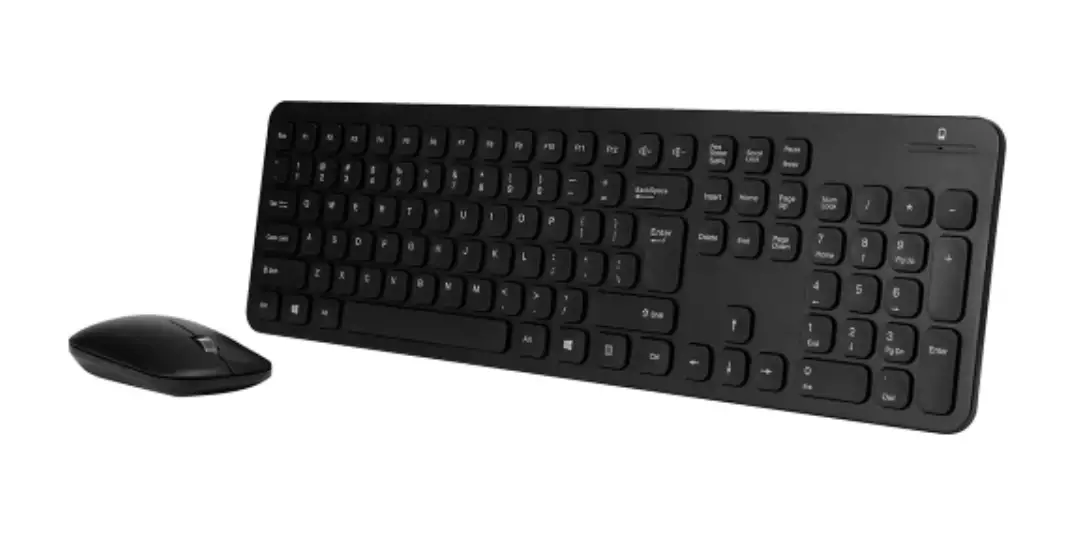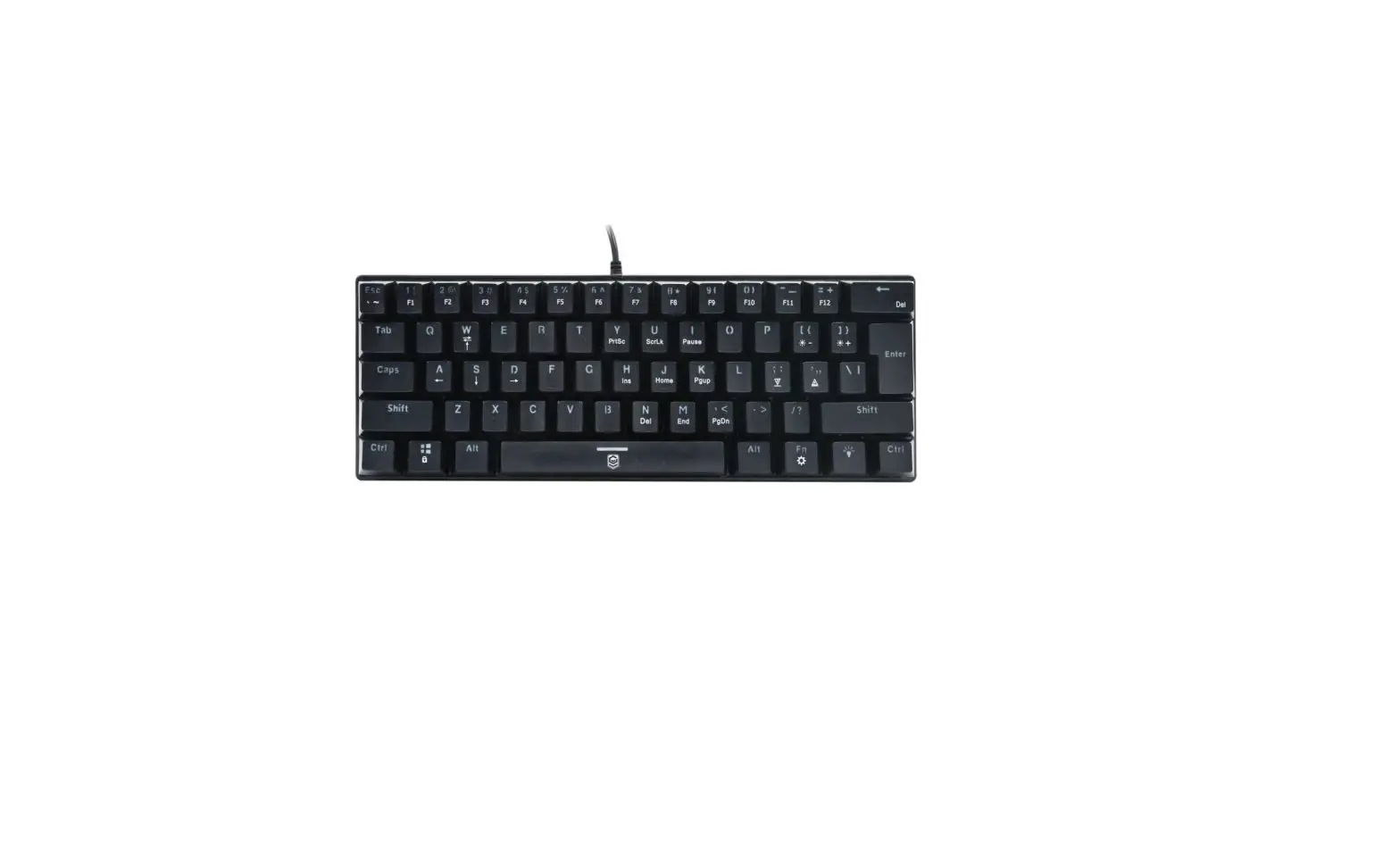

anko 43099771 Mini Mechanical Gaming Keyboard
Safety Instructions
Please read the instruction manual before using this device and follow all the safety instructions to avoid damage caused by improper use.
- Keep the instructions manual for future reference. Should this device be given to a third party, then this instruction manual must also be handed over.
- Use this device solely for its intended purpose.
- Only use this appliance indoors
- Keep the appliance away from all hot surfaces and naked flames.
- Always put the appliance on a level, stable, clean, dry surface. Protect the appliance from extreme heat and cold, dust, direct sunlight, humidity, and drops or jets of water.
- Do not immerse the appliance in water or in other liquids.
- Do not open the housing under any circumstances.
- Do not introduce any objects into the interior of the housing.
- Should the device malfunction due to electrostatic discharge or a short power surge, disconnect it from your computer and then reconnect it again.
Features
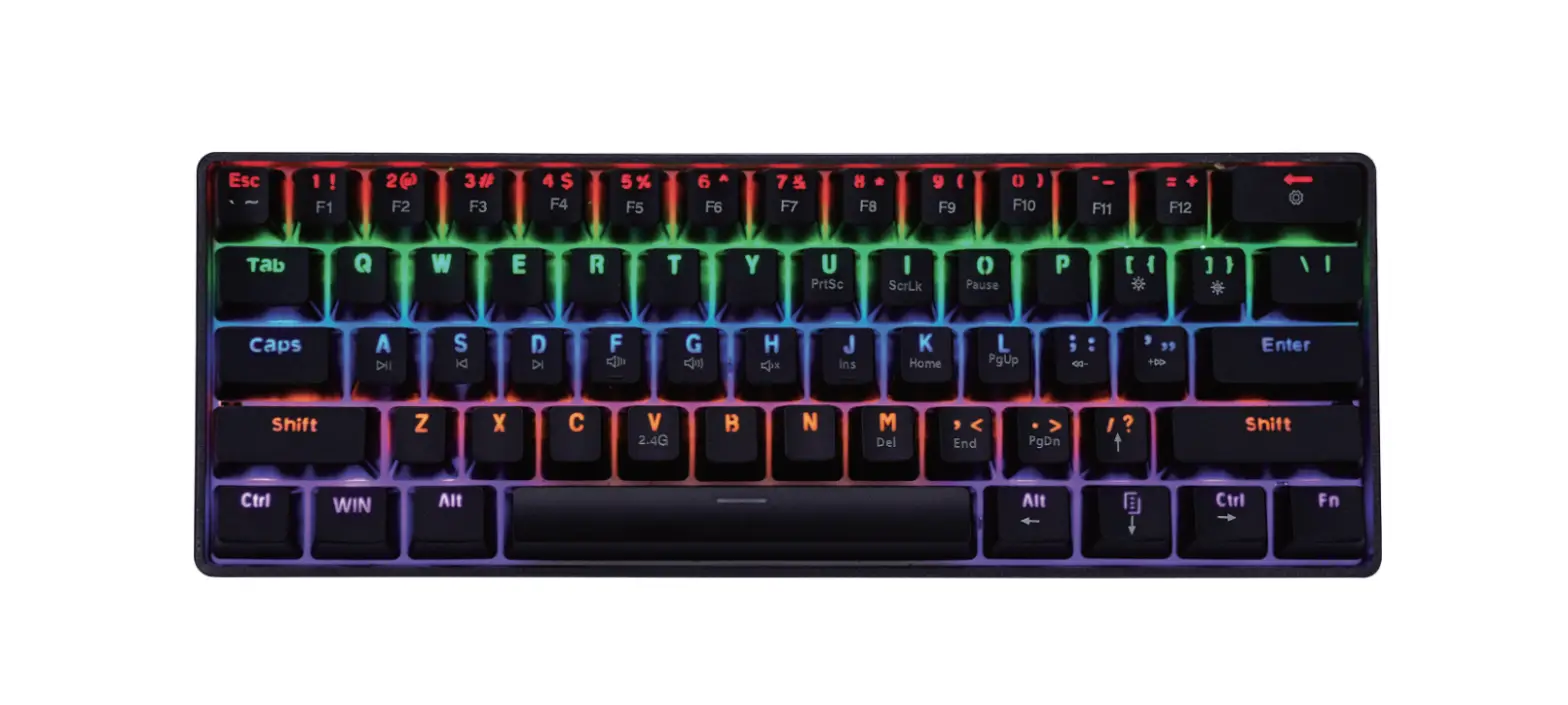
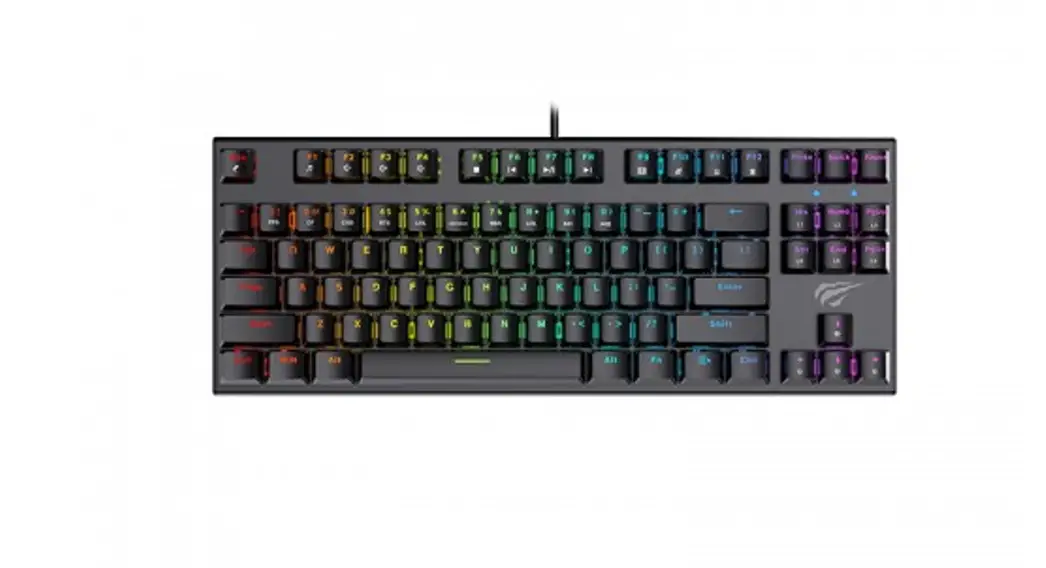
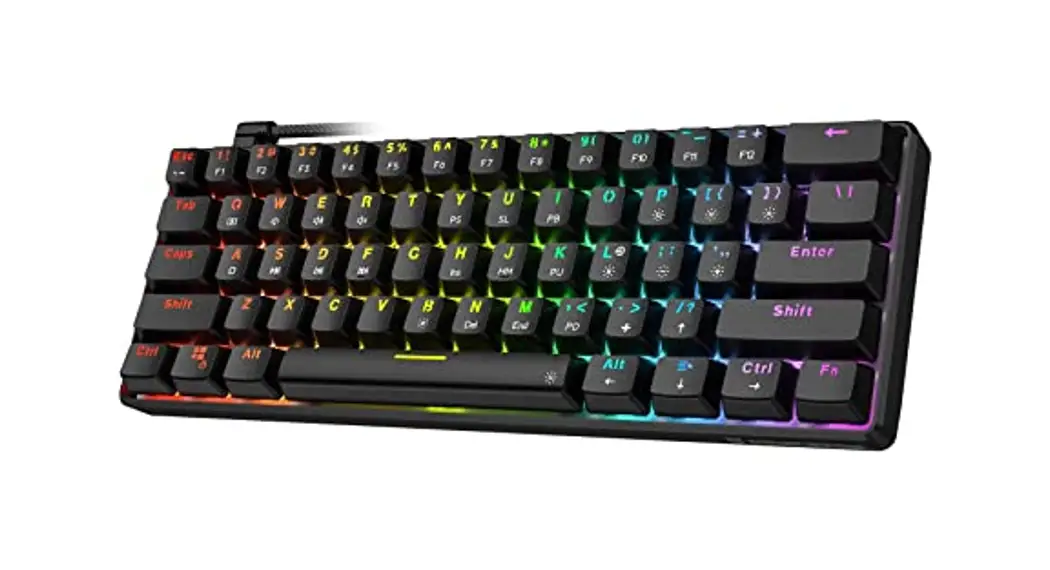
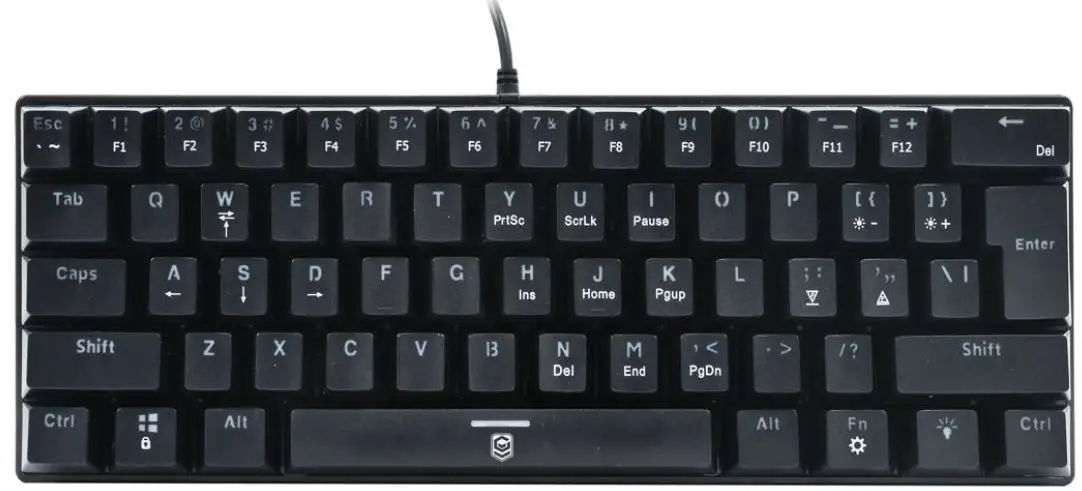
- Ultra-compact mechanical mini keyboard
- 21 keys anti-ghosting
- 61 mechanical keys
- 12 kinds of lighting effects
- Working Voltage: 5V, 100mA
- Dimension: 290*100*39mm
Supports
Windows 7/8/10
Key function
| Combination key | FUNCTION | Remarks |
| FN+ESC | · | |
| FN+ESC+ Shift | ~ | |
| FN+1 | F1 function | |
| FN+2 | F2 function | |
| FN+3 | F3 function | |
| FN+4 | F4 function | |
| FN+5 | F5 function | |
| FN+6 | F6 function | |
| FN+7 | F7 function | |
| FN+8 | F8 function | |
| FN+9 | F9 function | |
| FN+10 | F10 function | |
| FN+ – | F11 function | |
| FN+ = | F12 function | |
| FN+,< | Page Down | |
| FN+W | Separately press the key of “A S D W” to switch into the function of ←↓→↑ | |
| FN+WIN | lock WIN | |
| FN+】} | LED brightness + | Brightness adjust, 3 brightness levels, default level3 |
| FN+【{ | LED brightness – | Brightness adjust, 3 brightness levels, default level3 |
| FN+ ’ ” | LED speed + | LED running speed adjust, 2 different speeds |
| FN+ ;: | LED speed – | LED running speed adjust, 2 different speeds |
LED | switch LED mode | in total 12 modes |
| FN+CTRL(The left one) | Switch first line key function | Separately press the key of ” Y U I H J K N M,< ” to switch to the function of “Print Screen /Scroll Lock/ Pause/ Insert /Home/ Page Up/ Delete/ End/Page Down” |
| FN+ space key | reset | long press for 3 seconds to reset this keyboard |
How to use
Plug and Play, USB plug into PC, it can be used.
Care and maintenance
Wipe all parts with a dry soft cloth.
12 Month Warranty
Thank you for your purchase from Kmart.
Kmart Australia Ltd warrants your new product to be free from defects in materials and workmanship for the period stated above, from the date of purchase, provided that the
product is used in accordance with accompanying recommendations or instructions where provided. This warranty is in addition to your rights under the Australian Consumer Law.
Kmart will provide you with your choice of a refund, repair or exchange (where possible) for this product if it becomes defective within the warranty period. Kmart will bear the reasonable expense of claiming the warranty. This warranty will no longer apply where the defect is a result of alteration, accident, misuse, abuse or neglect.
Please retain your receipt as proof of purchase and contact our Customer Service Centre on 1800 124 125 (Australia) or 0800 945 995 (New Zealand) or alternatively, via Customer Help at Kmart.com.au for any difficulties with your product. Warranty claims and claims for expenses incurred in returning this product can be addressed to our Customer Service Centre at 690 Springvale Rd, Mulgrave Vic 3170.
Our goods come with guarantees that cannot be excluded under the Australian Consumer Law. You are entitled to a replacement or refund for a major failure and compensation for any other reasonably foreseeable loss or damage. You are also entitled to have the goods repaired or replaced if the goods fail to be of acceptable quality and the failure does not amount to a major failure.
For New Zealand customers, this warranty is in addition to statutory rights observed under New Zealand legislation.