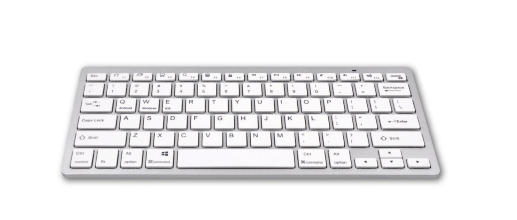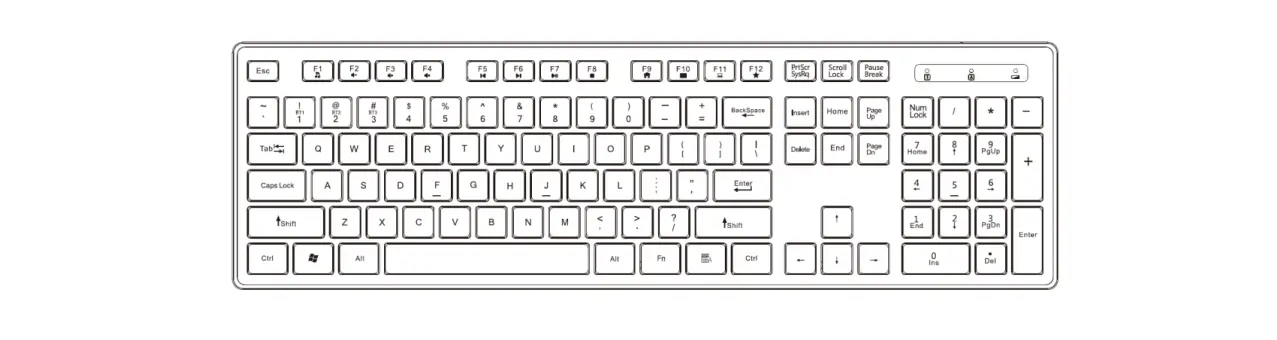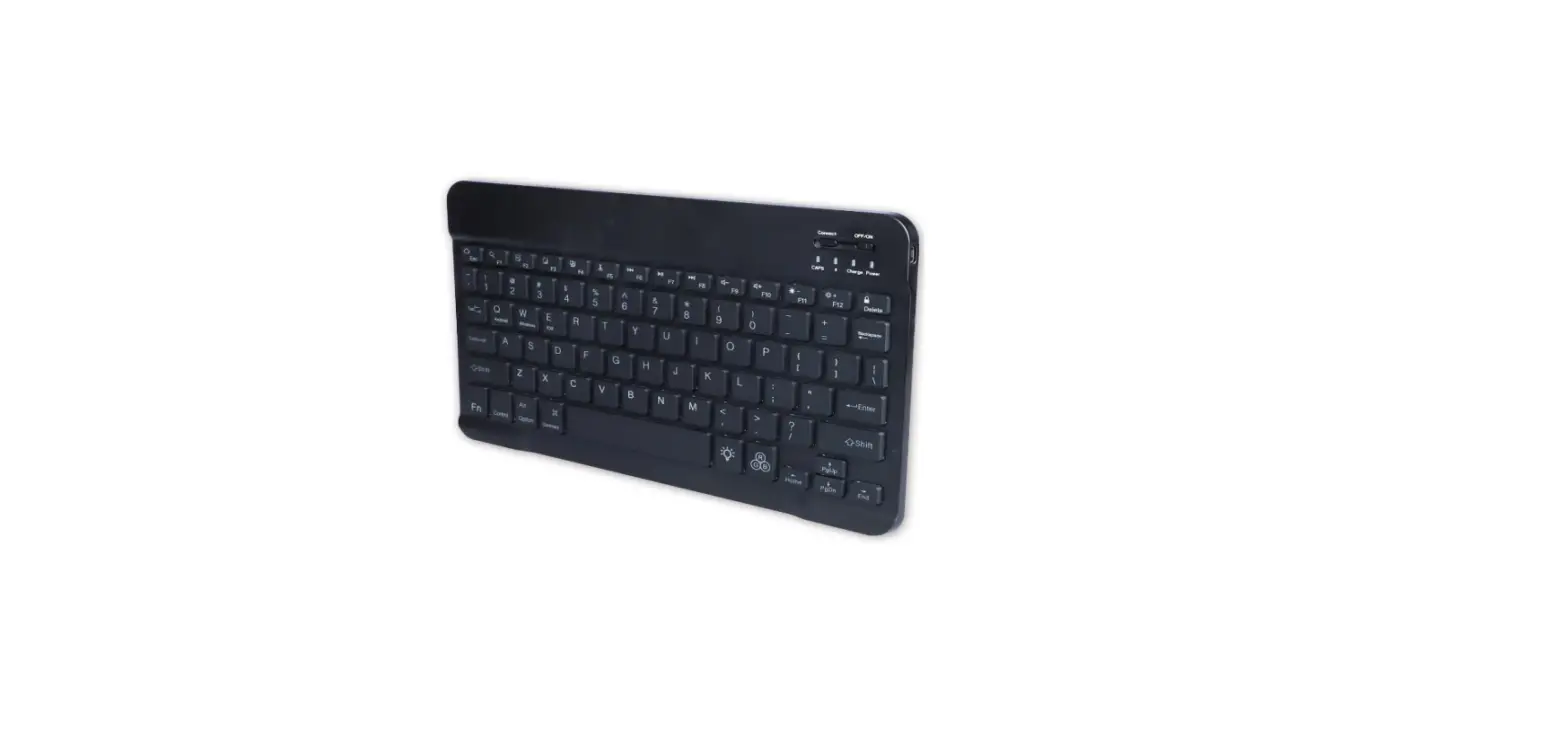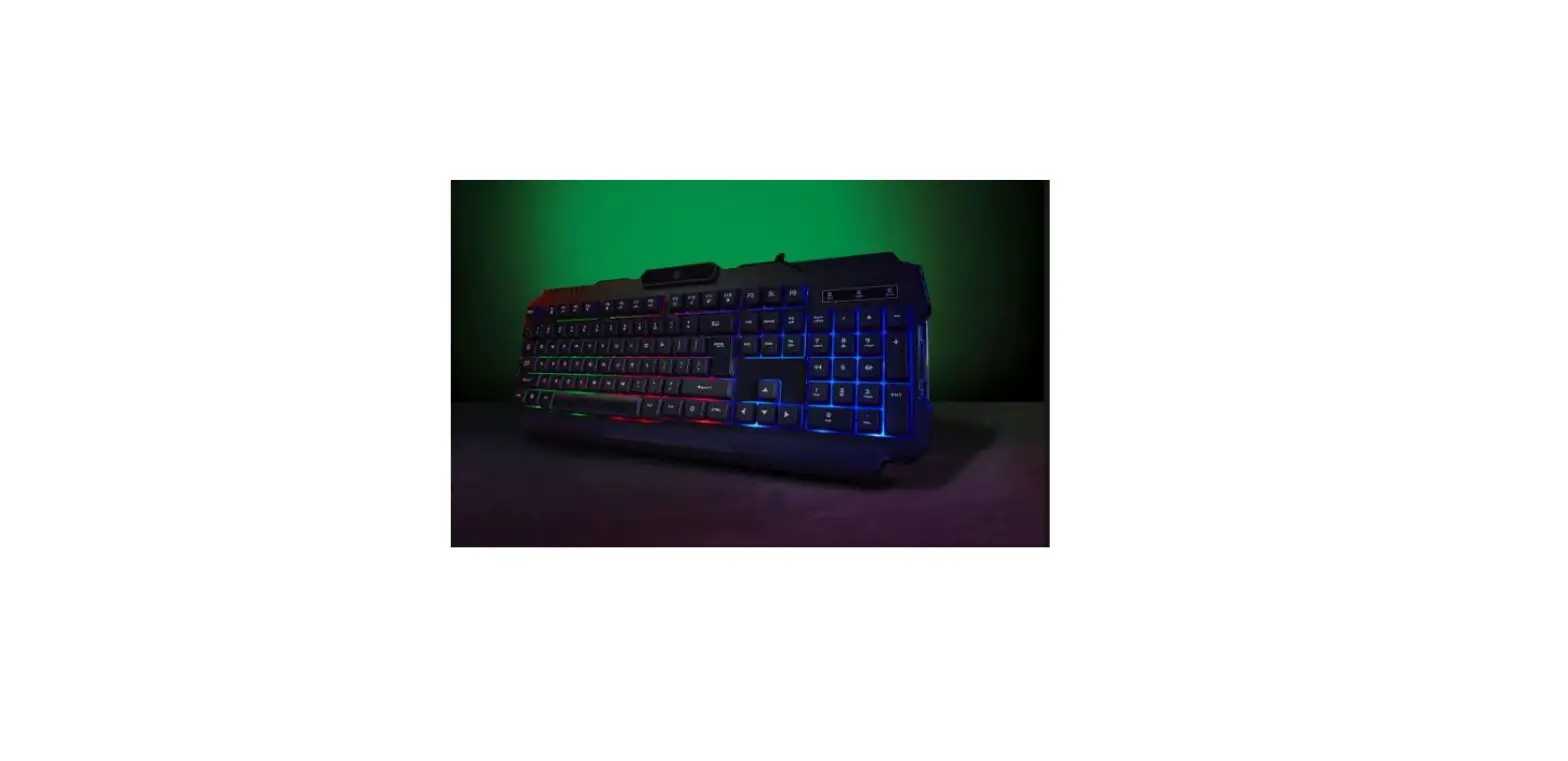
anko 43157129 2.4Ghz Wireless Mechanical Keyboard Instruction Manual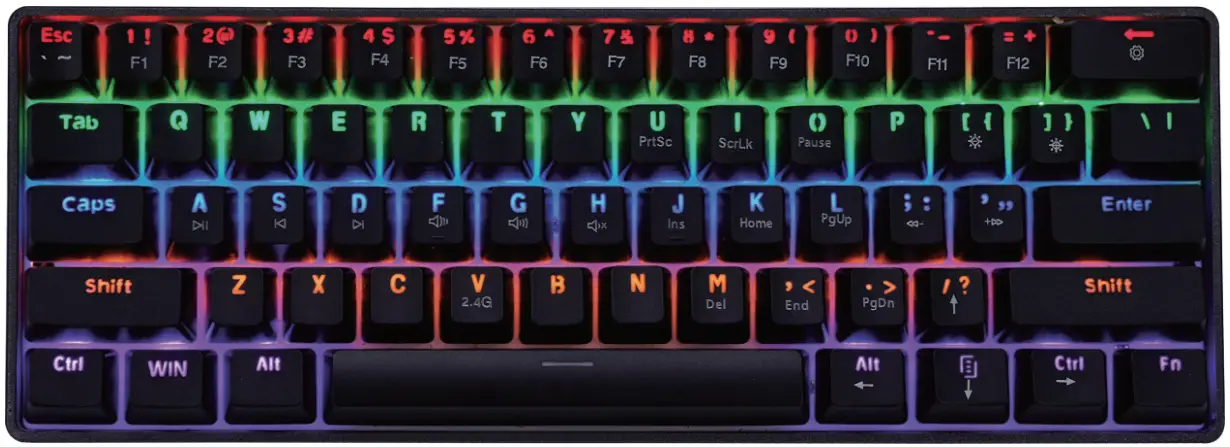
Packing
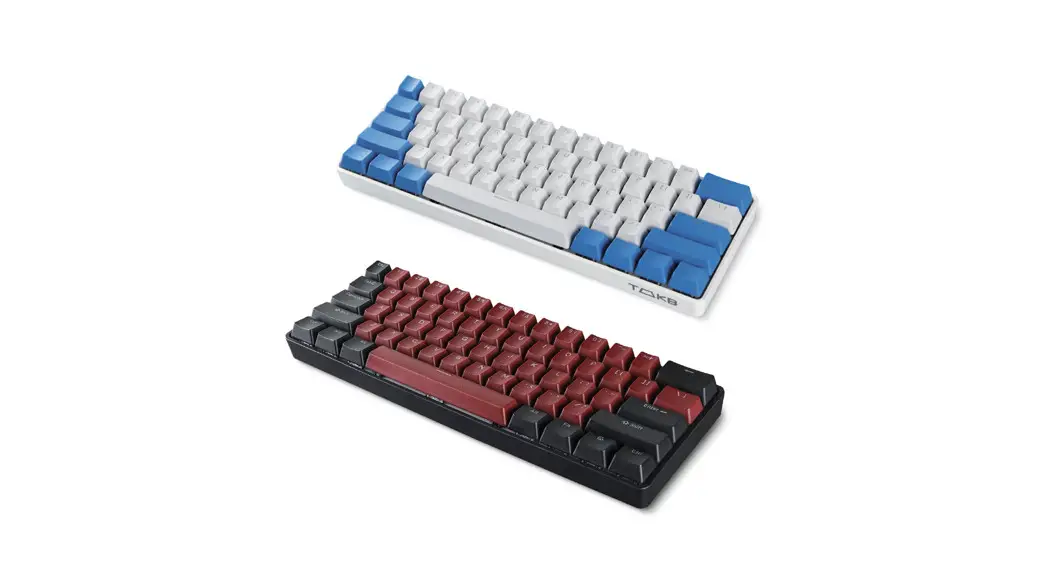
6lkeys Mechanical Keyboard, USB-C Cable ,Keyboard Receiver
CAUTION:
- This product shall be supplied by a power source not exceeding PS1 only.
- The battery in product is non-replaceable. Danger of explosion if battery is incorrectly replaced.
- Battery cannot be subjected to high or low extreme temperatures, low air pressure at high altitude during use, storage or transportation.
- Replacement of a battery with an incorrect type that can result in an explosion or the leakage of flammable liquid or gas.
- Disposal of a battery into fire or a hot oven, or mechanically crushing or cutting of a battery, that can result in an explosion.
- Leaving a battery in an extremely high temperature surrounding environment that can result in an explosion or the leakage of flammable liquid or gas.
- A battery subjected to extremely low air pressure that may result in an explosion or the leakage of flammable liquid or gas.
- The ambient temperature for normal operating is 25°C.
- The label marking on bottom enclosure.
- Noted: Please charge the battery in time when it runs out or it will affect the battery life.
- Turn off the switch when the keyboard is no longer use. Please charge the battery for every 2 months.
How to use
- Plug the receiver into the computer USB port.
- Switch the on/off switch at the back of keyboard.
- Start to use the keyboard.
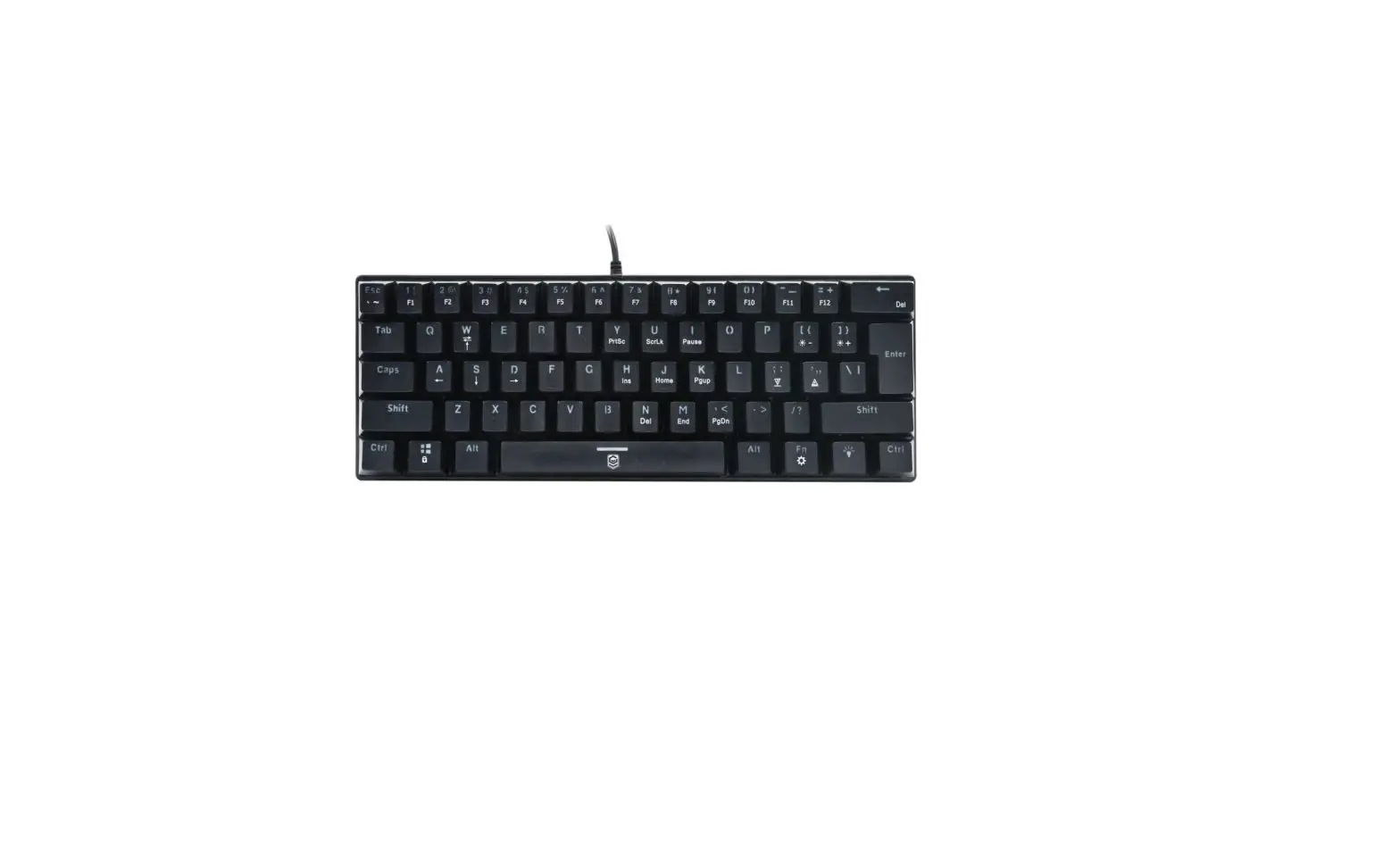
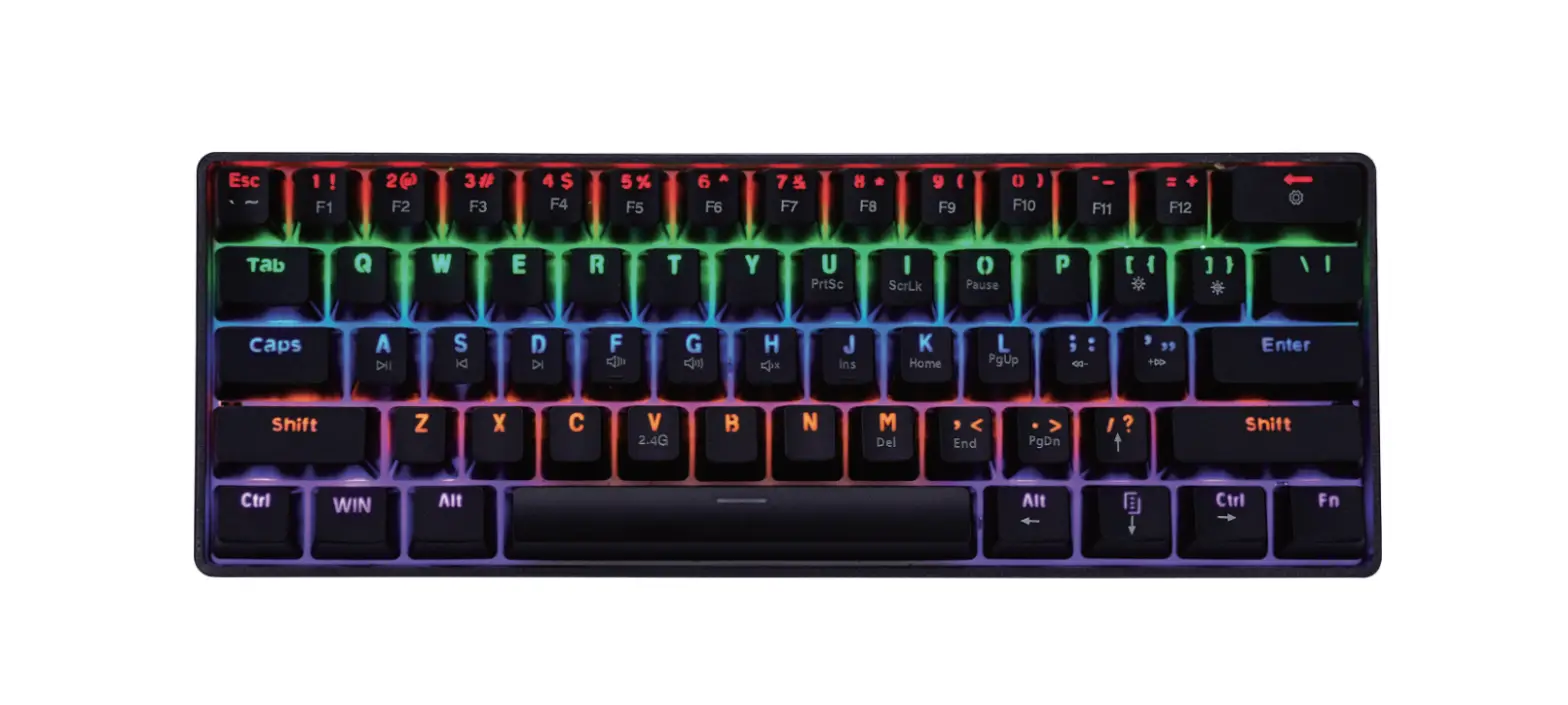
The keyboard compound key functions are controlled as follows:
| FN+Esc | ‘ |
| FN+Shift+Esc | ∼ |
| FN-F1 | F1 |
| FN+2 | F2 |
| FN-1-3 | F3 |
| FN+4 | F4 |
| FN+5 | F5 |
| FN-F6 | F6 |
| FN+7 | F7 |
| FN+8 | F8 |
| FN-1-9 | F9 |
| FN+O | F10 |
| FN+”-_” | F11 |
| FN+”=+” | F12 |
| FN+A | Play/Pause |
| FN+S | Previous Track |
| FN+D | Next Track |
| FN+F | Decrease The Volume |
| FN+G | Increase The Volume |
| FN+H | Mute |
| FN+U | PrtScr SysRq |
| FN+I | Scroll Lock |
| FN+0 | Pause Break |
| FN+J | Insert |
| FN+K | Home |
| FN+L | Page Up |
| FN+M | Delete |
| FN+,< | End |
| FN+.> | Page Down |
| FN+ ← | Lighting Effect Switch (Total Eight Effects) |
| FN+] } | Increase The Brightness |
| FN+[ { | Decrease The Brightness |
| FN+’ “ | Faster The Light Effect |
| FN+; : | Slower The Light Effect |
| FN+/? | ↑ |
| FN+Alt | ← |
| FN+17.j | ↓ |
| FN+Ctrl | → |
| FN+WIN | Lock/Unlock WIN |
| FN+V | 2.4G Reconnect Receiver |
FN+V(2.4G):When keyboard does not match the receiver: Long press the FN+V until the light flashes, then plug the receiver into the computer to match the code.
Battery charging
The charging indicator is located under the space bar.
- Low battery: The “Win” key will keep flashing when battery low, please charge.
- Battery charging: Switch on: When charging, the space bar shows red light. Switch off: When charging, the space bar shows orange light.
- Fully charged: Green light on.
Product specifications
| Specification item | 2.4Ghz wireless mechanical keyboard |
| Connection method | 2.4Ghz |
| Product type | Mechanical keyboard |
| Built-in battery | 3.7V rechargeable lithium battery |
| Number of keys | 61 keys |
| Product size | 29x 10 x 3.9cm |
| System compatibility | Compatible Windows 7/8/10 or later |
| Input | DC 5V 610mA |