

QUICK START GUIDE
PACKAGE CONTENTS
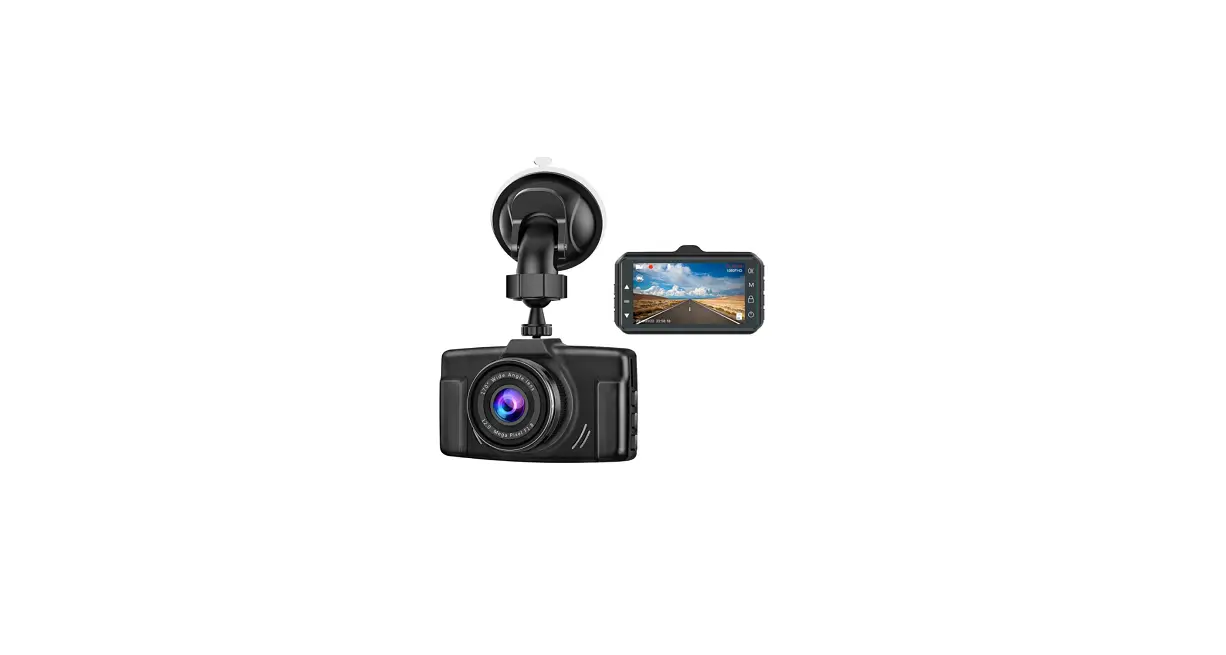
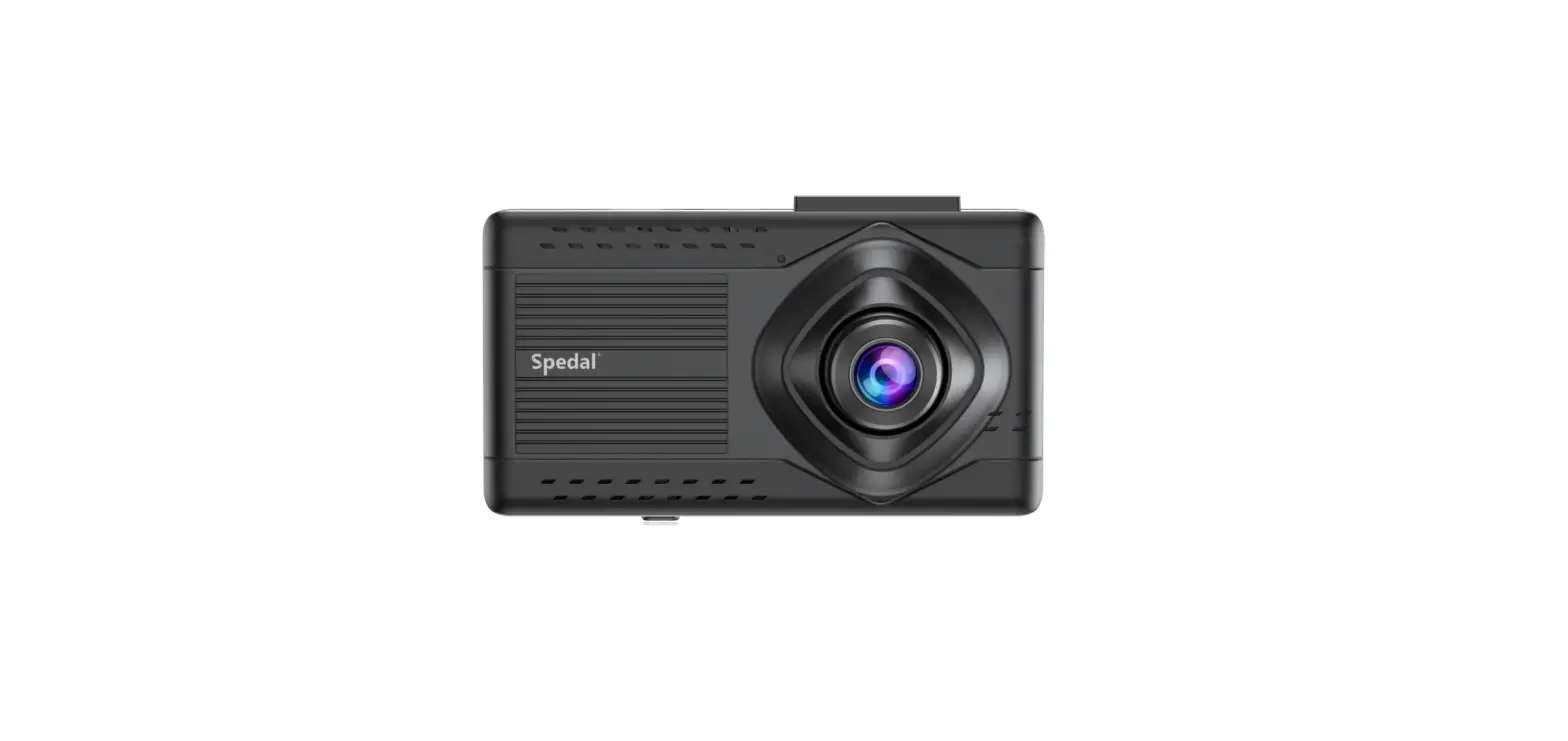
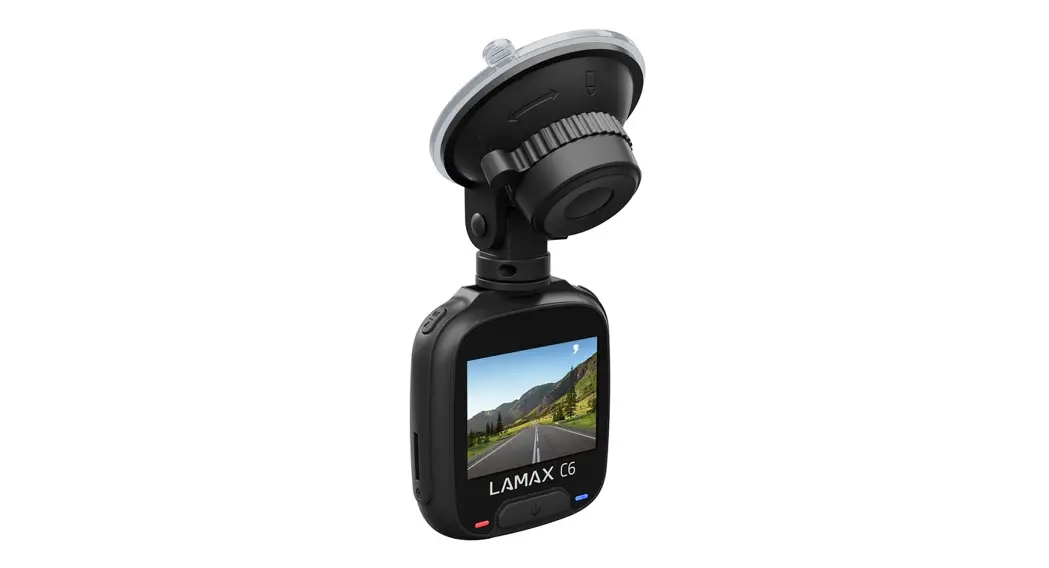
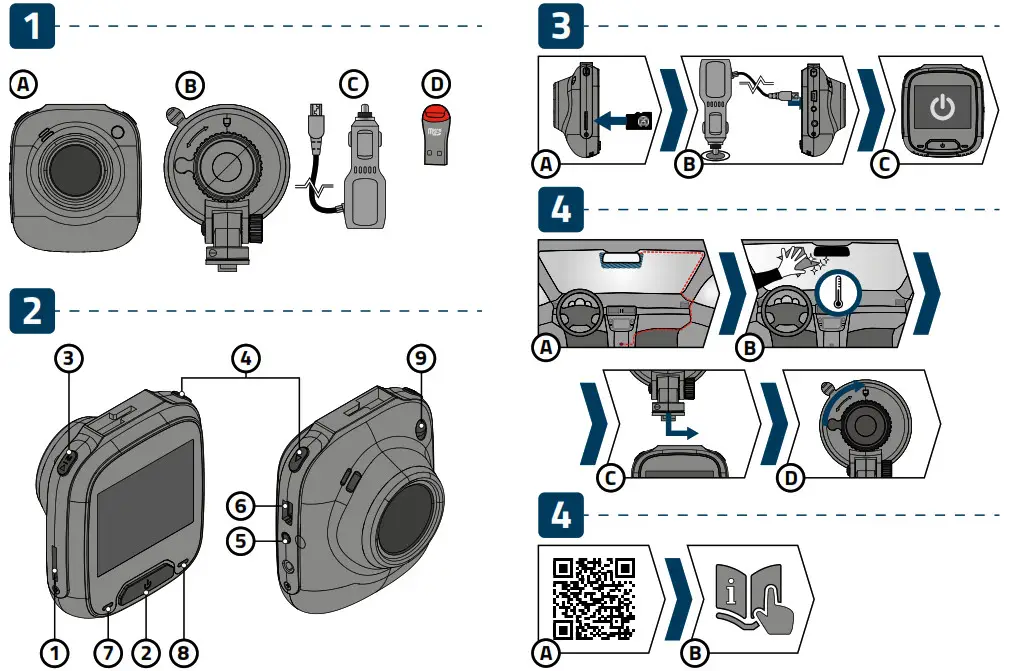
A. LAMAX C6 dashcam
B. Suction cup windscreen mount
C. Ignition power cord
D. MicroSD/USB adapter for transferring files to PC
GETTING TO KNOW YOUR CAMERA /CONTROLS
- Memory card slot
- POWER/OK button
- UP button
- DOWN button
- RESET button
- Mini USB port
- LED camera power indicator
(red/lit = camera plugged in) - LED recording indicator
(blue/lit = camera on, flashing = recording) - LED light
VIDEO MODE
| Power / OK button | Press | Start / Stop recording |
| Hold | Turn off camera | |
| UP button | Press | Turn off / on Parking mode when recording |
| Hold | Enter menu | |
| DOWN button | Press | Mute / Unmute audio recording |
| Hold | Change Video mode to Photo mode / File protect when recording |
PHOTO MODE
| Power / OK button | Press | Take photo |
| Hold | Turn off camera | |
| UP button | Press | Enter menu |
| DOWN button | Press | Mute / Unmute audio recording |
| Hold | Change Photo mode to Playback mode |
PLAYBACK MODE
| Power / OK button | Press | Start / Pause playback Stop fast playback |
| Hold | Turn off camera | |
| UP button | Press | Navigate between files Change video playback speed |
| Hold | Enter recording management menu | |
| DOWN button | Press | Navigate between files Change video playback speed |
| Hold | Change mode to Video mode |
MENU
| Power / OK button | Press | Confirm selection |
| Hold | Turn off camera | |
| UP button | Press | Navigate the menu |
| Hold | Go to camera settings / In-camera settings exit the menu | |
| DOWN button | Press | Navigate the menu |
| Hold | Go to camera settings / In-camera settings exit the menu |
ANY TIME
| RESET | Press with paperclip | Restart camera |
BASIC SETTINGS AND FUNCTIONS
A. Insert the microSD card into the camera as shown (connectors toward the display).
- Use SD cards from reputable manufacturers of Class 10 and higher with a capacity of up to 32GB.
- Insert and remove card only when the camera is turned off.
- The first time you use the card, format it directly in the camera and repeat the formatting at least once a month to ensure that the camera works properly.
B. Insert the power cable into the ignition switch and connect it to the camera.
C. The camera is primarily intended to be always be connected to the power.
The dashcam turns on automatically and starts recording.
- For some vehicles, it is necessary to start the ignition first.
BASIC FUNCTIONS:
Loop recording
The camera automatically divides the recording into shorter video files and when the SD card is full, it starts overwriting the oldest unprotected files with new ones.
Thanks to this, you do not have to worry about there being enough free space on the SD card.
File protection
- To protect a file against being overwritten, lock it in Playback mode in the recording management menu or press the down arrow whilst recording.
G- sensor - If the G-sensor detects an impact, it automatically protects the video being currently recorded against being overwritten.
Note: at high sensitivity settings and driving over uneven surfaces, files may become automatically protected leading to the SD card becoming full.
Motion detection - The camera starts recording automatically when it detects movement in the lens‘ field of view. When the movement stops, it stops recording after about 1 minute.
- The function is used to monitor a parked vehicle, do not use it whilst driving.
Parking mode - The camera starts recording automatically when it detects the vehicle vibrate. If the movement does not happen again, it will stop recording after about 30 seconds and turn off.
LED light - Intended for use outside the vehicle, for example, for recording the scene after an accident.
- Do not use the LED light whilst driving.
PLACEMENT ON GLASS / SAFETY PRECAUTIONS
A.The ideal place to mount the dashcam is the space between the windscreen and the rearview mirror so that it does not obstruct the driver‘s view.
B. Ensure that the glass at the point of attachment is clean and dry.
C. Attach the suction cup to the camera and then place it on the glass so that the camera has a good view.
D. Tighten the mount according to the lock icon on the holder.
- Do not operate the camera whilst driving.
- A windscreen coated with any kind of film and heated glass can reduce the quality of the recording.
- Do not expose the camera to extreme temperatures – especially do not leave it in direct sunlight for an extended period.
- Make sure that the legislation of the country where you operate the vehicle allows the use of dashcams.
- To prevent injuries, the camera must always be mounted whilst driving and must not block the path of safety features – especially airbags.
ADDITIONAL INFORMATION
Find full instructions and firmware updates at
http://www.lamax-electronics.com/lamax-c6
Register your camera for the latest product information and other LAMAX news.