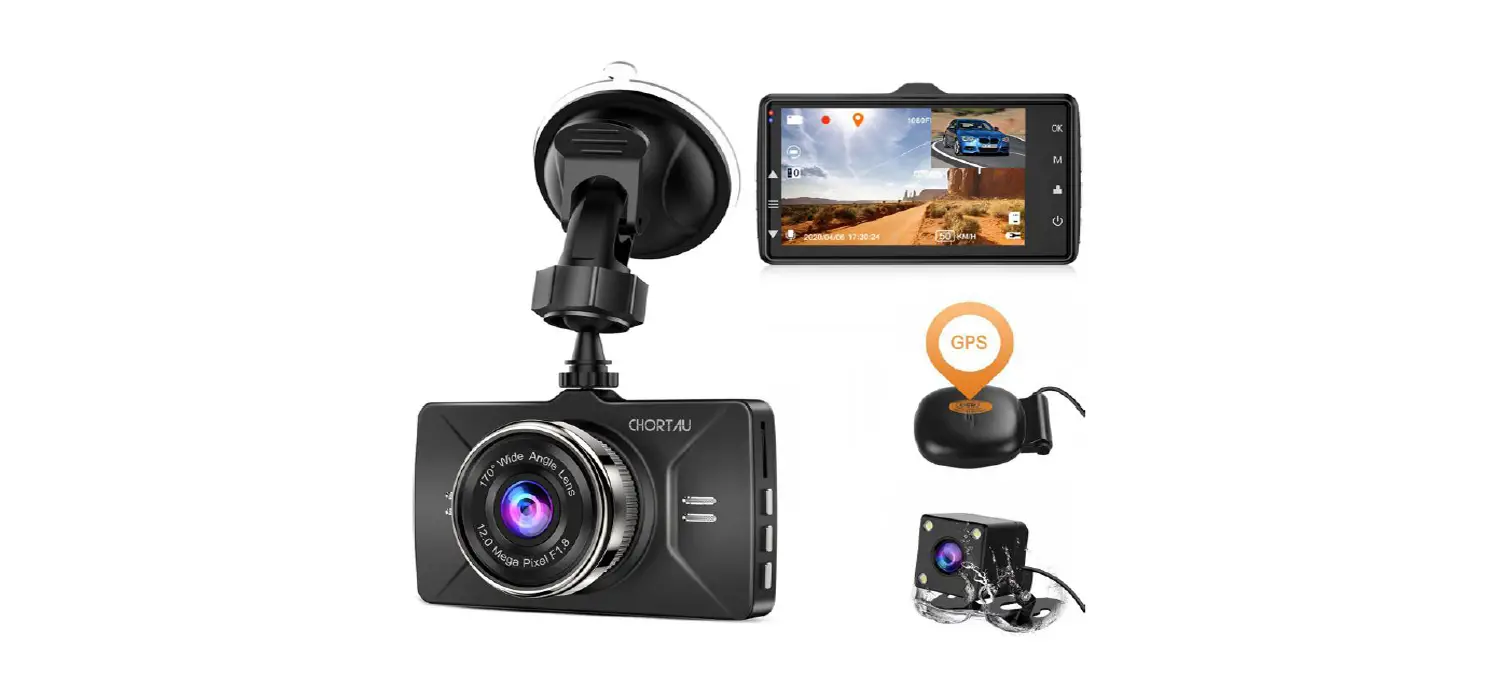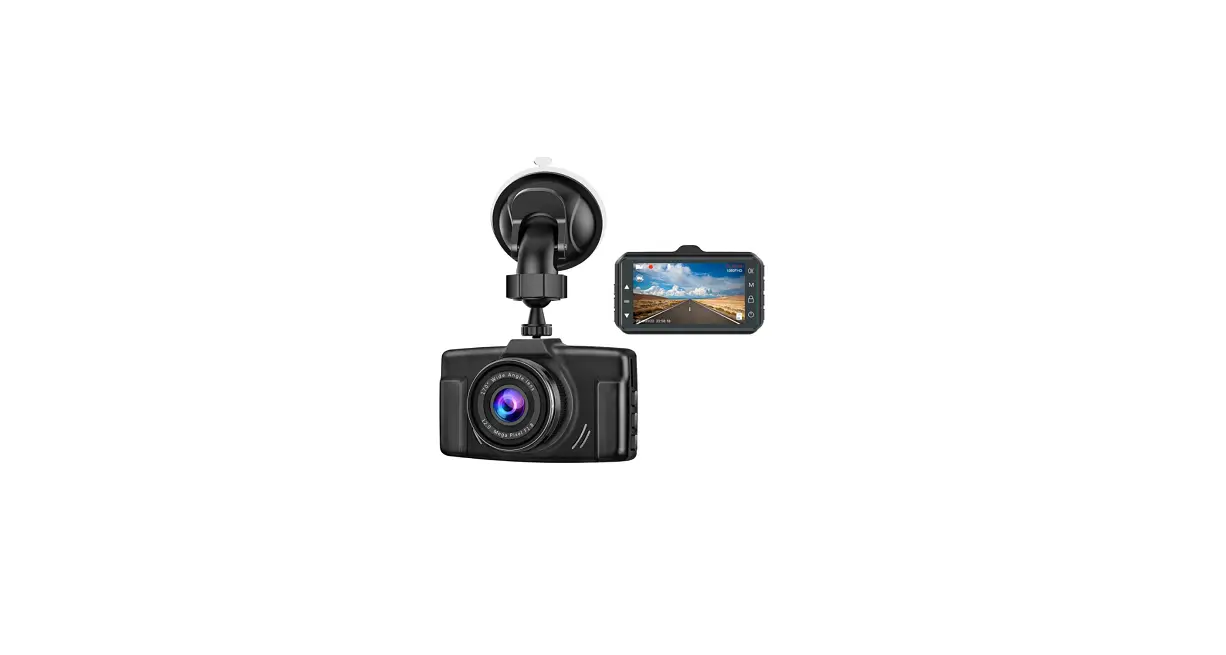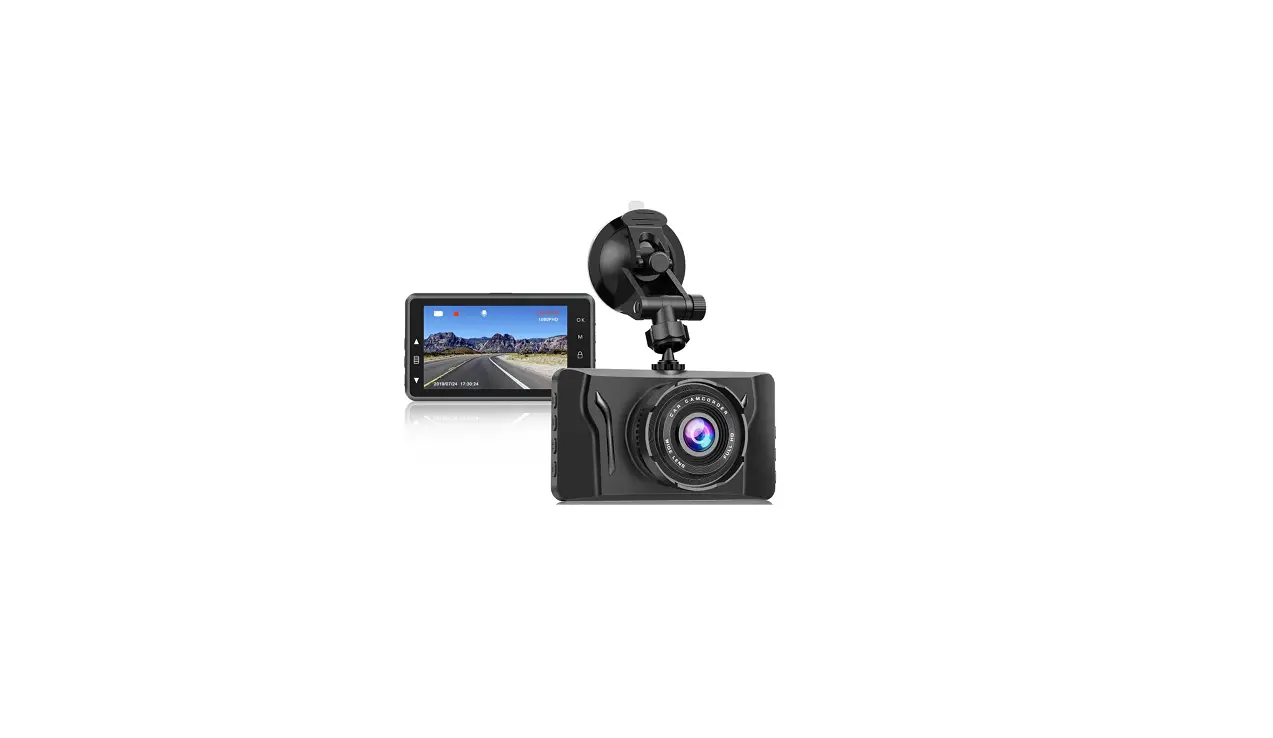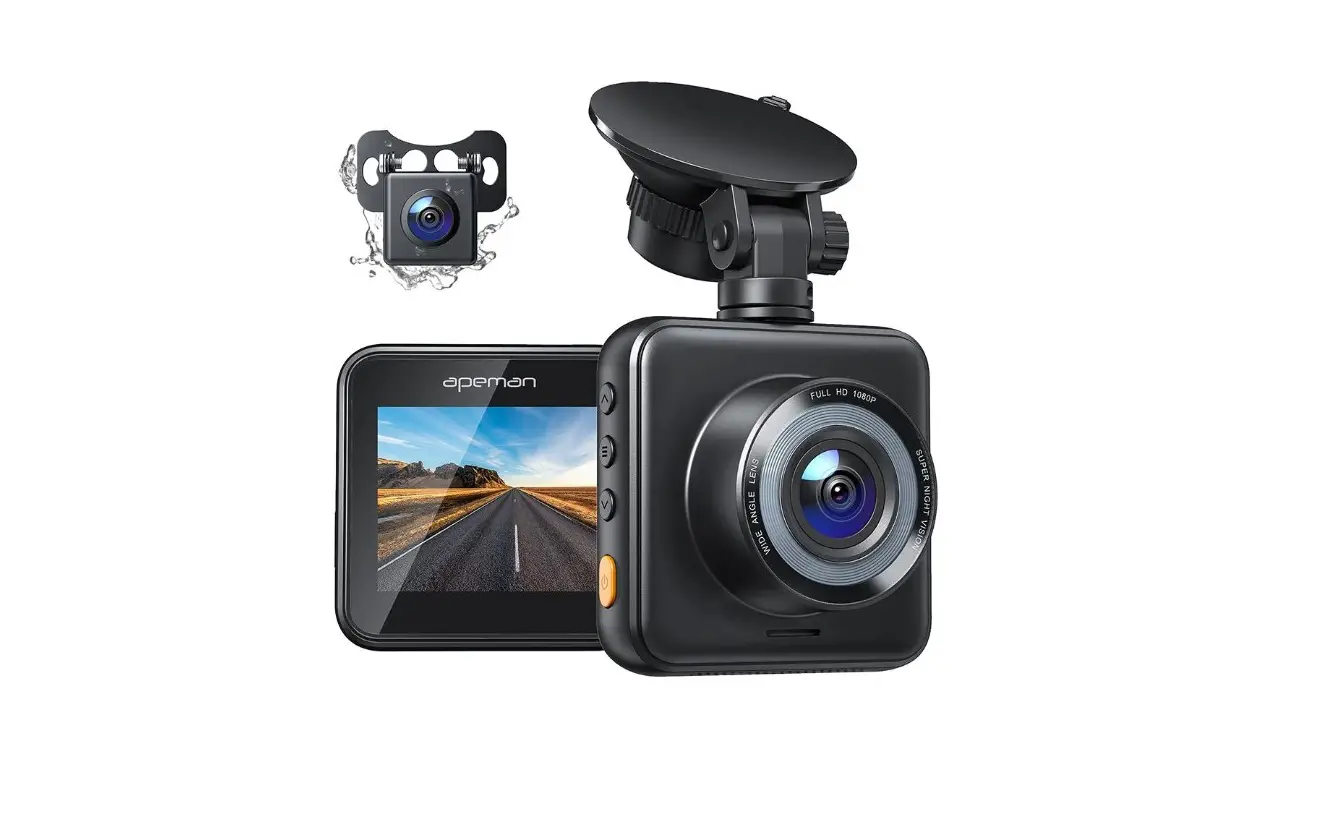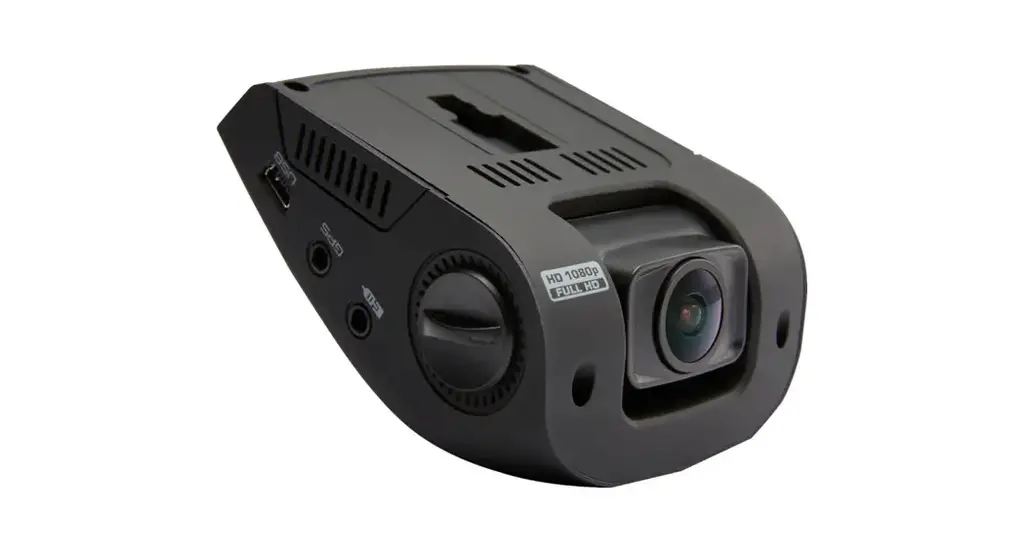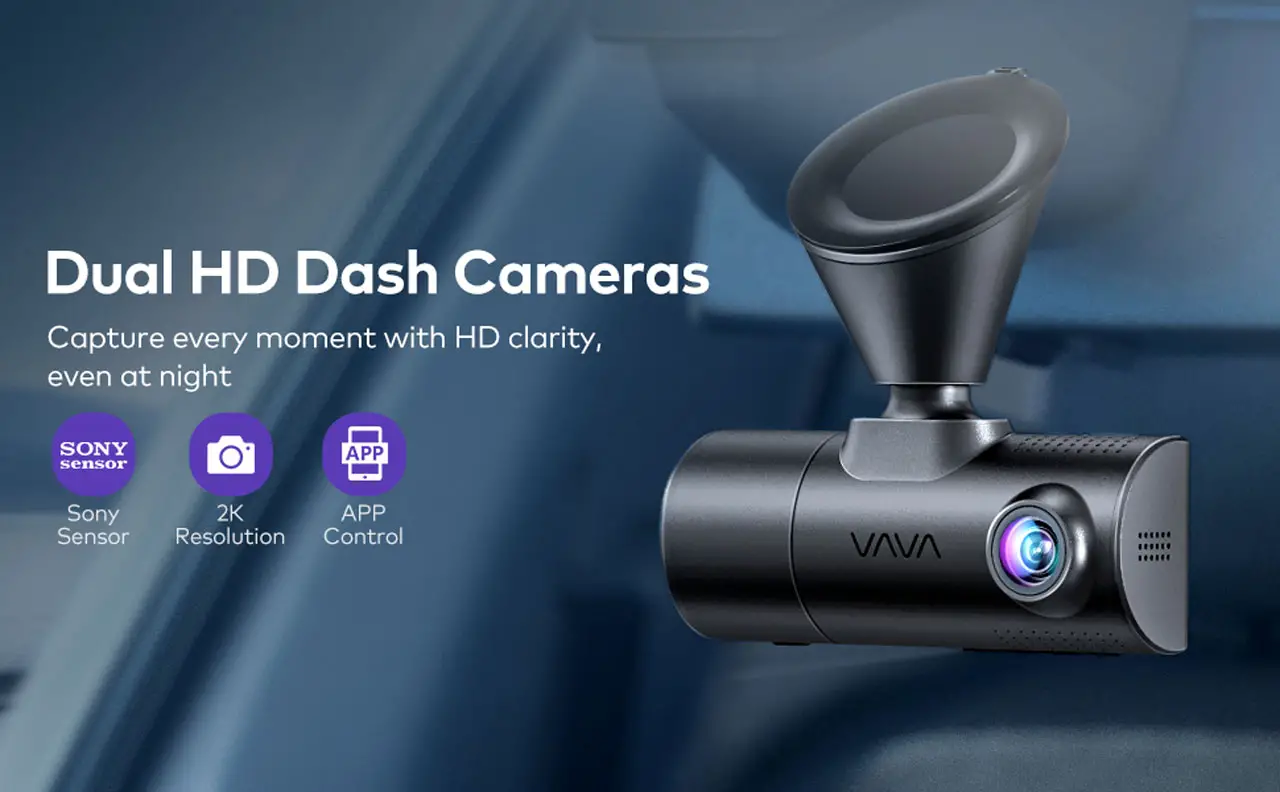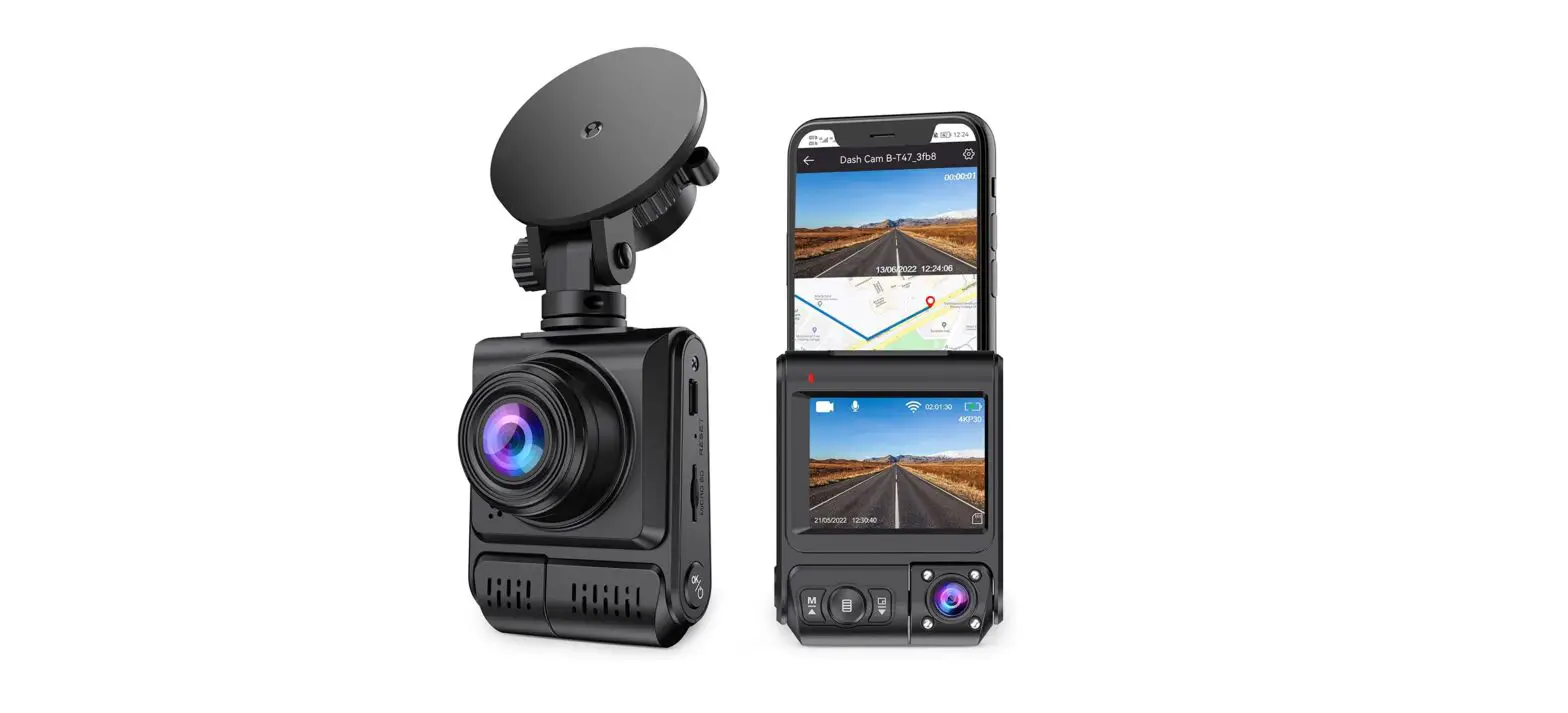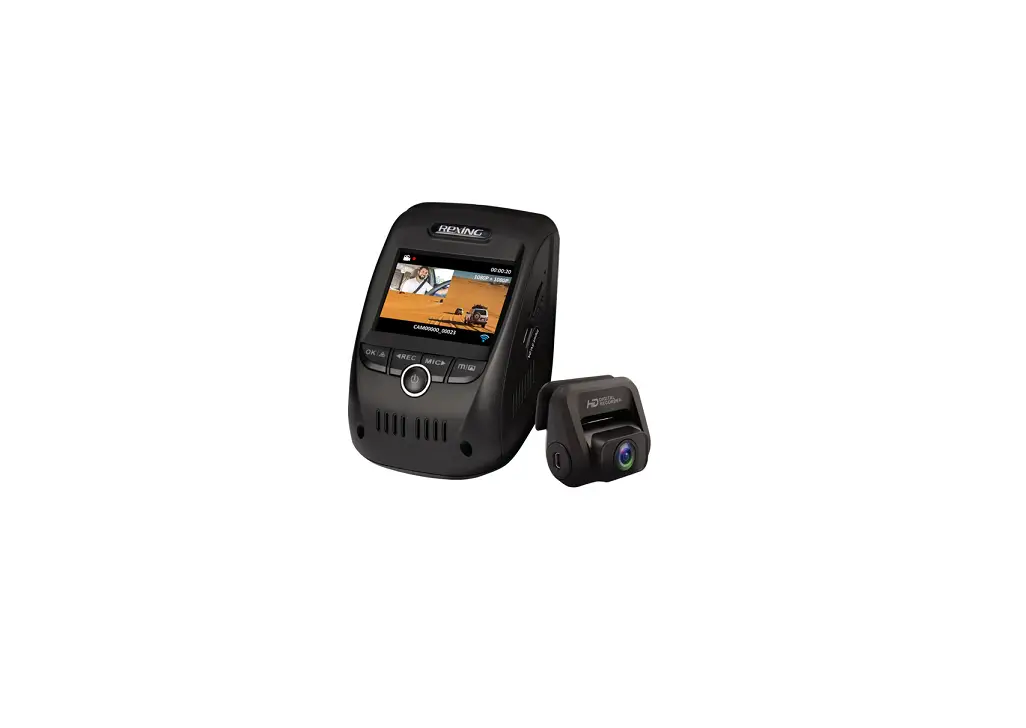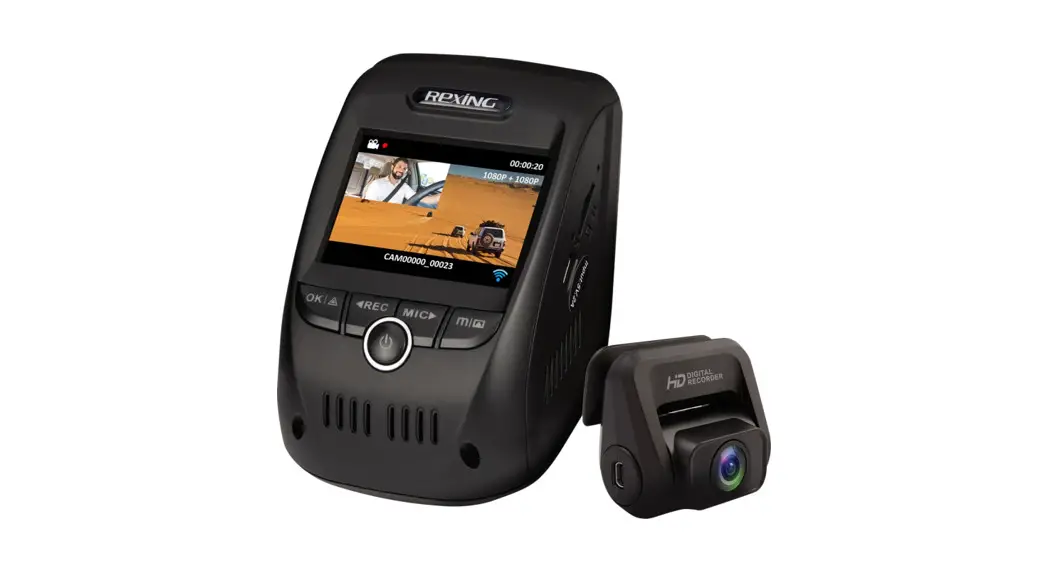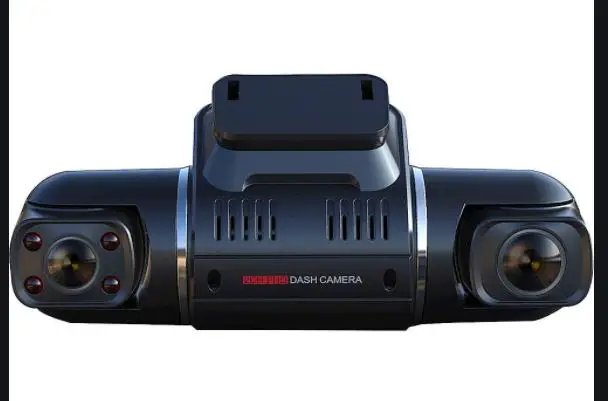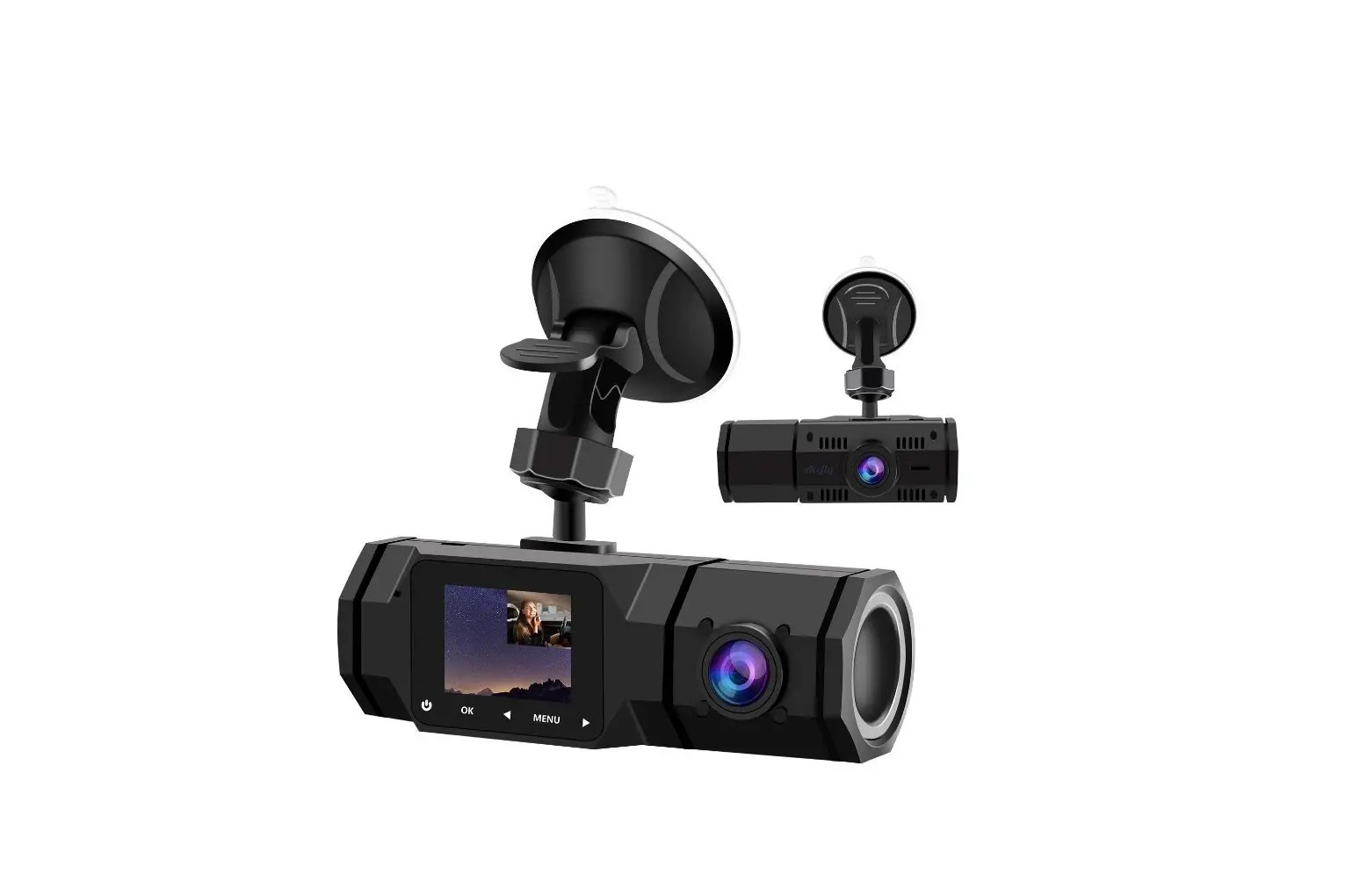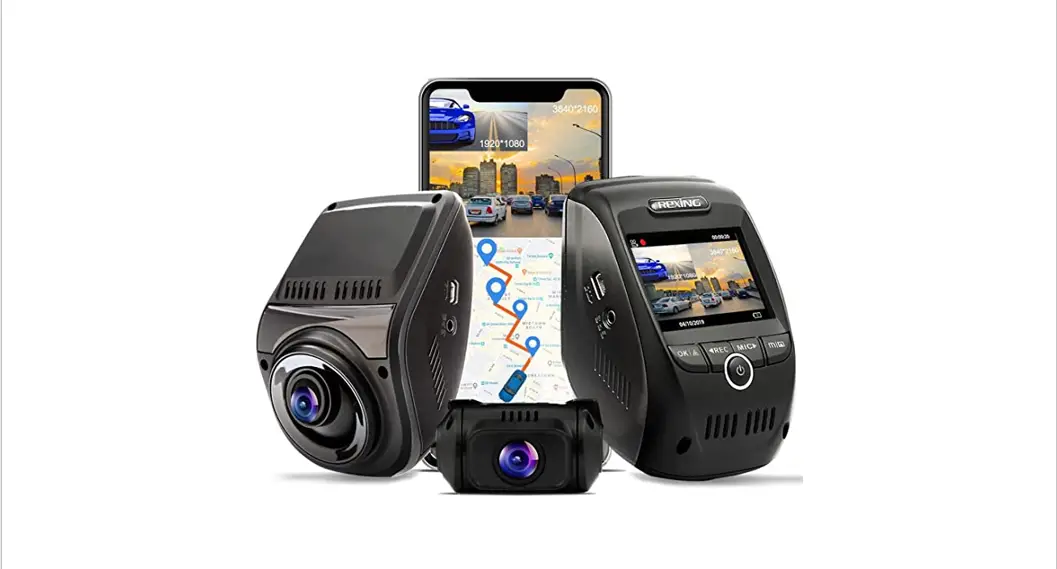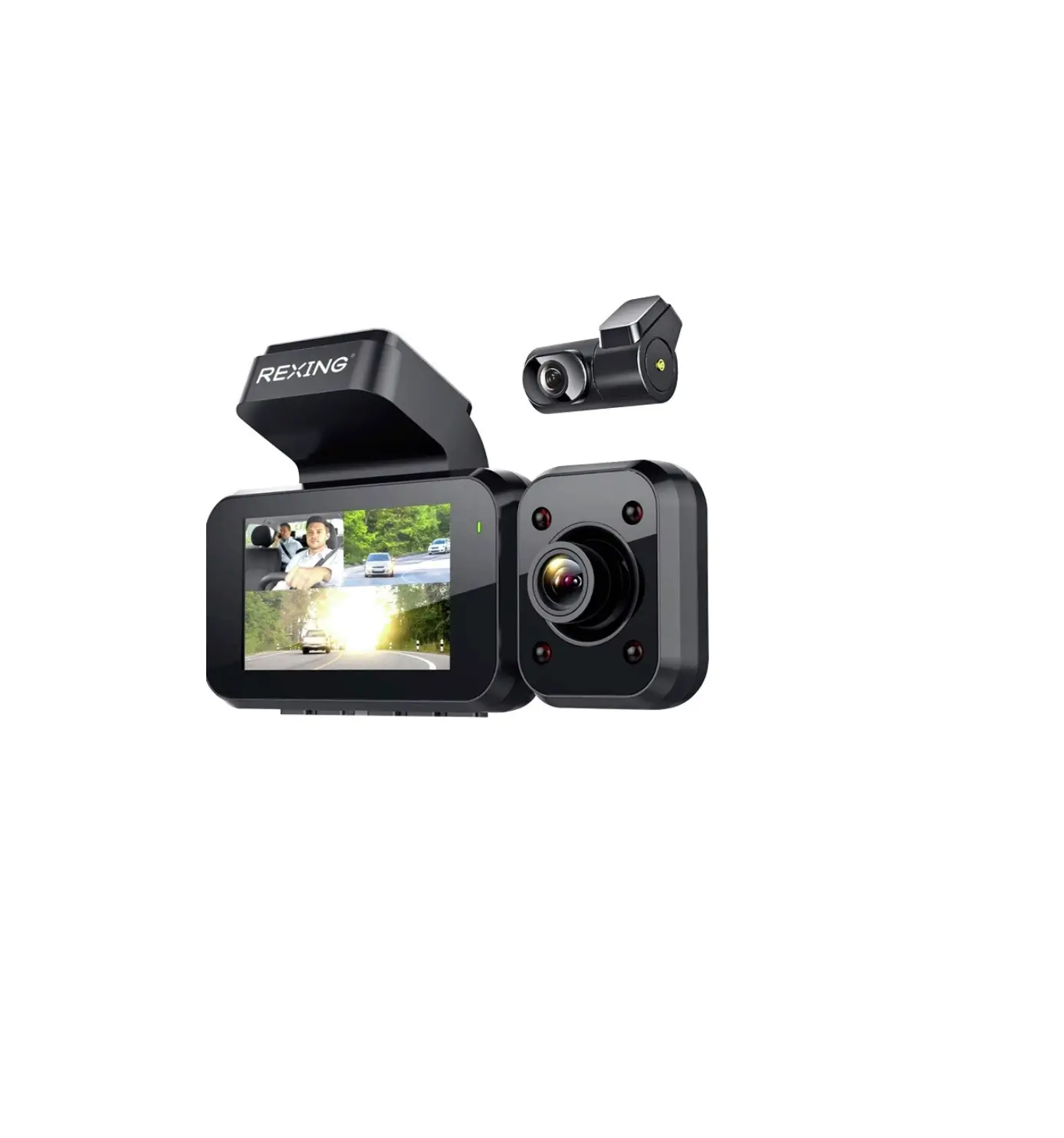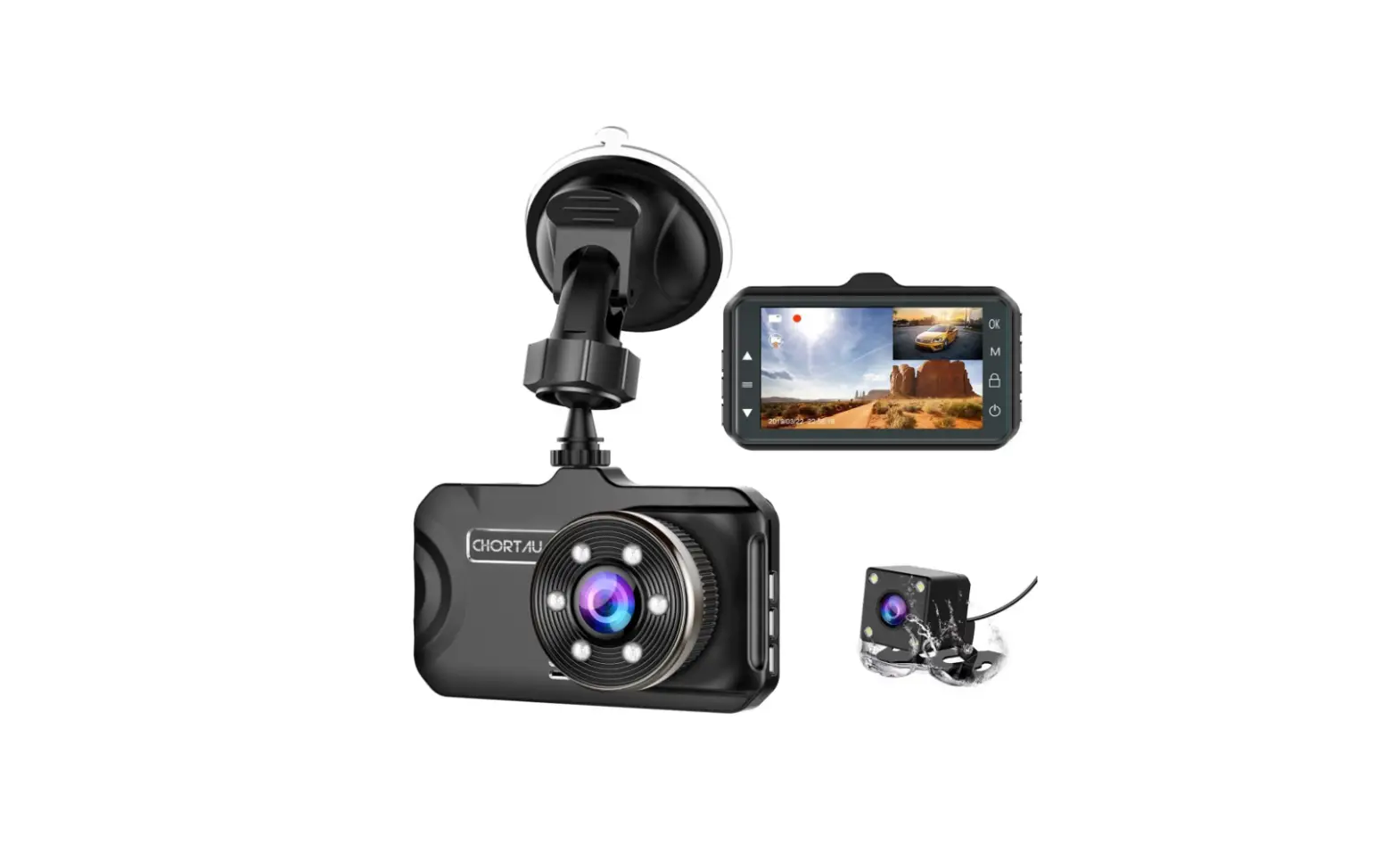
 CHORTAU B-T13 Dual Dash Cam
 CHORTAU B-T13 Dual Dash Cam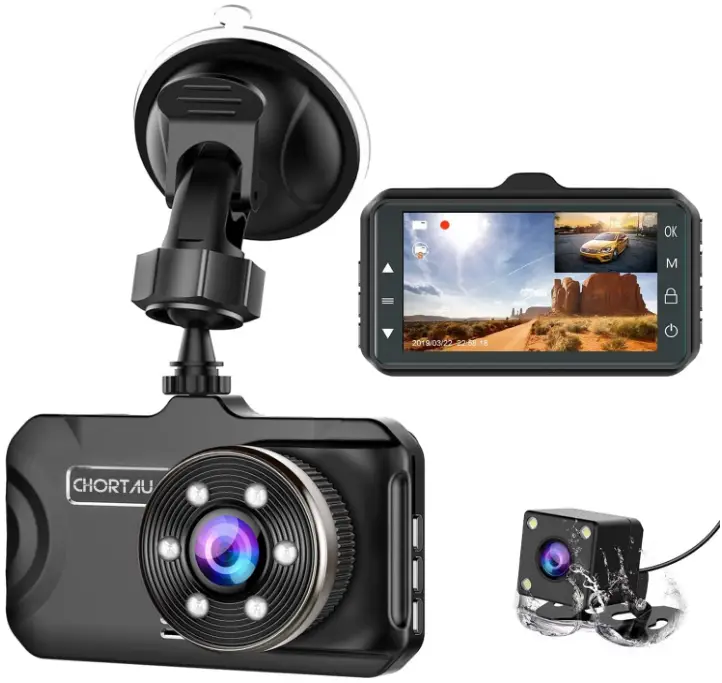
Front camera installation
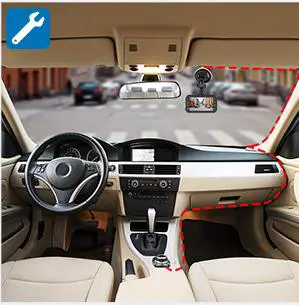
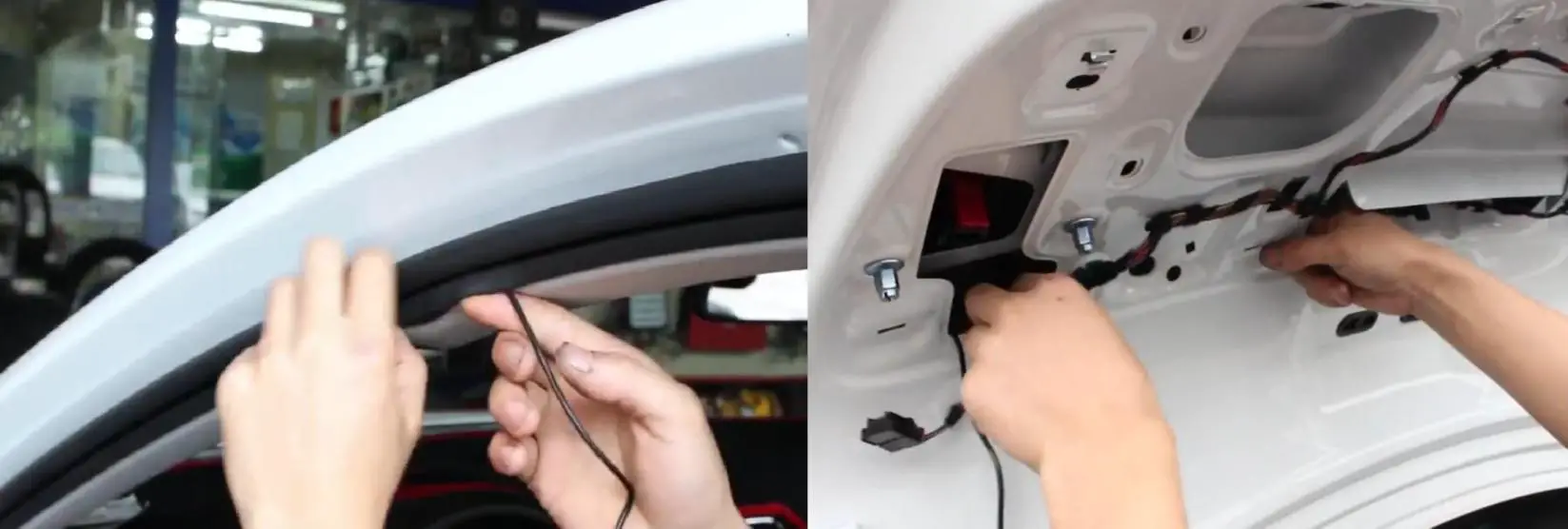
Connect the car charger with a camera, then hide an extra cable into the interior panel.
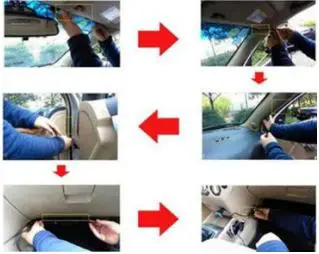
2 ways of running the wire for the rear cam
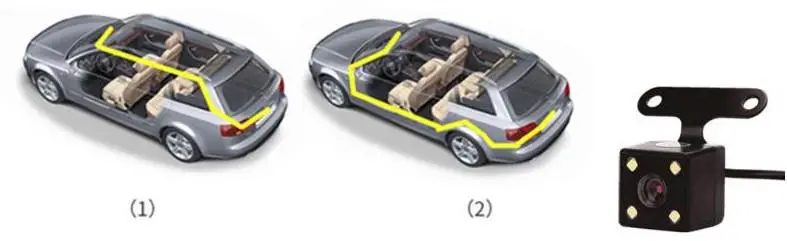
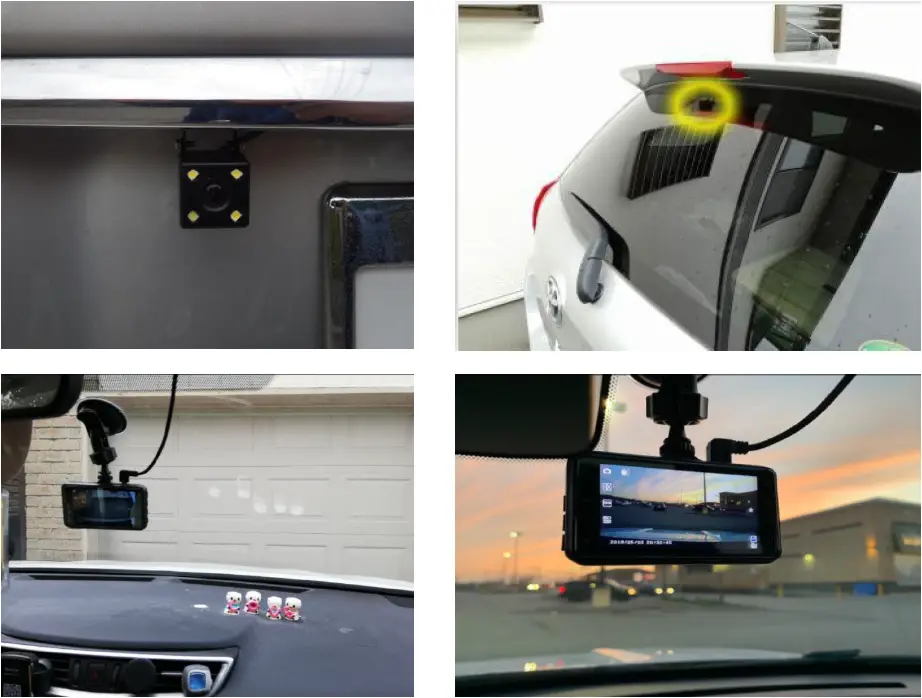
2 ways of installing the rear cam, inside of car & outside of the car
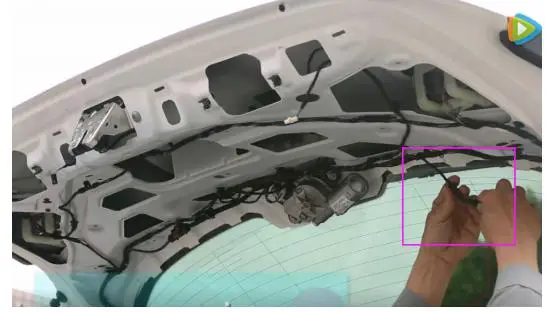
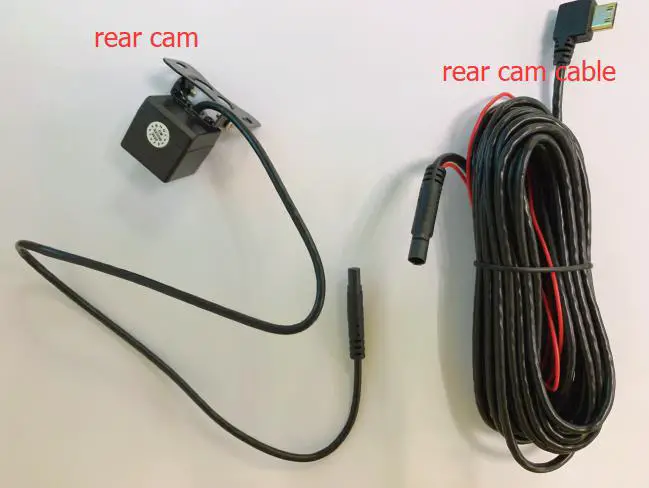
After wiring the rear cam cable, then connect the rear cam with the rear cam cable
2 situations you may meet
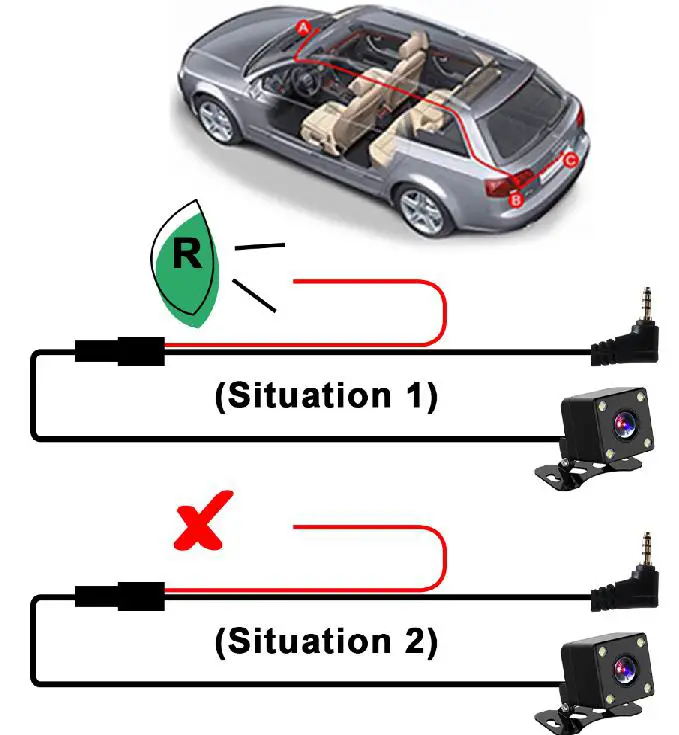
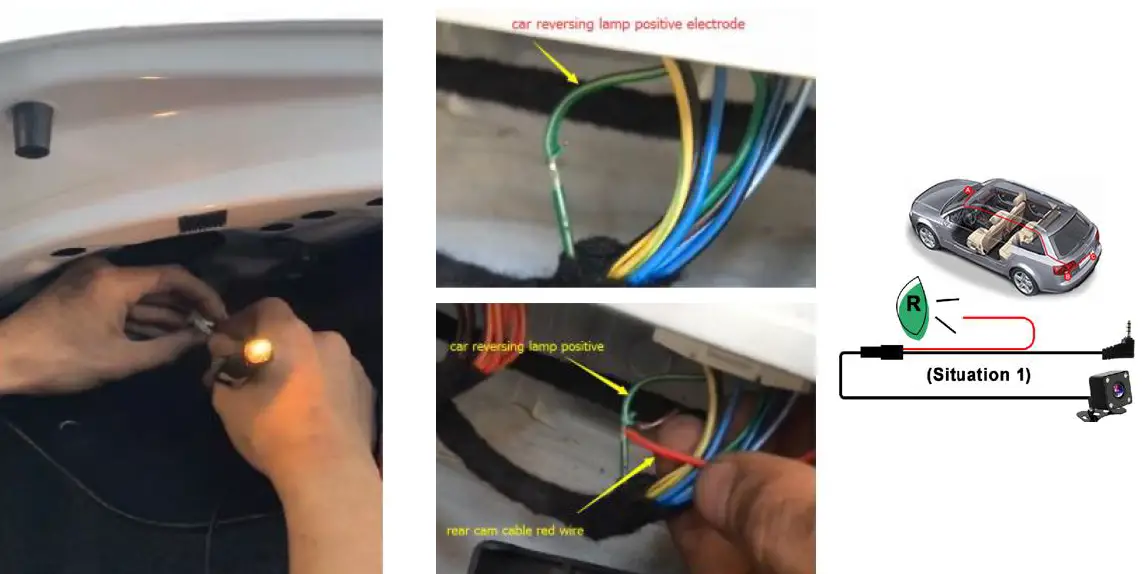
- Situation 1: If your car does NOT have a built-in reverse system monitor display screen, and needs this dash cam reverse function, please contact the rear cam cable red wire to the car reversing lamp positive terminal. When you reverse the car, the display screen will switch to the full screen of the rearview.
- Find out the car reversing lamp wire.
- Connect the red wire to the car reversing lamp positive electrode.
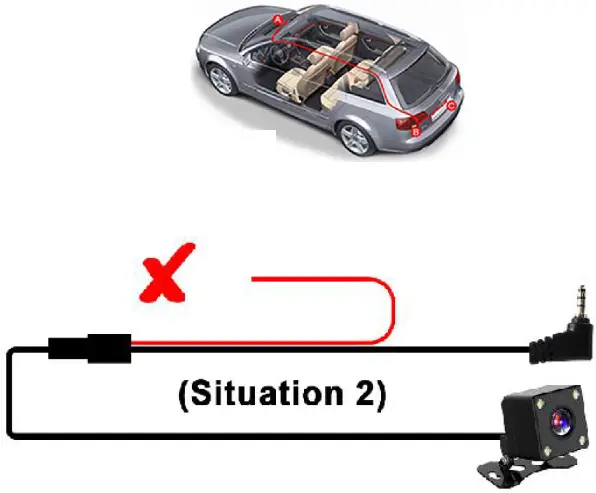
- Situation 2: If your car already has a reverse system display monitor, just need this dash cam to record the rear view when you are driving, please ignore the rear cam cable red wire, it does not need to connect anywhere. When you drive a forward or reverse car, the dash cam display screen will always show the picture in pictures of both the front and rear view.
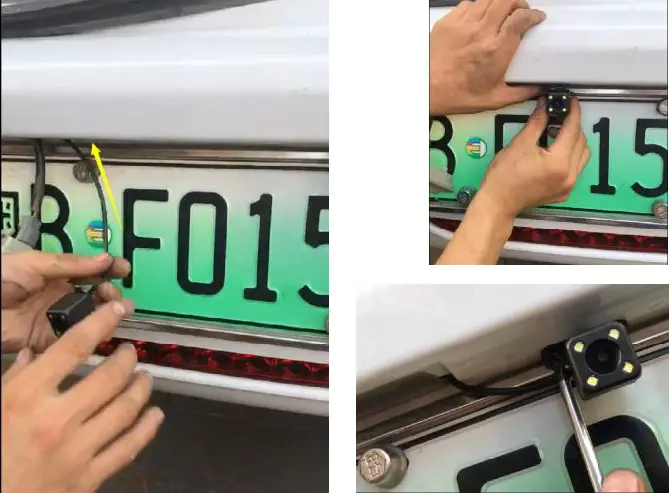
Fix the rear cam on the license plate
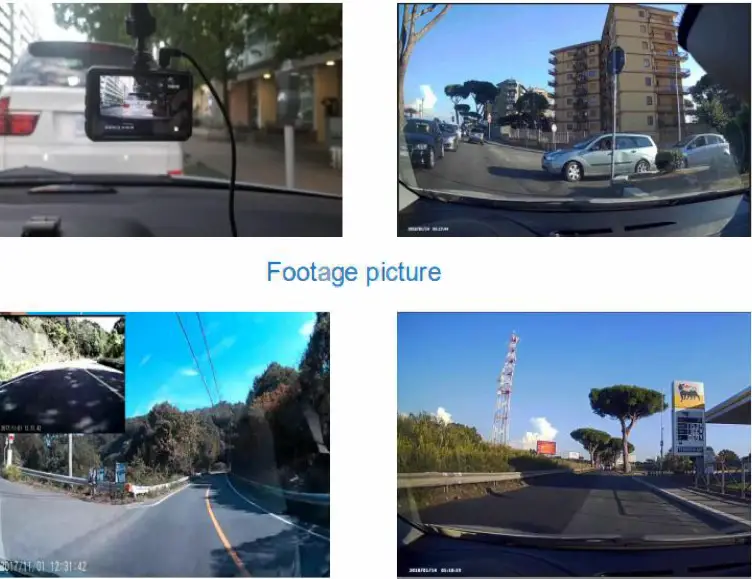
Footage picture
Video storage fold
- DCIMA: front camera video
- DCIMB: rear camera video
- LOCA: front camera locked video
- MOVA: front camera normal video
- LOCB: Rear camera locked video
- MOVB: Rear camera normal video
Before using the car camera you should know
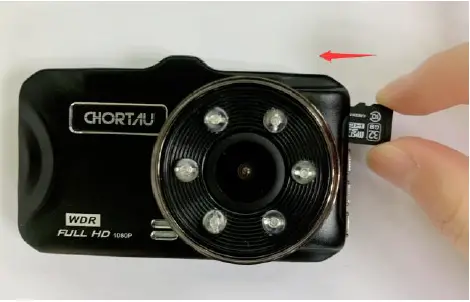
- Find a 32GB, class 10 micro SD card,
- Charge dash cam 2 ~ 3 hours,
- Insert the card first(poke the card with a slim needle or credit card deeply till it clicked in the card slot), then power on the camera & format the card on it,
How to format a micro SD card on a dash cam?
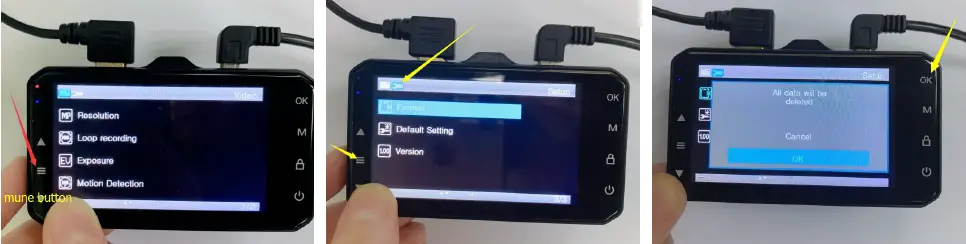
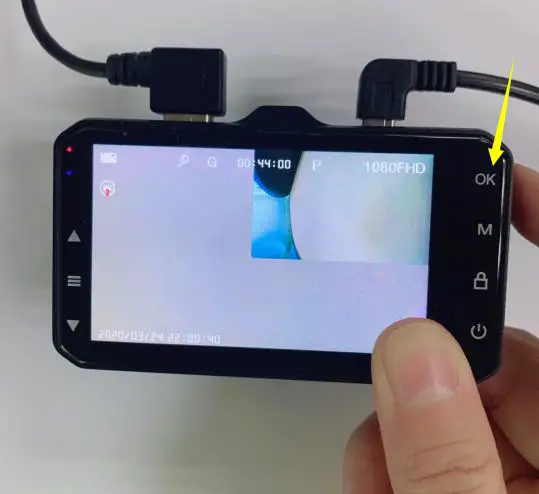
- Click the OK button to stop recording first, then click the menu button to enter the menu page.
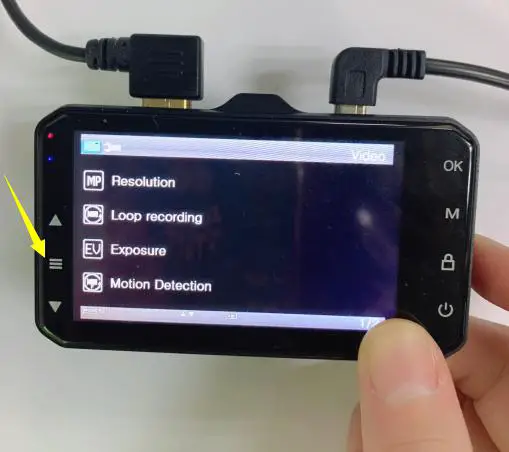
- Click the menu button again to enter the settings page.
- Click the OK button to format the card.
About settings
- How to enter the settings/menu page
Without a card inserted: Click the menu button directly
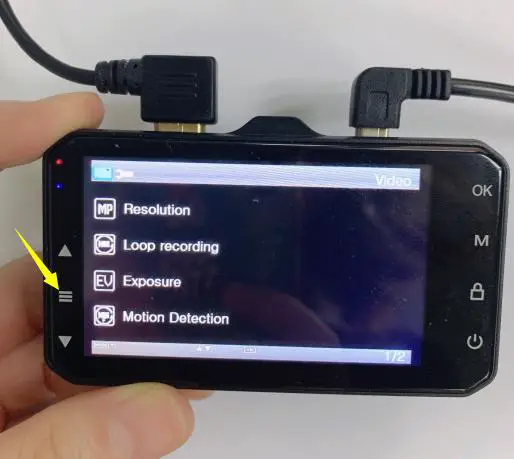
With card inserted
- Click the OK button to stop recording.

- Click the menu button to enter the menu page.

Q&A
How to view playback videos? (on dash cam)
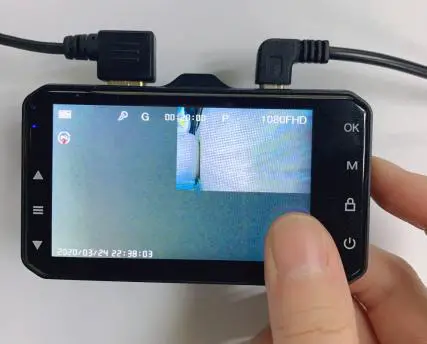
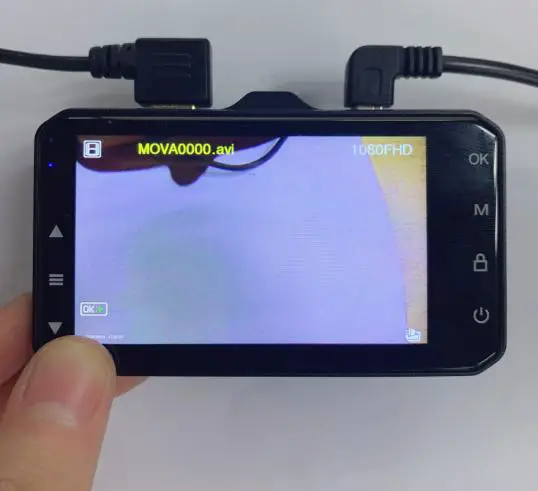
- Stop recording

- MOVA is front camera video

- MOVB is rear cam video

- LOCB is rear cam locked video

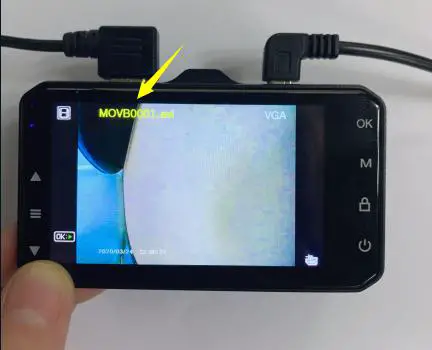
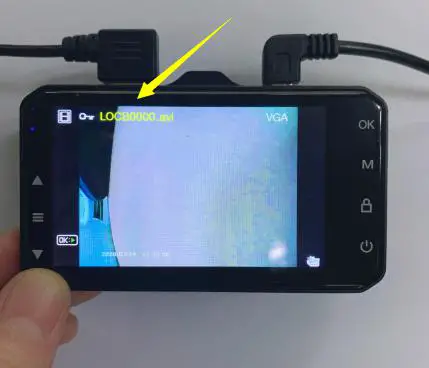
- Method 1: Use a card reader to view playback video on a laptop
- Step 1: Insert the card into the card reader,

- Step 2: Connect card reader with laptop

- Step 1: Insert the card into the card reader,
- Method 2: Connect the dash cam with the laptop directly with the package included a mini USB data cable Select “ Mass Storage”, and click the “OK” button

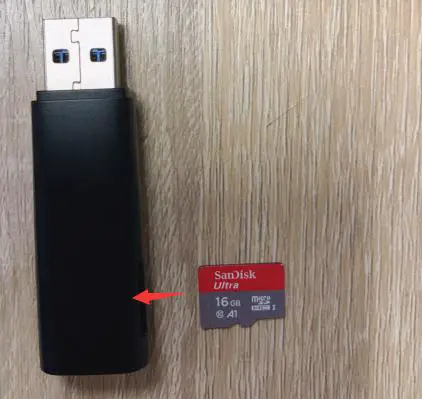
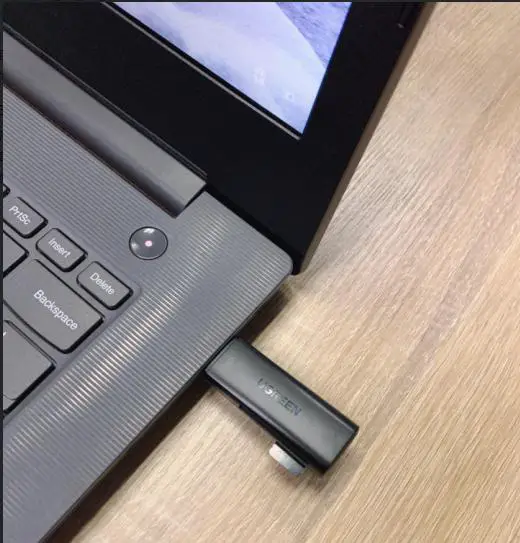
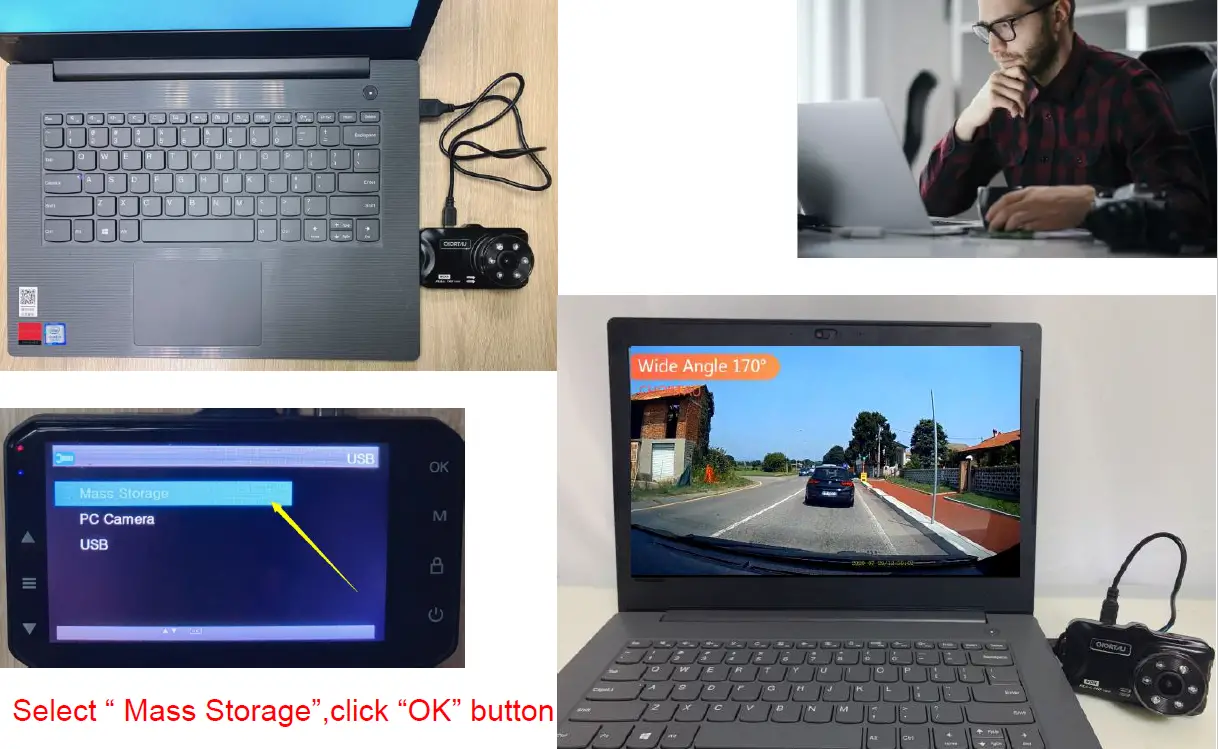
Suggestion: Download the VLC media player, to view the playback video on PC more smoothly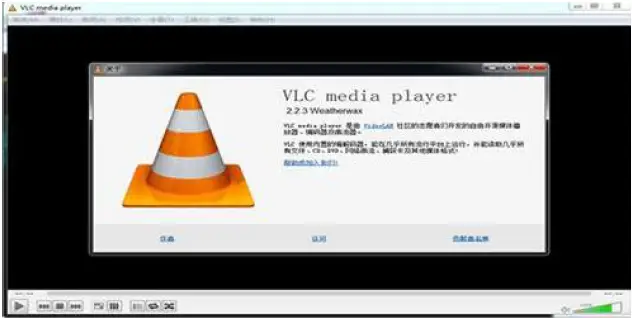
Why is my dash cam saying “card full”?
Answer: If you turn on the G sensor and parking mode, too many locked files will result in the card is full, just turn off the G sensor, motion detection & parking mode are fine.
Why does my dash cam turn off randomly?
Answer: The first reason is might be power connection not stable, just a well-connected power supply is OK. another reason is a card full when the card is full the camera has no space to store new files so it turns off which to remind you to format the card. We suggest you format the card monthly to extend its life span.
The dash cam keeps on and off when I am driving, what`s happened?
Answer: It`s might be the power connection is not stable, please make sure to connect the power cord cigar lighter car charger tight with the car cigar lighter socket, and keep a continuous power supply. If well connected but still have this situation, it`s the power cord car charger defective, just contact us and we will send you a new charger replacement.
The camera says “ please insert a C6 card” after inserting a card, why?
Answer: there are 2 reasons that will result in this problem,
- The card is low speed or bad-quality card, changing to a high-speed good quality card is OK,
- Insert the card when the camera turns on, dash cam could not recognize the card, just turn off the camera and insert the card, then turn on the camera is OK.
The camera could not turn on.
Answer: There are 3 reasons that will result in this problem,
- The dash cam needs a continuous power supply, just check the power connection if it is OK,
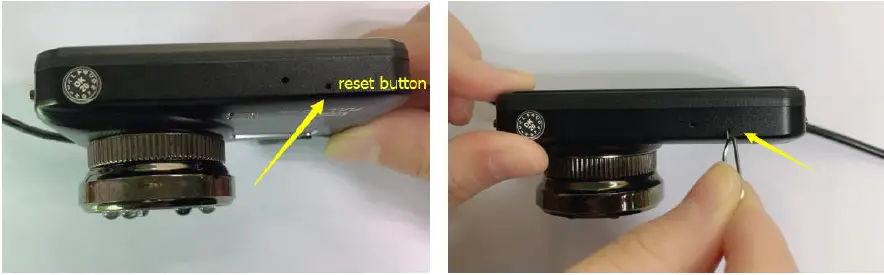
- The camera needs to reset, just connect the power supply and click the reset button, then start the camera is OK, we attached below 2 picture for your better understanding.

- The card is defective will result in the camera could not turn on, just take out a card or change a new card to insert the camera,
The rear cam does not work?
Answer: There are 2 reasons that will result in this problem,
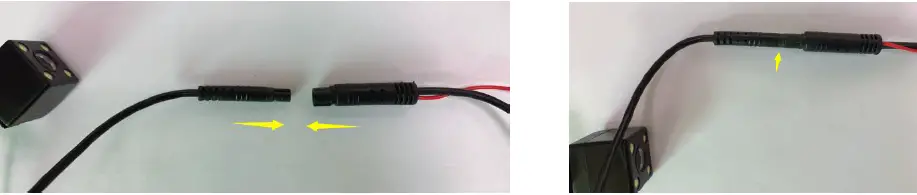
- The rear cam wire is not well connected, just check all wire connection parts and make them connected tight. the rear cam or rear cam wire is defective, please kindly contact us to get a new wire or rear cam,
- Warranty & Support (After-Sales Service)

Warranty
- CHORTAU B-T13 Dual dash cam comes with a full 1-year warranty.
Support
- If you have any questions regarding this dual dash cam, please do not hesitate to send us your order ID to [email protected], we will get back to you within 24 hours.
About us
CHORTAU is firmly committed to always improving our products, services, and customer experience. As our VIP customer, if you have any thoughts on how we can do even better, we appreciated your constructive feedback & suggestions. Connect with us at [email protected] Thank you for choosing CHORTAU!
FAQ’s
Yes, it is a 2 channel dash cam.
Yes, it has a G-sensor.
Yes, it has a wide angle lens.
No, the rear camera does not have night vision.
No, this dash cam is not waterproof.
Most cars reversing lamp is positive.
32 GB micro cards are supported by this twin dash cam. Make sure the card is at least class 10 please. Please feel free to contact our after-sales department if you have any inquiries or require assistance with the dash cam. We will make every effort to assist you until your issue is resolved.
The 32GB card can record for up to 2 hours with just the front camera active, and for 70–90 minutes with both the front and rear cameras recording simultaneously.
Yes, you should play the sound when the star is being recorded.
The rear camera should start recording automatically as long as it is connected to the front camera. Even if the rear camera is disconnected, the front camera ought to function.
Yes, the rear-view and front-view videos from the twin dash cameras are archived separately.
There are three different settings available for overlapping videos. I choose the 5-minute overlap.